
Every Rep Sees Their Pipeline First, No More Hunting

A rep logs into their sales tool. They see every prospect in the database — thousands of rows, none of them theirs. They click the owner filter. Select their name. Hit apply. Do the same thing in Audiences. Repeat tomorrow. And the day after that.
It takes maybe 30 seconds each time. Multiply that by every view, every session, every rep on the team, and you are bleeding 15 minutes per person per day into a filter dropdown. That is over 60 hours per year per rep — gone, not to selling, but to telling the tool who they are.
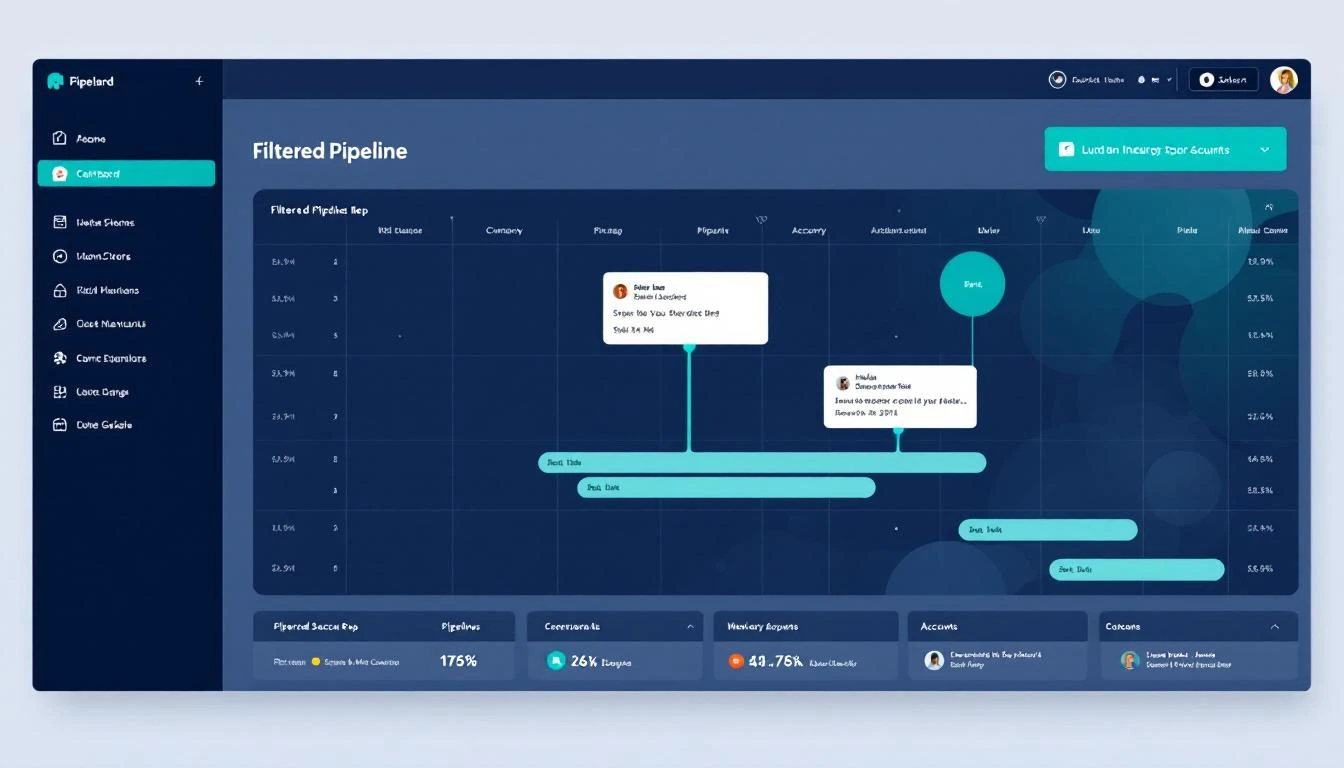
We fixed it. MarketBetter now defaults Prospects and Audiences to the logged-in rep's own accounts. Open the app, see your pipeline. No clicks, no filters, no hunting.
The Problem Nobody Talks About
Every sales platform ships with a global default view. Salesforce, HubSpot, Outreach — they all show you everything in the database when you first land on a list page. The assumption is that you want the full picture. You do not. You want your pipeline.
This is not a minor UX gripe. It is a compounding productivity drain that erodes rep efficiency in ways that never show up in a dashboard.
According to Salesforce's own State of Sales report, sellers use an average of eight tools to close a single deal. Each tool has its own filter state, its own default view, its own way of making you prove who you are before showing you what matters. Reps spend only 28-30% of their week actually selling, with the rest consumed by admin work, tool navigation, and data entry.
The filter-click problem sits right at the intersection of those two facts. It is small enough to ignore and frequent enough to matter.
What Changed in MarketBetter
The update is straightforward: when a rep logs into MarketBetter, both the Prospects view and the Audiences view now default to showing only records where that rep is the owner.
No configuration required. No admin setup. No saved views to create and share. The system reads the authenticated user, matches it to the owner field, and filters automatically.
Managers and admins still see the full database by default — their workflow requires the global view. But for individual contributors, the default is now "show me my work."
Here is what that means in practice:
- Prospects view opens filtered to prospects owned by the logged-in rep. Every contact, every lead, every account they are responsible for — right there, no clicks.
- Audiences view opens filtered to audiences created by or assigned to the logged-in rep. Their segments, their campaigns, their targets.
- One click to go global. Reps can clear the filter instantly if they need the full database. The default changed, not the capability.
Why 15 Minutes a Day Is a Bigger Deal Than It Sounds
Let us do the math that most product teams skip.
A typical SDR opens their prospect list 8-12 times per day. They check it first thing in the morning, after every call block, before and after lunch, and at end of day for pipeline review. Each time, they need to set the owner filter. Even at 20 seconds per filter action, that is 4 minutes per day just on the Prospects view.
Add Audiences — another 3-5 opens per day for campaign management, segment checks, and audience building. Another 2 minutes.
Then add the cognitive cost. Research on context switching shows it takes an average of 23 minutes to regain deep focus after an interruption. A filter click is not a 23-minute interruption, but it is a micro-disruption that breaks flow state. The rep goes from "I am working my pipeline" to "I am configuring a tool" and back again. Multiply that across a dozen sessions and the cumulative drag on focus is real.
For a team of 10 SDRs, 15 minutes per rep per day adds up to 625 hours per year. That is roughly a third of a full-time headcount spent clicking a dropdown.
The Deeper Issue: Default Views Shape Behavior
The reason this matters beyond time savings is that default views create default behaviors. When a rep lands on a page showing 10,000 prospects, their first instinct is to search or filter. That is a defensive posture — they are trying to reduce noise before they can start working.
When a rep lands on a page showing their 200 prospects, their first instinct is to scan for what needs attention. That is an offensive posture — they are immediately looking for the next action.
This distinction matters more than most product teams realize. Research from Gartner shows that reps who spend less time on administrative tasks generate measurably higher pipeline velocity. The mechanism is not mysterious: less time configuring tools means more time in conversations with buyers.
HubSpot's community forums are full of requests from sales leaders asking for the ability to set default filtered views for their teams. Salesforce requires custom list views or admin configuration to achieve something similar. Neither platform treats "show me my stuff" as the obvious default it should be.
What Competitors Require Instead
In Salesforce, getting a rep-specific default view requires creating a custom list view, setting the filter to "My Records," and then asking each rep to pin it as their default. If a new rep joins, an admin has to set it up. If the view gets unpinned, the rep is back to the global default.
In HubSpot, you can create saved views with owner filters and set them as defaults, but it requires manual configuration per user or team. The default out-of-the-box experience is still "show everything."
In Outreach and Salesloft, sequence views default to the user's own sequences, but prospect and account views typically do not. The inconsistency itself is a problem — reps learn that some views are filtered and some are not, so they develop a habit of always checking.
MarketBetter now handles this at the platform level. The system knows who you are. It should act like it.
The Data Behind CRM Time Waste
The numbers on CRM-related productivity loss are staggering, and they have been getting worse, not better.
- Sales reps spend 17% of their time on CRM data entry alone, separate from actual selling activities. That is almost a full day per week spent feeding the system instead of working deals.
- SDRs waste 27% of their time dealing with CRM data quality issues — bad data, duplicate records, missing fields, and yes, misconfigured views.
- Employees lose almost four hours per week reorienting after switching between applications, which over a full year equals roughly five working weeks of lost productivity.
- Only 28% of sales teams have complete visibility into their prospecting-to-revenue pipeline, according to HubSpot's State of Sales report.
The owner-filtering default does not solve all of these problems. But it eliminates one of the most frequent friction points in a rep's daily workflow — the moment between "I opened the tool" and "I am looking at my work."
How This Fits Into MarketBetter's Pipeline-First Philosophy
This update is part of a broader pattern in how MarketBetter approaches the rep experience. The platform has always been built around the idea that a unified prospect view should replace the fragmented record-by-record approach of traditional CRMs.
Recent updates reinforce this direction:
- Prospect Detail v2 puts journey highlights, email history, GTM signals, call recordings, and enrichment data on a single screen — no tab-switching required.
- Multi-provider enrichment fills in the data gaps that force reps to leave the platform and search LinkedIn or ZoomInfo manually.
- Real-time buyer signals surface intent data directly in the prospect view, so reps know who is actively researching before they pick up the phone.
- Activity tracking across every channel means reps do not have to check Gong for call data, Outreach for email data, and LinkedIn for social data separately.
- Built-in email compliance eliminates the compliance layer that other platforms bolt on as an afterthought.
Owner-based filtering is the logical next step: before a rep even opens a prospect record, the list itself should be scoped to what matters to them.
Implementation Details for Admins
There is nothing to configure. The feature is live for all MarketBetter accounts.
A few things admins should know:
- Individual contributors (SDR, AE, BDR roles) see owner-filtered views by default.
- Managers and admins continue to see the full database by default, since their workflow typically requires cross-team visibility.
- The filter is a default, not a lock. Any user can clear the owner filter to see the full prospect or audience database. The change affects what you see when you first land on the page, not what you can access.
- Role detection is automatic. MarketBetter uses the user's role assignment to determine whether to apply the owner filter. No per-user configuration needed.
What Reps Should Do Differently
Nothing. That is the point.
Open MarketBetter. See your prospects. Start working. The 30 seconds you used to spend on the filter dropdown is now zero seconds. The cognitive overhead of "let me set up my view" is gone.
If you are a manager reviewing this with your team: the change is already live. Your reps are already seeing their filtered view. You might notice a slight uptick in early-morning activity as reps who used to spend their first few minutes configuring views now spend that time actually working their pipeline.
The Compound Effect of Small Defaults
Product teams love to ship big features. AI-powered this, predictive that, automated everything. And those features matter. But the changes that actually move daily productivity are often the smallest ones — the defaults that remove one click, one decision, one moment of friction from a workflow that happens dozens of times per day.
Owner-based default filtering will not show up in a feature comparison matrix. No analyst will write a report about it. But for the rep who opens MarketBetter at 8am tomorrow and sees their pipeline instead of the entire database, the difference is immediate and permanent.
Fifteen minutes back. Every day. For every rep on the team.
That is what good defaults do.
MarketBetter is built for teams that want their reps selling, not configuring. See how the unified prospect view works or explore how audience building compares to Apollo and ZoomInfo.