
MarketBetter vs Salesforce/HubSpot Native Views: Why Your CRM's Contact Page Is Costing You Deals

Your CRM's contact record was designed in 2010. It shows a name, a company, a phone number, maybe a last-activity timestamp if someone remembered to log it. Meanwhile, your reps are alt-tabbing across eight different tools trying to figure out whether the person they are about to call actually opened last Tuesday's email, visited the pricing page this morning, or changed jobs three weeks ago.
This is not a workflow problem. It is an architecture problem. And it is quietly killing your pipeline.
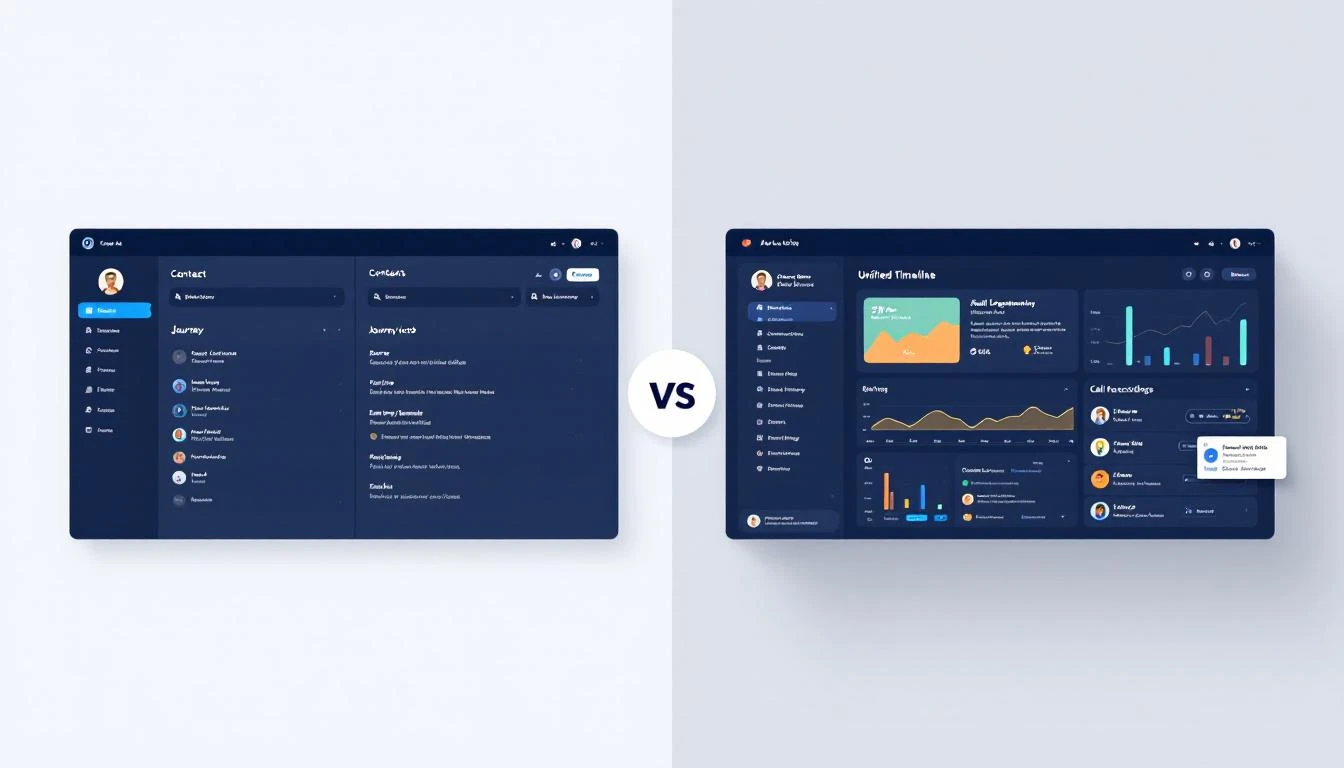
The Contact Record Was Never Designed for Selling
Salesforce and HubSpot contact records were built as database rows with a UI wrapper. They store fields. That is fundamentally what they do. Name, title, company, email, phone, owner, lifecycle stage — a structured data form dressed up with tabs.
The problem is that selling in 2026 requires context, not fields.
When a rep opens a Salesforce contact record, they see the data someone (or some integration) put there. They do not see the prospect's journey. They do not see which emails the prospect opened, which pages they visited, what signals fired, or what the last call actually covered. That information exists — scattered across Outreach, Gong, 6sense, Clearbit, Google Analytics, and a dozen other tools.
According to Salesforce's own State of Sales report, sellers now use an average of eight tools to close a single deal. Forty-two percent of reps report feeling overwhelmed by their tool stack, and those overwhelmed sellers are 45% less likely to hit quota.
The CRM was supposed to be the single source of truth. Instead, it became one of eight tabs.
What Salesforce and HubSpot Actually Show You
Let us be specific about what you get when you open a contact record in each platform.
Salesforce Contact Record
A standard Salesforce contact page displays identity fields (name, title, account, email, phone), related lists for opportunities, cases, and activities, and whatever custom fields your admin has configured. Activity history shows logged calls and emails — but only if reps or integrations logged them. There is no native email tracking, no website visitor data, no enrichment, no signal intelligence.
Want email engagement data? Install Salesforce Inbox or a third-party tool. Want enrichment? Buy ZoomInfo or Clearbit and build an integration. Want call recordings? Subscribe to Gong or Chorus and hope the iframe loads. Want intent signals? Add 6sense at $25,000+ annually and pray the weekly batch data arrives before your competitor calls first.
Salesforce Enterprise — the tier most B2B teams land on — runs $175 per user per month. But the total cost of ownership is routinely 2-3x the published license price once you factor in implementation ($5,000-$200,000), admin staff ($85,000+ per year), AppExchange add-ons ($5-$50 per user per month each), and the integrations needed to make the contact record actually useful.
HubSpot Contact Record
HubSpot does better on usability. The contact record includes a timeline view, deal associations, and native email tracking if you use HubSpot's email tools. But it has its own gaps.
Gmail and Outlook conversations do not automatically sync with contact records unless reps use the HubSpot extension — and extension adoption is notoriously inconsistent. The free tier has no calling features at all, so call data simply does not exist for those contacts. Custom properties cap at 1,000 per object, and different departments inevitably create duplicate properties tracking identical data.
HubSpot Sales Hub Professional costs $90 per seat per month with a mandatory $1,500 onboarding fee. Enterprise is $150 per seat per month with an approximately $3,500 onboarding fee.
Both platforms share a deeper structural problem: the contact record is a passive repository. It shows what was put into it. It does not actively assemble a picture of who this person is, what they care about, and where they are in their journey.
The Data Quality Crisis Underneath
Even if the CRM contact page had a better layout, the data inside it is unreliable.
Research consistently shows that 91% of CRM data is incomplete, and 70% of that data decays annually. Contacts change jobs, companies rebrand, phone numbers rotate, email addresses bounce. A database with 100,000 contacts may contain 10,000-30,000 duplicate records.
Sales reps spend an estimated 27% of their time verifying contact information — cross-referencing LinkedIn, checking email validity, confirming titles. For a rep earning $80,000 per year, that is $21,600 per rep per year burned on data janitor work before a single conversation happens.
Multiply that across a 10-person sales team and you are looking at over $200,000 annually spent on activities that a properly built prospect view would eliminate entirely.
What MarketBetter Prospect Detail v2 Does Differently
Prospect Detail v2 takes a fundamentally different approach. Instead of storing fields and hoping someone fills them in, it assembles a complete prospect profile from every data source in real time and presents it on a single screen.
Here is what a rep sees when they open a prospect in MarketBetter:
Journey Highlights
A chronological timeline of every meaningful interaction — website visits, email opens and clicks, content downloads, webinar attendance, form submissions, ad clicks. Not a list of logged activities. An automatically assembled journey that shows how this prospect discovered you, what they engaged with, and where they are right now.
Email History
Every email sent and received — with open tracking, click tracking, reply detection, and thread context. No extension required. No manual logging. If it was sent through MarketBetter's email compliance engine, it is there. Full conversation history, not just "Email sent on 4/12."
GTM Signals
Real-time buyer signals surfaced directly on the prospect record. Website visits with page-level detail. LinkedIn activity. Reddit mentions. Community engagement. Champion job changes. Not a weekly intent score — actual signal events as they happen, with timestamps and context.
Call Recordings and Analysis
Every call recording, transcription, and AI-generated summary — embedded directly in the prospect view. Reps preparing for a follow-up can listen to the last call or read the summary without leaving the page. New reps inheriting accounts get full conversation history on day one.
CRM Status and Deal Context
Synced CRM data showing deal stage, pipeline position, close date, and owner — but contextualized alongside everything else. A rep does not just see "Opportunity: Negotiation." They see that the prospect visited the pricing page yesterday, opened the proposal email twice, and their champion just got promoted. That is context that changes how you negotiate.
Enrichment Data
Multi-provider enrichment data — firmographics, technographics, funding history, employee count, revenue estimates — assembled automatically from multiple sources and kept current. Not a single snapshot from the day the lead was created. Living data that updates as the company evolves.
Lead Scoring
A real-time lead score that reflects actual engagement, not a static number assigned by a marketing automation rule three months ago. The score updates as signals fire, emails get opened, and pages get visited.
The Productivity Math
The research on context switching is damning. It takes an average of 23 minutes to regain full focus after switching between applications. Workers toggle between apps approximately 1,200 times per day. Sales professionals spend 64% of their time on non-selling activities, with manual research being the biggest contributor.
For a 10-person sales team, that non-selling time translates to roughly $500,000 per year spent searching for information instead of having conversations.
Only 14% of organizations have achieved a true 360-degree customer view, according to Gartner. The other 86% are forcing their reps to manually assemble context from fragmented tools before every single interaction.
MarketBetter eliminates that assembly step. Everything is already there when the rep opens the prospect.
The Real Cost Comparison
Here is what it actually costs to get a complete prospect view in each platform:
Salesforce path: Enterprise license ($175/user/month) + Gong ($100+/user/month) + ZoomInfo or Clearbit ($50-150/user/month) + 6sense ($25,000+ annually) + Outreach ($100+/user/month) + admin time to maintain integrations. Realistic per-rep cost: $500-700/user/month for a comparable view, assuming all integrations work correctly, which they often do not.
HubSpot path: Sales Hub Professional ($90/seat/month) + third-party enrichment + third-party intent data + call recording tool + onboarding fees. More affordable than Salesforce, but still requires bolting on 3-4 additional tools. Realistic per-rep cost: $200-400/user/month for partial coverage, with gaps in signal intelligence and enrichment depth.
MarketBetter: Prospect Detail v2 is included in every plan. Journey highlights, email history, GTM signals, call recordings, CRM sync, enrichment, and lead scoring — all native, all on one screen. No add-ons. No integrations to maintain. No admin staff to keep the pipes connected.
When the CRM Contact Page Actually Works
To be fair, there are scenarios where a basic CRM contact record is sufficient:
- Transactional sales with short cycles where reps do not need deep context
- Inbound-heavy motions where leads self-qualify and the contact record is primarily a routing mechanism
- Small teams (under 5 reps) where everyone knows every deal and tribal knowledge fills the gaps
But for B2B teams running outbound, working mid-market or enterprise accounts, or managing deal cycles longer than 30 days, the CRM contact page is a bottleneck. It forces reps to context-switch, manually research, and hope they have not missed something critical before every interaction.
The Shift from Record to Intelligence
The CRM contact record is a relic of a time when the primary challenge was storing customer data. In 2026, the challenge is not storage — it is synthesis. Reps need to understand a prospect's full context in seconds, not minutes.
MarketBetter Prospect Detail v2 is built for that shift. It does not replace your CRM — it makes your CRM's contact data one input among many, automatically assembled into a view that actually helps reps sell.
Your CRM shows you a record. MarketBetter shows you a person.
If your reps are spending more time researching prospects than talking to them, the problem is not their effort — it is their tools. Book a demo and see what a modern prospect view looks like.
Want to see how MarketBetter compares on other dimensions? Check out our comparisons on enrichment vs Clay, audience building vs Apollo/ZoomInfo, deal intelligence vs Clari, and GTM stack analysis.