The 14-Day Post-Demo Window: A Daily AE Playbook to Close Active Deals Before They Stall [2026]

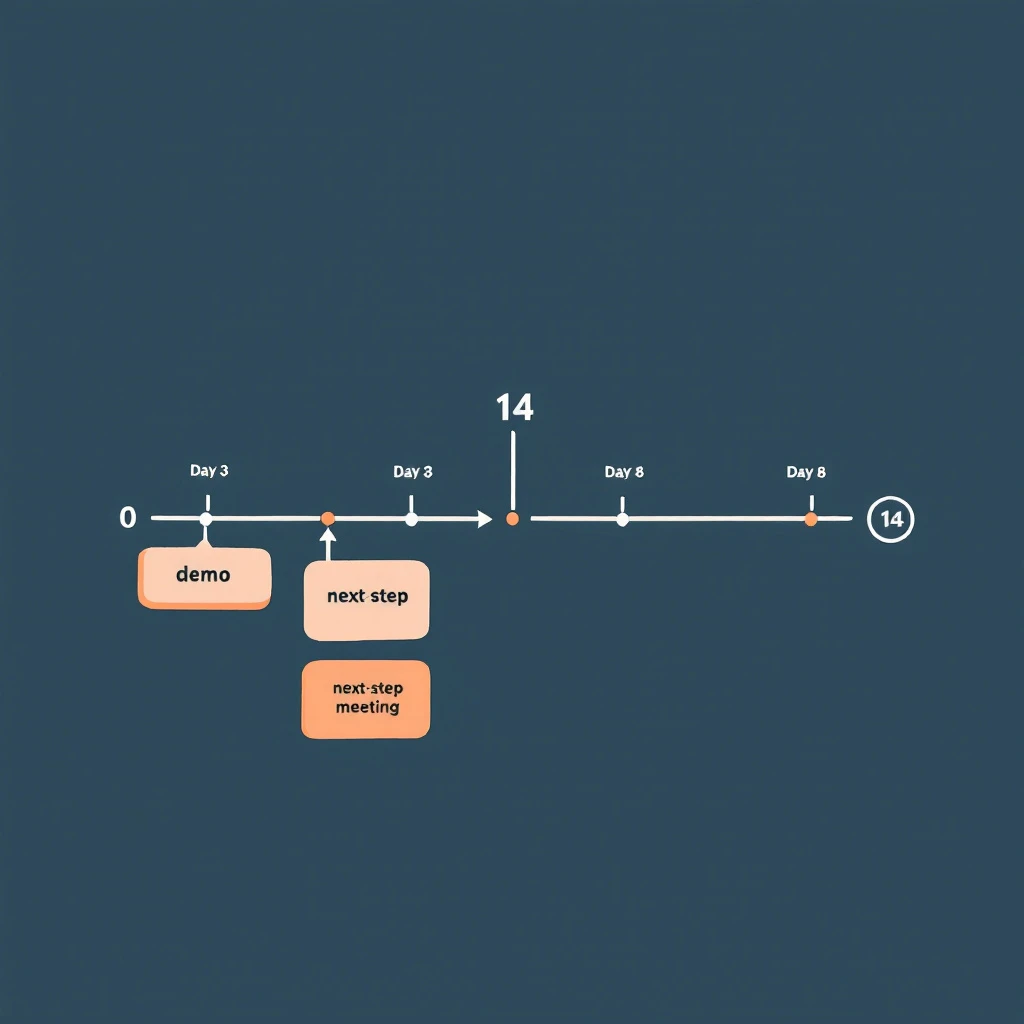
Most deals don't die at the demo. They die in the 14 days after it.
The demo went well. The champion was nodding. They asked smart questions. They said something like "let me sync with the team and circle back next week." The AE marked the opp as committed for the quarter and moved on to the next demo. Two weeks later, the champion has stopped replying, the deal slipped to next quarter, and the AE is staring at a forecast call wondering what changed.
Nothing changed at the demo. What changed is what the AE did — or didn't do — between Day 1 and Day 14.
This is the most under-instrumented stretch of the B2B sales cycle. There are entire books about discovery. There are templates for closed-lost reactivation. There are playbooks for stalled deal re-engagement once the silence has set in. But the two weeks immediately after a strong demo — when momentum is highest and the deal is most steerable — usually run on autopilot. A thank-you note on Day 0, a "any thoughts?" email on Day 5, a "still alive?" on Day 12, then radio silence on Day 21.
This post is a day-by-day AE playbook for those 14 days. It's a workflow, not a cadence. The difference: a cadence is a list of touches you fire regardless of what the prospect does. A workflow is a sequence of actions that branch based on what they do — and what they don't.
Why 14 Days Is the Window That Matters
If you've read the signal decay curve, the framing here will be familiar. Buying intent is not a constant — it decays. A buyer who just saw a demo is, by definition, at peak intent for your product. Every day after that demo, intent erodes. Other priorities surface. Competing initiatives win attention. Memory of your differentiation fades. A demo that scored an 8/10 on Day 0 is a 4/10 by Day 14 unless you actively reinforce it.
Gartner's research on B2B buying shows that 77% of B2B buyers describe their latest purchase as very complex or difficult. The complexity isn't in the demo. It's in the negotiation between buyer-side stakeholders that happens after the demo. Your champion has to sell internally — to peers, to procurement, to finance, to their boss. Every day you're absent from that internal conversation, your competitor (which is usually "do nothing") wins ground.
14 days is also when most buyer-side decision processes resolve into either active momentum or active de-prioritization. Research from Forrester on B2B buyers consistently shows that committed buyers move to a next-step within two weeks of a key meeting, and buyers who haven't moved in 14 days are statistically much more likely to slip into no-decision. The window isn't arbitrary — it's where the deal physics actually bend.
The job of the playbook below is to keep your deal in front of your champion every working day in that window, without spamming them, while surfacing the objections that will kill the deal if they go unsurfaced.
The Three Buyer States You're Steering Between
Before the day-by-day, you need a model. After a demo, every buyer sits in one of three states, and the play you run depends on which state they're actually in:
| Buyer state | What's happening internally | What you'll see externally |
|---|---|---|
| Active momentum | Champion is socializing internally, building business case, scheduling stakeholder meetings | Quick email replies, new contacts pulled in, asks for collateral, scheduling activity |
| Quiet evaluation | Champion is interested but blocked or distracted — comparing alternatives, waiting on input, no urgency yet | Polite delays, "give me a few days," no new contacts surfacing, light website re-visits |
| Drift to no-decision | Champion has effectively de-prioritized; deal is competing with "do nothing" | Slow or no replies, generic "still interested" answers, no internal motion, no return visits |
Most AEs treat all three the same: send the same templated follow-up, then mark commit and pray. This is the original sin of post-demo follow-up.
The playbook below pivots based on what you're seeing. By Day 3, you should know which state you're in. By Day 7, you should be acting on that knowledge. By Day 14, you either have a next step or you've made the call to actively reposition the deal.
Day-by-Day: The 14-Day Post-Demo Playbook
The dates below assume Day 0 is the demo. Skip weekends — this is 14 business days, not 14 calendar days. Adjust if your prospect is in a different country or operating cadence.
Day 0 (demo day): Capture While It's Fresh
The single biggest leverage point in the entire 14 days is the hour right after the call ends. Do not move to your next meeting until you finish this:
- Send the recap email within 90 minutes. Specific, not templated. Reference one thing they said by exact phrasing — "you mentioned your team is spending 4 hours per rep per week on manual list-building" — and the implication you discussed. This proves you listened.
- Confirm one next step in writing. Even if it's soft. "Sounds like the next step is for you to share this with [name] — does Wednesday work for me to follow up?" A vague next step is still a next step.
- Log the meeting brief into CRM the same day. What was said, who attended, what was the energy, what objections came up. If you wait until tomorrow, half of this is gone. The brief is the source of truth for the next 14 days of plays.
- Identify the silent attendees. Anyone on the call who didn't speak. They're either rubber-stampers or the people whose objection will kill the deal. Find them on LinkedIn. Add to the account list in your CRM.
If the demo had multiple stakeholders, this recap goes to all of them, with one or two lines personalized to what each person specifically asked about.
Day 1: Asynchronous Reinforcement
Champion just got a 30-minute pitch. Their boss didn't. Their procurement team didn't. Today is when you make it stupidly easy for them to socialize the deal.
- Send a 2-minute Loom or Vidyard summary they can forward. Not the full demo recording — a 90-second highlight reel of the three slides that resonated. AEs hate doing this. The buyers who get it almost always forward it.
- Send the one-pager, but a custom one with their company's metrics in the ROI section. Templated one-pagers go in the trash. Customized ones get screenshot into Slack.
- Connect on LinkedIn. If you weren't connected before. Personal note referencing the call.
Day 2: Multi-Thread Without Asking Permission
This is the day most AEs lose deals they don't realize they're losing. They wait for the champion to introduce them to the rest of the buying group. The champion almost never does — because making internal introductions is awkward and the champion is busy.
Don't wait. Multi-thread directly, today, with the help of a champion tracking workflow that surfaces who else at the account is engaging:
- The silent attendees from the demo get a tailored note: "Saw you on yesterday's call — wanted to share the slide on [the thing relevant to their function]."
- The people who weren't on the call but who logically own the decision (CFO for budget, IT for security, Head of RevOps for integration). Soft outreach, not a pitch — share something useful and signal you're available.
- This is also where website visitor identification earns its keep. If new contacts from the account are quietly visiting your pricing page today, you want them on your radar before they form an opinion without you.
Day 3: The First Decision Point
By end of day 3, you should be able to bucket the deal into one of the three states above.
Signals you're in active momentum:
- Champion replied to the recap within 24 hours
- One or more silent attendees have engaged with your LinkedIn or replied to outreach
- New contacts from the account visited your site in the last 48 hours
Signals you're in quiet evaluation:
- Champion replied politely but with "give me a few days"
- No internal motion visible
- Light re-engagement (one or two website visits, no new contacts)
Signals you're drifting:
- No reply to recap
- No internal motion
- No website activity
The play for Day 4–7 splits based on what you're seeing. Do not run the same sequence for all three.
Day 4–7: The Branch
If active momentum: Push for a next concrete step. A scoping call with their RevOps team. A security review with their IT. A pricing discussion with their CFO. Each of these is a meeting, not an email exchange. The objective is to convert demo interest into a calendar-blocked decision process.
If quiet evaluation: Send value, not pressure. The temptation here is to fire off a "checking in" — resist it. Instead: a relevant case study from their industry, a benchmark report, a one-line note referencing news about their company ("saw the funding round — congrats — this might be relevant to your scale-up plans"). You're staying present without forcing a decision.
If drifting: Run a silent diagnostic. What changed at the account in the last 7 days? Is the champion still in role? Is the company in a layoff cycle? Did a competitor announce something? Are they on a hiring freeze? You're not sending an email today — you're gathering intelligence so the Day 8 email lands with something the champion can't ignore.
Day 8: The Re-Engagement Pivot
If you're still in active momentum, Day 8 is a scheduled stakeholder meeting day. Skip ahead.
If you're in quiet evaluation, Day 8 is the pattern-interrupt. Not a follow-up. A new angle:
- A pointed question grounded in something specific they said on the demo
- A short clip of a customer with their exact use case talking about ROI
- A direct ask for the one objection holding things up: "Most teams at your stage that don't move forward after a demo have one of three reasons — which one is yours?"
That last one is uncomfortable. It's also the highest-converting follow-up email AEs run. Buyers respect the directness. The worst outcome is the truth, which is more useful than another week of polite silence.
If you're drifting, Day 8 is the re-engagement push, informed by the intelligence you gathered Day 4–7. Reference what you learned: "Saw [news event] — wanted to check if that shifts priority for what we discussed." You're earning a reply by demonstrating you're paying attention.
Day 9–11: Tighten the Loop
By now, you've either:
- Booked a follow-on meeting (the deal is in motion — focus on prep)
- Surfaced a real objection (now you're selling, not following up)
- Confirmed the deal is sleeping (Day 12 onward is for active re-priorization, not nurture)
For the deals with surfaced objections: build the materials that answer the objection. ROI model. Security questionnaire response. Reference call. Whatever it is, the material lands by Day 11, not Day 21.
For deals that booked follow-ons: prep harder than the prospect expects. Bring a custom one-pager for each new stakeholder. Don't rerun the demo — assume they watched the Loom from Day 1.
Day 12: The Last Real Touch in the Window
Day 12 is your last touch where the demo is still warm enough to anchor on. The standard play here is whatever brings the deal to a yes-or-defer decision:
- A proposal, even if rough
- A trial offer with a defined evaluation period
- A side-by-side comparison with the next-best alternative they mentioned
If you can't put one of these in front of them on Day 12, you're going to spend Day 15–30 chasing instead of selling.
Day 13–14: Set the Disposition
You're making a call now: this deal is either a Q-this-quarter close, a confirmed next-quarter timeline, or a stall that needs the champion-went-quiet workflow starting next week.
The disposition isn't about your forecast — it's about how you allocate the next 14 days of your time. Deals that aren't moving by Day 14 don't deserve the same effort as deals that are. AEs who run this discipline close more revenue per hour than AEs who treat every deal as equally promising forever.
The Three Mistakes That Kill the 14-Day Window
If you take only one thing from this post, take this: most AEs lose deals in the 14-day window for the same three reasons.
-
Treating the recap as optional. The same-day recap with a written next step is the highest-leverage email an AE sends in the entire deal cycle. AEs who skip it because they have back-to-back demos lose deals their peers close. If you only do one thing differently, do this.
-
Waiting for the champion to multi-thread. They won't. They want to but they're busy and the introductions are awkward. Multi-thread directly, with the air-cover of a soft, value-add outreach. The deal that's single-threaded on Day 7 is a deal at risk by Day 14.
-
Running the same cadence regardless of buyer state. Active momentum, quiet evaluation, and drifting all need different plays. Treating them the same is how you lose deals you could have saved. Use the Day 3 decision point to branch.
Where This Fits in the Larger Workflow
This playbook is the bridge between two other workflows in this blog. Upstream, you're running the signal-to-meeting workflow — turning a buying signal into a booked demo in 24 hours. Downstream, when a deal does stall past Day 14, you're running the champion-went-quiet re-engagement workflow to reopen the conversation.
The 14-day post-demo window is where most of those signal-to-meeting wins are won or lost. A great SDR motion that hands over a great demo is wasted if the AE goes quiet for two weeks afterward. The handoff doesn't end at the demo — it ends when the deal has either closed or been actively repositioned.
It also pairs with the buying signal hierarchy: the signals you're looking for in Day 3 — internal motion, new contacts, pricing-page returns — are exactly the high-tier signals that predict closed-won. The 14-day window is the highest-signal window in the entire deal cycle. Instrument it.
The Daily Discipline That Compounds
The point of the workflow isn't the calendar. It's the daily discipline: every demo gets the same-day recap, every demo gets multi-threaded on Day 2, every deal gets bucketed by Day 3, and every deal has a defined disposition by Day 14.
AEs who run this consistently report two things:
- Their post-demo-to-next-step conversion rate climbs from ~30% to ~55%
- Their no-decision losses drop materially because they're forcing the question earlier
Neither is magic. It's just refusing to let the highest-leverage stretch of the sales cycle run on autopilot.
The demo isn't the close. The demo is the start of the close. The next 14 days are the close. Plan accordingly.
Related reading:
- When Your Champion Goes Quiet: 5 Plays to Re-Engage Stalled B2B Deals
- The Signal Decay Curve: How Fast B2B Buying Intent Loses Value
- The Buying Signal Hierarchy: Which Signals Actually Predict Closed-Won
- From Buying Signal to Booked Meeting in 24 Hours
- The Inbound Triage Tier System: 5-Minute Response for SDR Teams
- Reopen Closed-Lost Deals: The AE Playbook
- The Three-Layer Signal Stack for Buyer Intelligence
- Best Champion Tracking Software in 2026
- Turn Job Changes Into Closed Deals
- Follow-Up Email Templates for Sales That Actually Get Replies
- Best Website Visitor Identification Tools 2026