We Studied the GTM Tech Stacks of 63 Fastest-Growing B2B Companies. Zero Use an Off-the-Shelf AI SDR.

· 7 min read
MarketBetter Team
Content Team, marketbetter.ai

A recent analysis by Brendan Short at The Signal Club broke down the go-to-market tech stacks of the 63 fastest-growing private B2B companies — Stripe, Anthropic, Databricks, Canva, Rippling, Ramp, Deel, OpenAI, and more — across 60 tools and 21 categories.

The headline that should keep every AI SDR vendor awake at night: zero of these companies use an off-the-shelf AI SDR product. Not 11x. Not Artisan. Not AiSDR. Zero.

The companies with the most sophisticated go-to-market operations on the planet looked at the AI SDR category and said "no thanks." That is not a coincidence. It is a signal.

GTM tech stack analysis of the fastest-growing B2B companies

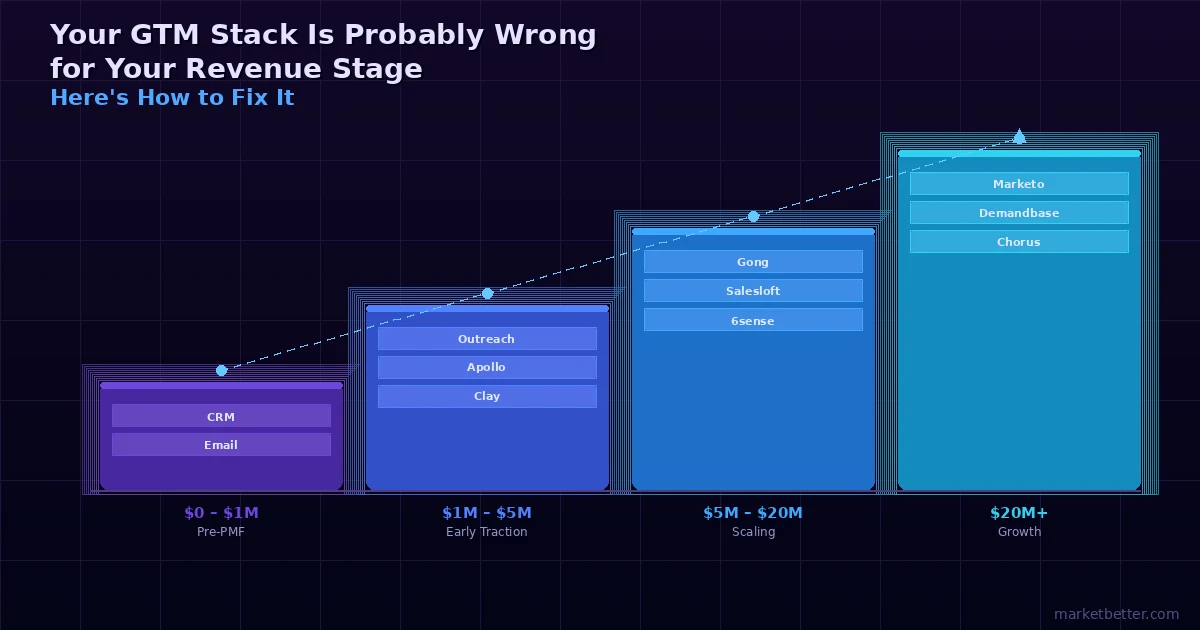
Your GTM Stack Is Probably Wrong for Your Revenue Stage. Here's How to Fix It.

· 10 min read
MarketBetter Team
Content Team, marketbetter.ai

There is a pattern we see in almost every B2B company that comes to us for help with outbound. They are spending $5K to $15K per month on GTM tools. They have somewhere between 12 and 25 active subscriptions. And their pipeline per dollar spent is worse than it was when they had three tools and a spreadsheet.

The problem is not the tools. The problem is that most companies buy tools for the company they want to be, not the company they are right now.

GTM tool stack by revenue stage — what works and what breaks down

11x.ai Charges $8,000/Month to Email 10,000 Contacts. Here's What You're Actually Paying For.

· 10 min read
MarketBetter Team
Content Team, marketbetter.ai

A B2B sales leader recently told us they were spending $8,000 per month with 11x.ai to email 10,000 contacts. Their reaction: "For just sending emails, this feels like a super expensive value proposition."

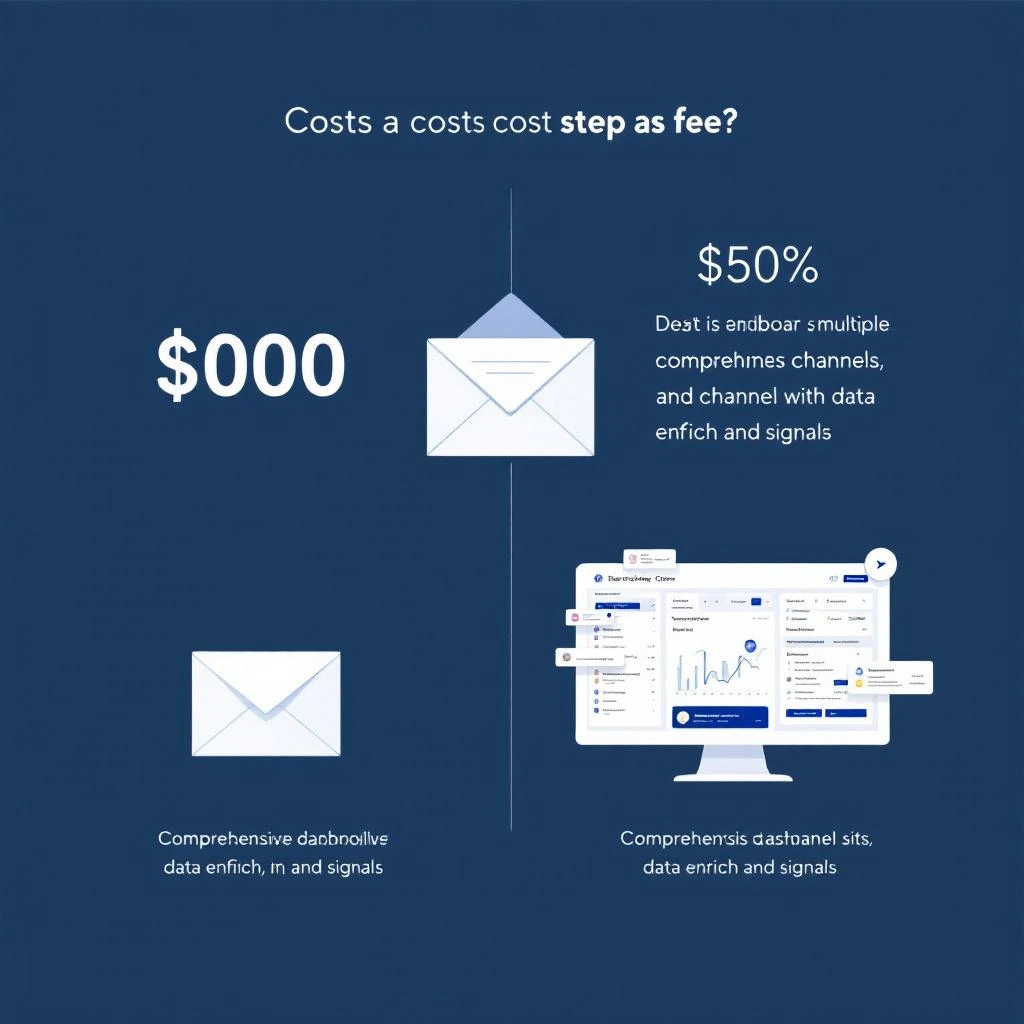
They are not wrong. At $8,000/month, 11x.ai's cost works out to $0.80 per contact or roughly $1.60 per email when you factor in the platform's standard 5-touchpoint sequences. For context, that is 50-100x the cost of sending the same email through a traditional email automation platform.

The question is not whether 11x.ai sends emails. It does. The question is whether what it does beyond sending emails justifies that price tag — and whether there are platforms that deliver more for less.

Cost comparison breakdown showing 11x.ai pricing versus full-stack GTM platforms

How to Build a Lead Scoring Model Without a Data Scientist

· 12 min read
MarketBetter Team
Content Team, marketbetter.ai

Most B2B teams know they should be scoring their leads. Few actually do it well. According to Gartner, only 25-30% of B2B companies have a functioning lead scoring model — even though the data consistently shows that teams with scoring see 30% higher close rates and significantly shorter sales cycles.

The reason is not that scoring is conceptually hard. It is that most guides on the topic assume you have a data science team, a mature data warehouse, and six months to build a predictive model. The reality for most growing B2B teams: you have a CRM, some intent data, and you need something working by Friday.

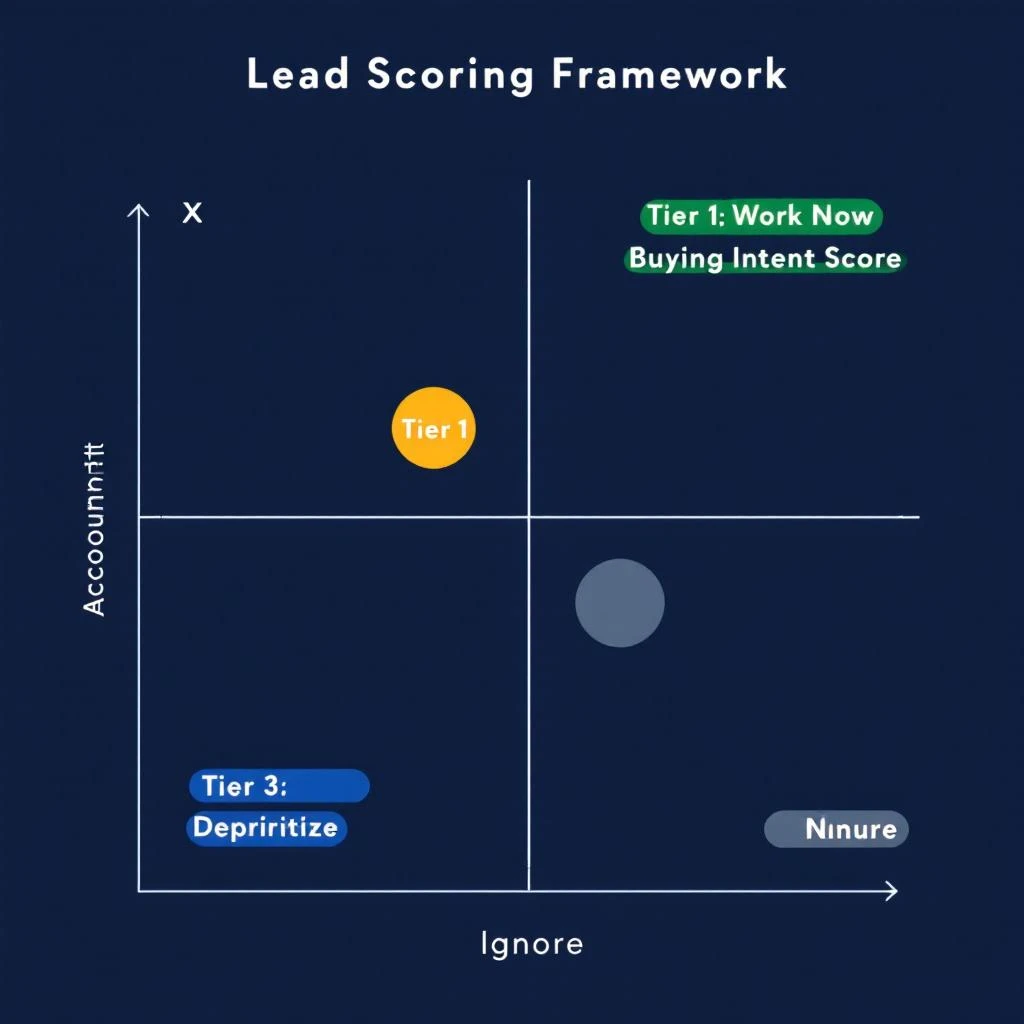
This guide gives you exactly that. A practical scoring framework you can build in a spreadsheet, validate against your own pipeline data, and deploy into your daily SDR workflow — all without writing a single line of Python.

Two-axis lead scoring framework mapping account fit against buying intent

Build Audiences Your Way — Multi-Provider Enrichment with Fiber, Lusha & Exa

· 9 min read
MarketBetter Team
Content Team, marketbetter.ai

The best go-to-market teams have a dirty secret: they never rely on a single data source.

They know that no single provider covers every company, every contact, every industry vertical with equal depth. One provider nails tech company firmographics. Another has stronger coverage in healthcare. A third catches the long-tail companies that everyone else misses.

The problem has always been the workflow. You run a search in one tool, export the CSV, run another search somewhere else, export that CSV, then spend an afternoon in Google Sheets deduplicating, cross-referencing, and trying to merge records that use slightly different company name formats. By the time you have a clean list, your signals are stale and your SDRs have moved on.

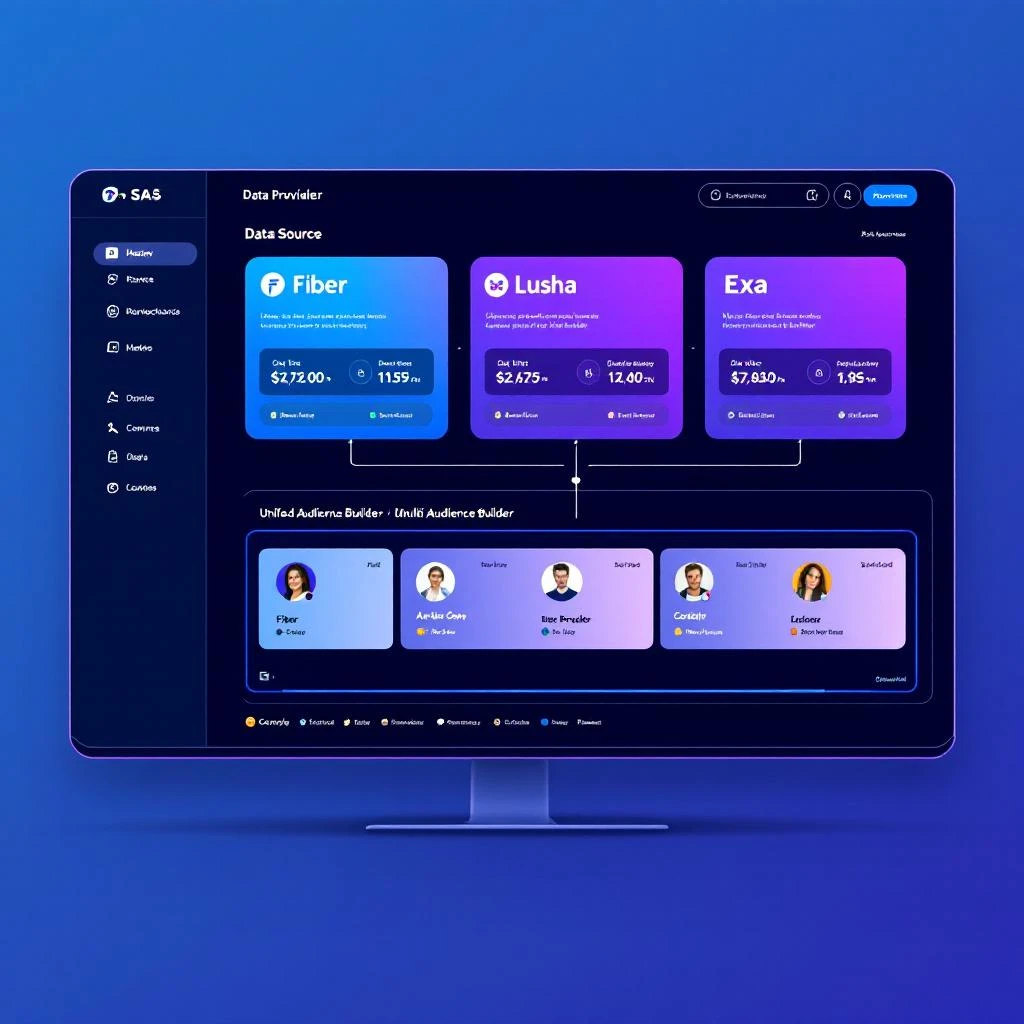
MarketBetter just eliminated that entire workflow. You can now build audiences from Fiber, Lusha, and Exa Websets — all from one platform, all in one step.

Multi-provider data enrichment flowing into a unified audience builder

Signals That Actually Load — How We Made MarketBetter 122x Faster

· 10 min read
MarketBetter Team
Content Team, marketbetter.ai

There is a particular kind of frustration that only SDR teams understand: you know a signal exists, you know it is time-sensitive, and you are staring at a loading spinner.

For teams running high-volume signal-driven outbound on MarketBetter, the Signals page was becoming a bottleneck. Not because the data was wrong or the signals were weak — but because loading them took too long. For accounts with large signal volumes, cold loads stretched to 46 seconds. Some pages timed out entirely.

That is not a minor inconvenience. That is a workflow killer.

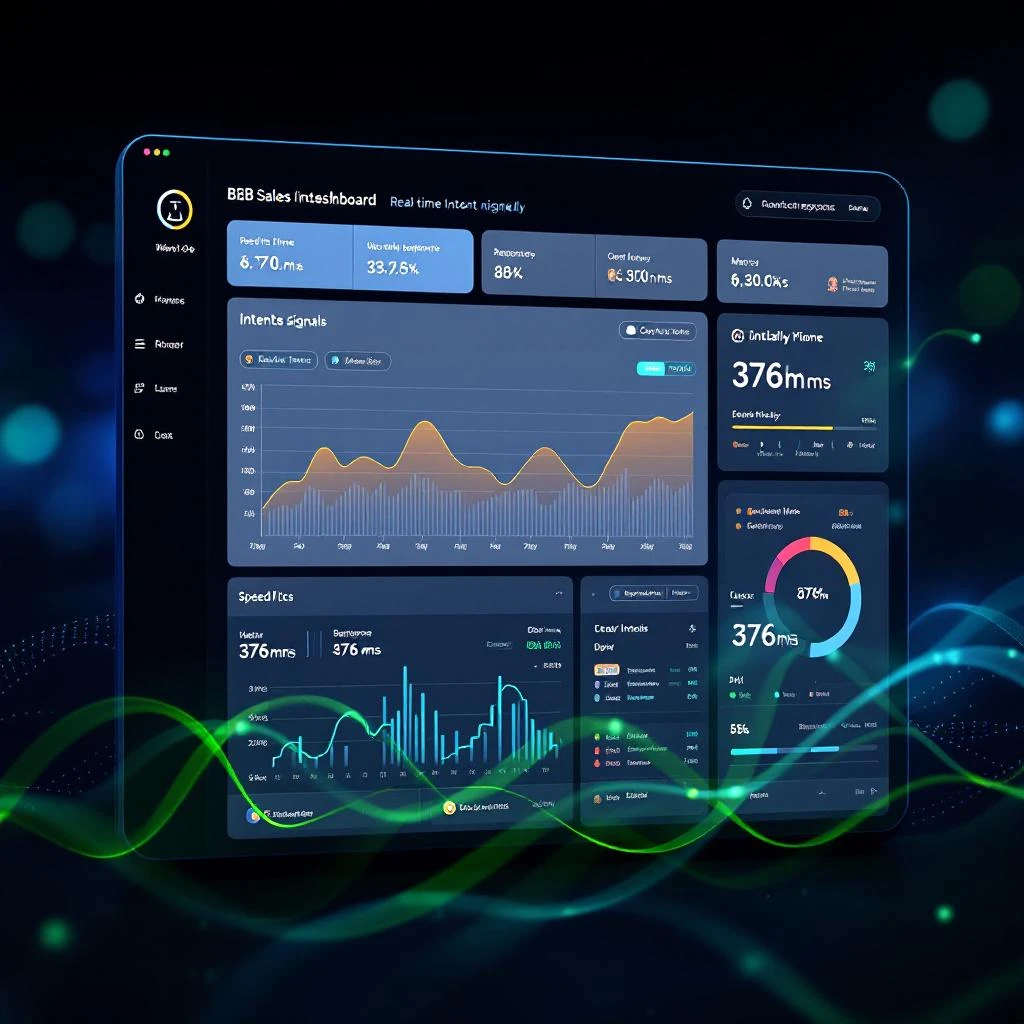
We fixed it. The Signals page now loads in 376 milliseconds. That is a 122x improvement — and it changes what is possible for teams that live in signals all day.

Real-time signal dashboard loading instantly with clean data visualization

How to Migrate from Salesloft to MarketBetter: A Complete Step-by-Step Guide

· 12 min read
MarketBetter Team
Content Team, marketbetter.ai

Switching sales engagement platforms is not a decision anyone makes lightly. Your team has built cadences, trained reps, and wired integrations into a system that — for better or worse — runs your outbound motion. Ripping that out and replacing it carries real risk.

This guide is for sales leaders and RevOps professionals who have already decided Salesloft is no longer the right fit and want a clear, practical roadmap for moving to MarketBetter. We will be honest about where the migration is straightforward and where it requires work.

Migration from legacy sales engagement to an AI-powered platform

Your CRM Has 3 Records for the Same Company — And Your Reps Are Fighting Over Them [2026]

· 3 min read
MarketBetter Team
Content Team, marketbetter.ai

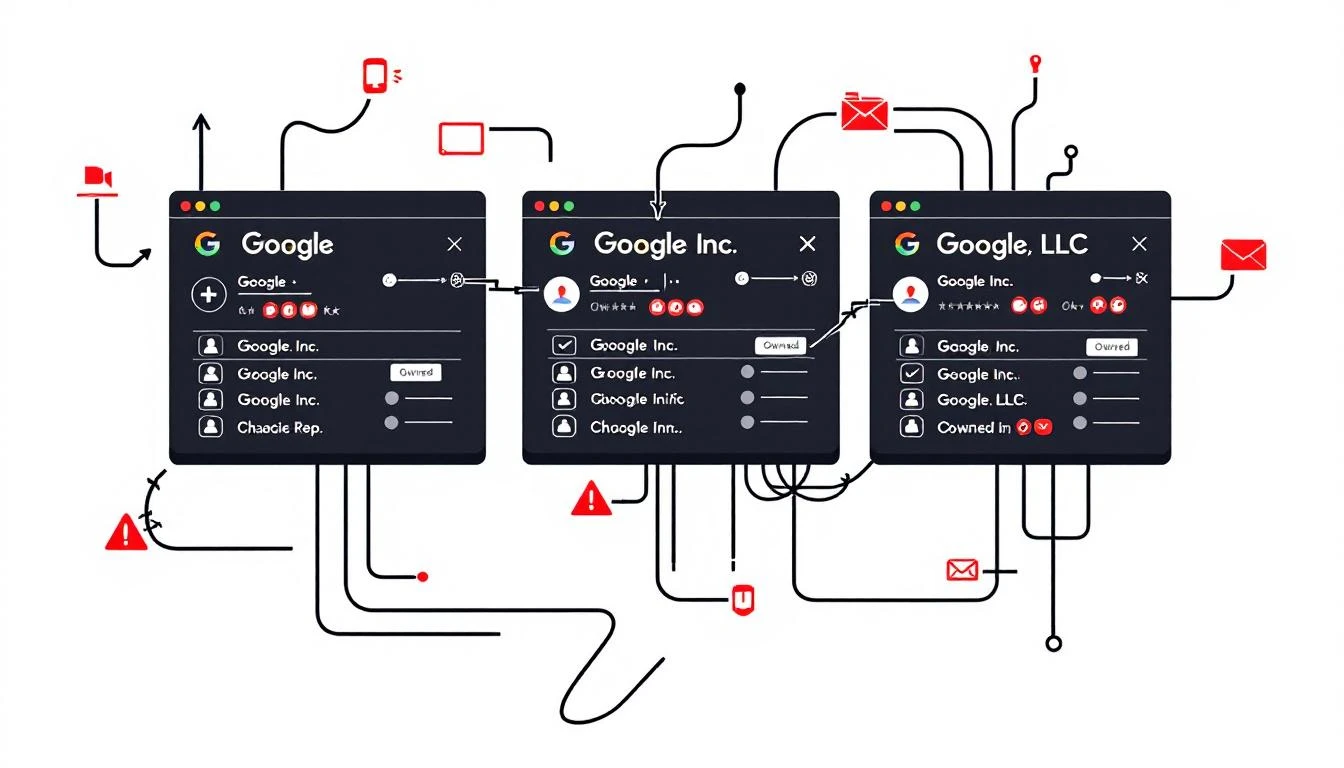
Chaotic CRM duplicates

Imagine this: Rep A calls the VP of Sales at "Google". Rep B calls the same VP at "Google Inc.". Both log activities. One enriches the contact with LinkedIn data. Then someone merges "Google LLC" into the mix—wiping the enrichment.

Your Salesforce (or HubSpot, etc.) now has fragmented histories across three records. Reporting shows "Google" as three separate accounts. Pipeline velocity tanks. Reps waste hours deduping instead of selling.

This isn't hypothetical. It's your CRM right now. And it's costing you.

The Scale of the Problem: Hard Data

CRM data decays at 30% per year on average (DataScienceCentral). In tech? 35-45% (SparkDBI 2026 guide).

Duplicates are the silent killer. Salesforce's own docs highlight running duplicate jobs across orgs because they're that common. Trailhead modules teach admins how to fight them—implying everyone's losing.

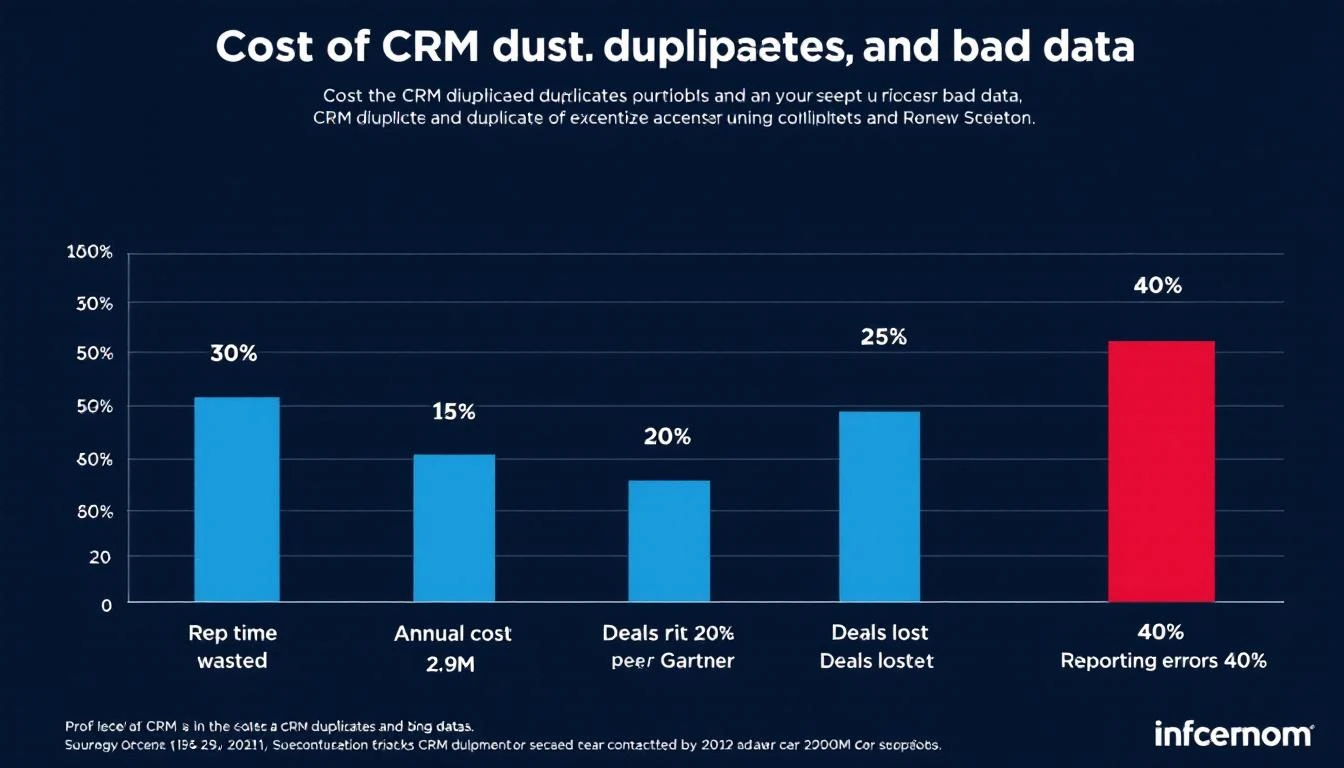
Gartner: Poor data quality costs orgs $12.9M annually. (Cited across RevOps802, CambridgeSpark, Plauti). That's not pocket change.

Quantified Costs

  • Rep Time Wasted: 30% of selling time chasing ghosts (our analysis + industry benchmarks).
  • Deals Lost: Conflicting outreach kills 20% of pipeline (ZoomInfo Pipeline).
  • Reporting Errors: 40% inaccuracy from dupes skews forecasts.

CRM costs chart

For a 50-person sales team ($100k/rep ACV):

  • $1.2M/year rep time lost.
  • 15 deals tanked quarterly from double-calls.
  • $500k pipeline invisibility.

See our related posts:

Why Native CRM Tools Fail

Salesforce Duplicate Rules? They warn post-entry. Merging? Discards fields arbitrarily.

Result: Enriched data (tech stack, funding) vanishes. Activities split.

Smart Deduplication: Prevention + Preservation

Fix it upstream:

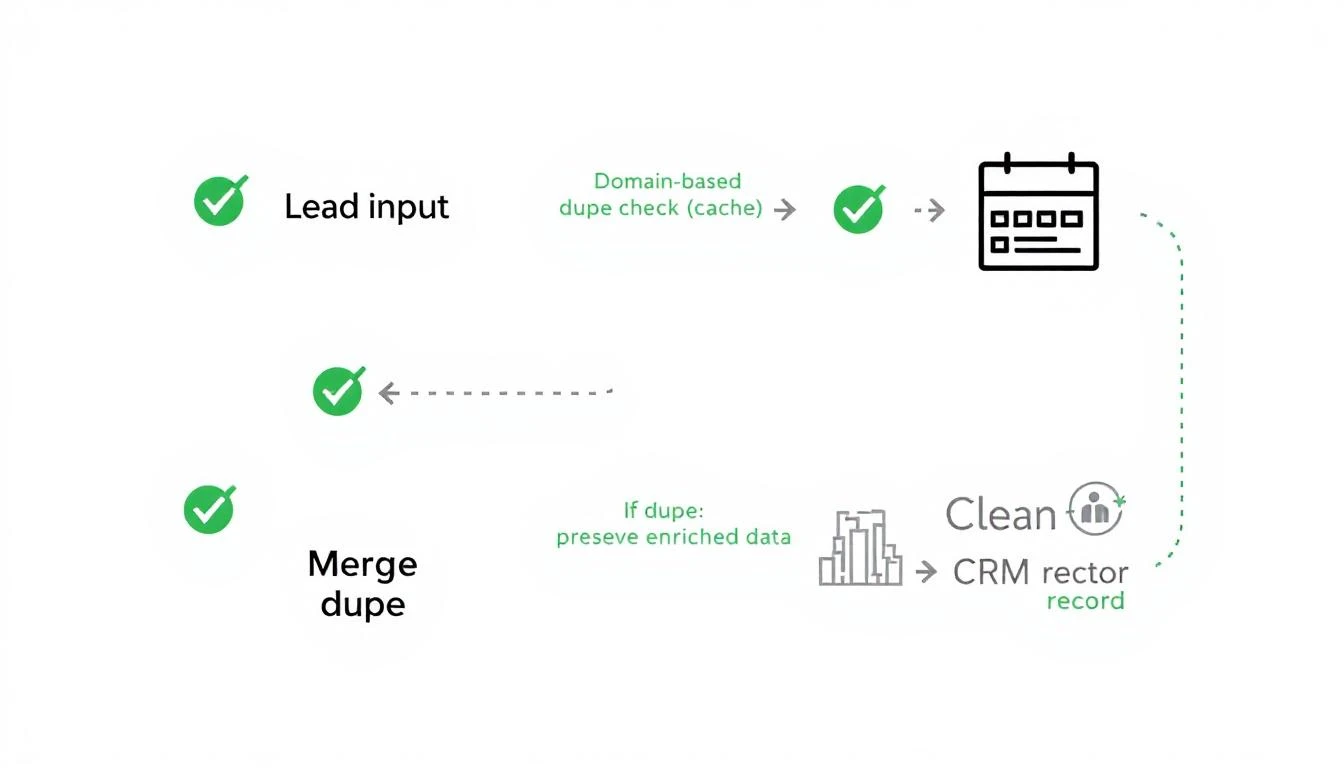
  1. Domain-Based Pre-Entry Check: Cache domains. "google.com"? Route to existing.
  2. Preserve Best Data on Merge: Keep enriched fields, latest activity.
  3. Handle Locks Gracefully: No contention crashes.

Smart dedup workflow

MarketBetter implements this natively. Leads hit our system → dupe scan → single clean record in your CRM.

No more triple-Googles. Reps aligned. Reporting accurate.

Real-World Impact

Teams using proactive dedup see:

  • 27% faster pipeline velocity.
  • 18% higher close rates (internal benchmarks).
  • Zero manual merges.

Book a demo to see it prevent dupes live.


Sources: SparkDBI, Gartner via multiple studies, Salesforce Docs, ZoomInfo, DataLadder.

What If You Could Run Your Entire Sales Stack From One Search Bar? [2026]

· 10 min read
sunder
Founder, marketbetter.ai

Open your laptop. Launch your CRM. Switch to your email platform. Pull up LinkedIn in another tab. Fire up your dialer. Open your enrichment tool. Check your intent data dashboard. Flip to Slack. Back to CRM to log the note.

That's not a workflow. That's a scavenger hunt.

And it's how the average SDR starts every single morning.
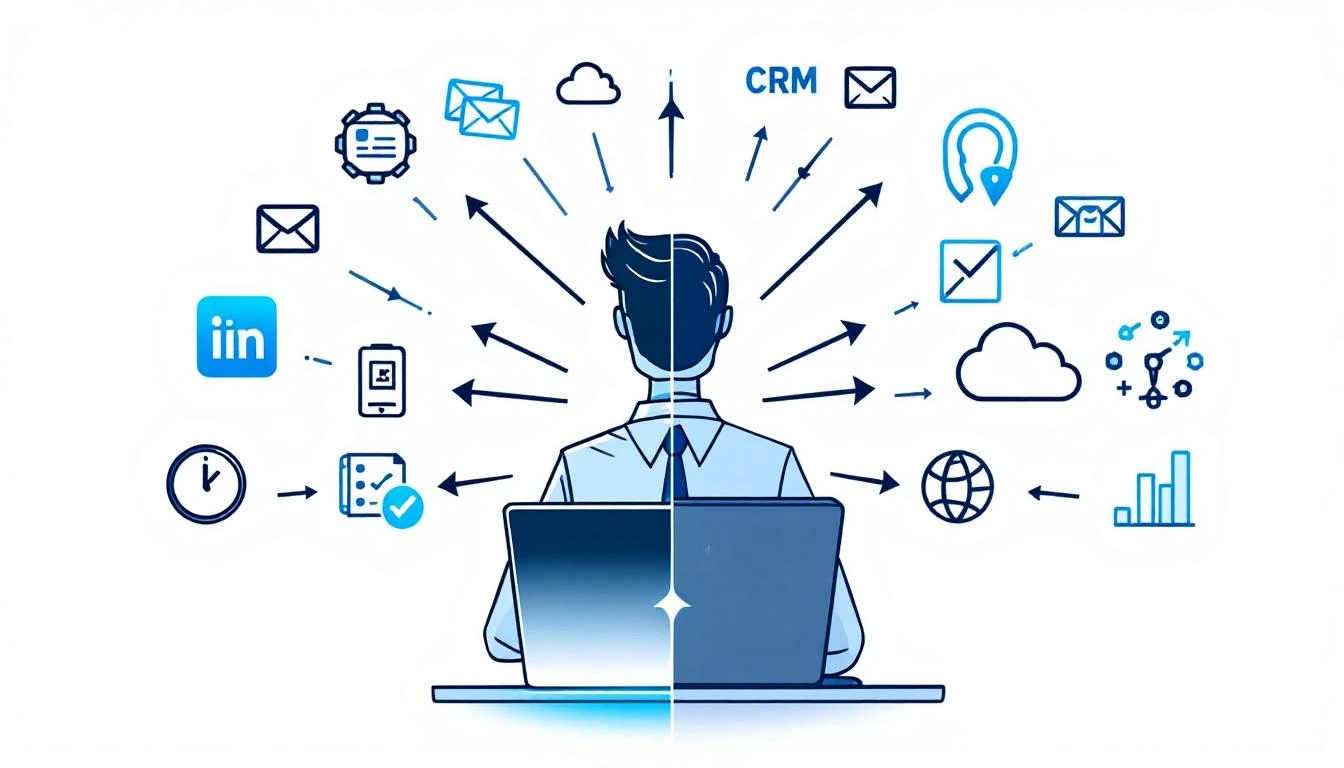
Sales reps switching between 12 different tools versus a unified command bar interface

The Productivity Tax Nobody Talks About

Here's a number that should make every sales leader uncomfortable: 23 minutes and 15 seconds.

That's how long it takes to fully regain focus after switching between tasks, according to research by Gloria Mark at UC Irvine. Not 23 seconds. Not 2 minutes. Twenty-three minutes of cognitive recovery — every single time your rep alt-tabs from their CRM to check an email notification.

Now multiply that across the average SDR's day.

The typical sales rep uses 8 to 12 different tools daily. CRM. Email sequencer. Dialer. LinkedIn Sales Navigator. Enrichment platform. Intent data dashboard. Calendar. Slack. Analytics. Maybe a couple more. Salesforce's 2026 State of Sales report confirms that sellers use an average of 8 tools just to close deals.

Each tool switch isn't just a click — it's a cognitive reset. Mark's research found that knowledge workers switch between windows and tabs 566 times per day on average. That's 566 micro-interruptions. 566 moments where your rep's brain has to ask: "Where was I? What was I doing?"

The cumulative cost? Workers spend nearly 4 hours per week just reorienting after switching between applications. Over a year, that's roughly 5 full working weeks lost to the overhead of navigating between tools. Not selling. Not prospecting. Just... switching.

The Real Numbers on SDR Time

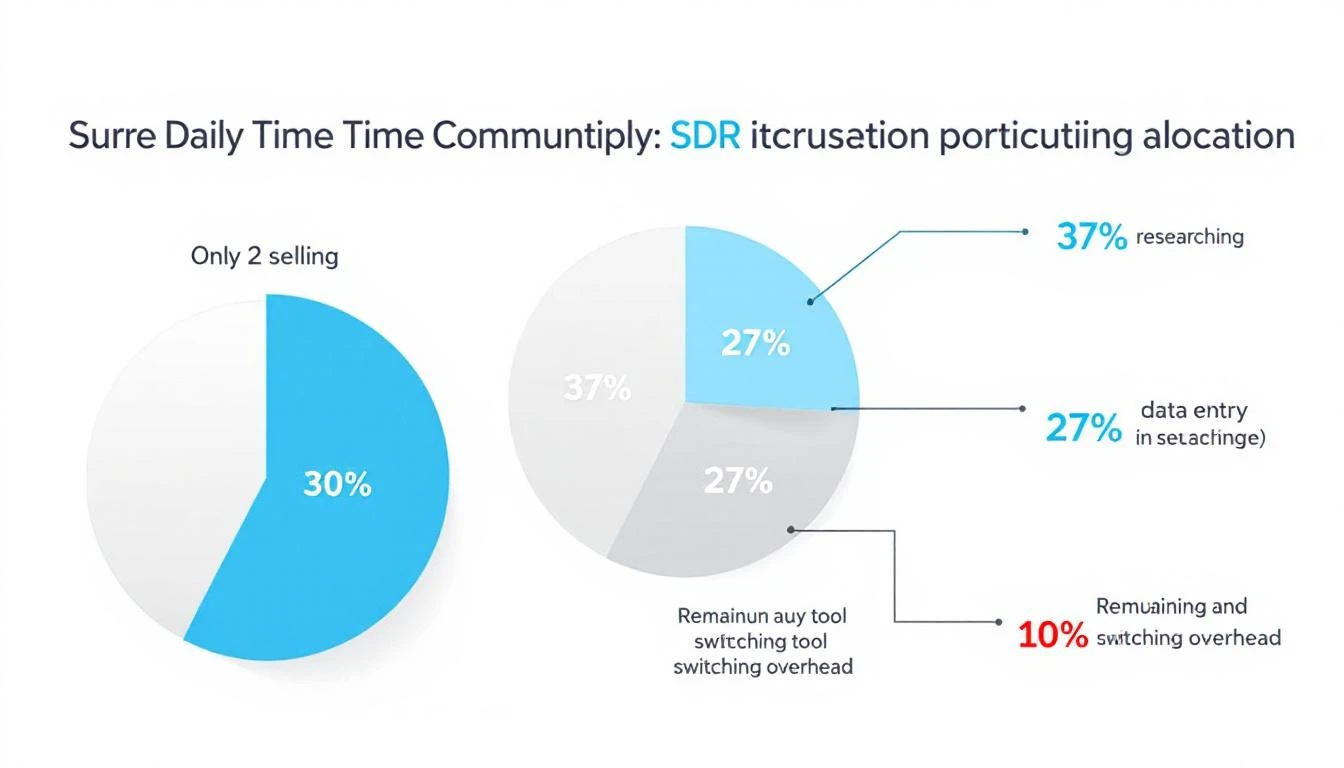
Let's look at where SDR time actually goes, because the data is damning:

  • Only 2 hours per day are spent actively selling (Salesforce)
  • 65% of time goes to non-selling activities — data entry, lead research, CRM updates
  • 37% of the workday is consumed by prospect research alone
  • 27% of time is spent on data entry and contact research

Finding a single decision-maker's email, tracking down their direct dial, and confirming their job title can take 5 to 15 minutes per prospect. Across 40 qualified prospects in a week, that's 4 to 10 hours — gone.

And here's the kicker: 42% of sales reps say they feel overwhelmed by their tools. Those overwhelmed sellers are 45% less likely to hit quota.

We've been asking SDRs to be productive inside systems designed to fragment their attention.
SDR daily time allocation breakdown showing only 2 hours of active selling

Something has to break.

What Context Switching Really Costs Your Pipeline

The damage goes beyond lost minutes. Every context switch carries three hidden costs:

1. Decision fatigue compounds. Each tool has its own interface, its own logic, its own way of presenting information. Your rep doesn't just switch screens — they switch mental models. By 2 PM, they're not making worse calls because they're lazy. They're making worse calls because their brain has been context-switching since 8 AM.

2. Speed-to-lead collapses. When a hot intent signal comes in — a target account visiting your pricing page — your rep needs to act in minutes, not hours. But if they're buried in their email sequencer and the signal is sitting in a separate intent dashboard they haven't checked since this morning? That lead gets called 3 days late. The moment is gone.

3. Institutional knowledge stays trapped. Every tool is a silo. Your CRM knows one thing. Your enrichment tool knows another. Your conversation intelligence platform has the call recordings. No single view shows your rep the full picture of a prospect — their company's tech stack, recent funding, website visits, email engagement, and social activity — in one place.

The result? SDRs spend more time hunting for context than using it.

The Command Bar Thesis: One Interface to Rule Them All

Here's the thought experiment: What if instead of 12 tabs, your reps had one search bar?

Not a Google search bar. Not a Slack search bar. A command interface — a single Ctrl+K shortcut that could:

  • Search contacts across your entire database instantly
  • Pull up company research — firmographics, tech stack, recent news — without leaving the page
  • Launch workflows — start a sequence, schedule a call, create a task — with a keyboard shortcut
  • Ask your AI assistant questions like "What signals has Acme Corp shown this week?" and get an answer in seconds
  • Navigate your entire platform without touching a mouse

This isn't science fiction. It's the direction the entire GTM stack is moving.

The concept borrows from developer tools. Engineers have had command palettes for years — VS Code's Ctrl+Shift+P, Raycast, Alfred, Spotlight. These interfaces let power users bypass menus, skip navigation, and execute actions at the speed of thought.

Sales has been stuck in the click-and-navigate era while engineering moved to the type-and-execute era years ago.

What a Unified Command Interface Means for SDR Velocity

Let's get specific about the impact.

Morning routine — before vs. after:

Before (traditional multi-tool setup):

  1. Open CRM, check assigned leads (2 min)
  2. Switch to intent data dashboard, scan for signals (3 min)
  3. Open enrichment tool, research top prospect (5 min)
  4. Switch to email sequencer, start a sequence (3 min)
  5. Open dialer, make first call (2 min to set up)
  6. Back to CRM to log the outcome (2 min)

That's 17 minutes and 6 tool switches before a single meaningful conversation. With each switch costing cognitive recovery time, the real cost is closer to 30-40 minutes.

After (unified command interface):

  1. Hit Ctrl+K, type prospect name — full context appears (10 sec)
  2. See intent signals, enrichment data, engagement history in one view (15 sec)
  3. Type "start sequence" — done (5 sec)
  4. Click to dial — call launches in-platform (2 sec)
  5. Outcome auto-logged (0 sec)

Total: under a minute. Zero context switches. Zero cognitive recovery.

The math on recovered selling time:

If a unified platform eliminates even 50% of tool-switching overhead, that's roughly 2.5 hours per week returned to each rep. Across a 10-person SDR team, that's 25 hours per week — essentially hiring a part-time rep for free.

At average SDR fully-loaded costs, tool-switching overhead costs organizations $150K+ annually in lost productivity per rep. And that's before you factor in the pipeline that never gets built because signals went cold while reps were alt-tabbing.

Why Consolidation Is Winning Over "Best of Breed"

The sales tech stack has gotten expensive — and bloated. The average B2B company spends $1,200-$2,400 per rep per month across their sales tools.

But here's what's changing: the "best of breed" era is ending.

For years, the conventional wisdom was to pick the best tool for each job. Best CRM. Best sequencer. Best dialer. Best enrichment. Best intent data. Stitch them together with integrations and pray they talk to each other.

That worked when sales teams had 3-4 tools. It broke when they had 12.

The integration tax is real. Data syncs fail silently. Contact records drift between systems. One tool updates a field that another tool doesn't see for 6 hours. Your rep calls a prospect who already replied to an email two hours ago — because the CRM hadn't synced yet.

The future isn't 12 best-in-class tools loosely connected. It's one platform that does 80% of what those 12 tools do — with everything connected natively, in real time, accessible from a single interface.

The Keyboard-First Sales Rep

There's a cultural shift happening alongside the technology shift.

The next generation of SDRs grew up on keyboard shortcuts. They use Cmd+Space to launch apps, Ctrl+K to search Notion, Cmd+T to open new tabs. They think in commands, not clicks.

Giving these reps a click-heavy, menu-driven sales platform is like giving a developer Notepad when they want VS Code. It works, technically. But it's fighting against how they naturally operate.

A command-first interface doesn't just save time. It changes the rep's relationship with their tools. Instead of the platform being something they navigate through, it becomes something they operate with. The tool disappears. The work stays.

That's the difference between a dashboard and a playbook. Dashboards show you data. Playbooks tell you what to do next. A command interface takes it one step further — it lets you do the next thing without leaving the conversation.

What This Looks Like in Practice

Imagine this scenario:

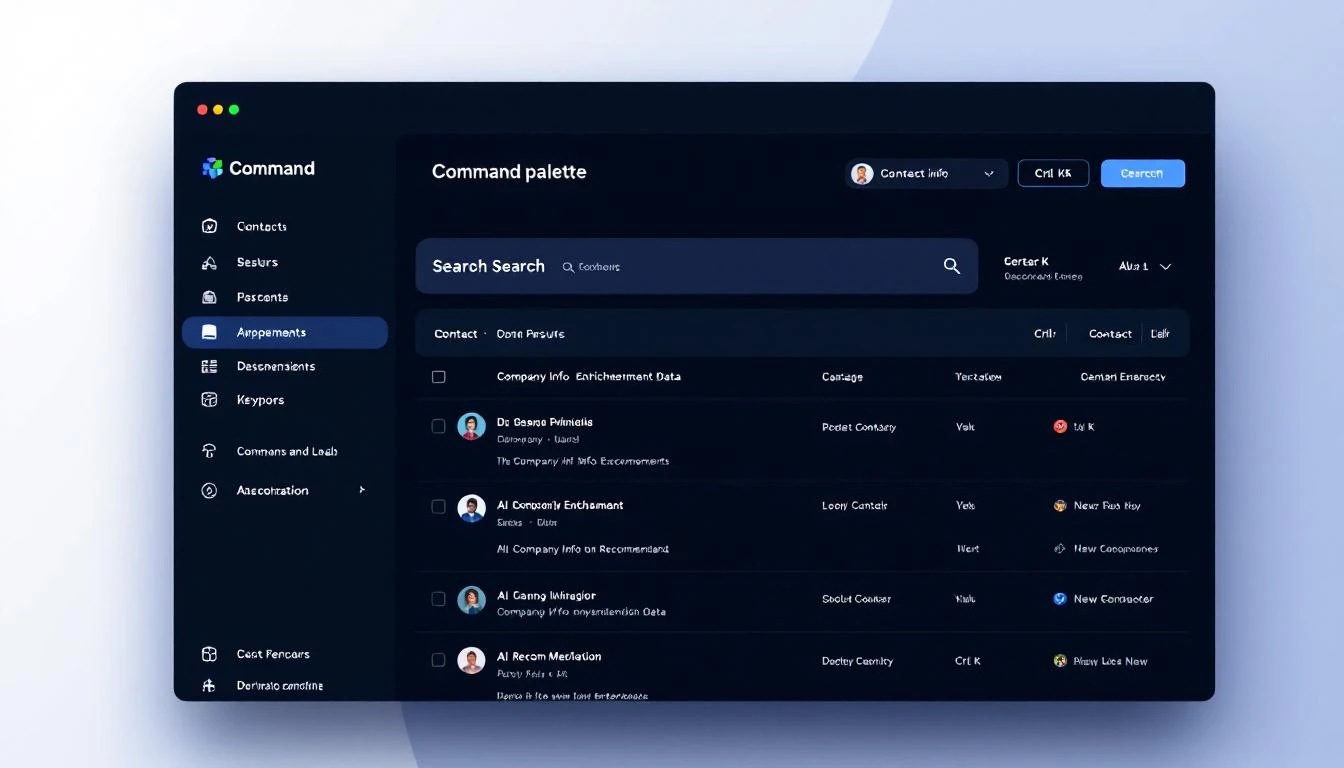
Your rep gets a notification: a target account just visited the pricing page for the third time this week. Instead of switching to the intent dashboard, then the CRM, then the enrichment tool, then the sequencer, they hit Ctrl+K and type the company name.

Instantly, they see:

  • Who visited — matched to specific contacts when possible
  • Company context — industry, size, tech stack, recent funding
  • Engagement history — every email opened, every page visited, every call made
  • AI recommendation — "Call Sarah Chen (VP Sales) — she opened your last email twice and visited pricing 3x this week. Here's a talk track based on their tech stack."
Command palette interface showing contact search with enrichment data and AI recommendations

One keystroke. Full context. Clear action. No tab-switching. No data hunting.

The rep makes the call in 30 seconds instead of 10 minutes. That's not a marginal improvement. That's a fundamentally different approach to speed-to-lead.

The Bottom Line

The sales productivity crisis isn't about lazy reps or bad training. It's a systems problem.

We've given SDRs a dozen specialized tools and told them to be productive while constantly switching between them. We've optimized each tool individually while ignoring the friction between them. We've measured activity metrics while the real bottleneck — cognitive overhead from tool fragmentation — went unmeasured and unaddressed.

The command bar isn't just a UI pattern. It's a philosophy: every action your rep needs should be one keystroke away.

One search bar. Full context. Instant action. Zero switching.

That's not a feature. That's a paradigm shift.


Want to see what a unified command interface looks like for sales? Book a demo →

Your Reps Are Winging Sales Calls — Here's What Happens When AI Writes the Script [2026]

· 12 min read
sunder
Founder, marketbetter.ai

Your SDR opens the dialer. The prospect is a VP of Sales at a mid-market SaaS company. Your rep glances at a generic script:

"Hi {Name}, this is {Rep} from {Company}. We help companies like yours improve their sales process. Do you have a few minutes?"

The VP hangs up in 8 seconds. Your rep moves to the next call. Rinse, repeat, 80 times a day.

Here's what your rep didn't know:

  • That VP just evaluated a competitor last week
  • Their company posted a Director of Sales Enablement job 3 days ago — they're scaling
  • They have 3 stalled deals in HubSpot that haven't moved in 45 days
  • They visited your pricing page twice yesterday

All of that context was sitting in your CRM, your website analytics, and publicly available signals. Nobody connected the dots. Nobody put it in the script.

That's the gap AI closes.

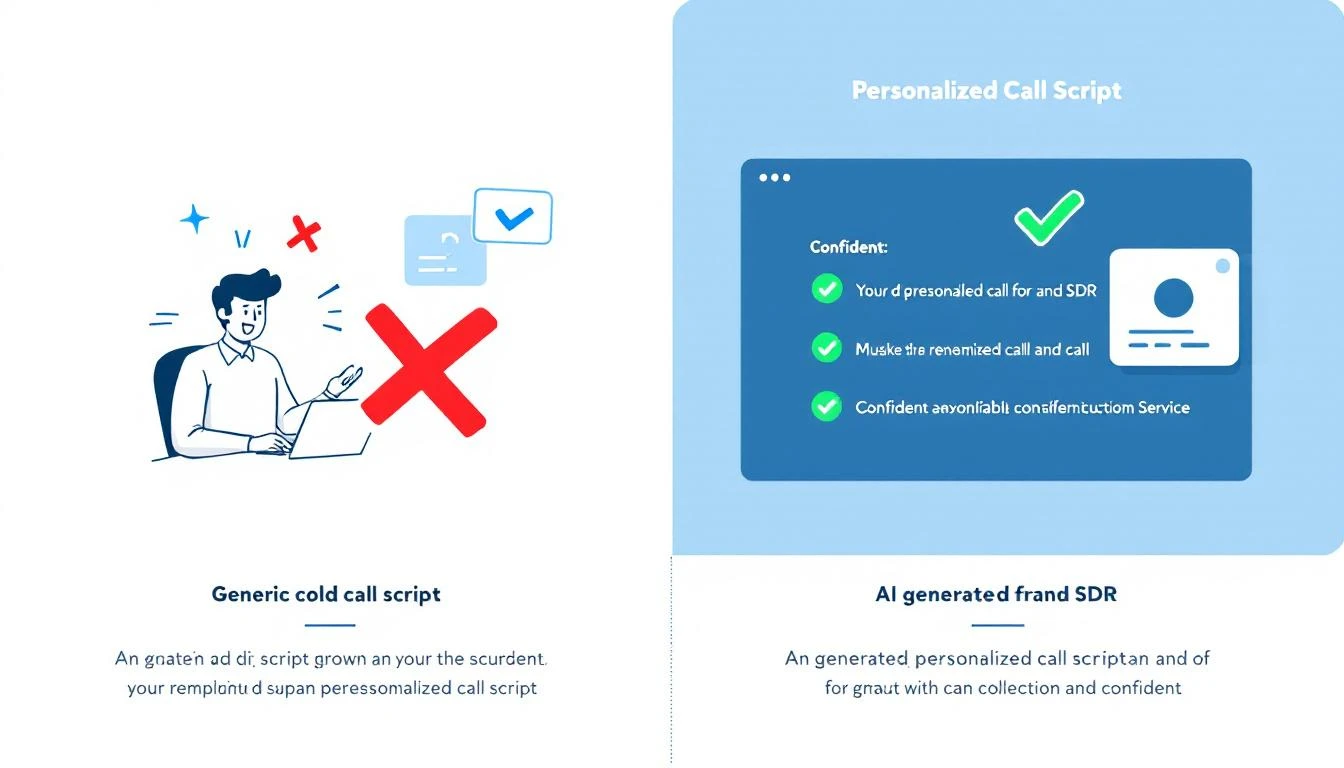
Before and after: generic script vs. AI-generated personalized call script

The Cold Call Success Rate Problem

Let's start with the brutal numbers.

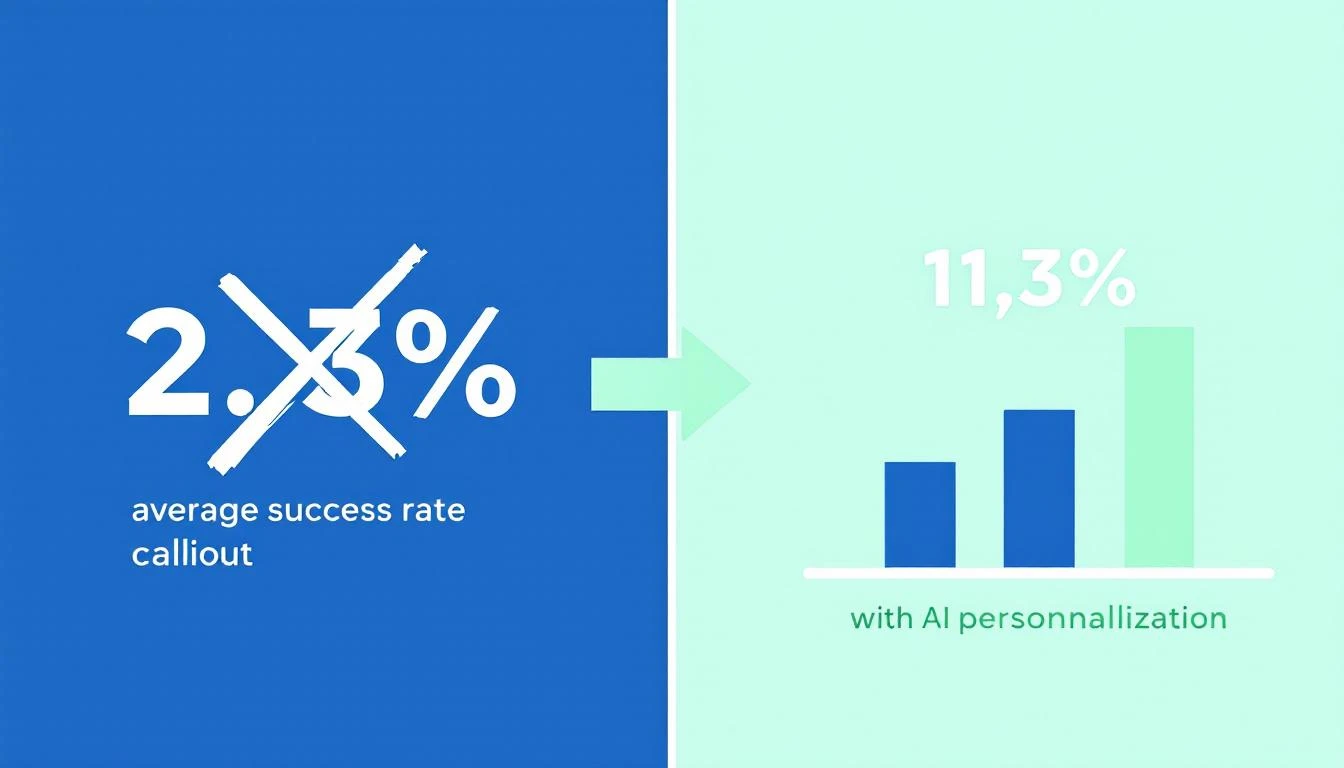
The average cold calling success rate in 2026 is 2.7%. That means for every 100 calls your SDR makes, fewer than 3 turn into anything. Cognism's 2026 report — which analyzed over 200,000 calls — found that teams using generic scripts and spray-and-pray tactics sit at or below that average.

But here's the number that matters: teams using AI-powered personalization and real-time context are hitting 6.7% to 11.3% success rates. That's 3-4x the industry average.

Outreach's 2025 dataset showed it plainly: personalized cold calls with AI-generated context had a 36% higher meeting conversion rate than generic calls.

The difference isn't talent. It's context.

Cold calling success rates: generic scripts vs. AI-personalized approaches

What a Generic Script Actually Looks Like

Here's what most SDR teams are working with today. If this looks familiar, that's the problem.

The "Standard" Cold Call Script:

"Hi Sarah, this is Mike from Acme Software. We're an AI-powered sales platform that helps companies improve their outbound efficiency. I was wondering if you had a few minutes to learn how we've helped companies like yours increase their pipeline by 40%?"

What's wrong with this:

  • No research signal. Nothing tells Sarah you know anything about her company
  • Generic value prop. "Improve outbound efficiency" could be any of 200 vendors
  • No trigger. Why are you calling TODAY? What changed?
  • Permission-based opener. "Do you have a few minutes?" is an invitation to say no
  • Zero personalization. Swap the name and this works for literally anyone

Your rep might as well be reading from a cereal box. The prospect can tell — and they hang up.

This is what we mean by "winging it." Even teams that HAVE scripts are winging it if the script doesn't reflect what you already know about the prospect.

What an AI-Generated Call Script Looks Like

Now here's the same call — but the script was generated 30 seconds before the dial, using everything the system knows about this specific prospect.

AI-Generated Script (Anonymized):

"Hi Sarah — quick question. I noticed Datastream just posted a Director of Sales Enablement role, and your team's been evaluating outbound tools. We work with a few mid-market SaaS companies that were in a similar spot — scaling their SDR team while deals were stalling in pipeline. Curious if that resonates, or if I'm off base?"

What changed:

  • Hiring signal → "posted a Director of Sales Enablement role" (from job board data)
  • Competitor evaluation → "evaluating outbound tools" (from intent data)
  • Company context → "mid-market SaaS" (from CRM enrichment)
  • Pipeline awareness → "deals stalling in pipeline" (from CRM sync)
  • Pattern interrupt → "Curious if that resonates, or if I'm off base?" (earns the conversation instead of asking permission)

The prospect doesn't hear a script. They hear someone who did their homework. That's the difference between a hang-up and a 4-minute conversation.

Where the Data Comes From

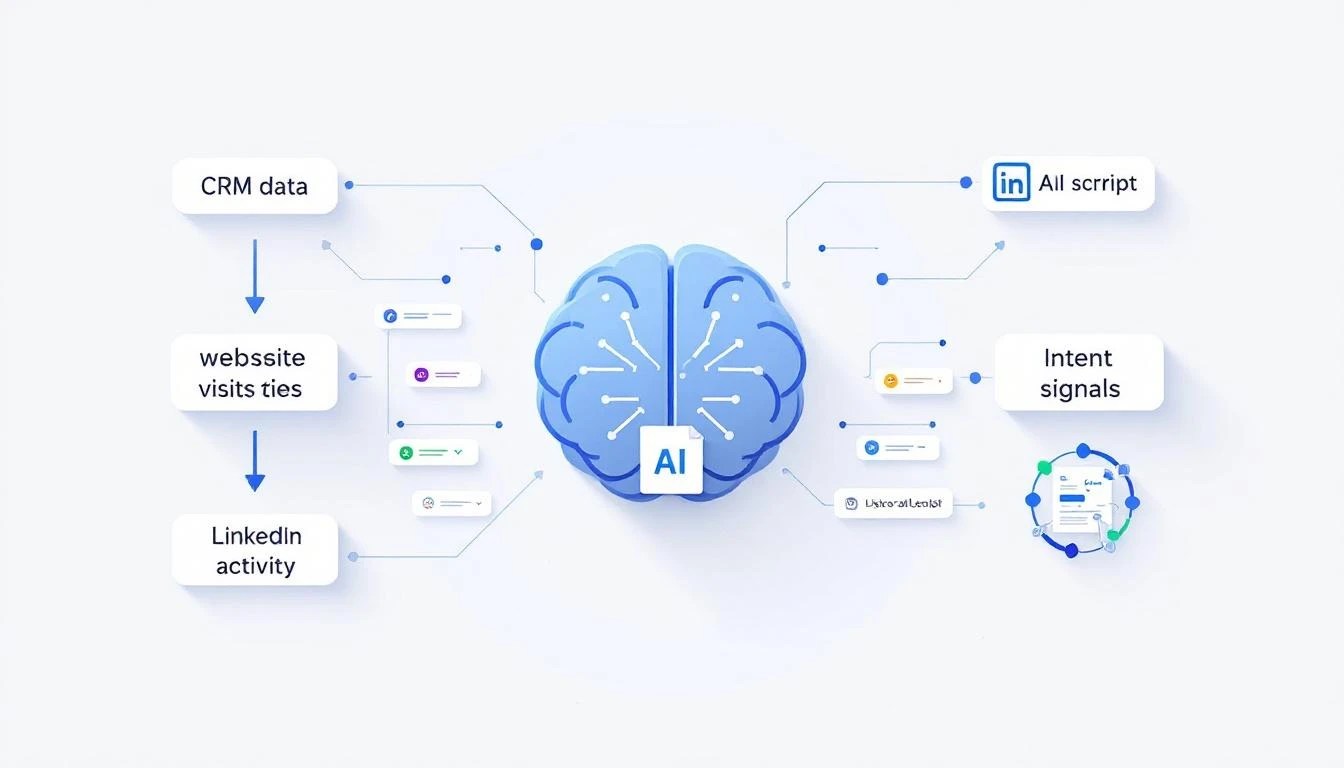
AI-generated scripts aren't magic. They're the result of connecting data sources your team already has — but nobody's stitching together manually.

How data flows into an AI-generated call script

Here's what feeds into a good AI call script:

1. CRM Data (HubSpot, Salesforce)

  • Deal stage and velocity (are deals stalling?)
  • Last activity date (when did someone last engage?)
  • Contact role and title
  • Previous conversation notes
  • How your reps spend their time matters — if they're manually pulling this context, they're losing hours per day

2. Website Visitor Intelligence

  • Which pages did this prospect visit? (Pricing = high intent)
  • How many visits in the last 7 days?
  • Identifying anonymous visitors turns nameless traffic into call-ready context

3. Intent Signals

  • Are they researching your category on third-party review sites?
  • Did they engage with competitor content?
  • Intent data reveals who's in-market before they raise their hand

4. Public Signals

  • Recent job postings (hiring = budget, scaling, change)
  • Funding announcements
  • Leadership changes
  • Company news and press releases

5. Conversation History

  • Past email threads (what objections came up?)
  • Previous call notes
  • LinkedIn engagement (did they view your profile?)

When all five data sources feed into a single script generator, every call opens with context the prospect didn't expect you to have.

Before and After: A Real SDR's Day

Let's make this concrete. Here's what changes when you move from static scripts to AI-generated ones.

BEFORE: Static Scripts

MetricResult
Calls per day80
Connect rate4%
Conversations3.2
Meetings booked0.3
Time spent on pre-call research0 min (no time)
Script personalizationNone — same script for every call

The rep blasts through a list. They don't research because there's no time. Every call sounds the same. Prospects hear it. Connect rates stay low.

AFTER: AI-Generated Scripts

MetricResult
Calls per day60 (fewer, but targeted)
Connect rate8%
Conversations4.8
Meetings booked1.2
Time spent on pre-call research0 min (AI does it)
Script personalizationUnique per prospect

Fewer calls, more conversations, 4x the meetings. The math works because every call is a quality at-bat, not a coin flip.

This is the same pattern we see across SDR workflow optimization — less tool-switching, more selling.

How to Build AI-Generated Call Scripts (Step by Step)

You don't need to build this from scratch. But you do need to understand the components.

Step 1: Connect Your Data Sources

Your AI script generator is only as good as the data it can access. At minimum, you need:

  • CRM integration (bidirectional sync with HubSpot or Salesforce)
  • Website visitor tracking (who's on your site right now)
  • Intent data feed (who's researching your category)

Most teams already have these tools. The problem is they're siloed. Your CRM doesn't talk to your visitor ID tool, which doesn't talk to your intent data provider. The best SDR tools in 2026 solve this by consolidating signals into one place.

Step 2: Define Your Script Framework

AI needs guardrails. You're not replacing the script — you're making it dynamic. Define:

  • Opening structure: Pattern interrupt + signal reference + relevance check
  • Value prop library: 3-5 core value props matched to different buyer personas
  • Objection responses: Pre-loaded but contextual
  • Call-to-action: Meeting request calibrated to deal stage

A good framework follows the same principles as a proven cold call script template — but with dynamic slots that AI fills per prospect.

Step 3: Generate Scripts in Real-Time

The script should be ready before the rep clicks "dial." That means:

  1. AI pulls the latest data on the prospect (CRM, signals, research)
  2. It identifies the strongest hook (what's the most relevant signal?)
  3. It generates a personalized opener, talking points, and objection prep
  4. The rep sees the script in their dialer view — no tab-switching, no research time

This is the difference between an AI approach to prospecting and the old way. The AI does the prep work. The rep does the human work — building rapport and listening.

Step 4: Feed Outcomes Back Into the System

After each call, the outcome feeds back:

  • Connected, booked meeting → What signals correlated with success?
  • Connected, no interest → What objections came up? Update the script library
  • No answer → Adjust optimal call times
  • Voicemail → Generate a personalized voicemail script for next attempt

This creates a feedback loop. Scripts get better over time because they learn from what actually works for YOUR prospects, not generic best practices.

The Multi-Channel Advantage

Call scripts are just the start. Once you have AI generating personalized context, the same engine powers every channel:

  • Voicemail drops — personalized to the signal that triggered the call
  • Follow-up emails — reference the call attempt with the same context (cold email best practices)
  • LinkedIn messages — short, signal-driven connection requests
  • Pre-meeting briefs — when the meeting is booked, AI generates a full brief with company background, stakeholder map, and pricing guidance

The key insight: all-channel personalization from a single context engine. Your rep doesn't re-research for every touchpoint. The AI carries the context across every interaction.

This is what separates real cold calling best practices in 2026 from the playbooks that worked in 2020.

What "Good" Looks Like: 3 AI-Generated Script Examples

Here are three anonymized examples of what AI-generated scripts look like in practice — each pulling from different signal types.

Example 1: Hiring Signal

"Hey Chris — saw that TechFlow is hiring two SDR managers. Usually when teams are scaling outbound, the biggest bottleneck isn't headcount — it's ramping new reps fast enough. We've helped a few teams cut SDR ramp time from 3 months to 3 weeks using AI-generated playbooks. Worth a 15-minute look?"

Signals used: Job posting data, company size, SDR ramp benchmarks

Example 2: Competitor Evaluation Signal

"Hi Dana — I'll be direct. I know your team's been looking at {Competitor}. A few of our customers switched from them because they got the data but not the 'what to do next' part. If you're still evaluating, might be worth seeing how we handle that differently. Open to a quick comparison?"

Signals used: Intent data (competitor research), CRM stage, product differentiation

Example 3: Website Visitor + Stalled Deal

"Jessica — we noticed someone from CloudBase has been on our pricing page a few times this week. I also see we've been in conversation for a while but things went quiet around January. Wanted to check in — has anything changed on your end, or can I send over something more specific to where you are now?"

Signals used: Visitor ID, CRM deal stage, last activity date, page visits

Each script took zero prep time from the rep. The AI had the context. The rep just had to be human.

Why Static Scripts Are Costing You Pipeline

Let's quantify the cost of winging it.

Assume a team of 5 SDRs, each making 80 calls/day:

With static scripts (2.7% success rate):

  • 400 calls/day × 2.7% = 10.8 meetings/week
  • At $500 average deal value per meeting: $5,400/week in pipeline

With AI-generated scripts (8% success rate):

  • 300 calls/day (fewer, targeted) × 8% = 24 meetings/week
  • At $500 average: $12,000/week in pipeline

That's an extra $6,600 per week — over $340K annually — from the same team. No new hires. No new tools (assuming your tools are already connected). Just better scripts.

The SDR productivity crisis isn't about effort. It's about context. Your reps are working hard. They're just working blind.

Getting Started: What to Do This Week

You don't need to overhaul your entire stack. Here's a practical starting point:

  1. Audit your current scripts. When was the last time they were updated? Do they reference any prospect-specific data? If the answer is "never" and "no," you know the problem.

  2. Inventory your data sources. What signals do you already collect that never make it into a call script? CRM notes, website visits, intent data — most teams have more context than they use.

  3. Pick your highest-value call list. Start with your top 20 target accounts. Manually build AI-assisted scripts for those calls using the framework above. Measure the difference.

  4. Evaluate tools that automate this. The right platform connects your data sources and generates scripts automatically. Look for CRM sync, visitor intelligence, intent signals, and AI content generation in one system.

  5. Measure what matters. Track connect rate, conversation rate, and meetings-per-call — not just dial volume. The goal isn't more calls. It's more conversations that convert.

The Bottom Line

Your SDRs aren't bad at cold calling. They're under-equipped.

A generic script is a guess. An AI-generated script is an informed conversation starter. The data shows the difference: 36% more meetings, 3-4x higher success rates, and reps who actually look forward to picking up the phone because they know something about the person on the other end.

The question isn't whether AI will write your call scripts. It's whether your competitors are already doing it.


Ready to see AI-generated call scripts in action? Book a demo →