5 posts tagged with "sales outreach"

View All Tags

The Top 10 Email Subject Line for Sales Strategies That Win in 2026

· 30 min read

In a world of automated outreach and overflowing inboxes, the email subject line for sales has evolved from a simple curiosity trigger into a critical strategic tool. A great subject line doesn't just earn an open; it sets the stage for the entire conversation. It signals relevance, establishes credibility, and aligns your solution with a prospect's most urgent priorities before they even read the first sentence of your message.

Getting this first touchpoint right is foundational. Understanding the strategic importance of your email subject line for sales is key to mastering customer communication, a tech-driven skill every online seller needs. The difference between a subject line like "Quick Question" and one like "Idea for [Prospect's Goal]" is the difference between being ignored and starting a meaningful dialogue. The former is generic and self-serving, while the latter is specific, valuable, and prospect-centric.

This guide goes beyond generic templates that get your emails deleted. We'll dissect 10 battle-tested subject line categories, providing actionable comparisons and tactical breakdowns for each. You will learn:

  • The psychological principles behind high-performing subject lines.
  • How to craft compelling copy for both first-touch and follow-up emails.
  • Actionable strategies for personalizing outreach at scale.
  • Practical A/B testing methods to identify what resonates with your audience.

We will provide specific, replicable examples and analyze why they work, comparing effective and ineffective approaches side-by-side. Get ready to turn your subject lines into your sharpest outbound weapon and book more meetings.

1. Curiosity Gap Subject Lines

Curiosity is a powerful psychological trigger, and a well-crafted email subject line for sales can leverage it to dramatically boost open rates. This strategy, often called creating an "open loop," works by intentionally withholding a key piece of information, compelling the recipient to click and discover the answer. Instead of revealing the full benefit upfront, you create a mystery that can only be solved by opening the email.
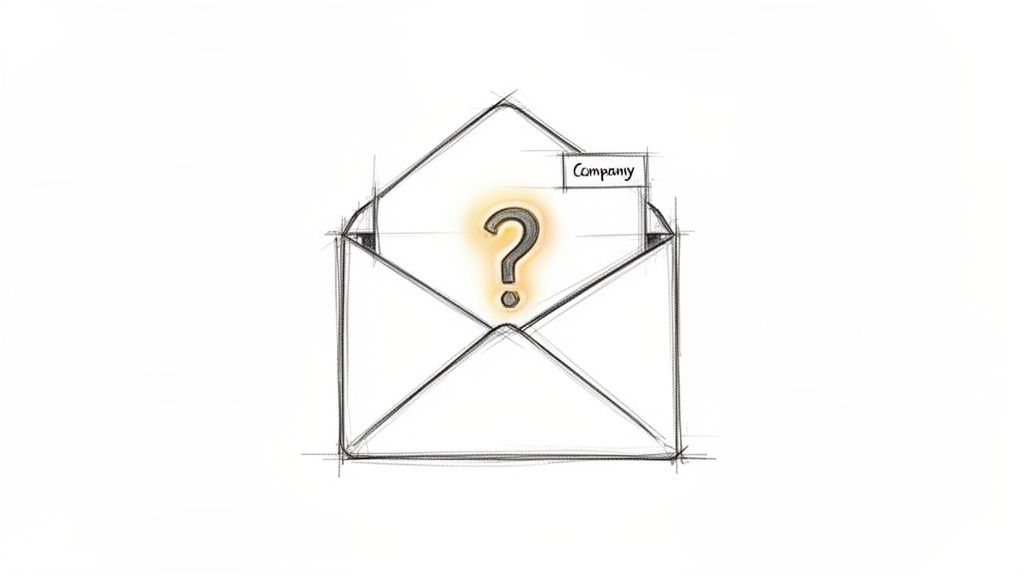
A hand-drawn sketch of an open envelope revealing a glowing question mark, with 'Company' label.

Strategic Breakdown

The key to a successful curiosity gap subject line is relevance. Generic clickbait like "You won't believe this" is transparent and damages credibility. Instead, anchor your curiosity in something specific to the prospect's world, such as their company, industry, or a recent action they took. This approach shows you've done your homework and aren't just sending a mass blast.

Examples in Action

  • Weak: "A quick question"
  • Strong: "[First Name], one thought on [Company Name]'s recent launch" — This is highly specific and timely, making the recipient wonder what insight you have about their big news.
  • Weak: "Checking in"
  • Strong: "A question about your [Department]'s process" — This directly targets the recipient's professional role and implies you've identified a potential gap or opportunity.
  • Weak: "Some ideas for you"
  • Strong: "Is this your top priority for Q3?" — This feels personal and urgent, prompting the prospect to open the email to see what "this" refers to.

Actionable Takeaways

To make this strategy work, follow these specific tactics:

  • Deliver Immediately: The email's first sentence must immediately satisfy the curiosity. If you promise a question about their company, ask it right away. Action: Draft your email body first to ensure your subject line has a clear payoff in the opening line.
  • A/B Test Against Benefits: Compare curiosity-driven subject lines (e.g., "A thought on your MQL process") against benefit-driven ones (e.g., "A way to double your MQL conversion"). This helps you understand what resonates with your audience. Action: Run a 100-email test, sending 50 of each type, and measure the reply rate, not just opens. Tools like marketbetter.ai can automate this testing.
  • Context is King: Never use a curiosity gap subject line in a completely cold email without context. It’s most effective when you can reference a recent blog post they read, a webinar they attended, or a mutual connection. Action: Before sending, find one piece of context (LinkedIn post, company news) to anchor your subject line.

2. Personalized Trigger-Based Subject Lines

Moving beyond basic personalization like a first name, trigger-based subject lines reference a specific, recent event related to the prospect or their company. This approach transforms a cold email into a timely, relevant conversation starter. By tying your outreach to a real-world signal like a funding round, new hire, or content download, you demonstrate that you've done your research and have a legitimate reason for reaching out now.

Strategic Breakdown

The power of a trigger-based email subject line for sales lies in its immediacy and context. Unlike a generic benefit-focused subject line, a trigger-based one answers the prospect's unspoken question: "Why are you emailing me today?" This strategy is highly effective because it aligns your solution with a moment of change or growth for the prospect's company, making your message feel less like an interruption and more like a well-timed opportunity.

Examples in Action

  • Weak: "Congratulations!"
  • Strong: "Congrats on the Series B funding, [Company Name]" — This acknowledges a major milestone and positions your outreach as supportive, implying you have a solution that can help them manage their new growth.
  • Weak: "Your new product"
  • Strong: "Saw your new [Product] launch yesterday" — This is incredibly timely and shows you're paying close attention to their business. It creates a natural entry point to discuss how you can support their new offering.
  • Weak: "Hiring update"
  • Strong: "Just noticed [Company Name] is hiring for [Role]" — Referencing a specific job posting allows you to connect your value proposition directly to a stated need, such as improving efficiency for a growing team.

Actionable Takeaways

To execute this strategy effectively, focus on precision and speed:

  • Pair Signal with Substance: The signal you reference in the subject line must be immediately connected to the value you offer in the email's opening sentence. Action: Use this template for your first line: "Saw you [trigger event], which often means companies struggle with [problem you solve]. We help by..."
  • Test Signal Freshness: The impact of a trigger event diminishes over time. A signal from yesterday will almost always outperform one from three weeks ago. Action: Create two email templates—one for signals <48 hours old and another for signals 1-2 weeks old. Measure the difference in reply rates.
  • Leverage Intent Data: Use tools that provide real-time intent signals, such as website visits or content engagement, to automate and scale this process. Action: Set up alerts using a tool like marketbetter.ai to get notified of fresh signals for your target accounts, allowing you to act within hours, not days.

3. Benefit-Driven Subject Lines with a Twist

Leading with a clear, quantifiable benefit is a classic sales approach, but it often gets lost in a sea of generic promises. This strategy revitalizes the benefit-driven email subject line for sales by adding a specific, personalized twist. It moves beyond vague claims like "Increase your ROI" and instead presents a tangible, relevant outcome tied directly to the prospect's company, role, or industry, making it impossible to ignore.
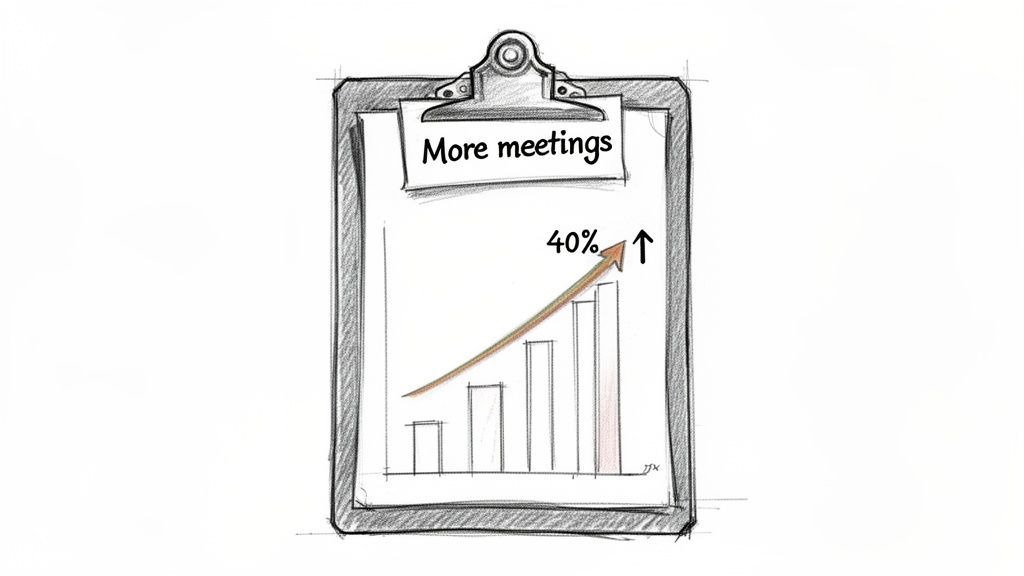
A hand-drawn clipboard displays a chart illustrating a 40% increase in meetings over time.

Strategic Breakdown

The power of this technique comes from its blend of value and specificity. A generic benefit is easy to dismiss, but a benefit grounded in the prospect's reality creates instant credibility and relevance. By including a detail like their industry, a competitor they know, or a metric their role is judged on, you signal that this isn't a mass email. You're speaking their language and promising a solution to a problem they actively face.

Examples in Action

  • Weak: "Increase meetings and save time"
  • Strong: "[Company Name] SDRs: 40% more meetings, 20% less prep time" — This is highly targeted, calling out the company and the specific roles (SDRs) while offering two compelling, quantifiable outcomes.
  • Weak: "How companies save time"
  • Strong: "SaaS companies like [Competitor] cut dialing time by 50%" — This uses social proof by naming a competitor, making the benefit feel achievable and directly relevant to their market.
  • Weak: "Improve team efficiency"
  • Strong: "Cut cold email research time in half for your team" — This focuses on a common pain point (time-consuming research) and promises a significant efficiency gain, which is a key priority for any sales leader.

Actionable Takeaways

To execute this strategy effectively, use these precise tactics:

  • Reinforce Immediately: The first sentence of your email must connect directly to the benefit promised in the subject line. Action: If your subject line claims "40% more meetings," start your email with: "Companies like yours use our platform to get 40% more meetings by..."
  • Segment Your Data: Pull success metrics from customer segments that mirror the prospect's company profile. A claim is more believable if it's from a peer. Action: Create a simple spreadsheet mapping your case studies to industries and company sizes. Refer to it before every outreach sequence.
  • Test Benefit Magnitude: A/B test different numbers. Does "35% more pipeline" get a better open rate than "40% more pipeline"? Sometimes a slightly more conservative number can feel more credible. Action: Run a test comparing a specific number (e.g., 37%) versus a rounded one (e.g., 40%) to see which performs better with your audience.

4. Problem-Agitator Subject Lines

This approach to writing an email subject line for sales goes straight for the pain point. Instead of hinting at a solution, you lead by naming a specific, frustrating problem your prospect likely faces. This strategy works by creating instant relevance and demonstrating empathy, making the recipient feel understood and more inclined to see what you have to say. When you accurately diagnose a prospect's challenge in the subject line, you position yourself as a problem-solver from the very first interaction.

Strategic Breakdown

The power of a problem-agitator subject line lies in its accuracy. A generic guess will fall flat, but a well-researched, specific problem makes your outreach feel less like a cold email and more like a timely intervention. This technique is especially potent for sales development representatives (SDRs) targeting personas with well-defined, industry-standard challenges. By articulating their pain better than they can, you immediately establish credibility and authority.

Examples in Action

  • Weak: "Time management issues?"
  • Strong: "SDRs still spending 3 hours on research daily?" — This is highly specific and quantifiable, calling out a common time-wasting activity that resonates with sales leaders.
  • Weak: "Email problems"
  • Strong: "Cold emails not getting replies? Let's talk why" — A direct and conversational subject line that targets a universal frustration for anyone in a sales or marketing role.
  • Weak: "CRM challenges"
  • Strong: "[Company Name] struggling with call logging in Salesforce?" — This shows you've done your homework by naming the prospect's company and a common CRM-related issue, making it highly personalized.

Actionable Takeaways

To effectively implement this strategy, focus on precision and empathy:

  • Validate the Problem: Before sending, use context clues from job descriptions, LinkedIn posts, or case studies to validate the prospect is likely facing this issue. Action: Spend 2 minutes reviewing the company’s recent job postings for roles you impact. The job description is a goldmine of stated problems.
  • Use Qualifier Language: Avoid absolutes that can seem presumptuous. Words like "likely," "struggling with," or posing it as a question soften the claim and invite dialogue. Action: Change "You are losing deals because..." to "Struggling with [problem]?" to be less accusatory.
  • Compare Against Curiosity: Test a problem-focused subject line like "Low MQL to SQL conversion?" against a curiosity-based one like "A thought on your MQL process." Action: Split your next prospect list in two and send each a different version. Track which one generates more qualified meetings using a platform like marketbetter.ai.
  • Align with High Intent: This strategy is most effective for prospects showing high-intent signals, such as visiting your pricing page or downloading a problem-focused whitepaper. Action: Set up an automated sequence with problem-agitator subject lines that triggers only for high-intent website visitors.

5. Question-Based Subject Lines (Provocative)

Posing a provocative question in an email subject line for sales directly engages the prospect's analytical mind. Unlike curiosity gaps that create a mystery, this approach frames a specific, relevant business problem as a direct question, prompting introspection and positioning your email as a potential solution. It assumes the prospect is already aware of the challenge and invites them into a dialogue about it.

Strategic Breakdown

The power of a question-based subject line lies in its ability to immediately qualify the reader. If the question resonates with a real pain point, the recipient is compelled to open the email to see if you understand their problem and have a credible answer. This method is rooted in consultative selling principles like SPIN, focusing on the problem before ever mentioning a solution. It's a direct challenge to the status quo.

Examples in Action

  • Weak: "Question about your tech stack"
  • Strong: "Is your dialer actually inside Salesforce?" — This is a hyper-specific technical question that instantly segments the audience. A sales leader using a disconnected dialer will feel this pain point immediately.
  • Weak: "Thinking about your challenges"
  • Strong: "[First Name], what's your biggest blocker with cold outreach?" — This open-ended, personalized question invites a genuine response and opens the door for a consultative conversation rather than a hard pitch.
  • Weak: "Can you improve your team?"
  • Strong: "Want to cut your SDR ramp time from 3 months to 6 weeks?" — While a yes/no question, this frames a powerful benefit in a way that feels less like a claim and more like a challenge, daring the recipient to find out how.

Actionable Takeaways

To effectively use this provocative email subject line for sales, apply these tactics:

  • Focus on Measurable Outcomes: Your question should point to a specific business metric or operational inefficiency. Action: Frame your question around time, money, or risk. For example, instead of "Is your process slow?" ask, "How many hours a week do your reps lose to manual data entry?"
  • Prioritize Open-Ended Questions: Questions that can't be answered with a simple "yes" or "no" are more likely to elicit a thoughtful response. Action: For your top-tier accounts, change yes/no questions like "Are you struggling with X?" to open-ended ones like "How are you approaching X in Q3?"
  • Personalize with Persona Data: Tailor your question to the recipient's role. A VP of Sales cares about ramp time, while an SDR manager is focused on daily workflow blockers. Action: For each of your key personas, write down their #1 KPI. Craft three questions that directly relate to improving that KPI.
  • Test Against Direct Statements: Compare a question like "Is your team hitting quota?" against a statement like "A new way to hit quota." Action: Run an A/B test to see if your audience responds better to direct inquiry or bold claims. The results may vary by seniority level.

6. Time-Sensitive / Scarcity Subject Lines

Urgency is a powerful motivator that drives immediate action. A time-sensitive email subject line for sales taps into the psychological principle of scarcity, signaling that an opportunity is limited or a deadline is approaching. This method compels prospects to prioritize your email over others by linking your message to a specific, tangible timeline, preventing it from being archived for "later."

Strategic Breakdown

The effectiveness of this strategy hinges on credibility. Artificial urgency, such as a "limited-time offer" with no real deadline, can erode trust and make your outreach feel like generic marketing spam. The most successful scarcity-based subject lines are anchored to real-world events that are verifiable and relevant to the prospect, such as an upcoming industry conference, a company earnings call, or the end of a fiscal quarter.

Examples in Action

  • Weak: "Urgent: Read now"
  • Strong: "[Company Name] is hiring: quick question about your outbound strategy" — This connects your outreach to a public signal of growth (hiring), creating a timely and relevant reason to discuss their strategy now.
  • Weak: "Meeting before the event?"
  • Strong: "Before [Industry Conference] next week, let's align on your pipeline goals" — This creates a hard, non-negotiable deadline (the conference date), making a pre-event conversation a logical priority.
  • Weak: "End of quarter"
  • Strong: "[First Name], closing window for Q4 planning - 3 weeks left" — This is highly relevant for decision-makers, as it ties directly into their own internal planning cycles and responsibilities.

Actionable Takeaways

To execute this strategy without damaging your reputation, follow these tactics:

  • Anchor to Real Events: Tie your urgency to verifiable public information. Use signal data like hiring trends, technology adoption, or event attendance to justify your timing. Action: Set up Google Alerts for your top 20 accounts for terms like "hiring," "funding," and "launch."
  • Be Transparent: Clearly state the deadline or event in the subject line. Ambiguity undermines the entire premise. Action: Compare "Before the end of the month" with "Before the Nov. 30th deadline." The specific date is almost always more effective.
  • Perfect Your Timing: Send the email 3-5 days before the actual deadline or event. This provides enough time for the prospect to see, open, and act on your message without feeling rushed. Action: Schedule these emails in your sales engagement platform to go out automatically at the optimal time.
  • Pair with Value: The email body must deliver on the urgency. Offer a specific insight or resource that is genuinely more valuable before the deadline passes. Action: Create a "pre-event" one-pager with insights relevant to the conference and attach it to your email to justify the time-sensitive outreach.

7. Social Proof / Authority Subject Lines

Leveraging social proof is a fundamental principle of influence, and it translates powerfully into an email subject line for sales. This strategy works by referencing a credible third party, a well-known customer, or a specific achievement to build instant trust and reduce the recipient's perceived risk. Instead of asking a prospect to believe your claims, you're showing them that their respected peers or competitors already do.
Sketch illustrating trust with a building, three people, a 'Trusted by' banner, and a green checkmark.

Strategic Breakdown

The effectiveness of a social proof subject line hinges on relevance and specificity. A generic "Trusted by thousands" is weak, but mentioning a direct competitor or a similar-tier company in the prospect's industry creates an immediate connection. The prospect's thought process shifts from "Who is this?" to "If my competitor is using this, I need to know why." This tactic borrows authority, making your cold outreach feel more like a warm, relevant introduction.

Examples in Action

  • Weak: "How we help our customers"
  • Strong: "Helps teams at [Competitor/Peer Company] close 30% more deals" — This is a double-win. It names a direct competitor and ties it to a quantifiable, high-value result.
  • Weak: "See how we help companies like yours"
  • Strong: "[Company Name] & [Similar Tier Company] cut SDR ramp time by 50%" — Mentioning a company of similar size or status makes the results feel achievable and directly applicable to the prospect's own challenges.
  • Weak: "As seen in the news"
  • Strong: "Recommended by [Industry Authority or Publication]" — This borrows credibility from a trusted source within the prospect's ecosystem, positioning your solution as vetted and reliable.

Actionable Takeaways

To make this strategy work, follow these specific tactics:

  • Get Permission: Always ensure you have permission before name-dropping a customer. A case study or public testimonial is your best source of approved proof. Action: Create a central repository of approved customer logos and case studies for your sales team to easily access.
  • Test Specificity: A/B test a specific customer name against a broader category. Action: Compare "How [Competitor Company] solved X" with "How SaaS leaders solve X" to see which resonates more with your target persona. The former works best when you have a direct, well-known competitor.
  • Connect to the Body: The social proof in the subject line must be the focal point of your email's opening. Action: Immediately expand on the result you referenced, providing a link to a case study or a direct quote in the first two sentences.

8. Contrarian / Challenger Subject Lines

Inspired by "The Challenger Sale," this advanced email subject line for sales is designed to disrupt the prospect's status quo. Instead of agreeing with common assumptions, it introduces a provocative, contrarian viewpoint that challenges their current thinking. This positions you not as a vendor selling a product, but as a strategic partner with a unique and valuable perspective.

Strategic Breakdown

The goal of a challenger subject line is to make the recipient pause and reconsider a deeply held belief about their business. It works by creating cognitive dissonance, sparking enough curiosity and professional intrigue to earn an open. This approach is not about being aggressive; it's about being insightful and demonstrating that you understand their world so deeply you can identify a flaw in their common strategy.

Examples in Action

  • Weak: "A better way to email"
  • Strong: "Cold email isn't dying. Your approach is." — This directly confronts a common industry complaint and promises a new perspective, making it irresistible for a sales leader struggling with outreach.
  • Weak: "How to grow your sales team"
  • Strong: "[Company Name], you don't need more SDRs - you need better systems" — This challenges a typical solution (hiring more people) and suggests a more efficient, systemic fix, appealing to leaders focused on scalability.
  • Weak: "Sales tips"
  • Strong: "Forget outreach volume. Here's what actually moves the needle." — This speaks directly to the "more is better" mindset and offers a smarter, alternative path to achieving key results.

Actionable Takeaways

To execute this strategy effectively, follow these precise tactics:

  • Earn the Right: Only use this on well-researched, high-value accounts. You must have evidence to support your claim. Action: Reserve this for Tier 1 accounts where you've spent at least 15 minutes researching their specific situation.
  • Back It Up Immediately: The first line of your email must substantiate the claim with a compelling data point or a sharp insight. Action: After "Forget outreach volume," start with "Our data from 1M+ emails shows personalized multi-touch sequences outperform high-volume cadences by 3x."
  • Test Against Safer Bets: A/B test your challenger subject lines against benefit-driven or curiosity-based alternatives. This will show you which segments are receptive to a provocative approach. Action: Use a tool like marketbetter.ai to track which messaging drives meetings, not just opens, as this style can sometimes generate opens from curiosity without buying intent.

9. Reciprocity / Value-First Subject Lines

The principle of reciprocity is a fundamental aspect of human psychology: when someone gives you something of value, you feel an innate obligation to give something back. A well-executed email subject line for sales can trigger this response by leading with genuine, no-strings-attached value. This strategy positions you as a helpful resource rather than just another salesperson, building trust and rapport from the very first interaction.

Strategic Breakdown

The core of this approach is to offer a valuable insight, resource, or piece of data directly in your subject line. Unlike curiosity-based subject lines that create a mystery, this method is transparent about the benefit. The key is that the value must be specific, relevant, and genuinely useful to the prospect's role or industry. Generic offers are easily dismissed, but a targeted piece of analysis shows you understand their challenges and have something tangible to contribute.

Examples in Action

  • Weak: "Some data for you"
  • Strong: "[Company Name]: How your SDR productivity compares" — This offers a competitive benchmark, a highly valuable piece of information for any sales leader looking to optimize their team.
  • Weak: "Free resource"
  • Strong: "[First Name], free analysis of your website's lead capture" — This is incredibly specific and promises a personalized assessment of a critical business function, making it almost irresistible to open.
  • Weak: "Tips for your strategy"
  • Strong: "3 reasons your cold email strategy isn't working (+ fix)" — This subject line not only identifies a common pain point but also promises a solution, framing the email as immediate, actionable advice.

Actionable Takeaways

To effectively implement value-first subject lines, follow these guidelines:

  • Deliver Value Instantly: The value promised must be delivered immediately in the email body. Don't use it as bait to get a click to a blog post. Action: If you promise an analysis, include 2-3 bullet points of your findings directly in the email text itself.
  • Be Hyper-Specific: Vague offers like "Helpful resource inside" are ineffective. Action: Instead of "A report on your industry," try "Data on [competitor]'s marketing spend for Q3."
  • Test Against Pain Points: Compare value-driven subject lines (e.g., "A benchmark for your SDR team") against pain-point-driven ones (e.g., "Frustrated with low SDR meeting rates?"). Action: Use a tool like marketbetter.ai to determine if your audience responds better to a promised gain or the solution to a current problem.
  • Use as a Nurture Tactic: While it can work for a first touch, this strategy is exceptionally powerful in a follow-up sequence. Action: Create a 3-step sequence. Step 1: Intro. Step 2 (if no reply): Follow up with a value-first subject line like "A resource for your [Job Title] role."

10. Role-Specific / Segmented Subject Lines

Speaking directly to a prospect's job function is one of the most effective ways to craft a compelling email subject line for sales. This strategy moves beyond simple name personalization and tailors the message to the specific challenges, goals, and language of a particular role or department. It demonstrates immediate relevance and shows the prospect that you understand their unique world, instantly setting your email apart from generic, one-size-fits-all blasts.

Strategic Breakdown

The power of role-specific subject lines comes from leveraging buyer persona research. Instead of sending the same message to a VP of Sales and a RevOps Manager, you create distinct messaging that addresses their different priorities. A sales leader cares about ramp time and quota attainment, while a RevOps manager is focused on data integrity and process efficiency. Acknowledging this difference in the subject line proves you've done your homework and have a relevant solution.

Examples in Action

  • Weak: "A tool for sales leaders"
  • Strong: "VP of Sales: Cut SDR onboarding from 3 months to 6 weeks" — This subject line combines the recipient's title with a specific, quantifiable outcome directly tied to their responsibilities.
  • Weak: "Fix your Salesforce data"
  • Strong: "RevOps Manager: Salesforce call logging-solved" — This is incredibly direct, naming a common, frustrating pain point for this specific role and offering a definitive solution.
  • Weak: "Help for your SDRs"
  • Strong: "Head of SDR: Your team might be missing this obvious win" — This creates curiosity while speaking the language of a sales development leader who is always looking for an edge to improve team performance.

Actionable Takeaways

To make this strategy work, follow these specific tactics:

  • Create Persona-Specific Variations: Develop 3-5 distinct subject line templates, each one mapped to a key buyer persona. Action: Build a simple "persona card" for each role that lists their top 3 priorities. Write one subject line for each priority.
  • Mirror the Message: The promise made in the role-specific subject line must be the immediate focus of the email body. Action: If your subject line is for a RevOps Manager about Salesforce logging, the first sentence must address that exact topic. Don't bury the lead.
  • Test Against Generic Messaging: A/B test your role-specific subject lines against more general, benefit-driven ones. Action: For your next campaign, send 50% with a generic subject like "A new way to boost sales" and 50% with a role-specific one like "VP of Sales: A new way to boost sales." Measure the reply rate difference.
  • Update Personas Quarterly: Business priorities and pain points shift. Action: Set a recurring calendar reminder to review your persona messaging with your marketing and product teams each quarter to ensure it remains relevant.

10 Sales Email Subject Lines Compared

Subject Line TypeImplementation 🔄 (complexity)Resources 💡 (requirements)Expected Outcomes ⭐📊Ideal Use CasesKey Advantages ⚡
Curiosity Gap Subject LinesModerate — simple copy but needs contextual personalization and strong follow-upLow–Medium — copywriting + some account/context signals⭐📊 Large open lift (often 35–50%+); CTR may be lower if body doesn't deliverCold outreach to new accounts; follow-ups after no response; intent-signaled prospects⚡ Quick to craft, mobile-friendly, drives opens
Personalized Trigger-Based Subject LinesHigh — requires real-time signal integration and validationHigh — intent data, automation, real‑time feeds, verification⭐📊 Very high open/relevance (40–60%+); better replies/connects when accuratePriority accounts, first-touch on fresh intent, signal-driven campaigns⚡ Extremely relevant; reduces unsubscribe risk and fuels conversations
Benefit-Driven Subject Lines with a TwistMedium — needs credible metrics and tailored benefit framingMedium — customer metrics, account research, persona fit⭐📊 Strong open→reply conversion when claims are believableBusy C‑level and manager personas; persona-targeted campaigns; follow-ups⚡ Clear value reduces friction; easy to A/B test
Problem-Agitator Subject LinesMedium–High — needs accurate diagnosis and careful toneMedium — task/context checks, intent signals, persona insight⭐📊 High engagement for accurately identified pains; risk of misfiresMid‑market+/warmed prospects; sequences targeting known pain points⚡ Triggers emotional resonance and prompts conversation
Question-Based Subject Lines (Provocative)Low–Medium — templatable but must be specific and thoughtfulLow–Medium — persona data, focused copywriting⭐📊 Higher cognitive engagement vs. statements; variable opens if genericStrategic accounts, consultative selling, multi‑touch outreach⚡ Invites replies and discovery; easy to personalize at scale
Time‑Sensitive / Scarcity Subject LinesMedium — must tie to real events and timingMedium — event calendars, signal tracking, honest deadlines⭐📊 Increased CTR and immediate action when urgency is genuine; short shelf lifeFollow‑ups tied to events (funding, conferences), seasonal campaigns⚡ Drives fast action and reduces procrastination
Social Proof / Authority Subject LinesMedium — requires verifiable proof and careful selectionMedium–High — case studies, customer lists, approvals, relevant examples⭐📊 Lowers trust barriers; higher replies from decision‑makers evaluating optionsEnterprise/mid‑market outbound; competitor-targeting; evaluation-stage prospects⚡ Builds credibility quickly; boosts reply rates from influencers
Contrarian / Challenger Subject LinesHigh — needs strong research and confident, evidence-backed claimsMedium–High — data, thought leadership, tailored messaging⭐📊 High opens/replies with receptive audiences; risk of alienation if wrongStrategic/high‑value accounts; forward‑thinking personas; thought leadership outreach⚡ Differentiates from competitors; sparks dialogue
Reciprocity / Value‑First Subject LinesMedium — requires creating & delivering genuine value up frontHigh — bespoke analysis, reports, actionable insights⭐📊 Higher trust and engagement; slower path to conversion but better relationshipHigh‑value/complex deals, C‑level relationship building, warmed prospects⚡ Builds rapport and triggers reciprocity; lowers unsubscribe risk
Role‑Specific / Segmented Subject LinesMedium–High — needs segmentation strategy and template maintenanceHigh — persona mapping, list hygiene, dynamic templates, testing⭐📊 Significant relevance lift (20–30%+ open increases) and improved reply qualityMulti‑threaded outreach, complex B2B deals, campaigns targeting multiple stakeholders⚡ Targets the right buyer; improves conversion and reply relevance

From Theory to Execution: Activating Your Subject Line Strategy

You've just explored ten distinct, powerful frameworks for crafting an effective email subject line for sales. We’ve moved beyond generic templates, diving deep into the psychological triggers that drive opens, clicks, and, most importantly, replies. From sparking intrigue with the Curiosity Gap to leveraging timely Personalization and agitating problems your prospect is actively trying to solve, the goal is clear: your subject line is the tip of the spear in your entire sales motion.

The difference between a mediocre and a masterful subject line isn't just a few percentage points on your open rate. It's the difference between being deleted and starting a conversation that leads to a closed deal. The key is to stop thinking in terms of one-off "tricks" and start building a strategic, adaptable system.

Synthesizing the Strategies: From List to Live Cadence

The true power of these examples is unlocked when you see them not as a menu to pick from, but as a toolkit to combine and deploy based on context. A new SDR might start with a straightforward, Benefit-Driven subject line. It's a low-risk, high-clarity approach. In contrast, a seasoned BDR targeting a C-level executive who has ignored previous outreach might deploy a bold Contrarian or a hyper-specific Question-Based subject line to break through the noise.

Actionable Comparison: For a first touch, a Trigger-Based subject line ("Saw you're hiring SDRs") is often superior to a generic Benefit-Driven one ("Improve SDR performance"). The trigger provides immediate, undeniable relevance that the benefit alone lacks. For a follow-up, a Value-First line ("A benchmark for your new SDR team") can re-engage a prospect by offering help instead of just asking for their time again.

Your subject line strategy must be as dynamic as your prospects themselves.

The Litmus Test: Moving Beyond Open Rates

Let’s be brutally honest: open rates are a vanity metric if they don't lead to action. An intriguing subject line that leads to a disappointing email body creates a negative brand impression. Your primary metrics for subject line success should be reply rate and meetings booked. These are the indicators of true engagement.

To get there, you must embrace systematic testing. Don't just test random ideas; test entire strategies against each other. For your next campaign targeting a specific persona, try this:

  • Group A (Control): Use your current best-performing subject line style.
  • Group B (Challenger): Test a completely different framework. If you normally use Benefit-Driven lines like "A better way to manage X," test a Curiosity Gap approach like "question about your Q3 goals."

Actionable Step: Create a simple tracking sheet with columns for "Subject Line," "Strategy Type," "Emails Sent," "Opens," "Replies," and "Meetings Booked." After sending 100 emails for each group, calculate the reply and meeting rates. This data, not just opens, will tell you the real winner.

Activating Your Strategy with Intelligent Workflows

The final, critical piece is operationalizing this intelligence. A brilliant subject line is useless if it’s sent to the wrong person at the wrong time. This is where modern sales tools bridge the gap between theory and revenue. An SDR shouldn't spend an hour searching for the perfect trigger event and another 30 minutes crafting the perfect personalized subject line. The process must be scalable.

Platforms like marketbetter.ai are designed for this exact purpose. They integrate with your CRM to monitor buyer signals, such as a prospect's company posting a relevant job or a key executive engaging with your content. The system then prompts your sales team with an AI-generated, context-aware email and subject line, turning a powerful strategy into a repeatable, daily workflow. This ensures that every high-impact email subject line for sales you've learned about is delivered with perfect timing and relevance, transforming your outbound efforts from a guessing game into a data-driven science.


Ready to stop guessing and start executing a world-class sales email strategy? marketbetter.ai turns the buyer signals and subject line tactics from this article into a prioritized, AI-powered workflow directly inside your CRM. See how you can build a repeatable pipeline-generating machine by visiting marketbetter.ai today.
7 High-Conversion Cold Email Templates & Platforms for SDRs in 2026

· 29 min read

In B2B sales, a generic cold email is a deleted email. Sales Development Representatives (SDRs) are under immense pressure to generate pipeline, yet they often spend hours on manual research and crafting messages that get ignored. The problem isn't a lack of effort; it's a broken workflow that fails to scale personalization. A great template is a starting point, but true success comes from combining a proven structure with deep personalization and executing it efficiently within your CRM.

This guide moves beyond simple copy-paste solutions. We will provide an actionable framework for turning high-performing cold email templates into repeatable revenue. You'll get a direct comparison of the top platforms and resources, from static template libraries to dynamic AI-powered generation engines. We'll show you exactly how to implement these strategies and sequences within a real-world SDR workflow to get more replies and book more meetings. For a deeper understanding of the fundamental principles and strategies behind effective cold outreach, explore this comprehensive guide.

Each entry in our list includes screenshots, direct links, and a breakdown of its core strengths, so you can quickly identify the best fit for your team's specific needs. We’ll compare platforms like MarketBetter.ai for its AI-driven personalization, HubSpot for its integrated CRM templates, and Mailshake for its straightforward automation, giving you the insights needed to refine your outreach process. This isn't just a list; it's a playbook for building a more effective, scalable, and successful cold email strategy.

1. marketbetter.ai

MarketBetter.ai secures its position as our top choice by fundamentally redefining how sales teams approach cold outreach. Instead of offering a static library of cold email templates, it provides a dynamic, AI-powered task engine that turns buyer intent signals into perfectly timed, highly relevant outreach sequences directly within your CRM. This execution-first model addresses the core challenge of modern outbound: not just what to say, but when and why to say it, ensuring every email is rooted in context and data.

For SDRs, BDRs, and sales leaders, this platform is a significant upgrade from standalone AI writers or template repositories. It transforms the often-chaotic process of prospecting into a streamlined, prioritized workflow, significantly reducing the manual research and administrative busywork that consumes up to 70% of a rep's day.

Core Features and Strategic Advantages

MarketBetter.ai's strength lies in its cohesive, end-to-end workflow designed for high-performance outbound teams. It’s not just a tool for generating emails; it’s an operational system for executing a smarter, faster GTM strategy.

  • AI-Generated Cold Email Sequences: The platform's AI goes beyond generic templates. It produces short, sequence-ready first touches and follow-ups based on the prospect's persona, industry, and recent intent signals (like website visits or content engagement). It also generates subject line and CTA variants, allowing for A/B testing and continuous optimization.
  • Intent-Driven Task Prioritization: This is the key differentiator. MarketBetter automatically creates a daily task inbox for each SDR, pulling in leads from intent data, ICP triggers, and engagement signals. It then ranks these tasks by account fit, activity, and timing, ensuring reps always focus their energy on the most promising opportunities first.
  • Native CRM Execution: With a built-in dialer and seamless integration, reps execute all tasks (emails and calls) directly inside Salesforce or HubSpot. This eliminates the need to switch between tabs, ensures 100% of activity is auto-logged, and maintains pristine CRM data hygiene for accurate reporting and coaching.
  • AI-Assisted Cold Calling: Complementing its email capabilities, the AI Cold Call workflow provides reps with contextual research, relevant talk tracks, and automated post-call summaries. This comprehensive approach ensures message consistency across all touchpoints.

Practical Application: From Signal to Meeting

Here’s an actionable workflow for how a BDR would use MarketBetter.ai to operationalize cold email templates and outreach:

  1. Prioritized Tasks Appear: The SDR logs into Salesforce and finds their daily task queue, pre-populated and ranked by MarketBetter. A top task might be a Marketing VP at a target account who just downloaded a whitepaper.
  2. Context is Served: The task includes key research points: the prospect's LinkedIn activity, company news, and the specific content they engaged with.
  3. AI Crafts the Email: With one click, the AI generates a concise, relevant cold email referencing the whitepaper topic and connecting it to a relevant pain point for a Marketing VP.
  4. Execution is Instant: The SDR reviews the email, makes a minor tweak to match their personal style, and sends it directly from the Salesforce interface. The activity, including the email body, is logged automatically.
  5. Follow-up is Scheduled: The system queues up the next step in the sequence, whether it's a follow-up email or a call, ensuring no lead falls through the cracks.

Key Insight: The value of MarketBetter.ai isn't just in the quality of the AI-generated templates but in its ability to connect those templates to a specific, timely reason for outreach. This relevance is what drives a reported 5x increase in response rates for its users.

Pricing and Onboarding

MarketBetter.ai does not list public pricing, opting for a consultative sales process with custom quotes based on team size and feature requirements. They offer a free trial and a personalized demo to showcase the platform's value.

The company emphasizes fast time-to-value, with easy integrations for Salesforce, HubSpot, Gmail, Outlook, Slack, and Teams included at no extra cost. Their strong social proof, including a 4.97 G2 rating and awards for implementation support and ROI, suggests a smooth and effective onboarding experience.

Why It Stands Out

Feature ComparisonStandard Template LibraryStandalone AI WriterMarketBetter.ai
Primary FunctionStatic content repositoryOn-demand text generationEnd-to-end SDR workflow
CRM IntegrationManual copy/pasteManual copy/pasteNative Execution & Auto-Logging
PersonalizationRelies on manual researchRequires user-provided promptsAutomated from Intent Signals
WorkflowDisconnected from CRMDisconnected from CRMPrioritized, In-CRM Task Queue
Rep ProductivityLowModerateHigh (70% less manual work)

Ultimately, MarketBetter.ai is more than a source for cold email templates; it’s a strategic platform built to make your entire outbound engine more efficient, relevant, and effective. By embedding AI-powered content generation within a native CRM workflow driven by buyer intent, it empowers sales teams to act on the right signals at the right time with the right message.

Website: https://www.marketbetter.ai

2. HubSpot

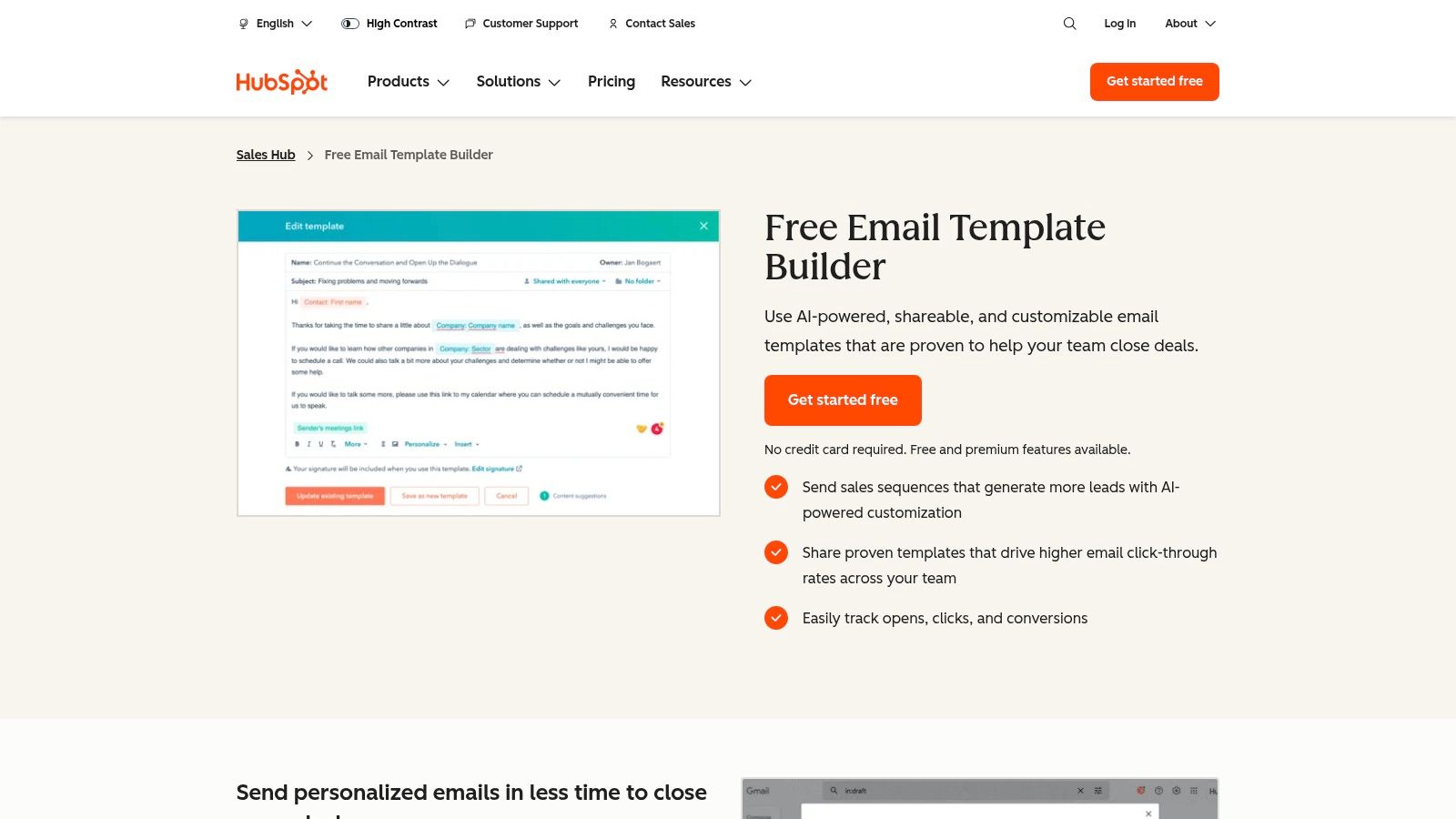
HubSpot is a powerhouse in the sales and marketing world, and its resources for cold email templates are no exception. Far more than just a blog post with a few examples, HubSpot offers a comprehensive ecosystem that combines high-quality, free template packs with a powerful, integrated CRM and sales automation platform (Sales Hub). This makes it an ideal choice for sales teams who want to move from simply copying templates to operationalizing them within a structured, data-driven workflow.

Unlike standalone template libraries or specialized outreach tools like Mailshake, HubSpot's primary advantage is its native integration into a full-funnel CRM. You can access and deploy templates directly from your Gmail or Outlook inbox, track opens and clicks in real-time, and enroll prospects into multi-step sequences without ever leaving your CRM. This unified approach eliminates the friction of switching between tools and provides a single source of truth for all your outreach activities.

HubSpot's email template builder, which allows for easy creation and personalization of cold email templates.

Key Offerings and Features

HubSpot's template resources are split into two main categories: downloadable assets and in-product tools.

  • Free Downloadable Template Pack: HubSpot offers a popular pack of over 50 sales email templates. This collection covers the entire sales cycle, from the initial cold outreach and follow-ups to re-engagement and breakup emails. While access requires submitting your email (gated content), the quality is consistently high and provides a solid foundation for any SDR.
  • In-Product Templates & Sequences: Within the HubSpot Sales Hub, users can create, save, and share an unlimited number of templates. The platform supports personalization tokens that pull data directly from contact records in the HubSpot CRM, making it easy to customize emails at scale.
  • Built-in Analytics: Each template’s performance is tracked automatically. You can monitor open rates, click-through rates, and reply rates to identify your top-performing messages and continuously optimize your approach.

Pricing and Access

HubSpot's approach to templates is tiered, making it accessible for individuals while offering robust features for growing teams.

Feature/TierFree ToolsSales Hub Starter (from $15/mo/seat)Sales Hub Professional (from $90/mo/seat)
Template Access5 templates1,000 templates1,000 templates
Email SequencesNoYesYes (with advanced features)
Email Tracking200 notifications/monthUnlimited notificationsUnlimited notifications
Downloadable PacksYes (requires email signup)YesYes

How to Use HubSpot Templates Effectively: An Action Plan

  1. Start with the Free Pack: Download HubSpot's free sales email template pack. Don't just copy-paste; identify 2-3 templates that align with your specific use case (e.g., "Referral Request" or "Problem-Agitator-Solve").
  2. Adapt and Import: Rewrite the chosen templates in your own brand voice. Then, import them into the HubSpot templates tool (even the free version allows for five).
  3. Connect to Your CRM: Use HubSpot’s personalization tokens (like {{contact.firstname}} and {{contact.company}}) to dynamically insert prospect data. This is a critical step for scaling your outreach without sacrificing personalization.
  4. Test and Measure: Send your templates to a small, targeted list of prospects. Use the built-in analytics to see which subject lines get the most opens and which body copy generates the most replies. The data doesn't lie.

Website: https://www.hubspot.com/products/sales/email-templates-sales

3. Mailshake

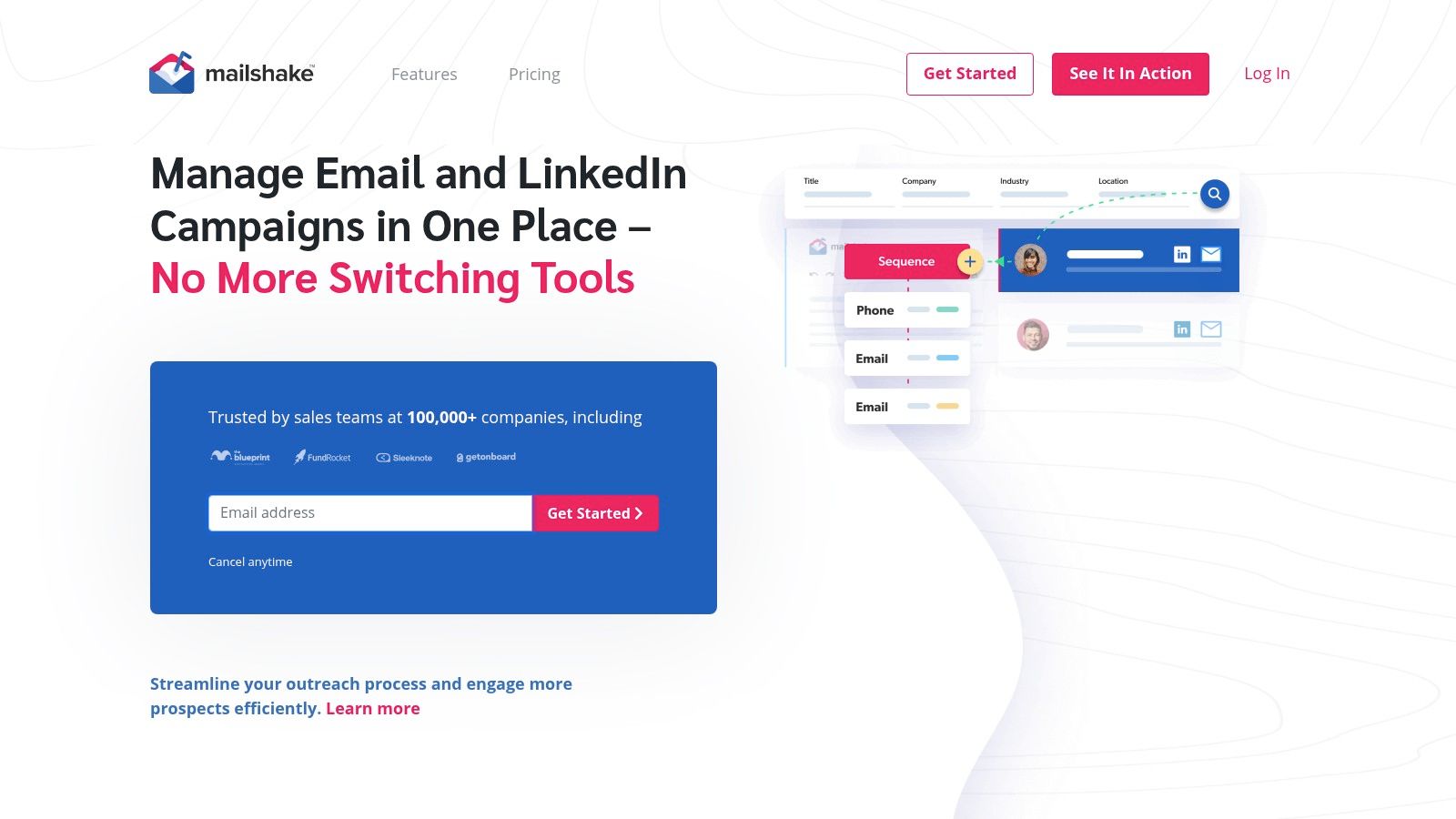
Mailshake is a dedicated sales engagement platform designed to streamline and automate cold outreach. While it offers a complete suite of tools for running campaigns, its foundation is built on a powerful system for managing and deploying effective cold email templates. Unlike general-purpose CRMs like HubSpot where templates are one feature among many, Mailshake puts the outreach sequence front and center. This makes it an excellent choice for sales development teams and individuals whose primary goal is to book meetings through scalable, multi-touch email campaigns.

The platform's core advantage is its focus on the entire outreach workflow, from creation to deliverability. Instead of just providing static examples, Mailshake integrates template management directly into campaign sequences, which can include phone calls and social media tasks. This holistic approach ensures your templates are part of a cohesive strategy, not just one-off messages.

Mailshake

Key Offerings and Features

Mailshake combines a rich resource library with powerful in-app tools to help users master cold outreach.

  • Blog & Template Library: Mailshake maintains an extensive blog and resource center filled with tested cold email templates, playbooks, and strategies. These resources are freely available and cover a wide range of scenarios, from link building to enterprise sales.
  • AI Writing Assistant (SHAKESpeare): Integrated directly into the platform, this AI copywriter helps you generate new email ideas, rewrite existing templates for a different tone, or overcome writer's block. It's a practical tool for quickly creating personalized variations.
  • Built-in Deliverability Tools: Mailshake includes an email warm-up tool and list-cleaning integrations to ensure your templates land in the primary inbox. This focus on deliverability is a key differentiator from platforms that don't manage the technical side of sending.
  • Multichannel Sequences: You can build templates not just for the initial email but for every follow-up, and even add steps for phone calls and LinkedIn engagement, all within a single campaign view.

Pricing and Access

Mailshake’s pricing is straightforward, with two primary tiers for sales-focused users. Unlike some competitors, there is no free-forever plan or free trial; payment is required upfront.

Feature/TierEmail Outreach (from $58/mo/seat)Sales Engagement (from $83/mo/seat)
Email CampaignsYesYes
Template StorageUnlimitedUnlimited
AI Writing Asst.YesYes
Phone DialerNoYes
LinkedIn AutomationNoYes (Add-on)
Blog/Resource AccessYesYes

How to Use Mailshake Templates Effectively: An Action Plan

  1. Start with Proven Examples: Explore Mailshake's public blog to find a battle-tested cold email template for sales that matches your campaign goal. These serve as a great starting point.
  2. Use SHAKESpeare for Personalization: Once you have a base template, use the AI writing assistant to create 3-4 variations. Ask it to rewrite the template with a more casual tone, or to focus on a specific pain point.
  3. Build a Multi-Step Sequence: Don't rely on a single email. Import your template into a Mailshake campaign and build a sequence of 3-5 follow-up emails. Use slight variations of your core message for each step.
  4. A/B Test Your Subject Lines: Create two versions of your campaign that are identical except for the subject line. Mailshake's analytics will show you which one gets a higher open rate, allowing you to optimize for performance.

Website: https://mailshake.com/

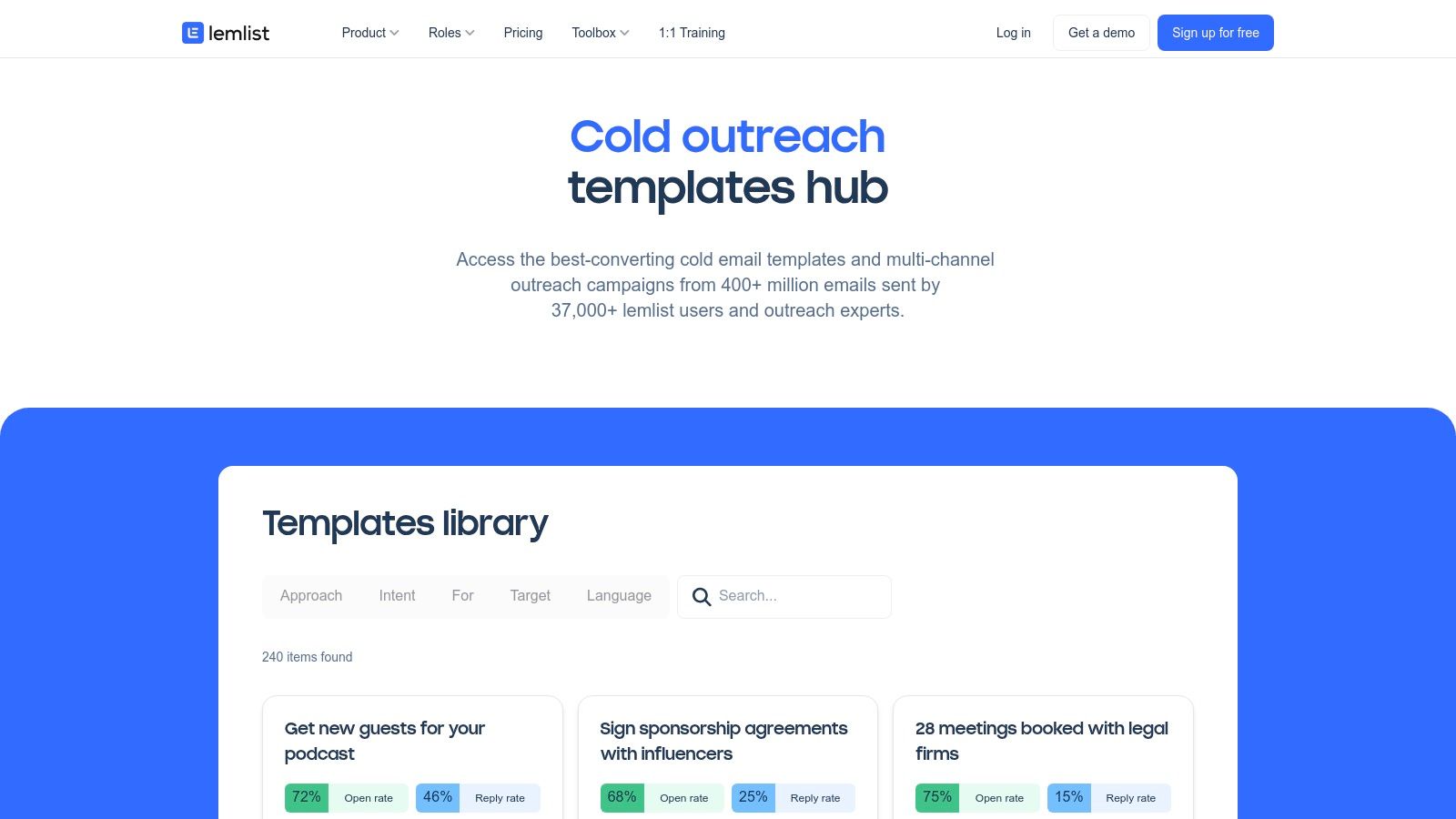
4. lemlist

lemlist is a major player in the sales automation space, but its unique contribution to cold email templates comes from its community-driven and data-backed approach. Instead of just offering a static list of examples like a blog, lemlist provides a public hub of cold outreach sequences, many of which are submitted by its user community and include real-world performance benchmarks. This makes it an invaluable resource for SDRs who want to see what's actually working in the wild, not just what sounds good in theory.

The platform's core advantage is the direct bridge between inspiration and execution. You can browse templates filtered by goal (e.g., lead generation, link building) or industry, see their reported open and reply rates, and then, with a single click, duplicate an entire campaign sequence directly into your lemlist account. This seamless workflow is designed for action, helping teams move from learning best practices to implementing them with minimal friction.

lemlist's cold outreach templates hub, showcasing community-submitted campaigns with performance data.

Key Offerings and Features

lemlist’s resources are a blend of community-sourced templates and expert-led educational content, making it a well-rounded platform for outreach professionals.

  • Public Template Hub: This gallery features hundreds of cold email templates and multi-step sequences. The key differentiator is that many include performance data like open rates and reply rates, offering a baseline for what you can expect.
  • One-Click Campaign Duplication: For lemlist users, this is a game-changer. Found a sequence you like? You can import the entire thing, including all follow-up steps and timing, directly into your lemlist account to start a new campaign.
  • Educational Resources: Beyond templates, lemlist provides extensive free resources, including playbooks, guides, and ebooks. These materials offer deep dives into the strategy behind successful outreach, helping users understand the "why" behind the "what." For more foundational knowledge, our guide on how to write cold emails is an excellent starting point.

Pricing and Access

While the template gallery is free to browse, its full power is unlocked with a lemlist subscription.

Feature/TierFree AccessEmail Starter (from $39/mo)Email Pro (from $69/mo)
View Template HubYesYesYes
Duplicate CampaignsNoYesYes
Educational ResourcesYesYesYes
Performance BenchmarksYes (on select templates)Yes (on select templates)Yes (on select templates)

How to Use lemlist Templates Effectively: An Action Plan

  1. Browse with a Goal in Mind: Use the filters in the template hub to find sequences that match your specific objective, such as "SaaS sales" or "event invitation." Pay close attention to the reported performance benchmarks.
  2. Analyze the "Why": Don't just look at the template; analyze its structure. Why is the first follow-up a simple bump? Why does the third step use a different angle? The community data helps validate these strategic choices.
  3. Duplicate and Adapt: If you're a lemlist user, duplicate your chosen campaign. Immediately begin rewriting the copy to fit your unique brand voice, value proposition, and persona. The structure is your starting point, not the final product.
  4. A/B Test Against the Benchmark: Use the community-provided reply rate as your initial benchmark. Run an A/B test with your adapted version against the original to see if you can improve upon the results.

Website: https://www.lemlist.com/cold-email-templates

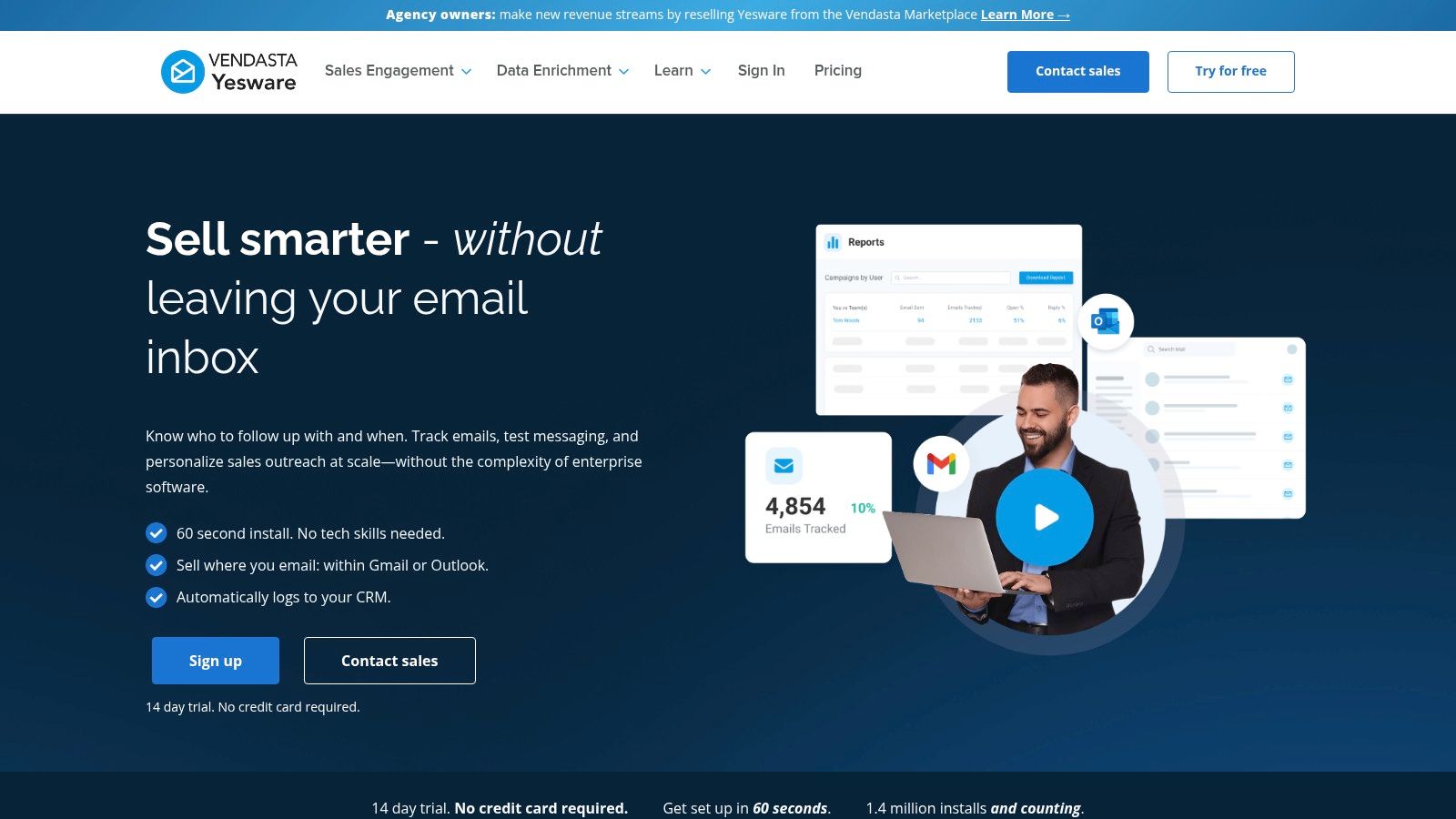
5. Yesware

Yesware is a sales productivity platform built directly into your inbox, making it a standout choice for sales reps and SDR teams who live in Gmail or Outlook. Its approach to cold email templates is focused on accessibility and immediate application. Instead of being a separate tool, Yesware integrates template management, tracking, and analytics into the native email-writing experience, drastically reducing friction for busy sellers.

The core advantage of Yesware is its in-inbox workflow. Sales reps can create, access, share, and analyze templates without ever leaving their email client. This is a significant differentiator from standalone platforms like Mailshake or Reply.io that require constant context switching. For small to mid-sized teams looking to standardize their messaging and get quick insights on what works, Yesware offers a powerful, low-overhead solution.

Yesware’s in-inbox template library, which allows sales reps to access and personalize cold email templates directly within Gmail or Outlook.

Key Offerings and Features

Yesware's template functionality is designed for speed and team collaboration within the familiar environment of an inbox.

  • In-Inbox Template Library: Create and save your best-performing cold emails directly within Gmail or Outlook. The library is easily searchable and allows for team-wide sharing, ensuring message consistency.
  • Template Performance Reporting: Yesware provides detailed analytics on a per-template basis. You can track open rates, reply rates, and link clicks to objectively determine which messages are driving results and which need to be refined.
  • Public Resources & Guides: Beyond the tool itself, Yesware offers a public library of proven templates and downloadable guides. These resources are excellent for inspiration and cover various scenarios, from initial outreach to follow-ups.
  • Team Collaboration: Managers can create and share a set of approved templates with their team, promoting best practices and accelerating the onboarding process for new reps.

Pricing and Access

Yesware offers a tiered pricing model that scales from individual users to enterprise teams, with template features becoming more robust at each level.

Feature/TierFreePro (from $15/mo/seat)Premium (from $35/mo/seat)
Template AccessYes (Limited)Unlimited Personal TemplatesUnlimited Personal & Team Templates
Email TrackingYes (Limited)UnlimitedUnlimited
Team ReportingNoNoYes
Downloadable GuidesYesYesYes

How to Use Yesware Templates Effectively: An Action Plan

  1. Start with Proven Examples: Explore Yesware’s public template library or free guides to find a structure that fits your outreach goal. Pay attention to how they frame the value proposition.
  2. Build Your Core Templates: Adapt 3-4 of these proven templates and save them in your personal Yesware library. Use clear naming conventions like "Cold Outreach - VP Marketing - Pain Point A" for easy access.
  3. Use Personalization Fields: Leverage Yesware’s dynamic fields to insert prospect details like {{First Name}} and {{Company}}. This is crucial for maintaining a personal touch while working efficiently. To make your messages stand out even more, craft compelling subject lines. Discover how to create your own by reading our guide on witty email subject lines.
  4. Monitor Team-Wide Performance: If you are on a team plan, use the template reporting feature to see which messages have the highest reply rates across the entire team. This data-driven approach helps everyone adopt the most effective messaging.

Website: https://www.yesware.com/email-templates/

6. Reply.io

Reply.io is a comprehensive sales engagement platform designed for multichannel outreach, and its approach to cold email templates is deeply integrated into its automation workflow. Unlike platforms that just offer a static library, Reply.io treats templates as dynamic assets within a larger sequence of touchpoints that can include email, LinkedIn interactions, calls, and even SMS messages. This makes it a powerful choice for sales teams looking to execute sophisticated, multi-pronged outreach campaigns from a single hub.

The core advantage of Reply.io is its focus on sequence-based selling. Compared to an inbox tool like Yesware, Reply.io manages the entire outreach cadence from a central platform. You can build entire sequences, embedding various email templates for different stages, such as the initial touch, follow-ups, and re-engagement. The platform's AI capabilities can then suggest improvements to these templates, help personalize them at scale using prospect data from LinkedIn or your CRM, and provide detailed analytics on what’s working and what isn’t.

Key Offerings and Features

Reply.io’s template functionality is woven directly into its sales engagement tools.

  • In-App Template & Sequence Library: The platform provides a library of pre-built, proven templates and multi-step sequences directly within its interface. These are categorized by goal (e.g., "Outbound Prospecting," "Inbound Lead Nurturing") and can be customized and saved for your team.
  • AI-Powered Personalization: Reply.io's AI can analyze a prospect's LinkedIn profile to generate highly personalized icebreakers and value propositions, which can be inserted directly into your templates to boost reply rates.
  • Multichannel Sequence Builder: Templates are not just for email. You can build sequences that automatically send an email, then schedule a LinkedIn connection request, and then create a call task for the sales rep, all from one visual builder.
  • Built-in Analytics & A/B Testing: Every template and sequence comes with detailed performance tracking. You can monitor open, click, and reply rates, and easily set up A/B tests to optimize subject lines, calls-to-action, or entire email bodies.

Pricing and Access

Reply.io offers flexible pricing plans that cater to both individuals focused on email and teams running multichannel campaigns.

Feature/TierFreeStarter (from $60/mo/user)Professional (from $90/mo/user)
Email Accounts122+
Templates & SequencesLimited accessYesYes
AI FeaturesLimited creditsYesYes (more credits)
MultichannelEmail onlyEmail, LinkedIn, Calls, SMSAdvanced multichannel features

How to Use Reply.io Templates Effectively: An Action Plan

  1. Choose a Sequence, Not Just a Template: Instead of looking for a single email, browse Reply.io's sequence library. Select a pre-built sequence that matches your goal, like the "Outbound Prospecting to C-level" cadence.
  2. Personalize with AI: Use the built-in AI assistant to generate personalized opening lines for your first-step email template. Connect your LinkedIn account to allow the AI to pull relevant details from your prospect's profile.
  3. Build a Multichannel Flow: Adapt the sequence to include more than just email. Add a LinkedIn profile view as step two and a connection request as step three. This surrounds the prospect and increases the likelihood of a response.
  4. Analyze and Optimize: After launching your campaign, review the sequence analytics. If you notice a high open rate on the first email but a low reply rate, A/B test the call-to-action in that specific template to improve its performance.

Website: https://reply.io

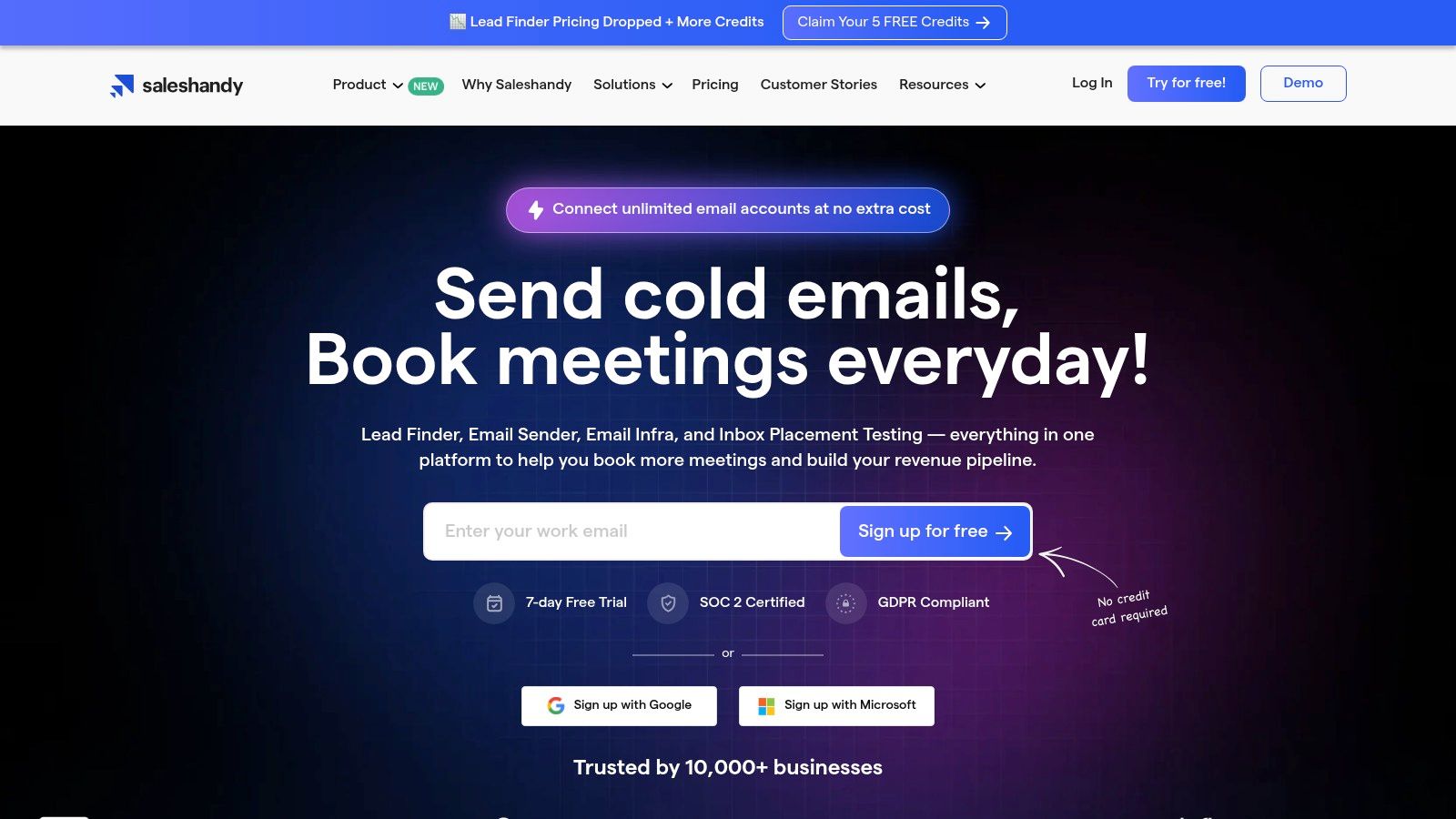
7. Saleshandy

Saleshandy is a dedicated cold outreach platform that focuses on delivering high-volume campaigns while maintaining personalization and deliverability. Its approach to cold email templates is practical and deeply integrated into its sending workflow, making it a strong contender for sales teams and agencies that prioritize affordable sending limits alongside robust template management. The platform is designed for users who want to move beyond basic email blasts and operationalize their outreach with features like spintax and team-sharing.

What sets Saleshandy apart from more generalist CRMs is its specialized focus on the technical aspects of cold emailing. While a platform like HubSpot bundles templates with a full suite of marketing and sales tools, Saleshandy centers its features around the core needs of an SDR: creating variable templates, ensuring they land in the primary inbox, and managing multi-stage follow-ups efficiently. This makes it an excellent choice for teams whose primary goal is to scale outbound prospecting.

Saleshandy's email outreach dashboard, showcasing sequence performance and analytics.

Key Offerings and Features

Saleshandy’s template features are built directly into its outreach and sequence tools, providing a seamless user experience.

  • Public Template Collections: Saleshandy provides several "playbooks" and blog posts featuring dozens of ready-to-use cold email templates for various scenarios, including B2B sales, link building, and recruitment. These serve as a great starting point for new campaigns.
  • In-App Template Management: Users can create, save, and share templates with their team directly within the platform. The editor supports merge tags for personalization (e.g., {{FirstName}}, {{Company}}) and, crucially, spintax. Spintax ({Hello|Hi|Hey}) allows you to create multiple variations of words or phrases within a single template, which helps avoid spam filters.
  • Integrated Deliverability Tools: Higher-tier plans include email warm-up and inbox placement testing. This unique offering allows you to not only use great templates but also ensure they are being delivered and seen by your prospects.

Pricing and Access

Saleshandy's pricing is competitive, offering high sending limits and a clear feature progression across its tiers.

Feature/TierOutreach Starter (from $36/mo)Outreach Pro (from $94/mo)Outreach Scale (from $187/mo)
Email Accounts2 per user5 per user10 per user
Active Prospects6,00030,00060,000
Template SharingYesYesYes
Email Warm-upAdd-onIncludedIncluded

How to Use Saleshandy Templates Effectively: An Action Plan

  1. Leverage the Playbooks: Start by browsing Saleshandy's public template collections. Find a playbook that matches your industry or goal (e.g., "SaaS Sales") and select a high-performing first-touch email.
  2. Enhance with Spintax: Import the template into the Saleshandy app. Use the spintax feature to create variations for common greetings, opening lines, and calls-to-action. This is a key step to improve deliverability for larger campaigns.
  3. Build a Multi-Step Sequence: Don't rely on a single email. Use the template as Step 1 in a multi-touch sequence within Saleshandy. Add 2-3 follow-up steps using different templates that reference the initial message.
  4. Warm Up Your Domain: Before launching a large campaign, use Saleshandy’s email warm-up feature. This builds your sender reputation and ensures your carefully crafted templates don't land in the spam folder, maximizing their potential impact.

Website: https://www.saleshandy.com/cold-email-templates/

Cold Email Template Platform Comparison

ToolIdeal User ProfileKey StrengthHow it ComparesActionable Takeaway
marketbetter.aiEnterprise & mid-market SDR teams using Salesforce/HubSpotIntent-driven workflow. Turns signals into AI-generated outreach directly in the CRM.Goes beyond templates to provide a full execution engine. Less about a static library, more about dynamic, timely outreach.Use this if your biggest problem is reps wasting time on manual research and failing to act on buying signals quickly.
HubSpotTeams already invested in the HubSpot ecosystem.Seamless CRM integration. Templates are part of a unified sales, marketing, and service platform.A great all-in-one solution but less specialized on advanced outreach tech (like deliverability) than dedicated tools.Perfect for centralizing your sales efforts. Use its built-in analytics to find your team's winning templates.
MailshakeSales teams focused on scalable, email-first campaigns.Deliverability and simplicity. Strong focus on email warm-up, A/B testing, and an easy-to-use AI writer.More focused on the technical aspects of sending emails than HubSpot, but less of a full CRM.Use this to scale your email volume confidently, knowing you have tools to protect your sender reputation.
lemlistCreative outreach teams looking for proven campaign structures.Community-backed templates. Provides sequences with real performance data from other users.Differentiates with creative personalization (images/videos) and transparent community data, unlike more private libraries.Don't just copy the templates; clone a high-performing sequence and use its structure as a proven blueprint for your own campaign.
YeswareIndividual reps or small teams living in Gmail/Outlook.Inbox-native workflow. All features (templates, tracking, scheduling) are accessible without leaving the inbox.Offers maximum convenience for inbox-centric sellers but lacks the advanced sequencing of Reply.io or Saleshandy.Implement this to boost individual rep productivity with minimal disruption to their existing workflow.
Reply.ioSales teams executing sophisticated, multi-channel cadences.Multichannel automation. Builds complex sequences involving email, LinkedIn, calls, and SMS from one platform.More robust for multi-channel than Mailshake or Yesware. Its AI personalization is a key differentiator.Go beyond email. Build a sequence that warms up a prospect on LinkedIn before the first cold email even lands.
SaleshandyAgencies and high-volume teams needing affordability at scale.Scalability with deliverability. Offers high sending limits and technical features like spintax.A more technical, volume-focused tool compared to the all-in-one nature of HubSpot or the creative angle of lemlist.Use spintax on every template you create to maximize deliverability and avoid spam filters when sending at scale.

From Templates to Pipeline: Your Next Move

We've journeyed through a comprehensive collection of high-conversion cold email templates, from piercing first-touch messages to persistent follow-up sequences. You’ve seen how to tailor outreach for different personas, adapt to various use cases, and integrate these frameworks into a modern sales workflow. But the most critical takeaway is this: a template is merely a starting point, not a final destination.

The true power of these cold email templates is unlocked when you treat them as strategic blueprints. The success of your outreach hinges not on blindly copying and pasting text, but on your ability to operationalize these blueprints efficiently. This means personalizing at scale, automating thoughtfully, and continuously iterating based on performance data. The goal is to build a repeatable system that empowers your SDRs and BDRs to spend less time on manual tasks and more time building relationships.

Synthesizing the Tools: How to Choose Your Engine

Choosing the right tool is the bridge between having a library of templates and actually generating pipeline. Your decision should be guided by your team's specific needs, existing tech stack, and strategic goals.

  • For Deep CRM Integration and AI-Powered Personalization: If your team lives in Salesforce or HubSpot and your primary goal is to leverage AI for hyper-relevant, real-time email generation, MarketBetter.ai is designed for this exact purpose. It excels at turning intent signals directly into AI-assisted, personalized outreach within your CRM, minimizing context switching.
  • For All-in-One Sales Engagement: Platforms like Reply.io and Saleshandy offer robust, multi-channel sequencing (email, calls, social touches) and are great for teams needing a comprehensive sales engagement platform that handles the entire outreach process from a central hub.
  • For Simplicity and Email-Centric Campaigns: If you're primarily focused on email and want a straightforward, easy-to-use tool for sending campaigns and tracking basic metrics, Mailshake is a strong contender. Its simplicity is its core strength.
  • For Creative, Visual Personalization: Teams that want to stand out with dynamic images, videos, and unique landing pages will find lemlist to be their ideal creative partner. It’s built for breaking through the noise with highly memorable, personalized visuals.
  • For Inbox-Native Productivity: If your reps prefer to work directly from their Gmail or Outlook inbox, Yesware provides excellent tracking, template management, and scheduling features without forcing them to leave their familiar environment.

The key is to evaluate where your biggest bottleneck lies. Is it the time spent researching and writing? AI-driven tools are your answer. Is it managing multi-step, multi-channel cadences? A full sales engagement platform is what you need. Is it simply a lack of visibility into email performance? An inbox-native tool might be the perfect first step.

Your Action Plan for Implementation

Having the right templates and the right tool is only half the battle. Execution is everything. Here are your actionable next steps to turn this knowledge into revenue.

  1. Benchmark Your Current State: Before you change anything, document your current open rates, reply rates, and meeting booked rates. This baseline is crucial for measuring the impact of your new strategy.
  2. Select and Adapt 3-5 Templates: Don't try to implement everything at once. Choose a handful of cold email templates from this guide that best fit your ideal customer profile and core value proposition. Adapt them with your own voice and personalization tokens.
  3. Run a Controlled A/B Test: Assign a small group of reps to use the new templates and workflow within your chosen tool. Compare their results against the control group (using the old method) over a two-to-four-week period.
  4. Analyze, Iterate, and Scale: Review the data. Which subject lines won? Which calls-to-action generated the most replies? Use these insights to refine your templates, and then roll out the winning strategy to the entire team.

Ultimately, the most successful sales teams are not those with a secret stash of "perfect" templates. They are the ones who build a scalable, data-driven system for outreach. They use templates as a foundation, technology as an accelerator, and personalization as their competitive edge to consistently start valuable conversations that become a predictable, growing pipeline.


Ready to stop manually adapting templates and start generating hyper-personalized emails in seconds, right inside your CRM? See how marketbetter.ai uses AI to turn sales signals into revenue-generating conversations. Explore the future of sales outreach at marketbetter.ai.

Cold Calling How To: Turn Conversations Into Conversions

· 24 min read

To win at cold calling today, you must ditch the old "spray and pray" mindset. This isn't about a high-volume, low-quality numbers game anymore. It’s about making fewer, smarter calls that actually open doors and create real pipeline. To make this guide actionable, for every strategy, we'll compare the old way versus the new, strategic way.

And it all starts long before you ever pick up the phone.

Rethinking the Cold Call: A Modern Playbook

For decades, cold calling got a bad rap. It was all about relentless dialing, generic scripts, and frankly, low morale. The old way was simple: make hundreds of calls and hope something sticks. Not only is that incredibly inefficient, but it also burns through your brand's reputation by treating prospects like numbers on a spreadsheet.

But things have changed. A modern framework transforms cold calling into a predictable revenue driver, built on quality over quantity.

This new playbook rests on five core pillars, each with actionable steps:

  • Intelligent Research: Finding a specific, relevant reason to call someone right now.
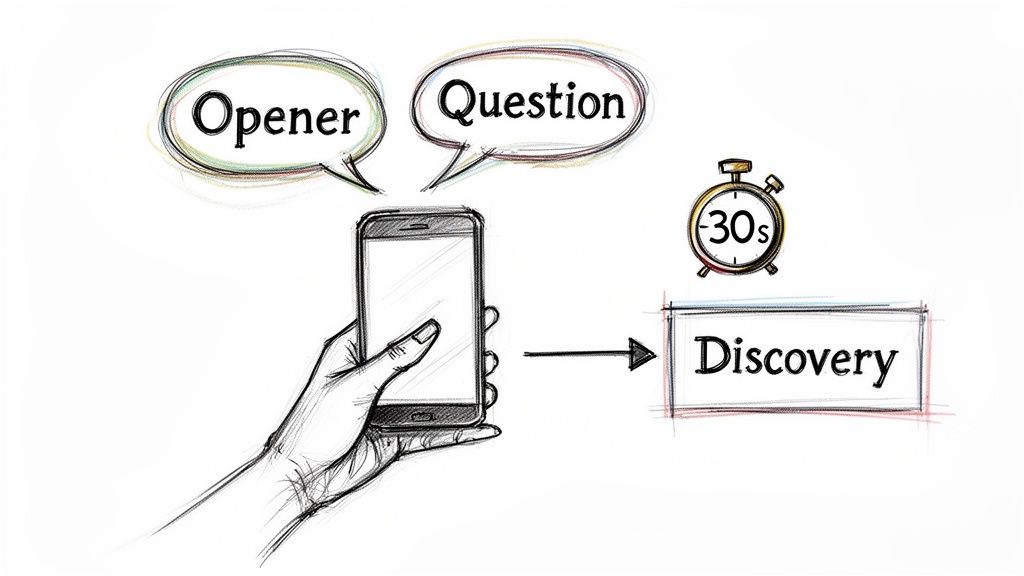
  • A Compelling Opening: Earning the first 30 seconds with context, not a generic pitch.
  • Structured Discovery: Asking sharp questions to uncover actual business pain.
  • Confident Objection Handling: Turning pushback into a productive conversation.
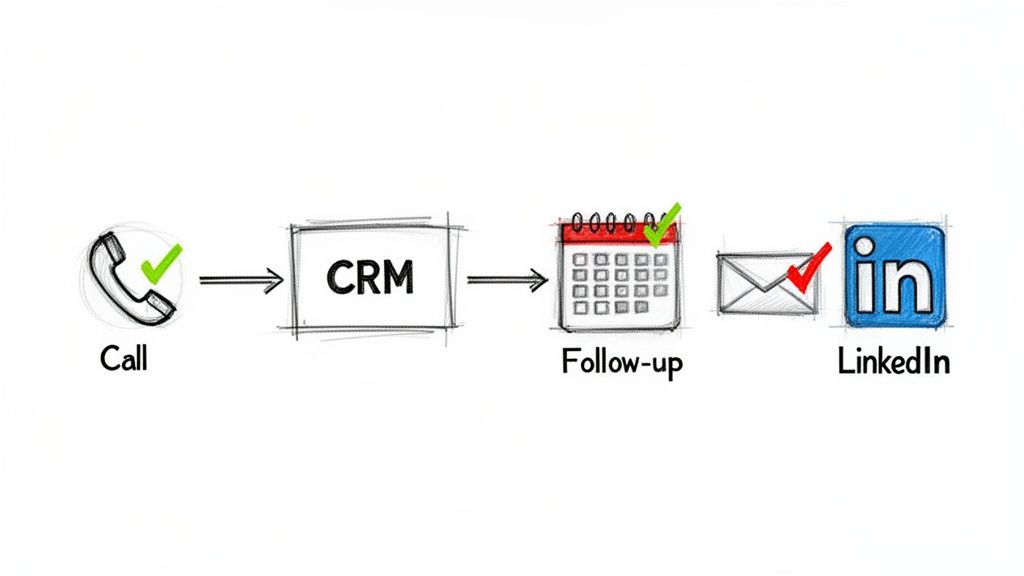
  • Systematic Follow-Up: Running a persistent, value-driven cadence across multiple channels.

From Volume to Value

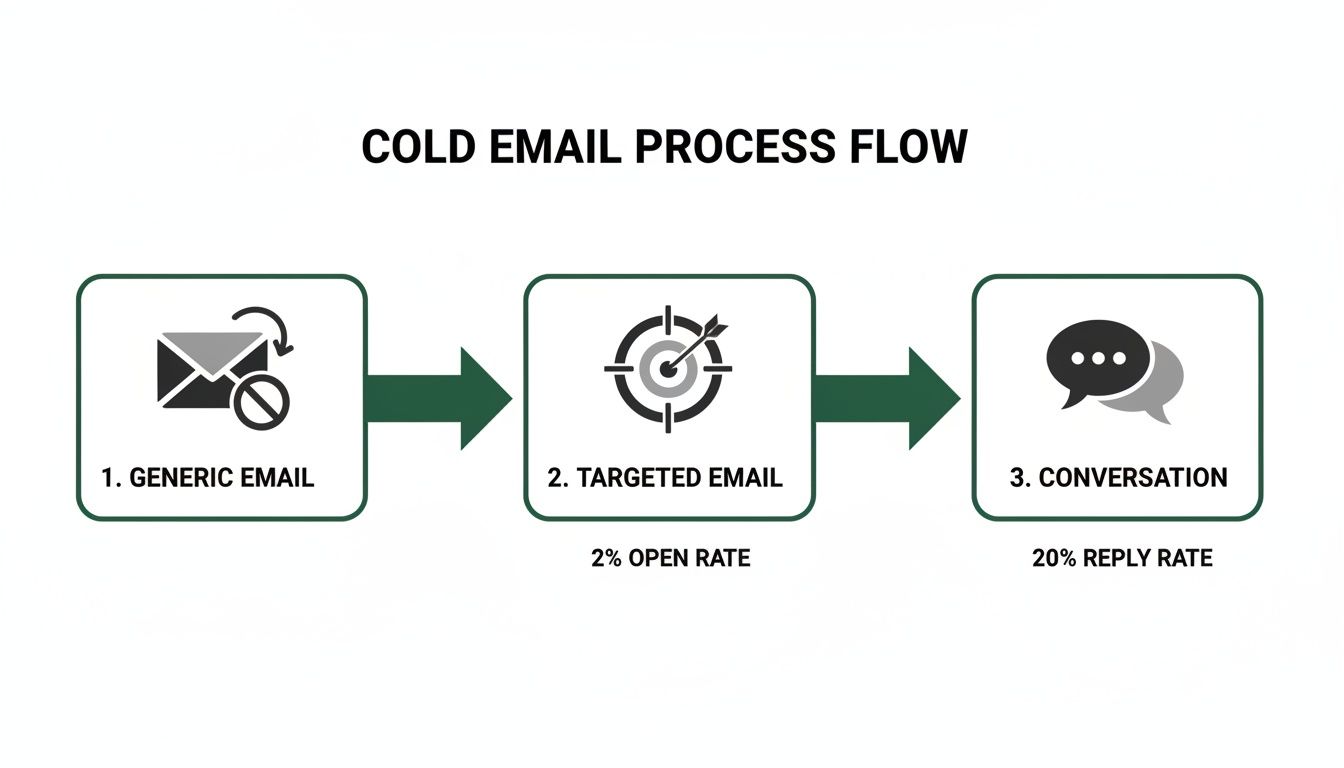
The real difference-maker is the prep work. Cold calling is still a beast in B2B outbound sales, even with notoriously low success rates. The average conversion from a cold lead to a warm prospect hovers around a grim 2%.

But here’s where it gets interesting: for high-quality, well-researched leads, that conversion rate can jump to 20%. That stat alone shows you where the leverage is.

The key takeaway is that the call itself is just one piece of the puzzle. The whole process is much more thoughtful, starting with solid prep and ending with diligent follow-up.

This table really drives home the difference between the old grind and the new strategy.

TacticThe Old Way (Inefficient)The Modern Way (Strategic)
List BuildingBuying massive, generic lists.Building targeted lists based on ICP and buying signals.
ResearchMinimal to none. "Going in blind."5-10 minutes per prospect, finding specific triggers.
Opening Line"Hi, my name is... do you have 27 seconds?""Saw your post on LinkedIn about scaling your team..."
Goal of the Call"Book the demo!" (At all costs)Uncover pain, qualify fit, and build rapport.
Technology UsedJust a power dialer.Integrated CRM, research tools, and call logging.
Rep Mindset"I have to hit 100 dials today.""I need to have 5 quality conversations today."

The shift is undeniable. Moving from a volume-based approach to a value-based one isn't just a "nice-to-have"; it's essential for survival and growth.

Integrating Strategy with Technology

Look, executing this playbook consistently takes more than just a change in mindset. You need the right tools.

When your reps are juggling a dozen tabs for research, dialing, and CRM updates, friction builds up and productivity tanks. This is where a tool like MarketBetter.ai comes in, creating an AI-Powered SDR Task Engine right inside your CRM.

It turns buyer signals into a prioritized task list, gives reps AI-driven talking points for each call, and automatically logs every outcome in Salesforce or HubSpot.

This kind of integrated workflow makes sure every call is informed, efficient, and perfectly tracked. It frees up your reps to focus on what they do best: having great conversations, not drowning in admin work. And when you're ready to move beyond individual rep performance, you have to think about the bigger picture of scaling outbound efforts. Building this kind of system is a cornerstone of modern sales enablement best practices.

Research: The Work You Do Before the Dial

The best cold calls never start with a dial tone. They start with smart, focused research. This isn't about spending an hour digging through someone's entire digital history. It's about investing a few targeted minutes to find the one thing that turns your call from a random interruption into a welcome conversation.

A great cold calling strategy lives and dies on your reason for reaching out right now. This "hook" is your proof that you've done your homework, that you respect their time, and that you aren't just another SDR burning through a purchased list. It’s your first, best chance to earn some credibility.

Sketch of a workspace with a laptop showing LinkedIn, a checklist, a magnifying glass, and business icons.

Finding Your Conversation Starter

Your mission is to uncover a relevant "buyer signal"—some recent event or piece of intel that gives you a natural, timely reason to call. These signals show your outreach is intentional, not just another shot in the dark.

Here are a few high-impact signals I always look for:

  • Recent Company News: Did they just land a new round of funding? Announce an expansion? Launch a big product? These are trigger events that create new problems your solution can likely solve.
  • Key Hires: A new VP of Sales or Head of Operations isn't just window dressing. They were hired to make changes, and they're usually most open to new tools and ideas in their first 90 days.
  • LinkedIn Activity: Pay close attention to what your prospect and their company are posting. A comment they made, an article they shared, or a question they asked can be the perfect, low-friction way to start a real conversation.
  • Job Postings: If a company is suddenly hiring a bunch of SDRs and you sell a sales dialer, that's not a coincidence. It's a flashing neon sign pointing to a very specific need.

Manual Drudgery vs. Automated Workflow

How you actually find this information is where most reps get bogged down. You basically have two choices, and they have massive implications for your efficiency.

AspectManual ResearchAI-Driven Workflow
ProcessReps manually scour LinkedIn, news sites, and company pages before every single call.An integrated tool surfaces buying signals and prioritizes tasks for you automatically.
Time Spent5-10 minutes of prep time per prospect.Less than 1 minute of review per task.
EfficiencyHigh friction. This is where "call reluctance" comes from—reps get lost in the research rabbit hole.Low friction. Reps can stop researching and start calling, focusing on having good conversations.
ScalabilityTough to maintain consistency. Your A-players might do it, but the rest of the team won't.Guarantees every single rep is working from the same high-quality, prioritized list of calls.

The manual way puts all the pressure on the SDR. It's easy to cut corners when you're busy or just fall behind. An AI-driven workflow, like the task engine we’ve built into MarketBetter.ai, flips the script. It turns those signals into a prioritized to-do list right inside your CRM. This doesn't just save time; it ensures every single call you make is backed by a real, timely opportunity. A big part of this is knowing how to qualify sales leads from the outset, so your efforts are always focused on the right people.

Your Three-Point Pre-Call Checklist

To keep yourself from getting lost in the weeds, build a dead-simple, repeatable checklist for every prospect. Before you pick up the phone, you need to have three key pieces of information locked and loaded. This discipline is what lets you open with value every time.

Your pre-call checklist is your secret weapon. It’s the difference between saying, "Hi, I'm calling from..." and saying, "I saw you're hiring three new account executives, and I had a thought..." One gets you a dial tone; the other gets you a conversation.

Here's what a practical, three-point checklist looks like in action:

  1. The Hook: "The company just announced its expansion into the European market." This is your reason for calling today.
  2. The Persona Problem: "As the new VP of Sales, she's almost certainly focused on building a scalable outbound process for that new region." This connects the big company news to a challenge specific to her role.
  3. The Connection: "Our integrated dialer helps teams in new markets ramp up twice as fast because it keeps all activity logged directly in Salesforce." This is the bridge connecting her problem to your solution.

When you have this structure, you can open any call with immediate relevance and confidence. It changes the entire dynamic from a cold pitch to a timely, consultative discussion. If you want to dive deeper into identifying the best prospects for this process, check out our guide on how to qualify sales leads.

Crafting an Opener That Earns the Next Minute

You have less than 30 seconds. That’s the window you get to turn a cold interruption into a genuine business conversation. Getting this part right is less about a "perfect" script and more about quickly proving you're relevant, respectful, and worth listening to.

The biggest mistake reps make is starting with a self-serving question like, "Did I catch you at a bad time?" This immediately puts the prospect on the defensive and gives them an easy "yes" to end the call. A modern cold calling opener does the opposite—it disarms them with a pattern interrupt.

Hand holding a phone with 'Opener' and 'Question' speech bubbles leading to 'Discovery' in 30 seconds.

This means leading with a clear, concise reason for your call that’s grounded in the research you just did. It shows you’ve done your homework and aren’t just dialing down a random list. This small act of personalization has a massive impact; opening with your specific reason for calling can double your success rate by 2.1x.

Even a friendly, familiar "How have you been?" can boost success rates to 10% from a baseline of just 1.5%. You can dig into more data on call effectiveness in this deep dive on cold calling statistics.

The Shift from Pitching to Permission

A powerful opener doesn't jump straight into a pitch. Instead, it uses permission-based language to build instant credibility and put the prospect in control. After you've stated your name and company, you deliver your research-backed "hook" and then ask for permission to continue.

This subtle shift in approach is critical. It changes the dynamic from you talking at them to you having a conversation with them.

The goal of your first sentence isn't to sell your product. It's to sell the next minute of conversation. Lead with context, show you've done your homework, and then ask for permission. This simple framework is the key to earning their attention.

Let’s look at how this plays out in the real world. The difference between a weak opener and a strong one is the difference between a dial tone and a real conversation.

Effective vs. Ineffective Call Opening Lines


ScenarioWeak Opening (To Avoid)Strong Opening (To Use)
Hiring Signal"Hi, my name is Alex from MarketBetter. Did I catch you at a bad time? I’m calling because we sell sales dialers.""Hi Jane, Alex from MarketBetter. I noticed you’re hiring five new SDRs for your Austin office. Can I take 27 seconds to explain why I'm calling about that?"
Funding News"Hello, this is Alex with MarketBetter. We help companies like yours improve sales efficiency. Do you have a few minutes?""Hi Jane, Alex from MarketBetter. Congrats on the Series B funding—that’s huge news. I had a specific idea on how you can scale your outbound team to hit those new growth targets. Do you have a minute for me to share it?"
LinkedIn Post"Hi Jane, Alex calling from MarketBetter. I saw your post on LinkedIn and wanted to connect about our solution.""Hi Jane, Alex from MarketBetter. Your recent post about the challenge of CRM hygiene really stood out to me. I've got a thought on how to solve that without manual data entry. Mind if I share it?"

See the pattern? The strong examples are specific, timely, and end with a direct, permission-seeking question. They give the prospect a clear, compelling reason to say "yes" and hear you out.

Transitioning into Meaningful Discovery

Once you’ve earned that next minute, the pressure is on to make it count. Don't immediately launch into a product demo over the phone. The goal now is to pivot from your opener into a natural discovery conversation.

This is where you shift from talking to asking. Your job is to uncover real business pain by asking insightful, open-ended questions. Avoid feature-focused questions and instead probe for challenges, goals, and consequences.

Here are a few powerful discovery questions to get you started:

  • "Given that you're scaling the SDR team, what's the biggest bottleneck you're anticipating in your current outbound process?"
  • "You mentioned CRM hygiene in your post. Can you walk me through how your reps are logging call activity today?"
  • "When you think about hitting those aggressive new growth targets, what part of the sales funnel worries you the most?"

These questions aren't about your product; they’re about their business. They make the prospect think, turning a monologue into a collaborative diagnosis. This consultative approach is how you transform a simple cold call into the start of a valuable business relationship.

Hearing "no" isn't the end of a cold call. It’s usually the real beginning.

Most reps freeze up when they hear an objection. They see it as a brick wall. But seasoned pros know objections aren’t failures; they're invitations to dig deeper. They’re a sign the prospect is at least engaged enough to push back. Your job isn't to argue—it's to understand what's really behind their words.

An unprepared rep gets defensive. They either fold immediately or steamroll the prospect with a canned rebuttal. A smart rep, on the other hand, uses a simple framework to turn that pushback into a real conversation.

The Acknowledge, Clarify, Pivot Framework

This isn't some complex sales theory. It's a three-step conversational habit that keeps you out of the defensive zone and puts you in control.

  1. Acknowledge: First, just agree with them. Show them you heard them and you aren't going to fight. A simple, "That makes total sense," or "I get it," instantly lowers their guard. You're on their side.
  2. Clarify: The first objection is almost never the real one. It's a reflex. Your goal is to gently probe for the truth hiding behind the words. Ask a soft, open-ended question to get more detail.
  3. Pivot: Once you understand the actual concern, you can connect what you do directly to that problem. You're no longer pitching; you're solving the specific issue they just told you about.

This little method shifts the entire dynamic from a confrontation to a consultation. You stop being a seller and start being a problem-solver.

Handling the Objections You'll Hear All Day

Let’s run this framework through the greatest hits of cold call brush-offs. Remember, the goal isn't to trick anyone. It's to guide the conversation to a place where real value can be discussed.

Objection 1: "Just Send Me an Email"

This is the classic "get off my phone" move. If you just agree and hang up, your email is dead on arrival. Instead, use their request to your advantage.

  • Acknowledge: "Absolutely, happy to do that."
  • Clarify: "So I can make it relevant and not just send you some generic PDF, what's the one thing that would be most useful for me to include?"
  • Pivot: Once they tell you (e.g., "how you handle CRM data"), you pivot right back. "Perfect. I'll shoot over a quick note on our native Salesforce integration. While I have you, it literally takes 30 seconds to explain how we help other VPs of Sales solve the CRM adoption problem. Is that worth a quick listen?"

Objection 2: "We're Happy with Our Current Solution"

Another classic brush-off. Never, ever challenge their current provider. Get curious instead.

When a prospect says "we're happy," it's your cue to listen, not to pitch. Ask questions about how they're using their current tool. This is where you find the little cracks—the frustrations they've just accepted as normal—and create an opportunity where one didn't exist a minute ago.

  • Acknowledge: "That's great to hear. Honestly, it sounds like you're way ahead of the game. A lot of teams we talk to are still wrestling with [common pain point]."
  • Clarify: "Just so I know, what are you guys using for outbound dialing and activity logging right now?"
  • Pivot: Once they name a tool (even a big one), you can use your differentiators. "Oh yeah, XYZ is a solid platform. A lot of our customers actually came from them because they needed a dialer that lived 100% inside Salesforce to get reps to actually use it. Is keeping your team in a single workflow a priority for you?"

You didn't bash their choice. You just introduced a very specific, valuable idea they probably haven't thought about.

Confidently Securing the Next Step

Nice work. You handled the objection and had a real conversation. But if you don't nail the dismount, it was all for nothing. The last 15 seconds of the call are critical.

Don't end with a weak, "So, I'll follow up sometime soon..." That’s a death sentence. Be direct, be confident, and be specific.

AspectThe Weak Close (Vague)The Strong Close (Specific)
Language Used"Are you open to a demo sometime next week?""Does next Tuesday or Thursday at 2 PM work for a 15-minute call to show you how this looks in Salesforce?"
Call to ActionAsks for a generic "demo" with no defined value or length.Proposes a specific day, time, and short duration for a targeted outcome.
PsychologyMakes the prospect do the mental work of checking their calendar.Makes it incredibly easy to say "yes" by offering two simple options.

By offering specific times, you remove the friction. If they can't do either, your follow-up is natural: "No problem. What does your calendar look like?" You're still in control, driving toward a firm commitment. This is how good calls turn into actual pipeline.

Building a Winning Post-Call Workflow

A great call is a terrible thing to waste. What you do in the five minutes after hanging up often determines whether that conversation turns into a real opportunity or just fades away.

The single biggest mistake reps make? Treating post-call work like an afterthought. It’s a recipe for sloppy notes, forgotten follow-ups, and a CRM that’s more of a data graveyard than a sales weapon. A disciplined post-call workflow, on the other hand, turns every conversation into a concrete, trackable asset.

A visual diagram outlining steps in a sales process: Call, CRM, Follow-up, Email, and LinkedIn.

From Manual Mess to Integrated Machine

Your post-call process can be a massive bottleneck or a powerful accelerator. The difference usually comes down to how well your tools talk to each other. Let's look at two all-too-common scenarios.

AspectThe Manual MessThe Integrated Workflow
Call LoggingReps juggle a separate dialer app and their CRM, manually typing notes, outcomes, and tasks after every single call.An integrated dialer inside the CRM automatically logs the call, duration, and outcome. Reps just add quick notes in the same window.
Data AccuracyRiddled with errors. Calls get missed, notes are half-baked, and reps "batch" their logging at EOD, forgetting key details.Nearly 100% accurate. Every single dial is captured, giving you clean data for reporting and coaching without any extra effort.
Time Spent2-5 minutes of admin busywork per call. This eats up hours of precious selling time every week.Under 30 seconds per call. Reps stay on one screen, add context, and immediately move to the next dial.

This isn't about luxury. An integrated dialer, like the one built into MarketBetter.ai that lives right inside Salesforce, is the foundation of an efficient outbound engine. It kills the friction that makes reps skip logging calls and ensures every bit of intelligence actually gets captured.

Your post-call workflow is where consistency is born. Automating the small stuff—like logging calls and setting tasks—frees up your reps' brainpower for the high-value work of crafting a perfect follow-up.

Designing a Multi-Channel Follow-Up Cadence

Once the notes are logged, it’s time for persistent, professional follow-up. One call is almost never enough. The goal here is to stay top-of-mind by adding value across different channels—without being annoying.

Here’s a simple but incredibly powerful cadence you can put to work immediately:

  1. Email (Day 1 - Same Day): Right after the call, send a concise summary email. Make sure to reference a specific point from your conversation to prove you were actually listening.
  2. LinkedIn (Day 2): Send a connection request. Don't pitch in the note. A simple, "Great chatting with you yesterday, [Name]" is all you need.
  3. Email (Day 4): Send something genuinely useful. This could be a relevant case study, a helpful blog post (yours or a third-party's), or an insightful article that speaks directly to the pain points they mentioned.
  4. Call (Day 7): Make your follow-up call. The opener writes itself: "Hi [Name], just following up on our conversation from last week about [pain point] and the article I sent over. Did you have a chance to look at it?"

This structured approach shows you're organized and you respect their time. The right follow-up can be the deciding factor, especially when you consider that 82% of buyers accept meetings from cold callers who get through. It’s the execution and persistence after that first touch that so often secures the win. You can dig into more data on buyer preferences in these cold calling statistics.

Actionable Email Template for Post-Call Follow-Up

Your follow-up email should never read like a generic brochure. Think of it as a tool to reinforce the value from your call and make the next step incredibly easy for them.

Here’s a template built for action:

Subject: Quick recap of our chat

Hi [Prospect Name],

Great speaking with you earlier. I was thinking about what you said regarding [mention a specific pain point they shared, e.g., "the challenge of getting your new SDRs to log activity in Salesforce"].

As promised, here is that short article on how teams like yours are solving this with an integrated workflow.

Does Tuesday at 2 PM or Thursday at 10 AM work for a 15-minute call to show you exactly how this would look inside your Salesforce instance?

Best,

[Your Name]

Why does this email work? It's short, it's personal, and it ties directly back to their problem. Most importantly, it ends with a clear, low-friction call to action that makes it easy for them to say yes.

Tracking the Metrics That Actually Drive Revenue

Activity isn't progress. It's one of the biggest traps in sales—celebrating vanity metrics like "dials per day" instead of the outcomes that actually build a healthy pipeline. We're going to fix that. This section is all about tracking the key performance indicators (KPIs) that tell you the real story of your cold calling efforts.

Making a hundred calls means nothing if they don't lead to a single real conversation. To get it right, you have to shift from a volume-based mindset to a value-based one.

This all starts with clean, automatically logged CRM data. It’s the only way to diagnose weaknesses in your funnel with any real precision and coach your team based on data, not just gut feelings.

From Activity Metrics to Outcome KPIs

Let's draw a hard line between what looks busy and what drives business. Focusing on the right numbers is the first step toward building a predictable revenue engine. A team obsessed with dials is incentivized to make low-quality, rushed calls. A team focused on outcomes is motivated to have better conversations.

Here’s how to reframe your thinking from chasing noise to measuring signal:

| Vanity Metric (What to Deprioritize) | Impact KPI (What to Obsess Over) | | :--- | :--- | :--- | | Dials Per Day | Dials-to-Connect Rate | | Talk Time | Conversation-to-Meeting Booked Rate | | Meetings Booked | Meetings Held-to-Opportunity Created Rate |

This isn't about ignoring activity entirely. It's about putting it in context. High activity that leads to low outcomes is a flashing red light pointing to a specific, solvable problem.

Your Core Cold Calling Metrics

To really understand what's working and what isn't, you need to break down your funnel. Here are the three most critical rates to track, what they reveal about your process, and some solid industry benchmarks to shoot for.

  • Dials-to-Connect Rate: This is simple: what percentage of your calls does a human actually pick up? A typical rate hangs around 5-10%. If you're consistently below that, you might be dealing with a bad call list, calling at the wrong times, or just plain inaccurate contact data.

  • Conversation-to-Meeting Booked Rate: Of the people you actually connect with, how many agree to a next step? A strong rate here is 20-30%. If you’re getting people on the phone but can't book a meeting, that's a direct signal that your opener, discovery questions, or objection handling needs work. The script isn't landing.

  • Meetings Held-to-Opportunity Created Rate: Not every booked meeting shows up, and not all that do are qualified. This metric is crucial. It tracks how many of your held meetings turn into a real, qualified sales opportunity in your CRM. Aiming for 50% or higher tells you your SDRs are doing a great job qualifying prospects on that first call.

This shift in tracking completely changes how you manage. Instead of asking, "Why didn't you hit 100 dials?" you can ask, "Our connect rate was solid, but our conversation-to-meeting rate dipped. Let's listen to your call recordings together and see where prospects are dropping off."

By zeroing in on these specific conversion points, you move from generic coaching to surgical, data-driven improvements. To dig deeper, check out our detailed guide on how to set up and track the right KPIs for lead generation.

Free Tool

Try our AI Lead Generator — find verified LinkedIn leads for any company instantly. No signup required.

Wrapping Up: Your Top Cold Calling Questions Answered

Let's finish up by tackling a couple of the most common questions SDRs ask when they're trying to dial in their process.

So, How Many Dials Should I Actually Be Making a Day?

Forget the old-school obsession with 100+ dials. That's a recipe for burnout and bad calls.

A modern, well-researched SDR can often book more meetings making 40-60 targeted calls than someone just blitzing through a random list. The metric that really matters isn't raw activity; it's your Conversation-to-Meeting-Booked rate. Focus on that, and you'll focus on what actually drives pipeline.

What’s the “Golden Hour” for Cold Calling?

You'll hear a lot of gurus swear by late afternoon, like 4-5 PM. And sure, sometimes that works. But the real answer? It completely depends on who you're calling.

A much smarter approach is to test different time blocks throughout the week and religiously track your connect rates. Even better, forget the clock entirely. The absolute best time to call a prospect is the moment they show an intent signal—like visiting your pricing page or downloading a guide. When that happens, you call. Period.


Ready to turn every SDR into a top performer? MarketBetter.ai builds an AI-powered task engine right inside your CRM, turning buyer signals into prioritized calls and emails, ensuring every outreach is timely and relevant. Learn more at marketbetter.ai.

How to Write Cold Emails That Get 38% Open Rates (7 Templates + Subject Lines)

· 25 min read

Here's the truth about writing a cold email that actually gets a reply: be relevant, be specific, and solve a problem for the person on the other end.

It really is that simple. The best cold emails I've ever seen—and the ones my teams have had the most success with—all ditch generic templates. Instead, they favor a short, personalized message that proves you’ve done your homework and respect the recipient's time. This value-first mindset is the foundation of every single high-performing outreach campaign.

Why Most Cold Emails Are Dead on Arrival

Let's be honest: the average B2B professional's inbox is a warzone. Attention is the prize, and the delete button is the most-used weapon. Most cold emails don't just fail; they're deleted before they're even read, disappearing into the digital noise.

So why do they fail so spectacularly? It’s a fundamental disconnect. The sender wants a meeting, but the recipient is too busy to care about a stranger's pitch.

The main culprit is the old spray-and-pray playbook. Blasting thousands of generic, self-absorbed emails is a numbers game that almost always loses. It’s built on interruption, not engagement. It prioritizes sheer volume over quality, hoping something eventually sticks.

That strategy is broken. Imagine firing off hundreds of emails only to watch them vanish without a trace. It’s soul-crushing. According to recent benchmarks, a staggering 95% of cold emails fail to get a response, leaving average reply rates stuck in a dismal 1% to 5% range. You can see the full, painful numbers in this breakdown of cold email statistics. This is the tough reality sales teams are up against every day.

To give you a clearer picture, let's contrast the old way with the new.

Traditional vs Modern Cold Emailing At a Glance

The difference between a failing campaign and a successful one often comes down to the philosophy behind it. Are you interrupting or engaging? Pushing or pulling? Here's how the two approaches stack up.

TacticTraditional Approach (Low Reply Rate)Modern Approach (High Reply Rate)
TargetingLarge, generic lists. "Anyone with a pulse."Highly specific, based on intent signals.
Personalization"Hi {\{first_name\}}, I saw you work at {{company}}."Mentions a recent project, post, or shared connection.
Value Prop"We do X, Y, and Z." (Features-focused)"I saw you're hiring SDRs, here's an idea for that."
The "Ask""Can I get 30 minutes on your calendar?""Mind if I share a resource that might help?"
Mindset"How can I sell my product?""How can I be immediately helpful?"

The takeaway is simple: the modern approach isn't about volume; it's about precision and genuine value. It respects the recipient's time and intelligence, which is precisely why it works.

The Shift to Modern, Value-First Outreach

Winning at cold email today demands a complete mental shift. Stop asking, "How can I sell my product?"

Instead, ask yourself, "How can I be genuinely helpful to this person, right now?" This one change reframes your entire outreach from a pitch into a conversation. It’s the difference between showing up to a party with a megaphone and quietly offering someone a drink because you noticed their glass was empty.

This modern, value-first approach stands on three pillars:

  • Action Step 1: Target with Signals. Instead of broad lists, focus your energy on prospects who are already showing signs of needing what you have. This could be anything from a recent funding round, a key executive hire, or even them engaging with your content. You’re meeting them where they are.
  • Action Step 2: Personalize Deeply. This goes way beyond {\{first_name\}}. Reference a specific project they mentioned on a podcast, a recent post they shared on LinkedIn, or a shared connection. Prove you're not a robot.
  • Action Step 3: Make Low-Friction Asks. Instead of demanding a 30-minute meeting out of the blue, make the next step easy. Propose sharing a relevant resource, or just ask a single, insightful question that gets them thinking.

The real goal of a cold email isn't to close a deal. It's to start a conversation. When you lead with value and demonstrate true relevance, you earn the right to their attention. That’s how you turn a cold outreach into a warm opportunity.

Mastering Pre-Outreach Research and Prospecting

A killer cold email is won or lost long before you type a single word.

The biggest mistake I see reps make? They dive straight into writing. It's like trying to navigate a new city without a map. Success isn’t about finding some magical template; it's about doing the hard work upfront—the meticulous research that uncovers why your prospect should give a damn right now.

This groundwork is what separates the top 1% from everyone else. It’s the difference between an email that feels like a targeted, helpful solution and one that gets nuked on sight. Before you can hope to craft a message that resonates, you have to understand who you're talking to and what's happening in their world.

This flowchart nails the journey: you move from generic spam to a targeted message that actually starts a conversation.

Flowchart illustrating a three-step cold email process from generic to targeted emails and conversation.

Effective outreach isn't a random shot in the dark. It’s a deliberate process where solid research turns a cold contact into a warm lead.

Moving Beyond Generic Personas

Most sales teams have buyer personas, but let's be honest, they’re usually too high-level to be useful. "Marketing Manager at a SaaS company with 500+ employees" is a starting point, not a hit list.

Truly effective prospecting goes deeper. It’s about hunting for real-time buying signals that scream, "This person has a problem I can solve today."

Instead of just filtering by title and company size, look for specific trigger events. These are the shifts and changes that create an urgent need for what you sell.

  • Key New Hire: A company just brought on a new VP of Sales. You know they'll be looking to make an impact fast.
  • Recent Funding Announcement: A startup just closed their Series B. That means fresh capital to pour into growth and efficiency tools.
  • Technology Change: You notice they just adopted a tool that integrates perfectly with your platform. That’s your in.
  • Content Engagement: A prospect from a target account downloaded your latest whitepaper or showed up to a webinar. They're already raising their hand.

These signals transform your outreach from a speculative guess into a timely, relevant conversation. Nailing down who you're targeting is crucial. For a deeper dive, check out our guide on https://www.marketbetter.ai/blog/2025/10/22/how-to-create-buyer-personas/ to really sharpen your focus.

Contrasting Manual Workflows with Signal-Based Prospecting

The old way of prospecting is a soul-crushing time sink. It usually involves mindlessly scrolling through LinkedIn Sales Navigator, hoping you stumble upon someone who looks like a decent fit. This is wildly inefficient and almost never uncovers the timely triggers that actually get replies.

Let's break down the difference:

Prospecting MethodManual LinkedIn ScrollingSignal-Based Prospecting
FocusStatic info (title, company size)Dynamic events (hiring, funding, tech stack)
EfficiencyLow; you generate a huge list of low-quality leadsHigh; you build a smaller, hyper-qualified list
RelevanceGeneric and almost always poorly timedHighly relevant and perfectly timed
OutcomeLow reply rates, high rep burnoutHigher reply rates, actual conversations

A signal-based workflow forces you to prioritize your outreach based on who is most likely to buy now. You spend less time digging and more time engaging with prospects who have an active need. The impact on your efficiency and results is massive.

Your Pre-Flight Checklist Before Every Email

Before you even think about hitting "send," run through this quick mental checklist. This simple discipline keeps you honest, stops you from falling back on generic templates, and makes sure every single message has a purpose.

  1. Identify a Specific Pain Point: Based on their role and recent company news, what problem are they likely dealing with right now? Actionable Step: Write it down in one sentence. Example: "The new VP of Sales is under pressure to increase pipeline with the new funding."
  2. Find a Relevant Company Trigger: What just happened that makes your outreach timely? Actionable Step: Link to the press release, job posting, or LinkedIn post in your CRM notes.
  3. Look for a Personal Connection: Did you go to the same school? Follow the same influencers on LinkedIn? Actionable Step: Find one non-work-related detail to build rapport.

The point of research isn't to collect a bunch of random facts. It's to find the one perfect reason to start a conversation. A single, powerful insight is worth more than a dozen generic talking points. It’s the hook that proves your email is worth their time.

Of course, finding the right people is only half the battle. Once you’ve pinpointed your targets and their triggers, knowing how to find business email addresses quickly is what makes sure your perfectly researched message actually gets delivered. This is where your strategy meets execution.

Anatomy of a High-Performing Cold Email

Think of a great cold email less like a work of art and more like a piece of precision engineering. Every single component—from the subject line down to the signature—has a job to do. If one part fails, the whole thing falls flat.

Understanding this anatomy is what separates emails that get replies from those that get archived.

Hand-drawn sketch illustrating email anatomy with sections for subject, opening, value, and call to action.

We're going to dissect a high-performing email, piece by piece, to see what makes it tick. This isn't about finding some magic template. It's about mastering the principles so you can build your own effective outreach, every single time.

The Subject Line: Your Gateway to the Inbox

The subject line has one job and one job only: get the email opened. That’s it. It’s not the place to sell your product, cram in your value prop, or make a grand pitch. Its sole purpose is to spark just enough curiosity to earn a click.

The most common mistake is writing subject lines that scream "marketing email." Anything that feels like a broadcast—using words like "demo," "offer," or a bunch of exclamation points—is a dead giveaway. The best ones are short, feel personal, and read like a quick note from one human to another.

Let's look at the difference.

Subject Line TypeWeak Example (Gets Ignored)Strong Example (Gets Opened)
The Generic Pitch"Quick Question about {{Company}}'s Software""idea re: your new SDR hires"
The "Helpful" Offer"Resource for Sales Leaders at {{Company}}""that podcast w/ Sarah Jones"
The Clickbait Attempt"URGENT: Don't miss this opportunity!""Quick question"

Actionable Step: Before sending, read your subject line aloud. Does it sound like something you'd send to a coworker? If not, rewrite it until it does. For a much deeper dive, our guide on email subject line best practices is worth a read.

The Opening Line: The First Five Seconds

Once they open it, you’ve got about five seconds to prove this isn’t another generic blast. The opening line is where you show you’ve actually done your homework. This is your chance to connect the dots between the research you did and the reason you’re in their inbox.

A weak opener just mashes together personalization tokens like {\{company_name\}} with a vague, empty compliment. A strong opener, on the other hand, references something specific and timely that proves you have genuine interest.

Here’s what that looks like in the wild:

Weak Opener: "Hi Jane, I saw that you're the VP of Sales at Acme Corp and I was impressed by your company's growth."

Why it fails: This is lazy. Anyone with a LinkedIn account can find this info in ten seconds. It builds zero connection and feels completely templated.

Strong Opener: "Hi Jane, Heard your interview on the SaaS Breakthroughs podcast last week—your point about scaling SDR teams without sacrificing quality really stood out."

Why it works: It’s specific, timely, and shows you actually engaged with their work. It instantly proves this email was written for Jane and Jane alone, earning you the right to her attention for another few sentences.

The Value Proposition: Connect Their Problem to Your Solution

Okay, you have their attention. Now it’s time to build a bridge from their world to yours. Your value prop isn't about rattling off product features; it’s about connecting a problem they have with a solution you provide.

This is where you bring in the trigger event or pain point you uncovered during your research. Your goal is to articulate a clean, concise "problem-solution" statement that hits home.

Let's compare a bad vs. good value prop:

  • Weak Value Prop (Company-Centric): "We provide an AI-powered sales dialer with features like local presence dialing and call recording."
  • Strong Value Prop (Prospect-Centric): "I saw you're hiring five new SDRs in Austin. Teams I work with often find that onboarding so many reps at once stretches their enablement resources thin. We help cut ramp time by 30% by giving them prioritized, signal-based tasks each morning."

Notice how the strong example is grounded in their specific context. It’s not "We do X." It's "Given your situation, you might be facing this problem, and here’s how we solve it."

The Call-to-Action: Ask for Interest, Not a Meeting

This is where most cold emails stumble right at the finish line. After building a great case, reps get greedy and ask for a 30-minute meeting. For a busy executive who has no idea who you are, that’s a high-friction ask. It forces them to open their calendar, find a time, and commit a chunk of their day.

A much better approach is a low-friction call-to-action (CTA). Your goal isn't to book a meeting; it's simply to get a "yes" and start a conversation. You're asking for interest, not a commitment.

Let’s compare the two styles.

CTA TypeHigh-Friction (Weak)Low-Friction (Strong)
The Meeting Ask"Do you have 15 minutes to connect next week?""Mind if I send over a short video explaining how it works?"
The Vague Ask"Let me know your thoughts.""Is this something you’re currently focused on?"
The Open-Ended Ask"When would be a good time to talk?""Worth exploring?"

Actionable Step: End your email with a simple question that can be answered with "yes," "no," or one word. This makes it incredibly easy for your prospect to respond. You aren't trying to close the deal in the first email—you’re just trying to get a signal that they’re open to learning more.

Building Follow-Up Sequences That Convert

Most sales aren't won on the first email. They're won in the follow-up.

It’s a simple truth, but it's exactly where most reps drop the ball, letting perfectly good leads go cold. Your first email is just the opening act. The real work—and the real results—come from a thoughtful sequence that shows persistence without being a pest.

A great follow-up isn't about nagging. It's a strategic, multi-touch effort designed to build familiarity and keep delivering value. You have to assume your prospect is busy and give them multiple, easy ways to engage when the time is right for them.

Diagram illustrating a follow-up sequence with steps: Email 1, Follow-up, Social touch, and Final, spread over 14 days.

This isn’t about just sending more emails. It's about making every single touchpoint count. The goal is to stay top-of-mind by being helpful, not annoying.

The Art of the Value-Added Follow-Up

The cardinal sin of following up is the lazy "just bumping this" email. It adds zero value. All it communicates is, "I want something from you." It’s a selfish, ineffective approach that gets you deleted instantly.

A powerful follow-up does the complete opposite. It offers something new, re-engaging the prospect with a fresh insight or a relevant resource. It proves you're still thinking about their specific challenges, not just your own quota.

Let's look at the difference.

Follow-Up TacticThe Lazy "Bump" (Annoying)The Value-Add (Effective)
Email 2 (Day 3)"Just wanted to bump this to the top of your inbox.""Saw your company was featured in TechCrunch for the new launch—thought this case study on post-launch scaling might be useful."
Email 3 (Day 7)"Following up on my last email.""You mentioned hiring new SDRs on LinkedIn; here's a short video on how our top clients cut ramp time by 30%."
Final Email (Day 12)"Is this still a priority for you?""Assuming now isn't the right time. If you ever revisit your outbound strategy, I'm here to help."

The value-add approach repositions you from a random salesperson to a helpful resource. Every touchpoint is a chance to teach, share, or congratulate. That’s how you build trust and make a future conversation feel natural, not forced.

Designing Your Follow-Up Cadence

Your cadence—the timing and channels you use—is just as crucial as the message itself. There's no single magic formula, but a balanced, multi-channel approach consistently crushes a simple email-only sequence.

Actionable Step: Build a simple 14-day, multi-channel cadence in your CRM or sales engagement tool. Here's a proven template:

  • Day 1: Personalized Email 1
  • Day 3: LinkedIn Connection Request (with a brief, non-pitchy note referencing your email)
  • Day 5: Follow-Up Email 2 (offering a new resource)
  • Day 8: LinkedIn Post Like/Comment (genuine engagement, not just a thumbs-up)
  • Day 10: Phone Call (referencing your previous emails and LinkedIn touchpoint)
  • Day 14: Final Follow-Up Email (the friendly breakup)

This multi-channel strategy surrounds the prospect in a subtle, professional way. They see your name in their inbox, on LinkedIn, and maybe hear it on a call, creating a sense of familiarity a linear email sequence just can't match. To get these systems humming, a well-defined workflow is essential. For a deeper dive, this Practical Guide to Workflow Marketing Automation offers great insights into building them.

The goal of a sequence isn't to bombard someone until they surrender. It's to find the right person at the right time with the right message, using different channels to increase your odds of connecting.

Timing and Data-Driven Sequencing

Optimizing when you send your emails can give you a surprising edge. Research shows that smart timing can swing reply rates by up to 30%, with Thursdays often being a sweet spot for engagement. Don't count out the evenings, either; sends between 8-11 PM can catch executives clearing their inboxes.

But the real magic is in the sequence itself. Moving from a single email to a three-email sequence can almost double your chances of getting a response.

This data hammers home why a structured follow-up plan is non-negotiable. For sales teams that can't afford to let opportunities slip through the cracks, our playbook on how to never miss a follow-up provides a battle-tested framework for building and managing these critical sequences right inside your CRM.

By combining a multi-channel approach with smart timing, you turn follow-ups from a chore into a reliable engine for creating conversations and booking meetings.

How to Optimize and Scale Your Outreach Engine

Writing one great cold email is a skill. Building a predictable pipeline from thousands of them? That’s a system. This is where we shift gears from individual art to scientific, scalable execution—a process that separates the high-growth sales teams from everyone else stuck on a revenue rollercoaster.

Scaling isn't about brute force. It's not just "send more emails." It’s about building an intelligent feedback loop where every single send, every call, and every reply makes your entire outreach engine smarter and more efficient. That requires a real commitment to testing, measuring, and integrating your tools.

A/B Testing Your Way to Higher Replies

Guesswork is the enemy of scale. You can't improve what you don't measure, and that’s why disciplined A/B testing is the bedrock of any serious outbound program. The entire game is about isolating one variable at a time, running it against your control, and systematically adopting the winner.

Forget about throwing random ideas at the wall. Focus your tests on the highest-impact elements of your emails.

  • Subject Lines: Test a curiosity-driven subject like "your recent podcast" against a benefit-driven one like "idea for your SDR team." The winner tells you whether your prospects are more motivated by personalization or by a clear value statement.
  • Value Propositions: Pit a problem-focused angle against a gain-focused one. For example, compare "Struggling to keep CRM data clean?" with "A way to get 30% more selling time for your reps." This reveals which pain points really hit home.
  • Calls-to-Action (CTAs): Compare a low-friction "interest check" like "Worth exploring?" against a resource offer like "Mind if I send over a case study?" This helps you find the path of least resistance to starting a real conversation.

The most common mistake in A/B testing is changing too many variables at once. If you test a new subject line and a new CTA in the same email, you'll have no idea which change drove the results. Be patient. Be methodical.

Moving Beyond Vanity Metrics

Open rates feel good, but they're a notoriously unreliable indicator of success. A catchy subject line might get an open, but it doesn’t mean your message actually landed. To truly understand what’s working, you need to track metrics that measure genuine engagement and intent.

This screenshot from marketbetter.ai shows how modern platforms visualize a sales funnel, giving you a clear picture of what's happening at each step.

The real insight comes from tracking the drop-off from one stage to the next. That’s how you pinpoint exactly where your process is breaking down.

To help you diagnose your funnel, we’ve put together a quick guide to the metrics that actually matter.

Key Cold Email Metrics to Track in Your CRM

This table breaks down the essential metrics for measuring your cold email effectiveness. Use it to diagnose problems and find opportunities in your funnel.

MetricWhat It MeasuresActionable Insight
Reply RateThe percentage of recipients who replied.The most basic measure of engagement. If it's low, your core message or CTA is likely off.
Positive Reply RateReplies that express interest, not objections.This filters out the "not interested" noise to show true engagement. A high reply rate but low positive rate means your targeting or value prop is wrong.
Meetings BookedThe ultimate goal—how many conversations were generated.This is your North Star metric. If positive replies don't lead to meetings, your follow-up process or handoff to AEs needs work.
Bounce RateEmails that failed to deliver.A high bounce rate (over 5%) points to a problem with your email list quality or your technical domain setup.

Tracking these numbers in your CRM gives you a clear, honest view of performance. It turns your outreach from a guessing game into a predictable system.

The Technical Side of Deliverability

You can write the world's best cold email, but it's worthless if it lands in the spam folder. Email deliverability is the non-negotiable technical foundation of your entire outreach strategy. Getting it right ensures your messages actually reach the primary inbox.

Three critical records—SPF, DKIM, and DMARC—work together to prove to receiving email servers that you are who you say you are.

  1. SPF (Sender Policy Framework): This is a list of approved servers allowed to send emails on behalf of your domain. Think of it as a bouncer's guest list for your email.
  2. DKIM (DomainKeys Identified Mail): This adds a digital signature to your emails, which the recipient's server can verify. It’s like a tamper-proof seal on an envelope.
  3. DMARC (Domain-based Message Authentication, Reporting & Conformance): This tells receiving servers what to do with emails that fail SPF or DKIM checks—like sending them to spam or rejecting them outright.

Actionable Step: Use a free tool like MXToolbox to check your domain's SPF, DKIM, and DMARC records today. If any are missing or misconfigured, work with your IT team to fix them immediately. This is table stakes for any serious cold email campaign.

Operationalizing Your Playbook in a CRM

Scaling your outreach demands more than just a collection of tools; it requires a truly integrated system. This is where so many teams fall down. Their workflow is a disjointed mess—one tool for prospecting, another for writing, a separate dialer, and then reps manually log everything (or don't) in the CRM.

This fragmented approach is a recipe for chaos. Data gets lost, coaching becomes impossible, and reps waste hours on admin work instead of selling.

A much better way is to operationalize your entire playbook inside your CRM, whether it's Salesforce or HubSpot. By using an integrated task engine and dialer that lives directly inside your system of record, you create a seamless workflow. Reps get prioritized tasks, execute calls and emails with AI assistance, and all activity is automatically logged. This keeps your data clean, gives leaders the visibility they need, and lets you scale a consistent, high-quality process across the entire team.

Free Tool

Try our AI Lead Generator — find verified LinkedIn leads for any company instantly. No signup required.

Your Cold Email Questions, Answered

Even with the best playbook, the real world throws curveballs. When you're in the trenches, practical questions always pop up. Here are some quick, straight-to-the-point answers to the challenges I see reps wrestle with the most.

How Many Emails Should I Send a Day?

When you’re just starting out, forget volume. Quality over quantity isn't just a nice phrase; it's the only thing that works.

Aim for 25 to 50 highly personalized emails per day. That number is the sweet spot—small enough that you can actually do your homework on every single prospect, ensuring every email feels like it was written just for them. It’s a world away from the old "spray and pray" approach of blasting hundreds of generic templates, which is a surefire way to kill your domain reputation and get ignored.

The goal isn't to send the most emails. It's to start the most conversations. A handful of sharp, well-researched emails will beat a hundred lazy ones every single time.

Should I Use a Separate Domain for Outreach?

Yes. Absolutely. Using a secondary domain (like getcompany.com instead of company.com) is one of the smartest defensive moves you can make.

Think of it as a firewall for your brand. If your outreach domain gets flagged for spam—which can happen by mistake or just from high volume—your main corporate domain is completely insulated. That means your critical business emails to customers, partners, and investors keep flowing without a hitch.

It’s just good strategy. Your main domain is your corporate headquarters; the outreach domain is a pop-up shop. You can afford to be more aggressive with the pop-up without risking the entire brand.

How Should I Handle Objections in a Reply?

First, an objection is not a "no." It's a request for more information, and how you handle it is what separates the pros from the amateurs. The key is to validate their point, gently reframe the discussion, and offer a next step that requires almost zero effort on their part.

Let’s look at a couple of common scenarios:

ObjectionThe Weak Response (Defensive)The Strong Response (Empathetic)
"We already have a solution for this.""But our solution is better because of X, Y, and Z.""That's great to hear. Most teams we talk to are using something. We often find we can complement their existing tools by helping with [specific niche problem]. Worth a quick look?"
"Now isn't the right time.""When would be a better time to reconnect?""Totally understand, timing is everything. Mind if I send over a short case study for you to keep on file if priorities shift?"

See the difference? The strong response validates their reality. It keeps the door open by offering value, not by pushing for a meeting. You instantly shift from being a pesky salesperson to a helpful resource, turning a dead end into a long-term opportunity.


Ready to turn your sales team into a predictable pipeline engine? marketbetter.ai embeds an AI-powered task engine and dialer directly inside Salesforce and HubSpot, helping your reps execute faster and smarter. Stop the busywork and start more conversations. Learn more at https://www.marketbetter.ai.

Outbound Lead Gen in 2026: The Playbook That Books 15+ Meetings/Week

· 26 min read

Let's be honest, waiting for leads to wander through your digital front door isn't a strategy—it's a hope. Outbound lead generation is the exact opposite. It's about proactively hunting for your ideal customers and starting the conversation yourself, using channels like cold email, LinkedIn, or a good old-fashioned phone call. This is how you target high-value accounts with surgical precision.

What Is Outbound Lead Gen and Why It Still Matters

A woman uses a laptop to research profiles for proactive prospecting, with a bulletin board in the background.

Think of it like this: your business is a professional sports team. You can hold open tryouts and just see who shows up. That's inbound marketing. It works, but you get what you get.

Or, you can send a talent scout to find the exact all-star player you need to win the championship. That focused, proactive search is the soul of outbound lead gen.

Instead of writing a blog post and hoping the right VP of Engineering stumbles upon it, outbound flips the script. You identify the specific companies and decision-makers who are a perfect fit for what you sell, and you reach out directly. For B2B companies with a crystal-clear Ideal Customer Profile (ICP), this approach is pure gold.

The Inbound vs Outbound Mindset

The difference here isn't just about tactics; it's a completely different way of thinking. Inbound is a magnet. You're creating valuable content to attract prospects who are already aware of their problem and actively looking for answers. It's a long game that builds authority and pulls people into your orbit over time.

Outbound, on the other hand, is a hunter's game. It’s all about precision and control. You don’t wait for your dream customers to find you; you go out and find them. This makes it an absolutely critical strategy when you're:

  • Targeting specific, high-value accounts: You can literally build a list of your top 100 dream clients and focus every ounce of your energy on landing them.
  • Breaking into new markets: When nobody knows who you are, outbound lets you introduce yourself directly to the key players who need to know you exist.
  • Selling to people who aren't searching: Let's face it, many C-level executives aren't Googling for solutions to their biggest problems. But they will absolutely respond to a compelling, relevant offer that lands in their inbox and solves a massive headache.

The Strategic Importance of Outbound

In a world drowning in content, simply being loud isn't enough. While inbound is fantastic for building a reliable, long-term flow of leads, it just doesn't have the speed or the focus of a well-run outbound campaign. A proactive strategy gives you control over your own destiny—and makes your sales pipeline far more predictable.

Outbound lead generation is about creating opportunities, not just waiting for them. It allows you to engage decision-makers who might never have discovered your brand through traditional inbound channels.

This direct approach is still a vital part of any modern growth plan. Sure, the raw conversion rates might be lower than for inbound leads, but the strategic value is off the charts. In fact, depending on the industry, outbound-sourced leads often make up 40-60% of all marketing-sourced leads. It's a powerful engine for building your brand and zeroing in on the accounts that matter most.

You can dig into more lead generation statistics to see just how big of an impact this can have on modern sales pipelines.

Inbound vs. Outbound: Let's Settle the Debate

When you're trying to build a predictable growth engine, the whole inbound vs. outbound argument misses the point. It’s not about which one is "better." It’s about knowing what tool to pull out of the toolbox for the job at hand. The real magic happens when you blend them together, creating a system that’s both aggressive and sustainable.

Think of it like fishing.

Inbound lead generation is like casting a massive net in a busy channel. You publish blog posts, dial in your SEO, and build a social media presence to attract prospects who are already out there looking for answers. It’s a fantastic way to catch a high volume of leads over time, but you're waiting for the fish to come to you.

Outbound lead gen is the complete opposite. It’s spear-fishing. You identify the exact high-value fish you want—that ideal customer profile—and you go right after it with a laser-focused approach. It’s all about precision, control, and getting results now.

Who’s in the Driver’s Seat?

The biggest difference comes down to one thing: control.

With inbound, the buyer is firmly in control. They decide when they want to search on Google, what content they want to read, and if or when they’ll ever fill out a form on your website. You're attracting people who are already problem-aware and hunting for a solution on their own time.

Outbound flips the script entirely. You are in the driver's seat. You get to proactively pick the market, the company, and even the specific person you want to talk to. This kind of surgical precision is just not possible with inbound alone, which is why outbound is non-negotiable when you’re targeting a list of dream accounts or trying to break into a new market where no one knows your name.

The core difference is simple: Inbound marketing earns a prospect's attention, while outbound lead gen goes out and captures it directly. One builds a magnetic brand over time; the other creates targeted opportunities right now.

Cost, Speed, and Getting to the Close

Now, let's talk about the practical stuff: your budget and your timeline. How you approach lead gen has a massive impact on your resources and when you can expect to see a return.

On paper, inbound often looks more efficient. The numbers don't lie: inbound channels typically produce leads at a lower cost and boast higher close rates. In fact, some reports show inbound leads can be ~62% cheaper to acquire than outbound ones. Conversion rates tell a similar story, with some studies putting inbound lead close rates as high as 14.6%, dwarfing the typical 1.5–1.8% seen from outbound. You can discover more insights about lead generation costs to dig deeper into the numbers.

But that’s not the full picture.

What outbound lacks in raw conversion stats, it makes up for with sheer speed and predictability. You can spin up an outbound campaign and start booking meetings in a matter of days. A solid inbound engine, on the other hand, can easily take 6-12 months to gain real traction with SEO and content.

The sales cycle is another piece of the puzzle. Inbound leads have usually done their homework, so once they engage, they tend to move through your pipeline faster. Outbound leads might need a bit more nurturing since you're often the one starting the conversation, sometimes before they were even actively looking.

Inbound vs Outbound Lead Gen At a Glance

To make this crystal clear, let's stack them up side-by-side. This table should help you figure out how to allocate your team's time and money based on what you need to achieve today versus what you’re building for tomorrow.

AttributeOutbound Lead GenInbound Lead Gen
Primary GoalProactively target and engage specific high-value accounts.Attract a broad audience of interested prospects over time.
ControlYou control who you target, when, and with what message.The buyer controls their journey, discovering you on their terms.
Speed to ResultsFast. You can see initial results and book meetings in days or weeks.Slow. It often takes months to build authority and organic traffic.
TargetingHighly precise. You can select individual companies and people.Broad. You target personas or keywords, attracting anyone who fits.
Cost Per LeadGenerally higher due to the direct resources required.Generally lower over the long term as content assets mature.
ScalabilityCan be scaled quickly by adding more reps or tools.Slower to scale, as it depends on content and domain authority.

At the end of the day, the smartest companies don't pick a side. They build a hybrid engine. They use outbound to light a fire under the pipeline right now while their inbound machine is warming up. That's how you create a powerful, resilient model for growth that delivers today and builds for the future.

Key Channels for a Modern Outreach Strategy

Picking the right channels for your outbound strategy is like packing a toolkit for a job. You wouldn't bring just a hammer if you needed to build a house. You need a variety of tools that work together. A modern strategy doesn't just rely on one channel; it blends several to create a presence that's impossible for your ideal customer to ignore.

The three pillars of any strong B2B outbound campaign are cold email, LinkedIn outreach, and the trusty cold call. They can each get results on their own, but their real power is unlocked when you weave them together into a single, cohesive sequence that surrounds your prospect with value.

Cold Email: The Digital Handshake

Cold email is still a cornerstone of outbound for one simple reason: it works. It's direct, you can scale it, and it lets you put a highly personalized message right in a decision-maker's inbox. But let's be clear—the days of "spray and pray" with generic templates are long gone. Success today is all about relevance and respect.

A great cold email isn't a sales pitch. It’s the start of a conversation. Your only job is to prove you’ve done your homework and have a legitimate reason for showing up in their inbox.

An actionable framework for emails that get replies:

  1. Subject Line: Compare a generic subject like "Quick Question" with a specific one like "Question about [Their Company]'s recent project". The specific version shows research and sparks relevant curiosity.
  2. Opening Line: Make it about them, not you. Reference a recent company announcement, a LinkedIn post they wrote, or something you both have in common. This proves you aren't just blasting a template.
  3. Value Prop: State a problem you solve that actually matters to their role. Use a quick data point for proof, like, "We helped a similar company in your industry cut X by 25%."
  4. Call-to-Action (CTA): Keep the ask small and easy. Compare a "hard CTA" like Book a 30-minute demo with a "soft CTA" like Open to learning more?. The soft CTA lowers the barrier to a reply.

LinkedIn Outreach: Building Social Capital

LinkedIn isn't just a digital Rolodex anymore; it’s where professional relationships are built. Smart LinkedIn outreach is less about the hard sell and more about "social selling"—engaging with people in a genuine way before you ever ask for their time.

This is the perfect channel to add a human touch to your outreach. A well-timed comment or a thoughtful connection request can dramatically warm up a cold lead before you send that first email or make a call. For a deeper look at how to systemize this, check out our playbook on LinkedIn prospecting automation.

An actionable multi-touch LinkedIn strategy:

  • Step 1: View their Profile. It’s a quiet, non-intrusive first touch that lets them know you've stopped by.
  • Step 2: Engage with their Content. Like or, even better, leave a thoughtful comment on a post they shared. This shows you're paying attention.
  • Step 3: Send a Connection Request. Add a short, personalized note that references your shared interest or that recent post you commented on.
  • Step 4: Follow-up Message. Once you're connected, send a message that continues the conversation, not one that immediately pitches your service.

Cold Calling: The Direct Connection

Despite what you may have heard, cold calling is far from dead—it has just grown up. A modern cold call isn't about brute-forcing your way through a script. It's about being a sharp problem-solver who can quickly identify a potential need and connect it to a relevant solution.

Preparation is everything. Before you even think about dialing, you should know the person's role, what their company has been up to, and have a solid guess about the challenges they’re likely facing.

The goal of a modern cold call isn't to sell something on the first touch. It's to earn the next conversation by showing you're credible and relevant in under 60 seconds.

An actionable framework to replace rigid scripts:

  • Opener: State your name and company, then immediately pivot to why you're calling. "Hi [Name], this is [Your Name] from [Your Company]. I saw your company just launched [New Initiative], and I had a quick question about it."
  • Problem Hypothesis: Ask a question that gets them thinking about a pain point. "A lot of leaders in your role tell me that [Common Challenge] is a real bottleneck. Is that something on your radar?"
  • Value Statement: If they agree, briefly explain how you help solve that exact problem.
  • CTA: Don't ask for a long demo. Just ask for a dedicated discovery call later in the week.

The Power of an Omnichannel Sequence

The real magic happens when you stop thinking about these channels in silos and start conducting them like an orchestra. Relying on a single channel just doesn't cut it anymore. In fact, sales teams that use three or more outreach channels see a massive spike in engagement. Many report up to a 50% increase in prospect interactions when using a multi-channel approach versus email alone.

Combining channels creates a series of professional touchpoints that reinforce your message without being annoying. It shows you’re persistent and serious, which dramatically increases the odds of getting a response.

Here’s a practical look at how you can blend email and LinkedIn into a simple but effective sequence.

Example 5-Step Omnichannel Outreach Sequence

DayChannelAction
1LinkedInView the prospect's profile. A subtle, non-intrusive first touch.
3EmailSend your personalized Email #1 with a strong, relevant opening line.
5LinkedInEngage with a recent post (like or comment).
8EmailSend Email #2, referencing a new angle or providing a short case study.
12LinkedInSend a personalized connection request with a brief, relevant note.

This kind of structured, multi-channel approach respects the buyer's time while ensuring your message is seen. It's about being thoughtfully persistent, not just loud.

How to Build Your Outbound Lead Gen Engine

Building a powerful outbound engine isn't about just sending a few campaigns and hoping for the best. It's about engineering a repeatable, measurable system. Think of it like assembling a high-performance car—every single part has to be chosen carefully and fitted perfectly to make the whole machine run smoothly.

The goal isn't just to "do outreach." It's to build a system that consistently finds the right people, says the right thing to them, and uses technology to do it all efficiently at scale. From finding that first prospect to booking the meeting, every step needs a process.

Define Your Ideal Customer Profile

Before you write a single line of a cold email, you have to know exactly who you're talking to. This is your Ideal Customer Profile (ICP). An ICP isn't some vague marketing persona; it's a razor-sharp, data-backed definition of the perfect company for what you sell.

If you try to sell to everyone, you’ll end up connecting with no one.

To nail down your ICP, look at your best customers right now. What do they all have in common? Get specific and focus on hard data points:

  • Firmographics: Company size, industry, annual revenue, and where they're located.
  • Technographics: What tech stack are they already using? Are they a Salesforce shop or a HubSpot user? This tells you a lot about their priorities.
  • Behavioral Data: Did they just get a round of funding? Are they hiring for a specific role? Did they just expand into a new market? These are massive buying signals.

A solid ICP is your North Star. It guides every single decision you make and ensures your team's energy is only spent on prospects who can actually become great customers.

Building Your Prospect List

With a crystal-clear ICP, you can now build your prospect list. This is where so many teams fail. A bad list will kill your campaign before it even starts, tanking your engagement rates and landing you in spam folders. Quality over quantity, every single time.

Your mission is to get accurate contact info for the key decision-makers inside your ICP accounts. This isn't just about scraping names from a website; it’s about verifying and enriching that data so you know it's reliable. This is where tech comes in. You’ll absolutely need the right tools—check out the best lead generation tools to see what’s out there.

A great outbound list isn't just a collection of contacts; it's a curated portfolio of future customers. Each name should be there for a specific, strategic reason.

Crafting Personalized Messaging

Generic, one-size-fits-all emails are dead. They were dead ten years ago. Today, your outreach has to feel like it was written for an audience of one. And personalization means a whole lot more than just dropping in a [First Name] tag.

It's about proving you understand their world. Your message has to connect a specific challenge they're facing with the solution you provide. Mention something real about their company—a recent press release, a product they just launched, or even a podcast their CEO was on.

This one simple step proves you've done your homework. It gives you a legitimate reason to be in their inbox. You're not just pitching; you're starting a conversation.

This diagram shows a common multi-channel flow that weaves together email, LinkedIn, and phone calls into one cohesive campaign.

Outreach process flow diagram showing three steps: Email, LinkedIn, and Phone contact.

By hitting them on different channels, you create multiple touchpoints that reinforce your message and keep you top-of-mind.

Choosing Your Tech Stack

To make this whole engine run without burning out your team, you need the right tools. A smart, integrated tech stack handles all the repetitive grunt work, gives you the data you need to make decisions, and frees up your reps to actually sell.

Don't look for a single unicorn tool that does everything. Instead, build a stack with a few best-in-class solutions that work together.

Here are the three core components you can't live without:

  1. List Building & Data Enrichment: Tools like ZoomInfo, Apollo.io, or Clearbit are your go-to for finding and verifying contact data for your target accounts.
  2. Sales Engagement Platform: This is your mission control. Platforms like Outreach, Salesloft, or Mixmax let you build and automate your multi-channel sequences of emails, calls, and social touches.
  3. CRM (Customer Relationship Management): Your CRM, like Salesforce or HubSpot, is the central source of truth. It tracks every interaction and manages your entire pipeline from the very first touch to a closed deal.

These three pieces form the operational backbone of your outbound machine, creating a seamless workflow from prospect discovery to a meeting on the calendar.

Using AI for Smarter Outbound Personalization

A laptop displaying 'AI Personalization' on its screen, surrounded by a smartphone, notebooks, and a plant on a wooden desk.

Personalization at scale used to be a fantasy. Sales teams had to make a tough choice: go wide with a generic message or go deep with a handful of accounts. You couldn't do both.

That trade-off is officially dead. AI is completely changing the outbound game, letting teams send thousands of hyper-relevant messages that feel like they were written one by one.

Think of AI less as a robot and more as the world's best research assistant for your sales team. It handles the tedious work of finding the right people, figuring out what to say, and even learning when to say it. This gives your reps a level of precision that used to take hours of manual digging for a single prospect.

Find the Right People with AI Prospecting

Every great outbound campaign starts with a killer prospect list. The old way involved endless hours of scrolling through LinkedIn and company databases—a slow process where it was easy to miss the mark.

AI-powered tools tackle this with surgical accuracy. They chew through thousands of data points—financials, hiring sprees, tech stacks, press releases—to pinpoint companies that are a perfect match for your ideal customer profile (ICP). This goes way beyond simple filters.

Manual vs. AI-Powered Prospecting:

  • Manual Prospecting: You filter by industry, employee count, and maybe location. It’s a good start, but you’re flying blind when it comes to timing. For example, you find a great company, but they just signed with a competitor last month.
  • AI-Powered Prospecting: The AI spots subtle buying signals in real-time. It flags a company that just announced a huge funding round, started hiring a dozen engineers, or whose executive just spoke about a problem you solve. These are the accounts with budget and a problem to solve right now.

This smarter targeting means your team stops wasting time on dead-end leads and focuses only on accounts ready to convert.

Write Better Messages with AI Content Generation

Once you know who you're talking to, you have to break through the inbox noise. This is where generative AI becomes your secret weapon.

Modern AI tools can scan a prospect’s LinkedIn profile, company news, and recent podcast appearances to draft a personalized opening line in seconds. Instead of the tired "Hope you're having a great week," AI can generate an intro that references a specific quote from an article they wrote.

That kind of detail immediately shows you've done your homework.

AI doesn't replace the human touch; it scales it. It does the grunt work of research and drafting, freeing up your reps to focus on strategy, building relationships, and actually closing deals.

For a deeper dive into this, plenty of great resources cover the nuts and bolts of AI for Lead Generation.

Optimize Your Campaigns with AI

Outbound is never "set it and forget it." It demands constant tweaking to get the best results. AI and machine learning can analyze your campaign data in real-time, pulling out insights that would take a human analyst days to find.

These systems can automatically A/B test subject lines, calls-to-action, or different value props to see what actually connects with your audience. AI can even figure out the best time of day to email a CFO versus a marketing manager, making sure your message hits their inbox at the perfect moment.

If you want to get into the weeds on this, our guide on AI for marketing automation is a great place to start.

When you bring AI into your workflow, your outbound engine becomes a learning machine. Every email sent and every reply received makes the entire system smarter, faster, and more effective over time.

Measuring Success and Optimizing Your Campaigns

Running an outbound campaign without tracking the right numbers is like driving blind. You're definitely moving, but you have no idea if you're getting closer to your destination or just burning gas. To build a reliable growth engine, you have to measure what matters and never stop tweaking.

Too many teams get hung up on what we call vanity metrics. These are the numbers that look impressive on a slide deck but don't actually tell you if you're on track to hit your revenue goals.

Actionable Metrics vs. Vanity Metrics

The real trick is to shift your focus from what feels good to what actually drives business. A high open rate is nice, but a booked meeting is what keeps the lights on.

It's about trading ego-boosting stats for metrics that have a direct line to your bottom line.

Vanity Metric (What to Deprioritize)Actionable KPI (What to Obsess Over)Why It Matters
Open RatesPositive Reply RateThis tells you if your message actually connects, not just if your subject line was clever enough to earn a click.
Email ClicksMeetings BookedThis is the clearest signal that you've created a real sales opportunity. It's the ultimate goal of B2B outreach.
ImpressionsCost Per Acquisition (CPA)This measures the actual financial efficiency of your efforts and helps you prove a positive return on investment (ROI).

These are the KPIs that give you an honest, unfiltered look at your campaign's health. For a more exhaustive list, check out our deep dive on lead generation key performance indicators.

Creating a Continuous Feedback Loop

Killer results don't happen by accident. They're born from a relentless cycle of testing, measuring, and iterating. The best outbound teams live in this loop. This is where strategic A/B testing becomes your best friend.

A/B testing is simple: run two slightly different versions of your outreach to see which one gets a better response. The golden rule? Don't test everything at once. Isolate one variable at a time so you know exactly what moved the needle.

Here are a few actionable A/B tests to run now:

  • Subject Lines: Test a question-based subject line ("Question about X?") against a benefit-driven one ("A new way to manage X").
  • Value Propositions: Compare a hard data point (e.g., "reduce overhead by 15%") against a pain point (e.g., "tired of inefficient workflows?").
  • Calls-to-Action (CTAs): Test a direct "hard" ask ("Book a 15-minute demo") against a softer, interest-based "soft" ask ("Open to learning more?"). Log the reply rates for each to find your winner.

A weekly review of your A/B test results should be non-negotiable. This simple habit is what turns raw data into smart decisions, making your outbound engine more efficient with every send.

When you zero in on revenue-driving KPIs and build a culture of constant testing, you stop throwing darts in the dark. Instead, you start building a fine-tuned, predictable machine for growth. This is what separates the good campaigns from the great ones.

Free Tool

Try our AI Lead Generator — find verified LinkedIn leads for any company instantly. No signup required.

Common Questions About Outbound Lead Gen

Even the best-laid plans run into questions on the ground. When you're in the trenches with outbound, a few common hurdles always seem to pop up, whether you're just starting or trying to hit the next level. Let's tackle them head-on.

How Much Outreach Is Too Much?

This is the classic balancing act. You have to be persistent to cut through the noise, but you can't be so aggressive you burn your list to the ground. There's no single magic number here. The real answer is to focus on the value of each touchpoint, not the sheer volume.

Think about it like a real-world conversation. You wouldn't walk up to someone and ask the same question ten times in a week. The same rules of professional courtesy apply here. A solid, well-paced sequence often involves 5-8 touches spread over 3-4 weeks, mixing channels like email and LinkedIn to stay on their radar without being a nuisance.

The key isn't the number of touchpoints, but the quality of each interaction. If every message provides a new piece of value or a different perspective, you earn the right to stay in their inbox.

How Long Until I See Results?

This is where outbound really shines compared to its inbound cousin. Inbound marketing is a long game; it can easily take six months or more to build momentum and see a real return. A sharp outbound campaign, on the other hand, can deliver results much, much faster.

You should start seeing initial signs of life—opens, clicks, and a few replies—within the first couple of days of launching. But the metric that really matters is meetings booked. It’s totally reasonable to expect your first qualified meetings to land on the calendar within 2-4 weeks. Of course, this all hinges on the quality of your list, how sharp your messaging is, and how consistently your team executes the plan.

Should My Sales Team Do Their Own Prospecting?

Ah, the age-old debate. Should your closers also be your prospectors? Let's break down the two models everyone talks about.

ModelDescriptionProsCons
Full-Cycle RepOne person handles it all, from finding the lead to closing the deal.Reps have total control and deep knowledge of their accounts.It's inefficient. Every hour spent prospecting is an hour not spent selling.
Specialized RolesSales Development Reps (SDRs) find and qualify leads, then pass them to Account Executives (AEs) to close.Hyper-efficient. Everyone focuses on what they do best.Requires a bulletproof handoff process so nothing gets lost in translation.

For most teams looking to scale, specialization is the only way to fly. It lets your AEs—your closers—focus their energy on the one thing that brings in revenue: closing deals. Meanwhile, your SDRs become absolute experts at starting valuable conversations. This division of labor creates a far more powerful and scalable outbound lead gen engine.


Ready to build a smarter, more efficient outbound engine? marketbetter.ai uses AI to help you find the right prospects, craft personalized outreach at scale, and optimize every campaign for maximum ROI. Discover how our AI-Powered Marketing Platform can transform your lead generation.