The Complete Guide to SDR Automation: From Manual Chaos to Scalable Pipeline [2026]

Your SDRs are drowning. Not in leads—in busywork.
According to HubSpot's 2024 Sales Trends Report, the average sales rep spends just 2 hours per day actually selling. The rest? Data entry. Tab-switching. CRM updates. Research rabbit holes. Meeting scheduling. Admin that never ends.
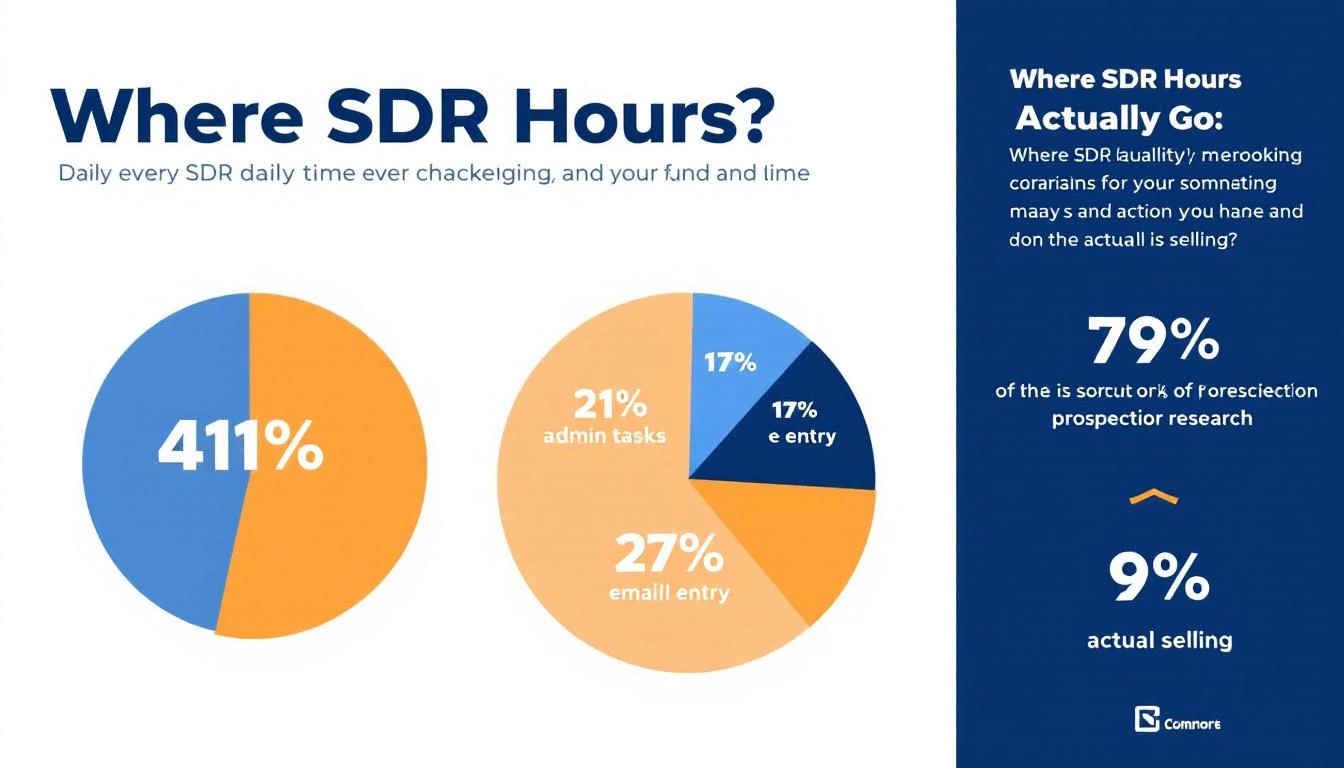
And the numbers get worse when you zoom out: research from SalesSo shows reps spend only 18-30% of their workday on revenue-generating activities, while administrative tasks consume 41% of their time. The result? 83.4% of SDRs fail to consistently hit quota.
That's not a people problem. That's a workflow problem.
This guide breaks down everything you need to know about SDR automation in 2026: what to automate, what to keep human, how to build the right stack, and how to measure whether it's actually working.
The SDR Productivity Crisis (By the Numbers)
Before we talk solutions, let's quantify the problem.
For an SDR earning $60,000 annually, approximately $22,200 is spent on research time alone, according to MarketsandMarkets research. That's 37% of their salary going toward activities that could be automated or dramatically accelerated.
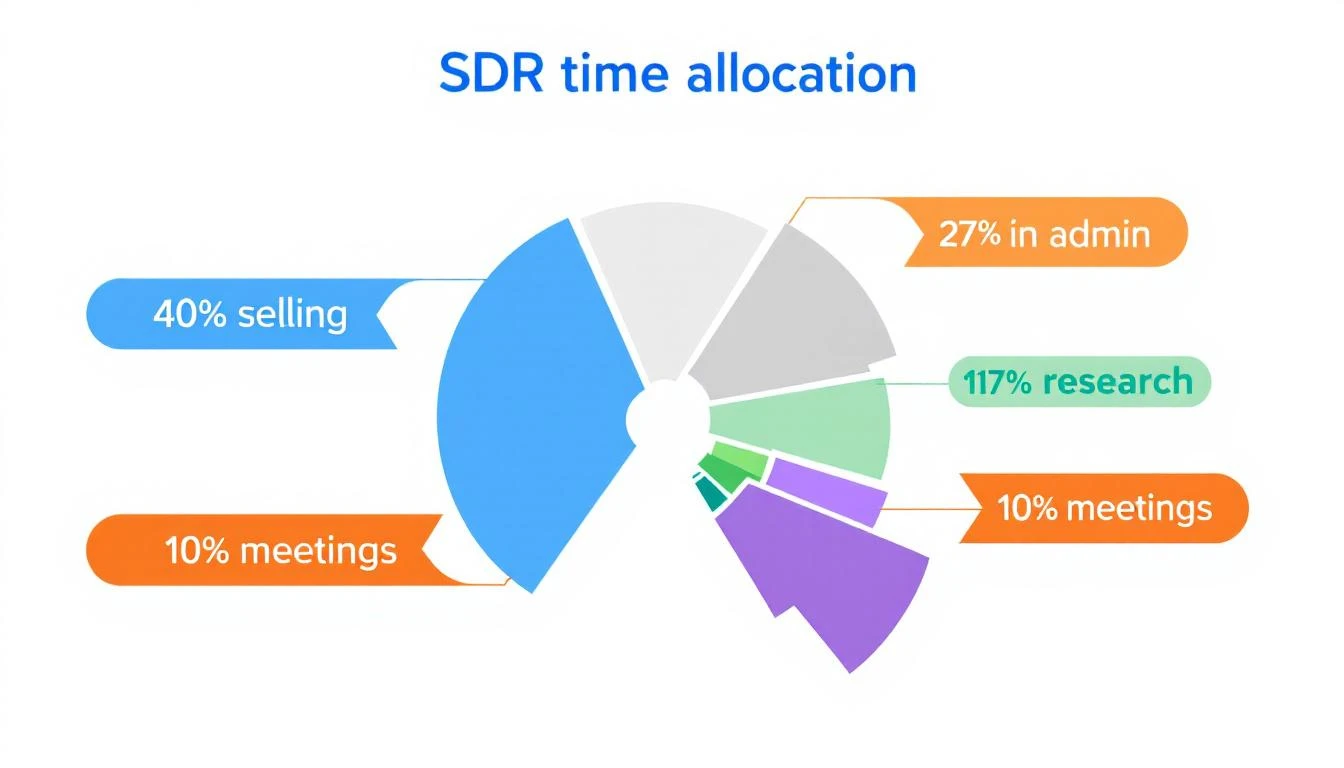
Here's where a typical SDR's 8-hour day actually goes:
| Activity | Time | Automatable? |
|---|---|---|
| Prospecting research | 2.5 hrs | ✅ Mostly |
| Email/message drafting | 1.5 hrs | ✅ Partially |
| CRM data entry | 1.5 hrs | ✅ Fully |
| Internal meetings | 1 hr | ❌ Not really |
| Actual selling (calls, demos, conversations) | 1.5 hrs | ❌ Keep human |
That means roughly 5.5 hours per day are spent on tasks that automation can either eliminate or dramatically reduce. And yet most SDR teams are still running the same manual playbook they used in 2020.
The teams that figure this out first don't just save time—they fundamentally change their unit economics. When your SDRs spend 5 hours selling instead of 1.5, you don't need to hire 3x more reps. You need better workflows.
The Real Cost of Manual SDR Work
Let's do the math on a 5-person SDR team:
- 5 SDRs × $60K salary = $300K/year
- 41% on admin = $123K wasted on non-selling activities
- At 83.4% missing quota, you're likely generating pipeline from only 1-2 of those reps consistently
Now compare that to a team running proper automation:
- Same 5 SDRs, but reclaiming even half of that admin time
- That's the equivalent of adding 2.5 more full-time sellers without a single new hire
- At average SDR pipeline generation of $3M/year per rep, that's $7.5M in additional pipeline capacity
The ROI case for SDR automation isn't theoretical. It's mathematical.
What Should (and Shouldn't) Be Automated
Here's where most teams get it wrong: they try to automate everything, including the parts that require human judgment. Or they automate the easy stuff (like email sends) while ignoring the high-leverage bottlenecks (like lead prioritization).
✅ Automate These (High ROI, Low Risk)
1. Lead identification and enrichment Stop having SDRs manually research companies. Website visitor identification can tell you exactly which companies are on your site. Enrichment tools fill in the contacts, tech stack, and firmographics automatically.
2. Lead scoring and prioritization Your SDRs shouldn't decide who to call first. A scoring model that weighs intent signals, fit score, and engagement should surface the hottest leads automatically every morning.
3. CRM updates and activity logging Every minute spent updating Salesforce is a minute not spent selling. Auto-log emails, calls, and meeting notes. Period.
4. Email sequencing and follow-ups The first touch, the follow-up cadence, the "checking in" emails—these should run on autopilot with well-built sequences. Human reps step in when someone replies.
5. Meeting scheduling Calendar links, round-robin routing, timezone detection, confirmation emails. All automatable. All still done manually at most companies.
6. Data hygiene Bounced emails, job changes, company updates. Champion tracking and data validation should run in the background, not eat into selling time.
❌ Keep These Human (For Now)
1. Discovery calls and demos AI can book the meeting. A human should run it. Buyers still want to talk to someone who understands their problem, asks good follow-up questions, and adapts in real-time.
2. Objection handling on live calls Nuance matters. A prospect saying "we're not ready" vs. "we're evaluating competitors" requires completely different responses that AI still struggles with in real-time conversation.
3. Strategic account research for enterprise deals For your top 20 target accounts, you want a human doing deep research—reading 10-Ks, understanding org charts, finding the real pain. Don't automate your most important deals.
4. Relationship building A personalized LinkedIn message referencing someone's recent podcast appearance can't be templated. The best SDRs earn trust through genuine connection.
⚠️ The Gray Zone (Automate Carefully)
Personalized first-touch emails: AI can draft them, but a human should review before sending to high-value prospects. For mid-market and below, AI personalization at scale is increasingly viable.
Call preparation: Automate the research summary, but the rep should actually read it and form their own point of view before dialing.
LinkedIn outreach: Automate connection requests at your peril. Thoughtful, automated follow-up messages after a connection? That works.
The 5 Pillars of SDR Automation
Think of SDR automation not as a single tool, but as five interconnected systems. Miss one, and the whole thing underperforms.
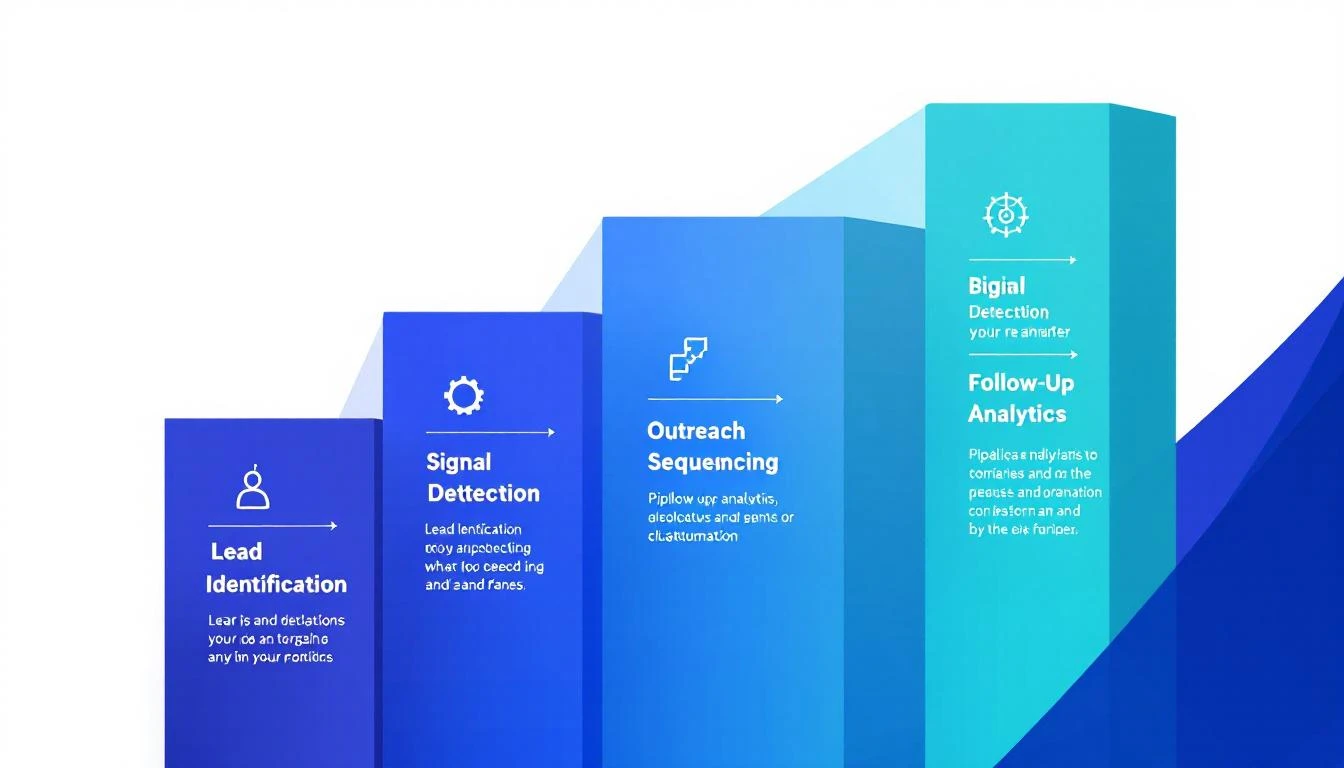
Pillar 1: Lead Identification
The question: Who should we be talking to?
This is the foundation. If you're still waiting for form fills to know who's interested, you're seeing maybe 2% of your actual demand. The other 98% visit your site, read your content, and leave without ever raising their hand.
Website visitor identification changes the game by revealing which companies are actively researching you. Combined with enrichment data—contacts, tech stack, revenue, headcount—your SDRs start each day knowing exactly who showed up.
What good looks like:
- You know which companies visited your site in the last 24 hours
- Each company is automatically matched to contacts in your ICP
- Contact data (email, phone, LinkedIn, title) is pre-enriched
- Everything flows into your CRM without manual entry
Key metrics: Match rate, enrichment accuracy, time from visit to SDR notification.
Read more: Best Website Visitor Identification Tools in 2026
Pillar 2: Signal Detection and Scoring
The question: Who should we talk to first?
Not all leads are equal. A VP of Sales who visited your pricing page three times this week is a fundamentally different prospect than a marketing intern who clicked a blog post once.
Intent signals come in layers:
- First-party signals: Website visits, content downloads, email opens, chatbot conversations
- Third-party signals: G2 category research, review site comparisons, competitor keyword searches
- Behavioral signals: Pricing page visits, demo page bounces, repeat visits within 48 hours
The best SDR automation stacks don't just collect these signals—they score and prioritize them into a daily action list that tells reps: call this person first, email this person second, skip this one until next week.
This is where most tools stop. They show you a dashboard of signals and say "figure it out." The playbook approach is different: it turns signals into specific actions. Not "Company X visited your site" but "Call Jane Smith, VP Sales at Company X. She visited the pricing page twice. Here's what to say."
Key metrics: Signal-to-meeting conversion rate, time from signal to first touch, speed to lead.
Pillar 3: Outreach Sequencing
The question: What do we say, and when?
Once you know who to contact and why, the outreach needs to be multi-channel, well-timed, and personalized enough to not feel automated.
A solid sales cadence in 2026 typically looks like:
- Day 1: Personalized email referencing their specific signal (site visit, G2 research, etc.)
- Day 2: LinkedIn connection request with a brief note
- Day 3: Phone call with voicemail drop
- Day 5: Follow-up email with relevant case study
- Day 8: LinkedIn message referencing the email
- Day 12: Final breakup email
The key insight: the sequence should adapt based on engagement. If someone opens email #1 three times but doesn't reply, the system should automatically escalate—move up the call, adjust the messaging angle, maybe trigger a different sequence entirely.
Cold email templates that worked in 2023 are largely dead. Modern outreach needs to reference real context: what the prospect's company is doing, what they researched on your site, what's happening in their industry. That's where AI-powered personalization becomes essential—not to replace the human touch, but to make it scalable.
Key metrics: Reply rate by channel, positive reply rate, meetings booked per sequence.
Pillar 4: Follow-Up Automation
The question: How do we make sure nothing falls through the cracks?
This is the silent killer of SDR teams. A prospect says "reach out next quarter" and it goes into a mental note that never gets acted on. A demo gets booked but the follow-up email with the case study never sends. A champion changes jobs and nobody notices for three months.
Automated follow-up handles:
- Post-meeting sequences: Recap email, case study, ROI calculator—all triggered automatically after a completed call
- Re-engagement sequences: Prospects who went dark get a fresh touch after 30, 60, 90 days
- Job change alerts: When a champion moves to a new company, your system flags it and creates a new opportunity
- Renewal and expansion signals: Existing customers showing research behavior get routed to the right team
The difference between a good SDR and a great one often comes down to follow-up discipline. Automation doesn't make SDRs lazy—it makes the disciplined ones superhuman.
Key metrics: Follow-up compliance rate, re-engagement reply rate, pipeline recovered from dormant leads.
Pillar 5: Pipeline Analytics
The question: Is any of this actually working?
You can't optimize what you don't measure, and most SDR teams measure the wrong things. Activity metrics like "emails sent" and "calls made" are vanity metrics that tell you nothing about pipeline quality.
What matters:
- Cost per qualified meeting: Total SDR cost (salary + tools + overhead) divided by qualified meetings booked
- Signal-to-meeting conversion: What percentage of identified signals turn into booked meetings?
- Speed to lead: How fast does your team respond to high-intent signals? (Under 5 minutes is the target)
- Pipeline velocity: How quickly do SDR-sourced opportunities move through your funnel?
- Channel attribution: Which outreach channel (email, phone, LinkedIn, chat) drives the most pipeline?
Good automation platforms track all of this natively. If yours requires you to build dashboards in a separate BI tool, that's a red flag.
Building Your SDR Automation Stack: Step by Step
Here's the practical implementation path, ordered by impact and difficulty.
Phase 1: Foundation (Week 1-2)
Goal: Know who's on your site and get them into your CRM automatically.
-
Deploy website visitor identification. This is the single highest-ROI automation move you can make. Overnight, you go from guessing who's interested to knowing exactly which companies visited and what they looked at.
-
Set up enrichment. Every identified company should automatically resolve to specific contacts with verified email and phone. Your SDRs should never manually look up a prospect's contact info again.
-
Connect to your CRM. New leads flow in automatically. No CSV exports. No manual entry. Real-time sync.
Expected impact: 10-20 new qualified leads per week that you were previously missing entirely.
Phase 2: Prioritization (Week 3-4)
Goal: Stop letting SDRs decide who to call. Let data decide.
-
Implement lead scoring based on fit (ICP match) and intent (behavioral signals). Weight pricing page visits and repeat visits heavily.
-
Build a daily SDR playbook that surfaces the top 20-30 actions each rep should take, ranked by likelihood to convert.
-
Set up speed-to-lead alerts. When a high-intent prospect hits your site, the assigned SDR should know within minutes—not hours.
Expected impact: 2-3x improvement in meetings booked per rep, because they're calling the right people at the right time.
Phase 3: Outreach (Week 5-8)
Goal: Multi-channel sequences that run themselves until a prospect engages.
-
Build 3-5 core cadences for different scenarios: warm inbound, cold outbound, re-engagement, event follow-up, champion job change.
-
Set up email automation with personalization tokens that pull from your enrichment data—not just {First Name}, but references to their industry, tech stack, and recent signals.
-
Integrate your dialer. Calls should be one-click from the playbook. Call recordings and notes should auto-log to the CRM. Smart dialers with AI-powered voicemail drop save 30+ minutes per day per rep.
Expected impact: 50-70% reduction in time spent on manual outreach setup. Consistent multi-channel coverage for every lead.
Phase 4: Intelligence (Week 9-12)
Goal: The system gets smarter over time.
-
Layer in third-party intent data. G2 research, review site activity, competitor keyword searches—these signals tell you who's in-market before they ever visit your site.
-
Implement signal orchestration to combine first-party and third-party signals into unified priority scores.
-
Set up A/B testing on email templates, call scripts, and sequence timing. Let the data tell you what works, not gut feel.
Expected impact: Pipeline predictability. You can start forecasting how many meetings next month based on current signal volume and conversion rates.
The Playbook Approach vs. The Dashboard Approach
This is the most important strategic decision you'll make in SDR automation, and it's one most buyers don't even think about.
The Dashboard Approach (most tools): Here's a dashboard with all your signals, leads, and data. Your SDRs log in, interpret the data, decide who to contact, figure out what channel to use, craft the message, and execute. The tool provides information. The SDR provides the judgment.
The Playbook Approach (where the industry is heading): Here's your task list for today, ranked by priority. Call this person—here's why and what to say. Email this person—here's the draft, customized to their signal. Skip this one, they're not ready yet. The tool provides the action. The SDR provides the execution.
The difference sounds subtle but it's massive:
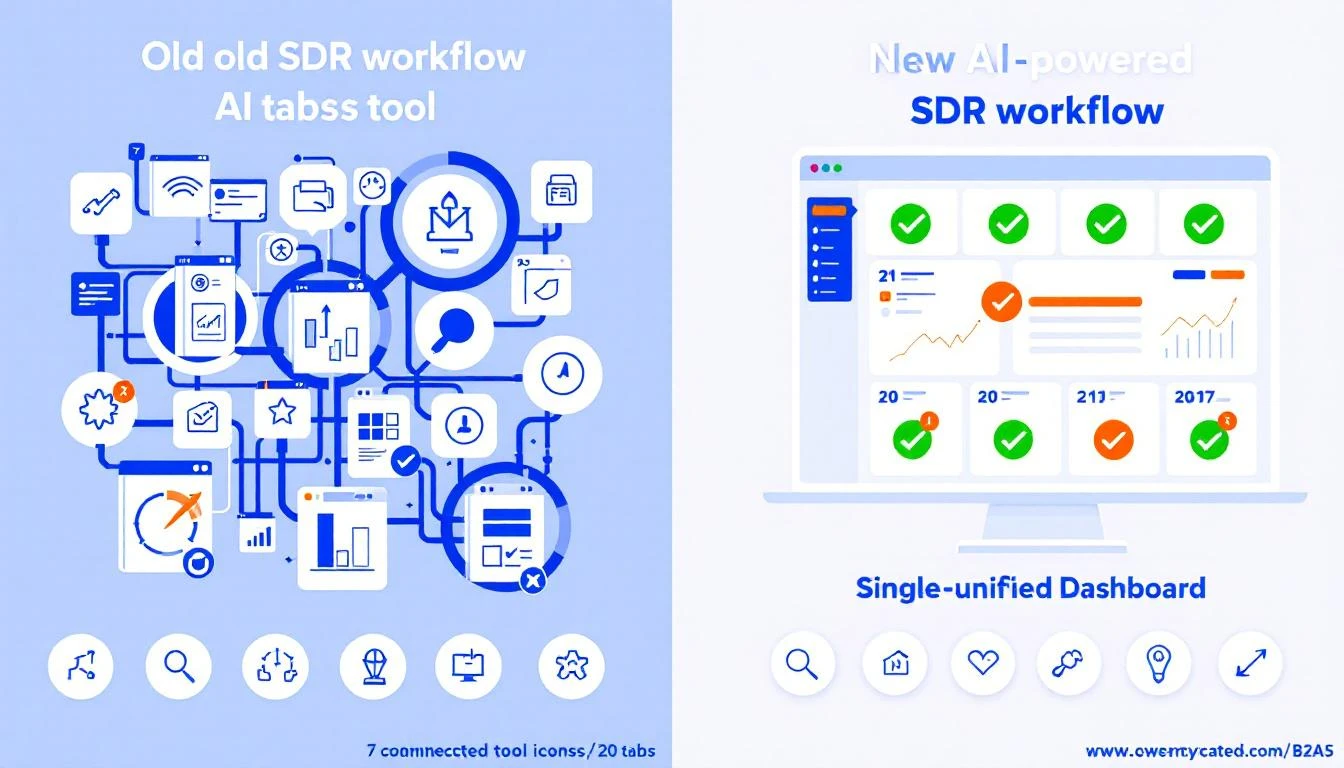
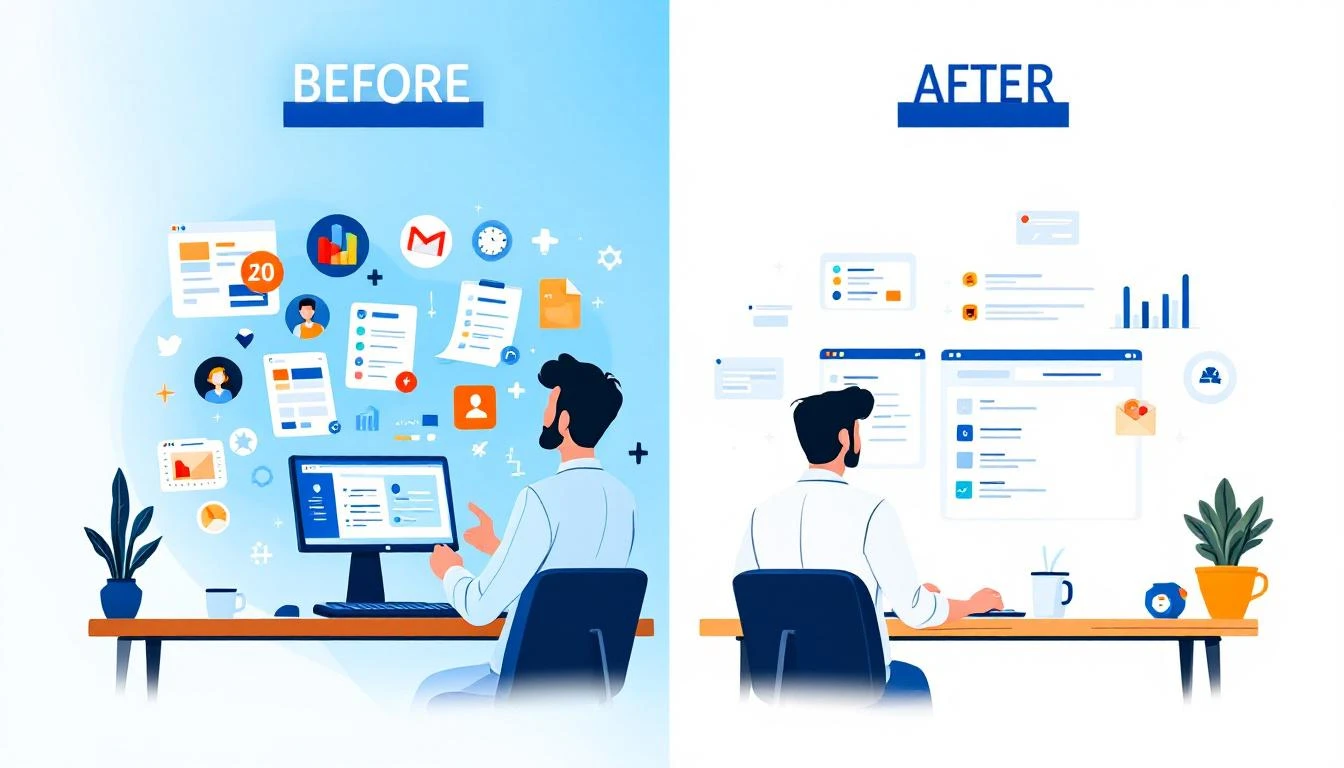
- Dashboard approach: SDR opens 6 tabs, spends 20 minutes deciding who to call
- Playbook approach: SDR opens one screen, starts calling immediately
Teams using the playbook approach consistently report going from 20 tabs to one task list, with dramatic improvements in both productivity and rep satisfaction.
When you're evaluating SDR automation tools, ask this question: "Does this tool tell my SDRs what to do, or just show them data?" The answer reveals everything.
Measuring SDR Automation ROI
Don't trust vendors who only show "emails sent" or "contacts enriched." Those are input metrics. Here's how to actually measure ROI:
The Formula
Monthly ROI = (Pipeline Generated - Total Cost) / Total Cost × 100
Where:
- Pipeline Generated = Meetings booked × average opportunity value × close rate
- Total Cost = SDR salaries + tool costs + management overhead
Benchmarks Worth Tracking
| Metric | Before Automation | After Automation (Target) |
|---|---|---|
| Meetings booked per SDR/month | 8-12 | 20-30 |
| Time to first touch | 4-24 hours | Under 5 minutes |
| Emails personalized per day | 15-25 | 75-100 |
| CRM data entry time | 1.5 hrs/day | Near zero |
| Quota attainment | 16.6% | 40%+ |
Red Flags Your Automation Isn't Working
- More emails sent, same reply rate: You automated volume, not quality
- SDRs still spending 1+ hour on research daily: Your enrichment isn't working
- No improvement in speed-to-lead: Your routing and alerts are broken
- Reps don't trust the lead scores: Your scoring model needs recalibration
- Tool adoption under 60%: Your workflow doesn't match how reps actually work
The 7 Most Common SDR Automation Mistakes
1. Automating bad processes If your manual outreach gets 0 replies, automating it just sends 0-reply emails faster. Fix the strategy first.
2. Over-automating personalization "Hi {First_Name}, I noticed {Company_Name} is in the {Industry} space" is not personalization. It's mail merge with extra steps. Real personalization references specific signals and context.
3. Ignoring data quality Automation amplifies whatever you feed it. Bad email data = bounced sequences = domain reputation damage = all your emails go to spam. Invest in data hygiene before scale.
4. Building a Frankenstein stack 8 different tools that barely integrate is worse than 1 tool that does 80% of what you need. The trend toward consolidated platforms exists for a reason.
5. Not measuring what matters If you're celebrating "10,000 emails sent this month" instead of "40 qualified meetings booked," your metrics are broken. Read our SDR metrics guide.
6. Forgetting the human element The best automation makes your SDRs better, not redundant. If your reps feel like button-pushers, you've automated wrong. The goal is to eliminate busywork so they can focus on what humans do best: build relationships and solve problems.
7. Set-and-forget deployment SDR automation needs continuous tuning. Sequences that worked last quarter might underperform now. Scoring models drift as your market evolves. Budget time for monthly optimization.
What's Next: SDR Automation in 2026 and Beyond
The landscape is shifting fast. Here's what's coming:
AI SDR agents are getting real. Not the "send 10,000 cold emails" kind—the ones that can hold a genuine conversation, qualify in real-time, and book meetings without human intervention. Salesforce, Qualified, and several startups are making progress here. But we're still early. For most teams in 2026, AI augments SDRs rather than replacing them.
Signal quality matters more than signal volume. As more companies deploy intent data, the competitive advantage shifts from "having signals" to "acting on the right signals, faster than anyone else." Signal quality vs. speed is the new battleground.
Consolidation is accelerating. The days of stitching together 10 point solutions are ending. Buyers want one platform that handles identification → scoring → outreach → analytics. The GTM agent stack is replacing the GTM tool stack.
Outbound isn't dead—it's evolving. The teams claiming outbound is dead are the ones still doing spray-and-pray. Signal-based, relevant, well-timed outbound is working better than ever. The bar is just higher.
Getting Started Today
You don't need to automate everything at once. Start here:
-
Audit your SDRs' time. Have each rep track their activities for one week. The results will shock you (and justify the investment).
-
Deploy visitor identification. This is the single biggest unlock. You'll immediately see 10-20x more demand than your forms capture.
-
Build your first automated cadence. Start with your most common scenario—probably warm outbound to identified visitors.
-
Measure ruthlessly. Meetings booked, speed to lead, pipeline generated. Everything else is noise.
The math is simple: SDRs who spend more time selling book more meetings. Automation is how you get there.
Ready to see what SDR automation looks like in practice? Book a demo → and we'll show you how MarketBetter turns visitor signals into a daily action plan your SDRs will actually use.
Related reading: