
7 Actionable Marketing Dashboard Examples for Enterprise Teams in 2026
A marketing dashboard should be a strategic command center, not a graveyard for vanity metrics. Many teams struggle with dashboards that are either too complex to be useful or too simple to be insightful, failing to connect marketing activities directly to revenue. This disconnect leads to data overload, missed opportunities, and an inability to prove marketing's true value. The result is a reporting tool that generates more questions than answers, leaving stakeholders unclear on performance and strategy.
This article cuts through the noise. We will deconstruct seven powerful marketing dashboard examples, moving beyond surface-level visuals to provide a blueprint for creating actionable, ROI-focused reports. We will compare different approaches from platforms like Tableau, Power BI, and specialized tools like Marketbetter.ai, giving you a clear path to finding the right solution for your specific goals.
You'll get more than just a list of pretty charts. For each example, you will find:
- Strategic Analysis: A breakdown of the core KPIs and why they matter for use cases like campaign performance, SEO, acquisition, and executive reporting.
- Actionable Takeaways: Specific steps to interpret the data, make smarter decisions, and replicate these dashboards in your own environment.
- Direct Links & Screenshots: Visual references and direct access to each template or gallery to help you get started immediately.
Our goal is to equip you with a framework for building dashboards that not only track performance but also drive strategic clarity, helping you prove and improve marketing's impact on the bottom line.
1. marketbetter.ai
As our featured choice, marketbetter.ai stands apart by fundamentally reimagining what a marketing dashboard can be. Instead of merely visualizing data from disparate tools, this AI-native platform integrates the entire marketing and revenue acceleration stack. It combines content generation, multi-channel campaign execution, and real-time attribution into a single, CRM-connected system, offering a holistic view that most dashboard-only solutions cannot match.
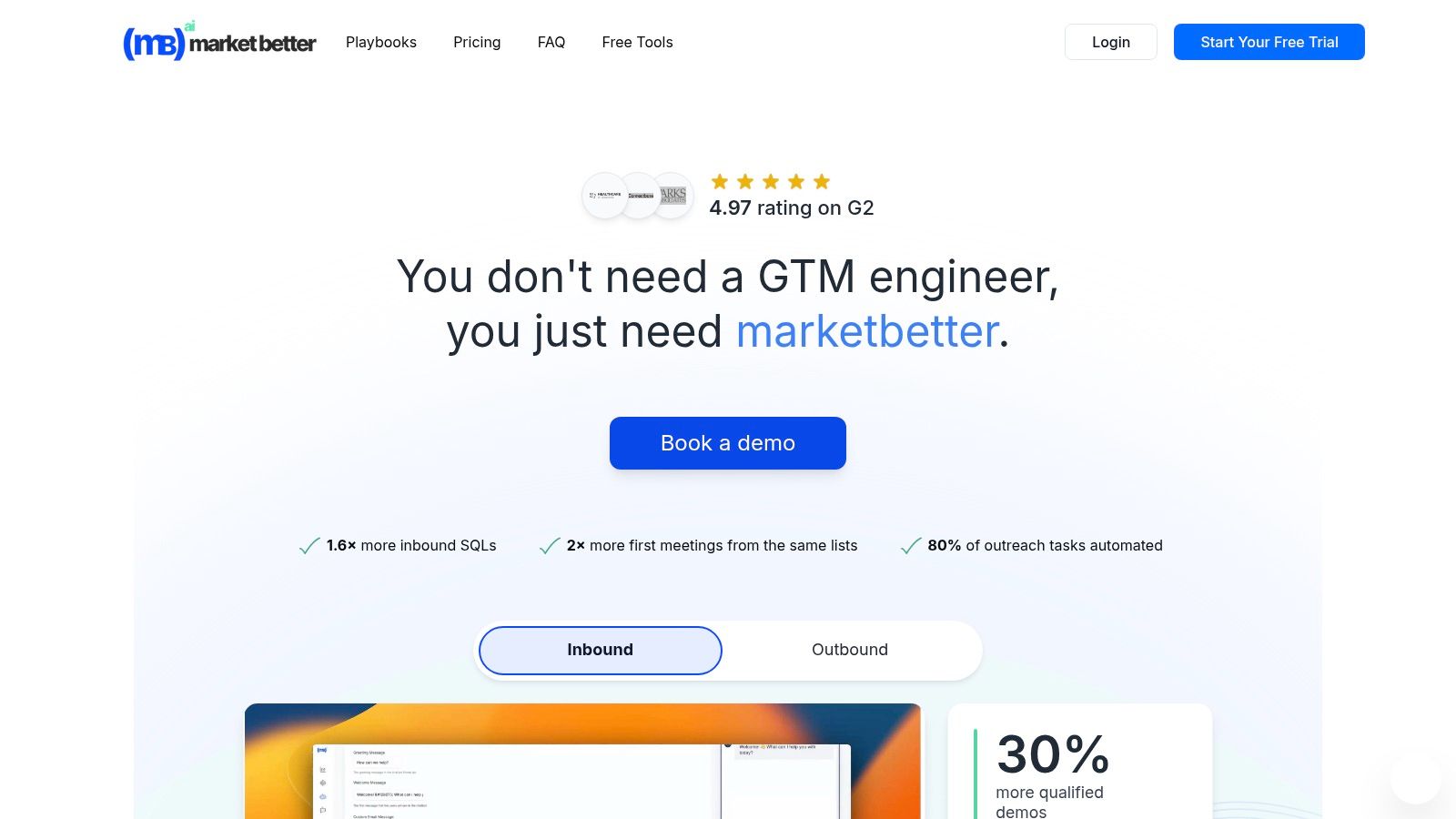
This unified approach provides a powerful advantage for mid-market and enterprise B2B teams. Where a typical marketing operations team might use separate tools for prospecting, content creation, email sequencing, and analytics, marketbetter.ai consolidates these functions. Its dashboards are not just passive reports; they are actionable command centers that connect AI-driven insights directly to automated execution.
Strategic Analysis: Beyond Visualization to Execution
The core strength of marketbetter.ai lies in its ability to close the loop between insight and action. The platform is engineered to detect GTM signals like page-level intent and firmographic data, automatically enrich and score accounts, and trigger personalized multi-channel outreach without manual intervention.
Key Strategic Takeaway: The platform’s true value is its operational efficiency. By replacing multiple point solutions, it eliminates data silos and automates the top-of-funnel workflow, allowing teams to move from intent detection to a first meeting faster and with less overhead. Customer-reported metrics like a 2x increase in first meetings and a 24% faster follow-up time directly reflect this integrated power.
Unlike traditional analytics tools that require marketers to interpret data and then manually build campaigns in other systems, marketbetter.ai uses its dashboard insights to fuel its own AI engine. For instance, if the dashboard shows a specific segment is responding well to a campaign, the platform can automatically reallocate budget or adjust messaging in real-time.
Standout Features and Actionable Insights
Let's break down the key capabilities that make its dashboards so effective:
- Unified Revenue Attribution: The dashboards directly link marketing activities (blog posts, ads, emails) to pipeline and revenue by writing every interaction back to Salesforce, HubSpot, or Dynamics. This provides clear, defensible ROI metrics that CMOs can present to the board.
- Predictive Campaign Optimization: The platform doesn't just show you A/B test results. It uses AI to run tests automatically, identify winning variations, and dynamically adjust segmentation and budget allocation to maximize performance.
- AI-Powered Content Intelligence: Dashboards are connected to an AI content generator that creates on-brand blogs, ads, and social posts. This allows teams to rapidly act on performance data by creating and deploying new assets informed by what’s already working.
Practical Implementation and Use Cases
For a Demand Generation Manager, this means launching a new product campaign becomes a streamlined process. Using marketbetter.ai, they can:
- Identify Intent: The platform detects a cluster of target accounts visiting specific product pages.
- Generate Assets: The AI creates tailored ad copy, emails, and social posts for this high-intent segment.
- Automate Outreach: The system triggers a multi-channel sequence across email and LinkedIn Ads.
- Measure and Attribute: The dashboard tracks every touchpoint, attributing new meetings and pipeline directly to the campaign.
The setup is designed for rapid deployment. With turnkey CRM integrations and a simple tracking code installation, the vendor claims teams can be operational in minutes. This speed, combined with dedicated implementation support, makes it an attractive option for organizations undergoing digital transformation or needing to hit aggressive growth targets.
Pros and Cons of marketbetter.ai
| Pros | Cons |
|---|---|
| Unified AI-Native Platform: Replaces multiple point tools (prospecting, automation, enrichment), simplifying the martech stack and reducing data silos. | No Public Pricing: Requires a demo or quote, which may be a barrier for smaller teams or those with rigid budget approval processes. |
| Proven Impact Metrics: Strong customer-reported results (e.g., 3x campaign ROI, 30% more qualified demos) backed by a 4.97 G2 rating. | Potential Compliance Complexity: Automated IP-based identification may require careful configuration to align with privacy regulations like GDPR or CCPA. |
| Full-Funnel Automation: Connects intent detection directly to multi-channel outreach and CRM write-back for end-to-end attribution. | Learning Curve: While powerful, an all-in-one platform may require more initial team training compared to a single-function point solution. |
| Fast Time-to-Value: Turnkey integrations with major CRMs and a straightforward setup process are supported by dedicated implementation teams. | |
| Enterprise-Grade Security: Features encryption, audit logs, and configurable data policies to meet enterprise security and compliance standards. |
Website: https://www.marketbetter.ai
2. Google Looker Studio Report Gallery (official)
The Google Looker Studio Report Gallery is an invaluable resource for marketers seeking ready-to-use, professional-grade dashboard templates. As Google's official repository, it provides a curated collection of reports designed for a wide range of marketing use cases, from Google Ads campaign analysis to GA4 traffic deep dives. Its primary strength lies in its seamless integration with the Google ecosystem, making it a go-to starting point for teams heavily invested in Google's marketing and analytics platforms.
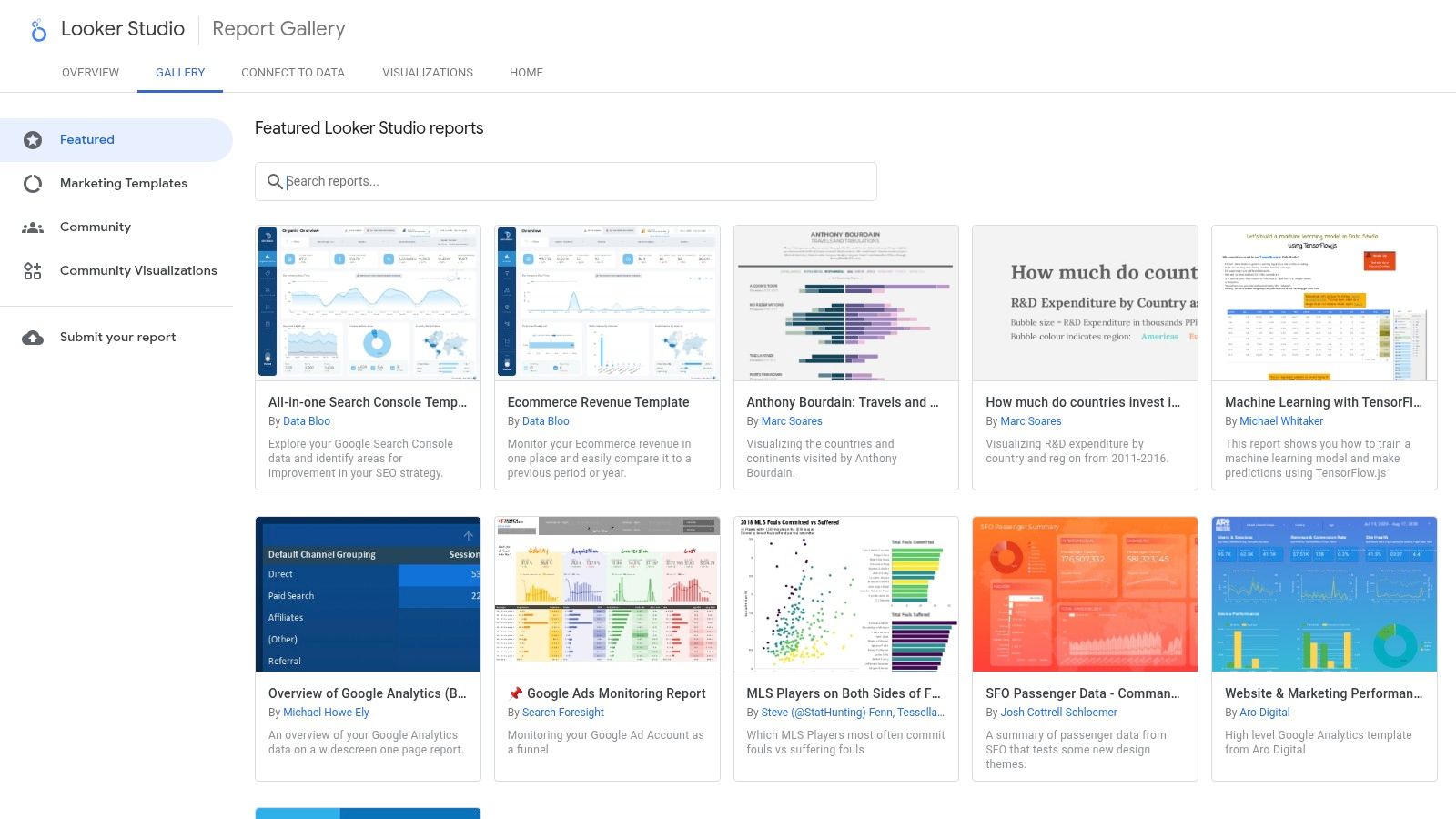
Unlike many platforms that require extensive setup, Looker Studio's gallery allows marketers to find a relevant template, click "Use template," and connect their own data sources in minutes. This dramatically reduces the time to value. Compared to a tool like Tableau which requires a paid license and more technical setup, Looker Studio's free and intuitive interface makes it highly accessible for teams of any size.
Strategic Analysis and Tactical Insights
The gallery is more than just a collection of templates; it's a strategic playbook. By browsing the marketing section, you can see how Google and top marketing practitioners visualize data to answer critical business questions. This is one of the best free resources for finding proven marketing dashboard examples that are ready for immediate deployment.
Key Strategic Insight: Looker Studio templates are designed around specific data connectors (e.g., GA4, Google Ads, YouTube Analytics). This forces you to think about data integration from the start. A dashboard that combines Google Ads cost data with GA4 conversion data provides a much clearer picture of your Return on Ad Spend (ROAS) than looking at each platform in isolation.
Actionable Takeaway: Don't just copy a template. Analyze its structure. Action this by asking yourself why certain metrics are grouped together. For instance, a lead generation dashboard might pair impressions and clicks with form submissions and cost-per-acquisition. This structure helps you follow the customer journey from initial awareness to conversion. To get more ideas on what to track, explore these essential lead generation key performance indicators.
Access and Implementation
Looker Studio's core product is completely free, making it accessible to individuals, startups, and large enterprises alike.
- Access: Simply visit the Looker Studio Report Gallery with a Google account.
- Pricing: The gallery and core dashboarding tools are free. An optional upgrade to Looker Studio Pro is available for enterprises needing advanced team management, governance, and SLA support.
- Data Connectors: While native Google connectors are free, connecting to non-Google platforms like HubSpot, Facebook Ads, or Salesforce often requires third-party connectors (e.g., from Supermetrics or Power My Analytics), which come with their own subscription costs.
3. Tableau Exchange – Accelerators (official)
For marketing teams operating within the Tableau or Salesforce ecosystem, the Tableau Exchange Accelerators are a powerful, enterprise-grade resource. These are not just templates; they are fully-formed, free-to-use dashboards built by certified partners. They are designed to plug directly into your data sources and provide immediate analytical value, covering specialized areas like Paid Media Performance, Social Media Analytics, and Google Ads campaign tracking.
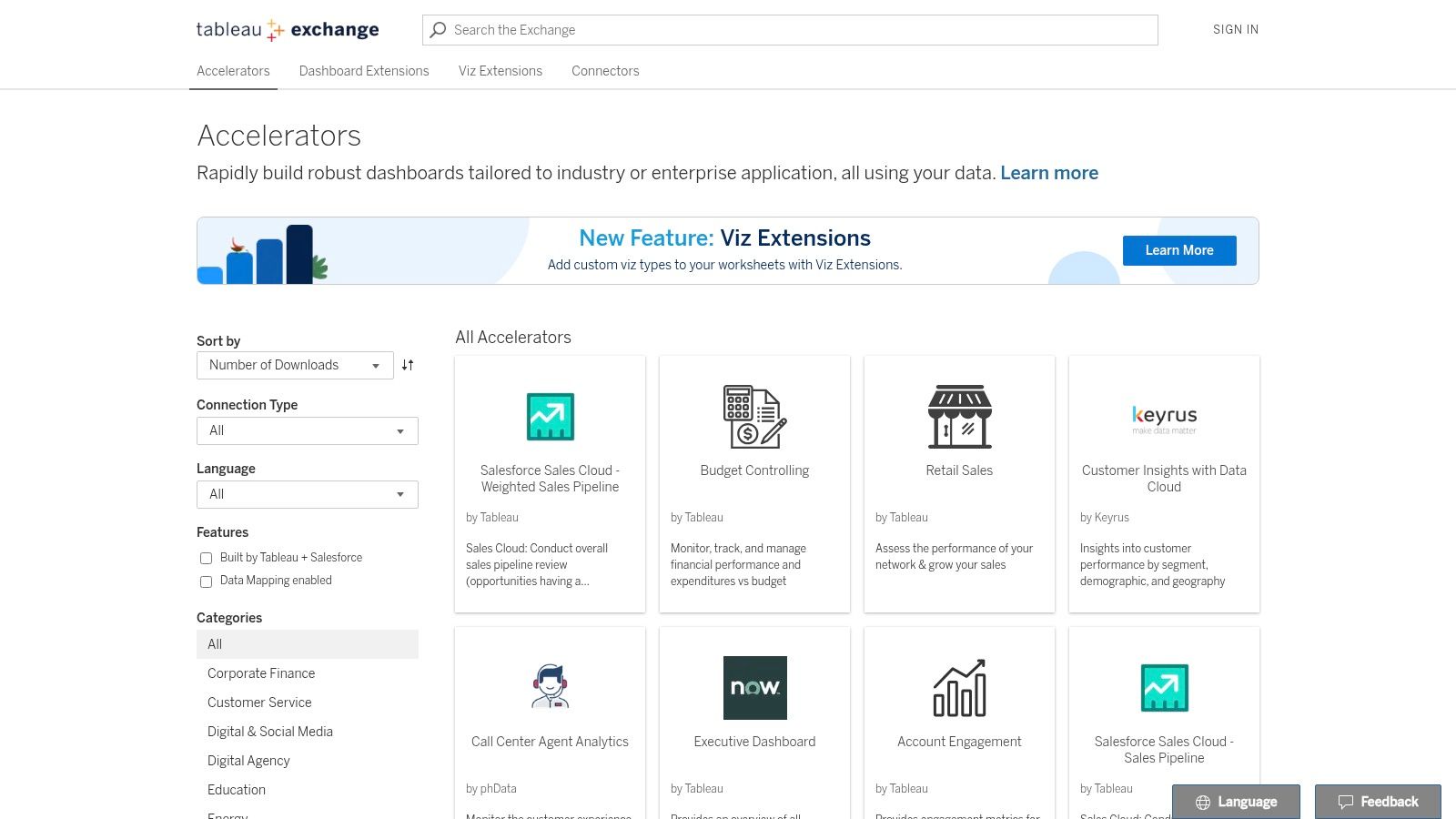
Unlike more generalized galleries, Tableau Accelerators are pre-configured to answer specific, complex business questions right out of the box. This drastically reduces the development time typically associated with building sophisticated dashboards in a powerful BI tool like Tableau. The user experience is tailored for analysts and data-savvy marketers who need to move beyond basic reporting and into deeper data exploration.
Strategic Analysis and Tactical Insights
The true power of Tableau Accelerators is their focus on complex marketing analysis. They provide a solid foundation for building sophisticated visualizations that can uncover nuanced performance trends. Many of these pre-built dashboards serve as excellent marketing dashboard examples for teams aiming for a higher level of data maturity.
Key Strategic Insight: Accelerators often incorporate advanced analytical concepts from the start. For example, a Paid Media Performance accelerator might include blended data from multiple ad platforms (Google, Meta, LinkedIn) and tie it back to CRM data (like Salesforce). This encourages a holistic view of campaign effectiveness and ROI that isolated platform dashboards cannot provide.
Actionable Takeaway: Download an accelerator that aligns with your key channels, like the "Paid Media Performance" one. Instead of just connecting your data, dissect its logic. Pay attention to how it calculates metrics like blended Cost Per Lead (CPL) or visualizes customer journey paths. Use this as a blueprint to create a unified data model for your own reports, ensuring consistent calculations across all channels. For deeper insights, you can explore various multi-touch attribution models to see how each channel contributes to conversions.
Access and Implementation
While the accelerators themselves are free, they require a Tableau license to function, positioning them as a value-add for existing users rather than a standalone free tool.
- Access: Available directly from the Tableau Exchange by searching for relevant marketing keywords.
- Pricing: The accelerators are free to download and use. However, a paid license for Tableau Desktop, Tableau Creator, or Tableau Cloud is required to open, edit, and connect them to your data.
- Data Connectors: Accelerators are built for common data sources (e.g., Google Ads, Salesforce, Snowflake). Each listing includes detailed instructions and notes on the required data schema, which you must match for the dashboard to populate correctly.
4. Microsoft AppSource – Power BI marketing templates
For organizations embedded within the Microsoft ecosystem, AppSource is the go-to marketplace for discovering pre-built Power BI template apps. These turnkey solutions are designed to dramatically accelerate the deployment of sophisticated marketing analytics. Instead of building reports from a blank canvas, AppSource provides complete, installable dashboards for specific use cases like Meta Ads performance, multichannel attribution, and lead funnel analysis, making it an excellent source for robust marketing dashboard examples.
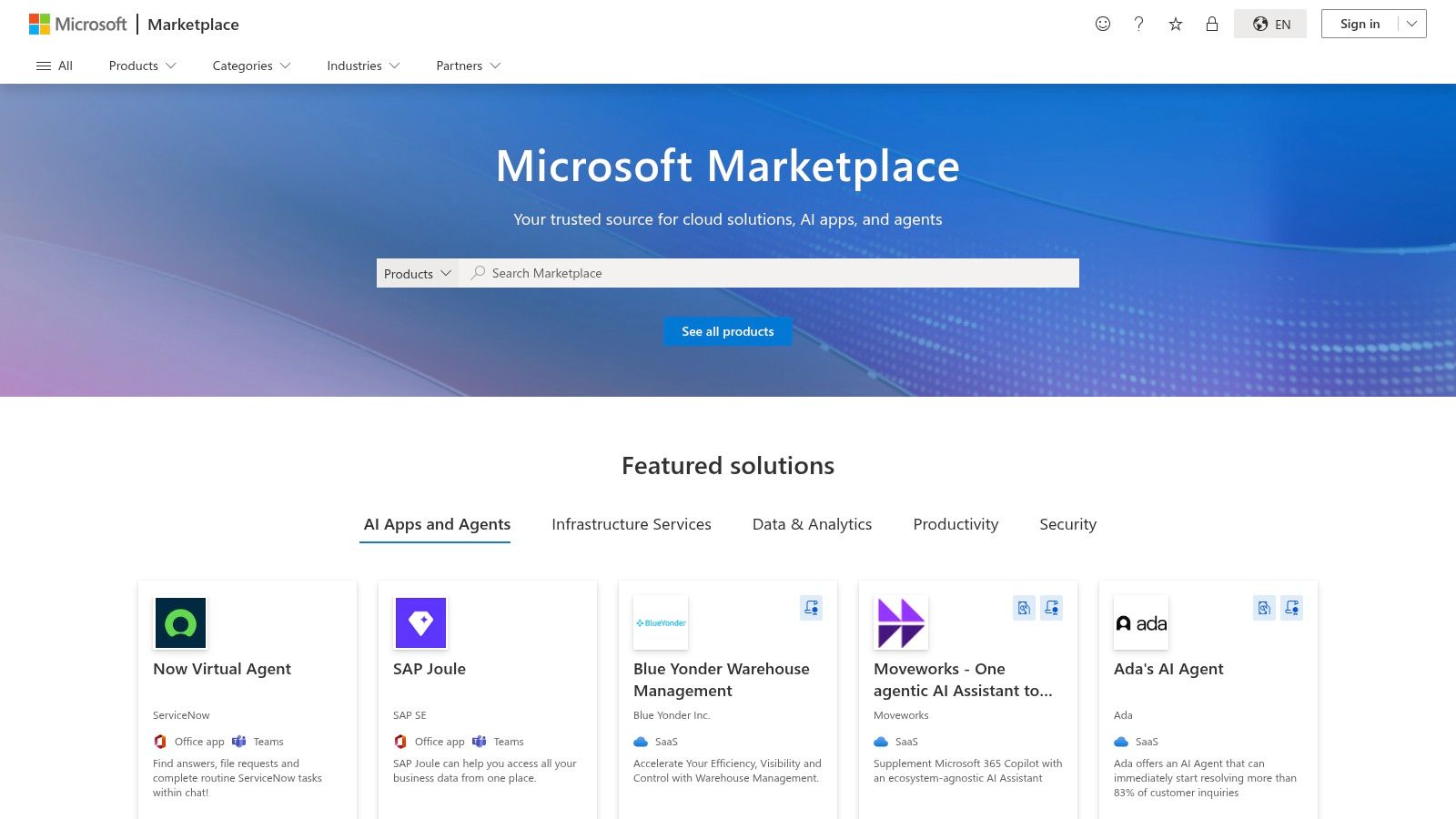
Unlike Google's Looker Studio gallery, which primarily focuses on Google-centric data, AppSource offers a broader range of third-party templates from various publishers. The key comparison here is ecosystem alignment: Power BI templates are ideal for companies using Microsoft Dynamics 365 and Azure, whereas Looker Studio is the default for those centered on Google Analytics and Google Ads.
Strategic Analysis and Tactical Insights
The true value of AppSource templates lies in their enterprise-ready structure. They often include not just the dashboard but also the underlying data model and Power Query transformations. This provides a complete blueprint for how to structure marketing data for scalable analysis, a significant step up from basic template galleries.
Key Strategic Insight: Power BI templates on AppSource are built for integration and governance. They are designed to fit into a corporate BI strategy where data from marketing (e.g., Facebook Ads) needs to be securely blended with data from other departments (e.g., sales data from Dynamics 365). This encourages a holistic view of business performance, connecting marketing spend directly to revenue outcomes.
Actionable Takeaway: When evaluating an AppSource template, look beyond the visuals. Investigate the data model included with the template. How does it handle date tables? What relationships are pre-defined between campaign data and conversion data? Your action is to replicate these logical structures in your own BI environment—this is often more valuable than copying the charts themselves. To see these principles in action, you can explore various inspiring Power BI dashboard examples that demonstrate effective marketing performance visualization.
Access and Implementation
While the Power BI platform has a free tier, many of the advanced marketing templates on AppSource have associated costs, either for the template itself or for required data connectors.
- Access: Browse marketing templates on the Microsoft AppSource website. A Microsoft work or school account is typically required to install apps into a Power BI workspace.
- Pricing: Varies by publisher. Some templates are free, while others require a one-time purchase or an ongoing subscription.
- Data Connectors: The biggest caveat is that many templates rely on third-party data pipelines or ETL services to pull data from platforms like Meta, LinkedIn, or HubSpot. These services carry their own subscription fees, so be sure to review the template's "Requirements" section before installation.
5. Databox – Marketing dashboard templates
Databox offers one of the most extensive and actively maintained libraries of marketing dashboard templates available. With over 200 pre-built options covering everything from GA4 and HubSpot to social media and paid advertising, it serves as a powerful no-code solution for teams that need to deploy comprehensive reports quickly. Its key differentiator is the one-click setup, which leverages over 130 native integrations to pull data and populate a dashboard in minutes, not hours.
Compared to platforms like Looker Studio, which may require third-party connectors for non-Google data, Databox's value lies in its all-in-one, integrated environment. The user experience is designed for speed and simplicity, enabling marketers to select a template, connect their accounts, and immediately see their data visualized. This makes it an ideal choice for agencies managing multiple clients or in-house teams seeking standardized reporting across departments.
Strategic Analysis and Tactical Insights
The sheer volume of Databox's gallery provides a strategic advantage by offering specialized views for nearly every marketing function. You can find highly specific marketing dashboard examples, such as a "HubSpot Blog Performance" report or a "Google Ads Call & Lead Details" dashboard. This specialization allows teams to move beyond generic overviews and monitor the precise KPIs that drive their specific goals.
Key Strategic Insight: Databox excels at creating multi-source dashboards out of the box. For example, a "Paid Ads Overview" template can pull data from Google Ads, Facebook Ads, and LinkedIn Ads into a single, unified view. This immediately highlights cross-channel performance, enabling you to see which platform delivers the best cost-per-lead or ROAS without building complex data blends manually.
Actionable Takeaway: Use Databox templates to establish a performance baseline, then customize them to answer deeper questions. For instance, start with the "GA4 Website Traffic" template. After reviewing it, your action is to add a calculated metric that tracks the conversion rate of blog traffic versus paid traffic. This turns a standard report into a strategic tool for budget allocation. Understanding these metrics is crucial; for more detail, learn how to calculate marketing ROI effectively.
Access and Implementation
Databox is a subscription-based service with various tiers tailored to different business needs, from small teams to large agencies.
- Access: Sign up for a free trial directly on the Databox website to explore the template gallery and connect your data sources.
- Pricing: Databox operates on a paid subscription model after the initial trial period. Plans are typically based on the number of data connections and dashboards required. The platform's free plan was sunset, so a paid subscription is necessary for continued use.
- Data Connectors: The platform boasts over 130 native one-click integrations, including HubSpot, Google Analytics 4, SEMrush, Salesforce, and all major social media and ad platforms. This extensive list is a core part of its value proposition.
6. Geckoboard – Marketing dashboard examples and templates
Geckoboard specializes in creating simple, high-impact dashboards designed for real-time team visibility and stakeholder communication. Its strength is not in complex data exploration but in distilling key marketing metrics into easily digestible visuals, perfect for displaying on office TVs or sharing with non-technical executives. With over 90 pre-built integrations, it allows marketers to quickly connect their tools and create focused dashboards for specific functions like lead generation, social media performance, or high-level CMO overviews.
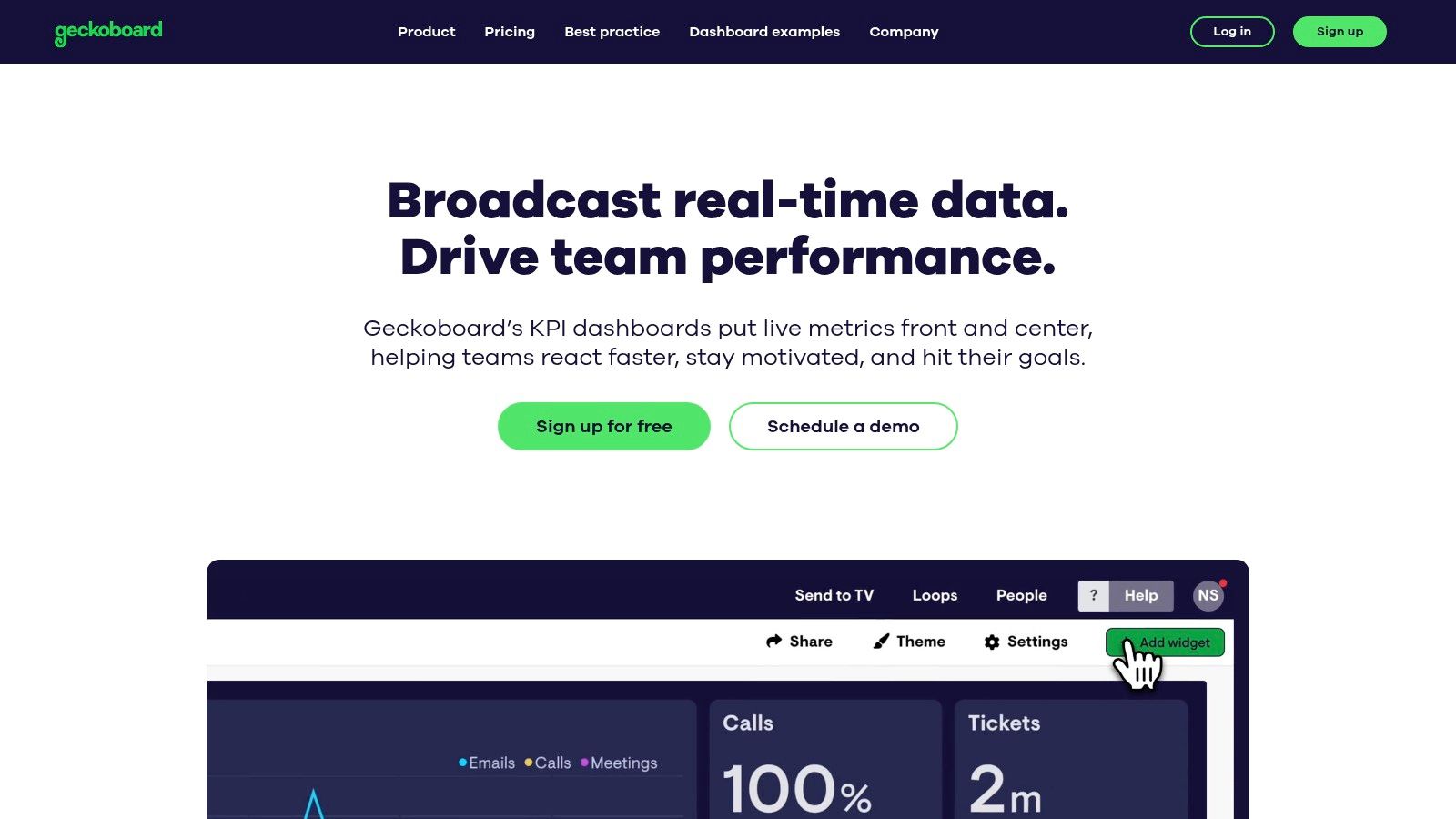
Unlike more analyst-focused tools like Tableau, which are built for deep dives, Geckoboard prioritizes speed-to-value and "glanceability". The user experience is exceptionally straightforward; marketers can select a pre-built template, connect data sources like Google Analytics or HubSpot with a few clicks, and have a live dashboard running in minutes. This makes it an ideal solution for teams that need to foster a data-aware culture without a steep learning curve.
Strategic Analysis and Tactical Insights
Geckoboard’s approach is centered on communication. The templates and examples provided on their site are excellent marketing dashboard examples that demonstrate how to communicate performance without overwhelming the audience. The focus is on clarity and real-time updates, making it a powerful tool for operational alignment.
Key Strategic Insight: Geckoboard’s design philosophy forces you to prioritize what truly matters. By limiting the number of widgets on a screen and focusing on clear, numerical KPIs, it encourages a "one primary metric per widget" approach. A dashboard built for a TV screen can't afford clutter, which pushes you to select metrics that drive immediate action, like "New MQLs Today" or "Live Website Visitors."
Actionable Takeaway: Use Geckoboard's simplicity as a strategic filter for your KPIs. To make this actionable, ask: "If my team could only see five metrics to know if we are winning today, what would they be?" Start with high-level outcomes (e.g., Leads Generated) and pair them with leading indicators (e.g., Ad Spend or Organic Sessions). This focus helps teams connect daily activities directly to business goals, turning the dashboard from a reporting tool into a motivational one.
Access and Implementation
Geckoboard is a premium SaaS product with a free plan for single users and one dashboard, making it accessible to try before committing to a paid tier for team use.
- Access: Sign up for an account on the Geckoboard website. A 14-day free trial of paid features is available.
- Pricing: Plans start with a free tier. Paid plans are based on the number of users and dashboards, starting at $49/month for the "Team" plan, which includes 3 dashboards and unlimited users. Higher tiers add features like Slack sharing and custom CSS.
- Data Connectors: Geckoboard offers over 90 pre-built integrations with popular marketing platforms like Google Analytics, HubSpot, Salesforce, Mailchimp, and social media channels. These native connectors are included in the subscription cost.
7. Supermetrics Template Gallery (for Looker Studio, Power BI, Sheets, Excel)
The Supermetrics Template Gallery is a powerful hub for marketers looking to build sophisticated, multi-channel reports without starting from scratch. While Google's gallery excels within its own ecosystem, Supermetrics specializes in bridging the gap between dozens of non-Google platforms like Meta Ads, LinkedIn, TikTok, and HubSpot. It offers a vast collection of free and paid templates designed to work seamlessly with its data connectors across various BI tools, including Looker Studio, Power BI, Excel, and Google Sheets.
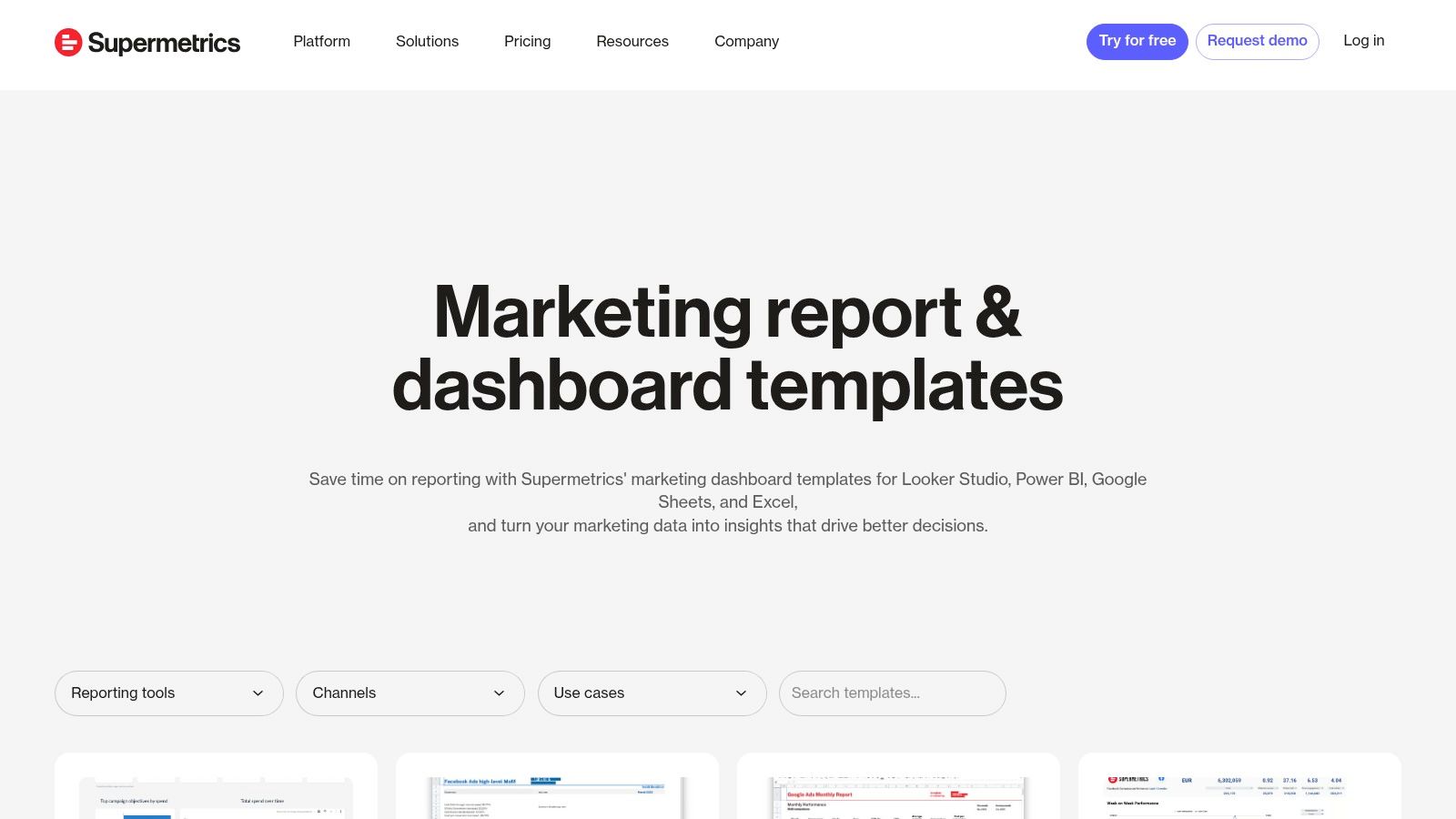
This platform's core advantage is saving immense time on data integration. Instead of manually exporting CSVs or wrestling with APIs, marketers can use a Supermetrics template, connect their ad accounts via the Supermetrics connector, and have a comprehensive dashboard populated in minutes. The templates are built by marketing data experts, ensuring the visualizations and KPI groupings are logical and designed for performance analysis.
Strategic Analysis and Tactical Insights
The Supermetrics gallery provides a clear blueprint for unified marketing reporting. Its templates are particularly strong for paid media, social media, and SEO, offering some of the most practical marketing dashboard examples for performance marketers who need to blend data from multiple sources. A single dashboard can compare Meta Ads CPA against Google Ads CPA, or track organic search rankings alongside paid search clicks, providing a holistic view of performance.
Key Strategic Insight: Supermetrics templates are designed to solve the data blending problem. A "Paid Channel Mix" dashboard, for instance, forces you to standardize metrics (like cost, impressions, and conversions) across platforms that report them differently. This enables a true apples-to-apples comparison of channel efficiency and helps you allocate budget more effectively.
Actionable Takeaway: When you select a Supermetrics template, pay close attention to the data sources it pulls from. Use the "Paid Channel Mix" report to not only monitor performance but to identify cross-channel trends. For example, if you see a spike in branded search traffic (from a GA4 dashboard) a week after launching a high-reach TikTok campaign, you can start to attribute indirect value and justify your social media spend. This is your action: connect insights from one channel to performance in another.
Access and Implementation
While the templates themselves are often free, they require a paid Supermetrics subscription to function, as they rely on Supermetrics' data connectors.
- Access: Browse the full collection at the Supermetrics Template Gallery. Each template comes with detailed setup instructions.
- Pricing: The templates are free to use, but you must have a corresponding paid Supermetrics subscription for the specific data connectors needed (e.g., a connector for Meta Ads, another for LinkedIn Ads). Pricing is tiered based on the number of data sources, users, and accounts.
- Data Connectors: Supermetrics is the connector. Its primary business is providing reliable data pipelines from marketing platforms into BI tools and spreadsheets. The templates are a value-add that accelerates the time-to-insight for their customers.
Top 7 Marketing Dashboard Examples Comparison
| Solution | Implementation complexity 🔄 | Resource requirements 💡 | Expected outcomes 📊 | Ideal use cases | Key advantages ⭐⚡ |
|---|---|---|---|---|---|
| marketbetter.ai | 🔄 Moderate — turnkey tracking + CRM connectors; enterprise config for compliance | 💡 Mid–high: CRM, implementation support, likely custom pricing | 📊 High-impact claims: 1.6x inbound SQLs, 2x meetings, 3x campaign ROI; improved attribution | Mid-market & enterprise B2B demand‑gen, consolidate martech, intent-driven outreach | ⭐ Integrated AI-native stack with CRM write‑back; ⚡ fast time‑to‑value; measurable ROI |
| Google Looker Studio Report Gallery (official) | 🔄 Low — copy templates and swap data; some connectors add steps | 💡 Low: free core product; Pro for governance; third‑party connectors may cost | 📊 Quick KPI dashboards and shareable reports; limited built-in attribution | Individuals/teams in Google ecosystem needing fast, low‑cost reporting | ⭐ Free templates, deep Google integration, strong community content |
| Tableau Exchange – Accelerators (official) | 🔄 Low–moderate — download + data mapping; requires Tableau environment | 💡 Mid: Tableau Desktop/Cloud license; possible partner setup | 📊 Enterprise‑grade, vetted dashboards that shorten time‑to‑value | Tableau/Salesforce customers needing certified marketing dashboards | ⭐ High-quality partner-built accelerators with data mapping guidance |
| Microsoft AppSource – Power BI templates | 🔄 Low — one‑click install but may require data prep/mapping | 💡 Mid: Power BI license; some templates need ETL/subscriptions | 📊 Turnkey reports and standardized views within Microsoft stack | Organizations standardizing on Power BI for marketing reporting | ⚡ One‑click installs and guided setup; enterprise governance |
| Databox – Marketing dashboard templates | 🔄 Very low — one‑click setup from many integrations | 💡 Low–mid: paid plan after trial; no‑code platform | 📊 Fast deployment of multi‑source dashboards and goal tracking | Agencies and in‑house teams needing rapid, consistent reporting | ⚡ Large template catalog (200+); 130+ integrations for quick setup |
| Geckoboard – Marketing dashboard examples | 🔄 Very low — ready‑to‑use KPI dashboards and TV mode | 💡 Low–mid: paid tiers scale with dashboards/editors | 📊 Real‑time visibility and stakeholder alignment; simple KPI focus | Non‑technical teams wanting live TV dashboards and executive views | ⚡ Easy rollout; excellent real‑time displays and simple sharing |
| Supermetrics Template Gallery | 🔄 Low–moderate — templates for multiple platforms; connector setup required | 💡 Mid: Supermetrics subscription often required; connector costs | 📊 Consolidated multichannel paid‑media and blended reports | Teams reporting across Looker Studio, Power BI, Sheets, Excel for ads/SEO | ⭐ Strong multichannel support and detailed setup guides; good for paid media integration |
Try our Marketing Plan Generator — generate a complete AI-powered marketing plan in minutes. No signup required.
Your Next Step: From Insight to Actionable Intelligence
We've explored a comprehensive gallery of marketing dashboard examples, moving from the granular details of SEO and campaign performance to the high-level strategic overview required in an executive summary. The journey through platforms like Looker Studio, Tableau, and Power BI reveals a crucial truth: a dashboard is not merely a collection of charts and numbers. It's a strategic command center designed to answer your most pressing business questions.
The most effective dashboards, as we've seen, share common traits. They are tailored to a specific audience, focused on a handful of critical KPIs, and designed to tell a clear, unambiguous story. They transform raw data from disparate sources into a cohesive narrative that links marketing activities directly to business outcomes like revenue, customer lifetime value, and market share.
Distilling Action from Analysis
The core takeaway from these examples is the shift from passive data monitoring to active, intelligent decision-making. A well-crafted dashboard doesn't just show you what happened; it illuminates why it happened and guides you on what to do next.
- Focus on Causation, Not Just Correlation: Instead of just noting that website traffic and sales both increased, a strong dashboard helps you connect the dots. Did a specific PPC campaign (with its own detailed report) drive the high-converting traffic? Did a surge in organic rankings for bottom-of-funnel keywords lead to more demo requests?
- Embrace Iteration: Your first dashboard won't be your last. As your marketing strategy evolves, so should your metrics. The acquisition dashboard you build today might need to incorporate product-led growth metrics next quarter. Treat your dashboards as living documents that adapt to your business goals.
- Automate Where Possible: The time spent manually pulling data and compiling reports is time you could be spending on strategy and execution. Tools like Supermetrics and Databox excel at automating data integration, freeing up your team to focus on analysis rather than assembly.
Choosing Your Starting Point and Tools
Your ideal tool depends entirely on your team's technical skill, budget, and specific needs. The marketing dashboard examples we've reviewed offer a clear roadmap for selecting the right platform.
- For Maximum Customization and Integration (High Technical Skill): Tableau and Microsoft Power BI are enterprise-grade solutions. They offer unparalleled power for data modeling and visualization but come with a steeper learning curve. They are best suited for organizations with dedicated data analysts or BI teams.
- For Accessibility and Ease of Use (Low to Medium Technical Skill): Looker Studio, Databox, and Geckoboard provide a more user-friendly entry point. Their template galleries allow you to get up and running quickly, connecting to common marketing data sources with minimal friction. If you're focused on paid media, streamlining your reporting process is essential. To streamline your reporting process and ensure strategic clarity, consider leveraging top PPC reporting templates for Google Ads which can be easily adapted for these platforms.
- For Automated Action and Optimization (All Skill Levels): This is where a platform like marketbetter.ai creates a new category. While traditional BI tools show you the data, marketbetter.ai closes the loop by using that data to automate and optimize marketing actions. It moves beyond visualization to execution, turning insights into tangible performance gains without manual intervention.
Ultimately, the goal is to create a data-driven culture. This begins by providing every stakeholder, from the demand generation manager to the CMO, with a clear, relevant, and actionable view of performance. Use these examples not as rigid blueprints, but as a source of inspiration to build the marketing intelligence engine your business needs to thrive.
Ready to move beyond static reports and turn your data into automated growth? marketbetter.ai connects to your data sources, analyzes performance, and automatically adjusts your campaigns to maximize ROI. Stop just viewing your data and start acting on it by visiting marketbetter.ai to see how our AI-powered platform can build and optimize your marketing engine for you.