
You Just Had a Great Sales Call. Now What? The Post-Call Workflow That Closes Deals [2026]

Your rep just crushed a 30-minute discovery call. The prospect was engaged, asked about pricing, mentioned they're evaluating two other vendors, and even dropped a timeline — "we need something in place by Q3."
Gold.
Except by the time your rep finishes their next three calls, the details are gone. The follow-up email reads like a template. The CRM notes say "Good call, will follow up." And the deal stalls because nobody captured what actually happened.
This isn't a rep problem. It's a workflow problem. And it's costing you deals every single week.
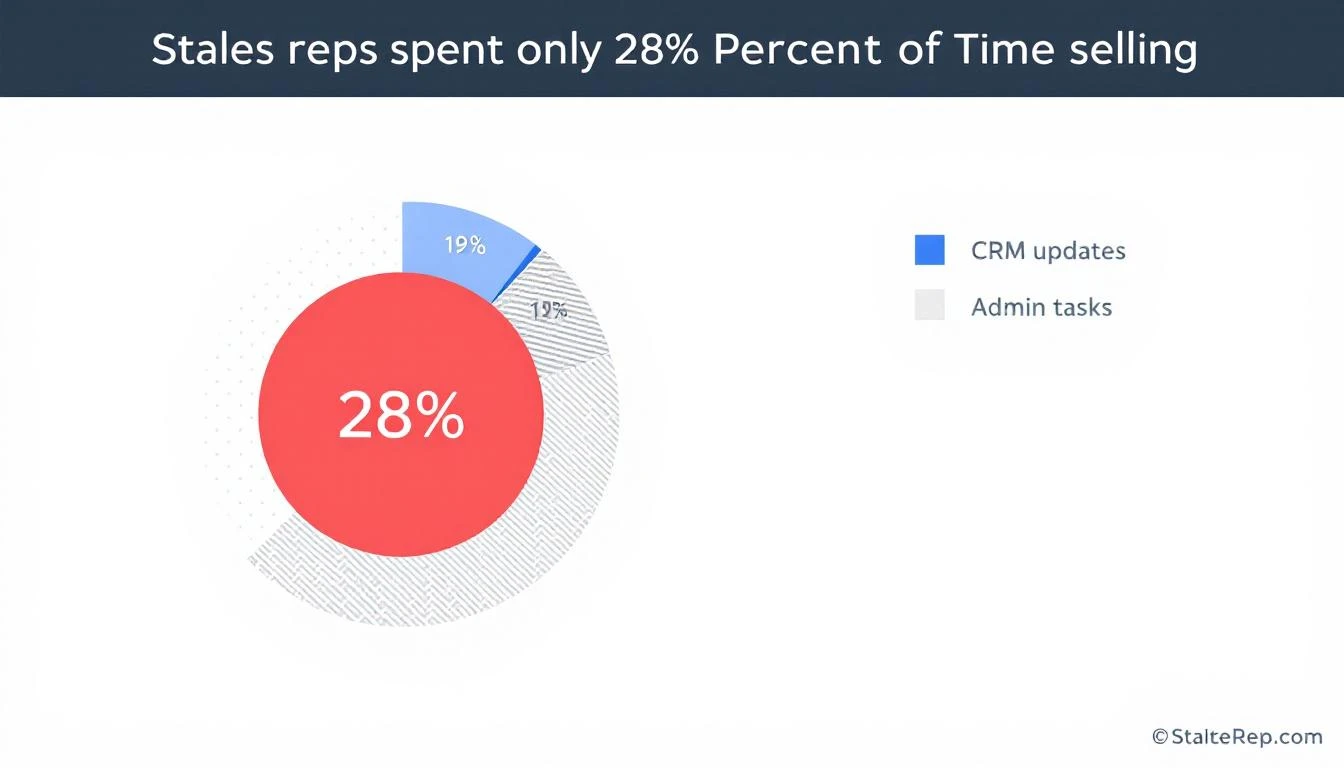
The Post-Call Black Hole (By the Numbers)
The data on what happens after sales calls is brutal:
- Sales reps spend only 28% of their time actually selling. The rest goes to admin, CRM updates, and internal coordination (Salesforce)
- 32% of reps spend more than an hour per day on manual data entry alone (Saleslion)
- 68% of sales professionals cite note-taking and CRM data input as their most time-consuming task (EverReady)
- 44% of salespeople give up after a single follow-up — even though 80% of deals require five or more touches (ZoomInfo)
- Responding within 5 minutes makes you 9x more likely to convert a lead. After an hour, odds drop by 10x
That means your best sales calls — the ones with real buying signals — are being fed into a black hole of forgotten details, generic follow-ups, and CRM entries that tell you nothing.
The conversation intelligence market (Gong, Chorus, Clari) exists because of this exact problem. Gong alone has crossed $300M ARR. But most of these tools give you analytics about calls after the fact. What sales teams actually need is a workflow that turns every call into immediate action.
What Should Happen After Every Sales Call
Here's the post-call workflow that top-performing teams run — and what it looks like when it's automated versus manual.
Step 1: Auto-Extract Action Items and Key Moments
The manual way: Rep opens a doc, tries to remember what was said, types up bullet points between calls. Half the details are missing. Specific quotes are gone. The action items are vague ("send pricing").
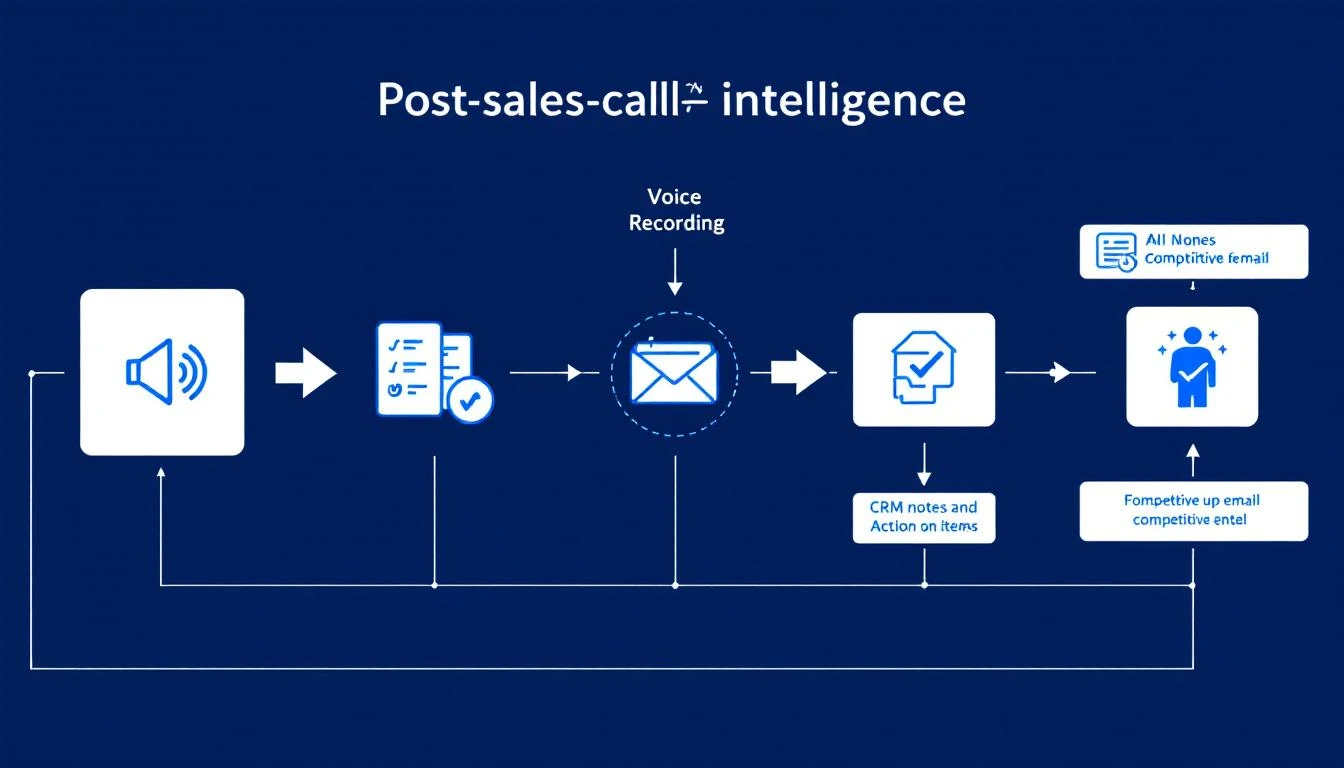
The automated way: The call recording is processed immediately. AI extracts:
- Every action item mentioned (by either party)
- Pricing discussions and budget signals
- Timeline and urgency indicators
- Specific pain points the prospect described
- Questions that went unanswered (opportunities for follow-up)
- Competitor mentions and what was said about them
This isn't a transcript dump. It's structured intelligence that feeds directly into the next steps.
Why it matters: A first follow-up email generates 220% higher reply rates than the initial outreach — but only when it's relevant. Generic "great chatting with you" emails don't move deals.
Step 2: Update CRM With Real Notes (Not "Good Call")
The manual way: Rep types "Good call. Interested in our platform. Will send follow-up." This tells your sales manager nothing. It tells the AE who inherits the deal nothing. In three weeks when the prospect resurfaces, nobody knows what was actually discussed.
The automated way: CRM is updated with structured, searchable notes:
- Budget: Prospect mentioned $50K annual budget, currently spending $35K on incumbent
- Authority: Spoke with VP of Sales, but CFO has final sign-off
- Need: Current tool doesn't integrate with HubSpot; reps spending 2 hours/day on manual data entry
- Timeline: Need a solution before Q3 kickoff (July)
- Competition: Evaluating Vendor X and Vendor Y; likes Vendor X's reporting but concerned about their pricing model
- Next Steps: Send ROI calculator by Friday; schedule demo with their SDR team lead next Tuesday
This is the difference between a CRM that's a graveyard of "Good call" notes and one that's a living deal intelligence system.
The impact: Companies using CRM systems effectively are 29% more likely to hit their sales quotas. But the CRM is only as good as the data that goes into it — and right now, your reps are putting in almost nothing useful.
Step 3: Generate a Personalized Follow-Up Email
The manual way: Rep opens their email template, changes the name, maybe adds one line about the call. Sends it 4 hours later (if at all). The email reads like every other follow-up the prospect received that day.
The automated way: Within minutes of the call ending, a draft follow-up is generated that:
- References specific things the prospect said ("You mentioned your team is spending 2 hours a day on manual CRM entry — here's how we eliminate that")
- Addresses their stated concerns ("I know integration with HubSpot is a dealbreaker, so I'm attaching our integration guide")
- Includes the specific next steps discussed ("As agreed, here's the ROI calculator. I'll send a calendar invite for next Tuesday's demo with your SDR lead")
- Positions against the competitors they mentioned (without being aggressive)
The rep reviews and sends in 60 seconds instead of crafting from scratch in 15 minutes.
Why speed matters: 50% of email responses happen within 60 minutes of receiving. The faster your follow-up lands, the more likely it gets a response while the conversation is still fresh.
Step 4: Flag Competitive Mentions for the Team
The manual way: Rep casually mentions in standup, "Oh yeah, they're also looking at Vendor X." The manager nods. Nobody does anything with this information. Three weeks later, the prospect chooses Vendor X because your team never addressed the comparison.
The automated way: Every competitive mention is automatically:
- Logged with full context (what the prospect said about the competitor, what they liked, what concerned them)
- Routed to the right people (sales manager, product marketing, competitive intel team)
- Matched with battlecard content so the rep has specific talk tracks for the next call
- Aggregated across all deals to show competitive trends ("Vendor X has been mentioned in 40% of our lost deals this quarter")
This turns random sales call chatter into a competitive intelligence system. When your product team asks "what are prospects saying about Vendor X?" you have real data instead of anecdotes.
Step 5: Prep the AE With a Handoff Brief
The manual way: SDR books the meeting, sends the AE a one-liner: "Meeting with Jane at Acme Corp, they're interested." The AE walks in cold, asks the same discovery questions the prospect already answered, and the prospect mentally checks out.
The automated way: Before the next meeting, the AE receives a comprehensive brief:
- Company snapshot: Size, industry, tech stack, recent news
- Conversation history: Key quotes, pain points, what got them excited
- Competitive landscape: Who else they're evaluating and why
- Buying committee: Who else needs to be involved, their likely concerns
- Recommended approach: Based on what worked in the discovery call, lead with the integration demo, not the analytics pitch
- Landmines to avoid: Prospect had a bad experience with long onboarding at their last vendor — emphasize our time-to-value
This is the difference between an AE who looks prepared and one who looks like they didn't bother reading the notes (because there were no useful notes to read).
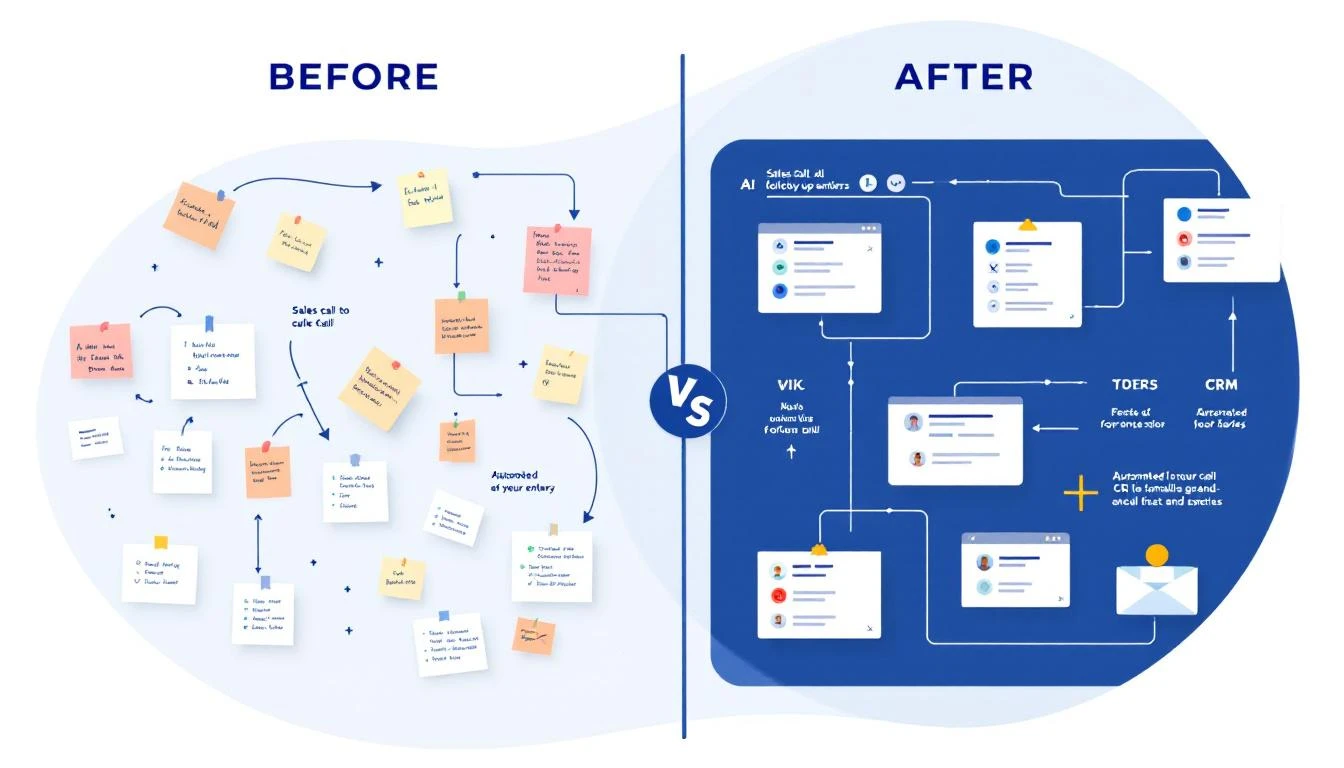
The Before and After
Let's make this concrete. Same deal, two scenarios.
Before: The Manual Post-Call Workflow
| Step | What Happens | Time | Quality |
|---|---|---|---|
| Call ends | Rep jumps to next call | 0 min | — |
| CRM update | "Good call, interested" | 2 min | Useless |
| Follow-up email | Template with name swapped | 15 min (4 hrs later) | Generic |
| Competitive intel | Mentioned in standup, forgotten | 30 sec | Lost |
| AE handoff | "They're interested, go get 'em" | 1 min | Blind |
| Deal outcome | Stalls after 2nd call. Loses to competitor who addressed specific concerns. |
After: The Automated Post-Call Workflow
| Step | What Happens | Time | Quality |
|---|---|---|---|
| Call ends | Recording auto-processed | 0 min | — |
| CRM update | BANT notes, quotes, next steps | Automatic | Rich, searchable |
| Follow-up email | Personalized draft referencing specific discussion | 1 min to review | Highly relevant |
| Competitive intel | Flagged, routed, battlecard attached | Automatic | Actionable |
| AE handoff | Full brief with recommended approach | Automatic | Prepared |
| Deal outcome | AE nails the demo, addresses competitor concerns proactively. Closes in 3 weeks. |
The difference isn't one step. It's every step compounding. The personalized follow-up keeps the prospect warm. The competitive flags ensure you're never blindsided. The AE brief means the demo feels like a conversation, not an interrogation.
Why This Matters More Than You Think
The conversation intelligence market is projected to grow at 14%+ CAGR because companies are realizing that calls are the highest-value data source in their sales process — and they're throwing most of that data away.
Think about it: your sales calls contain:
- Exact words prospects use to describe their pain (use these in marketing)
- Budget ranges and buying timelines (use these for forecasting)
- Competitive positioning intelligence (use these for product roadmap)
- Objections and concerns (use these for sales enablement)
Every call is a goldmine. But if the only output is "Good call, will follow up," you're literally leaving revenue intelligence on the table.
Teams that implement automated post-call workflows typically see:
- 10-25% improvement in win rates by surfacing what top reps do differently
- 3-5 hours per rep per week freed from manual CRM entry and note-taking
- 40-60% faster follow-up times because the email is drafted before the rep finishes their next call
- Significantly better AE conversion rates because handoff quality improves dramatically
How to Get Started
You don't need to automate everything on day one. Start with the highest-impact piece and build from there:
Week 1: Fix Your CRM Notes Record every call (most conferencing tools support this natively now). Use the recordings to create structured notes — even if someone does it manually at first. The goal is to establish the habit of BANT-structured notes instead of "Good call."
Week 2: Templatize Your Follow-Ups (But Make Them Smart) Create follow-up email templates that have fill-in-the-blank sections for specific discussion points. This forces reps to reference the actual conversation, not send generic copy.
Week 3: Build the Competitive Intel Loop Create a shared doc or channel where reps log every competitive mention. Review it weekly in your team meeting. You'll be shocked at how much intelligence is currently being lost.
Week 4: Automate It This is where platforms like MarketBetter come in. Instead of manual processes, the AI handles the extraction, the CRM update, the follow-up draft, and the competitive flagging — all from the call recording. Your reps just review and approve.
The SDR teams that are winning right now aren't the ones making the most calls. They're the ones that extract the most value from every call they make. The post-call workflow is where deals are won or lost — and most teams are losing there without even knowing it.
The Bottom Line
Every sales call generates intelligence. The question is whether you capture it or let it evaporate.
The difference between a rep who closes and a rep who doesn't isn't always skill — it's often workflow. The best closers have systems that ensure nothing falls through the cracks. The follow-up is personalized. The CRM is accurate. The next meeting is prepped. The competitive threats are addressed.
That's not magic. That's a post-call workflow that actually works.
If your reps are still typing "Good call" into Salesforce, it's time to fix that. Your pipeline will thank you.
Ready to automate your post-call workflow? See how MarketBetter turns every sales call into pipeline action →