
What's New: Smart Scheduler Redesign, Sequence Controls, AI Auto-Recharge & More

Big week at MarketBetter. The team shipped a stack of updates that make your day-to-day workflow faster and give you more control over your pipeline — without ever leaving the platform.
Here's everything that's new.
Smart Scheduler: Completely Redesigned
We rebuilt the meeting routing experience from the ground up.
What changed:
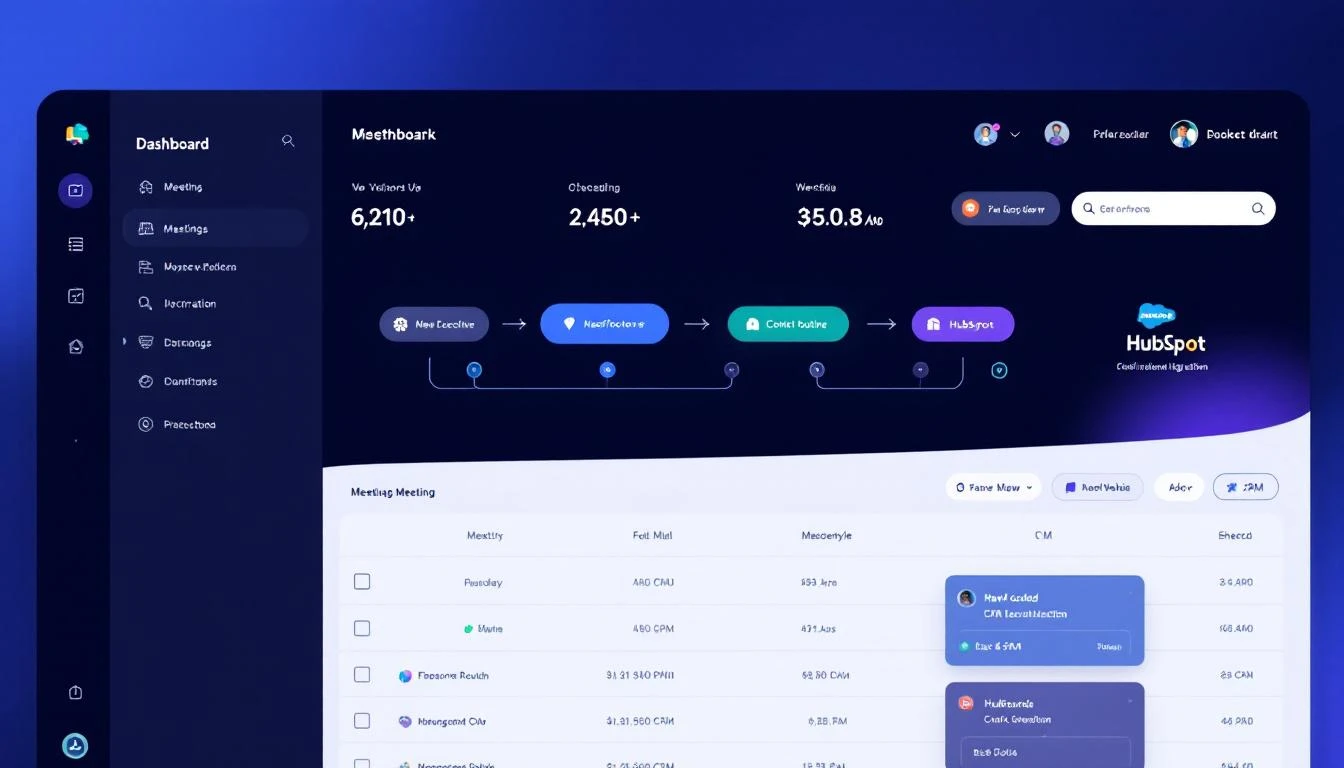
Previously, setting up meeting routing meant configuring abstract rules in a list. Now you'll see a clear, visual two-step waterfall flow that makes it obvious exactly how leads get routed:
- Step 1: CRM Account Owner — When a lead comes in, MarketBetter checks your CRM for an existing account owner. If there's a match, the meeting goes directly to the right rep.
- Step 2: Unmatched Leads — Leads without a CRM match get distributed via round robin or routed to a specific fallback rep.
The entire UI uses generic "CRM" terminology now, because this brings us to the biggest improvement:
HubSpot Support for Meeting Routing
Smart Scheduler now works with both Salesforce and HubSpot. If you're connected to either CRM (or both), the system automatically detects your integration and routes leads through the right one. No configuration needed — it just works.
For teams on HubSpot, this means you finally get the same intelligent owner-based routing that Salesforce users have had.
Also new: You can't accidentally activate Smart Scheduler with an empty SDR pool anymore. The toggle stays disabled until you add at least one rep, with a clear warning explaining why.
Pause, Resume & End Sequences — Right From Activity
Your Activity page just became a lot more powerful.
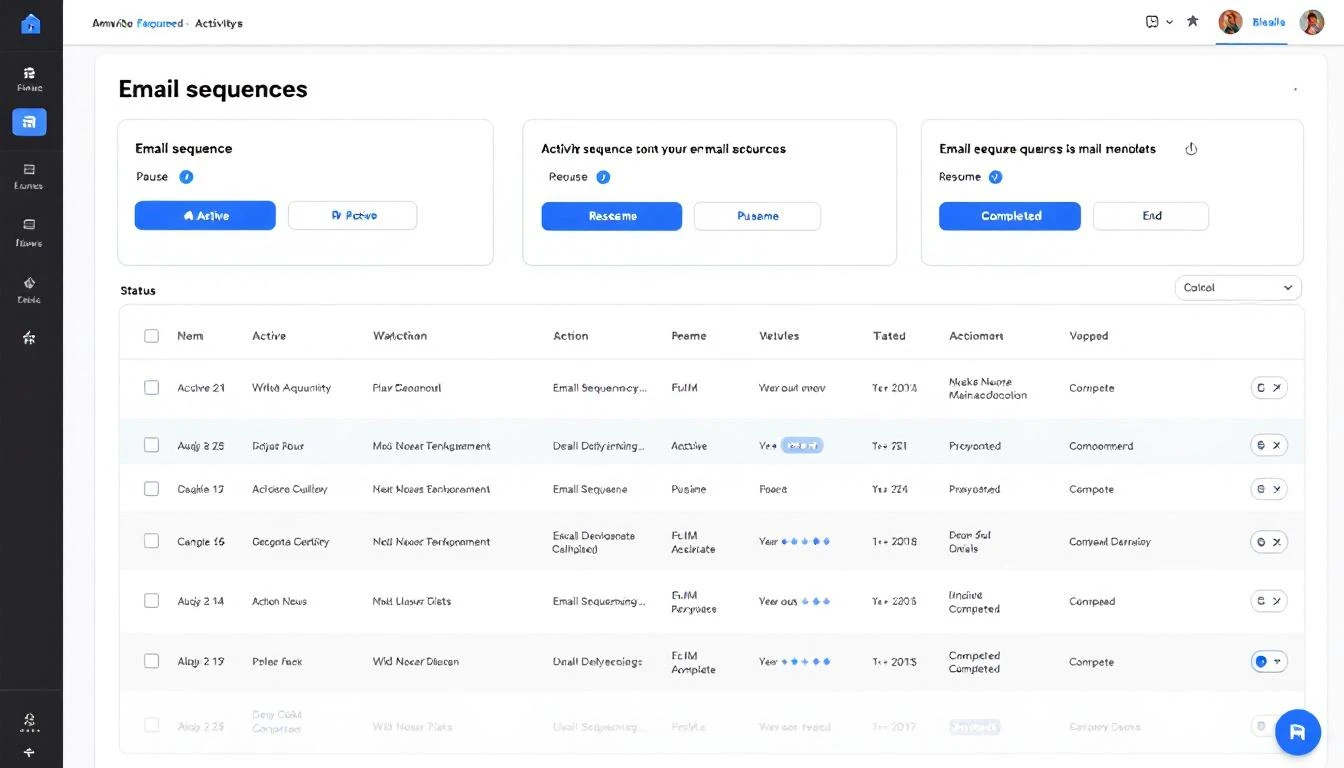
Every lead in your Activity feed now shows its current sequence status — Active, Paused, Ended, or Completed — with a colored badge so you can scan at a glance.
More importantly, you can now take action directly from the Activity page:
- Pause a running sequence to temporarily stop outreach
- Resume a paused sequence to pick back up where you left off
- End a sequence entirely (with a confirmation dialog, so you don't accidentally kill a live campaign)
No more digging through separate sequence management screens. See a lead's engagement dropping? Pause the sequence right there. Ready to re-engage? Resume with one click.
AI Credit Auto-Recharge
Running out of AI credits mid-campaign is the kind of thing that quietly kills pipeline. Now you can set it and forget it.
How it works:
- Go to Settings → Billing & Usage
- Under AI Credits, toggle on Auto-Recharge
- Set your recharge threshold (e.g., when balance drops below 500K credits)
- Pick a package size (small, medium, or large)
When your balance hits the threshold, MarketBetter automatically charges your card and tops up your credits. You'll get an email notification every time it fires. Same flow you already know from enrichment credit auto-recharge — now available for AI credits too.
Self-Serve Seat Purchases
Adding team members just got frictionless.
When you try to enable a team member and you're at your seat limit, instead of getting an error, you'll see an "Add Seat ($99/mo)" dialog. Click confirm, complete the Stripe checkout, and your new seat is immediately available. No back-and-forth with support, no waiting.
The billing page also now shows a clear seat counter (e.g., 3/5 seats used) so you always know where you stand.
Better Booking Experience
We made two small but important changes to the booking flow on your site:
- The qualifying step now shows a neutral "Please wait a moment..." instead of revealing the qualification process
- If a visitor doesn't match your ICP, they see a friendly "Thank you, we'll be in touch" message — not a rejection screen
First impressions matter. These changes make sure every visitor has a professional experience, even if they're not the right fit today.
Workspace Security: Domain Enforcement
New workspaces are now tied to your email domain. One domain, one workspace — no more accidental duplicate accounts or unauthorized joins.
Self-service "join workspace" links have been retired. Team members are now added by workspace admins only, giving you full control over who has access.
Improved Email Validation
We upgraded our email validation engine under the hood. What this means for you: more accurate bounce prediction and better deliverability scores across your outreach sequences. Fewer emails hitting dead inboxes means higher sender reputation and more replies landing where they should.
Settings Navigation Update
One small rename: Outreach in your settings menu is now Channels. Same settings, clearer name — because your outreach spans email, dialer, chat, and more. The label should reflect that.
What's Coming Next
We're deep into the next batch of improvements — smarter dialer workflows, expanded analytics, and tighter credit controls for enterprise teams. More soon.
Want to see these features in action? Book a demo →