
What's New: Buying Committee Intelligence, Smarter Chrome Extension, and Workflow Guardrails

This week the team shipped a series of updates that make your daily SDR workflow faster, smarter, and more reliable. Here's what's new.
Buying Committee Intelligence
When MarketBetter surfaces a signal — a website visit, a job change, a LinkedIn engagement — it now goes deeper than just finding people at the company. Each recommended persona now comes with a buying committee role and a tailored outreach angle.

Instead of a flat list of contacts, you'll see:
- Champion — the internal advocate who's already showing intent. Lead with value and arm them to sell internally.
- Decision Maker — the budget holder. Connect the dots between their priorities and your ROI story.
- Evaluator — the hands-on person who'll test your product. Speak to workflows, integrations, and day-to-day impact.
- Blocker — the skeptic who can kill a deal. Address their concerns proactively before they surface in committee.
Each contact also includes an outreach angle — a specific, signal-aware suggestion for how to open the conversation. No more guessing who to email first or what to say. The playbook tells you the role, the angle, and why they're relevant to this specific signal.
This means your SDRs spend zero time researching org charts and 100% of their time sending the right message to the right person.
Chrome Extension: Resume Scraping and Real-Time Streaming
If you've ever scraped a large Sales Navigator list and had it interrupted — browser crash, laptop sleep, accidental tab close — you know the frustration. You'd have to start over from scratch.
Not anymore.
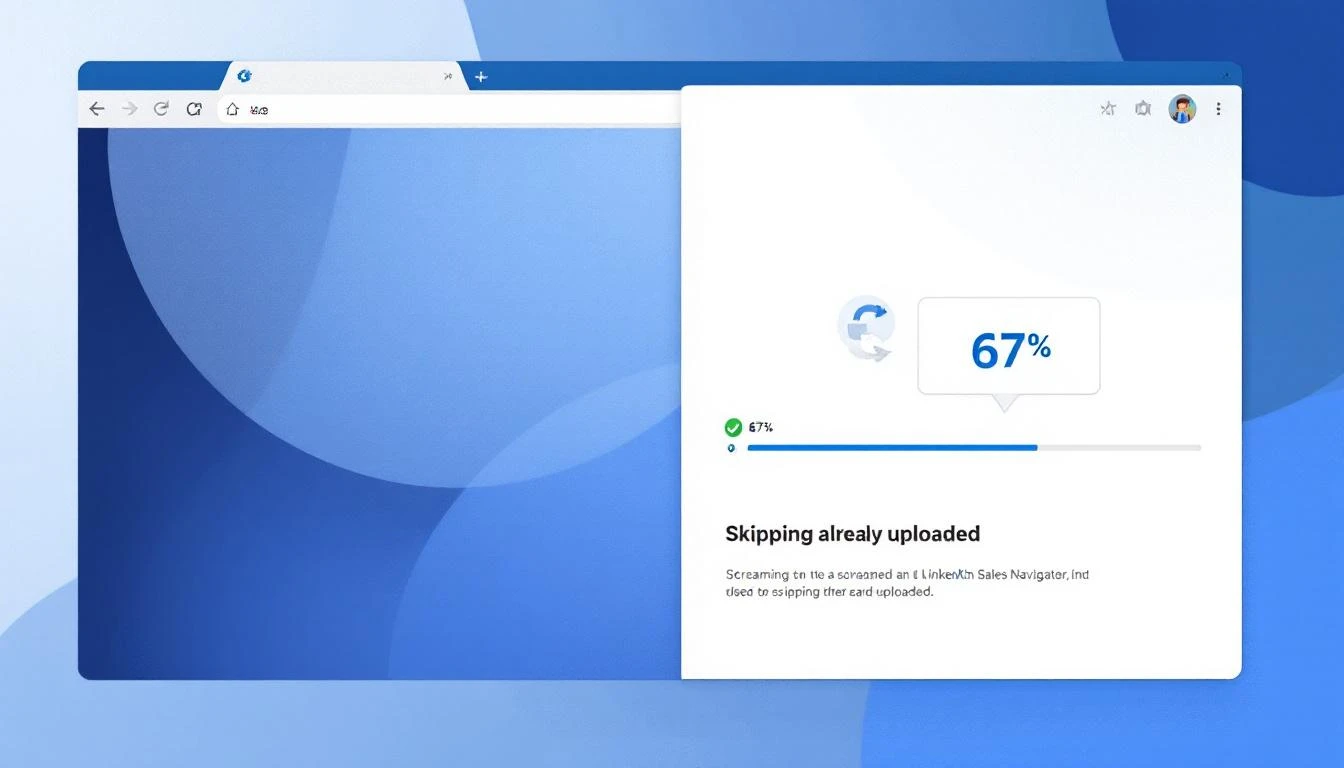
Resume Scraping checks which leads you've already uploaded and skips them automatically. When you restart a scrape, the extension picks up right where you left off. No duplicates, no wasted time, no re-scraping 200 profiles to get the last 50.
We also made two other improvements:
- Real-time streaming — profiles now flow to MarketBetter one by one as they're scraped, instead of waiting until the entire list is done. You'll see contacts appearing in your audience in real time while the scrape is still running.
- Smart audience matching — when you scrape a Sales Navigator list, MarketBetter automatically matches it to an existing audience by name. No more accidentally creating duplicate audiences for the same list.
- Human-mimicking status updates — the extension popup now shows you exactly what's happening during anti-detection pauses: "Reading profile... ~15s", "Page break... ~1m 30s". No more staring at a spinning icon wondering if it's frozen.
Editable People Tables — Everywhere
Previously, only CSV-uploaded audiences let you view and edit the people table directly. Now, every audience type supports it:
- Chrome Extension audiences
- GTM Signal audiences
- Salesforce CTI imports
- AI Search results
Open any audience and you'll see the full, editable contact list. Add, remove, or update contacts before launching your sequence — regardless of how the audience was created.
AI Workflow Guardrails
Two reliability improvements to the AI assistant that runs inside your workflows:
No more duplicate audiences. If you're working on a workflow and ask the AI to set up plays, it will now always use your existing audience — never accidentally create a new one. This was a rare but frustrating bug where the AI would build an entire sequence attached to the wrong audience.
Multi-step tasks complete reliably. When you ask the AI to do something complex — like "create a 9-step email sequence with delays and conditions" — it now follows through on every step. Previously, it could stop partway through and leave you with a half-built workflow. The AI now automatically continues until the full task is done.
Paused Audience Recovery
When you pause an audience mid-run, contacts that were in-flight used to get silently dropped. A contact who received email 1 might never get email 2, even after you resumed.
Now, in-flight messages are parked and retried automatically — checking every 24 hours for up to 7 days. When you unpause the audience, those contacts resume their sequence exactly where they left off. No gaps, no missed steps, no contacts falling through the cracks.
What's Coming Next
We're working on revenue attribution dashboards, deeper CRM deal sync, and expanded HubSpot integration capabilities. Stay tuned.
Want to see these features in action? Book a demo →