
2 posts tagged with "social media marketing"

View All Tags

10 Actionable Social Media Engagement Strategies for 2025

· 29 min read

In a saturated digital marketplace, a high follower count offers little more than vanity. True influence isn't measured in passive likes; it's built through active, meaningful interactions. Comments, shares, direct messages, and saves are the currency of modern social media, signaling to algorithms that your content is valuable and worth amplifying. Moving beyond superficial metrics is no longer optional; it is the core of a successful digital presence. Without genuine engagement, even the largest audience is just shouting into a void, yielding minimal impact on brand loyalty or revenue.

This article cuts through the noise of generic advice. We will provide a comprehensive breakdown of 10 proven social media engagement strategies designed to transform passive followers into a vibrant community of brand advocates. Each strategy is presented with actionable implementation steps, real-world examples, and a clear comparison of its strengths and best-use cases. You will learn how to launch compelling User-Generated Content (UGC) campaigns, leverage interactive polls for instant feedback, and build authority through value-first educational content.

We'll explore everything from influencer collaborations and live streaming to the nuanced art of social listening and community building. These tactics are foundational for any business, regardless of size. For a comprehensive understanding of leveraging social media for your business, consult this actionable guide to social media marketing. Whether you're a B2B marketing professional aiming to generate qualified leads or a B2C brand focused on cultivating customer loyalty, the following strategies will provide a clear roadmap to achieving tangible business results through powerful online engagement.

1. User-Generated Content (UGC) Campaigns

User-Generated Content (UGC) campaigns are among the most powerful social media engagement strategies because they shift the focus from the brand to the customer. Instead of creating all your own content, you encourage your audience to create and share content featuring your products, services, or brand experience. This approach transforms passive followers into active brand advocates, leveraging their authentic voices to build trust and community far more effectively than traditional advertising.

User-Generated Content (UGC) Campaigns

Unlike brand-created content, which is often polished and can feel distant, UGC is raw, relatable, and serves as powerful social proof. When potential customers see real people enjoying your products, it resonates more deeply than a carefully crafted ad. A UGC campaign is a more scalable approach compared to influencer marketing, as it sources content from hundreds of fans rather than a handful of paid creators. Think of Apple's iconic #ShotOniPhone campaign, which turns everyday customers into celebrated photographers, or GoPro’s adventure-fueled feeds, which are almost entirely composed of thrilling customer-shot videos.

How to Implement a UGC Campaign

Successfully launching a UGC initiative requires a clear framework that makes it easy for your audience to participate. The goal is to inspire creation, not to demand it. Here’s how to take action.

  • Actionable Step 1: Create a Unique Hashtag. Develop a simple, memorable, and unique branded hashtag for your campaign. This acts as a digital filing system, making it easy to track submissions and for others to discover the content. Coca-Cola's #ShareACoke is a classic example of a hashtag that became a cultural phenomenon.
  • Actionable Step 2: Set Clear Guidelines & Offer Incentives. Clearly communicate what you're looking for. Are you running a photo contest? A video challenge? Outline the rules and offer a compelling reason to participate, such as a chance to be featured on your page, win a prize, or receive a discount. An incentive is crucial to overcome initial inertia.
  • Actionable Step 3: Always Ask for Permission. Before reposting anyone's content, you must get their explicit permission. A simple direct message asking if you can feature their photo or video (and credit them) is professional and legally sound.
  • Actionable Step 4: Engage and Amplify. Publicly thank and engage with every user who contributes. Featuring their content on your feed is the ultimate reward and encourages others to join in.

By building a system that celebrates your customers, you create a sustainable engine for authentic content. To explore this topic further, you can dive deeper into implementing effective user-generated content strategies to empower your audience as brand advocates.

2. Interactive Content & Polls

Interactive content is one of the most direct social media engagement strategies because it actively invites users to participate rather than just passively consume. This approach includes polls, quizzes, Q&As, and surveys that require a click, a tap, or a typed response. It transforms the one-way communication of a standard post into a two-way dialogue, instantly boosting interaction rates and signaling to social media algorithms that your content is valuable and engaging.

Interactive Content & Polls

Unlike static posts that followers can easily scroll past, interactive elements create a "micro-commitment" that holds attention. When a user votes in a poll or answers a question, they become more invested in your brand and the outcome. This strategy offers a lower barrier to entry compared to UGC, as it requires only a click from the user, not content creation. Think of Spotify's wildly successful annual "Wrapped" campaign, which provides users with personalized, shareable data quizzes, or Netflix using Instagram Story polls to let audiences vote on potential plot points for interactive shows.

How to Implement Interactive Content

Deploying interactive content effectively requires a blend of creativity and strategic planning. The goal is to make participation feel effortless and rewarding for your audience. Here are actionable steps.

  • Actionable Step 1: Leverage Platform-Specific Features. Use built-in tools like Instagram and Facebook Story polls, quizzes, and question stickers for quick, 24-hour engagement spikes. On Twitter, polls are a simple yet powerful way to gather opinions.
  • Actionable Step 2: Ask Simple, Compelling Questions. Frame questions that are easy to answer but still provide value. Dunkin' effectively uses Twitter polls to let customers vote on new donut flavors, making followers feel like part of the decision-making process.
  • Actionable Step 3: Share the Results. Always follow up by sharing the results of your polls or quizzes. This closes the feedback loop, validates user participation, and makes them more likely to engage with future interactive content. Failing to do this can make the interaction feel pointless.
  • Actionable Step 4: Mix Entertainment with Market Research. Use fun quizzes, like Buzzfeed's famous personality tests, to drive shares and brand awareness. Simultaneously, use practical surveys to gather crucial insights about customer preferences that can inform your product development or content strategy.

By turning your social media feed into an interactive space, you not only increase engagement metrics but also gather valuable, zero-party data directly from your most dedicated followers.

3. Influencer Partnerships & Collaborations

Influencer partnerships are one of the most effective social media engagement strategies for reaching new, highly targeted audiences through a trusted source. This approach involves collaborating with individuals who have established credibility and a dedicated following in a specific niche. By leveraging the authentic connection an influencer has with their community, brands can introduce their products or services in a way that feels like a genuine recommendation rather than a disruptive advertisement.

This strategy's power lies in borrowed trust. When an influencer that followers know and respect endorses a brand, that credibility is transferred, making the audience more receptive to the message. Compared to traditional ads, which audiences are often trained to ignore, an influencer's post feels native to the platform and more trustworthy. The collaborations between Gymshark and fitness influencers, or Dunkin's partnership with TikTok star Charli D'Amelio, which boosted app downloads by 57%, showcase how these alliances can generate massive engagement and tangible business results.

When selecting partners, it's crucial to look beyond follower counts and analyze engagement rates, as this data reveals the true influence and connection an individual has with their audience. The following infographic provides a quick reference for typical engagement rates across different influencer tiers.

Infographic showing key data about Influencer Partnerships & Collaborations

The data clearly shows that smaller, more niche influencers often deliver a higher engagement rate, providing a better return on investment and a more authentic connection for brands. This makes partnering with several micro-influencers a potentially more effective and affordable strategy than hiring one mega-influencer.

How to Implement Influencer Partnerships

A successful influencer collaboration is built on mutual respect, clear communication, and shared goals. It's about building a genuine relationship, not just a transactional exchange. Follow these steps to get started.

  • Actionable Step 1: Prioritize Alignment Over Reach. Choose influencers whose values, audience demographics, and content style align perfectly with your brand. A small, engaged, and relevant audience is far more valuable than a large, mismatched one. Use tools like SparkToro or Upfluence to find influencers based on audience data, not just vanity metrics.
  • Actionable Step 2: Start with Micro-Influencers. For brands new to this strategy, micro-influencers (10K-100K followers) often provide the best balance of reach, engagement, and affordability. Their recommendations are often perceived as more authentic and trustworthy.
  • Actionable Step 3: Grant Creative Freedom. Provide clear campaign guidelines and objectives, but allow the influencer creative control to present your product in their unique voice. This ensures the content feels natural to their audience and not like a forced script.
  • Actionable Step 4: Track and Measure ROI. Use unique discount codes, affiliate links, or dedicated landing pages to track the performance of each collaboration. This data is essential for measuring effectiveness and optimizing future campaigns.

By treating influencers as true partners, you can build long-term relationships that drive consistent and authentic brand advocacy. To integrate these partnerships into a broader growth plan, explore how they fit within a comprehensive demand generation strategy to attract and convert new customers.

4. Story-Driven Content & Behind-the-Scenes

Story-driven content and behind-the-scenes glimpses are powerful social media engagement strategies that pull back the curtain on your brand. Instead of only showcasing polished final products, this approach shares the authentic narrative of your company: its people, processes, values, and even its challenges. It humanizes your brand, transforming it from a faceless entity into a relatable group of individuals working toward a common goal, fostering a much deeper emotional connection with your audience.

Story-Driven Content & Behind-the-Scenes

Unlike polished ad campaigns that often feel distant and create a barrier, behind-the-scenes content builds trust through transparency. When followers see the genuine effort, creativity, and passion that goes into your work, they feel more invested in your success. Brands like Patagonia excel at this by sharing their environmental activism and supply chain journey, while Buffer gained a loyal following through its radical transparency, openly sharing revenue metrics and employee salaries. This unfiltered view makes a brand feel more authentic and trustworthy compared to competitors who only show a perfect facade.

How to Implement Story-Driven Content

Effectively sharing your brand's story requires a commitment to authenticity and consistency. The goal is to invite your audience into your world, making them feel like insiders. Here’s how to make it happen.

  • Actionable Step 1: Utilize Ephemeral Content. Use Instagram and Facebook Stories for raw, unedited daily snapshots. Document a day in the life of an employee, show the product development process, or share candid moments from a team meeting. The temporary nature encourages immediate viewing.
  • Actionable Step 2: Humanize Your Brand. Regularly feature your team members. Employee takeovers, interviews, or simple spotlights help put a face to your brand, making it far more relatable than a logo.
  • Actionable Step 3: Show the Full Picture. Don't just share your victories. Documenting challenges and even failures makes your journey more compelling and your brand more authentic. This transparency builds a strong, trust-based relationship with your audience.
  • Actionable Step 4: Create Recurring Content Series. Develop a consistent series, like "Maker Monday" or "Team Tuesday," to give your audience something to look forward to. This creates a predictable rhythm and keeps them coming back for more.

By integrating storytelling and transparency into your social media engagement strategies, you build a community, not just a customer base. This approach creates a narrative that people can connect with and support, turning followers into loyal advocates who are invested in your brand's journey.

5. Social Listening & Real-Time Engagement

Social listening and real-time engagement represent one of the most proactive social media engagement strategies available. It moves beyond simply posting content and waiting for reactions; instead, it involves actively monitoring digital conversations for mentions of your brand, competitors, and industry keywords. This is a reactive strategy, compared to the proactive nature of a content calendar, allowing you to turn passive mentions into meaningful interactions.

This strategy is about being present and agile. It transforms your social media channels from a broadcast monologue into a dynamic dialogue with your community. Think of Oreo's legendary "You can still dunk in the dark" tweet during the 2013 Super Bowl blackout or Wendy's viral roasts that originated from monitoring brand mentions. These moments weren't planned in a content calendar; they were born from listening to the digital landscape and seizing an opportunity to connect in a relevant, timely manner.

How to Implement Social Listening

Effective real-time engagement requires a structured approach to monitoring and a clear plan for responding. The key is to be prepared to act quickly without sacrificing brand voice or quality. Here's your action plan.

  • Actionable Step 1: Establish a Monitoring Framework. Use tools like Sprout Social or Brandwatch to track not just your brand name but also common misspellings, product names, executive names, and key industry hashtags. Monitoring competitors also provides invaluable insight into their customer sentiment and uncovers opportunities you can leverage.
  • Actionable Step 2: Develop a Response Matrix. Not every mention requires the same response. Create guidelines that empower your team to act decisively. For example, a customer complaint might trigger a move to DMs, a positive mention could earn a public thank you and a reshare, while a neutral question receives a quick, helpful answer.
  • Actionable Step 3: Set Response Time Goals. In today's fast-paced digital world, speed matters. Aim to respond to urgent issues, like customer service complaints, in under an hour. For general mentions, a goal of a few hours is reasonable. This demonstrates that you are attentive and value your audience's input.
  • Actionable Step 4: Empower Your Team. Real-time opportunities disappear fast. Waiting for multiple layers of approval will cause you to miss the moment. Empower your social media team with the autonomy to engage within the established brand guidelines, trusting them to make smart, timely decisions.

By actively listening and participating in conversations as they happen, you show your audience that you are more than just a brand; you are a responsive and engaged member of their community. This builds immense trust and fosters a loyal following.

6. Video Content & Live Streaming

Video content and live streaming are cornerstones of modern social media engagement strategies, capitalizing on platform algorithms that heavily favor dynamic media. This approach involves a multimedia mix of short-form vertical videos (Reels, TikToks), long-form content, and interactive live broadcasts. Video is uniquely effective at capturing attention, conveying emotion and personality, and simplifying complex information far more efficiently than static images or text.

Unlike a simple photo post, video allows you to tell a story, demonstrate a product in action, and build a deeper human connection with your audience. While a polished, long-form video requires significant production resources, a live stream can be raw and immediate, offering a lower-effort way to leverage video. Think of Duolingo's viral TikToks featuring its mascot, which turned language learning into entertainment, or Sephora's makeup tutorials that provide genuine value and drive sales simultaneously. These brands prove that video isn't just content; it's a powerful tool for community building and brand storytelling.

How to Implement Video Content & Live Streaming

A successful video strategy requires consistency and an understanding of what resonates with your audience. The goal is to stop the scroll and provide content that either educates, entertains, or inspires.

  • Actionable Step 1: Prioritize Short-Form Vertical Video. Platforms like TikTok, Instagram Reels, and YouTube Shorts reward content in a 9:16 aspect ratio. Hook viewers within the first three seconds to prevent them from swiping away.
  • Actionable Step 2: Always Add Captions. A staggering 85% of social media video is watched without sound. Adding captions makes your content accessible and ensures your message lands, even in silent-play environments. Use tools like CapCut or Premiere Rush to add captions easily.
  • Actionable Step 3: Schedule Live Streams to Build Hype. Don't just go live spontaneously. Announce your live session in advance to build anticipation and maximize attendance. Use the session for Q&As, product launches, or behind-the-scenes tours.
  • Actionable Step 4: Engage and Repurpose. During live streams, actively respond to comments to foster a real-time conversation. Afterward, repurpose your long-form videos by clipping the best moments into multiple short-form posts to extend their reach and value.

By embracing a video-first mindset, you align your brand with current user behavior and algorithmic preferences. Creating this content is more accessible than ever with the right set of social media content creation tools designed to simplify your workflow.

7. Value-First Educational Content

The value-first educational content strategy prioritizes giving your audience genuinely useful information over making a direct sale. Instead of promotional posts, you share content that solves their problems, answers their questions, or teaches them a new skill. This approach fundamentally shifts your brand’s role from a seller to a trusted advisor, building deep, long-lasting relationships and establishing industry authority.

Unlike sales-focused content that often gets ignored, educational content attracts an audience actively seeking solutions. This is one of the most effective social media engagement strategies for fostering loyalty because it proves you care about your audience's success, not just their wallet. Compared to fleeting trends, educational content is often evergreen, providing value and driving traffic for months or even years. Think of HubSpot's extensive library of marketing blogs and guides, which has become an indispensable resource for professionals, or Home Depot's DIY video tutorials that empower homeowners to tackle projects themselves.

How to Implement a Value-First Educational Content Strategy

Creating valuable content requires understanding your audience's pain points and delivering solutions in an accessible format. The goal is to become their go-to resource. Here’s an actionable plan.

  • Actionable Step 1: Answer Common Questions. Create content that directly addresses your most frequently asked customer questions. This not only provides immediate value but also reduces the burden on your support team. A simple "How to..." guide can generate significant engagement.
  • Actionable Step 2: Use the 80/20 Rule. Dedicate 80% of your content to providing pure educational value and only 20% to promotional material. This balance ensures your audience stays engaged without feeling constantly sold to.
  • Actionable Step 3: Develop Content Pillars. Identify core areas of your expertise and build a content strategy around them. For example, a financial advisor might focus on pillars like "Investing Basics," "Retirement Planning," and "Debt Management," creating consistent, authoritative content for each.
  • Actionable Step 4: Make Complex Topics Simple. Break down industry jargon and complicated subjects into easy-to-understand formats. Use Instagram carousels for step-by-step tutorials, LinkedIn articles for in-depth analysis, or short videos for quick tips.
  • Actionable Step 5: Repurpose and Amplify. Extend the life of your best educational content by repurposing it across different platforms. A detailed blog post can be transformed into a video tutorial, an infographic, a podcast episode, and a series of social media tips.

8. Community Building & Exclusive Groups

One of the most effective social media engagement strategies involves shifting from a public broadcast model to fostering a dedicated community. Creating exclusive groups on platforms like Facebook, LinkedIn, Discord, or dedicated forums allows you to nurture your most loyal followers in a private, intimate space. This approach transforms your brand from a content publisher into a community facilitator, building deep-rooted loyalty and a powerful sense of belonging that public feeds rarely achieve.

Unlike a public page where you speak at your audience, an exclusive group is a space where you can speak with them. This strategy is higher-effort but yields higher-quality engagement compared to broadcasting to a general audience. It's where your super-fans can connect, share experiences, and feel like true insiders. Think of Peloton's official member group, where users share milestones and encouragement, or Sephora's Beauty Insider Community, a hub for millions of makeup enthusiasts to swap tips and reviews. These spaces create an ecosystem where the brand is the common ground, but the members are the stars.

How to Implement a Community Building Strategy

Building a thriving community requires more than just creating a group; it demands active participation and a commitment to providing genuine value. The goal is to make members feel seen, heard, and rewarded for their loyalty.

  • Actionable Step 1: Establish Clear Guidelines & Purpose. Define the group's purpose and set clear rules for participation from day one. This ensures conversations stay on-topic, positive, and constructive. Your community guidelines should protect the space and make everyone feel welcome.
  • Actionable Step 2: Offer Exclusive Perks. Give members a compelling reason to join and stay. This could include early access to new products, exclusive discounts, behind-the-scenes content, or direct Q&A sessions with your team. Exclusivity is a powerful motivator.
  • Actionable Step 3: Facilitate, Don't Dominate. Your role is to spark conversations, not control them. Ask open-ended questions, create regular discussion prompts, and encourage member-to-member interactions. The community's real power comes from the connections members build with each other.
  • Actionable Step 4: Recognize and Empower Super-Fans. Identify your most active and helpful members. Publicly acknowledge their contributions, feature their content, or even invite them to become community moderators or brand ambassadors. This empowers advocates and encourages others to get more involved.

9. Strategic Timing & Consistency

One of the most impactful yet often overlooked social media engagement strategies is mastering the art of timing and consistency. This data-driven approach involves publishing content precisely when your audience is most active and maintaining a predictable posting schedule. This dual focus ensures maximum visibility for your posts and signals to platform algorithms that your account is a reliable source of fresh content, often rewarding it with better reach.

Simply creating great content isn't enough; it needs to be seen. Posting at 3 AM when your audience is asleep is a wasted effort, while posting during peak hours can dramatically increase likes, comments, and shares. This is a foundational strategy; without it, the impact of all other strategies is diminished. For example, B2B brands often find success on LinkedIn between 9 AM and 11 AM on weekdays, while a fashion brand on Instagram might see higher engagement from 7 PM to 9 PM when users are unwinding. The goal is to align your publishing schedule with your audience's daily digital habits.

How to Implement Strategic Timing & Consistency

A successful timing strategy is built on data, not guesswork. It requires a commitment to analyzing performance and establishing a sustainable workflow that prioritizes both quality and regularity.

  • Actionable Step 1: Analyze Your Platform Analytics. Dive into the native analytics on Instagram, Facebook, TikTok, and other platforms. Most have an "Audience" or "Insights" tab that shows the exact days and hours your followers are most active online. This is your starting point.
  • Actionable Step 2: Establish a Consistent Cadence. Determine a realistic posting frequency for each platform and stick to it. Whether it's daily on Twitter or three times a week on LinkedIn, consistency builds audience expectation and satisfies algorithms.
  • Actionable Step 3: Batch and Schedule Content. To avoid last-minute scrambling, dedicate time to create content in batches. Use scheduling tools like Buffer or Hootsuite to plan your posts in advance, ensuring your calendar is filled and your timing is precise.
  • Actionable Step 4: Test and Refine. Your initial data provides a baseline, but don't be afraid to experiment. Test posting 30 minutes before or after a peak time and track the performance. Continuously refine your schedule based on what the engagement data tells you.

By synchronizing your content delivery with audience behavior, you ensure your message lands with maximum impact. You can learn more about how to pinpoint these optimal times by exploring guides on the best times to post on social media to fine-tune your schedule.

10. Personalization & Audience Segmentation

Personalization and audience segmentation are advanced social media engagement strategies that move beyond a one-size-fits-all approach. Instead of broadcasting the same message to everyone, this method involves dividing your audience into smaller, specific groups based on demographics, behaviors, or interests. By tailoring content to these segments, you deliver a message that feels more relevant and personal, dramatically increasing its impact and fostering a stronger connection with your followers.

This targeted approach transforms your social media feed from a megaphone into a one-on-one conversation. When content directly addresses a follower's specific needs or passions, they are far more likely to engage. Compare this to a generic post that tries to appeal to everyone and ends up resonating with no one. Think of Spotify’s "Discover Weekly" playlists, which are so hyper-personalized they feel like a gift from a friend, or Netflix's customized artwork and recommendations that cater to individual viewing habits. These platforms prove that relevance is the key to retention and engagement.

How to Implement Personalization & Segmentation

Effective segmentation requires a data-informed approach to understand who your audience is and what they care about. The goal is to create content that resonates with distinct subgroups within your broader follower base.

  • Actionable Step 1: Identify and Define Your Segments. Use your social media analytics to identify natural audience clusters. Start with basic segmentation like location, age, or expressed interests. You can then create more detailed buyer personas for each major segment to guide your content creation.
  • Actionable Step 2: Create Tailored Content Streams. Develop content pillars that speak directly to the pain points and interests of each segment. For example, a fitness brand might create separate content for marathon runners versus yoga enthusiasts. Use platform features like Instagram's "Close Friends" list or targeted ads to deliver this content to the right people.
  • Actionable Step 3: Personalize at Scale. Use dynamic content in ads that changes based on the viewer’s data, such as showing different products to users in different cities. Address your audience directly in your copy, making them feel seen and understood. Always test your personalized content against more general posts to measure the lift in engagement.
  • Actionable Step 4: Respect Privacy. While using data to personalize, it is crucial to be transparent about how you use it and to respect user privacy. Building trust is paramount for this strategy to be effective long-term.

By speaking directly to the individuals within your audience, you make your brand more relatable and valuable. You can learn more about how to group your audience effectively by exploring different customer segmentation strategies to refine your approach.

Top 10 Social Media Engagement Strategies Comparison

StrategyImplementation Complexity 🔄Resource Requirements ⚡Expected Outcomes 📊Ideal Use Cases 💡Key Advantages ⭐
User-Generated Content (UGC) CampaignsMedium: Requires moderation, permissions managementLow to Medium: Mainly community managementIncreased trust, engagement, and reachBrands wanting authentic peer recommendations and fresh contentCost-effective, high trust, continuous fresh content
Interactive Content & PollsLow: Easy to create, requires consistent follow-upLow: Minimal content creation effortHigher engagement and valuable audience insightsQuick feedback, boosting engagement, market researchFast engagement, real-time insights, algorithm-friendly
Influencer Partnerships & CollaborationsHigh: Vetting, negotiation, ongoing managementHigh: Potentially expensive depending on influencer tierCredibility, targeted reach, authentic contentTargeted promotion via trusted voices, brand awarenessHigh ROI (especially micro-influencers), authentic endorsements
Story-Driven Content & Behind-the-ScenesMedium to High: Requires consistent content creationMedium: Content creation and employee participationDeep emotional connection, trust, differentiationHumanizing brands, building emotional resonanceBuilds strong emotional ties, transparency, high engagement
Social Listening & Real-Time EngagementHigh: Needs dedicated staff and clear protocolsMedium to High: Monitoring tools and staff timeCrisis management, customer relationships, trend participationBrands needing proactive customer service and reputation managementTimely responses, customer insights, crisis prevention
Video Content & Live StreamingHigh: Technical skills, equipment, production timeHigh: Production costs, editing, live supportHigher shares, retention, FOMO, emotional connectionsBrands leveraging visual storytelling and product demosSuperior engagement, multiple formats, algorithm prioritization
Value-First Educational ContentMedium to High: Requires expertise and timeMedium to High: Content development and researchAuthority building, SEO benefits, long-term trustBrands focusing on thought leadership and problem-solvingBuilds credibility, evergreen content, high saves/shares
Community Building & Exclusive GroupsHigh: Ongoing moderation and engagement requiredMedium to High: Moderation and management effortBrand loyalty, user advocacy, organic contentBrands wanting deeper interactions and advocacyStrong loyalty, user-generated content, lower acquisition cost
Strategic Timing & ConsistencyMedium: Requires analysis and scheduling toolsLow to Medium: Use of analytics and schedulingImproved reach, engagement, follower growthMaximizing impact via posting time optimizationMaximizes organic reach, audience routine building
Personalization & Audience SegmentationHigh: Data analysis, sophisticated content creationHigh: Tools and expertise for segmentationHigher engagement, conversion, customer lifetime valueBrands targeting multiple customer demographicsPrecise targeting, improved conversions, relevant messaging

Turning Strategy into Action: Your Next Steps for Higher Engagement

You now possess a robust playbook of ten powerful social media engagement strategies, moving beyond generic advice to actionable, results-driven tactics. We've navigated the creative power of User-Generated Content (UGC), the immediate feedback loop of Interactive Polls, the amplified reach of Influencer Partnerships, and the authentic connection built through Story-Driven Content. This is more than a list; it's a strategic framework for transforming your social media from a broadcast channel into a dynamic community hub.

The core lesson is this: engagement isn't a single action, but a comprehensive philosophy. It’s the difference between posting a video (a tactic) and launching a live stream Q&A session based on social listening (a strategy). It’s the contrast between simply sharing a customer photo and building a full-fledged UGC campaign with a unique hashtag and incentives. True engagement is proactive, responsive, and deeply rooted in providing value before asking for anything in return.

From Knowledge to Execution: A Phased Approach

The sheer number of options can feel overwhelming. The key is not to implement all ten strategies simultaneously. A scattered approach yields scattered results. Instead, a focused, phased implementation is your best path to measurable success. Think of it like a marketing sprint rather than a marathon with no finish line.

Your immediate next steps should be methodical:

  1. Establish Your Baseline: Before implementing any new strategy, conduct a thorough audit of your current social media performance. What is your average engagement rate? Which content formats perform best? Where are the most significant drop-offs? You cannot measure improvement without a clear starting point.

  2. Prioritize Based on Resources and Audience: Select two or three strategies from this list that align most naturally with your brand identity and available resources. A B2B tech company might prioritize Value-First Educational Content and Personalization, while a direct-to-consumer fashion brand might find more immediate success with UGC Campaigns and Influencer Collaborations.

  3. Commit to a Test Period: Dedicate one full business quarter to executing your chosen strategies. Consistency is critical. A single poll or one behind-the-scenes story won't move the needle. You need to commit to a sustained effort to gather meaningful data and give the strategy a fair chance to work.

Comparing Paths: UGC vs. Influencers, Community vs. Content

Consider the trade-offs. A UGC campaign is cost-effective and builds immense social proof, but it requires a pre-existing, motivated audience to contribute content. In contrast, influencer partnerships can deliver immediate, targeted reach to a new audience, but often require a significant budget and careful vetting to ensure brand alignment. Neither is inherently better; the "right" choice depends on whether your current goal is to activate your existing community or acquire a new one.

Similarly, compare Community Building in an exclusive group with creating broad-appeal Educational Content. A Facebook Group fosters deep loyalty and provides invaluable customer insights, but its impact is concentrated on a smaller, dedicated audience. A viral educational video or infographic, however, can generate massive top-of-funnel awareness but may not create the same level of brand advocacy. Your strategic choice here depends on whether you need to nurture leads or generate them.

Ultimately, mastering these social media engagement strategies is about transforming your brand from a passive announcer to an active participant in your audience's conversation. It's about building relationships, fostering trust, and creating a community that not only buys from you but advocates for you. The result isn't just higher engagement metrics; it's a stronger brand, a more loyal customer base, and a direct impact on your bottom line.


Ready to scale your engagement efforts with precision and intelligence? marketbetter.ai uses advanced AI to help you analyze audience data, automate personalized content creation, and track the ROI of your social media engagement strategies in real time. Visit marketbetter.ai to see how you can turn these powerful strategies into predictable business growth.

12 Best Social Media Content Creation Tools for 2025

· 23 min read

In today's fast-paced digital landscape, producing high-quality social media content consistently is non-negotiable. But with countless platforms and formats, how do you keep up without sacrificing quality? The right social media content creation tools can be a game-changer, transforming your workflow from a manual grind to a streamlined, creative engine.

This guide cuts through the noise to provide an actionable comparison of the 12 best tools for 2025. We'll move beyond generic feature lists and dive into real-world use cases, honest limitations, and strategic insights to help you choose the perfect toolkit for your brand's unique needs, whether you're creating viral videos, stunning graphics, or engaging carousels.

Each entry includes screenshots and direct links, so you can see the tools in action and make informed decisions quickly. We will evaluate platforms like Canva and Adobe Express for graphic design, Descript and CapCut for video, and even asset libraries like Envato Elements. Beyond general content creation platforms, for those specifically diving into visual storytelling, consider exploring comprehensive guides on the best video editing software for beginners to deepen your expertise. This resource is designed to help you find the most effective and efficient solution for your specific goals.

1. marketbetter.ai

For marketing teams seeking a comprehensive, AI-driven platform that moves beyond simple content generation, marketbetter.ai is a standout choice. It positions itself not just as one of many social media content creation tools, but as an end-to-end marketing intelligence engine. The platform excels at unifying content creation, campaign management, and customer personalization, solving the common challenge of disconnected workflows.

Its core strength lies in its ability to generate high-quality, on-brand content across all formats, including social posts, ad copy, and even AI video workflows, at a reported 5x velocity. This is a significant advantage over tools focused solely on text or image generation, as marketbetter.ai connects the entire go-to-market motion.
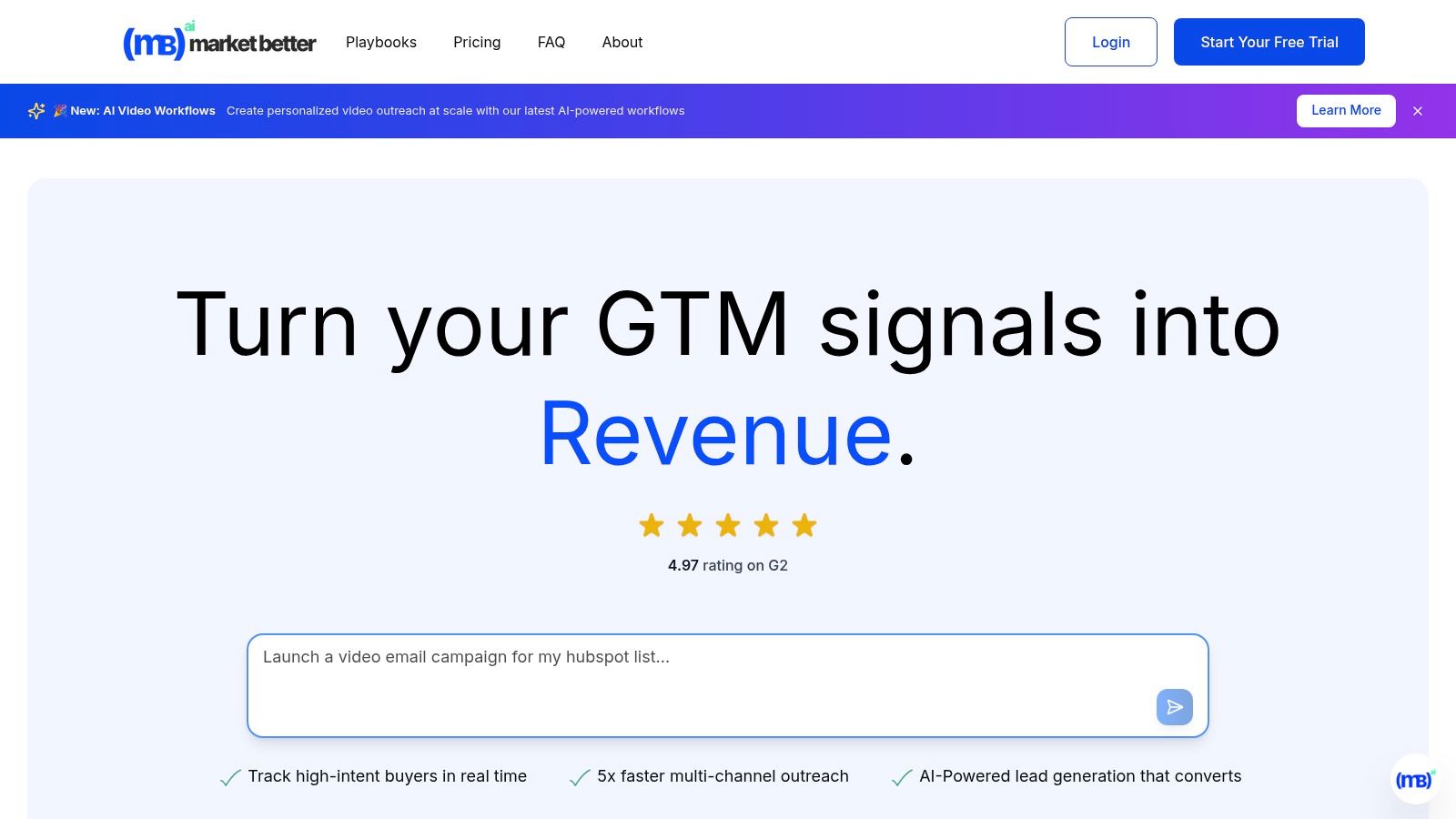
marketbetter.ai dashboard showing analytics and content creation features

Key Features and Use Cases

The platform is designed for strategic execution, making it ideal for demand generation managers and CMOs.

  • Integrated Campaign Optimization: Unlike standalone content schedulers, marketbetter.ai uses predictive analytics and automated A/B testing to refine campaigns in real time. For example, a B2B SaaS company can use it to not only create LinkedIn ad copy but also let the AI automatically allocate budget to the best-performing variants, a feature often requiring a separate, specialized tool.
  • Multi-Channel Outreach: It automates personalized sequences across email, voice, and LinkedIn, creating a cohesive customer journey. A sales team can use this to follow up on social engagement with a targeted email cadence, all managed within one system.
  • Unified Data Intelligence: With seamless integrations for Salesforce, HubSpot, Slack, and Teams, it provides a holistic view of performance. This addresses a major pain point for marketers struggling to attribute social media efforts directly to pipeline growth. For a deeper dive into optimizing your content strategy, you can explore their AI content analysis playbooks.

Verdict and Pricing

Marketbetter.ai is a premium, all-in-one solution best suited for mid-market to enterprise B2B companies looking to scale their marketing operations strategically. Its high G2 rating (4.97) and praise for its expert support and implementation speed reinforce its position as a reliable partner for growth.

  • Pros: 5x faster content creation, 15% average conversion lift, unified platform, and seamless CRM integrations.
  • Cons: Pricing is not publicly listed and requires a custom quote, which can be a hurdle for initial evaluation. Its advanced features may also present a learning curve for teams new to marketing automation.

Website: https://www.marketbetter.ai

2. Canva

Canva has become the go-to design platform for social media marketers who need to create high-quality, on-brand assets without a steep learning curve. Its core strength lies in its speed and accessibility, empowering entire teams to produce everything from Instagram Stories to LinkedIn carousels in minutes. Compared to Adobe Express, Canva's user interface is often seen as more intuitive for non-designers, making it the superior choice for teams prioritizing speed and ease of use. The drag-and-drop interface, combined with an enormous template library, removes creative blocks and streamlines the content creation workflow.
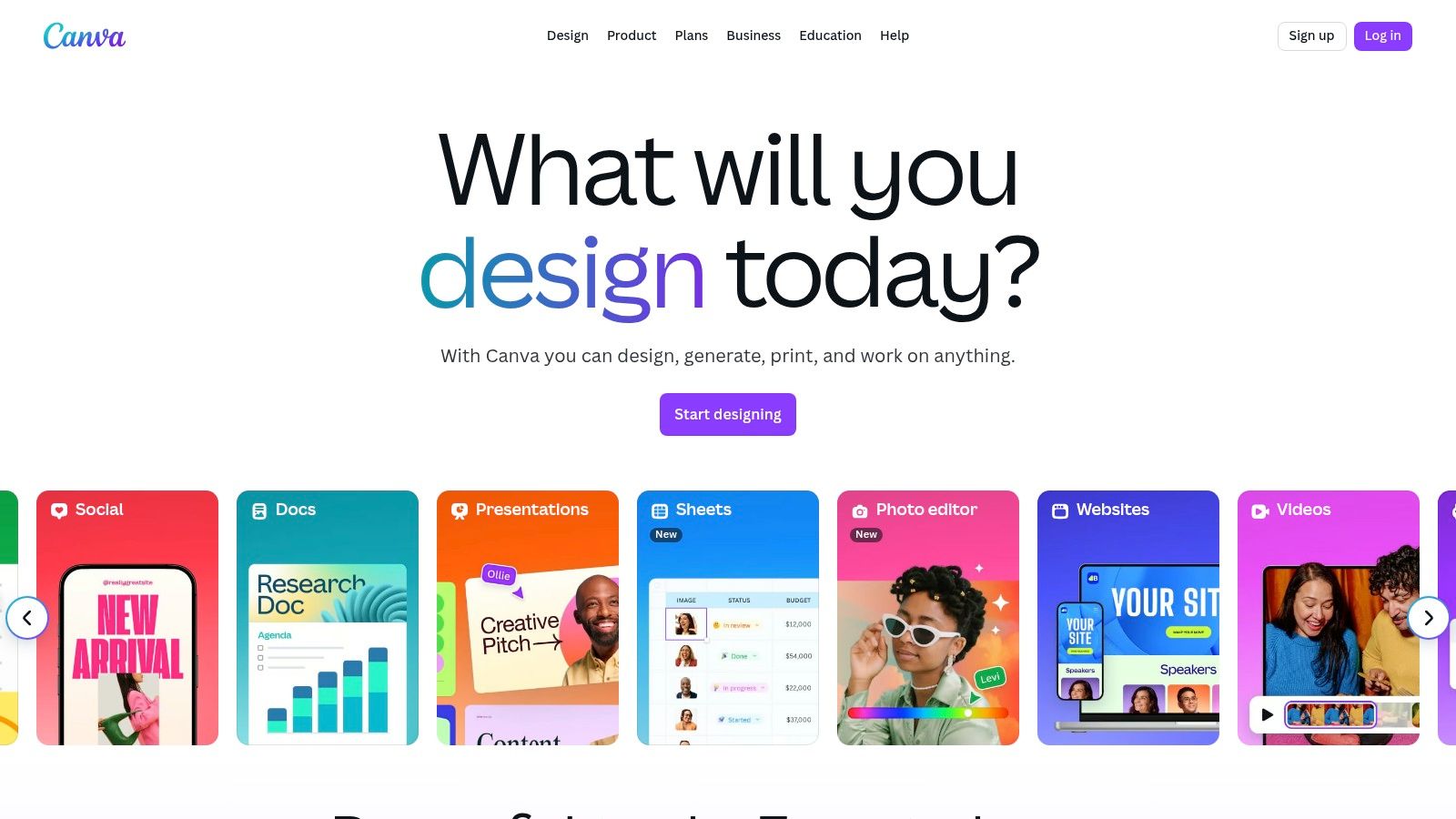
Canva

The platform’s Magic Studio suite introduces powerful AI features, including Magic Write for copy generation and Magic Edit for intuitive image manipulation, making it one of the most versatile social media content creation tools available. This AI integration allows marketers to quickly test different creative angles or generate entire design concepts from a simple text prompt.

Key Details & Use Cases

  • Best For: Teams needing to rapidly produce a high volume of on-brand social graphics and short-form videos.
  • Standout Feature: The Brand Kit ensures brand consistency across all designs by centralizing logos, color palettes, and fonts.
  • Pricing: A robust free plan is available. Canva Pro starts at $14.99/month, with custom pricing for Teams.
  • Actionable Tip: Use the Content Planner to design and schedule posts directly to your social platforms without leaving Canva, consolidating your workflow into a single tool.
  • Website: https://www.canva.com

3. Adobe Express

Adobe Express is the creative powerhouse’s answer to streamlined social media content creation, directly rivaling Canva by leveraging the strength of its professional ecosystem. Its main advantage is its deep integration with tools like Photoshop and Illustrator, allowing for seamless workflows where assets can be moved between platforms for advanced edits. Powered by Adobe Firefly, its generative AI features are designed with commercial safety in mind, a key differentiator for brands concerned with asset licensing.

Adobe Express

While Canva excels in simplicity, Adobe Express offers more professional-grade control and asset quality, especially for users familiar with other Adobe products. Features like quick background removal, video editing, and one-click resizing make it one of the most robust social media content creation tools for marketers who need both speed and the option for high-fidelity edits.

Key Details & Use Cases

  • Best For: Creative teams already invested in the Adobe ecosystem or businesses needing commercially safe AI-generated content.
  • Standout Feature: Integration with Adobe Firefly for commercially safe Generative Fill and Text to Image features.
  • Pricing: A generous free plan is available. The Premium plan starts at $9.99/month and includes more generative credits and brand kits.
  • Actionable Tip: Link your Adobe Express Brand Kit to your Creative Cloud Libraries to ensure anyone on your team, whether they're a designer in Photoshop or a marketer in Express, uses the exact same brand assets.
  • Website: https://www.adobe.com/express

4. CapCut

CapCut has rapidly become the dominant video editor for short-form social content, particularly for TikTok and Instagram Reels. Its strength lies in making trend-driven video creation incredibly accessible, offering tools that once required complex desktop software like Adobe Premiere Pro. The platform's seamless mobile-to-desktop workflow and vast library of templates, effects, and trending audio empower creators to produce polished, engaging vertical videos in minutes.
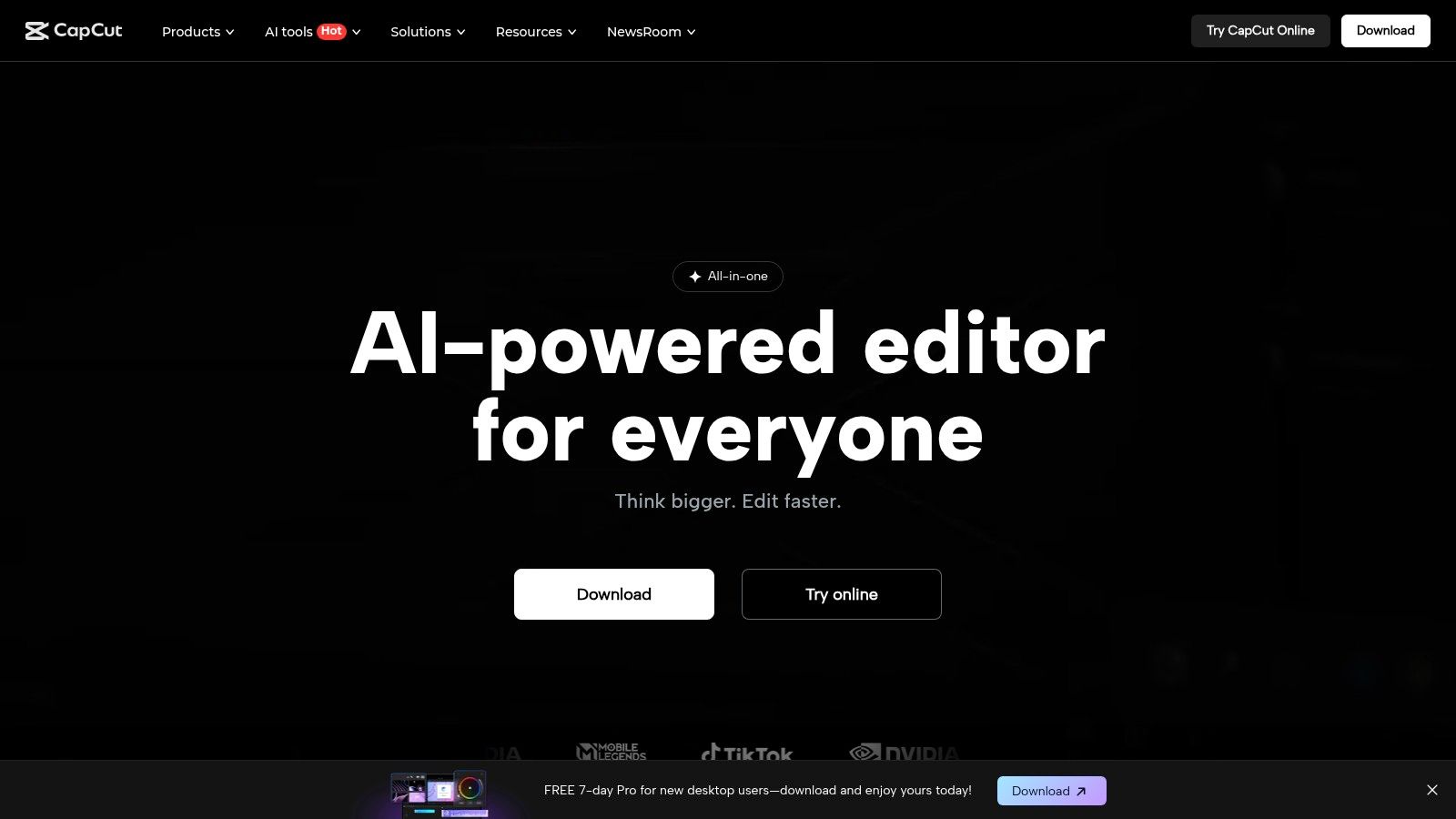
CapCut

Unlike more generalist video editors like Clipchamp, CapCut is hyper-focused on the nuances of viral video. Its AI-powered features, such as one-click background removal and automatic beat synchronization, streamline tedious editing tasks. This focus makes it one of the most efficient social media content creation tools for marketers aiming to capitalize on current trends without a significant time investment in video production.

Key Details & Use Cases

  • Best For: Social media managers and content creators focused on producing high-volume, trend-led short-form videos for TikTok, Reels, and YouTube Shorts.
  • Standout Feature: The Auto-captions feature is best-in-class, providing highly accurate, stylizable transcriptions with just one tap, which is critical for accessible, watch-anywhere social video.
  • Pricing: Offers a generous free version. CapCut Pro pricing varies by region and platform but generally starts around $7.99/month, unlocking cloud storage and advanced AI tools.
  • Actionable Tip: Use the Templates tab to find user-generated formats that are currently trending. Simply drop your own clips into a popular template to quickly create a relevant video that aligns with the platform's algorithm.
  • Website: https://www.capcut.com

5. Descript

Descript revolutionizes video and podcast editing by transforming it into a process as simple as editing a text document. Instead of manipulating complex timelines, users can cut, copy, and paste transcribed text to edit the corresponding video or audio, making it exceptionally fast for marketers to repurpose long-form content. This text-based approach dramatically lowers the barrier to entry for video editing, offering a more intuitive alternative to traditional editors like VEED for creating social media clips from interviews or webinars.
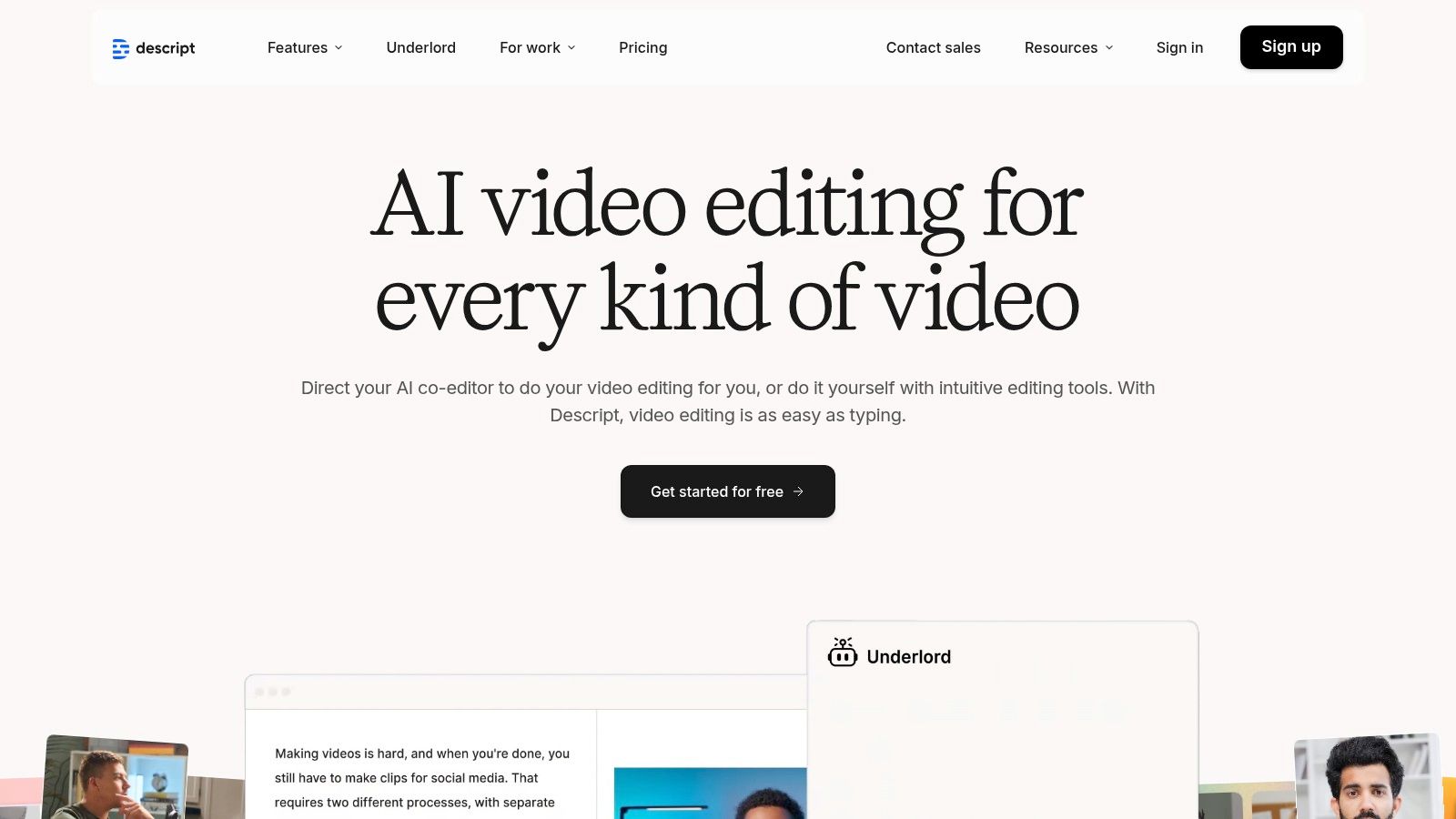
Descript

The platform’s suite of AI tools is a significant differentiator among social media content creation tools. Features like Studio Sound can make amateur recordings sound professionally produced with a single click, while Overdub allows for correcting audio mistakes by simply typing the new words. These AI capabilities enable teams to quickly polish content, remove filler words automatically, and generate ready-to-publish assets without deep technical expertise.

Key Details & Use Cases

  • Best For: Podcasters and marketers repurposing webinars, interviews, or long-form videos into shareable social media clips.
  • Standout Feature: The text-based editing interface that automatically transcribes media and allows you to edit the video/audio by editing the text.
  • Pricing: A free plan is available with limited features. Paid plans start at $15/month per user.
  • Actionable Tip: Use the "Find good clips" AI feature to instantly identify the most compelling soundbites in a long recording. From there, you can convert them into social-ready vertical videos with animated captions in just a few clicks.
  • Website: https://www.descript.com

6. Clipchamp (Microsoft)

As Microsoft's native video editor, Clipchamp offers a uniquely accessible entry point for social media marketers who need to create quick, polished videos without investing in complex software. Its strength lies in its simplicity and integration within the Windows ecosystem, providing a frictionless alternative to more feature-dense platforms like CapCut for creating clean TikToks, Reels, and YouTube Shorts. The browser-based editor ensures cross-platform accessibility, making it a reliable choice for teams with varying technical skills.
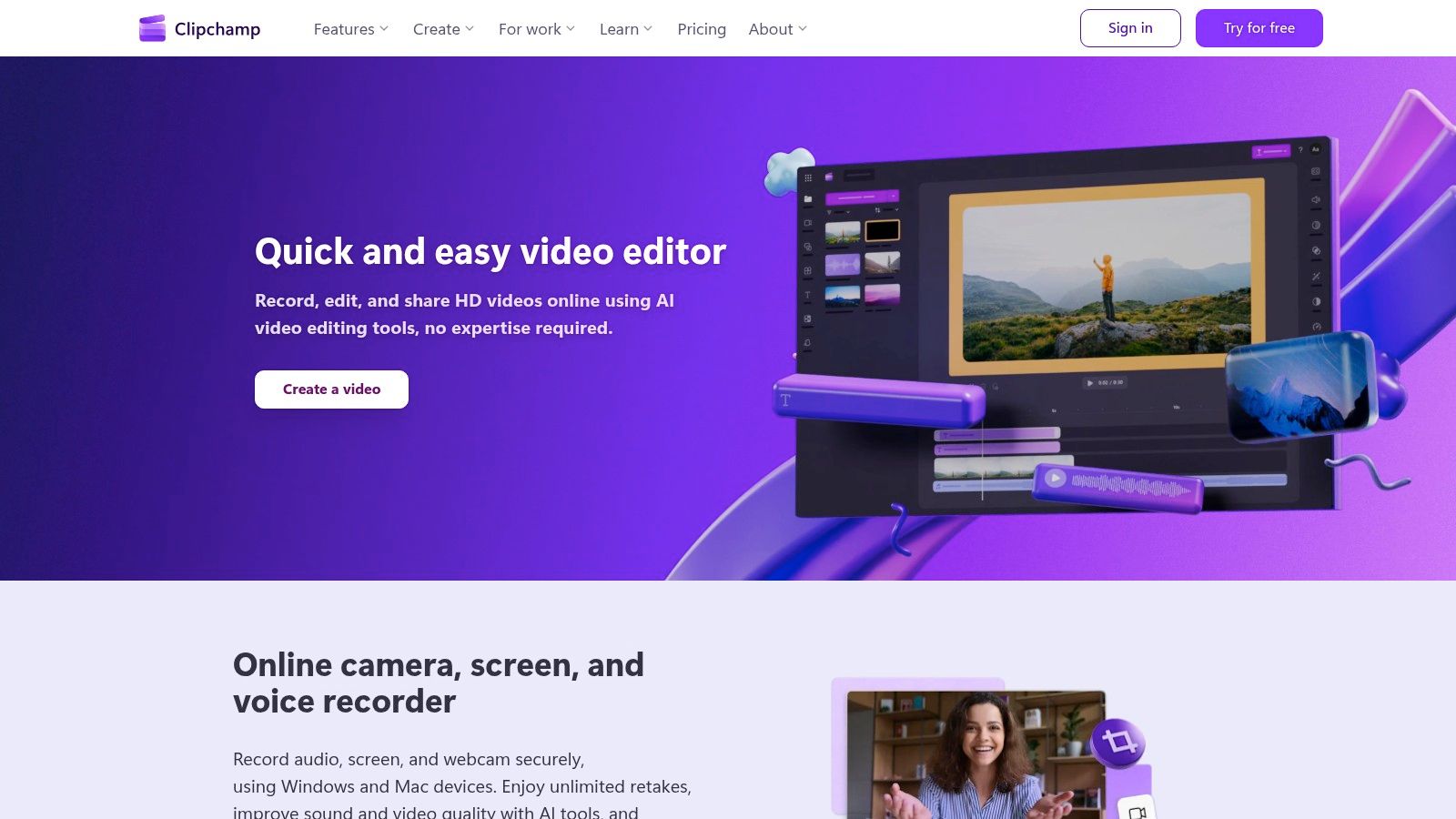
Clipchamp (Microsoft)

The platform leverages Microsoft's AI to offer features like auto-compose, which assembles clips into a coherent video, and a surprisingly accurate text-to-speech generator. This makes it one of the more intuitive social media content creation tools for beginners. While its template library is smaller than Canva's, its focus on core video editing functions like auto-captioning and background removal makes it a powerful, straightforward tool for everyday video needs.

Key Details & Use Cases

  • Best For: Marketers and teams needing a simple, no-frills video editor for quick social media clips and internal communications.
  • Standout Feature: The AI-powered Auto-compose feature saves significant time by creating a draft video from your media files, complete with music and transitions.
  • Pricing: A free plan offers 1080p exports. The Premium plan unlocks 4K exports, stock assets, and advanced features for $11.99/month.
  • Actionable Tip: Use the Auto-captioning feature to generate subtitles instantly, then quickly review and edit them for accuracy to maximize video accessibility and engagement on platforms where users watch with sound off.
  • Website: https://clipchamp.com

7. VEED

VEED is a browser-based video editor built specifically for the demands of social media content, excelling where more general-purpose editors fall short. Its primary advantage is an incredibly powerful and intuitive subtitling and translation workflow, making it simple to create accessible, globally-relevant video content. While CapCut is mobile-first and trend-focused, VEED’s web interface offers a more robust, desktop-native experience for teams needing to collaborate on video projects without installing any software.
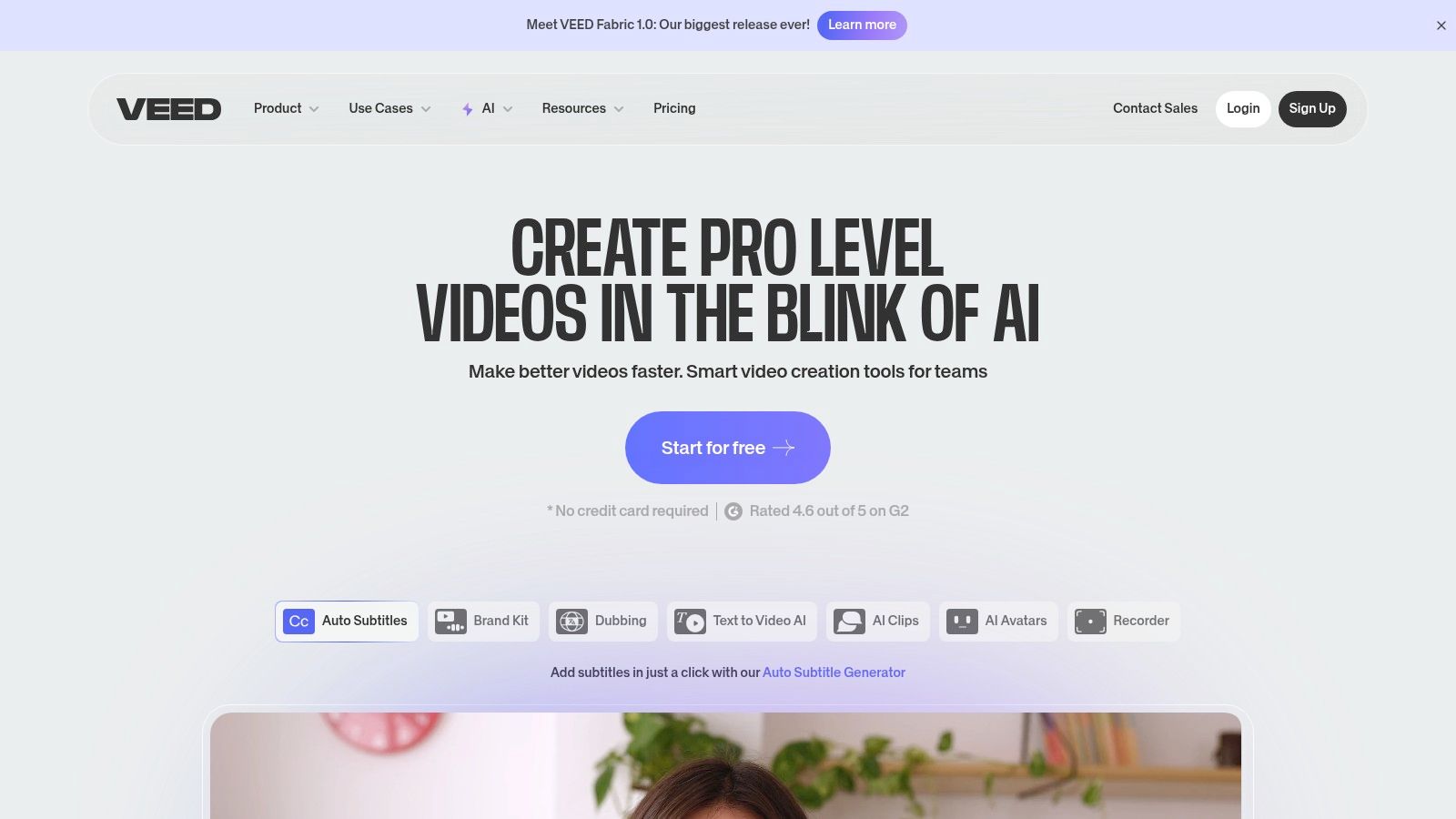
VEED

The platform streamlines the tedious tasks associated with social video, from one-click background removal to automatic audio cleaning. Its suite of AI tools, including voice synthesis and text-to-video generation, further positions it as one of the most efficient social media content creation tools for teams focused heavily on video. These features allow marketers to quickly produce polished, engaging videos that capture attention in a crowded feed.

Key Details & Use Cases

  • Best For: Marketing teams that prioritize subtitled, accessible, and multi-language video content for social media.
  • Standout Feature: The auto-subtitle and translation tool generates accurate captions in seconds and translates them into dozens of languages, drastically reducing manual effort.
  • Pricing: A free plan is available with watermarks. Paid plans start at $25/month per user (billed annually).
  • Actionable Tip: Use the Screen and Camera Recording feature to create quick tutorials or reaction videos, then immediately add branded subtitles and resize for different platforms all within VEED.
  • Website: https://www.veed.io

8. Kapwing

Kapwing is an all-in-one, browser-based video editor that excels at speed and simplicity, making it a powerful tool for social media managers who need to create and repurpose video content quickly. Unlike more complex, timeline-heavy editors, Kapwing’s intuitive interface is geared towards rapid production of memes, subtitled clips, and formatted videos for platforms like TikTok and Instagram Reels. Its strength is in trimming, resizing, and adding text or subtitles without requiring extensive video editing knowledge.
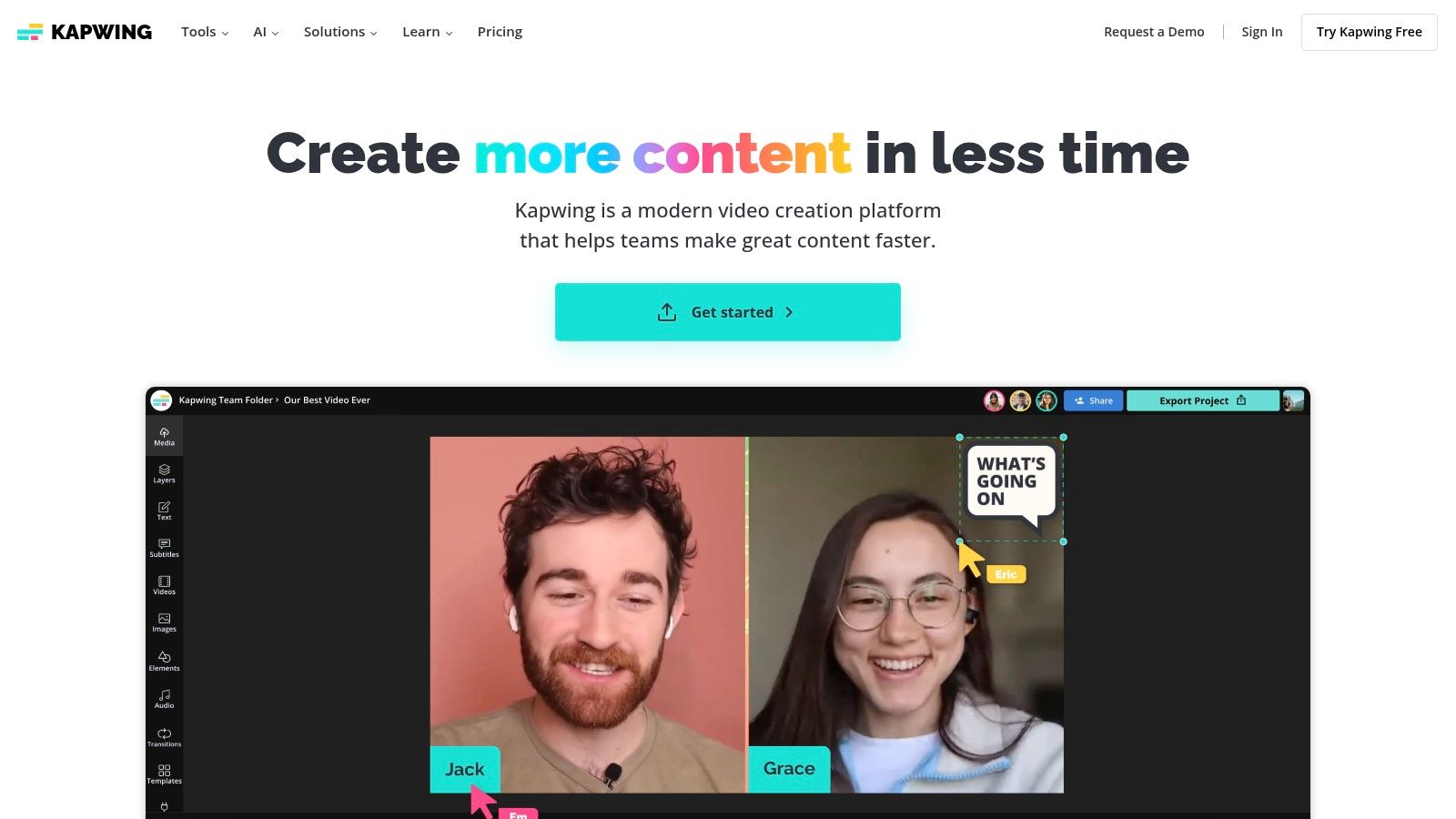
Kapwing

The platform's suite of AI-powered tools, including automatic subtitle generation and smart background removal, significantly accelerates the post-production workflow. This makes Kapwing one of the most efficient social media content creation tools for teams focused on reactive, trend-based video content where turnaround time is critical. Team workspaces further streamline collaboration by keeping brand assets and ongoing projects in a centralized hub.

Key Details & Use Cases

  • Best For: Social media teams creating a high volume of short-form videos, memes, and GIFs.
  • Standout Feature: The AI-powered Auto Subtitle Generator is highly accurate and customizable, saving hours of manual transcription time.
  • Pricing: A free plan is available with watermarks and export limitations. The Pro plan starts at $24/month per user.
  • Actionable Tip: Use the Safe Zones overlay feature when resizing a video. This shows you exactly where platform UI elements (like usernames and captions on TikTok) will appear, ensuring your key visuals are never obscured.
  • Website: https://www.kapwing.com

9. Envato Elements

Envato Elements is an all-you-can-download subscription service that provides the raw creative ingredients for high-volume social media teams. Instead of offering a design editor like Canva, it serves as a massive library of individual assets, including video templates, stock footage, presentation themes, and social media post packs for Photoshop and Illustrator. This makes it an essential resource for creators who work in professional software like Adobe Creative Cloud but need a steady, affordable supply of high-quality assets.
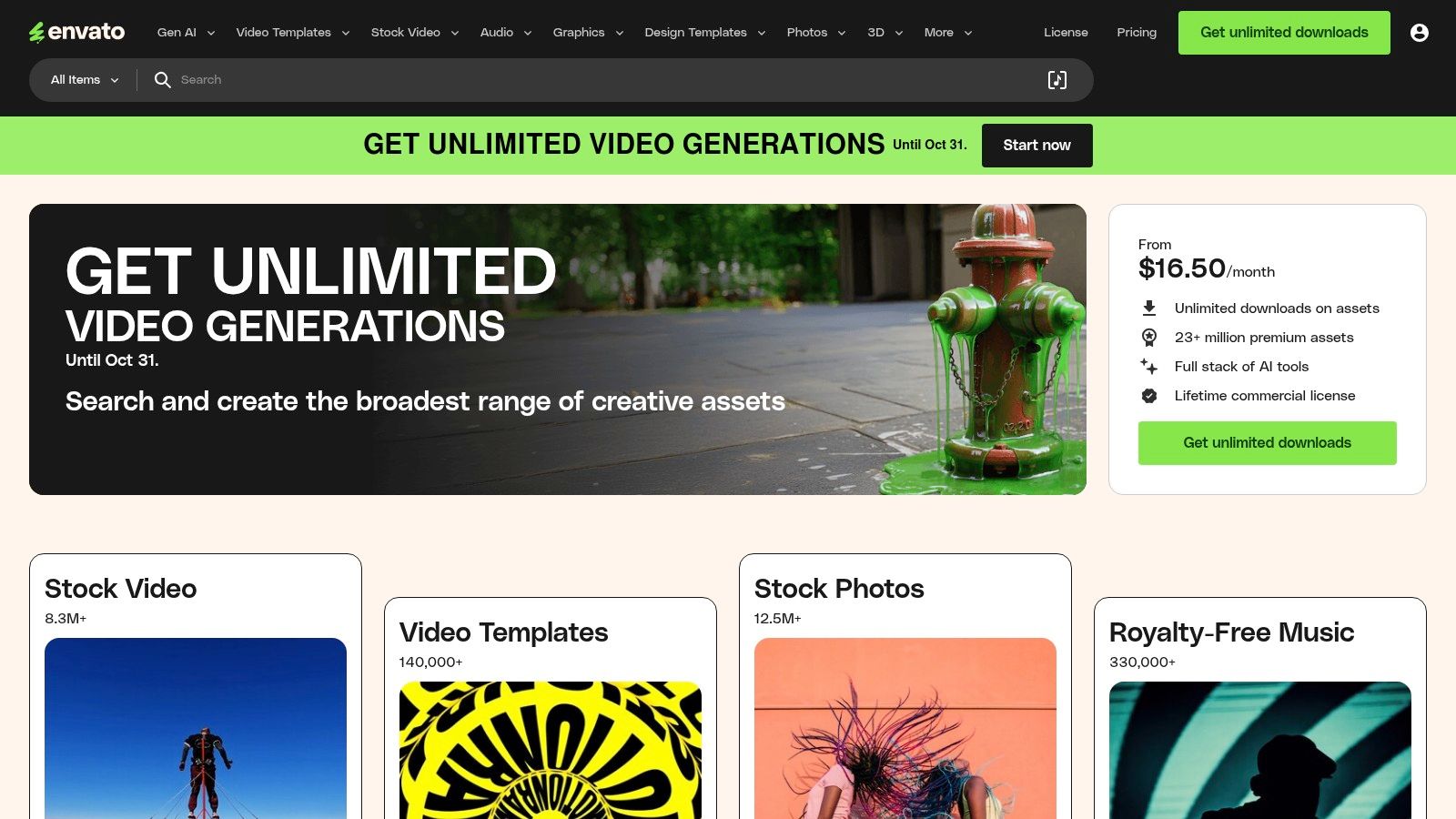
Envato Elements

Its direct competitor is the à la carte model of Creative Market. While Creative Market is better for one-off purchases, Envato Elements offers unbeatable value for agencies and high-output teams. The simple commercial licensing model covers all assets for nearly any use case, eliminating the friction of purchasing individual stock assets and making it one of the most cost-effective social media content creation tools for sourcing professional-grade materials.

Key Details & Use Cases

  • Best For: Content creators and agencies needing a constant supply of diverse, high-quality assets like video templates, music, and graphics for use in professional editing software.
  • Standout Feature: The unlimited download model with a single commercial license simplifies budgeting and legal clearance for all social media projects.
  • Pricing: No free trial, but offers free monthly files. Individual plans start at $16.50/month. Team and Enterprise plans are also available.
  • Actionable Tip: Before starting a new video project, browse the "Video Templates" for After Effects or Premiere Pro. You can often find a pre-built, professional-grade project file that drastically cuts down production time.
  • Website: https://elements.envato.com

10. Placeit by Envato

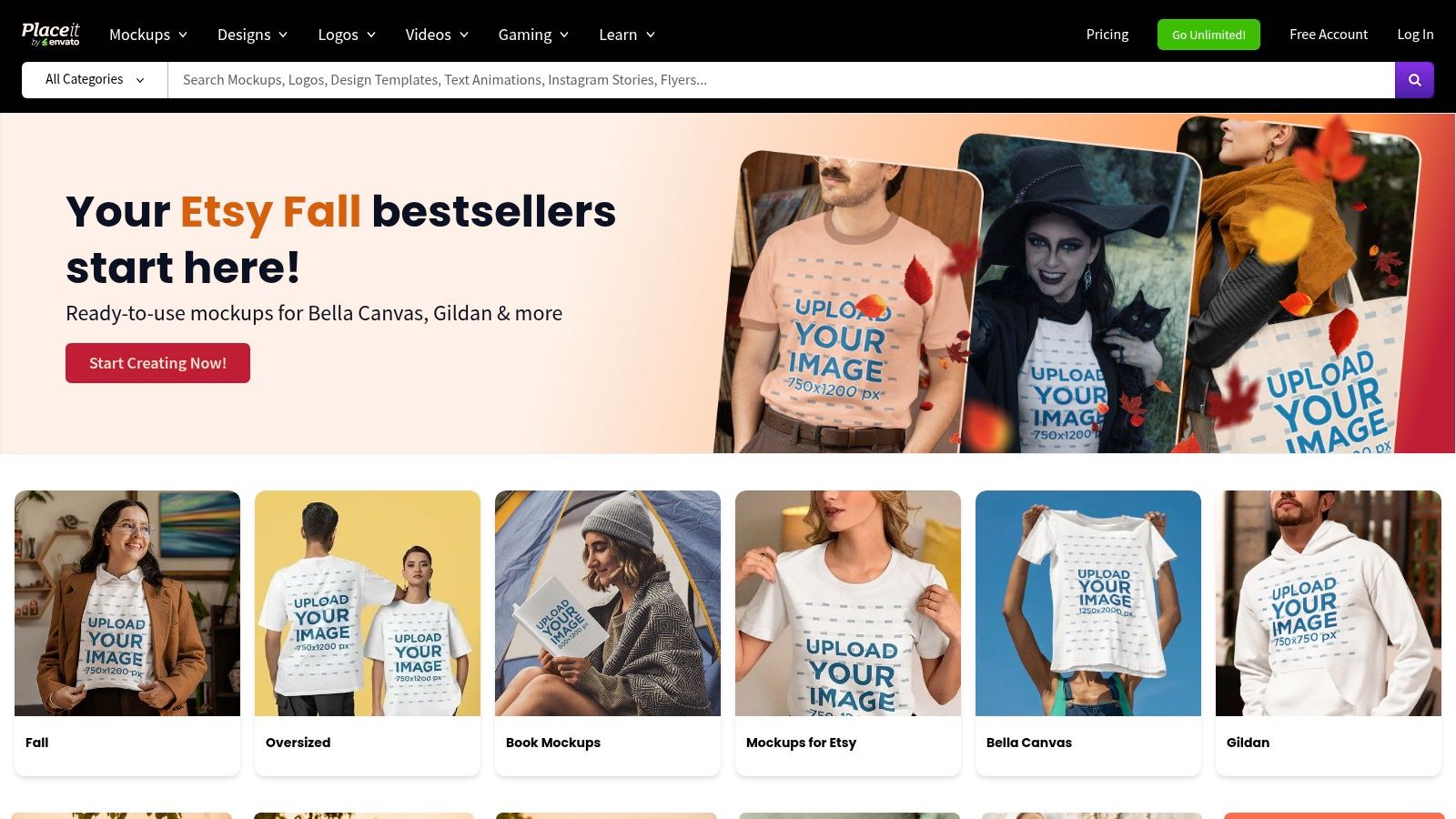
Placeit by Envato excels at one specific, yet crucial, task for social media marketers: creating high-quality, realistic mockups in seconds. Where tools like Photoshop require significant skill and time to place a design onto a device or piece of apparel, Placeit's browser-based platform handles it with a single click. This makes it an indispensable resource for showcasing apps, websites, or merchandise in authentic, lifestyle-based scenarios without expensive photoshoots.
Placeit by Envato

While Canva and Adobe Express offer some mockup capabilities, Placeit's library is vastly larger and more specialized. Its strength is its massive, searchable library of templates, from iPhone mockups held in a user's hand to branded t-shirts worn by models. Its straightforward licensing and interface remove the technical barriers often associated with producing professional-grade marketing visuals, making it one of the most efficient social media content creation tools for product-focused brands.

Key Details & Use Cases

  • Best For: E-commerce brands, app developers, and designers needing to generate realistic product mockups for social media ads and posts.
  • Standout Feature: The enormous library of high-resolution, context-rich mockup templates that require no design skills to use.
  • Pricing: Single purchases are available (from $7.95/image). An unlimited subscription starts at $7.47/month (billed annually).
  • Actionable Tip: Use the video mockups to create short, engaging Instagram Reels or Stories showcasing your app's user interface in a real-world context, which can significantly boost engagement.
  • Website: https://placeit.net

11. Creative Market

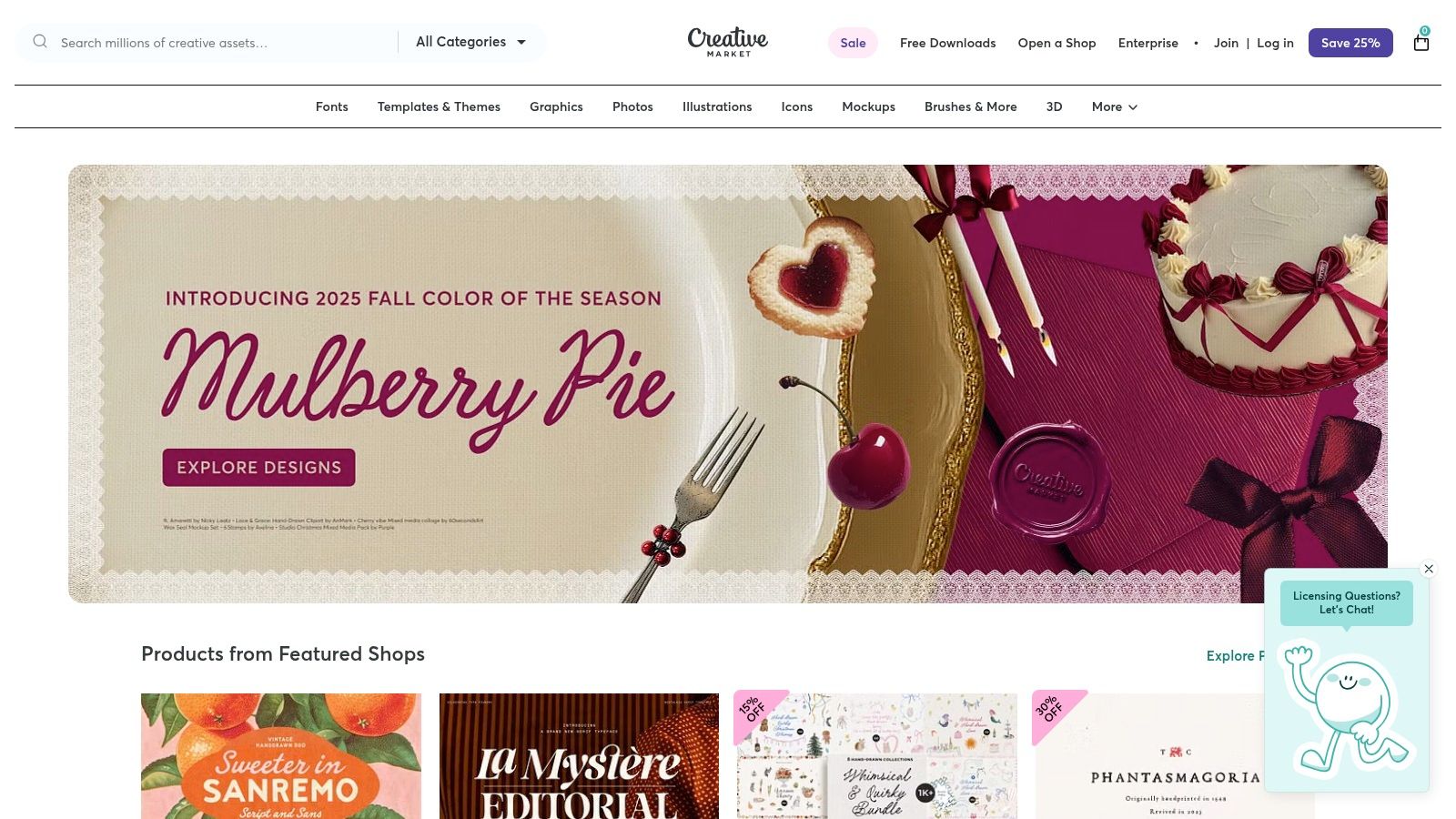
Creative Market serves as a specialized marketplace for marketers who need unique, high-quality design assets without committing to a subscription. Unlike the all-you-can-eat model of Envato Elements, its strength is in providing individual, professionally crafted templates, fonts, and graphics from a global community of independent designers. This à la carte model is ideal for one-off projects or for sourcing a specific aesthetic that pre-packaged template libraries lack, giving your content a distinct, non-generic feel.
Creative Market

The platform is a treasure trove for finding specific files like Photoshop mockups, Lightroom presets, or intricate Canva templates that go beyond the basics. While quality can vary between sellers, the rating and review system provides transparency. This direct-from-creator model makes it one of the best social media content creation tools for marketers seeking to purchase and own bespoke assets with clear commercial licensing.

Key Details & Use Cases

  • Best For: Marketers and designers needing unique, high-quality assets like templates, fonts, or mockups on a per-project basis.
  • Standout Feature: The pay-per-asset model provides flexibility and avoids recurring subscription costs, allowing you to buy exactly what you need.
  • Pricing: Varies per item, with assets ranging from a few dollars to over $100. Clear licensing tiers are provided for each purchase.
  • Actionable Tip: Before purchasing a template pack, carefully review the included file types (e.g., .PSD, .AI, Canva link) and the seller's ratings to ensure compatibility with your existing software and workflow.
  • Website: https://creativemarket.com

12. Amazon

While not a creation tool itself, Amazon is the indispensable marketplace where creators acquire the physical hardware that makes high-quality content possible. It serves as the foundational resource for sourcing everything from ring lights and microphones to tripods and green screens, making it a critical, if indirect, part of the social media content creation tools ecosystem. Unlike specialized retailers, its vast selection and competitive pricing allow creators at any budget to build or upgrade their production setup.

The platform’s power lies in its comprehensive user-generated feedback, including detailed reviews, customer photos, and a Q&A section that provides real-world insights into a product's performance. This community-driven data helps marketers make informed purchasing decisions, mitigating the risk of investing in gear that doesn't meet their specific content production needs.

Key Details & Use Cases

  • Best For: Marketers and creators building or upgrading their physical content production setup on any budget.
  • Standout Feature: The extensive user reviews and ratings system provides invaluable social proof and real-world performance feedback before purchasing.
  • Pricing: Varies by product; Amazon Prime membership ($14.99/month) offers fast, free shipping on eligible items.
  • Actionable Tip: Create a private Wish List for your ideal content creation kit. Share it with your team for budget planning and use it to track prices for deals during sales events like Prime Day.
  • Website: https://www.amazon.com

Top 12 Social Media Content Creation Tools Comparison

PlatformCore Features & CapabilitiesUser Experience & Quality ★Value Proposition 💰Target Audience 👥Unique Selling Points ✨
🏆 marketbetter.aiAI content gen, campaign optimization, personalization, analytics4.97 ★ on G2, rapid supportROI boost: 5x faster content, +15% conversionsMid-market to Enterprise B2B marketing teamsIntegrated AI platform, seamless CRM & outreach integration
CanvaDesign suite, templates, AI copy & images, content scheduler★★★★☆ fast & intuitiveAffordable with strong collaboration featuresSocial media managers, small to medium businessesMassive templates, brand kits, AI tools
Adobe ExpressTemplates, stock assets, AI credits, resizing, content scheduler★★★★☆ Adobe ecosystem reliabilityTiered pricing; commercial-safe AI generativeCreatives, social media marketersDeep Adobe integration, vast asset library
CapCutShort-form video editor, templates, auto-captions, AI tools★★★★☆ trendy & mobile-optimizedFree with in-app purchases, regional variancesTikTok/Instagram creators, video marketersFast vertical video edits, large effect library
DescriptText-based video/audio editing, AI overdub, social clip maker★★★★☆ gentle learning curveSubscription with AI credit limitsPodcasters, video editorsText-driven editing, AI voice overdub
Clipchamp (Microsoft)Video editor, AI tools, auto-captioning, 1080p-4K export★★★★ included with Windows 11Free tier; premium for advanced featuresBeginners, Windows usersNative Windows integration, simple UX
VEEDSubtitles, translation, AI voice synthesis, team collaboration★★★★ web-based, no install neededSubscription based on AI credit and featuresSocial video teams, translatorsMulti-language AI features, team workflows
KapwingVideo, GIF, image editor, templates, subtitles, collaboration★★★★ fast & straightforwardFree & paid tiers, watermark on free planSocial media content creatorsBroad social templates, quick resizing
Envato ElementsUnlimited creative assets, templates, stock footage, licenses★★★★ extensive asset varietySubscription for all-inclusive asset accessAgencies, content creatorsCommercial licensing in one subscription
Placeit by EnvatoMockups, logo & social video templates, browser-based★★★★ easy & fastSubscription or single purchaseMarketers & designers needing mockupsBrowser-only, realistic mockups
Creative MarketDesigner-made templates, fonts, presets, per-item purchase★★★★ varies by creatorPay-per-item, no subscriptionFreelancers, small businessesNo subscription needed, clear licensing
AmazonCreator hardware & accessories marketplace★★★★ vast selectionWide price range, user reviewsContent creators & equipment buyersOne-stop shop for equipment

Putting Your Tools to Work: An Actionable Strategy

Navigating the expansive landscape of social media content creation tools can feel overwhelming, but the right toolkit is a powerful force multiplier for any marketing team. We've explored a diverse range of platforms, from the AI-powered ideation and copywriting of marketbetter.ai to the all-in-one visual design powerhouse of Canva and the intuitive video editing capabilities of Descript and VEED. The key takeaway is that no single tool is a magic bullet; instead, strategic integration is what unlocks true creative velocity and quality.

The most effective approach is to build a customized "content stack" that aligns with your specific goals, team skills, and budget. Your strategy isn't about acquiring the most tools, but the right tools that work in harmony. By creating a system where each platform serves a distinct purpose, you transform a series of individual tasks into a streamlined, efficient production workflow.

Choosing Your Core Content Stack

To make this actionable, start by identifying your primary content needs and then select tools that complement each other. Avoid redundancy where possible to maximize your budget and minimize team friction.

Here are a few example stacks based on common business needs:

  • For the Agile Startup or Solopreneur: Combine marketbetter.ai for rapid AI-driven campaign ideas and copy, Canva for creating a wide range of static graphics and simple videos, and CapCut for quick, trend-focused mobile video editing. This stack is cost-effective, user-friendly, and covers the essential bases for building a social presence from scratch.
  • For the B2B Marketing Team: A powerful combination would be Descript for polishing podcasts and video interviews into professional-grade assets, Envato Elements for a steady supply of high-quality stock footage and presentation templates, and marketbetter.ai to ensure all messaging is on-brand and strategically sound. This focuses on creating polished, authoritative content.
  • For the High-Volume E-commerce Brand: Pair Placeit by Envato for generating an endless stream of product mockups, VEED for creating dynamic video ads with hardcoded subtitles for silent viewing, and a core design tool like Adobe Express for maintaining strict brand consistency across all visuals. This stack is built for speed, scale, and direct-response marketing.

Implementing Your Tools for Maximum Impact

Once you’ve selected your social media content creation tools, successful implementation is crucial. Focus on establishing a clear workflow. For instance, a campaign might start in marketbetter.ai to generate core concepts and copy, move to Envato Elements to source visual assets, and finish in Canva or CapCut for final assembly and branding. This assembly-line approach ensures consistency and efficiency.

As you integrate these platforms, consider exploring more advanced applications. For teams pushing the boundaries of digital engagement, the next frontier involves leveraging artificial intelligence in more profound ways. For instance, some brands are now learning how to create AI influencers to build unique, brand-owned personalities that resonate with niche audiences. This forward-thinking strategy demonstrates how a deep understanding of content tools can unlock entirely new marketing channels.

Ultimately, the goal is to empower your team to move beyond reactive content creation and into a proactive, strategic rhythm. The right tools remove creative friction, automate repetitive tasks, and free up your team to focus on what truly matters: building a genuine connection with your audience through compelling, high-quality content.


Ready to supercharge your content ideation and copywriting? marketbetter.ai uses advanced AI to generate strategic campaign ideas, write compelling social media copy, and analyze your brand's voice in seconds. Stop guessing and start creating with a tool built to be the strategic foundation of your social media content creation tools stack at marketbetter.ai.