5 posts tagged with "outbound"

View All Tags

Your Outbound Emails Are Generic. Here's How AI Context Changes Everything

Β· 11 min read
MarketBetter Team
Content Team, marketbetter.ai

I need to say something that's going to upset a lot of people who sell email tools: the personalization in your outbound emails isn't personalization. It's cosmetic.

You're swapping {first_name} and {company_name} into templates and calling it personal. You're adding a line about their recent LinkedIn post that your AI scraped from their profile. You're referencing their job title and pretending that counts as relevance.

It doesn't. And your prospects know it.

Here's how I know: I get 40-60 cold emails a day. Every single one mentions my company. Most mention my title. A few reference a blog post I wrote. None of them β€” literally zero β€” demonstrate any understanding of why their product matters to my specific business situation.

That's the gap. Not "did you personalize?" but "did you personalize with context that matters?"

And that gap is where most outbound campaigns go to die.
AI analyzing prospect business context for personalized outreach

The Personalization Lie​

Let me show you what I mean. Here are two emails. One is "personalized" the way most tools do it. The other uses actual business context.

Email A (Standard Personalization):

Hi Adam,

I noticed MarketBetter is growing fast β€” congrats! As a GTM leader, you probably deal with challenges around scaling your outbound. We help companies like yours increase reply rates by 3x with our AI email platform.

Would you be open to a quick 15-minute chat?

Email B (Contextual Personalization):

Adam β€” I saw MarketBetter is building AI qualification into inbound scheduling. That's smart, but it creates an interesting challenge: the better your inbound gets, the more your outbound needs to keep pace with accounts that don't come to you first.

Most SDR teams in the sales-tech vertical are hitting the same wall β€” visitor intent data generates leads faster than reps can research them. Your SDR playbook approach solves the prioritization piece, but the messaging side still requires manual research at scale.

We've been working with similar B2B platforms on closing that gap. Worth 15 minutes?

Same ask. Completely different signal. Email A says "I found your name in a database." Email B says "I understand your business well enough to connect my solution to your actual problem."

The difference isn't effort β€” no human wrote Email B by hand for each prospect. The difference is context. Email B was generated by AI that actually understands what MarketBetter does, what challenges companies in our space face, and why the sender's product might be relevant to those specific challenges.

That's what AI context means. Not variable insertion. Intelligence.

Why Your "Personalization" Doesn't Work​

The data on outbound email effectiveness tells a clear story: personalized emails outperform generic ones by 2-3x on open rates and 5-6x on reply rates. But here's what the data doesn't clarify: what kind of personalization drives those results.

Most sales teams optimize for surface personalization:

  • First name and company name (table stakes β€” not even personalization anymore)
  • Job title references
  • Recent social media activity
  • Company news mentions
  • Tech stack callouts

This is better than nothing, but it's observational, not contextual. You're telling the prospect what you noticed about them, not demonstrating what you understand about their business.

B2B buyers in 2026 are drowning in outreach. The average decision-maker receives 120+ sales emails per month. They can spot a mail merge from the first line. The only emails that break through make the prospect think: "This person actually gets my problem."

That requires context. Not data β€” context.

Data vs. Context: Why the Distinction Matters​

Data is: "This company uses Salesforce, has 200 employees, and is in the SaaS vertical."

Context is: "This mid-market SaaS company recently expanded to 200 employees, which means their sales team is probably going through growing pains β€” new reps, inconsistent processes, and likely a CRM that's getting messy as they scale past the founder-led sales phase."

Data tells you what. Context tells you why they should care.

Every enrichment tool on the market gives you data. Company size, industry, tech stack, funding round, hiring trends. These are useful inputs. But they're not the output that makes a prospect reply.

The output β€” the thing that makes someone stop scrolling and actually read your email β€” is a message that connects the dots between their situation and your value proposition in a way that feels genuinely relevant.

This is what MarketBetter's AI context engine does. It doesn't just enrich prospect profiles with firmographic data. It generates actual business intelligence about each prospect β€” industry challenges, technology implications, relevant use cases, competitive pressures β€” and feeds that intelligence directly into outbound messaging.

The result is emails that read like someone spent 20 minutes researching the prospect. Except nobody did. The AI did it in seconds, and it did it for every single prospect in your outbound sequence.

How AI Context Actually Works​

Let me walk through the mechanics without getting too deep in the weeds, because the what matters more than the how.

Profile Enrichment Beyond Firmographics​

When a prospect enters your outbound pipeline, the AI doesn't just pull their job title and company size. It builds a contextual profile that includes:

  • Industry-specific challenges: What are the common pain points in this prospect's vertical? What trends are shaping their market? What regulatory pressures or competitive dynamics are relevant?
  • Tech stack implications: Not just "they use Salesforce" but "they're running Salesforce alongside three other tools, which suggests integration complexity and potential data fragmentation."
  • Business stage signals: Are they in growth mode? Consolidating? Expanding into new markets? These signals completely change which value proposition resonates.
  • Relevant use cases: Based on similar companies in the same space, what specific outcomes would be most compelling to this prospect?

This isn't a keyword lookup. It's AI synthesizing multiple data points into a narrative understanding of the prospect's business context.

From Context to Message​

Once the AI has built a contextual profile, it informs the outbound messaging at every level:

  • Subject lines that reference the prospect's actual business challenge, not generic hooks
  • Opening lines that demonstrate understanding, not observation
  • Value propositions tailored to the prospect's specific situation, not your generic pitch
  • CTAs framed around the prospect's likely priorities, not your sales cadence

Every email in the sequence draws from the same contextual profile, so follow-ups build on the initial thread rather than repeating the same pitch with slightly different wording.

The Visitor Intelligence Layer​

Here's where it gets particularly powerful: MarketBetter's website visitor identification feeds directly into the enrichment engine.

Think about what this means. Before you ever send a cold email, you might already know that someone from the prospect's company has been visiting your website. You know which pages they looked at. You know what problems they were researching.

That visitor intelligence becomes part of the contextual profile. So when the AI generates outbound messaging, it can reference challenges that the prospect's company is actively researching β€” not hypothetical pain points, but demonstrated interest.

The difference between "I think you might have this problem" and "I know your team is researching solutions for this problem" is enormous. And the prospect never knows how you knew. It just feels like you did your homework.

Spray-and-Pray vs. Contextual Outreach: A Side-by-Side​

Let me make this concrete with a comparison across a 1,000-prospect campaign:

The Spray-and-Pray Approach​

  • Prospect research: Zero. Firmographic filters only.
  • Message creation: One template with variable fields.
  • Personalization depth: Name, company, maybe title.
  • Time per prospect: ~0 seconds of human research.
  • Typical open rate: 15-25%.
  • Typical reply rate: 1-3%.
  • Meetings booked per 1,000: 5-15.
  • How it feels to prospects: Like every other sales email in their inbox.

The Contextual Outreach Approach​

  • Prospect research: AI-generated contextual profile per prospect.
  • Message creation: AI-generated messaging informed by business context.
  • Personalization depth: Industry challenges, tech implications, relevant use cases, visitor signals.
  • Time per prospect: ~0 seconds of human research (AI handles it).
  • Typical open rate: 35-50%.
  • Typical reply rate: 8-15%.
  • Meetings booked per 1,000: 40-75.
  • How it feels to prospects: Like someone who understands their business.

Same number of prospects. Same amount of human effort. Radically different results.

The unlock isn't working harder. It's giving your outbound engine the intelligence it needs to write messages that actually resonate.

The "Mail Merge With {company_name}" Trap​

Here's why I'm so emphatic about this: the entire outbound email industry has spent the last five years optimizing the wrong variable.

Tools got better at sending emails. Deliverability improved. Warmup protocols got smarter. Multi-inbox rotation reduced spam risk. Sending volume went up across the board.

But nobody fixed the message.

The result is that we can now deliver mediocre emails at massive scale with excellent inbox placement. We've perfected the art of being ignored efficiently.

The fix isn't sending more emails. It's sending better emails. And "better" means contextually intelligent.

What This Looks Like in Practice​

Let me paint the picture for a typical day on a team using AI context:

8:00 AM: Your SDR opens their daily playbook. Fifty prospects are queued for outbound today.

8:01 AM: Every single prospect already has a contextual profile built by AI. The SDR doesn't need to Google the company, check LinkedIn, read their blog, or research their tech stack. That's all done.

8:05 AM: AI-generated email drafts are ready for each prospect. Not templates with variables β€” actual messages that reference the prospect's industry challenges, their likely pain points based on their company profile, and relevant use cases from similar businesses.

8:10 AM: The SDR reviews, maybe tweaks a line or two, and sends. For 50 prospects, this takes 30 minutes instead of 4+ hours of manual research and writing.

By the end of the week, a single SDR has sent personalized, contextual outreach to 250 prospects. The quality of each message would take 15-20 minutes of manual research to match. That's 62+ hours of research compressed into zero human hours.

Scale that across a team of five, and you're talking about 300+ hours automated per week.

The Enrichment β†’ Context β†’ Message Pipeline​

What makes this possible is the integration between three capabilities that usually live in separate tools:

1. Visitor Intelligence β†’ Know who's already showing interest before you reach out. Identify anonymous website visitors at the company level and feed that signal into your outbound targeting.

2. AI Enrichment β†’ Transform raw firmographic data into genuine business intelligence. Not just "what company is this" but "what is this company dealing with right now."

3. Contextual Messaging β†’ Use that intelligence to generate outreach that references the prospect's actual business situation, not generic pain points.

Most tools do one of these. Maybe two. The magic happens when all three feed into a single workflow, creating a complete prospect profile before the first touch.

Your prospect gets an email that feels like a warm introduction, not a cold outreach. They just know that someone finally sent them an email worth reading.

This Isn't About Replacing Your SDRs​

I want to be clear about something: AI context doesn't replace your sales reps. It makes them dramatically more effective.

Your best SDR β€” the one who consistently outperforms the team β€” already does contextual research intuitively. They Google the company. They read the prospect's LinkedIn posts. They check if the company was in the news recently. They look for trigger events. They craft messages that reference specific, relevant details.

The problem is that this takes time. A lot of time. Your best SDR can manually research maybe 15-20 prospects per day at that level of depth. AI context gives every rep on your team the research capability of your best performer β€” at scale.

It's the difference between arming your team with muskets and arming them with precision rifles. Same soldiers. Same battlefield. Completely different outcomes.

The Bottom Line​

Your outbound strategy is only as good as your message. And your message is only as good as your understanding of the prospect.

If your outbound emails could be sent to any prospect by swapping the company name, they're not personalized. They're templated. And your reply rates will reflect that.

AI context changes the equation. Every prospect gets a message that reflects genuine understanding of their business. Every email reads like a human spent 20 minutes researching the recipient. And your SDRs spend their time selling, not Googling.

The era of spray-and-pray is over. The era of contextual outreach is here. And the teams that figure this out first are going to eat everyone else's pipeline.

See how AI context transforms your outbound β†’


Adam Grant leads GTM at MarketBetter, where he spends his time helping B2B sales teams send fewer, better emails β€” and book more meetings because of it.
B2B Email Deliverability Guide: Stop Landing in Spam [2026]

Β· 17 min read
MarketBetter Team
Content Team, marketbetter.ai

Here's a number that should keep every SDR manager up at night: 17% of cold emails never reach the inbox. That's nearly one in five messages your team sends vanishing before a prospect even has the chance to ignore them.

And it's getting worse. Google and Yahoo rolled out strict sender authentication requirements that moved from "best practice" to "enforced or rejected." Microsoft Outlook's inbox placement dropped to 75.6% β€” the lowest of any major provider. The SaaS industry specifically sees only 80.9% deliverability.

If your outbound pipeline depends on email (and in B2B, it does), deliverability isn't a technical nice-to-have. It's the foundation everything else sits on. The best copy, the sharpest personalization, the most compelling offer β€” none of it matters if your emails hit spam.

This guide covers everything a B2B sales team needs to know about email deliverability in 2026: the technical setup, the benchmarks that matter, the warming process, and the ongoing practices that separate teams landing in the inbox from teams burning domains.

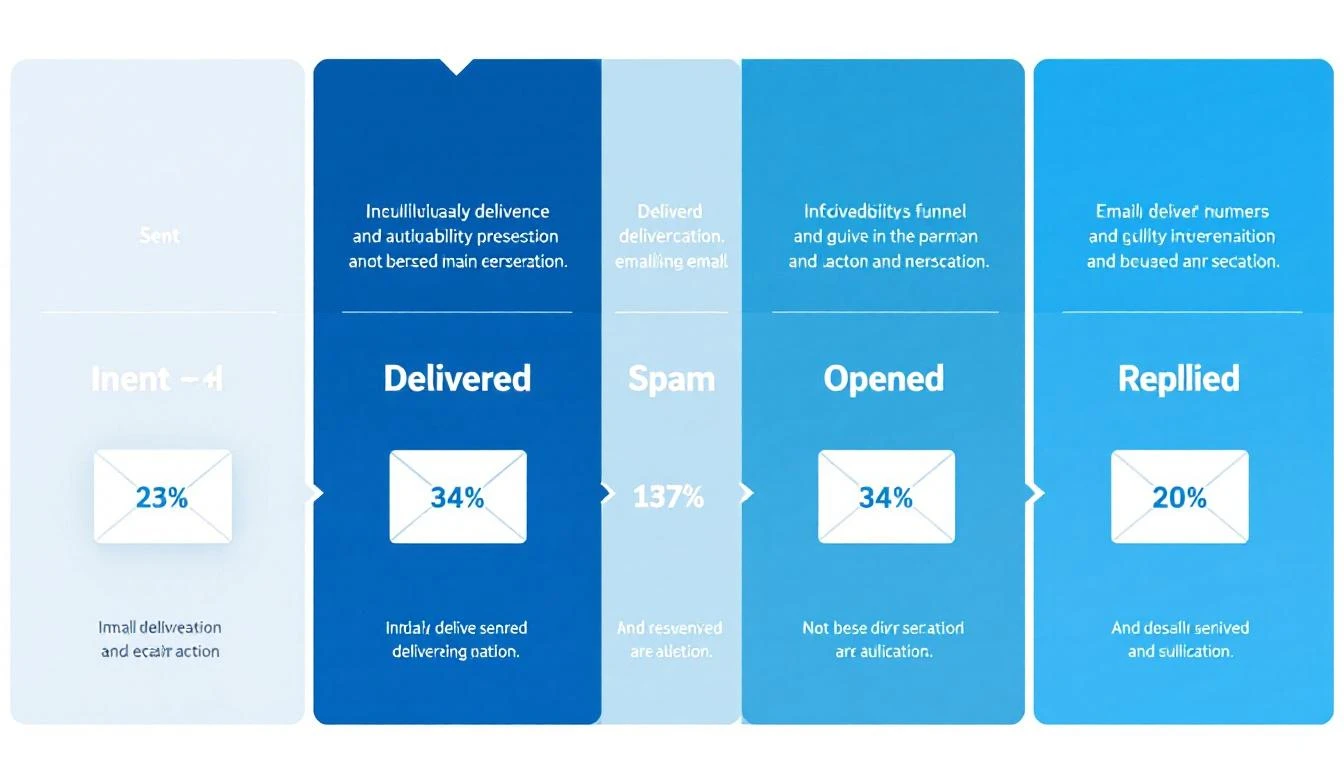
Email deliverability funnel showing the journey from sent to replied

What Email Deliverability Actually Means (And Why Most Teams Get It Wrong)​

Most sales teams confuse "delivery rate" with "deliverability." They're not the same thing.

Delivery rate tells you an email was accepted by the receiving server. Your ESP might show 98% delivery β€” but that includes emails dumped into spam folders, promotions tabs, and quarantine. It means the server took the email. Not that anyone saw it.

Deliverability (or inbox placement rate) measures whether your email landed in the primary inbox where someone might actually read it. This is the number that matters for outbound sales.

Here's how the funnel typically breaks down for B2B cold email in 2026:

StageAverage RateWhat It Means
Delivery Rate92-98%Server accepted the email
Inbox Placement75-87%Email reached the primary inbox
Open Rate15-28%Recipient saw and opened it
Reply Rate1-8%Recipient responded
Meeting Conversion0.2-2%Reply turned into a booked call

The gap between delivery (98%) and inbox placement (75-87%) is where deals disappear. That 11-23% gap represents emails sitting in spam folders β€” delivered but invisible.

Why SDR leaders should care: If your team sends 1,000 emails per week and 15% land in spam, that's 150 prospects who never see your message. At even a conservative 5% reply rate on those lost emails, that's 7-8 conversations β€” potentially 2-3 meetings β€” gone every single week.

The 2026 Deliverability Landscape: What Changed​

The email deliverability landscape shifted dramatically starting February 2024, when Google and Yahoo began enforcing new sender requirements. By 2026, these aren't optional guidelines β€” they're table stakes.

Google and Yahoo's Sender Requirements​

For anyone sending more than 5,000 emails per day:

  • SPF and DKIM authentication are mandatory on every sending domain
  • DMARC records must be published (minimum p=none)
  • One-click unsubscribe (RFC 8058 compliant) required on marketing emails
  • Spam complaint rate must stay below 0.3% β€” exceed it and your emails face rate limiting or outright rejection
  • TLS encryption for email transmission
  • Valid forward and reverse DNS records on sending IPs

For all senders (even below 5,000/day), SPF or DKIM authentication is now required. The days of sending unauthenticated email are over.

Microsoft's Tightening Grip​

Microsoft Outlook has become the hardest inbox to reach, with deliverability dropping to 75.6% β€” compared to Google's 87.2% and Yahoo's 86%. Outlook's spam filtering has become more aggressive, and their Sweep functionality moves bulk emails out of the primary inbox.

For B2B teams, this matters disproportionately. Enterprise prospects often use Microsoft 365 / Outlook. If your emails consistently hit spam on Outlook, you're missing a huge slice of your TAM.

Industry-Specific Reality​

Deliverability varies dramatically by industry (source: Validity 2025 Benchmark Report):

IndustryInbox PlacementSpam Rate
Mining & Minerals98%1.7%
Healthcare94.7%4.5%
Construction93.4%4.5%
Telecom88.9%5%
Software/SaaS80.9%7.6%
Manufacturing82.2%7.8%

If you're selling software to software companies β€” which describes most of MarketBetter's ICP β€” you're operating in one of the hardest deliverability environments. Your technical setup needs to be flawless.

The Technical Foundation: SPF, DKIM, and DMARC​

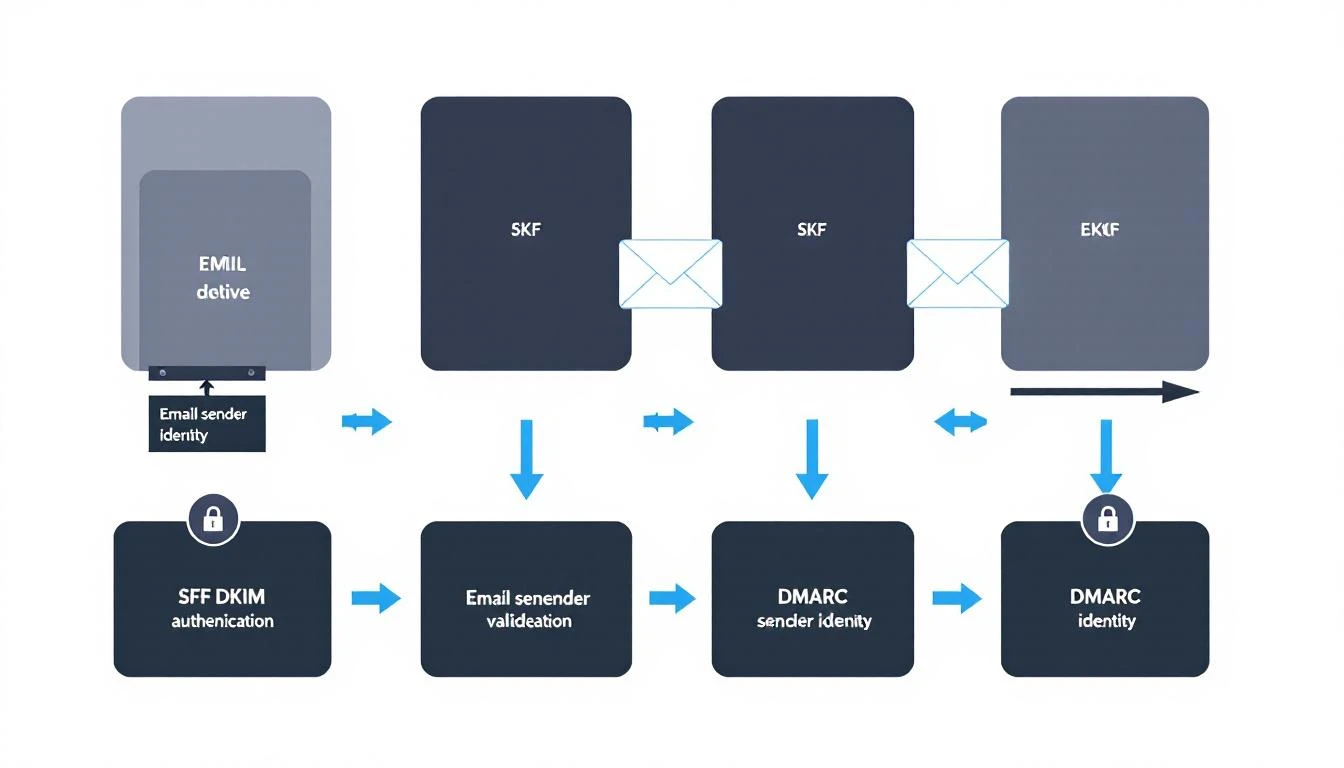
Email authentication is no longer optional. 57.3% of B2B emailers now authenticate their emails to meet Google and Microsoft's sender rules (up from roughly 30% two years ago). If you're in the other 42.7%, you're actively hurting your inbox placement.

Here's what each protocol does and how to set it up correctly.

SPF, DKIM, and DMARC authentication flow diagram

SPF (Sender Policy Framework)​

What it does: Tells receiving servers which IP addresses are authorized to send email from your domain.

How it works: You publish a DNS TXT record listing every server that legitimately sends mail for your domain. When a recipient's server gets an email claiming to be from your domain, it checks your SPF record. If the sending IP isn't listed, the email fails SPF.

Setup checklist:

  • Identify every service that sends email from your domain (CRM, marketing platform, sales engagement tool, transactional email service)
  • Create a single SPF record that includes all authorized senders
  • Keep your SPF record under 10 DNS lookups (the protocol limit)
  • Test with nslookup -type=txt yourdomain.com or MXToolbox

Common mistakes:

  • Multiple SPF records (only one is allowed per domain)
  • Exceeding the 10-lookup limit by including too many third-party services
  • Forgetting to add new sending tools when you adopt them

DKIM (DomainKeys Identified Mail)​

What it does: Adds a cryptographic signature to your outgoing emails that proves the message wasn't tampered with in transit and genuinely came from your domain.

How it works: Your email server signs each outgoing message with a private key. The corresponding public key lives in your DNS records. Receiving servers use the public key to verify the signature.

Setup checklist:

  • Generate DKIM key pairs through your email service provider
  • Publish the public key as a DNS TXT record (usually at selector._domainkey.yourdomain.com)
  • Use 2048-bit keys minimum (1024-bit is increasingly rejected)
  • Rotate keys annually as a security best practice

Why it matters for sales teams: DKIM is the strongest signal to inbox providers that your emails are legitimate. Without it, even well-crafted cold emails look suspicious to spam filters.

DMARC (Domain-based Message Authentication, Reporting, and Conformance)​

What it does: Ties SPF and DKIM together and tells receiving servers what to do when emails fail authentication checks.

How it works: Your DMARC record specifies a policy:

  • p=none β€” Monitor only (report failures but deliver anyway)
  • p=quarantine β€” Send failing emails to spam
  • p=reject β€” Block failing emails entirely

Recommended approach for sales teams:

  1. Start with p=none to see what's happening without blocking anything
  2. Review DMARC reports for 2-4 weeks to identify legitimate senders that might fail
  3. Move to p=quarantine once you've fixed any issues
  4. Eventually move to p=reject for maximum protection

The minimum for Google's requirements: A DMARC record with p=none and either SPF or DKIM alignment. But the recommendation is to have both SPF and DKIM passing with DMARC alignment.

The Authentication Checklist​

Before sending a single cold email, verify:

  • SPF record published and valid (single record, under 10 lookups)
  • DKIM keys generated and DNS records published for every sending service
  • DMARC record published (start with p=none and rua for reports)
  • SPF and/or DKIM aligned with your From domain
  • TLS enabled on your sending infrastructure
  • Forward and reverse DNS (PTR records) match on sending IPs
  • Test with Mail-Tester, MXToolbox, or Google Postmaster Tools

Domain Architecture for Outbound Sales​

One of the most impactful (and underrated) deliverability decisions is how you structure your sending domains. Never send cold outbound from your primary domain.

The Subdomain Strategy​

Use dedicated subdomains for different email types:

  • mail.yourcompany.com β†’ Transactional emails (signup confirmations, password resets)
  • outreach.yourcompany.com β†’ Cold outbound (SDR prospecting)
  • news.yourcompany.com β†’ Marketing newsletters
  • yourcompany.com β†’ Internal and 1:1 business communication only

Why this matters: If your cold outbound damages the reputation of outreach.yourcompany.com, your primary domain stays clean. Your CEO's emails still land in the inbox. Your customer success team's renewals still get delivered. You've contained the blast radius.

Multiple Domain Strategy (For High-Volume Teams)​

If you're sending more than 100 cold emails per day per SDR, consider multiple sending domains:

  • yourcompany-team.com
  • your-company.io
  • tryyourcompany.com

Each domain gets its own authentication (SPF, DKIM, DMARC), warming schedule, and reputation. If one gets burned, the others keep running.

Important: These domains should be visually similar to your main domain. Recipients should recognize them as belonging to your company. Random domains that don't match your brand look phishy and hurt trust.

Dedicated IPs vs. Shared IPs​

Shared IPs (what most email services provide by default): Your reputation is pooled with other senders. Good for teams sending under 50K emails per month β€” the shared pool typically has better aggregate reputation than a new dedicated IP would.

Dedicated IPs: Your reputation is entirely yours. Better for teams sending 50K+ emails per month. Requires careful warming and ongoing monitoring, but gives you full control.

For most B2B sales teams (sending 500-5,000 emails per week), shared IPs through a reputable provider are the right call.

The Domain Warming Playbook​

A new domain with zero sending history is a red flag to inbox providers. Warming builds trust gradually β€” mimicking natural email behavior until your domain has enough positive signals to handle cold outbound volume.

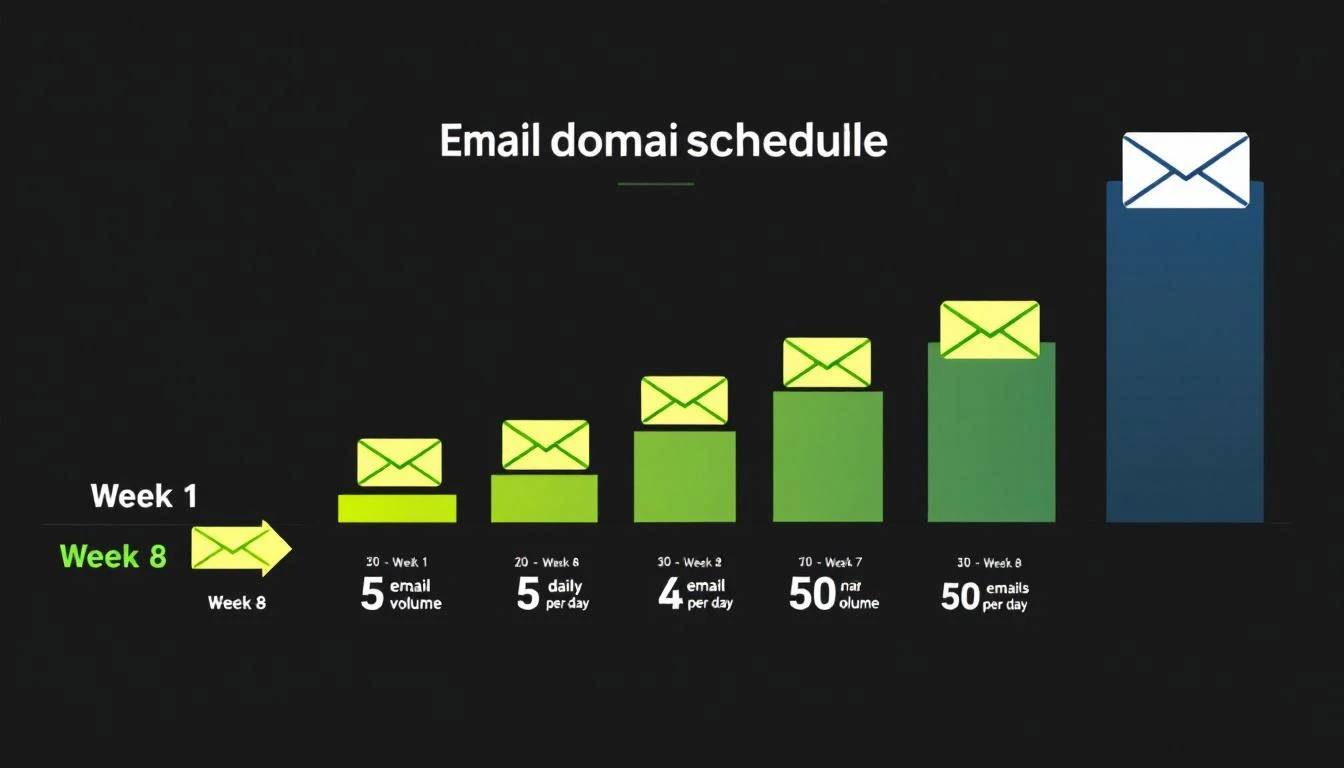
Email domain warming schedule from Week 1 to Week 8

The 8-Week Warming Schedule​

Here's a proven warming schedule for new outbound domains:

WeekDaily Volume Per InboxWho to EmailGoal
Week 1-25-10 emailsInternal team, friends, known contactsGenerate opens + replies
Week 3-415-25 emailsWarm prospects, newsletter subscribersMaintain high engagement
Week 5-630-40 emailsMixed warm + cold prospectsTest cold engagement
Week 7-840-50 emailsFull cold outreachReach steady state

Critical rules during warming:

  • Never skip straight to high volume. A brand-new domain sending 500 emails looks like a spammer's tactic.
  • Engagement matters more than volume. Opens, replies, and clicks signal legitimacy. Send to people who will actually respond during the first 2-3 weeks.
  • Monitor bounce rate daily. If bounces exceed 3%, pause and clean your list.
  • Use warming tools. Services like Instantly's warmup network, Warmup Inbox, or TrulyInbox automatically generate engagement signals on your domain.

Signs Your Domain Is Ready​

Move to full cold outbound only when:

  • Warming tool shows 90%+ inbox placement for 3-5 consecutive days
  • Google Postmaster Tools shows your domain reputation as "Medium" or "High"
  • Your bounce rate on test sends is under 2%
  • You're getting genuine replies (not just warming tool responses)

Signs Your Domain Is Burning​

Stop sending and investigate immediately if:

  • Inbox placement drops below 80%
  • Bounce rate exceeds 5% on any day
  • You receive a spam complaint notification from Google Postmaster Tools
  • Your domain shows up on a blacklist (check via MXToolbox)

List Quality: The Deliverability Multiplier​

The single fastest way to destroy deliverability is sending to bad data. 60% of B2B senders now clean their email lists regularly to avoid spam traps and bounces (Mailgun 2025 Survey).

The Math on Bad Data​

Average B2B contact data decays at 22-30% per year β€” people change jobs, companies get acquired, domains expire. If your list is 12 months old and hasn't been cleaned, nearly a third of your emails are going to invalid addresses.

High bounce rates trigger spam filters fast. Here's the risk curve:

Bounce RateImpact
Under 2%Healthy β€” no deliverability impact
2-5%Warning zone β€” clean your list immediately
5-8%Dangerous β€” active damage to sender reputation
Over 8%Critical β€” pause all outbound, full list audit required

List Hygiene Best Practices​

  1. Verify before you send. Run every new list through an email verification tool (ZeroBounce, NeverBounce, Hunter) before loading into your sequence. Remove invalid, catch-all, and role-based addresses.

  2. Re-verify monthly. Even verified addresses go bad. Set a monthly cadence to re-check addresses that haven't engaged.

  3. Remove non-engagers. If a contact hasn't opened any email in 3+ months across multiple attempts, remove them. Continued sends to non-engagers signal spam behavior.

  4. Watch for spam traps. ISPs seed fake addresses into public databases. If you're scraping emails rather than using verified enrichment, you're at high risk of hitting traps.

  5. Don't buy lists. Purchased lists have the highest bounce rates and spam trap density of any data source. Use intent-based prospecting instead.

Content and Sending Practices That Protect Deliverability​

Technical setup gets you to the inbox. Your sending behavior keeps you there.

What Triggers Spam Filters in 2026​

Modern spam filters use machine learning, not keyword matching. But certain patterns still raise red flags:

High-risk behaviors:

  • Sending identical copy to hundreds of recipients (even with {{first_name}} tokens)
  • Including more than 2 links in a cold email
  • Using link shorteners (bit.ly, etc.) β€” these are heavily penalized
  • Attachments in cold outreach (PDF prospecting decks are a spam magnet)
  • All-caps subject lines or excessive punctuation (!!! ???)
  • Image-heavy emails with minimal text

Low-risk best practices:

  • Plain-text or minimal HTML formatting
  • One clear CTA per email
  • Personalization beyond just the first name (reference their company, role, recent activity)
  • Natural language that reads like a human wrote it
  • Consistent sending volume (no sudden spikes)

The Volume Discipline​

Once your domain is warmed, maintain sending discipline:

  • Per inbox: Max 50 cold emails per day
  • Per domain: Don't exceed 200 emails per day across all inboxes
  • Spacing: Minimum 60-second gap between sends (random intervals are better)
  • Weekly pattern: Send Tuesday-Thursday for best engagement, avoid Mondays and Fridays

Platforms like MarketBetter handle this automatically through built-in email automation with intelligent throttling and domain health monitoring. Instead of managing sending limits manually across multiple tools, the daily SDR playbook orchestrates outreach volume within safe deliverability thresholds.

Follow-Up Sequences and Deliverability​

Follow-ups are essential β€” reply rates improve by 50%+ with consistent follow-ups, yet 48% of reps never send a second message. But follow-ups also multiply your sending volume and deliverability risk.

Follow-up rules:

  • Cap sequences at 3-4 emails total (initial + 2-3 follow-ups)
  • Space follow-ups 3-5 business days apart
  • Vary your copy significantly between touches (don't just re-send)
  • Auto-remove contacts who reply or bounce from the sequence
  • Don't follow up on contacts who've unsubscribed from a prior campaign

Monitoring and Maintaining Deliverability​

Deliverability isn't a "set it and forget it" setup. It requires ongoing monitoring.

Essential Monitoring Tools​

ToolWhat It MonitorsCost
Google Postmaster ToolsDomain reputation, spam rate, DMARC pass rateFree
MXToolboxBlacklist status, DNS records, authenticationFree/Paid
SenderScoreIP reputation score (0-100)Free
Mail-TesterPer-email spam score analysisFree (limited)
Validity EverestInbox placement testing across ISPsPaid

A SenderScore of 80+ means you're likely to land in the inbox. Below 70, and you're in trouble.

The Weekly Deliverability Audit​

Every Monday, check:

  1. Google Postmaster Tools β€” Is domain reputation still "Medium" or "High"?
  2. Bounce rates β€” Did any day last week exceed 2%?
  3. Spam complaints β€” Are you under 0.1%? (0.3% is the maximum, but you want headroom)
  4. Blacklist status β€” Run a quick MXToolbox check on your sending IPs and domains
  5. Authentication β€” Spot-check that SPF, DKIM, and DMARC records are still valid (DNS changes can break them)

When Things Go Wrong: The Recovery Playbook​

If you discover deliverability problems:

  1. Stop sending immediately on the affected domain/IP
  2. Diagnose the cause β€” Check bounce logs, spam complaints, blacklist status
  3. Fix the root cause β€” Bad list? Authentication failure? Content trigger?
  4. Request blacklist delisting if applicable (most blacklists have a removal process)
  5. Re-warm the domain from a reduced volume, following the warming schedule
  6. Monitor daily until reputation recovers (typically 2-4 weeks)

How Deliverability Fits Into Your Broader Sales Stack​

Email deliverability doesn't exist in isolation. It's one layer in the sales execution stack β€” and how your tools work together matters as much as any individual configuration.

The best-performing outbound teams in 2026 don't just optimize deliverability. They layer it with intent signals to send fewer, better-targeted emails. When you know which companies are actively researching solutions like yours, you can reduce volume while increasing relevance β€” which improves deliverability AND conversion simultaneously.

This is the approach that platforms like MarketBetter take: instead of sending 10,000 generic emails and hoping the deliverability math works out, the daily SDR playbook identifies the 50 accounts showing real buying signals and tells your team exactly who to contact and what to say. Fewer emails, higher engagement, better deliverability, more meetings.

Related resources for building your outbound stack:

The Deliverability Scorecard: Where Does Your Team Stand?​

Score your current setup (1 point each):

Technical Foundation (5 points)

  • SPF record valid and under 10 lookups
  • DKIM enabled with 2048-bit keys on all sending services
  • DMARC record published with at least p=none
  • Separate sending domain/subdomain for cold outbound
  • TLS enabled, DNS records valid

Domain Health (5 points)

  • Domain warmed for 4+ weeks before cold outbound
  • SenderScore above 80
  • Not on any blacklists
  • Google Postmaster Tools domain reputation "Medium" or higher
  • Spam complaint rate below 0.1%

List Quality (5 points)

  • All emails verified before first send
  • Bounce rate under 2% over last 30 days
  • Non-engagers removed after 3 months
  • No purchased or scraped lists in use
  • Monthly re-verification cadence in place

Sending Practices (5 points)

  • Max 50 cold emails per inbox per day
  • 60+ second spacing between sends
  • Follow-up sequences capped at 3-4 emails
  • Personalization beyond {{first_name}}
  • No link shorteners, minimal attachments

Scoring:

  • 16-20: Deliverability pro β€” you're in the top tier
  • 11-15: Solid foundation β€” fix the gaps before scaling
  • 6-10: At risk β€” prioritize fixes before sending more volume
  • 0-5: Stop sending β€” your emails are almost certainly hitting spam

What to Do Next​

If you scored below 16 on the scorecard above, here's your priority list:

  1. Today: Check your SPF, DKIM, and DMARC records. Fix any that are missing or broken.
  2. This week: Set up Google Postmaster Tools and check your domain reputation.
  3. Next two weeks: If you don't have a separate outbound domain, buy one and start warming.
  4. Ongoing: Implement weekly monitoring using the audit checklist above.

For teams that want deliverability managed automatically as part of a complete outbound sales platform β€” including visitor identification, intent signals, email sequences, and daily SDR prioritization β€” book a demo with MarketBetter to see how it works.


Sources: Validity 2025 Benchmark Report, Mailgun 2025 State of Email Deliverability, Mailmodo B2B Email Stats 2025, Instantly.ai 2026 Cold Email Benchmark Report, Martal Group 2025 B2B Cold Email Statistics, Google Workspace Email Sender Guidelines, Belkins 2025 Cold Email Response Rate Study.

MarketBetter vs Autobound: Signal-Based Outreach vs Email Personalization [2026]

Β· 7 min read

MarketBetter vs Autobound comparison

Autobound has built a reputation as the best AI email personalization engine in B2B sales. With 4.9/5 on G2 from 250+ reviews and claims of 3x higher reply rates, it's the tool SDR teams reach for when cold emails aren't landing.

But here's the question nobody asks: Does writing better emails actually solve the SDR productivity problem? Or is the real bottleneck knowing who to contact, when to reach out, and what channel to use?

That's the fundamental difference between Autobound and MarketBetter. Autobound makes your emails better. MarketBetter makes your entire SDR workflow better β€” from identifying warm leads visiting your site, to prioritizing your daily call list, to executing multi-channel sequences.

The short answer: If your only bottleneck is email copy quality, Autobound is excellent. If your SDRs waste time on the wrong leads, switch between 5+ tabs, and struggle with prioritization β€” MarketBetter solves the whole problem.


Quick Feature Comparison​

FeatureMarketBetterAutobound
AI Email Personalizationβœ… Built-inβœ… Core strength
Website Visitor IDβœ… All plansβœ… Scale+ plans
AI Chatbotβœ… Engages visitors 24/7❌
Daily SDR Playbookβœ… Prioritized task list❌
Smart Dialerβœ… Built-in❌
Pre-Meeting Briefsβœ… Auto-generated❌
LinkedIn Outreachβœ… Multi-channel❌ No automation
Phone Scriptsβœ…βœ…
Built-in Sequencesβœ…βœ… Native sequencing
Chrome Extensionβœ…βœ…
Signal Intelligenceβœ… Intent + behaviorβœ… 400+ signals
Contact Databaseβœ…βœ… 270M+ contacts
CRM Integrationβœ…βœ… (1-2 on lower plans)
Credit System❌ Flat pricingβœ… 10K-1M+ credits/mo
Starting Price$99/user/month$1,033/mo (billed annually)
Free Trialβœ…βœ…

What Autobound Does Well​

Credit where it's due β€” Autobound excels at AI email personalization. Their signal engine pulls from 400+ data points per prospect: 10-K filings, earnings call transcripts, LinkedIn posts, Reddit discussions, GitHub activity, Glassdoor reviews, hiring velocity, and more.

The result is genuinely impressive email drafts. Instead of generic "I noticed your company is growing" openers, Autobound writes emails that reference specific CEO quotes from earnings calls, recent job postings, and relevant industry trends. Their Chrome extension lets SDRs generate personalized outreach directly from LinkedIn profiles.

Autobound's Honest Strengths​

  • Signal depth is unmatched β€” 25+ proprietary signal types from sources most tools don't monitor (SEC filings, Reddit, GitHub repos)
  • Email quality is high β€” AI generates multi-touch sequences, not just single emails
  • Fast onboarding β€” New SDRs can generate quality emails in under 30 seconds
  • Integrates with existing stack β€” Works alongside Outreach, Salesloft, and Instantly

What Users Say (G2, 252 Reviews)​

"Saves so much time during prospecting! It makes the job of an SDR/BDR so much easier." β€” Cloud Solutions Executive

"While occasional editing may be needed to avoid sounding templated, Autobound's combination of AI precision and user control makes it a standout." β€” G2 Verified Review


Where Autobound Falls Short​

Autobound solves one problem extremely well: writing personalized emails. But it leaves the rest of the SDR workflow untouched.

1. No Visitor Identification on Lower Plans​

Autobound added website visitor identification, but only on Scale ($4,020/mo) and Enterprise ($8,250/mo) plans. On Starter ($1,033/mo) and Pro ($1,862/mo), you don't know who's visiting your site. That means you're still cold prospecting β€” just with better email copy.

MarketBetter includes visitor identification on every plan. You see which companies are on your site right now, what pages they're viewing, and how engaged they are.

2. No Dialer, No Chatbot, No Multi-Channel​

Autobound is email-only in practice. There's no built-in phone dialer, no AI chatbot for website visitors, and no LinkedIn automation. Their Chrome extension generates messages, but you still need separate tools to actually make calls, chat with visitors, and run LinkedIn sequences.

MarketBetter combines email, phone, chat, and LinkedIn in one platform. Your SDR opens one tab and sees everything β€” not five.

3. Credit-Based Pricing Gets Expensive Fast​

Autobound charges 2 credits per email, 1 credit per research item, 1 credit per signal suggestion, and 1 credit per contact enrichment. The Starter plan gives you 10K-60K credits/month.

Here's the math for a 5-rep team sending 50 personalized emails/day each:

  • 250 emails Γ— 2 credits = 500 credits/day
  • Research per prospect: 250 Γ— 1 = 250 credits/day
  • Monthly: ~16,500 credits just for basic personalization
  • That's 33% of your maximum Starter credits on email alone

At scale, you'll likely need Pro ($22,344/yr) or Scale ($48,240/yr). And that's just for email personalization β€” you still need separate tools for calling, chatting, and visitor ID.

4. Output Needs Manual Editing​

Multiple reviews note that Autobound's AI output "can sound templated" without manual editing. The SalesRobot review specifically flagged "limited control over tone and structure" as a weakness. When you're sending 100+ emails/day, even 2 minutes of editing per email adds up to 3+ hours of daily manual work.


What MarketBetter Does That Autobound Can't​

The Daily SDR Playbook​

This is the fundamental differentiator. MarketBetter doesn't just help you write emails β€” it tells you exactly what to do every morning.

Open MarketBetter and you see a prioritized task list: "Call Sarah at Vantage Health β€” she visited your pricing page 3 times this week." "Email the VP of Sales at Datadog β€” they just hired 5 SDRs." "Follow up with the Gong lead β€” their trial expires Friday."

Autobound gives you better email drafts. MarketBetter gives you a strategy.

Website Visitor Intelligence on Every Plan​

When a prospect from your target accounts visits your pricing page at 2 PM, MarketBetter alerts your SDR immediately. Not tomorrow. Not when they fill out a form. Right now, while they're still thinking about your product.

Autobound's visitor ID starts at $48,240/year (Enterprise plan). MarketBetter includes it at every price point.

Multi-Channel Execution​

A modern SDR workflow isn't email-only. Research shows multi-channel sequences (email + phone + LinkedIn + chat) book 3x more meetings than email alone.

MarketBetter combines:

  • Email sequences with AI personalization
  • Smart dialer for warm calling
  • AI chatbot that engages website visitors 24/7
  • LinkedIn outreach integration
  • Pre-meeting briefs generated automatically

With Autobound, you need Autobound + a dialer (Nooks or Orum, $5K/user/yr) + a chatbot (Drift, $2,500/mo) + LinkedIn automation (separate tool). That stack easily exceeds $100K/year for a 5-person SDR team.


Pricing Comparison: Total Cost of Ownership​

Autobound (5 SDRs)MarketBetter (5 SDRs)
Platform$22,344-$48,240/yr~$18,000/yr
Phone Dialer+$25,000/yr (Nooks)βœ… Included
AI Chatbot+$30,000/yr (Drift)βœ… Included
Visitor ID+$0 (only on Scale+)βœ… Included
LinkedIn Tool+$6,000/yrβœ… Included
Total Stack$83,344-$109,240/yr~$18,000/yr

Autobound has exceptional email personalization. But when you add the tools needed to actually run a complete SDR operation, the cost comparison isn't close.


Who Should Choose Autobound?​

Autobound is the right pick if:

  • Email is your primary channel and you don't need phone, chat, or LinkedIn
  • You already have a full stack (Outreach/Salesloft + dialer + chatbot) and just need better email copy
  • Your SDRs are experienced and know who to target β€” they just need help writing faster
  • You value signal depth β€” Autobound's 400+ insights per prospect are genuinely unique
  • You have budget for the add-on tools needed to complement email-only personalization

Who Should Choose MarketBetter?​

MarketBetter is the right pick if:

  • You want one platform for email, phone, chat, LinkedIn, and visitor ID
  • Your SDRs struggle with prioritization β€” they need a daily playbook, not just better emails
  • You need visitor identification without paying $48K/yr for an enterprise plan
  • You want transparent pricing without credit-based math and overage charges
  • You're an SMB or growth-stage company that can't afford a $100K+ multi-tool stack

The Bottom Line​

Autobound is the best AI email personalization tool on the market. Full stop. If your SDRs write 100 emails a day and you want each one to reference a prospect's SEC filing, LinkedIn post, and hiring activity β€” Autobound is phenomenal at that.

But most SDR teams don't fail because their emails aren't personalized enough. They fail because they're emailing the wrong people, at the wrong time, without phone and chat backup. They fail because nobody tells them who to prioritize when they open their laptop at 8 AM.

MarketBetter solves the whole problem: who to contact, what to say, which channel to use, and when to reach out. All in one platform, at a fraction of the total cost.

The difference: Autobound helps your SDRs write better emails. MarketBetter helps your SDRs close more pipeline.

Book a MarketBetter demo β†’

15 Best LinkedIn Automation Tools for B2B Sales Teams [2026]

Β· 14 min read
MarketBetter Team
Content Team, marketbetter.ai

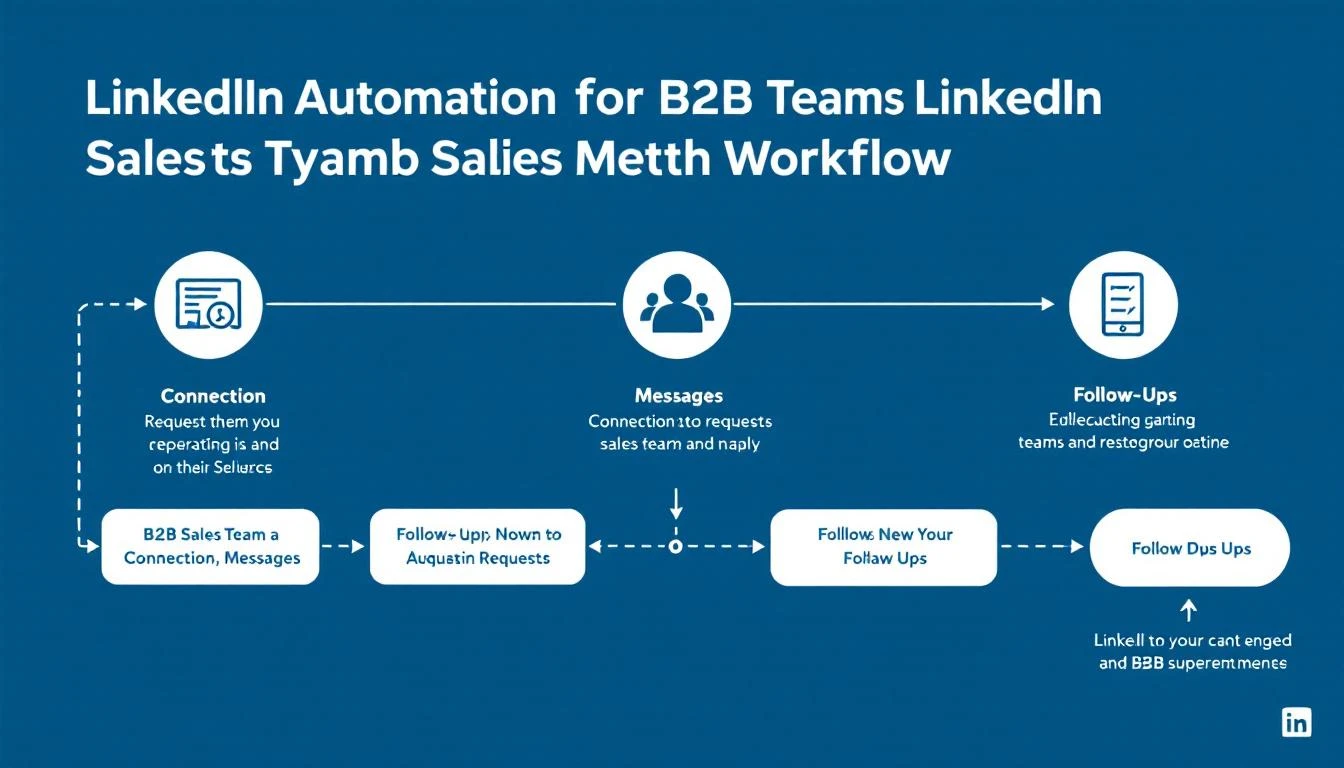
Best LinkedIn Automation Tools for B2B Sales Teams in 2026

LinkedIn has 1 billion+ members. Your buyers are there. The question isn't whether to prospect on LinkedIn β€” it's how to do it without burning 4 hours a day on manual connection requests and follow-ups.

LinkedIn automation tools solve that. They handle the repetitive work β€” sending connection requests, following up, visiting profiles, endorsing skills β€” so your SDRs focus on actual conversations.

But here's what most LinkedIn automation tools miss: they operate in a silo. You automate LinkedIn outreach, but it's completely disconnected from your email sequences, phone calls, visitor intelligence, and CRM. Your reps end up toggling between 5 tabs, duplicating effort, and losing track of who they've contacted where.

The best approach in 2026 isn't a standalone LinkedIn tool. It's a platform that orchestrates LinkedIn alongside every other channel β€” email, phone, chat β€” from a single daily playbook.

Let's break down the top 15 options.

Related guides: Best Outbound Sales Tools Β· Best Sales Prospecting Tools Β· Best Cold Email Software Β· Best Sales Engagement Software Β· Best Sales Cadence Tools

What to Look for in a LinkedIn Automation Tool​

Before diving into tools, here's what actually matters:

  • Safety and compliance β€” LinkedIn actively bans accounts that violate their terms. Cloud-based tools with dedicated IPs and human-like delays are safer than browser extensions
  • Multi-channel capability β€” LinkedIn-only outreach gets 15-25% reply rates. Add email and you hit 46-71% (per 2026 benchmarks)
  • Personalization at scale β€” Template blasts are dead. AI-powered personalization based on prospect data is now table stakes
  • CRM integration β€” Every touchpoint needs to log automatically. Manual CRM updates kill productivity
  • Analytics β€” Connection acceptance rates, reply rates, campaign performance by segment

Quick Comparison Table​

ToolBest ForStarting PriceMulti-ChannelCRM Integration
MarketBetterSignal-driven multi-channel outreach$99/user/monthβœ… Email + LinkedIn + Phone + Chatβœ… Native
HeyReachAgency-scale LinkedIn automation~$79/mo/seatLinkedIn onlyZapier
ExpandiSafe LinkedIn + email outreach$99/mo/seatLinkedIn + EmailZapier/native
Dux-SoupBudget LinkedIn prospecting$14.99/moLinkedIn onlyZapier
WaalaxyBeginners and small teamsFree–$112/moLinkedIn + EmailHubSpot, Salesforce
PhantomBusterData scraping + automation$48/moMulti-platformAPI
SkyleadMulti-channel sequences$100/mo/seatLinkedIn + EmailNative
LaGrowthMachineGrowth teams multi-channel€220/moLinkedIn + Email + TwitterNative
SalesflowB2B lead generation$99/moLinkedIn + EmailNative
LinkedHelperPower users and custom workflows$15/moLinkedIn onlyCSV export
ZoptoEnterprise LinkedIn outreach$197/moLinkedIn + EmailNative
Octopus CRMSimple LinkedIn automation$9.99/moLinkedIn onlyZapier
LemlistCreative email + LinkedIn$39/moEmail + LinkedInNative
Apollo.ioProspecting database + outreachFree–$49/moEmail + LinkedIn + PhoneNative
OverloopPipeline management + outreach$99/mo/userEmail + LinkedInNative

Detailed Reviews​

1. MarketBetter β€” Signal-Driven Multi-Channel Outreach​

Best for: SDR teams that want LinkedIn outreach driven by real buying signals, not spray-and-pray

Most LinkedIn automation tools start with a list. MarketBetter starts with a signal.

When a target account visits your website, researches your category, or shows intent β€” MarketBetter's Daily SDR Playbook tells your rep exactly who to contact, on which channel, with what message. LinkedIn outreach becomes one coordinated touchpoint in a multi-channel sequence, not an isolated activity.

Key differentiators:

  • Signal-first approach β€” LinkedIn outreach triggered by website visits, intent data, and buying signals instead of cold lists
  • Daily Playbook β€” Your SDRs don't decide who to contact. The platform tells them, with channel recommendations
  • Multi-channel orchestration β€” Email, LinkedIn, phone, and AI chatbot all coordinated from one interface
  • Smart Dialer included β€” Most LinkedIn tools have zero calling capability. MarketBetter has a built-in power dialer
  • Website visitor identification β€” Know exactly which companies are browsing your site before reaching out on LinkedIn

Pricing: $99/user/month - one plan with everything included. Visitor ID, email automation, smart dialer, AI chatbot, daily SDR playbook, 5M AI credits + 500 enrichment credits per seat. No contracts.

Best for teams that: Want to stop treating LinkedIn as a separate silo and start running coordinated, signal-driven outreach across every channel.

Book a demo β†’


2. HeyReach β€” Agency-Scale LinkedIn Automation​

Best for: Agencies managing multiple client LinkedIn accounts

HeyReach is built specifically for agencies and teams that need to run LinkedIn outreach across many accounts simultaneously. You can connect unlimited LinkedIn accounts to a single campaign, which is its biggest differentiator.

Key features:

  • Unlimited sender accounts per campaign
  • Post engagement scraping β€” build lists from people who interact with any LinkedIn post
  • Auto-rotation across sender accounts to stay under LinkedIn limits
  • Unified inbox for all connected accounts

Pricing: Starts around $79/mo per seat. Volume discounts for agencies.

G2 Rating: 4.6/5

Limitations: LinkedIn-only (no email or phone). No visitor identification. No calling. CRM integration only through Zapier.

Best for teams that: Run LinkedIn outreach at agency scale across 10+ accounts.


3. Expandi β€” Safe Cloud-Based LinkedIn + Email​

Best for: B2B teams prioritizing account safety with multi-channel reach

Expandi positions itself as the safest LinkedIn automation tool on the market. It uses dedicated country-based IP addresses and mimics human behavior patterns to reduce detection risk.

Key features:

  • Cloud-based with dedicated IP per account
  • Smart sequences combining LinkedIn actions (connect, message, InMail, endorse, follow) with email
  • Dynamic personalization with custom images and GIFs
  • A/B testing on connection requests and messages
  • Event and group-based targeting

Pricing: $99/seat/month

G2 Rating: 4.1/5

Limitations: Pricing adds up fast with larger teams. No calling capability. No website visitor intelligence. Analytics are basic compared to full sales platforms.

Best for teams that: Need safe, cloud-based LinkedIn automation with email as a secondary channel.


4. Dux-Soup β€” Budget-Friendly LinkedIn Prospecting​

Best for: Solo reps and small teams on a tight budget

Dux-Soup is a Chrome extension that automates LinkedIn profile visits, connection requests, and messaging. It's one of the oldest LinkedIn automation tools and remains popular for its simplicity and low price.

Key features:

  • Auto-visit profiles to trigger "who viewed your profile" notifications
  • Automated connection requests with personalized notes
  • Drip messaging campaigns
  • CRM integration via Zapier
  • Works with LinkedIn Free, Sales Navigator, and Recruiter

Pricing: Free plan available. Pro at $14.99/mo. Turbo at $55/mo.

G2 Rating: 4.3/5

Limitations: Browser extension (less safe than cloud-based tools). LinkedIn-only. No email, no phone. Limited analytics. Risk of account restrictions higher than cloud solutions.

Best for teams that: Want basic LinkedIn automation without a big investment.


5. Waalaxy β€” Beginner-Friendly Multi-Channel​

Best for: Teams new to LinkedIn automation who want simplicity

Waalaxy (formerly ProspectIn) makes LinkedIn + email outreach accessible with pre-built campaign templates and an intuitive UI. It's designed for people who aren't outbound experts.

Key features:

  • Pre-built outreach sequence templates
  • LinkedIn + email integration
  • Email finder built in
  • CRM sync with HubSpot and Salesforce
  • Team collaboration features

Pricing: Free plan (80 invites/month). Advanced at $112/mo for full features.

G2 Rating: 4.6/5

Limitations: Campaign templates can feel rigid for advanced users. Connection request limits on free plan. No phone channel.

Best for teams that: Are just getting started with LinkedIn outreach and want guided setup.


6. PhantomBuster β€” Data Extraction + Automation​

Best for: Growth teams that need LinkedIn data scraping alongside automation

PhantomBuster isn't just a LinkedIn tool β€” it's an automation platform for extracting data from LinkedIn, Sales Navigator, Google Maps, Instagram, and more. It's popular for building targeted prospect lists from LinkedIn.

Key features:

  • LinkedIn profile scraper, search scraper, post commenter scraper
  • Sales Navigator list export
  • Automated connection requests and messaging
  • Email enrichment integration
  • Chain multiple "Phantoms" into workflows

Pricing: Starts at $48/mo (Starter). Growth at $99/mo. Business at $399/mo.

G2 Rating: 4.3/5

Limitations: Steep learning curve. Credits-based pricing gets expensive at scale. Not purpose-built for SDR workflows. No CRM or calling.

Best for teams that: Need to extract and enrich LinkedIn data for building prospect lists.


7. Skylead β€” Multi-Channel Smart Sequences​

Best for: SDR teams running coordinated LinkedIn + email campaigns

Skylead combines LinkedIn automation with email outreach in smart sequences that adapt based on prospect behavior. If a LinkedIn connection isn't accepted, the sequence automatically switches to email.

Key features:

  • If/else smart sequences
  • LinkedIn + email in one campaign
  • Email discovery and verification built in
  • Image and GIF personalization
  • Dedicated inbox

Pricing: $100/seat/month

G2 Rating: 4.5/5

Limitations: No phone channel. No website visitor data. Limited to LinkedIn + email.

Best for teams that: Want intelligent multi-channel sequences that adapt to prospect responses.


8. LaGrowthMachine β€” Tri-Channel Growth Engine​

Best for: Growth teams wanting LinkedIn + email + Twitter automation

LaGrowthMachine is a multi-channel prospecting tool that orchestrates outreach across LinkedIn, email, and Twitter from a single campaign builder.

Key features:

  • LinkedIn, email, and Twitter in one workflow
  • Lead enrichment from LinkedIn profiles
  • AI-powered message writing
  • Detailed campaign analytics
  • CRM sync (HubSpot, Salesforce, Pipedrive)

Pricing: Starts at €220/mo per identity

G2 Rating: 4.8/5 (28 reviews)

Limitations: Expensive. Twitter/X channel is niche for B2B. Small review base. No phone or visitor identification.

Best for teams that: Want true tri-channel outreach including Twitter/X.


9. Salesflow β€” B2B LinkedIn Lead Generation​

Best for: B2B companies focused on LinkedIn-first lead generation

Salesflow is a cloud-based LinkedIn automation platform with built-in email capabilities. It's positioned for B2B sales teams and agencies.

Key features:

  • AI-powered messaging
  • Advanced reporting dashboard
  • LinkedIn + email sequences
  • Team management and permissions
  • White-label option for agencies

Pricing: Starts at $99/mo

G2 Rating: 4.3/5

Limitations: Interface can feel dated. No phone integration. Limited compared to full sales platforms.

Best for teams that: Want a solid LinkedIn + email tool with team management features.


10. LinkedHelper β€” Custom Workflow Power Tool​

Best for: Technical users who want maximum control over LinkedIn automation

LinkedHelper is a desktop application (not browser extension, not cloud) that offers deep LinkedIn automation with custom workflow builders.

Key features:

  • Automated profile visits, endorsements, connection requests, messages
  • Custom funnels with conditional logic
  • CSV and CRM export
  • Works with LinkedIn, Sales Navigator, Recruiter
  • No cloud dependency (runs locally)

Pricing: Standard at $15/mo. Pro at $45/mo.

G2 Rating: 4.5/5

Limitations: Desktop-only (needs your computer running). LinkedIn-only. Higher ban risk than cloud tools. No multi-channel. Steeper learning curve.

Best for teams that: Want granular control and don't mind managing a desktop application.


11. Zopto β€” Enterprise LinkedIn Outreach​

Best for: Enterprise teams with Sales Navigator accounts

Zopto is a cloud-based LinkedIn lead generation tool designed for enterprise sales teams using Sales Navigator.

Key features:

  • Campaign templates for different industries
  • LinkedIn + email outreach
  • A/B testing campaigns
  • Team dashboards and reporting
  • Dedicated account manager (higher tiers)

Pricing: Starts at $197/mo

G2 Rating: 4.4/5

Limitations: Expensive. Requires Sales Navigator. UI can be overwhelming. No phone channel.

Best for teams that: Have Sales Navigator and budget for premium LinkedIn outreach.


12. Octopus CRM β€” Simple LinkedIn Automation​

Best for: Individual reps who need basic LinkedIn automation

Octopus CRM is a no-frills Chrome extension for automating LinkedIn actions at a low price point.

Key features:

  • Auto-connect, message, endorse, visit
  • Personal CRM with pipeline tracking
  • Campaign analytics
  • Works with LinkedIn Free and Premium

Pricing: Starter at $9.99/mo. Unlimited at $24.99/mo.

G2 Rating: 4.6/5

Limitations: Chrome extension (higher ban risk). Very basic β€” no email, no sequences, no team features.

Best for teams that: Want dead-simple LinkedIn automation for under $25/month.


13. Lemlist β€” Creative Outreach Across Channels​

Best for: Teams that want personalized, creative outreach combining email and LinkedIn

Lemlist is primarily an email outreach tool that added LinkedIn steps to its sequences. It's known for personalized image and video emails.

Key features:

  • LinkedIn steps in email sequences (visit, connect, message)
  • Custom image and video personalization
  • Email warm-up built in (lemwarm)
  • B2B lead database
  • AI sequence generator

Pricing: Starts at $39/mo. Multichannel Expert at $69/mo.

G2 Rating: 4.4/5

Limitations: LinkedIn automation is secondary to email. Less robust LinkedIn features than dedicated tools. LinkedIn steps require Chrome extension.

Best for teams that: Already use email-first outreach and want to add LinkedIn touchpoints.


14. Apollo.io β€” Prospecting Database + Multi-Channel​

Best for: Teams that need a prospect database AND outreach in one platform

Apollo.io combines a 275M+ contact database with email, LinkedIn, and phone outreach capabilities. It's the broadest single tool for prospecting.

Key features:

  • 275M+ verified contacts with email and phone
  • LinkedIn extension for profile enrichment
  • Email sequences with LinkedIn steps
  • Built-in phone dialer
  • Intent data and buying signals
  • Free tier available

Pricing: Free plan available. Basic at $49/user/month. Professional at $79/user/month.

G2 Rating: 4.8/5 (7,500+ reviews)

Limitations: LinkedIn automation is basic compared to dedicated tools. Data accuracy varies by region. Can feel overwhelming with so many features. Limited visitor identification.

Best for teams that: Want an all-in-one prospecting database with built-in outreach.


15. Overloop β€” Pipeline-Focused Multi-Channel​

Best for: Teams that want outreach and pipeline management in one tool

Overloop (formerly Prospect.io) combines cold email, LinkedIn automation, and pipeline management into a single platform.

Key features:

  • Multi-channel campaigns (email + LinkedIn)
  • Email finder and verifier
  • Pipeline management with deal tracking
  • Chrome extension for LinkedIn
  • Custom fields and contact management

Pricing: $99/user/month

G2 Rating: 4.3/5 (90 reviews)

Limitations: Smaller user base than competitors. LinkedIn features are secondary to email. No phone channel.

Best for teams that: Want outreach and deal tracking in one interface.


The Real Problem with LinkedIn-Only Automation​

Here's what we see across hundreds of B2B sales teams: LinkedIn automation works until it doesn't scale.

Your rep connects with 100 people per week on LinkedIn. Great. But then:

  • 30% accept the connection
  • 10% reply to the first message
  • 3% book a meeting

That's 3 meetings per week from LinkedIn alone. Not bad. But you're leaving massive opportunity on the table by not coordinating LinkedIn with your other channels.

What high-performing SDR teams do differently:

  1. Start with signals β€” Don't blast everyone. Reach out to accounts showing buying intent (website visits, content downloads, competitor research)
  2. Coordinate channels β€” LinkedIn connection β†’ personalized email β†’ phone call β†’ LinkedIn follow-up. The sequence matters
  3. Use a single playbook β€” Your rep shouldn't toggle between a LinkedIn tool, an email tool, a dialer, and a CRM. One daily task list. One workflow

This is exactly what MarketBetter's Daily SDR Playbook does. Instead of running LinkedIn outreach in isolation, every touchpoint β€” LinkedIn, email, phone, chat β€” is orchestrated from a single interface, driven by real buying signals.

How to Choose the Right Tool​

If you're a solo rep or tiny team (1-3 people): Start with Dux-Soup ($15/mo) or Octopus CRM ($10/mo). Low cost, low risk. Graduate to Expandi or Waalaxy when you need multi-channel.

If you're an SDR team (5-20 reps): You need multi-channel β€” LinkedIn alone won't hit quota. Look at MarketBetter (signal-driven orchestration), Apollo (database + outreach), or Skylead (smart sequences).

If you're an agency: HeyReach is purpose-built for agency-scale LinkedIn outreach across multiple client accounts.

If you're enterprise: Zopto or LaGrowthMachine for dedicated LinkedIn, or MarketBetter for full-stack SDR orchestration with visitor identification, playbook, and calling built in.

Free Tool

Try our AI Lead Generator β€” find verified LinkedIn leads for any company instantly. No signup required.

Bottom Line​

LinkedIn automation is a solved problem. Every tool on this list can send connection requests and messages.

The unsolved problem is orchestration β€” making LinkedIn one coordinated piece of a multi-channel sales motion driven by real buying signals, not cold lists.

If your SDR team is spending time deciding who to contact and on which channel, they're wasting time a platform should handle. The best LinkedIn automation isn't just about LinkedIn. It's about making every channel work together.

Ready to see signal-driven outreach in action? Book a MarketBetter demo β†’

12 Best Sales Cadence Tools for SDR Teams [2026 Guide]

Β· 13 min read
MarketBetter Team
Content Team, marketbetter.ai

Best Sales Cadence Tools for SDR Teams in 2026

A sales cadence is the structured sequence of touchpoints your SDR follows to engage a prospect β€” emails, calls, LinkedIn messages, and follow-ups, timed and ordered for maximum response.

The right cadence tool automates the execution so your reps focus on conversations, not scheduling follow-ups.

But here's what changed in 2026: the old "7-email sequence over 14 days" playbook is dead. Inboxes are flooded. Response rates to templated sequences have dropped below 2% for most B2B companies. The teams winning today use signal-driven cadences β€” sequences that trigger based on buying behavior, not arbitrary timelines.

This guide covers the 12 best sales cadence tools, from enterprise-grade platforms to scrappy startups, and explains which approach actually moves pipeline in 2026.

Related guides: Best Sales Engagement Software Β· Best Outbound Sales Tools Β· Best Cold Email Software Β· Best LinkedIn Automation Tools Β· Best Sales Dialers Β· Best Email Deliverability Tools

What Makes a Great Sales Cadence Tool​

  • Multi-channel steps β€” Email-only cadences underperform. The best tools include phone, LinkedIn, and SMS steps alongside email
  • Personalization engine β€” AI-generated personalization based on prospect data, not just {first_name} merge fields
  • Signal-based triggers β€” Start cadences when prospects show intent (website visit, job change, content download), not on an arbitrary schedule
  • Deliverability management β€” Email warm-up, domain rotation, and send throttling to protect your sender reputation
  • Analytics β€” Open rates, reply rates, and meeting-booked rates per cadence step, not just vanity metrics
  • CRM integration β€” Bi-directional sync with Salesforce, HubSpot, or your CRM of choice

Quick Comparison​

ToolBest ForStarting PriceChannelsSignal Triggers
MarketBetterSignal-driven SDR playbook$99/user/monthEmail + Phone + LinkedIn + Chatβœ… Visitor ID + Intent
OutreachEnterprise sequence management~$100/user/moEmail + Phone + LinkedInLimited
SalesLoftMid-market sales engagement~$125/user/moEmail + Phone + LinkedInLimited
Apollo.ioDatabase + sequencesFree–$49/user/moEmail + Phone + LinkedInBasic
InstantlyHigh-volume cold email$30/moEmail only❌
LemlistCreative personalized outreach$39/moEmail + LinkedIn❌
Reply.ioAI-powered sequences$49/moEmail + LinkedIn + Phone❌
SmartLeadVolume email at low cost$39/moEmail only❌
WoodpeckerB2B cold email compliance$29/moEmail only❌
MailshakeSimple email cadences$25/user/moEmail + Phone + LinkedIn❌
SaleshandyBudget email sequences$25/moEmail only❌
HubSpot SequencesHubSpot-native teamsIncluded in Sales HubEmail + TasksLimited

Detailed Reviews​

1. MarketBetter β€” Signal-Driven SDR Playbook​

Best for: B2B teams that want cadences triggered by real buying signals, not cold lists

MarketBetter takes a fundamentally different approach to sales cadences. Instead of building sequences and manually enrolling contacts, the platform identifies buying signals β€” website visits, intent data, champion job changes β€” and automatically surfaces the right prospects with recommended actions in a Daily SDR Playbook.

Your reps don't build cadences. They execute a prioritized task list that tells them exactly who to contact, on which channel, with what talking points.

Why it's different:

  • Website visitor identification tells you which companies are actively researching your solution before you start the cadence
  • Daily Playbook replaces manual cadence enrollment. The platform decides who gets contacted and in what order based on signal strength
  • Multi-channel orchestration β€” email, phone (Smart Dialer built in), LinkedIn, and AI chatbot all in one workflow
  • AI-powered personalization based on the prospect's actual behavior, not just firmographic data
  • 70% less manual SDR work β€” reps spend time selling, not building lists and enrolling contacts

Pricing: $99/user/month - one plan with everything included. 5M AI credits + 500 enrichment credits per seat. No contracts.

Ideal for: B2B teams (50-500 employees) in SaaS, IoT/connectivity, or tech that want to move from "spray and pray" sequencing to signal-driven outreach.

Book a demo β†’


2. Outreach β€” Enterprise Sales Engagement​

Best for: Large sales orgs with complex cadence requirements

Outreach is the category leader in sales engagement platforms, used by enterprise teams at companies like Cisco, Adobe, and DocuSign. It's the most feature-rich option for managing complex, multi-step sequences across large teams.

Key features:

  • Multi-step sequences with email, phone, LinkedIn, and custom task steps
  • AI-powered email scoring and recommendations
  • Revenue intelligence with deal health scoring
  • Advanced A/B testing on sequence steps
  • Governance controls for large team management
  • Salesforce and Microsoft Dynamics integration

Pricing: Not publicly listed. Enterprise pricing typically starts around $100/user/month with annual contracts. Implementation fees are common.

G2 Rating: 4.3/5 (3,400+ reviews)

Limitations: Expensive, especially with add-ons. Complex implementation (4-8 weeks typical). Overkill for teams under 20 reps. No website visitor identification. The platform's power can actually slow down small teams with unnecessary workflow complexity.

Common complaint (from G2 reviews): "The platform is powerful but takes months to configure properly. Our team of 5 didn't need 80% of the features."


3. SalesLoft β€” Mid-Market Sales Engagement​

Best for: Mid-market sales teams wanting structured cadence management

SalesLoft (now owned by Vista Equity Partners) competes directly with Outreach but positions itself as more user-friendly. It's popular with mid-market teams that want enterprise features without enterprise complexity.

Key features:

  • Cadence builder with email, phone, and social steps
  • Conversation intelligence (call recording + transcription)
  • Deal intelligence and pipeline analytics
  • Coaching workflows for managers
  • Rhythm (AI-prioritized actions)
  • HubSpot and Salesforce integration

Pricing: Not publicly listed. Vendr data suggests $100-$125/user/month for most mid-market deals, with add-on costs for conversation intelligence and deal management modules. Total cost for a 10-person team: $20K-$40K/year.

G2 Rating: 4.5/5 (4,000+ reviews)

Limitations: Pricing has crept up significantly after the Vista acquisition. Add-on pricing for conversation intelligence and analytics makes the true cost hard to predict. No website visitor identification. Limited intent data.

Common complaint: "Every feature we need is an add-on. Our quoted price was 2x the initial estimate after adding conversation intelligence and analytics."


4. Apollo.io β€” Database + Sequences in One​

Best for: Teams that need a contact database AND cadence execution without two separate tools

Apollo.io combines a 275M+ contact database with built-in sequencing, making it the most cost-effective option for teams that don't have a separate data provider.

Key features:

  • 275M+ contacts with verified emails and phone numbers
  • Multi-step sequences (email, phone, LinkedIn)
  • Built-in phone dialer
  • Intent data and buying signals (basic)
  • Email warm-up
  • Free tier available

Pricing: Free plan with limited features. Basic at $49/user/month. Professional at $79/user/month.

G2 Rating: 4.8/5 (7,500+ reviews)

Limitations: Sequence builder is less sophisticated than Outreach/SalesLoft. Data accuracy varies significantly by region and industry. LinkedIn integration is basic. Phone data quality can be inconsistent. Intent data is limited compared to dedicated providers like Bombora or 6sense.

Best for: Startups and SMBs that want one tool for both prospecting data and outbound sequences.


5. Instantly β€” High-Volume Cold Email​

Best for: Teams running volume email outreach with multiple sender accounts

Instantly exploded in popularity by solving the email deliverability problem. It lets you connect unlimited email accounts and rotate sending across them to avoid domain burnout.

Key features:

  • Unlimited email accounts and warm-up
  • Smart send rotation across accounts
  • AI-powered email writer
  • B2B lead database (Instantly Leads)
  • Campaign analytics
  • Deliverability network (Instantly Deliverability)

Pricing: Growth at $30/mo (5,000 emails). Hypergrowth at $77.6/mo (25,000 emails). Enterprise pricing available.

G2 Rating: 4.8/5 (3,200+ reviews)

Limitations: Email-only β€” no phone dialer, no LinkedIn steps, no task management. It's a send engine, not a cadence platform. You'll need separate tools for calling, LinkedIn, and CRM. No signal-based triggers. Volume-first approach can damage brand if not managed carefully.

Common complaint: "Great for cold email, but we still need Outreach for the rest of our workflow. Ended up paying for both."


6. Lemlist β€” Creative Personalized Sequences​

Best for: Teams that differentiate through creative, personalized outreach

Lemlist pioneered custom image and video personalization in cold emails. It's evolved into a multi-channel platform with LinkedIn steps, but personalization remains its core strength.

Key features:

  • Custom image and video personalization at scale
  • Email + LinkedIn multi-channel sequences
  • lemwarm email warm-up
  • B2B lead database
  • AI campaign generator
  • Liquid syntax for advanced personalization

Pricing: Email Starter at $39/mo. Multichannel Expert at $69/mo. Outreach Scale at $99/mo.

G2 Rating: 4.4/5 (250+ reviews)

Limitations: LinkedIn automation requires Chrome extension (less safe than cloud-based). Phone channel is missing. Personalized images sound great in theory but open rates don't always justify the setup time. Database is smaller than Apollo's.


7. Reply.io β€” AI-Powered Multi-Channel Sequences​

Best for: Teams that want AI writing assistance built into their sequence builder

Reply.io combines email, LinkedIn, phone, and SMS in one sequence builder with strong AI capabilities for generating and optimizing messages.

Key features:

  • Multi-channel sequences (email, LinkedIn, calls, SMS, WhatsApp)
  • Jason AI assistant for message generation
  • Email deliverability toolkit
  • B2B contact database
  • Meeting scheduling built in
  • API and Zapier integrations

Pricing: Starts at $49/mo. Professional at $89/mo.

G2 Rating: 4.6/5 (1,300+ reviews)

Limitations: UI can feel cluttered with so many features. LinkedIn automation is basic compared to dedicated tools like Expandi. Phone dialer is functional but not as robust as dedicated dialers. Smaller contact database than Apollo.


8. SmartLead β€” Volume Email at Rock-Bottom Pricing​

Best for: Agencies and teams sending massive email volume on a budget

SmartLead competes directly with Instantly on price and volume. It's built for agencies and lead gen teams that need to send tens of thousands of emails per month across many domains.

Key features:

  • Unlimited email accounts and warm-up
  • Master inbox (all replies in one place)
  • Sub-accounts for agency management
  • AI email categorization
  • API access for custom workflows
  • White-label option

Pricing: Basic at $39/mo (6,000 emails). Pro at $94/mo (150,000 emails).

G2 Rating: 4.7/5 (200+ reviews)

Limitations: Email only β€” zero phone or LinkedIn capability. Best suited for cold email agencies, not full-stack SDR teams. UI is functional but not polished. Support can be slow.


9. Woodpecker β€” B2B Cold Email with Compliance Focus​

Best for: European B2B teams that need GDPR-compliant email cadences

Woodpecker is a cold email platform built with compliance as a core feature. It's popular with European companies navigating GDPR requirements.

Key features:

  • GDPR compliance tools built in
  • Email warm-up and deliverability monitoring
  • Condition-based campaign flows
  • A/B testing
  • Team collaboration
  • Salesforce and HubSpot integration

Pricing: Starts at $29/mo (500 contacted prospects). Scales with volume.

G2 Rating: 4.1/5 (40+ reviews)

Limitations: Email-only. Smaller market presence than competitors. Limited LinkedIn and phone integration. Compliance focus is great for EU teams but adds complexity for US-based teams that don't need it.


10. Mailshake β€” Simple, Effective Email Cadences​

Best for: Small sales teams that want straightforward email sequences without complexity

Mailshake has earned a loyal following by keeping things simple. It does email cadences well without trying to be an enterprise platform.

Key features:

  • Email cadences with phone and social tasks
  • AI email writer (SHAKEspeare)
  • Lead catcher for managing replies
  • Phone dialer add-on
  • LinkedIn automation (via Chrome extension)
  • Salesforce and HubSpot sync

Pricing: Email Outreach at $25/user/month. Sales Engagement at $75/user/month.

G2 Rating: 4.7/5 (260+ reviews)

Limitations: Phone dialer is an add-on, not native. LinkedIn automation is basic. Limited analytics compared to Outreach/SalesLoft. Can feel too simple as teams grow past 10 reps.


11. Saleshandy β€” Budget Email Sequences​

Best for: Cost-conscious teams that need email sequencing at the lowest price

Saleshandy is an email outreach tool that focuses on deliverability and affordability.

Key features:

  • Unlimited email accounts
  • Email warm-up
  • Sequence automation
  • Unified inbox
  • Prospect database (Saleshandy Connect)
  • Agency portal with white-label

Pricing: Outreach Starter at $25/mo (10,000 emails). Outreach Pro at $74/mo (125,000 emails).

G2 Rating: 4.6/5 (600+ reviews)

Limitations: Email-only. No phone dialer. No LinkedIn. Basic CRM integration. Best for pure cold email, not full cadence management.


12. HubSpot Sequences β€” For Teams Already on HubSpot​

Best for: Sales teams deeply invested in the HubSpot ecosystem

HubSpot Sequences is built into Sales Hub, making it the path of least resistance for teams already using HubSpot CRM. It handles email cadences with manual task steps.

Key features:

  • Email sequences with task reminders
  • Personalization tokens from CRM data
  • Automatic unenrollment on reply
  • Embedded in HubSpot CRM (no data sync needed)
  • Meeting scheduling integration
  • Email tracking and notifications

Pricing: Included in Sales Hub Professional ($90/user/month) and Enterprise ($150/user/month).

G2 Rating: 4.4/5 (as part of HubSpot Sales Hub, 12,000+ reviews)

Limitations: Email + tasks only β€” no native phone dialer or LinkedIn automation in sequences. Enrollment limits on Professional tier. Sequences are basic compared to dedicated tools. Can't send to contacts who haven't opted in (compliance feature that limits cold outreach).

Common complaint: "If you're already on HubSpot it's convenient, but the sequence builder feels limited compared to Outreach or even Apollo."


The Old Way vs. The New Way​

The old way (2020-2024): Build a 7-12 step email sequence. Enroll 500 contacts. Wait for replies. Follow up with anyone who opens. Repeat with a new list.

Result: 1-3% reply rates. Massive volume. Low conversion. Brand damage from spam-like outreach.

The new way (2026): Start with signals. A target account visits your pricing page β†’ their VP of Sales gets a personalized LinkedIn connection request β†’ 2 days later, a tailored email referencing their specific pain points β†’ your rep calls with context from the chatbot conversation their team had yesterday.

Result: 15-25% reply rates. Lower volume. Higher conversion. Your brand stays intact.

The tools in this list fall on a spectrum. On one end: volume email engines (Instantly, SmartLead, Saleshandy) that optimize for sending more. On the other end: signal-driven platforms (MarketBetter) that optimize for sending smarter.

Most teams will land somewhere in the middle, but the trend is clear β€” signal-driven cadences outperform volume-driven ones by 5-10x in meeting conversion.

How to Choose​

Budget under $50/mo: Apollo.io (free tier + sequences) or Saleshandy ($25/mo for email)

Email-focused team (5-10 reps): Instantly or Lemlist for creative outreach

Full-stack SDR team (5-20 reps): MarketBetter (signal-driven, all channels included) or Outreach (enterprise sequences)

Enterprise (20+ reps): Outreach or SalesLoft for governance and scale

Already on HubSpot: Start with HubSpot Sequences. Graduate to a dedicated tool when you hit its limits.

Free Tool

Try our AI Lead Generator β€” find verified LinkedIn leads for any company instantly. No signup required.

Bottom Line​

Sales cadence tools are commoditized. Every platform can send a timed email sequence. The differentiator in 2026 is intelligence β€” knowing who to sequence, when to start, and which channel will get a response.

If your cadence tool can't answer "why should I contact this person right now?", you're running cadences on autopilot. And autopilot cadences are what fill your prospects' spam folders.

The teams booking the most meetings aren't sending the most emails. They're sending the right emails to the right people at the right time β€” triggered by real buying signals.

Want to see what signal-driven cadences look like? Book a MarketBetter demo β†’