5 posts tagged with "OpenAI Codex"

View All Tags

GPT-5.3 Codex Mid-Turn Steering: The Game-Changer for Sales Ops Automation [2026]

· 8 min read
MarketBetter Team
Content Team, marketbetter.ai

Released February 5, 2026. This changes everything.

OpenAI's GPT-5.3-Codex isn't just 25% faster than its predecessor. It introduces a capability that fundamentally changes how we think about AI automation: mid-turn steering.

For the first time, you can redirect an AI agent while it's working—without starting over, without losing context, without waiting for it to finish a wrong approach.

For sales ops teams, this means AI that adapts in real-time to changing requirements. Let me show you why this matters.
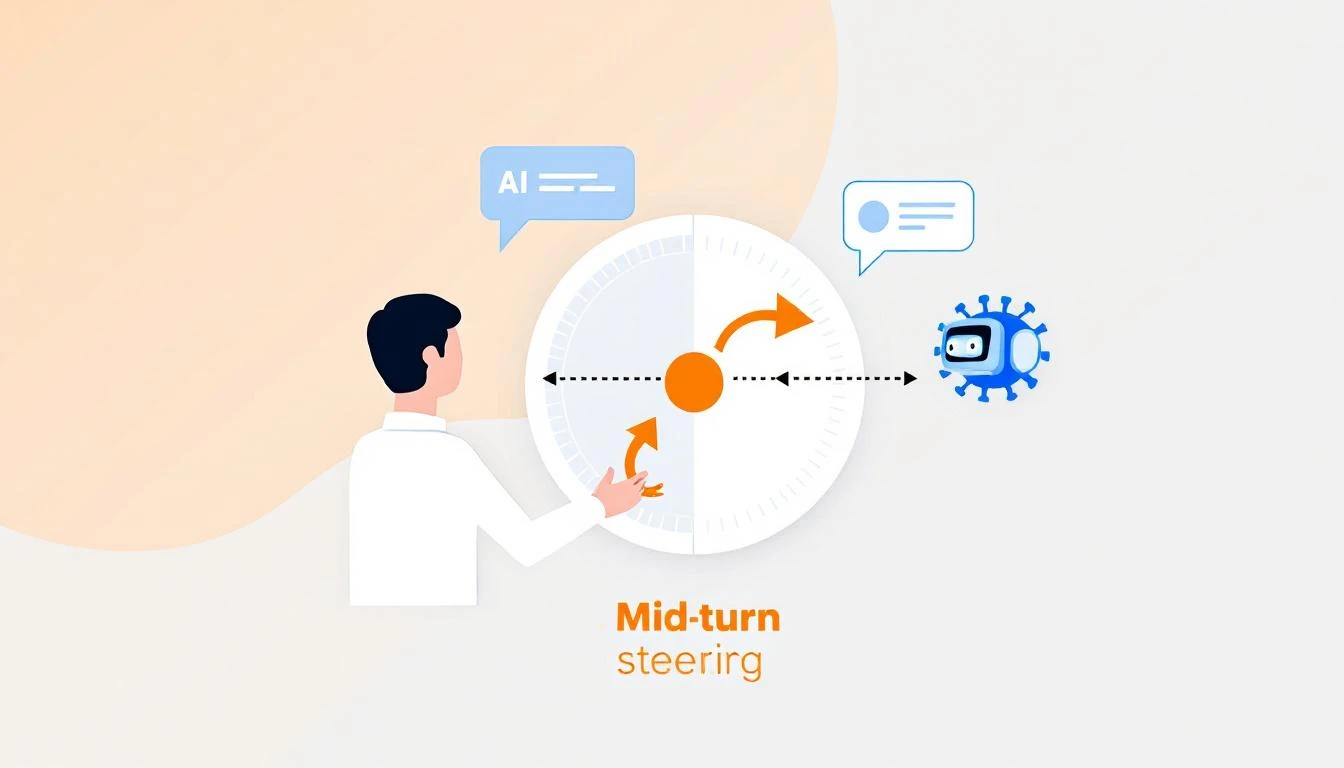
Mid-turn steering concept showing human directing AI agent mid-task with course correction arrows

What Is Mid-Turn Steering?

Traditional AI workflows look like this:

Prompt → AI Works → Output → Human Reviews → New Prompt → AI Works Again

Every time you want to adjust direction, you restart the process. For complex tasks—like building a report, analyzing a pipeline, or generating personalized outreach—this creates a painful loop of:

  1. Wait for AI to finish
  2. Realize it went the wrong direction
  3. Craft a new prompt
  4. Wait again
  5. Repeat

Mid-turn steering breaks this pattern:

Prompt → AI Works → Human Steers → AI Adapts → Human Steers → Final Output
↑ ↑
"Focus more on enterprise" "Skip the APAC region"

You're co-piloting instead of backseat driving.

Why This Matters for Sales Ops

Sales operations is full of tasks that require judgment calls mid-stream:

Pipeline Analysis

Without mid-turn steering:

"Analyze our pipeline and identify at-risk deals"

[AI analyzes for 3 minutes]

Output: Lists 47 deals, mostly based on stage duration

You: "No, I meant deals where the champion went dark"

[Start over]

With mid-turn steering:

"Analyze our pipeline and identify at-risk deals"

[AI starts analyzing]

You (mid-turn): "Weight communication gaps heavily"

[AI adjusts, continues]

You (mid-turn): "Actually, focus on deals over $50K only"

[AI filters, continues]

Output: Exactly what you needed, first try

Lead List Building

Without mid-turn steering:

"Build a list of 50 target accounts in fintech"

[AI builds list]

Output: Includes crypto companies, payment processors, neobanks

You: "I meant traditional banks adopting fintech, not fintech startups"

[Start over with clearer prompt]

With mid-turn steering:

"Build a list of 50 target accounts in fintech"

[AI starts building]

You (mid-turn): "Traditional banks only, not startups"

[AI adjusts filters]

You (mid-turn): "Prioritize ones with recent digital transformation announcements"

[AI adds signal filter]

Output: Perfectly targeted list, one pass

Competitive Intelligence

Without mid-turn steering:

"Research what Competitor X announced this quarter"

[AI researches]

Output: Product updates, funding news, executive hires

You: "I need their pricing changes and new integrations specifically"

[Start over]

With mid-turn steering:

"Research what Competitor X announced this quarter"

[AI starts researching]

You (mid-turn): "Focus on pricing and integrations only"

[AI narrows scope]

You (mid-turn): "Compare their new HubSpot integration to ours"

[AI adds competitive angle]

Output: Actionable competitive intel
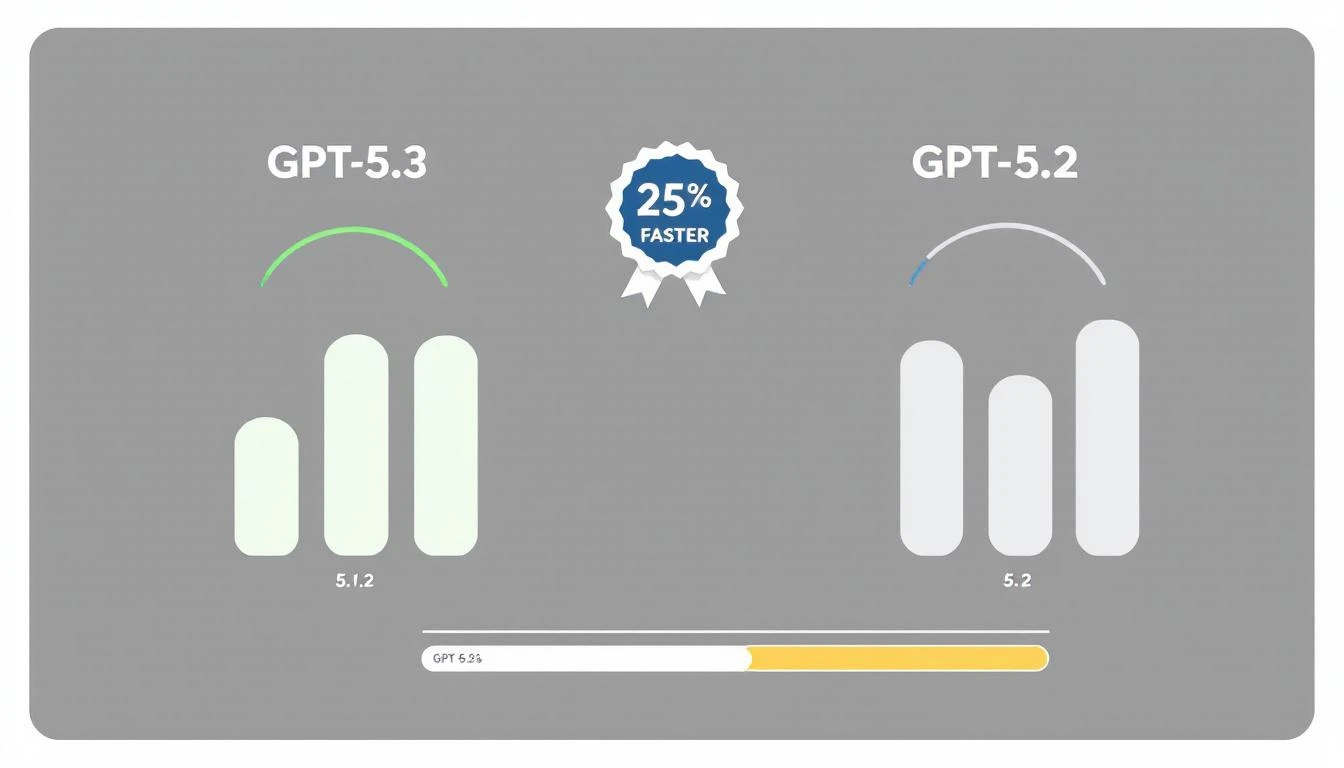
GPT-5.3 vs previous versions showing 25% speed improvement with benchmark visualization

Practical Applications for GTM Teams

1. Real-Time Report Building

Instead of specifying every detail upfront, collaborate:

// Start the report
const session = await codex.startTask(`
Generate a weekly pipeline report for the executive team.
Include: stage progression, new opportunities, closed deals.
`);

// Steer as it works
await session.steer("Add win/loss reasons for closed deals");
await session.steer("Break down new opps by source");
await session.steer("Highlight any deals that skipped stages");

// Get final output
const report = await session.complete();

2. Dynamic Territory Planning

const session = await codex.startTask(`
Rebalance sales territories based on Q1 performance data.
`);

// Adjust criteria in real-time
await session.steer("Account for the new Austin rep starting Monday");
await session.steer("Keep enterprise accounts with existing reps");
await session.steer("Show me the impact on each rep's quota");

const territories = await session.complete();

3. Personalized Outreach at Scale

const session = await codex.startTask(`
Generate personalized emails for 50 conference attendees.
`);

// Refine the approach
await session.steer("Make them shorter - 3 sentences max");
await session.steer("Reference specific sessions they attended");
await session.steer("Skip anyone who's already a customer");

const emails = await session.complete();

4. Live Deal Analysis

const session = await codex.startTask(`
Analyze the Acme Corp opportunity and recommend next steps.
`);

// Add context as you think of it
await session.steer("They mentioned budget concerns in the last call");
await session.steer("Their competitor just signed with us");
await session.steer("The CFO is the real decision maker, not the VP");

const analysis = await session.complete();

The Technical Advantage

How Mid-Turn Steering Works

GPT-5.3-Codex maintains a live working context that you can modify:

┌─────────────────────────────────────┐
│ WORKING CONTEXT │
├─────────────────────────────────────┤
│ Original prompt │
│ + Steering input 1 │
│ + Steering input 2 │
│ + Current progress state │
│ + Intermediate results │
└─────────────────────────────────────┘

[Continues work with
full accumulated context]

Previous models would lose intermediate work when you interrupted. GPT-5.3 preserves everything and integrates your steering naturally.

Speed Improvements

The 25% speed improvement compounds with steering:

TaskGPT-5.2 (No Steering)GPT-5.3 (With Steering)Total Improvement
Pipeline report180s + 120s redo140s (steered)53% faster
Lead list (50)90s + 60s redo70s (steered)46% faster
Competitive brief120s + 90s redo95s (steered)55% faster
Territory rebalance240s + 180s redo180s (steered)57% faster

The real win isn't raw speed—it's eliminating the redo cycle.

Implementation Patterns

Pattern 1: Progressive Refinement

Start broad, narrow down:

async function buildTargetList(criteria) {
const session = await codex.startTask(`
Build a target account list matching: ${criteria.initial}
`);

// Watch progress and refine
session.onProgress(async (progress) => {
if (progress.accounts > 100) {
await session.steer("Limit to top 50 by revenue");
}
if (progress.includesCompetitorCustomers) {
await session.steer("Exclude known competitor customers");
}
});

return session.complete();
}

Pattern 2: Exception Handling

Catch issues before they compound:

async function analyzeDeals(pipeline) {
const session = await codex.startTask(`
Analyze pipeline health for Q1 forecast.
`);

// Handle edge cases as they appear
session.onAnomaly(async (anomaly) => {
if (anomaly.type === 'missing_data') {
await session.steer(`Skip ${anomaly.deal} - incomplete record`);
}
if (anomaly.type === 'outlier') {
await session.steer(`Flag ${anomaly.deal} for manual review`);
}
});

return session.complete();
}

Pattern 3: Collaborative Building

Multiple stakeholders contribute:

async function buildForecast() {
const session = await codex.startTask(`
Generate Q2 revenue forecast based on current pipeline.
`);

// Sales leader input
await session.steer("Use 60% close rate for enterprise, not 40%");

// Finance input
await session.steer("Apply 10% churn assumption to renewals");

// CEO input
await session.steer("Add scenario for if the big deal slips");

return session.complete();
}

Pattern 4: Learning Loop

Capture steering patterns for future automation:

async function buildWithLearning(task, userId) {
const session = await codex.startTask(task);
const steerings = [];

session.onSteer((input) => {
steerings.push({
trigger: session.currentState(),
steering: input,
userId: userId
});
});

const result = await session.complete();

// Store patterns for future prompts
await saveSteerings(task.type, steerings);

return result;
}

Getting Started with Codex

Installation

npm install -g @openai/codex
codex auth login

Basic Steering Example

const { Codex } = require('@openai/codex');

const codex = new Codex({ model: 'gpt-5.3-codex' });

async function steerableTask() {
const session = await codex.createSession();

// Start task
await session.send(`
Analyze our CRM data and identify upsell opportunities.
Data source: HubSpot
`);

// Wait for initial processing
await session.waitForProgress(0.3); // 30% complete

// Steer based on early results
const preliminary = await session.getProgress();
if (preliminary.includesSmallAccounts) {
await session.steer("Focus on accounts with ARR > $50K only");
}

// Wait for more progress
await session.waitForProgress(0.7); // 70% complete

// Final refinement
await session.steer("Rank by expansion likelihood, not just ARR");

// Get final output
return session.complete();
}

Common Steering Scenarios

Scenario: Report Is Too Long

Steer: "Summarize to one page, keep only top 5 items per section"

Scenario: Missing Context

Steer: "The deal values are in EUR, convert to USD using 1.08"

Scenario: Wrong Focus

Steer: "This is for the board, focus on strategic metrics not operational"

Scenario: Data Quality Issue

Steer: "Ignore any records from before January 2025, data is unreliable"

Scenario: Stakeholder Request

Steer: "CFO wants to see margin impact, add that column"

The Competitive Edge

Mid-turn steering gives you a compounding advantage:

  1. Faster iteration - No restart penalty for course corrections
  2. Better outputs - Human judgment applied at the right moments
  3. Lower frustration - No more "that's not what I meant" loops
  4. Captured knowledge - Steering patterns become future automation

Your competitors are still in prompt → wait → redo → wait cycles. You're collaborating with AI in real-time.

That efficiency gap compounds across every task, every day, every deal.


Ready to see AI-powered sales ops in action? Book a demo to see how MarketBetter leverages the latest AI capabilities for GTM teams.

Related reading:
Building a Sales Territory Bot with OpenAI Codex: Automated Lead Routing That Actually Works [2026]

· 8 min read
MarketBetter Team
Content Team, marketbetter.ai

The average lead sits unassigned for 2.5 hours after hitting your CRM.

In that time, your competitor has already responded, built rapport, and scheduled a demo. And 78% of buyers go with the vendor who responds first.

Territory management is the unglamorous backbone of sales operations—and it's broken at most companies. Manual assignment, outdated territory maps, capacity blindness, and constant rep complaints about "unfair" distribution.

GPT-5.3 Codex, released just last week, changes what's possible. Here's how to build an intelligent territory bot that routes leads instantly, balances workload automatically, and adapts to your business in real-time.

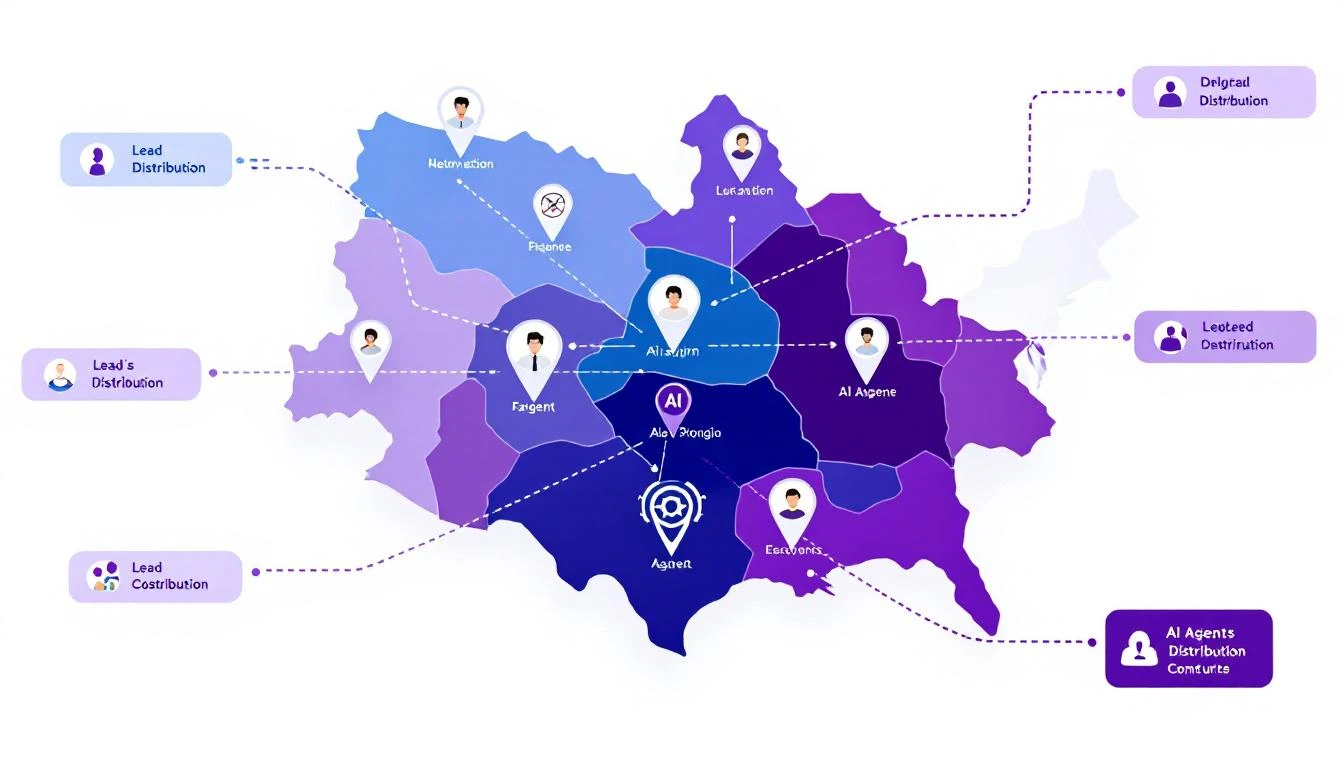
Sales territory architecture with AI agent icons, territory boundaries, and lead distribution arrows

Why Traditional Territory Management Fails

Before building the solution, let's diagnose the problem:

The Manual Assignment Trap

Most companies assign territories once a year, then spend the rest of the year fighting fires:

  • Rep leaves → territory chaos for 2-4 weeks
  • New product launch → existing territories don't match buyer profile
  • Geographic expansion → manual carve-outs and reassignments
  • Lead volume spikes → some reps drowning, others starving

The "Fair" Distribution Myth

Equal territory size ≠ equal opportunity:

  • 1,000 accounts in enterprise segment ≠ 1,000 accounts in SMB
  • West Coast tech hub ≠ Midwest manufacturing
  • Fortune 500 HQ territory ≠ field office territory

Your top performers end up subsidizing poor territory design.

The Response Time Problem

When a hot lead comes in at 4:55 PM on a Friday:

  1. Round-robin assigns to rep who's OOO
  2. Lead sits until Monday
  3. Competitor responded Friday at 5:01 PM
  4. Deal lost before it started

The AI Territory Bot Architecture

Here's what we're building:

Inbound Lead → Territory Bot → Intelligent Assignment → Instant Response

[Considers:]
- Territory rules
- Rep capacity
- Lead quality score
- Time zone/availability
- Historical performance
- Current workload

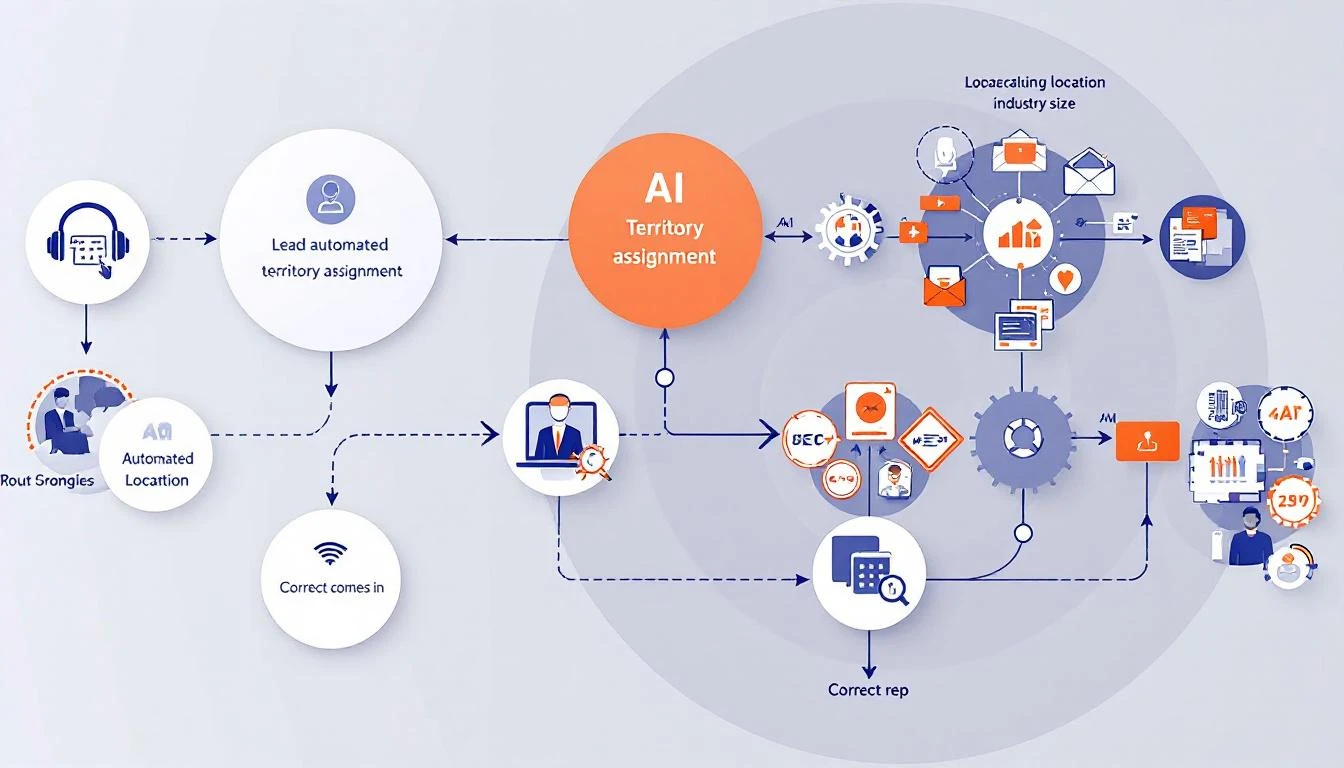
Automated territory assignment workflow showing lead intake, AI analysis, and routing to correct rep

Building with GPT-5.3 Codex

The new Codex model brings three capabilities that make this project practical:

  1. 25% faster execution - Real-time routing at scale
  2. Mid-turn steering - Adjust logic while processing
  3. Multi-file context - Understands your entire territory structure

Step 1: Define Your Territory Logic

First, codify your territory rules in a format Codex can understand:

const territoryRules = {
// Geographic territories
regions: {
west: {
states: ['CA', 'WA', 'OR', 'NV', 'AZ'],
reps: ['[email protected]', '[email protected]'],
capacity: { sarah: 50, mike: 45 } // max active opportunities
},
midwest: {
states: ['IL', 'OH', 'MI', 'IN', 'WI'],
reps: ['[email protected]'],
capacity: { john: 60 }
}
// ... more regions
},

// Segment overrides
segments: {
enterprise: {
minEmployees: 1000,
reps: ['[email protected]'],
override: true // takes precedence over geography
},
strategic: {
accounts: ['ACME Corp', 'Globex Inc', 'Initech'],
reps: ['[email protected]'],
override: true
}
},

// Industry specializations
industries: {
healthcare: {
reps: ['[email protected]'],
override: false // falls back to geography if at capacity
}
}
};

Step 2: Build the Assignment Logic

Using Codex, generate the routing engine:

Build a lead routing function that:

1. Accepts a lead object with: company, state, employee_count, industry, source
2. Checks segment overrides first (enterprise, strategic accounts)
3. Falls back to industry specialization if applicable
4. Falls back to geographic territory
5. Within each territory, selects rep with:
- Lowest current workload (% of capacity)
- Best historical conversion rate for this lead type
- Availability (not OOO, within working hours)
6. If all reps at capacity, route to overflow queue with alert
7. Returns assigned rep + reasoning for the assignment

Handle edge cases:
- Lead matches multiple territories (use priority order)
- No reps available (queue + alert)
- Unknown state/region (default territory)

Codex generates production-ready code:

async function assignLead(lead) {
// Check strategic accounts first
if (territoryRules.segments.strategic.accounts
.includes(lead.company)) {
return assignToRep(
territoryRules.segments.strategic.reps[0],
lead,
'Strategic account override'
);
}

// Check enterprise segment
if (lead.employee_count >=
territoryRules.segments.enterprise.minEmployees) {
const rep = await findAvailableRep(
territoryRules.segments.enterprise.reps,
lead
);
if (rep) {
return assignToRep(rep, lead, 'Enterprise segment');
}
}

// Check industry specialization
if (lead.industry &&
territoryRules.industries[lead.industry]) {
const industryConfig = territoryRules.industries[lead.industry];
const rep = await findAvailableRep(industryConfig.reps, lead);
if (rep || industryConfig.override) {
return rep
? assignToRep(rep, lead, `${lead.industry} specialist`)
: queueLead(lead, 'Industry specialist at capacity');
}
}

// Geographic fallback
const region = findRegion(lead.state);
if (region) {
const rep = await findBestRep(region.reps, lead, region.capacity);
if (rep) {
return assignToRep(rep, lead, `Geographic: ${region.name}`);
}
}

// Overflow handling
return queueLead(lead, 'No available reps in territory');
}

Step 3: Add Intelligence Layer

Here's where Codex shines—adding context-aware decisions:

Enhance the routing function to consider:

1. Lead quality signals:
- Visited pricing page → higher priority
- Downloaded case study → match to relevant industry rep
- Requested demo → fastest responder

2. Rep performance matching:
- Small company leads → reps with high SMB close rates
- Technical buyers → reps with engineering backgrounds
- Fast-moving deals → reps with shortest sales cycles

3. Timing optimization:
- Route to rep whose working hours start soonest
- Consider rep's meeting schedule from calendar
- Factor in typical response time by rep

4. Fair distribution:
- Track assignments over rolling 7-day window
- Balance quality scores, not just quantity
- Flag if any rep consistently gets lower-quality leads

Step 4: Implement Mid-Turn Steering

GPT-5.3's killer feature—adjust the bot while it's working:

// During lead processing, you can steer the decision
async function assignWithSteering(lead, steeringInput = null) {
const initialAssignment = await assignLead(lead);

if (steeringInput) {
// Manager can override mid-process
// "Actually, give this to Sarah - she has context"
return applySteeringOverride(initialAssignment, steeringInput);
}

return initialAssignment;
}

In practice, this means your sales ops team can:

  • Watch assignments in real-time
  • Inject context the bot doesn't have
  • Correct routing without stopping the system

Real-World Implementation

Integration Points

Connect your territory bot to:

CRM (HubSpot/Salesforce):

// Webhook triggered on new lead
app.post('/webhooks/new-lead', async (req, res) => {
const lead = req.body;
const assignment = await assignLead(lead);

// Update CRM
await crm.updateLead(lead.id, {
owner: assignment.rep,
assignment_reason: assignment.reason,
assigned_at: new Date()
});

// Notify rep
await slack.sendMessage(assignment.rep,
`New lead assigned: ${lead.company} - ${assignment.reason}`
);

res.json({ success: true, assignment });
});

Slack Notifications:

// Real-time assignment alerts
const formatAssignmentAlert = (assignment) => ({
blocks: [
{
type: 'header',
text: { type: 'plain_text', text: '🎯 New Lead Assigned' }
},
{
type: 'section',
fields: [
{ type: 'mrkdwn', text: `*Company:* ${assignment.lead.company}` },
{ type: 'mrkdwn', text: `*Assigned To:* ${assignment.rep}` },
{ type: 'mrkdwn', text: `*Reason:* ${assignment.reason}` },
{ type: 'mrkdwn', text: `*Quality Score:* ${assignment.lead.score}/100` }
]
},
{
type: 'actions',
elements: [
{ type: 'button', text: { type: 'plain_text', text: 'View in CRM' }, url: assignment.crmUrl },
{ type: 'button', text: { type: 'plain_text', text: 'Reassign' }, action_id: 'reassign_lead' }
]
}
]
});

Monitoring Dashboard

Track your territory bot's performance:

MetricTargetAlert Threshold
Assignment time< 30 seconds> 2 minutes
Rep capacity utilization70-85%< 50% or > 95%
Lead distribution fairness< 10% variance> 20% variance
Overflow queue size0> 5 leads
First response time< 5 minutes> 30 minutes

Advanced Patterns

Dynamic Territory Rebalancing

Build a weekly territory rebalancing report that:

1. Analyzes lead distribution over past 30 days
2. Compares conversion rates by territory
3. Identifies reps consistently at capacity
4. Identifies reps consistently underutilized
5. Suggests boundary adjustments
6. Calculates impact of proposed changes

Output as executive summary + detailed recommendations.

Predictive Capacity Planning

Using historical lead flow data, predict:

1. Expected leads per territory next week
2. Which reps will hit capacity and when
3. Recommended proactive reassignments
4. Hiring needs by territory

Factor in seasonality, marketing campaigns, and
industry trends.

Self-Healing Territories

Build a system that automatically adjusts when:

1. Rep goes OOO → redistribute to backup
2. Lead volume spikes → activate overflow handling
3. New rep onboards → gradual ramp-up schedule
4. Rep leaves → immediate territory redistribution

Log all automatic adjustments and alert management.

Results to Expect

Teams implementing AI territory bots typically see:

MetricBeforeAfterImpact
Lead response time2.5 hours4 minutes97% faster
Assignment errors15%2%87% reduction
Rep utilization variance40%12%70% fairer
Leads lost to slow response12%3%75% saved
Territory disputes/month8187% fewer

The biggest win isn't efficiency—it's predictability. When every lead routes correctly, your forecasting improves, your reps trust the system, and you stop firefighting.

Getting Started

  1. Document your current territory rules - Even if they're in someone's head
  2. Identify the edge cases - What causes routing errors today?
  3. Define fair distribution - What does balanced actually mean?
  4. Start with manual review - Run the bot in shadow mode first
  5. Iterate on the logic - Use mid-turn steering to refine

Ready to build intelligent territory management? Book a demo to see how MarketBetter handles lead routing and territory optimization out of the box.

Related reading:

GPT-5.3-Codex: What GTM Teams Need to Know [2026]

· 8 min read
MarketBetter Team
Content Team, marketbetter.ai

OpenAI dropped GPT-5.3-Codex on February 5, 2026. Three days later, the GTM world is still figuring out what it means.

Here's the short version: This is the most capable AI coding agent ever released, and it's going to change how sales and marketing teams build automation.

GPT-5.3 Codex Overview

If you're a VP of Sales, SDR Manager, or RevOps leader wondering whether this matters to you—it absolutely does. Not because you need to become a developer, but because the barrier to building custom sales tools just dropped to near-zero.

Let me explain.

What Is GPT-5.3-Codex?

GPT-5.3-Codex is OpenAI's cloud-based AI agent designed specifically for software engineering tasks. Think of it as having a senior developer on call 24/7 who can:

  • Write complete applications from scratch
  • Refactor existing code
  • Build integrations between your tools
  • Create custom automations

But here's what makes 5.3 different from previous versions:

Mid-Turn Steering

This is the killer feature. Previous AI coding tools worked like this: you give a prompt, wait for the output, then correct mistakes and try again.

With mid-turn steering, you can redirect the agent while it's working. See it going down the wrong path? Tell it to change direction. Want to add a requirement halfway through? Just say so.

For GTM teams, this means:

  • You can describe what you want in plain English
  • Watch as the agent builds it
  • Course-correct in real-time
  • Get exactly what you need, faster

25% Faster Than GPT-5.2-Codex

Speed matters when you're iterating on sales tools. The new model generates code significantly faster, which means:

  • Quicker prototypes of new automation ideas
  • Faster debugging when something breaks
  • More experiments per sprint

Multi-File Projects

Codex can now handle complex, multi-file projects natively. This means it can build real applications—not just scripts—including:

  • Full CRM integrations
  • Multi-step email sequences
  • Dashboard applications
  • API connectors

Why This Matters for GTM Teams

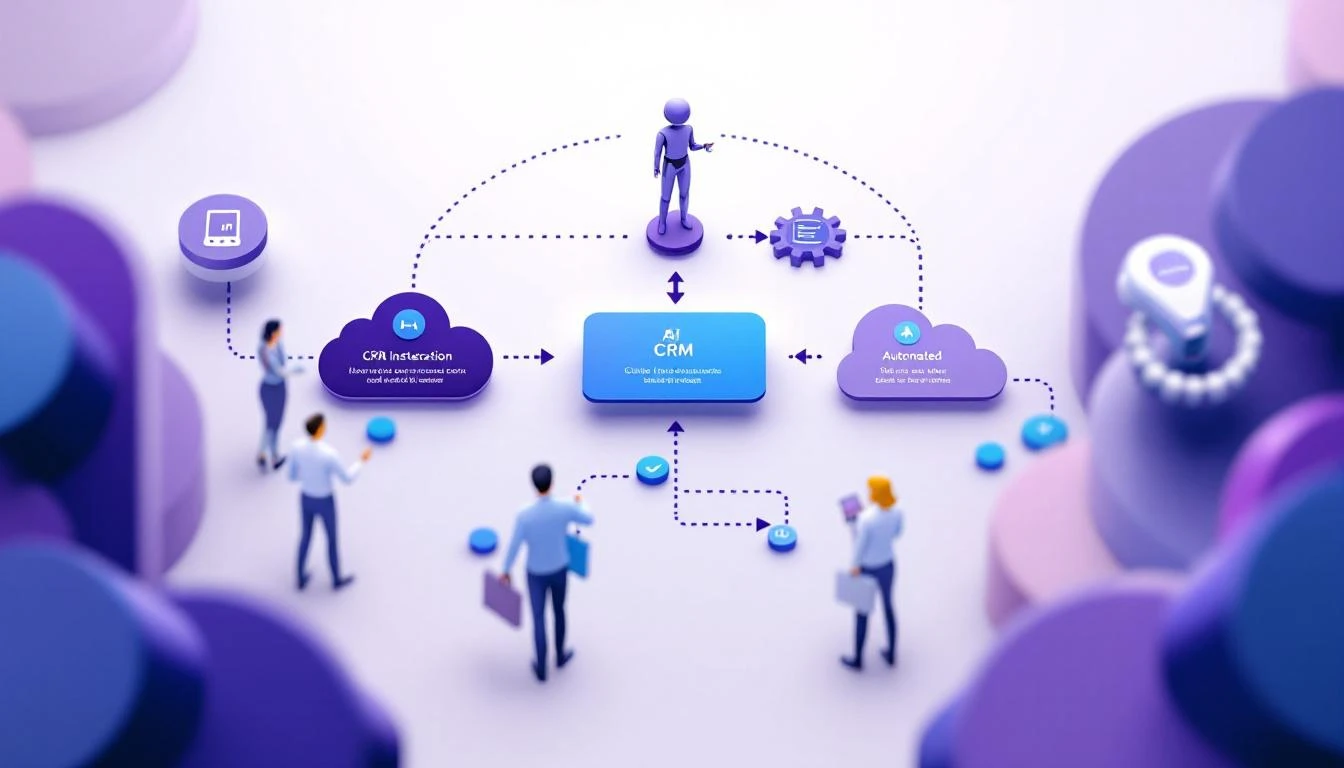
GTM Workflow with AI

Here's the uncomfortable truth about sales technology in 2026: The best tools are the ones you build yourself.

Generic AI SDR platforms cost $35,000-50,000 per year. They're built for the average use case, which means they're perfect for nobody.

Meanwhile, the teams winning right now are:

  1. Identifying their specific bottlenecks
  2. Building custom automations to solve them
  3. Iterating weekly based on results

GPT-5.3-Codex makes this accessible to teams without dedicated developers.

Real Example: Custom Lead Research Agent

Let's say your SDRs spend 20 minutes researching each prospect before outreach. You could:

Option A: Pay for a generic "AI research" tool ($15-25K/year) Option B: Build exactly what you need with Codex

Here's what Option B looks like:

"Build me a lead research agent that:
1. Takes a company name and prospect name as input
2. Finds their recent LinkedIn posts (last 30 days)
3. Checks if they've raised funding recently
4. Identifies any job changes in their department
5. Outputs a 3-sentence research summary I can paste into my email"

With GPT-5.3-Codex, you can build this in an afternoon. Total cost: Your time + ~$20/month in API calls.

Real Example: Pipeline Alert System

Your VP of Sales wants to know immediately when:

  • A deal over $50K stalls for more than 7 days
  • An enterprise prospect opens a proposal 3+ times
  • A competitor is mentioned in meeting notes

Building this with traditional development: 2-4 weeks and $5-10K

Building this with Codex + OpenClaw: A weekend

"Create a HubSpot integration that monitors our pipeline and sends
Slack alerts when:
1. Any deal over $50K hasn't had activity in 7+ days
2. Proposal tracking shows 3+ opens
3. Meeting notes (from Gong or Fireflies) mention competitor names

Run this check every 4 hours."

The OpenClaw Advantage

Here's where it gets interesting. Codex is powerful, but it's a tool—it doesn't run 24/7 on its own.

OpenClaw is an open-source gateway that lets you:

  • Deploy AI agents that run continuously
  • Connect to your messaging platforms (Slack, WhatsApp, Telegram)
  • Schedule cron jobs for recurring tasks
  • Give agents memory across sessions
  • Access browser automation for web tasks

The combination of Codex + OpenClaw = DIY AI SDR infrastructure.

Build the automations with Codex. Deploy them on OpenClaw. Run them 24/7 for free (you're self-hosting).

Comparison: GPT-5.3 vs Previous

Getting Started: A Practical Roadmap

Week 1: Install and Experiment

  1. Install the Codex CLI:
npm install -g @openai/codex
  1. Start with a simple project—maybe a script that enriches a CSV of leads with company data.

  2. Practice mid-turn steering. Give vague instructions, then refine as you watch it work.

Week 2: Build Your First Sales Tool

Pick your biggest time-waster. Common candidates:

  • Manual CRM updates
  • Lead research
  • Follow-up scheduling
  • Meeting prep

Build a tool that automates 50% of it. Don't aim for perfection—aim for "better than manual."

Week 3: Deploy with OpenClaw

Set up OpenClaw on a $5/month VPS (DigitalOcean, Vultr, etc.). Deploy your automation. Connect it to Slack so you can interact with it.

Week 4: Iterate Based on Results

Your first version will be wrong. That's fine. The advantage of building your own tools is that you can change them weekly.

What Codex Can and Can't Do

Codex Excels At:

  • Building integrations between SaaS tools
  • Creating data processing pipelines
  • Writing API connectors
  • Automating repetitive code tasks
  • Generating boilerplate for common patterns

Codex Struggles With:

  • Tasks requiring deep domain expertise
  • Anything that needs real-time human judgment
  • Complex UI design (it can build functional UIs, not beautiful ones)
  • Tasks that require browsing the live web (use OpenClaw's browser tools for this)

Combine With Claude for Best Results

For GTM automation specifically, Claude Code tends to be better at:

  • Writing persuasive copy
  • Analyzing unstructured data (emails, call transcripts)
  • Making judgment calls about prospect intent

The winning stack for most teams:

  • Codex: Build the infrastructure
  • Claude: Handle the nuanced tasks
  • OpenClaw: Orchestrate everything

Cost Comparison: Build vs. Buy

SolutionAnnual CostCustomizationTime to Value
Enterprise AI SDR Platform$35-50KLimited2-4 weeks
Mid-Market AI SDR Tool$12-25KSome1-2 weeks
Codex + OpenClaw (DIY)~$500*Unlimited2-4 weeks

*Assuming $20-40/month in API costs + minimal hosting

The catch: DIY requires someone on your team who's comfortable with technical projects. But you don't need a developer—you need someone curious enough to experiment.

The Build vs. Buy Decision

Build your own when:

  • Your workflow is unique
  • You need rapid iteration
  • Budget is constrained
  • You have someone technical-adjacent on the team

Buy off-the-shelf when:

  • You need enterprise support/SLAs
  • Nobody on the team wants to maintain tools
  • Your use case is generic
  • Speed-to-value is critical

For most SMB and mid-market GTM teams in 2026, the math now favors building.

What This Means for the AI SDR Market

GPT-5.3-Codex is going to put pressure on every AI sales tool that isn't providing genuine differentiation.

If your value proposition is "we connect to your CRM and do basic automation"—teams can now build that themselves in a weekend.

The winners will be tools that provide:

  • Proprietary data (intent signals, company graphs)
  • Deep workflow expertise (not just tools, but playbooks)
  • Outcomes, not features

At MarketBetter, we've always believed in the "build your own" approach for teams that can handle it. That's why we focus on providing the intelligence layer—visitor identification, buying signals, and playbooks—rather than trying to own your entire workflow.

Getting Started Today

  1. Try Codex: Even if you're not technical, spend an hour with it. Ask it to build something simple for your sales process.

  2. Audit Your Workflow: Where do your SDRs lose time? Make a list of the 5 most repetitive tasks.

  3. Pick One to Automate: Start small. One successful automation builds confidence for the next.

  4. Consider OpenClaw: If you want your automations to run 24/7, OpenClaw is the easiest path.


The release of GPT-5.3-Codex isn't just a technical milestone. It's a shift in what's possible for GTM teams without dedicated engineering resources.

The question isn't whether AI will change how you sell. The question is whether you'll build your own advantage—or rent someone else's.

Ready to see how MarketBetter's intelligence layer works with your custom automations? Book a demo →

OpenAI Codex vs Claude Code for Sales Automation [2026]

· 7 min read
MarketBetter Team
Content Team, marketbetter.ai

GPT-5.3-Codex dropped three days ago. Claude Code has been the go-to for AI-powered development. If you're building sales automation, which one should you use?

The honest answer: Both. For different things.

Codex vs Claude Comparison

This isn't a "which is better" post. It's a practical guide to when each tool excels—specifically for GTM use cases.

The Core Difference

Here's the fundamental distinction:

OpenAI Codex is optimized for building software. It excels at:

  • Writing code from scratch
  • Multi-file refactoring
  • Creating integrations
  • Building applications

Claude Code is optimized for reasoning and judgment. It excels at:

  • Analyzing unstructured data
  • Writing persuasive copy
  • Making nuanced decisions
  • Understanding context

For sales automation, you need both capabilities.

Head-to-Head: Sales Automation Tasks

Let's get specific. Here's how each performs on common GTM automation tasks:

Task 1: Build a CRM Integration

Goal: Create a script that syncs data between HubSpot and your custom database.

CriteriaCodexClaude Code
Code quality⭐⭐⭐⭐⭐⭐⭐⭐⭐
Speed⭐⭐⭐⭐⭐⭐⭐⭐
Error handling⭐⭐⭐⭐⭐⭐⭐⭐
Documentation⭐⭐⭐⭐⭐⭐⭐⭐

Winner: Codex

Codex was literally built for this. It understands API patterns, handles edge cases well, and the new mid-turn steering lets you course-correct as it builds.

Task 2: Analyze Sales Call Transcripts

Goal: Extract action items, objections, and next steps from call recordings.

CriteriaCodexClaude Code
Comprehension⭐⭐⭐⭐⭐⭐⭐⭐
Nuance detection⭐⭐⭐⭐⭐⭐⭐⭐
Context retention⭐⭐⭐⭐⭐⭐⭐⭐
Output quality⭐⭐⭐⭐⭐⭐⭐⭐

Winner: Claude Code

Claude's 200K context window and superior reasoning make it far better at understanding long, nuanced conversations. It catches subtleties that Codex misses.

Task 3: Write Personalized Cold Emails

Goal: Generate custom outreach based on prospect research.

CriteriaCodexClaude Code
Personalization quality⭐⭐⭐⭐⭐⭐⭐⭐
Tone consistency⭐⭐⭐⭐⭐⭐⭐⭐
Creativity⭐⭐⭐⭐⭐⭐⭐
Template variation⭐⭐⭐⭐⭐⭐⭐⭐

Winner: Claude Code

Writing persuasive copy requires understanding human psychology. Claude consistently produces more natural, compelling emails.

Task 4: Build a Lead Scoring Model

Goal: Create a system that scores leads based on behavioral data.

CriteriaCodexClaude Code
Algorithm design⭐⭐⭐⭐⭐⭐⭐⭐⭐
Implementation⭐⭐⭐⭐⭐⭐⭐⭐
Data pipeline⭐⭐⭐⭐⭐⭐⭐⭐
Iteration speed⭐⭐⭐⭐⭐⭐⭐⭐

Winner: Codex

Building a scoring model means writing code, connecting data sources, and iterating on logic. Codex handles this better.

Task 5: Prioritize Accounts for SDRs

Goal: Analyze a list of accounts and rank them by likelihood to convert.

CriteriaCodexClaude Code
Data processing⭐⭐⭐⭐⭐⭐⭐⭐
Qualitative assessment⭐⭐⭐⭐⭐⭐⭐⭐
Reasoning explanation⭐⭐⭐⭐⭐⭐⭐⭐
Pattern recognition⭐⭐⭐⭐⭐⭐⭐⭐⭐

Winner: Claude Code

Account prioritization requires judgment—understanding market signals, company trajectory, buying patterns. Claude's reasoning shines here.

The Winning Stack: Use Both

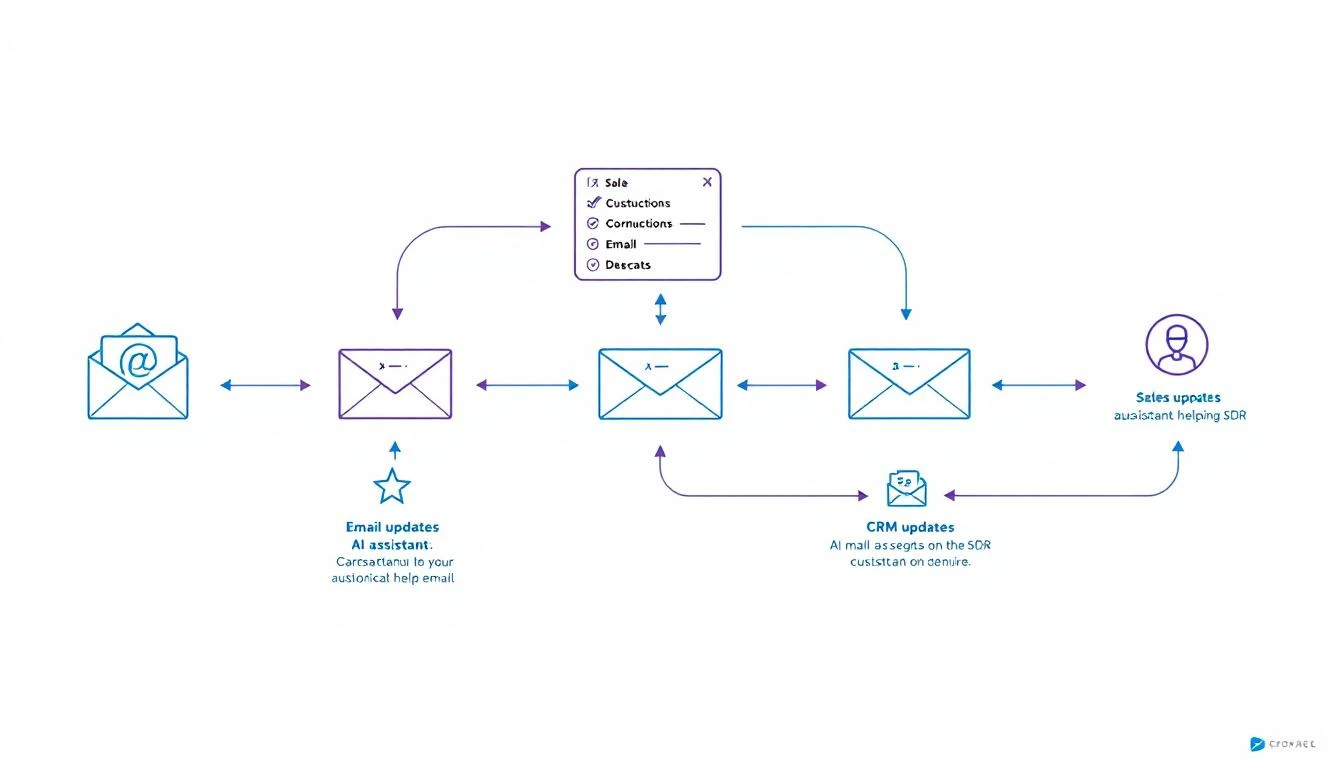
Sales Automation Workflow

Here's the pattern that works best for most GTM teams:

Data Processing / Infrastructure → Codex
Analysis / Judgment / Writing → Claude
Orchestration / 24/7 Operation → OpenClaw

Real Example: Automated Competitive Intel

Let's say you want to monitor competitors and alert sales when relevant changes happen.

Step 1: Build the monitoring system (Codex)

  • Create web scrapers for competitor pricing pages
  • Set up alerts for their job postings
  • Build RSS feed aggregation for their blogs
  • Store everything in a database

Step 2: Analyze and prioritize (Claude)

  • Read new competitor content and extract key messages
  • Identify changes that affect specific deals
  • Generate briefings for sales team
  • Write custom battle card updates

Step 3: Orchestrate everything (OpenClaw)

  • Run scrapers on schedule
  • Route data to Claude for analysis
  • Send alerts to appropriate channels
  • Maintain state across sessions

Real Example: SDR Research Assistant

Step 1: Build data pipelines (Codex)

  • LinkedIn profile scraper
  • Company database enrichment
  • News aggregation system
  • CRM integration layer

Step 2: Generate insights (Claude)

  • Analyze prospect's recent activity for conversation hooks
  • Identify likely pain points based on company signals
  • Write personalized research summaries
  • Suggest specific talking points

Step 3: Deploy as always-on agent (OpenClaw)

  • Trigger research when new lead enters pipeline
  • Deliver summary to rep via Slack
  • Update research weekly for active deals

Speed vs. Quality Trade-offs

When Speed Matters Most

Use Codex when:

  • You need working code fast
  • You're iterating on infrastructure
  • The task is well-defined
  • You'll review the output anyway

Codex's 25% speed improvement over the previous version makes it noticeably faster for rapid prototyping.

When Quality Matters Most

Use Claude when:

  • The output goes directly to prospects
  • You need nuanced judgment
  • Context is complex or ambiguous
  • Mistakes would be embarrassing

Claude's longer context window (200K tokens) means it can hold entire conversation histories, deal contexts, and company profiles in memory.

Cost Comparison

Both tools charge by token usage. Here's a rough comparison for typical sales automation tasks:

TaskCodex CostClaude Cost
Build CRM integration~$0.50~$0.80
Analyze 10 call transcripts~$2.00~$1.50
Generate 50 personalized emails~$1.00~$0.75
Weekly competitive analysis~$0.30~$0.50

Monthly estimate for active GTM automation: $30-80 (using both tools for their strengths)

Compare this to enterprise sales automation platforms at $35-50K/year.

Integration Considerations

Codex Strengths for Integration

  • Native support for most programming languages
  • Better at handling API authentication flows
  • Superior error handling for production code
  • Mid-turn steering allows real-time debugging

Claude Strengths for Integration

  • Better at explaining what it's doing (self-documenting)
  • More reliable for structured output (JSON formatting)
  • Superior at following complex, multi-step instructions
  • Better at handling ambiguous requirements

The OpenClaw Layer

Both Codex and Claude are powerful, but they're tools—not agents.

OpenClaw turns them into always-on systems that:

  • Run on schedules
  • Respond to events
  • Maintain memory
  • Connect to your channels

The architecture:

Your Sales Process

OpenClaw

Routes to:
├── Codex (for building/coding tasks)
└── Claude (for analysis/writing tasks)

Delivers via:
├── Slack
├── Email
└── CRM updates

Practical Recommendations

If You're Just Starting

Pick one tool first. Claude is more forgiving for beginners because it explains its reasoning. Once you're comfortable, add Codex for infrastructure work.

If You're Building Production Systems

Use both from the start. Design your architecture to route tasks to the appropriate model. The cost difference is negligible compared to the quality improvement.

If You're Budget-Constrained

Start with Claude. It's more versatile for sales tasks specifically. Add Codex when you need to build more complex integrations.

If You Need Maximum Speed

Lead with Codex. The 25% speed improvement in GPT-5.3-Codex makes it noticeably faster for iteration. Use Claude for final review of customer-facing content.

Common Mistakes to Avoid

1. Using Codex for Copywriting

Codex can write functional copy, but Claude writes persuasive copy. For anything customer-facing, use Claude.

2. Using Claude for Complex Infrastructure

Claude can write code, but Codex handles multi-file projects and API integrations more reliably.

3. Not Combining Them

The tools complement each other. Building with one while ignoring the other limits what you can achieve.

4. Manual Orchestration

Without OpenClaw (or similar), you're manually running prompts. Automation requires an agent layer.

Future-Proofing Your Stack

Both OpenAI and Anthropic are shipping improvements constantly. The pattern that will survive:

  1. Keep your prompts modular. You should be able to swap models without rewriting your entire system.

  2. Abstract the orchestration layer. OpenClaw (or your own framework) should handle routing, not your application code.

  3. Store your context externally. Don't rely on model memory. Keep prospect data, conversation history, and preferences in your own database.

The Bottom Line

Use CaseBest Tool
Build integrations and pipelinesCodex
Analyze conversations and dataClaude
Write customer-facing contentClaude
Create automation infrastructureCodex
Make judgment callsClaude
Rapid prototypingCodex
Always-on operationOpenClaw (orchestrating both)

Don't pick a side. The teams winning with AI automation in 2026 are using the right tool for each job.


Want to see how MarketBetter combines visitor intelligence with AI automation? We identify who's on your site and what they care about—then help you act on it. Book a demo →

10 Codex Prompts That 10x SDR Productivity [2026]

· 9 min read
MarketBetter Team
Content Team, marketbetter.ai

GPT-5.3-Codex isn't just for developers. It's the most capable AI assistant for anyone willing to describe what they want in plain English.

These 10 prompts are battle-tested. Copy them, modify them for your workflow, and start saving hours every week.

SDR Productivity Prompts

Before You Start: Quick Setup

Install the Codex CLI:

npm install -g @openai/codex

Or use Codex directly in the OpenAI dashboard at codex.openai.com.

Pro tip: Use mid-turn steering. When Codex starts going in the wrong direction, just interrupt with corrections.


Prompt 1: Instant Company Research Summary

Use case: Before reaching out, get a 60-second briefing on any company.

Research [COMPANY NAME] and create a sales briefing. Include:

1. What they do (2 sentences max)
2. Recent news (funding, acquisitions, product launches, leadership changes)
3. Their likely tech stack (based on job postings)
4. Pain points companies like them typically face
5. Potential conversation starters based on recent events

Format as bullet points. Be specific. Skip anything you can't verify.

Output example:

Acme Corp Briefing

  • B2B logistics software for mid-market freight companies (Series B, 200 employees)
  • Recent: Raised $45M in January, expanding to European markets
  • Tech stack: Salesforce, Snowflake, AWS (based on job postings)
  • Likely pains: Scaling customer support, data integration complexity, international compliance
  • Conversation starter: "Congrats on the European expansion—how's the team handling GDPR compliance for your customer data?"

Time saved: ~15 minutes per prospect


Prompt 2: LinkedIn Profile Analyzer

Use case: Understand your prospect's priorities and communication style.

Analyze this LinkedIn profile and tell me:

[PASTE LINKEDIN PROFILE TEXT]

1. What they care about (based on posts, interests, experience)
2. Their communication style (formal/casual, technical/business)
3. Best topics to lead with
4. What NOT to mention (based on their apparent values)
5. Suggested subject line for a cold email

Be specific. Don't guess—only include what's supported by the profile.

Why it works: Codex picks up on subtle signals in how people present themselves. The "what NOT to mention" is often the most valuable insight.

Time saved: ~10 minutes per prospect


Prompt 3: CRM Data Cleanup Script

Use case: Fix inconsistent data in your CRM without manual editing.

Write a script that:
1. Connects to HubSpot using their API (I'll provide API key later)
2. Finds all contacts where:
- Job title is blank but company is filled
- Phone number format is inconsistent
- Email domain doesn't match company domain
3. For job titles: Enriches using the company's LinkedIn page
4. For phone numbers: Standardizes to E.164 format
5. For mismatched emails: Flags for review (don't auto-change)

Output a report of what would change before actually making changes.

Use Node.js with proper error handling.

Why it works: Codex handles the tedious API work. You get a working script instead of spending hours in the HubSpot UI.

Time saved: 5+ hours of manual cleanup


Prompt 4: Meeting Prep One-Pager

Use case: Walk into every meeting prepared without the prep work.

I have a meeting with [PROSPECT NAME] at [COMPANY] about [TOPIC/PRODUCT].

Create a one-page meeting prep doc:

1. **Key Facts** — Company size, industry, recent news (3-5 bullets)
2. **Likely Objections** — What will they push back on?
3. **Discovery Questions** — 5 questions that uncover real pain
4. **Competitive Position** — Who else might they be talking to?
5. **Success Metrics** — What would make this a "win" for them?
6. **Next Step Options** — 3 logical next steps if the meeting goes well

Keep each section to 3-5 bullets. Prioritize actionable info.

Time saved: ~20 minutes per meeting


Prompt 5: Objection Response Generator

Use case: Never get caught off-guard by common objections.

Generate responses for these sales objections in [INDUSTRY].

For each objection, provide:
1. A brief acknowledgment (show you understand)
2. A reframe (shift the perspective)
3. A proof point (specific example or stat)
4. A question to continue the conversation

Objections:
- "We're already using [COMPETITOR]"
- "We don't have budget this quarter"
- "We need to talk to [OTHER STAKEHOLDERS] first"
- "Can you just send me some info?"
- "The timing isn't right"

Keep responses conversational, not scripted. SDRs need to sound human.

Why it works: You get battle-tested frameworks, not generic scripts. The "question to continue" keeps the conversation moving.


Prompt 6: Email Sequence Builder

Use case: Create a multi-touch sequence in minutes.

SDR Prompts Checklist

Build a 5-email sequence for [ICP DESCRIPTION] selling [PRODUCT/SERVICE].

Sequence structure:
- Email 1: Pattern interrupt (day 1)
- Email 2: Social proof (day 3)
- Email 3: Pain agitation (day 6)
- Email 4: Different angle/use case (day 10)
- Email 5: Breakup email (day 14)

Requirements:
- Subject lines under 40 characters
- Body under 100 words each
- One clear CTA per email
- Personalization placeholders marked with [BRACKETS]
- Tone: professional but not corporate, direct but not pushy

Don't use: "Hope this email finds you well," "Just following up," or "Checking in"

Why it works: The constraints force quality. Specifying what NOT to include prevents generic AI-speak.

Time saved: 1-2 hours per sequence


Prompt 7: Call Script Framework

Use case: Structure your cold calls without sounding robotic.

Create a cold call framework for calling [ICP TITLE] at [COMPANY TYPE].

Structure:
1. **Opening** (5 seconds) — Pattern interrupt, state name/company
2. **Permission** (5 seconds) — Brief reason for call + ask for 30 seconds
3. **Hook** (15 seconds) — Specific pain point or insight
4. **Qualify** (30 seconds) — 2-3 questions to confirm fit
5. **Bridge to meeting** — How to transition if qualified
6. **Objection handlers** — Top 3 objections and responses
7. **Exit** — Graceful close if not interested

Include exact language options, not just concepts. Make it sound natural.

Time saved: 30+ minutes crafting talk tracks


Prompt 8: Lead Prioritization Logic

Use case: Build a scoring system for your specific pipeline.

Create a lead scoring model for my sales process.

Context:
- We sell [PRODUCT] to [ICP]
- Average deal size: [AMOUNT]
- Average sales cycle: [LENGTH]
- Our best customers tend to have: [CHARACTERISTICS]

Build a scoring system (1-100) that weighs:
- Company fit signals (industry, size, tech stack)
- Behavioral signals (website visits, content downloads, email opens)
- Timing signals (funding, hiring, tech changes)

Output as a decision matrix with specific thresholds:
- 80+ → Hot lead, prioritize
- 60-79 → Warm lead, nurture
- 40-59 → Potential, needs more info
- Below 40 → Low priority

Include the logic so I can implement it in my CRM.

Why it works: Codex creates a customized scoring model based on YOUR sales process, not a generic template.


Prompt 9: Competitive Battle Card

Use case: Win more deals against specific competitors.

Create a battle card for competing against [COMPETITOR NAME].

Include:

1. **Positioning Summary** — How they describe themselves vs. how we do
2. **Their Strengths** — What they're actually good at (be honest)
3. **Their Weaknesses** — Where they fall short (with specific examples)
4. **Common Objections** — What prospects say when evaluating them
5. **Discovery Questions** — Questions that expose their weaknesses
6. **Landmines to Plant** — Things to mention early that hurt them later
7. **Proof Points** — Specific wins/case studies against them
8. **Quick Comeback Sheet** — 5 common competitor claims and how to respond

Be specific and tactical. This is for reps who encounter them weekly.

Time saved: 2-3 hours of competitive research


Prompt 10: Proposal Customization Engine

Use case: Customize templates instantly for each prospect.

I have a proposal template for [PRODUCT]. Customize it for [COMPANY NAME].

Original template sections to customize:
- Executive summary (make it about THEIR goals)
- Problem statement (reference THEIR specific challenges)
- Solution overview (connect features to THEIR use case)
- Timeline (adjust for THEIR urgency)
- Investment section (frame ROI for THEIR situation)

Context about this deal:
- [DEAL CONTEXT]

Maintain my company's voice and formatting. Only change the content to reflect this specific prospect's situation.

Output the full customized proposal with changes highlighted.

Why it works: You keep your proven template structure but personalize the substance. Prospects feel like it was written for them—because it was.

Time saved: 45+ minutes per proposal


Bonus: Combining Prompts with OpenClaw

These prompts are powerful on their own. They're unstoppable when automated.

With OpenClaw, you can:

Trigger prompt 1 automatically when a new lead enters your CRM

Run prompt 3 on a weekly schedule to keep data clean

Chain prompts together:

  1. New deal created → Run company research (Prompt 1)
  2. Meeting scheduled → Generate prep doc (Prompt 4)
  3. Proposal requested → Customize template (Prompt 10)

The prompts become agents that work while you sleep.


Tips for Better Prompt Results

1. Be Specific About What You Don't Want

Listing exclusions ("don't use buzzwords," "no generic openers") improves output more than adding requirements.

2. Include Examples

When asking for a specific format or style, paste an example of what good looks like.

3. Use Mid-Turn Steering

GPT-5.3-Codex lets you redirect while it's generating. If you see it going off-track, just tell it.

4. Iterate in the Same Session

Codex maintains context within a session. Follow up with "make it more concise" or "add more specific data points" instead of starting over.

5. Save Your Best Prompts

Build a library of prompts that work for YOUR sales process. They get better as you refine them.


The Productivity Math

TaskManual TimeWith CodexWeekly OccurrencesWeekly Time Saved
Company research15 min2 min204.3 hours
Meeting prep20 min3 min82.3 hours
Email sequences90 min15 min22.5 hours
CRM cleanup3 hours30 min12.5 hours
Proposal customization45 min10 min31.75 hours

Total weekly time saved: ~13 hours

That's 13 hours back for actual selling—calls, meetings, relationship building.


Want to supercharge these prompts with real buyer intent data? MarketBetter shows you who's on your site and what they care about, so your AI-powered outreach hits even harder. Book a demo →