
12 Best Content Optimization Tools in 2026 (Tested — Clearscope vs Surfer vs Frase)
You've published 50 blog posts. Organic traffic barely moved. The problem isn't your writing — it's that you're optimizing blind, guessing which topics to cover and hoping Google notices.
Content optimization tools analyze what top-ranking pages cover that yours don't — missing subtopics, weak sections, keyword gaps, and structural issues. We tested 12 of them on real B2B articles over 90 days. 3 tools consistently pushed pages to #1. 4 were overpriced keyword stuffers. Here's exactly what happened.
We tested 12 platforms across real B2B campaigns — from Frase at $15/mo to Clearscope at $199/mo. Three tools consistently moved articles into the top 3. Four were overpriced keyword stuffers. Here's the full breakdown with real pricing, G2 ratings, and which tools actually justify the spend in 2026.
1. Clearscope
Clearscope is a premium, AI-powered content optimization platform designed to help marketing teams create highly relevant content that ranks. Its core strength lies in its sophisticated NLP (Natural Language Processing) engine, which analyzes top-performing content for a target keyword to generate a detailed list of recommended terms, topics, and questions to cover. This makes it one of the best content optimization tools for teams focused on executing a targeted SEO strategy with precision.
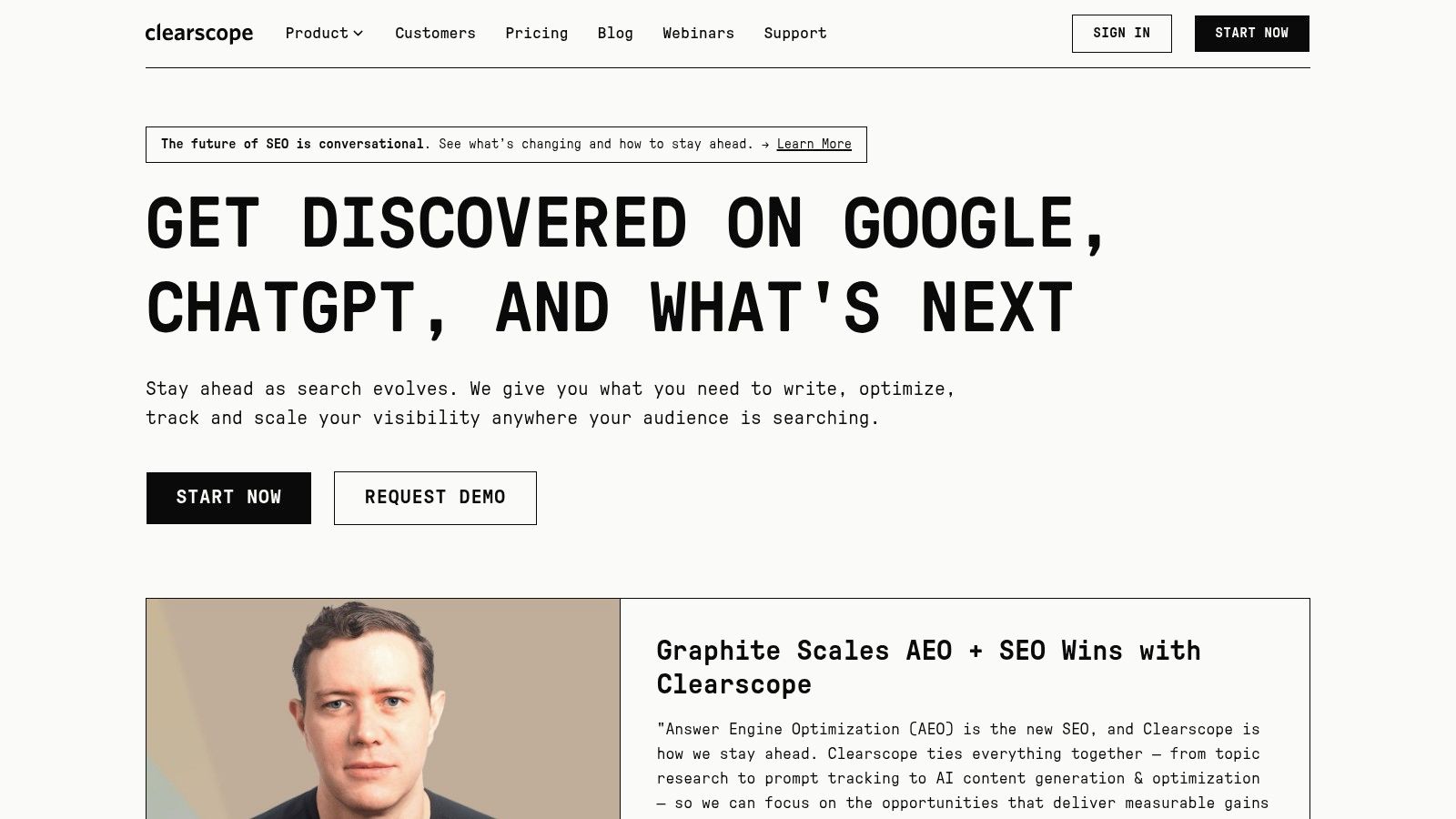
Unlike many alternatives that simply provide a keyword list, Clearscope's real-time Content Editor assigns a letter grade (A++ to F) as you write, giving writers immediate, actionable feedback. This grading system simplifies the optimization process, making it easy for writers of all skill levels to understand whether their content meets the topical depth required to compete in the SERPs. For example, where Surfer SEO uses a 0-100 score, Clearscope's grading feels more like an academic benchmark, which many teams find more intuitive for judging content quality.
Key Features & Use Cases
- Content Editor: Provides real-time content grading and term suggestions. Actionable Tip: Aim for an "A+" or higher by incorporating at least 80% of the recommended terms to ensure you've met the topical depth of top competitors.
- Topic Research & Keyword Discovery: Helps teams identify semantically related keywords and high-opportunity topics to build out content clusters.
- Shareable Briefs: Content strategists can generate comprehensive briefs with outlines, target terms, and competitor links, ensuring freelance writers and internal teams are perfectly aligned.
- Unlimited Users: All paid plans include unlimited user seats, making it a scalable solution for growing mid-market and enterprise teams.
Pricing & Implementation
Clearscope's pricing starts at $199/month for the Essentials plan, which includes 10 content reports and 20 topic discovery credits. The Professional plan ($399/month) is better suited for teams with higher content velocity. While there is no free trial, they offer month-to-month flexibility on standard plans, avoiding long-term contracts. Integration is straightforward with a Google Docs add-on and a WordPress plugin.
Pros & Cons
| Pros | Cons |
|---|---|
| Excellent UI & User Experience: Very intuitive and easy for writers to adopt. | Higher Price Point: More expensive than many competitors. |
| High-Quality Recommendations: NLP engine provides highly relevant terms. | Limited Credits: Content report credits are finite on all plans. |
| Strong Support & Onboarding: Ensures teams get value quickly. | No Built-in Writer: Lacks an integrated AI writing assistant. |
Bottom Line: Clearscope is the top-tier choice for content teams that prioritize quality and efficiency. Its clear, grade-based system removes guesswork, ensuring every piece of content aligns with the best content marketing practices for SEO. It is particularly effective for mid-market and enterprise organizations that need to scale high-quality content production across large teams or with external writers.
Website: https://www.clearscope.io
2. Surfer
Surfer is an all-in-one content intelligence platform that blends a powerful SERP-based content editor with an integrated AI writer. It excels at guiding writers to produce comprehensive, SEO-optimized articles by providing a data-driven framework based on what's already ranking. Its standout feature is the real-time Content Score, which gamifies the optimization process, making it one of the best content optimization tools for both solo creators and large marketing teams focused on velocity.
Unlike tools that focus solely on manual optimization, Surfer provides a balanced approach by offering AI-generated articles as a starting point. This allows teams to dramatically increase content velocity without sacrificing quality. The platform analyzes top competitors to suggest structure, key terms, and questions, which are then integrated into its Content Editor for refinement. This hybrid AI-plus-human model makes it more action-oriented for scaling output compared to a refinement-focused tool like Clearscope.
Key Features & Use Cases
- Content Editor: Gives a live Content Score (0-100) based on term usage, structure, and word count. Actionable Tip: Don't just chase a high score; use the competitor analysis tab to ensure your article structure and headings logically cover the topic better than top-ranking pages.
- AI Articles: Generates complete, rank-ready drafts based on a target keyword, allowing teams to go from concept to a near-final article in minutes. This is ideal for a demand generation manager looking to quickly populate a new blog category.
- Audit Tool: Analyzes existing pages on your site, identifies content gaps against current top performers, and provides actionable recommendations to improve rankings.
- Custom Templates & AI Voices: Allows teams to maintain brand consistency across all AI-generated content, ensuring a unified tone in everything from blog posts to landing page copy.
Pricing & Implementation
Surfer offers several plans, starting with the Essential plan at $89/month (paid annually), which includes 25 content editor credits and 10 AI articles per month. Higher-tier plans add more credits, team seats, and advanced features like API access. While there is no free trial, they offer a 7-day money-back guarantee. Implementation is simple with a browser extension, a Google Docs add-on, and a WordPress plugin for seamless workflow integration.
Pros & Cons
| Pros | Cons |
|---|---|
| Balanced AI & Manual Tools: Supports both AI drafting and human refinement. | AI Credits Can Be Limiting: High-volume teams may need top-ups. |
| Clear, Gamified Interface: The Content Score makes optimization intuitive. | Enterprise Plan is Annual Only: Lacks month-to-month flexibility for enterprise. |
| Excellent Audit Feature: Provides actionable insights for existing content. | Learning Curve for Advanced Features: Some tools require time to master. |
Bottom Line: Surfer is an excellent choice for marketing teams focused on speed and scale. Its combination of AI-assisted drafting and a robust, data-driven editor streamlines the entire content creation lifecycle. It is particularly valuable for mid-market companies that need to produce a high volume of quality content consistently and improve the performance of their existing content assets.
Website: https://www.surferseo.com
3. MarketMuse
MarketMuse is an end-to-end content intelligence and strategy platform that helps marketing teams build topical authority at scale. Its primary strength lies in its ability to analyze an entire website's content inventory, identify topical gaps, and prioritize which pages to create or update for maximum impact. This makes it one of the best content optimization tools for organizations with extensive content libraries seeking a data-driven approach to planning.
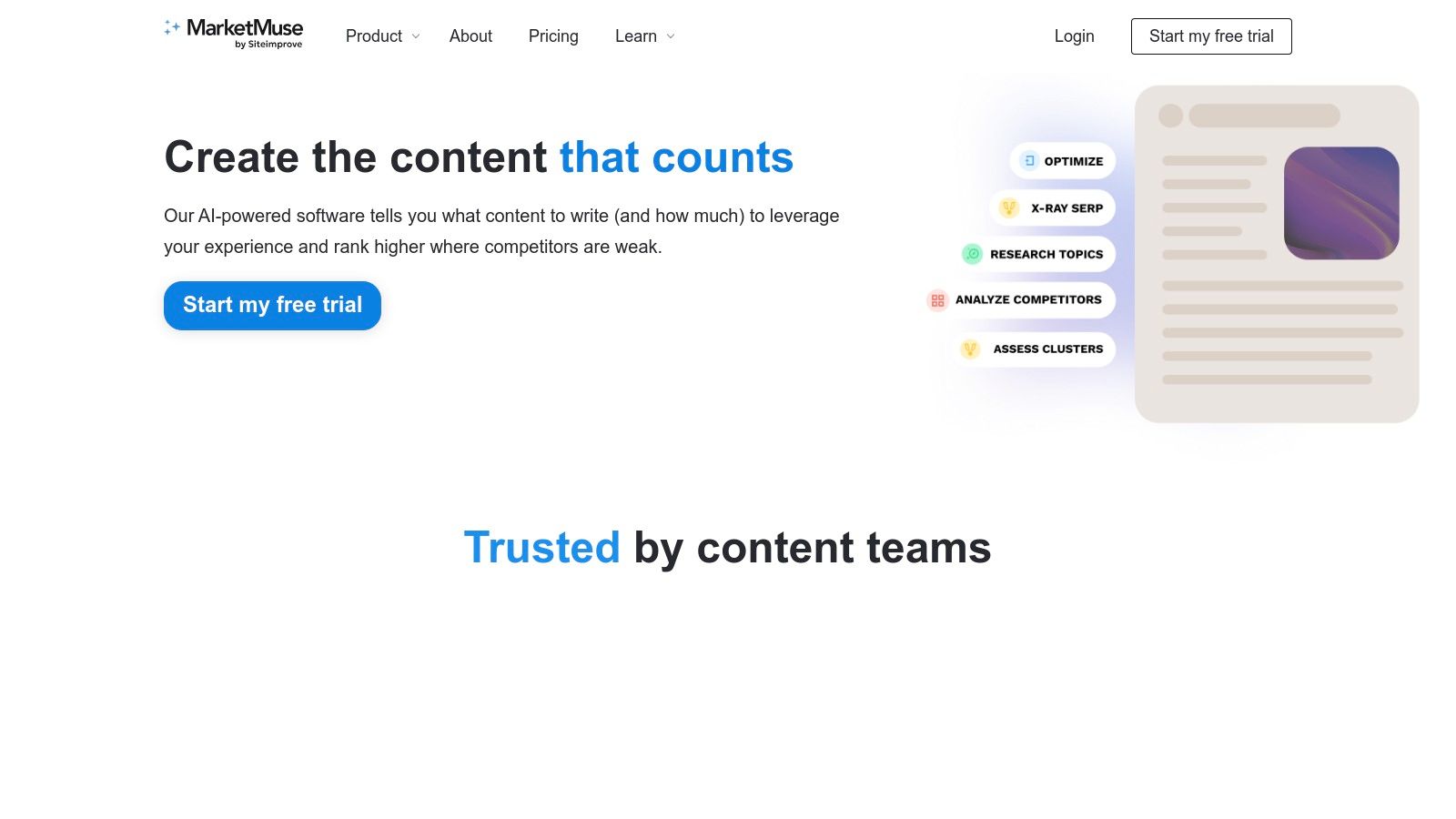
Unlike tools that focus solely on single-page optimization like POP or Dashword, MarketMuse provides a holistic view of your content ecosystem. It uses patented AI to model topics and generate personalized difficulty scores, helping strategists make informed decisions about resource allocation. The platform's workflow is built around creating comprehensive briefs and optimizing content within its editor, ensuring that every piece contributes to the broader SEO strategy. This strategic depth is ideal for teams moving beyond keyword-by-keyword tactics.
Key Features & Use Cases
- Content Inventory & Audit: Automatically catalogs and analyzes all of a site's content to identify high-priority optimization opportunities. Actionable Tip: Use the "Heatmap" view to visually identify your strongest and weakest topic clusters, then prioritize updating content in the weakest clusters first.
- Content Briefs: Generates detailed, shareable outlines with topic models, internal link suggestions, and questions to answer, streamlining content creation for internal or external writers.
- Topic Research & Clustering: Helps identify and build authority around core business topics by suggesting related content ideas and forming content clusters.
- Real-time Optimization: The Optimize editor provides a content score and term suggestions to guide writers in real-time, similar to other platforms.
Pricing & Implementation
MarketMuse offers a limited Free plan, which is excellent for trying out the core workflows on a small scale. Paid plans start with the Standard tier at $149/month ($1,500/year), offering more queries and briefs. Higher tiers unlock advanced inventory and strategy features. Implementation involves connecting your domain for the content audit, but the core optimization tools can be used immediately without deep integration.
Pros & Cons
| Pros | Cons |
|---|---|
| Deep strategy tooling for large content libraries. | Significant learning curve for non-SEOs or smaller teams. |
| Excellent for prioritizing updates vs. new content. | Many enterprise features are gated behind expensive plans. |
| Free tier available to trial core workflows. | Interface can feel complex compared to simpler editors. |
Bottom Line: MarketMuse is the go-to platform for mature content teams that need to manage and scale a large content library strategically. It excels at answering the question, "What should we work on next?" by providing data to back up every content decision. While it might be overkill for smaller teams, it is an invaluable strategic asset for mid-market and enterprise companies focused on achieving and defending topical authority.
Website: https://www.marketmuse.com
4. Frase
Frase is an all-in-one SEO content workflow tool that streamlines the entire process from research to optimization. It excels at quickly analyzing top SERP results for a target keyword to generate data-driven content briefs, outlines, and topic suggestions. This makes it one of the best content optimization tools for teams that need to produce high-quality content at a faster pace.
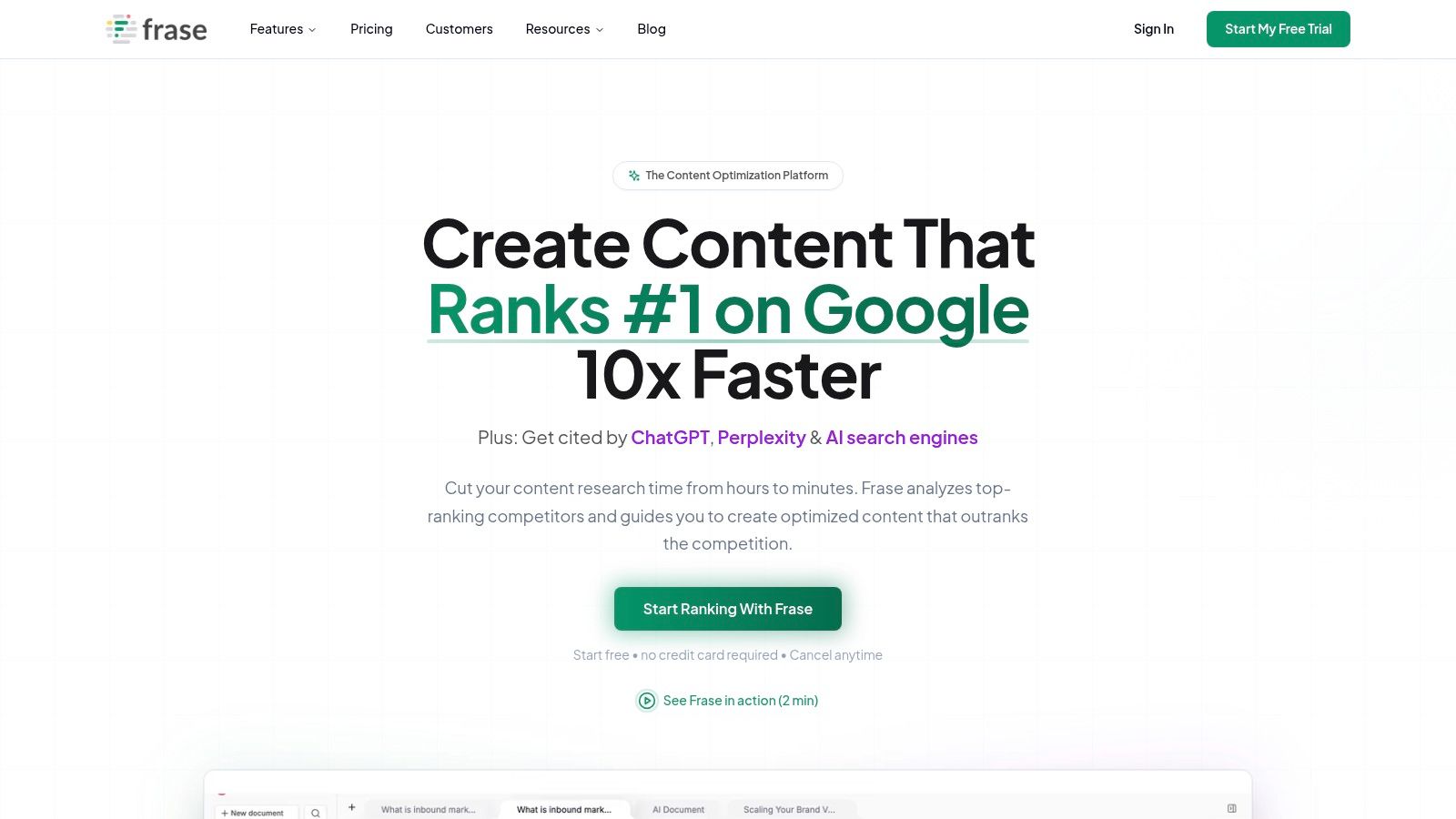
Unlike tools that focus solely on optimization, Frase integrates the research and brief-building phases directly into its editor. Its Topic Score provides a clear benchmark for topical coverage, similar to competitors, but its workflow is uniquely designed to accelerate content creation from the very beginning. The key differentiator from a tool like Surfer is its focus on research automation; where Surfer focuses on the AI draft, Frase focuses on automating the brief.
Key Features & Use Cases
- SERP Analysis & Outline Builder: Automatically pulls headings, questions, and stats from top-ranking pages to build comprehensive outlines in minutes. Actionable Tip: Use the "SERP Explorer" to quickly drag-and-drop competitor headings into your own outline, then rephrase them to create a unique and comprehensive structure.
- Content Optimization with Topic Score: The editor scores your content against competitors based on term usage, guiding writers to fill topical gaps.
- Rank-Ready AI Documents (à la carte): An optional service where Frase's team uses its AI to create a fully optimized, 1,500+ word article for a flat fee, perfect for teams needing overflow support.
- SEO Analytics & Content Opportunity: Identifies keyword decay and new content opportunities by integrating with Google Search Console.
Pricing & Implementation
Frase's pricing begins with the Solo plan at $14.99/month, which is limited to 4 articles per month. The Basic plan ($44.99/month) offers 30 articles, making it more suitable for small teams. The Team plan ($114.99/month) includes 3 user seats and unlimited documents. Implementation is simple with a direct editor and integrations for Google Docs and WordPress.
Pros & Cons
| Pros | Cons |
|---|---|
| Excellent Research & Briefing Tools: Dramatically speeds up content planning. | Project Quotas: Lower-tier plans have tight document limits. |
| Flexible AI Writing Options: Offers both subscription and one-off documents. | UI Can Feel Cluttered: The interface has a steeper learning curve. |
| Affordable Entry Point: The solo plan is very accessible for individuals. | Advanced Features Gated: Some features require higher tiers or add-ons. |
Bottom Line: Frase is an excellent choice for content creators and small teams who value speed and efficiency in their workflow. Its strength lies in automating the tedious research and outlining stages of content production. It's a great example of using AI for content creation to boost productivity.
Website: https://frase.io
5. Semrush
Semrush is an all-in-one digital marketing suite that has expanded its powerful SEO capabilities with a dedicated Content Marketing Toolkit. Its primary advantage is integration; teams already using Semrush for keyword research, competitor analysis, or rank tracking can seamlessly add content optimization to their workflow without needing a separate tool. This makes it one of the best content optimization tools for organizations seeking a unified marketing platform.
The platform's SEO Writing Assistant provides real-time feedback on readability, originality, tone of voice, and SEO directly within Google Docs or WordPress. Unlike standalone editors, Semrush pulls data from its massive keyword and competitor databases to inform its recommendations, offering a more holistic view of the SERP landscape. For a team already invested in the Semrush ecosystem, choosing this tool is an actionable way to consolidate your tech stack and avoid paying for a separate subscription to a tool like Clearscope or Surfer.
Key Features & Use Cases
- SEO Writing Assistant: A real-time content editor that provides optimization suggestions based on top-ranking competitors. Actionable Tip: Connect it to a Google Doc for your writers, allowing them to optimize content in a familiar environment while you monitor progress from the Semrush dashboard.
- Topic Research: Generates content ideas and headlines based on a seed keyword, helping teams build out effective topic clusters and content calendars.
- Content Brief Generation: Quickly creates detailed briefs with target keywords, word count, readability scores, and competitor examples to send to writers.
- Content Audit & Tracking: Allows teams to analyze existing content performance and track the rankings of optimized pages, connecting creation efforts to business outcomes.
Pricing & Implementation
Semrush's content features are included in its Guru plan ($249.95/month) and Business plan ($499.95/month). Users on the lower-tier Pro plan can purchase the Content Marketing Toolkit as a standalone add-on. Semrush offers a 7-day free trial on its core plans, allowing teams to test the full suite. Implementation is simple with direct integrations for Google Docs and WordPress.
Pros & Cons
| Pros | Cons |
|---|---|
| Integrates with Broader SEO Data: Recommendations are backed by robust keyword and competitor analytics. | Cost Can Add Up: Full features require higher-tier plans or add-on costs. |
| All-in-One Platform: Combines content optimization with a full suite of marketing tools. | Less Specialized: The UI can feel less focused than dedicated content-only platforms. |
| Strong Content Audit Features: Excellent for identifying and refreshing existing content. | Learning Curve: The sheer number of tools can be overwhelming for new users. |
Bottom Line: Semrush is the ideal choice for marketing teams that want an integrated, data-driven approach to content and SEO. It's perfect for companies already invested in the Semrush ecosystem or those looking to consolidate their marketing stack. By connecting content creation directly to performance metrics, it helps teams better demonstrate the impact of their work and measure content marketing ROI.
Website: https://www.semrush.com
6. PageOptimizer Pro (POP)
PageOptimizer Pro (POP) is a highly technical on-page SEO tool designed for strategists and SEOs who want granular control over their optimization efforts. Its core function is to reverse-engineer the SERPs by analyzing top competitors, providing precise recommendations on everything from term frequency and variations to page structure and schema. This makes it one of the best content optimization tools for users who prefer data-driven, specific instructions over broad topical suggestions.
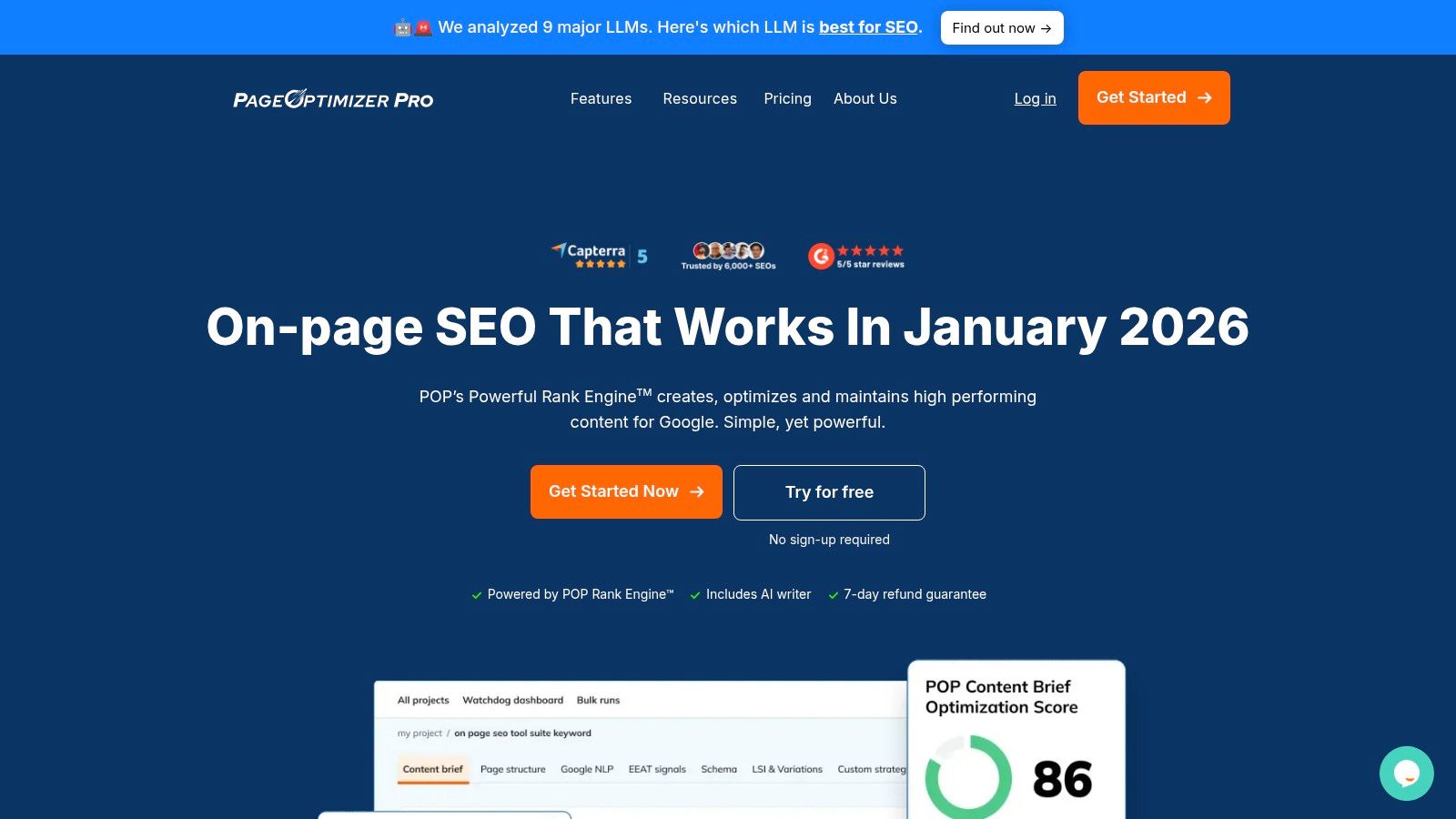
Unlike platforms that focus primarily on topical breadth, POP excels at providing exact targets for elements like H1-H6 tags, body copy, and bolded text, effectively giving you a scientific formula for a single page. Its interface is utilitarian and data-heavy, prioritizing function over aesthetics. If Clearscope provides a grade, POP provides a precise formula. This makes it more actionable for technical SEOs but potentially overwhelming for content writers.
Key Features & Use Cases
- Detailed POP Reports: Generates specific on-page SEO recommendations, telling users exactly which terms to use and where. Actionable Tip: Use the "Secret Sauce" setup to let POP automatically select the most relevant competitors, then focus on hitting the exact term counts suggested for your H1, H2s, and first paragraph.
- Google NLP & Entities View: Provides insight into how Google understands the key entities and concepts within a piece of content, helping to align with search engine interpretation.
- E-E-A-T Analysis: Offers checklist-style guidance to ensure content meets Google's Experience, Expertise, Authoritativeness, and Trustworthiness signals.
- AI Writer & Editor Integrations: Includes a built-in AI writing assistant and integrates directly with Google Docs and WordPress for a streamlined workflow.
Pricing & Implementation
POP offers a range of plans starting at $39/month for a single user, which includes 20 monthly reports. Higher-tier agency plans offer unlimited reports and sub-accounts for team collaboration. A 7-day free trial is available, allowing teams to test its granular approach. Implementation is simple with its browser-based editor and direct integrations with popular content management systems.
Pros & Cons
| Pros | Cons |
|---|---|
| Granular Control: Offers precise, actionable recommendations for on-page factors. | Utilitarian Interface: Less visually polished than some competitors. |
| Unlimited Reports: Available on higher-tier plans, great for agencies. | Complex for Beginners: The data-heavy approach can have a steep learning curve. |
| Strong Technical Focus: Excellent for E-E-A-T and NLP-based optimizations. | Confusing Credit System: The credit and report system can be confusing initially. |
Bottom Line: PageOptimizer Pro is the ideal tool for experienced SEOs and content strategists who want to move beyond general guidance and implement precise, data-backed on-page optimizations. It's less suited for beginners but provides unparalleled control for teams focused on technical SEO and achieving page-level ranking perfection.
Website: https://www.pageoptimizer.pro
7. Dashword
Dashword is a lightweight and accessible content optimization platform designed for smaller teams and solo creators who need a streamlined workflow without the complexity of an enterprise SEO suite. It excels at generating data-driven content briefs and providing a simple, effective content editor. The platform analyzes top-ranking pages to deliver actionable term recommendations, making it one of the best content optimization tools for those who prioritize speed and ease of use.
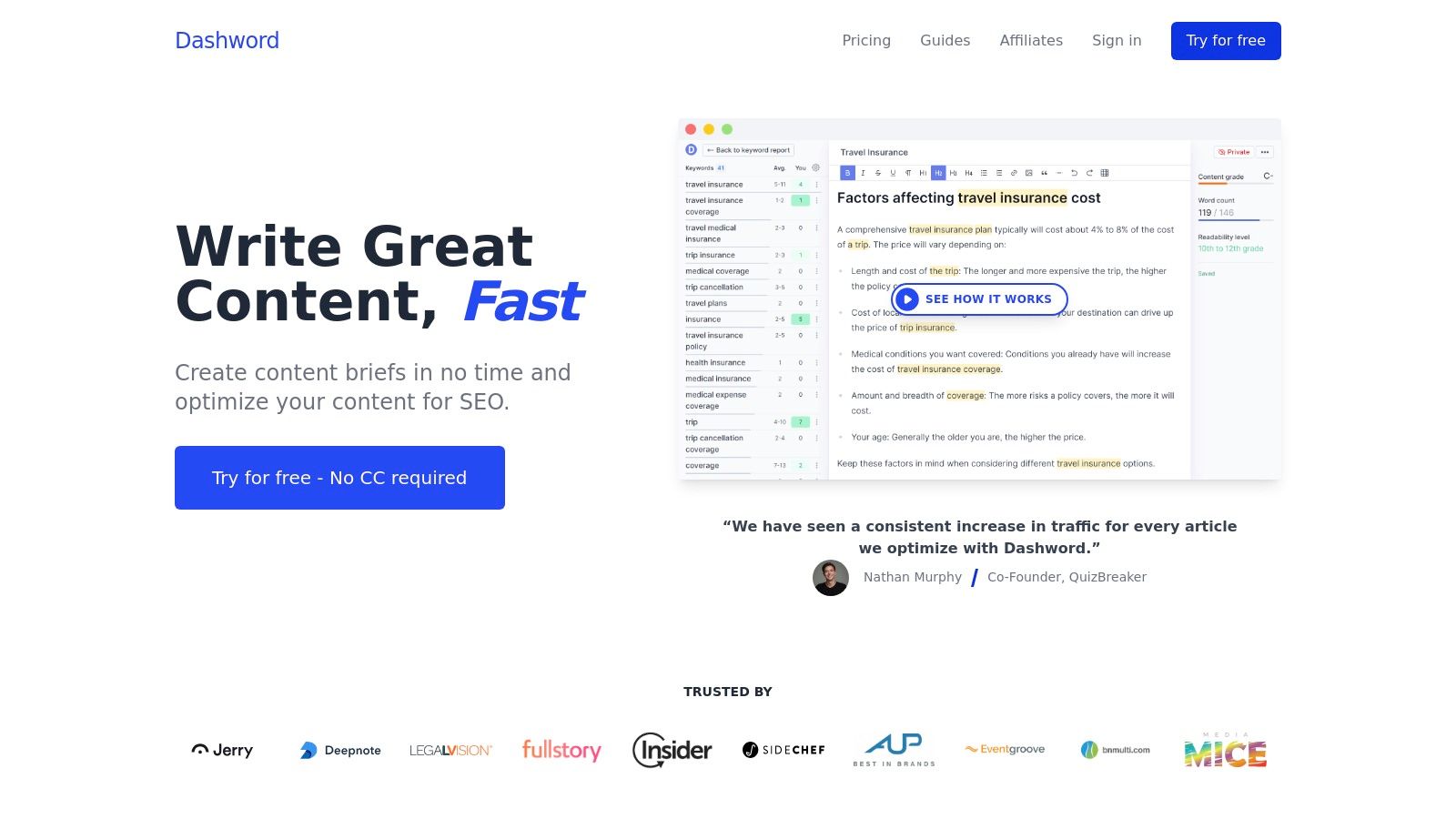
Unlike more comprehensive platforms like MarketMuse, Dashword focuses exclusively on the core tasks of briefing and optimization. Its standout feature is its simplicity and predictable pricing, offering a "first report free" model that allows users to test the full functionality without commitment. This makes it a great entry point for teams dipping their toes into structured content optimization before investing in a more robust solution like Clearscope or Surfer SEO.
Key Features & Use Cases
- Content Briefs & Reports: Quickly generate briefs with key topics, competitor outlines, and word count targets. Actionable Tip: Generate a report for free on a keyword you're targeting. If the recommendations significantly improve your content's score, it's a strong signal the paid plan is worth the investment.
- Real-Time Content Editor: Provides a content score and term suggestions as you write, helping to ensure topical relevance and completeness.
- Google Docs Add-on: Allows writers to optimize content directly within their preferred writing environment, which improves workflow efficiency for teams.
- Bulk Report Creation: The Business plan enables users to generate multiple reports at once, a useful feature for content strategists planning a content calendar in advance.
Pricing & Implementation
Dashword offers straightforward pricing starting with a Hobby plan at $39/month for 5 reports. The Startup plan at $109/month includes 20 reports and a monthly AI writer quota. The Business plan ($349/month) offers 100 reports, bulk creation, and API access. With a "first report free" offer, teams can easily trial the tool. Implementation is simple, requiring no technical setup beyond the optional Google Docs add-on.
Pros & Cons
| Pros | Cons |
|---|---|
| First Report Free: Excellent for a no-risk trial and evaluation. | Limited Depth: Lacks the advanced NLP of premium competitors. |
| Simple & Intuitive UI: Very easy to learn and use immediately. | Fewer Adjacent SEO Tools: No features for backlink analysis or tech SEO. |
| Affordable Pricing: A cost-effective solution for smaller teams. | Limited Integrations: Primarily focused on its own editor and Google Docs. |
Bottom Line: Dashword is an ideal choice for startups, small businesses, and freelance content strategists who need a simple, no-frills tool for creating effective content briefs and optimizing articles. Its straightforward approach and affordable, transparent pricing make it a practical and valuable addition to a lean marketing stack. It's particularly useful for teams that need to produce optimized content consistently but don't require the advanced features of a full-scale SEO platform.
Website: https://www.dashword.com
8. NEURONwriter
NEURONwriter is an affordable, feature-rich content optimization platform that leverages NLP-driven recommendations to improve on-page SEO. It stands out by offering a comprehensive suite of tools, including AI writing and plagiarism checking, at a price point accessible to freelancers, SMBs, and smaller agencies. This makes it one of the best content optimization tools for users seeking a powerful yet budget-friendly alternative to more expensive enterprise solutions.
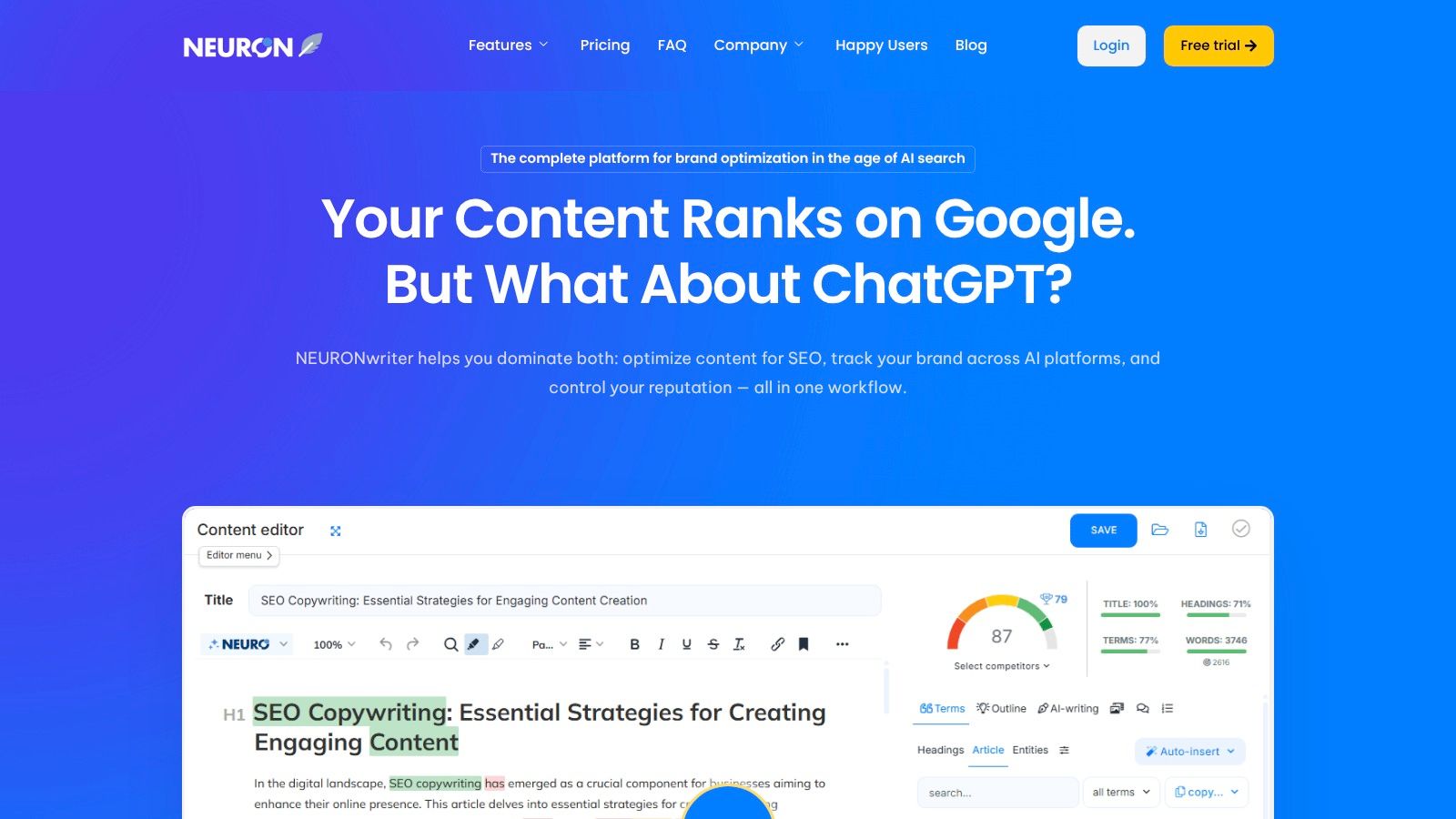
The platform's core is its Content Editor, which analyzes SERP competitors to generate semantic term suggestions and provides a real-time optimization score. While its interface is less polished than premium rivals like Clearscope, it packs significant functionality. The inclusion of AI-driven outlining and one-click article generation via its Content Designer feature helps teams accelerate their content creation workflow from research to final draft, making it a strong competitor to Surfer for teams on a tighter budget.
Key Features & Use Cases
- Content Editor: Provides live scoring and NLP term suggestions to help writers optimize new content or improve existing pages. Actionable Tip: In the competitor selection screen, deselect irrelevant results like forums or Pinterest to ensure your term recommendations are based only on direct content competitors.
- AI Writing & Templates: Includes a one-click article drafter and various AI templates to quickly generate outlines, introductions, and other content elements.
- Google Search Console Integration: Connects with GSC to help teams identify and prioritize content that needs optimization based on performance data.
- Plagiarism Checker: A built-in checker (available on Gold plans and higher) ensures content originality without needing a separate tool.
Pricing & Implementation
NEURONwriter's pricing is highly competitive, starting from €19/month for the Bronze plan, which includes 25 content analyses and 15,000 AI credits. Higher tiers like the Gold plan (€57/month) offer significantly more credits, plagiarism checks, and API access. Integrations are available for WordPress and Shopify, facilitating direct publishing and updates from the platform's editor.
Pros & Cons
| Pros | Cons |
|---|---|
| High Value for Cost: Generous report and credit limits for the price. | Less Polished UI: The interface can feel less intuitive than rivals. |
| Integrated AI Writer: Includes AI drafting capabilities in all plans. | Mixed Currency/Formats: Pricing and website can be confusing. |
| Built-in Plagiarism Checker: Adds value on mid-tier and higher plans. | Limited Team Features: Lacks advanced collaboration tools. |
Bottom Line: NEURONwriter is an excellent choice for solo content creators, small businesses, and agencies that need a robust set of optimization and AI writing tools without a high monthly expense. Its generous credit system and all-in-one feature set provide exceptional value, making it a powerful engine for scaling content production on a budget.
Website: https://neuronwriter.com
9. Scalenut
Scalenut is an AI-powered content lifecycle platform that consolidates planning, creation, optimization, and performance monitoring into a single workflow. It stands out by combining an NLP-driven content editor with keyword clustering and auditing features, making it a versatile choice for teams looking to manage multiple SEO functions without switching tools. This all-in-one approach positions Scalenut as one of the best content optimization tools for businesses seeking a comprehensive yet affordable solution.
Unlike specialized editors, Scalenut's "Cruise Mode" can generate a full first draft from a target keyword, which writers can then refine in the content editor using real-time term suggestions and grading. The platform also offers unique monitoring features like Watchtower on its higher-tier plans, which tracks the AI visibility of your content across different search engines. This makes it a more strategic tool than a pure AI writer, combining content creation with performance tracking.
Key Features & Use Cases
- Topic Clusters: Automatically groups keywords into thematic clusters, helping content strategists plan pillar pages and supporting articles to build topical authority. Actionable Tip: Export the topic cluster map as a CSV to use as a direct input for your content calendar, assigning each article in the cluster to a writer.
- AI Content Editor: Provides NLP term recommendations, real-time scoring, and auto-optimization features to guide writers in creating comprehensive, competitive content.
- Cruise Mode: A five-minute AI article writer that generates a structured first draft, ideal for scaling content production for blog posts or knowledge base articles.
- Watchtower: A unique feature on higher plans that monitors AI visibility and content decay, providing alerts for when articles need to be refreshed.
Pricing & Implementation
Scalenut offers several pricing tiers, often with aggressive promotional deals, especially for annual commitments. The Essentials plan starts at $39/month, providing a solid entry point for individuals and small teams. The Growth plan at $79/month adds more features and higher credit limits. There is no native WordPress plugin, so implementation involves copying and pasting content from the editor to your CMS.
Pros & Cons
| Pros | Cons |
|---|---|
| All-in-One Platform: Combines planning, writing, and optimization tools. | Complex Plan Tiers: Feature and credit allowances can be confusing. |
| Aggressive Pricing: Often provides significant value, especially on annual deals. | Learning Curve: The number of features can feel overwhelming initially. |
| Topic Cluster Generation: Excellent for building out a content strategy. | Best Value Tied to Annual Plans: Monthly options are less cost-effective. |
Bottom Line: Scalenut is an excellent option for marketing teams and agencies that want to streamline their entire content workflow within one platform. Its combination of AI drafting, NLP-driven optimization, and strategic planning tools offers a powerful, cost-effective alternative to purchasing multiple specialized solutions. It is particularly well-suited for teams focused on rapidly scaling their content output without sacrificing quality.
Website: https://www.scalenut.com
10. Outranking
Outranking is an AI-powered content platform built to streamline and scale SEO workflows from concept to publication. It distinguishes itself by focusing heavily on automating the initial, time-consuming stages of content creation, such as research, outlining, and first-draft writing. This makes it one of the best content optimization tools for marketing teams looking to standardize their content briefing and drafting processes at a competitive price point.
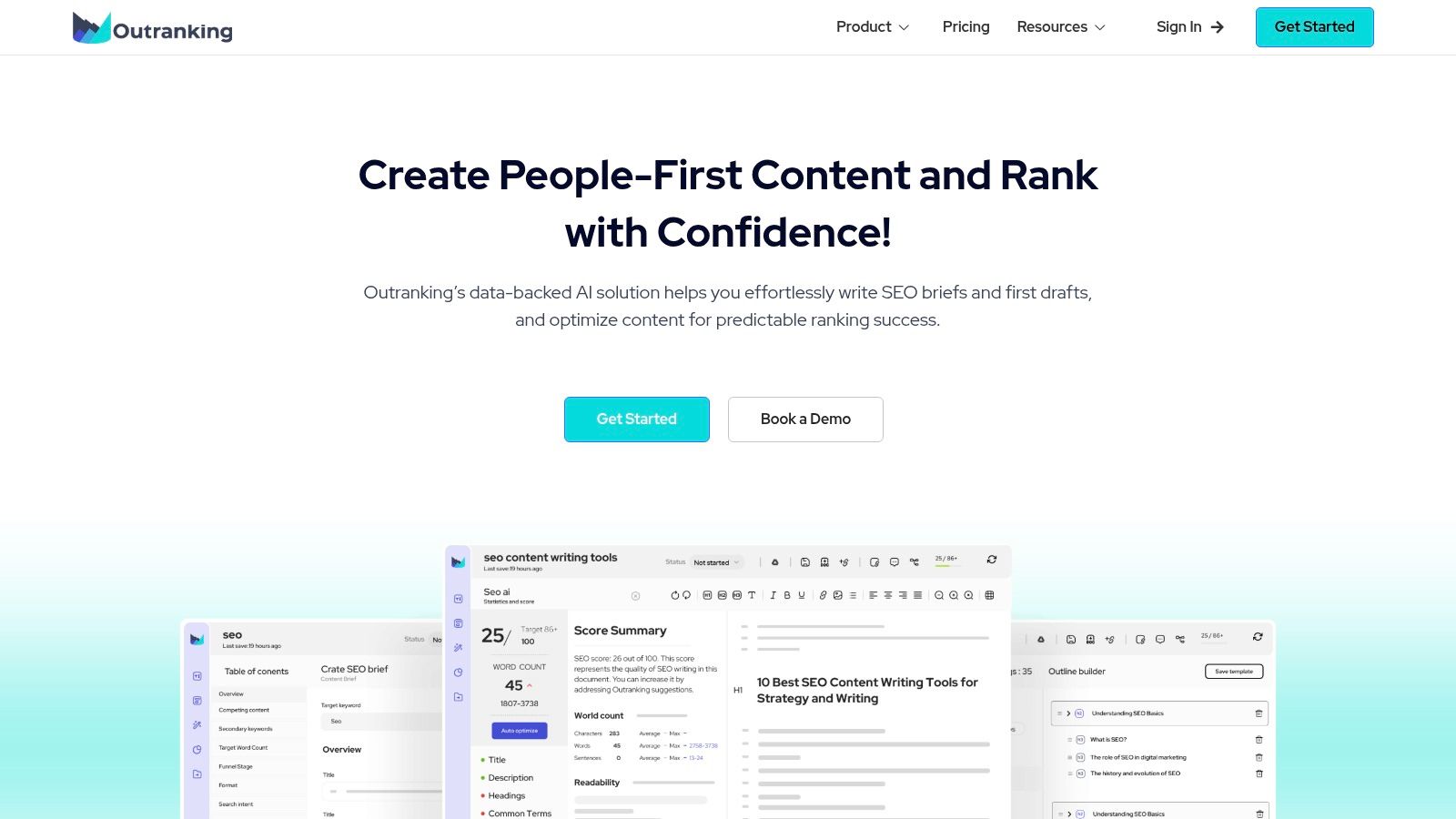
Unlike tools that focus solely on post-writing analysis, Outranking uses AI to generate comprehensive briefs and multiple first drafts for a target keyword. This front-loaded approach allows content strategists to provide writers with a rich, data-driven foundation, significantly reducing research time. This makes it a strong alternative to Frase for teams that prefer getting a full draft instead of just an outline as their starting point.
Key Features & Use Cases
- AI-Powered Briefs & Drafts: Generates detailed outlines and several unique AI first drafts for any keyword. Actionable Tip: Instead of using one AI draft, combine the best sections from two or three different generated drafts to create a more robust and unique starting point for your writer.
- Automatic Internal Linking: Scans your published content to suggest relevant internal link opportunities, helping to improve topical authority and user navigation.
- On-Page SEO Optimization: Offers a real-time content editor that scores content and suggests improvements based on SERP analysis, similar to other leading platforms.
- CMS & Document Integrations: Connects directly with Google Docs, WordPress, and other tools to simplify the content publishing workflow.
Pricing & Implementation
Outranking offers several plans, starting with the Solo plan at $79/month, which is quite limited at 10 documents per month. The Pro plan at $149/month offers more value with 30 documents and unlimited AI drafts, making it a better entry point for small teams. Higher-tier plans are available for agencies and larger organizations. Implementation is straightforward, with integrations requiring minimal setup.
Pros & Cons
| Pros | Cons |
|---|---|
| Unlimited AI/SEO Drafts: Mid-tier plans offer unlimited draft generation. | Limited Starter Plan: The entry-level plan includes few documents. |
| Excellent for Scaling Outlines: Automates the most tedious part of creation. | Smaller Ecosystem: Lacks the breadth of a full SEO suite. |
| Competitive Pricing: Offers strong features for the cost on higher plans. | Learning Curve: The UI can feel less intuitive than some alternatives. |
Bottom Line: Outranking is an excellent choice for content teams that need to scale the production of well-researched first drafts and outlines. Its strength in workflow automation makes it ideal for organizations looking to standardize their content creation process and empower writers to focus more on creativity and refinement, rather than manual research.
Website: https://www.outranking.io
11. SE Ranking
SE Ranking is a comprehensive, all-in-one SEO platform that offers a powerful suite of content marketing tools as part of its broader toolkit. Its primary appeal lies in providing rank tracking, site audits, and competitor analysis alongside a robust Content Editor, making it an excellent choice for teams seeking a consolidated solution. This positions it as one of the best content optimization tools for businesses wanting to manage their entire SEO workflow without subscribing to multiple single-purpose platforms.
Unlike standalone content optimizers, SE Ranking's value is magnified by its integrated nature. It directly competes with Semrush by offering a similar "all-in-one" value proposition, often at a more accessible price point. The key action here is to compare its feature set against Semrush for your specific needs; if you don't require the full depth of Semrush's data, SE Ranking can be a more cost-effective way to get a similar integrated workflow.
Key Features & Use Cases
- Content Editor: Provides real-time content scores, competitor analysis, and term suggestions to guide the writing process. It's ideal for creating new blog posts or landing pages that are optimized from the start.
- On-Page SEO Checker: Analyzes any URL against its target keyword to generate a detailed report with actionable optimization tasks. Actionable Tip: Run your 5 top-performing but non-ranking pages through this tool to identify quick wins for refreshing existing content.
- Comprehensive SEO Suite: Includes rank tracking, keyword research, backlink analysis, and site audits, allowing teams to execute a full-circle SEO strategy.
- Flexible Add-Ons: Users can add content optimization and other features to their base plan, creating a custom toolset that aligns with their specific operational needs.
Pricing & Implementation
SE Ranking's pricing is highly flexible, starting at $55/month for the Essential plan. The Content Editor is available as an add-on, with pricing based on the number of articles needed, starting around $29/month. This a la carte model allows businesses to build a cost-effective plan. A 14-day free trial is available to test the full feature set. Implementation is simple, with no complex setup required, and integrations include Looker Studio (formerly Google Data Studio) on higher-tier plans.
Pros & Cons
| Pros | Cons |
|---|---|
| All-in-One Platform: Combines content tools with a full SEO suite. | Content Features are Add-Ons: Core functionality requires extra cost. |
| Flexible & Affordable Pricing: Lower entry point and customizable plans. | Complex Pricing Tiers: Can be confusing to configure the right plan. |
| 14-Day Free Trial: Allows for thorough evaluation before purchase. | UI Can Be Busy: The sheer number of tools can be overwhelming for new users. |
Bottom Line: SE Ranking is a stellar option for marketing teams and agencies that need a cost-effective, all-in-one SEO and content optimization solution. Its strength is in its integration; you can seamlessly move from keyword research to content creation and performance tracking. While it may not have the single-minded focus of a dedicated tool like Clearscope, its versatility and flexible pricing make it a top contender for businesses looking to maximize their SEO budget.
Website: https://seranking.com
12. Yoast SEO Premium
Yoast SEO Premium is an essential WordPress plugin that acts as a final checkpoint for on-page optimization. It lives directly inside the WordPress editor, providing real-time feedback on keyword usage, meta descriptions, and readability. Unlike standalone platforms, Yoast excels as a "last-mile" tool, ensuring that content created from external briefs and research is perfectly executed from a technical SEO perspective before hitting publish. This makes it one of the best content optimization tools for teams deeply integrated into the WordPress ecosystem.
The plugin's strength lies in its simplicity and direct integration. While it doesn't offer the deep competitor analysis of platforms like Clearscope, it provides immediate, actionable guidance on fundamental SEO and readability factors. The straightforward red, orange, and green light system allows writers and editors to quickly identify and fix issues without leaving their CMS. The most actionable way to use Yoast is in tandem with a strategic tool; use Surfer or Clearscope to write the content, then use Yoast to polish the final on-page details in WordPress.
Key Features & Use Cases
- Real-Time Content Analysis: Get instant feedback on SEO and readability scores as you write. Actionable Tip: Before publishing, ensure you have "green lights" for both SEO and Readability. Pay special attention to the readability score to make sure your content is accessible to a broad audience.
- Internal Linking Suggestions: Automatically suggests relevant internal links within your content, helping improve site structure and user navigation.
- Redirect Manager: Easily create and manage redirects when deleting posts or changing URLs, preventing broken links and preserving SEO value.
- AI Tools & Yoast Academy: The Premium plan includes AI tools to help generate titles and meta descriptions, plus access to extensive SEO training resources.
Pricing & Implementation
Yoast SEO Premium is priced as an annual license, costing $99/year for a single website. Pricing scales with the number of sites, and bundles are available for its other plugins (e.g., Local SEO, Video SEO). As a WordPress plugin, implementation is as simple as installing and activating it from the WordPress dashboard. There is also a free version with limited features.
Pros & Cons
| Pros | Cons |
|---|---|
| Seamless WordPress Integration: Works directly inside the editor for an efficient workflow. | WordPress-Only: Cannot be used on any platform outside of WordPress. |
| Comprehensive On-Page Guide: Covers all core on-page SEO elements effectively. | Lacks Competitive Depth: Recommendations are page-level, not based on deep SERP analysis. |
| Includes Support & Training: The annual license comes with access to support and educational resources. | Serves as a Complement: Best used with, not in place of, a dedicated content research tool. |
Bottom Line: Yoast SEO Premium is an indispensable tool for any marketing or sales team publishing content on a WordPress site. It's not a strategic research platform but a powerful implementation and quality assurance tool. It ensures that the foundational on-page SEO elements are perfectly aligned, making it a crucial final step in the content production process for teams of any size.
Website: https://yoast.com
Top 12 Content Optimization Tools Comparison
| Tool | ✨ Core features | ★ UX / Quality | 💰 Price / Value | 👥 Target audience | 🏆 Standout |
|---|---|---|---|---|---|
| Clearscope | Content Editor, term recommendations, topic research, reports | ★★★★☆ strong onboarding & support | 💰 Higher starting price; month-to-month | 👥 Content teams, enterprises | 🏆 High-quality recommendations & adoption |
| Surfer | Live Content Score editor, audits, AI Articles, plagiarism checker | ★★★★ balanced editor + AI | 💰 Predictable article limits; top-ups possible | 👥 Solo creators → large teams | 🏆 AI drafting + page audits |
| MarketMuse | Topic modeling, briefs, inventory, optimization scoring | ★★★☆☆ Deep strategy, steeper learning curve | 💰 Free tier; enterprise features gated | 👥 Large teams focused on topical authority | 🏆 Deep strategy tooling at scale |
| Frase | SERP analysis, outline builder, Topic Score, Rank-Ready AI docs | ★★★★ Flexible workflows; unlimited AI words on plans | 💰 Flexible pay-as-you-go + plan limits | 👥 Teams needing subscription + one-off docs | 🏆 Pay-as-you-go AI docs & flexibility |
| Semrush | SEO briefs, topic discovery, AI writing, WP export | ★★★★ Integrates broad SEO data | 💰 Add-ons add cost; 7-day trial | 👥 Teams already using Semrush ecosystem | 🏆 Integrated keyword + content data |
| PageOptimizer Pro (POP) | On-page recommendations, Google NLP, E-E-A-T, monitoring | ★★★ Utility UI, precise controls | 💰 Credit system; unlimited reports on higher tiers | 👥 Technical SEOs & on-page optimizers | 🏆 Precise page-level tuning |
| Dashword | Content briefs, optimization reports, Google Docs add-on | ★★★★ Lightweight & trial-friendly | 💰 First report free; clear seat/report limits | 👥 Small teams wanting predictability | 🏆 Simple, predictable briefs/value |
| NEURONwriter | NLP term suggestions, plagiarism checks, one-click drafts | ★★★ Budget-friendly, generous volumes | 💰 Low monthly cost; annual discounts | 👥 Freelancers & SMBs | 🏆 High analysis volume per $ |
| Scalenut | Keyword clustering, AI editor, auto-optimization, Watchtower | ★★★★ Combines creation + audits | 💰 Aggressive promos; complex plans | 👥 Teams wanting creation + visibility | 🏆 Creation + AI visibility tracking |
| Outranking | Briefs, multiple AI drafts, internal linking automation | ★★★★ Good for scaling drafts/outlines | 💰 Competitive pricing; starter limited | 👥 Teams standardizing first-drafts | 🏆 Multiple AI drafts & automation |
| SE Ranking | Content Editor (add-on), rank tracking, audits, backlinks | ★★★ Flexible with add-ons; usable UI | 💰 Lower entry; pay-for-addons model | 👥 Agencies needing all-in-one SEO | 🏆 Cost-effective suite with flexible billing |
| Yoast SEO Premium | Real-time WP editor analysis, internal linking, schema helpers | ★★★★ Easy inside WordPress | 💰 Annual license; WP-only | 👥 WordPress content teams | 🏆 Best 'last-mile' on-page WP plugin |
Try our Marketing Plan Generator — generate a complete AI-powered marketing plan in minutes. No signup required.
From Tool to Workflow: Making Your Choice Actionable
Navigating the landscape of the best content optimization tools can feel overwhelming, but making a deliberate choice is the first step toward transforming your content strategy from a guessing game into a data-driven powerhouse. Throughout this guide, we've dissected twelve leading platforms, moving beyond generic feature lists to uncover their specific strengths, ideal use cases, and practical limitations. We've seen how tools like Clearscope and Surfer excel in providing intuitive, real-time feedback for writers, while more comprehensive suites like MarketMuse and Semrush offer deep strategic planning and competitive analysis capabilities for enterprise-level teams.
The core takeaway is that the "best" tool is not a one-size-fits-all solution; it's the one that seamlessly integrates into your team's existing workflow and directly addresses your most significant content gaps. Your decision hinges on a clear understanding of your primary objectives. Are you focused on scaling content production with AI assistance, as offered by platforms like Scalenut and Frase? Or is your priority granular, on-page technical optimization, where PageOptimizer Pro (POP) and Yoast SEO shine? An honest assessment of your needs is the most critical part of the selection process.
Synthesizing Your Options: A Practical Framework
To make your decision actionable, let's move from comparison to implementation. The real ROI of any content optimization software isn't just in its features, but in how well it's adopted and utilized by your team. Before committing, consider the following strategic checkpoints:
- Workflow Integration: How does a potential tool fit into your current content creation process? Action Step: Map out your content process from brief to publish. Identify the biggest bottleneck. Is it research? Drafting? Optimizing? Choose the tool that directly solves that specific bottleneck. For example, if briefing is your pain point, choose Frase. If first drafts are the problem, choose Surfer or Outranking.
- Team Skillset: Evaluate the technical proficiency of your primary users. Tools like Surfer and NEURONwriter are celebrated for their user-friendly interfaces, making them ideal for teams with varying levels of SEO expertise. In contrast, a platform like MarketMuse requires a more strategic commitment to unlock its full potential, making it better suited for dedicated content strategists and SEO managers.
- Data and Measurement: How will you measure success? Action Step: Before you buy, define 2-3 key metrics you expect the tool to improve (e.g., time-to-publish, average keyword ranking for new content, organic traffic to updated pages). After 90 days of using the tool, measure against these benchmarks to confirm you're getting value. For larger teams, integrating dedicated enterprise rank tracking software platforms can provide the comprehensive data needed to inform strategic decisions and scale content efforts effectively.
Final Thoughts: Beyond the Score
Ultimately, content optimization tools are powerful enablers, not magic wands. They provide the data-backed guidance needed to create content that resonates with both search engines and your target audience, from business development representatives sourcing new leads to VPs of Sales crafting a market narrative. The most successful teams view these platforms not as a final checklist to be completed, but as a strategic partner that informs every stage of the content lifecycle, from ideation and creation to optimization and performance analysis.
By choosing a tool that aligns with your team's specific goals, budget, and workflow, you equip your sales and marketing professionals with the insights they need to turn content into a predictable engine for demand generation. This strategic alignment is what elevates a simple piece of software into a cornerstone of your growth strategy.
Ready to bridge the gap between your sales and marketing content? While the tools above optimize your content for search, marketbetter.ai ensures it's perfectly tuned for your sales team's success. Visit marketbetter.ai to discover how we empower BDRs and SDRs with the precise, relevant content they need to close more deals.