4 posts tagged with "new-features"

View All Tags

What's New: Smart Scheduler Redesign, Sequence Controls, AI Auto-Recharge & More

ยท 5 min read
sunder
Founder, marketbetter.ai

Big week at MarketBetter. The team shipped a stack of updates that make your day-to-day workflow faster and give you more control over your pipeline โ€” without ever leaving the platform.

Here's everything that's new.

Smart Scheduler: Completely Redesignedโ€‹

We rebuilt the meeting routing experience from the ground up.

What changed:

Previously, setting up meeting routing meant configuring abstract rules in a list. Now you'll see a clear, visual two-step waterfall flow that makes it obvious exactly how leads get routed:

  • Step 1: CRM Account Owner โ€” When a lead comes in, MarketBetter checks your CRM for an existing account owner. If there's a match, the meeting goes directly to the right rep.
  • Step 2: Unmatched Leads โ€” Leads without a CRM match get distributed via round robin or routed to a specific fallback rep.

The entire UI uses generic "CRM" terminology now, because this brings us to the biggest improvement:

HubSpot Support for Meeting Routingโ€‹

Smart Scheduler now works with both Salesforce and HubSpot. If you're connected to either CRM (or both), the system automatically detects your integration and routes leads through the right one. No configuration needed โ€” it just works.

For teams on HubSpot, this means you finally get the same intelligent owner-based routing that Salesforce users have had.
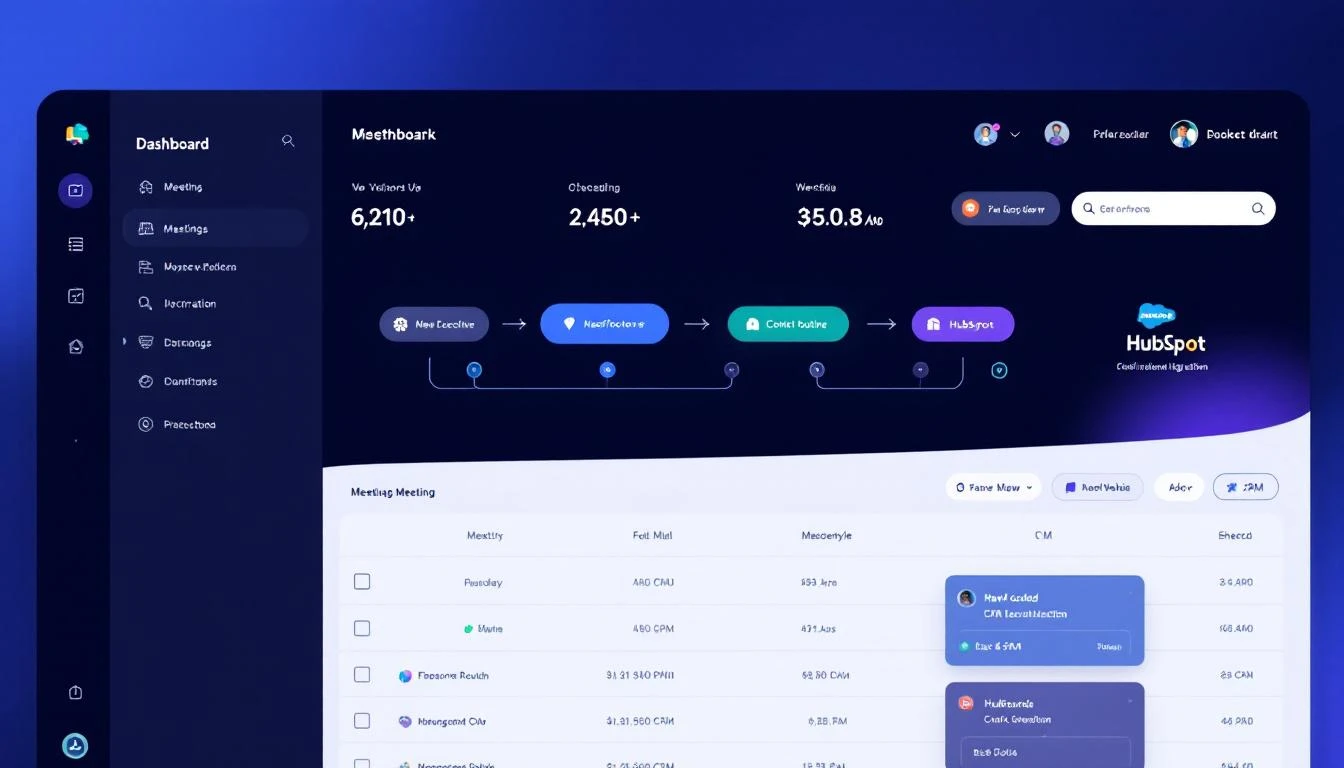
Smart Scheduler waterfall routing with CRM integration

Also new: You can't accidentally activate Smart Scheduler with an empty SDR pool anymore. The toggle stays disabled until you add at least one rep, with a clear warning explaining why.

Pause, Resume & End Sequences โ€” Right From Activityโ€‹

Your Activity page just became a lot more powerful.

Every lead in your Activity feed now shows its current sequence status โ€” Active, Paused, Ended, or Completed โ€” with a colored badge so you can scan at a glance.

More importantly, you can now take action directly from the Activity page:

  • Pause a running sequence to temporarily stop outreach
  • Resume a paused sequence to pick back up where you left off
  • End a sequence entirely (with a confirmation dialog, so you don't accidentally kill a live campaign)

No more digging through separate sequence management screens. See a lead's engagement dropping? Pause the sequence right there. Ready to re-engage? Resume with one click.
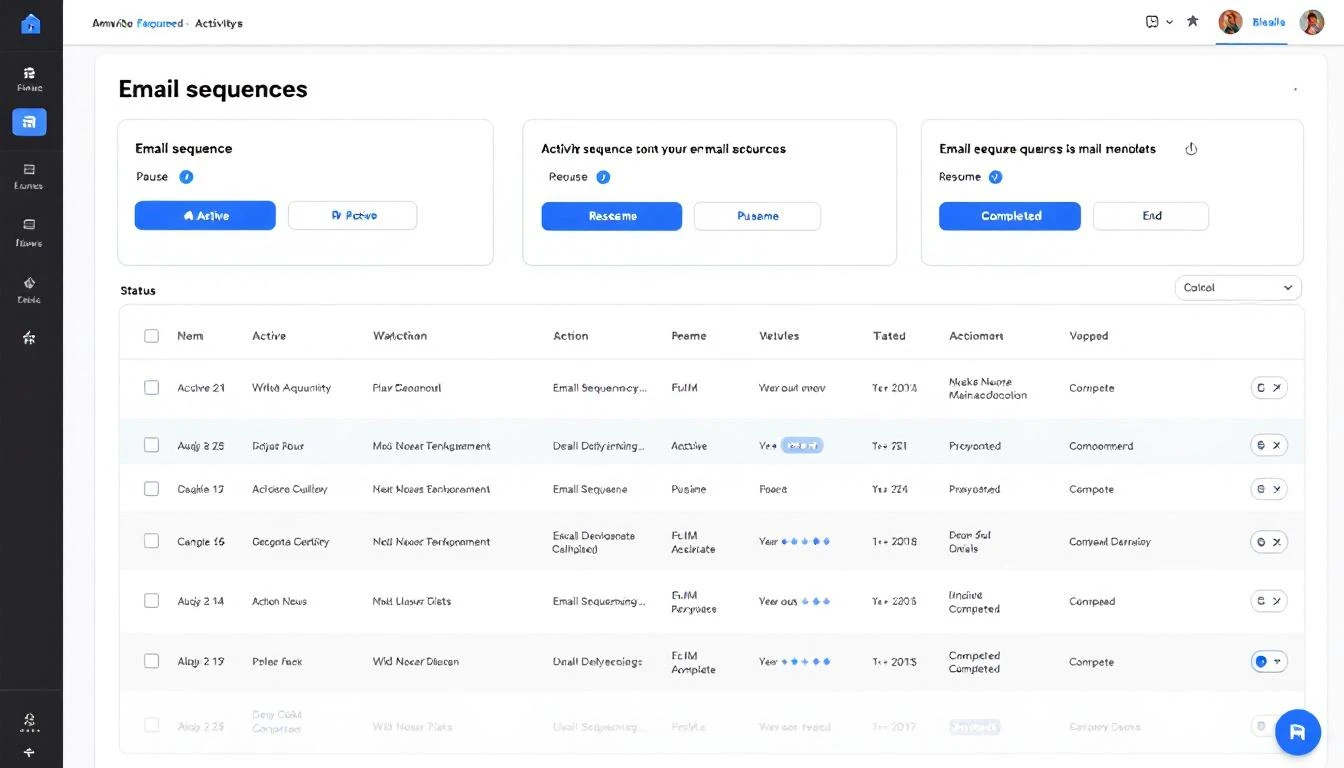
Sequence controls in the Activity page with status badges

AI Credit Auto-Rechargeโ€‹

Running out of AI credits mid-campaign is the kind of thing that quietly kills pipeline. Now you can set it and forget it.

How it works:

  1. Go to Settings โ†’ Billing & Usage
  2. Under AI Credits, toggle on Auto-Recharge
  3. Set your recharge threshold (e.g., when balance drops below 500K credits)
  4. Pick a package size (small, medium, or large)

When your balance hits the threshold, MarketBetter automatically charges your card and tops up your credits. You'll get an email notification every time it fires. Same flow you already know from enrichment credit auto-recharge โ€” now available for AI credits too.

Self-Serve Seat Purchasesโ€‹

Adding team members just got frictionless.

When you try to enable a team member and you're at your seat limit, instead of getting an error, you'll see an "Add Seat ($99/mo)" dialog. Click confirm, complete the Stripe checkout, and your new seat is immediately available. No back-and-forth with support, no waiting.

The billing page also now shows a clear seat counter (e.g., 3/5 seats used) so you always know where you stand.

Better Booking Experienceโ€‹

We made two small but important changes to the booking flow on your site:

  • The qualifying step now shows a neutral "Please wait a moment..." instead of revealing the qualification process
  • If a visitor doesn't match your ICP, they see a friendly "Thank you, we'll be in touch" message โ€” not a rejection screen

First impressions matter. These changes make sure every visitor has a professional experience, even if they're not the right fit today.

Workspace Security: Domain Enforcementโ€‹

New workspaces are now tied to your email domain. One domain, one workspace โ€” no more accidental duplicate accounts or unauthorized joins.

Self-service "join workspace" links have been retired. Team members are now added by workspace admins only, giving you full control over who has access.

Improved Email Validationโ€‹

We upgraded our email validation engine under the hood. What this means for you: more accurate bounce prediction and better deliverability scores across your outreach sequences. Fewer emails hitting dead inboxes means higher sender reputation and more replies landing where they should.

Settings Navigation Updateโ€‹

One small rename: Outreach in your settings menu is now Channels. Same settings, clearer name โ€” because your outreach spans email, dialer, chat, and more. The label should reflect that.


What's Coming Nextโ€‹

We're deep into the next batch of improvements โ€” smarter dialer workflows, expanded analytics, and tighter credit controls for enterprise teams. More soon.


Want to see these features in action? Book a demo โ†’

What's New: AI Lead Qualification, Smarter Emails, and Video Avatars

ยท 5 min read
sunder
Founder, marketbetter.ai

This was a big week. The team shipped features that touch every stage of the pipeline โ€” from the first demo request, to the emails your SDRs send, to how your chatbot greets visitors. Here's what's new.

AI-Powered Demo Qualificationโ€‹

Your book-a-demo page just got a lot smarter.

Instead of every form submission landing in a calendar invite and hoping for the best, MarketBetter now uses AI to qualify leads in real-time โ€” right when they submit the form. The system evaluates the prospect against your ICP criteria and routes them accordingly.

What this means for you:

  • Qualified leads get booked instantly โ€” no friction, no delay
  • Unqualified submissions get a polite thank-you instead of wasting your SDR's time
  • You can customize the qualification criteria to match your exact ICP โ€” industry, company size, use case, whatever matters to your sales motion

If the AI qualification service is ever unavailable, the form automatically falls back to a standard submission flow. No leads get lost.

AI-powered lead qualification flow

This is the kind of feature that compounds. Every unqualified meeting you don't take is 30 minutes your closer spends on a real opportunity instead.

3-Angle Email Intelligenceโ€‹

Your outbound emails just got significantly more persuasive.

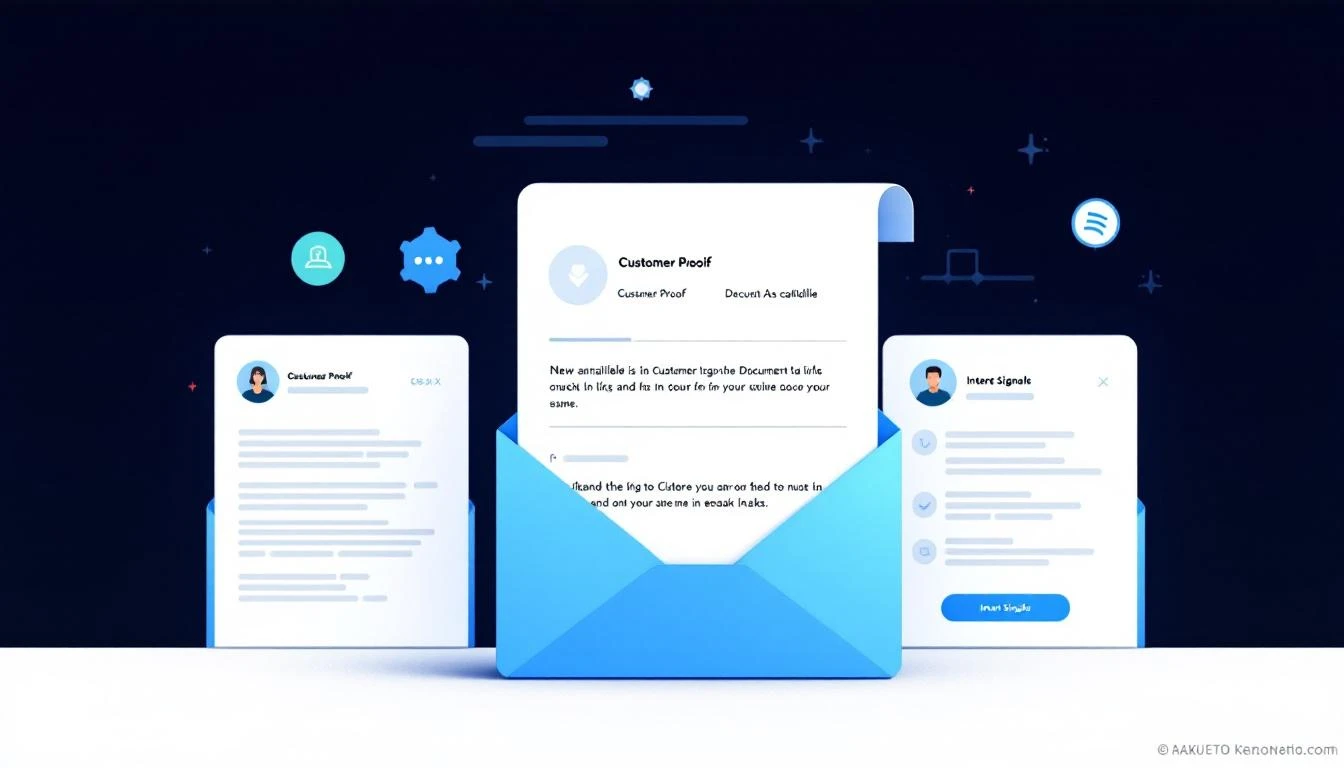
Previously, MarketBetter generated personalized emails based on prospect data and intent signals. Now, the system plans three distinct angles for every prospect and rotates them across your email sequence:

  1. Social Proof โ€” References your actual customers that the prospect would recognize. No fabricated names โ€” only real companies from your customer list, selected for relevance to the prospect's industry and role.

  2. Collateral โ€” Surfaces your best-matching content (case studies, whitepapers, blog posts) and includes real links. The system matches based on the prospect's industry and pain points, not generic content dumps.

  3. Signal-Based โ€” Leads with the specific intent signal or trigger that put this prospect on the list in the first place.

The result: Instead of three touches that feel like the same email reworded, each email in the sequence hits a different psychological angle. Social proof builds credibility. Collateral demonstrates expertise. Signals show you're paying attention.

Three-angle email intelligence

The system automatically leads with whichever angle is strongest for each prospect and rotates across touches. If social proof data isn't available for a particular prospect, it gracefully skips to the next angle โ€” no awkward gaps or generic fallbacks.

Video Avatar for Your AI Chatbotโ€‹

Your AI chatbot can now have a face.

We've integrated video avatar support directly into the chatbot settings. You can browse, search, and preview available avatars, then assign one to your chatbot with a click. The avatar appears as a live video presence when visitors interact with your chatbot โ€” making the experience feel more human and engaging.

Setup is simple:

  • Go to your chatbot settings
  • Open the new Video Avatar tab
  • Search and preview from a library of available avatars
  • Select the one that fits your brand

This is particularly powerful for high-intent pages (pricing, demo request, product pages) where a human-like presence can increase engagement and conversion rates.

SDR Writing Style Customizationโ€‹

Every SDR has a voice. Now MarketBetter can match it.

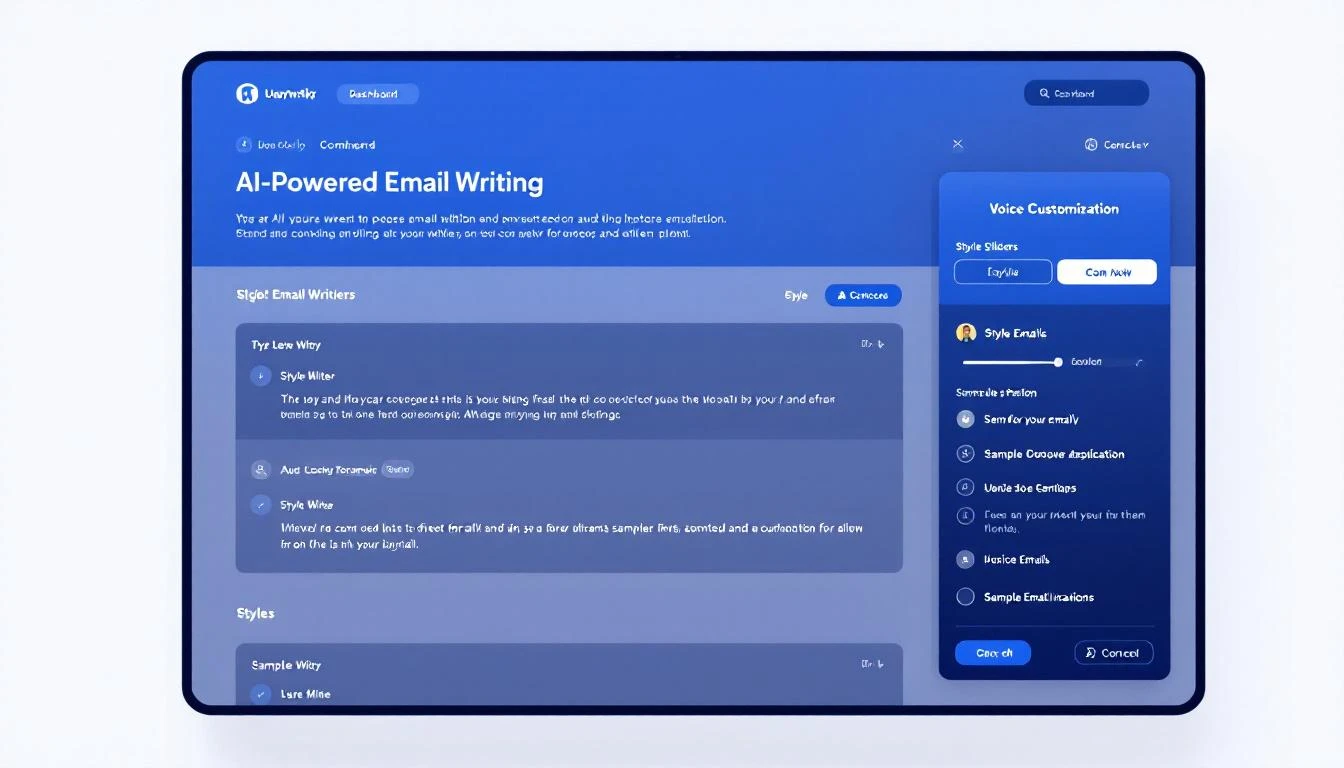
A new Writing Style settings card lets you customize how the AI writes outreach on behalf of each SDR. Adjust tone, formality, and style preferences so that AI-generated emails sound like they came from that specific rep โ€” not a generic template.

This is especially valuable for teams where different reps work different segments. An enterprise AE reaching out to a Fortune 500 VP needs a different voice than an SDR booking meetings with startup founders.

Seat Management and Billing Clarityโ€‹

We completely rebuilt the billing and seat management experience:

  • Clear seat controls โ€” See exactly how many paid seats you're using and who occupies them. Add or remove seats directly from billing settings.
  • Viewer vs. paid seats โ€” Team members who only need read-only access (managers reviewing dashboards, for example) don't consume a paid seat. Only users who actively run campaigns, create audiences, or use the dialer need a paid seat.
  • AI credit auto-recharge โ€” Set a threshold and your AI credits automatically top up when they run low. No more paused campaigns because credits ran out overnight.
  • Usage transparency โ€” A redesigned usage page breaks down exactly where your AI credits and enrichment credits are going, by feature.

Pipeline Visualization Fixesโ€‹

A quick but important one โ€” if you had more than three pipeline stages, the chart legends were overlapping and the X-axis labels were colliding. Both fixed. Your pipeline view now scales cleanly regardless of how many stages you have.


That's the roundup. AI qualification, smarter emails, video chatbots, and billing clarity โ€” all live now.

Want to see any of these in action? Book a demo โ†’

What's New: Teach Your AI How You Write, Campaign Templates, and a Unified Inbox

ยท 3 min read
sunder
Founder, marketbetter.ai

Three updates shipped today that make MarketBetter feel more like your sales tool โ€” not a generic AI platform. Here's what's new.

Your AI, Your Voiceโ€‹

This is one I'm personally excited about. Every SDR writes differently. Some are punchy and direct. Others are consultative and warm. Your AI-generated emails should sound like you, not like a robot pretending to be you.

Customize how your AI writes emails with style instructions and sample emails

Starting today, you can teach MarketBetter exactly how you write:

  • Style instructions โ€” Describe your tone, approach, and preferences in plain English. "Keep it under 3 sentences. Always lead with a question. Never use exclamation marks." Whatever makes your outreach sound authentic.
  • Sample emails โ€” Paste two of your best-performing emails. The AI studies your structure, word choice, and cadence โ€” then mirrors it in every email it generates.

This applies everywhere MarketBetter writes for you: automated sequences, one-off drafts, and follow-up suggestions. Your entire team can set their own voice, so every SDR's outreach sounds like it came from them.

Find it in Settings โ†’ Writing Style.

Campaign Templates: Launch in One Clickโ€‹

Building a new campaign from scratch takes time. Picking the audience, setting up workflows, choosing outreach steps โ€” it adds up. Campaign templates skip all of that.

Pre-built campaign templates let you launch proven playbooks instantly

We're launching with a template we've seen work incredibly well across our customer base:

Closed Lost Deal Resurrector โ€” Automatically targets deals your team lost in the past 6-12 months, then runs a re-engagement sequence tuned to what's changed since they said no. New budget cycle? Leadership change? Product update that fixes their objection? The AI finds the angle and writes the outreach.

Here's what makes templates powerful:

  • One click to deploy โ€” Select a template, pick your target, and it creates the audience + workflow for you. No manual setup.
  • CRM-connected โ€” Templates that pull from your CRM (like Closed Lost) come pre-configured with the right filters and fields. If you're on HubSpot, the deal stage filters are already set.
  • Fully customizable โ€” Templates are a starting point. Once deployed, you can tweak the audience criteria, adjust the workflow steps, or change the messaging โ€” it's your campaign now.

More templates are coming. We're building playbooks for job-change outreach, competitor displacement, and expansion signals โ€” all based on patterns we see working across hundreds of campaigns.

Unified Conversation Inboxโ€‹

Your MarketBetter chat page now shows conversations from every source in one place โ€” chatbot visitors, workflow-triggered conversations, and manual chats. No more switching between views to find a conversation.

Each conversation shows a source badge so you can tell at a glance whether someone came in through your website chatbot, was engaged by an automated workflow, or started a direct conversation. You can filter, search, and pick up any conversation regardless of how it started.

It's a small change that removes a real friction point: your SDRs no longer have to remember where a conversation happened to find it again.

What's Coming Nextโ€‹

We're working on more campaign templates, deeper CRM integrations for template targeting, and improvements to how the AI handles multi-threaded conversations. Stay tuned.


Want to see these features in action? Book a demo โ†’

What's New: Buying Committee Intelligence, Smarter Chrome Extension, and Workflow Guardrails

ยท 4 min read
sunder
Founder, marketbetter.ai

This week the team shipped a series of updates that make your daily SDR workflow faster, smarter, and more reliable. Here's what's new.

Buying Committee Intelligenceโ€‹

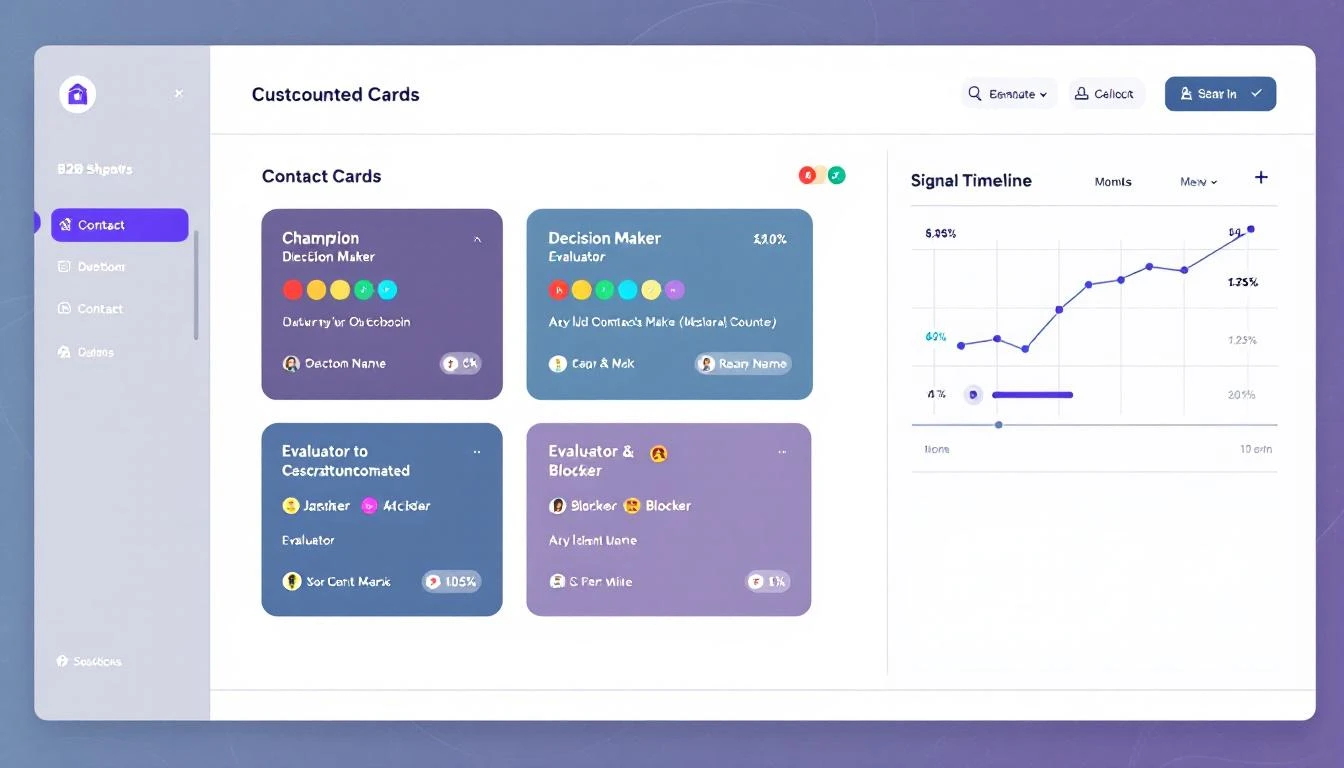
When MarketBetter surfaces a signal โ€” a website visit, a job change, a LinkedIn engagement โ€” it now goes deeper than just finding people at the company. Each recommended persona now comes with a buying committee role and a tailored outreach angle.

Buying committee roles help you prioritize who to contact first

Instead of a flat list of contacts, you'll see:

  • Champion โ€” the internal advocate who's already showing intent. Lead with value and arm them to sell internally.
  • Decision Maker โ€” the budget holder. Connect the dots between their priorities and your ROI story.
  • Evaluator โ€” the hands-on person who'll test your product. Speak to workflows, integrations, and day-to-day impact.
  • Blocker โ€” the skeptic who can kill a deal. Address their concerns proactively before they surface in committee.

Each contact also includes an outreach angle โ€” a specific, signal-aware suggestion for how to open the conversation. No more guessing who to email first or what to say. The playbook tells you the role, the angle, and why they're relevant to this specific signal.

This means your SDRs spend zero time researching org charts and 100% of their time sending the right message to the right person.

Chrome Extension: Resume Scraping and Real-Time Streamingโ€‹

If you've ever scraped a large Sales Navigator list and had it interrupted โ€” browser crash, laptop sleep, accidental tab close โ€” you know the frustration. You'd have to start over from scratch.

Not anymore.

Resume scraping picks up exactly where you left off

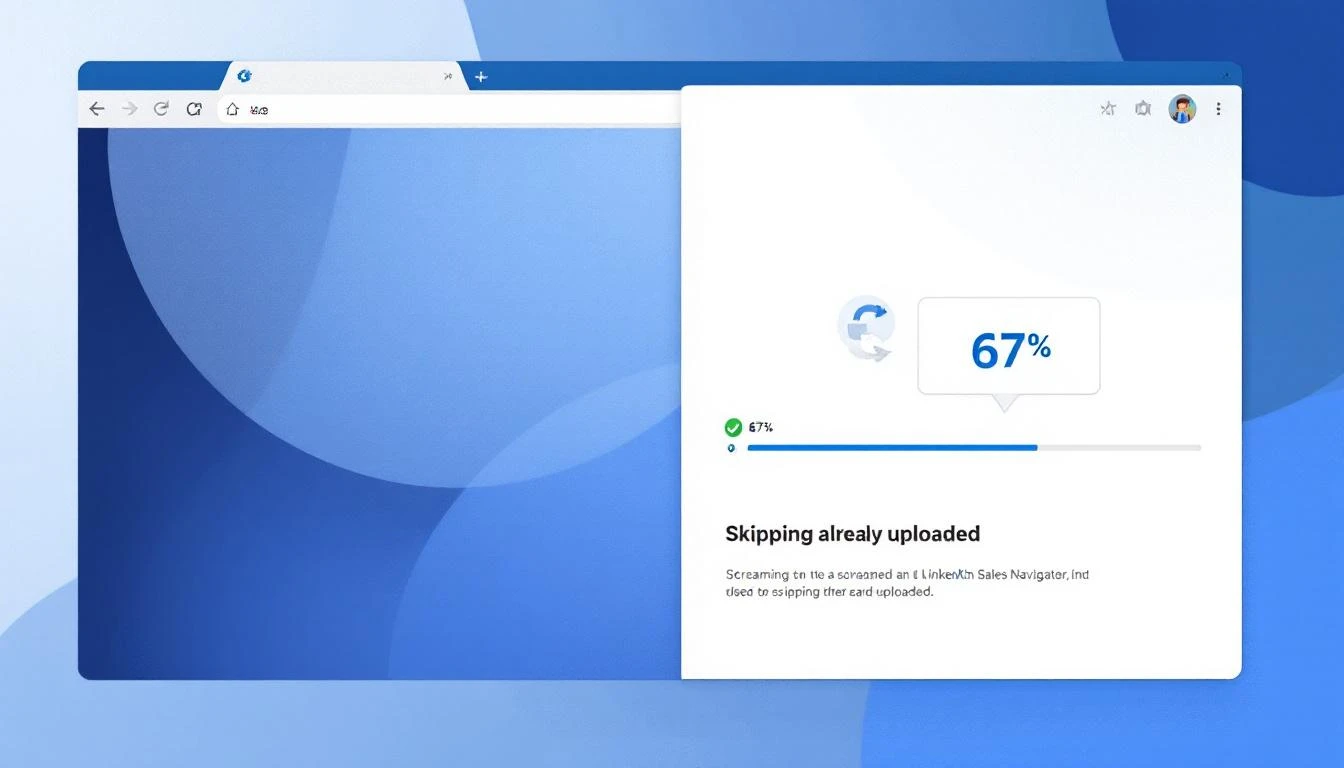
Resume Scraping checks which leads you've already uploaded and skips them automatically. When you restart a scrape, the extension picks up right where you left off. No duplicates, no wasted time, no re-scraping 200 profiles to get the last 50.

We also made two other improvements:

  • Real-time streaming โ€” profiles now flow to MarketBetter one by one as they're scraped, instead of waiting until the entire list is done. You'll see contacts appearing in your audience in real time while the scrape is still running.
  • Smart audience matching โ€” when you scrape a Sales Navigator list, MarketBetter automatically matches it to an existing audience by name. No more accidentally creating duplicate audiences for the same list.
  • Human-mimicking status updates โ€” the extension popup now shows you exactly what's happening during anti-detection pauses: "Reading profile... ~15s", "Page break... ~1m 30s". No more staring at a spinning icon wondering if it's frozen.

Editable People Tables โ€” Everywhereโ€‹

Previously, only CSV-uploaded audiences let you view and edit the people table directly. Now, every audience type supports it:

  • Chrome Extension audiences
  • GTM Signal audiences
  • Salesforce CTI imports
  • AI Search results

Open any audience and you'll see the full, editable contact list. Add, remove, or update contacts before launching your sequence โ€” regardless of how the audience was created.

AI Workflow Guardrailsโ€‹

Two reliability improvements to the AI assistant that runs inside your workflows:

No more duplicate audiences. If you're working on a workflow and ask the AI to set up plays, it will now always use your existing audience โ€” never accidentally create a new one. This was a rare but frustrating bug where the AI would build an entire sequence attached to the wrong audience.

Multi-step tasks complete reliably. When you ask the AI to do something complex โ€” like "create a 9-step email sequence with delays and conditions" โ€” it now follows through on every step. Previously, it could stop partway through and leave you with a half-built workflow. The AI now automatically continues until the full task is done.

Paused Audience Recoveryโ€‹

When you pause an audience mid-run, contacts that were in-flight used to get silently dropped. A contact who received email 1 might never get email 2, even after you resumed.

Now, in-flight messages are parked and retried automatically โ€” checking every 24 hours for up to 7 days. When you unpause the audience, those contacts resume their sequence exactly where they left off. No gaps, no missed steps, no contacts falling through the cracks.

What's Coming Nextโ€‹

We're working on revenue attribution dashboards, deeper CRM deal sync, and expanded HubSpot integration capabilities. Stay tuned.


Want to see these features in action? Book a demo โ†’