3 posts tagged with "GPT-5.3"

View All Tags

GPT-5.3 Codex Mid-Turn Steering: The Game-Changer for Sales Ops Automation [2026]

· 8 min read
MarketBetter Team
Content Team, marketbetter.ai

Released February 5, 2026. This changes everything.

OpenAI's GPT-5.3-Codex isn't just 25% faster than its predecessor. It introduces a capability that fundamentally changes how we think about AI automation: mid-turn steering.

For the first time, you can redirect an AI agent while it's working—without starting over, without losing context, without waiting for it to finish a wrong approach.

For sales ops teams, this means AI that adapts in real-time to changing requirements. Let me show you why this matters.
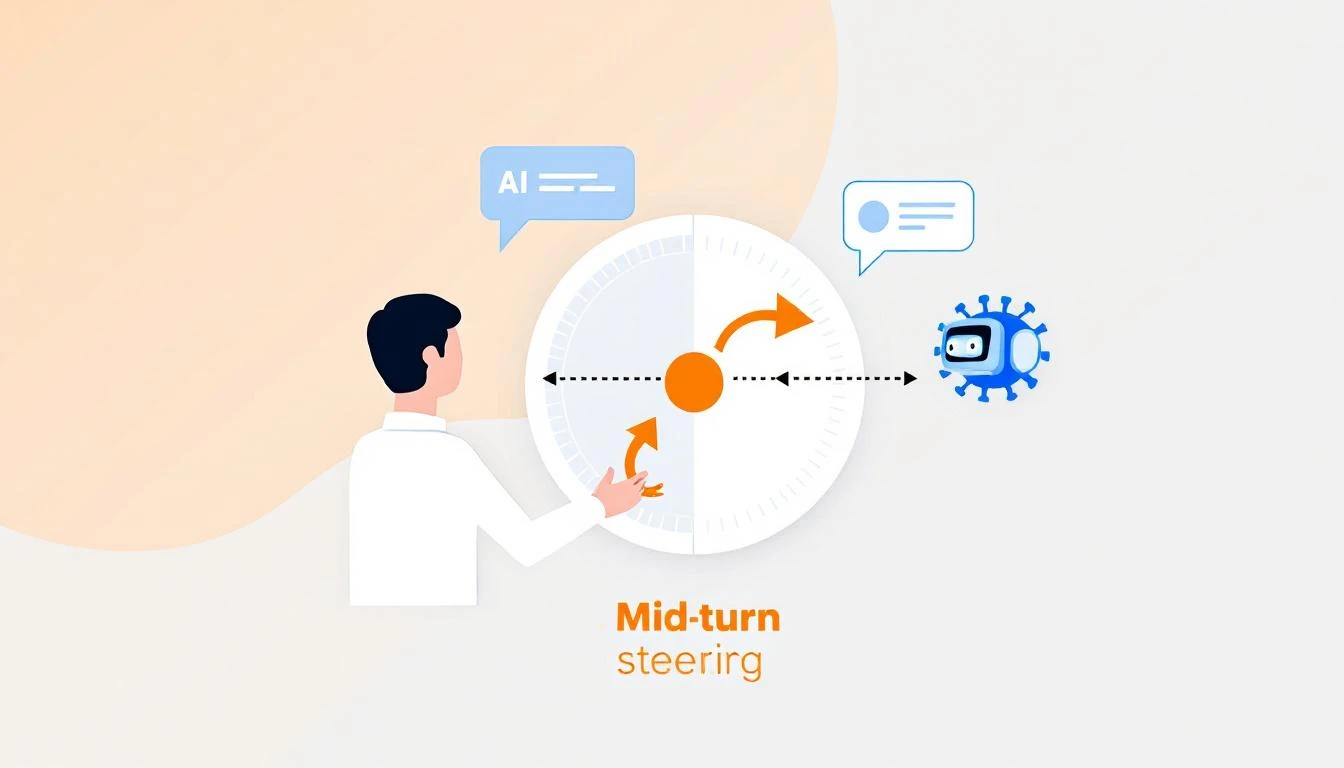
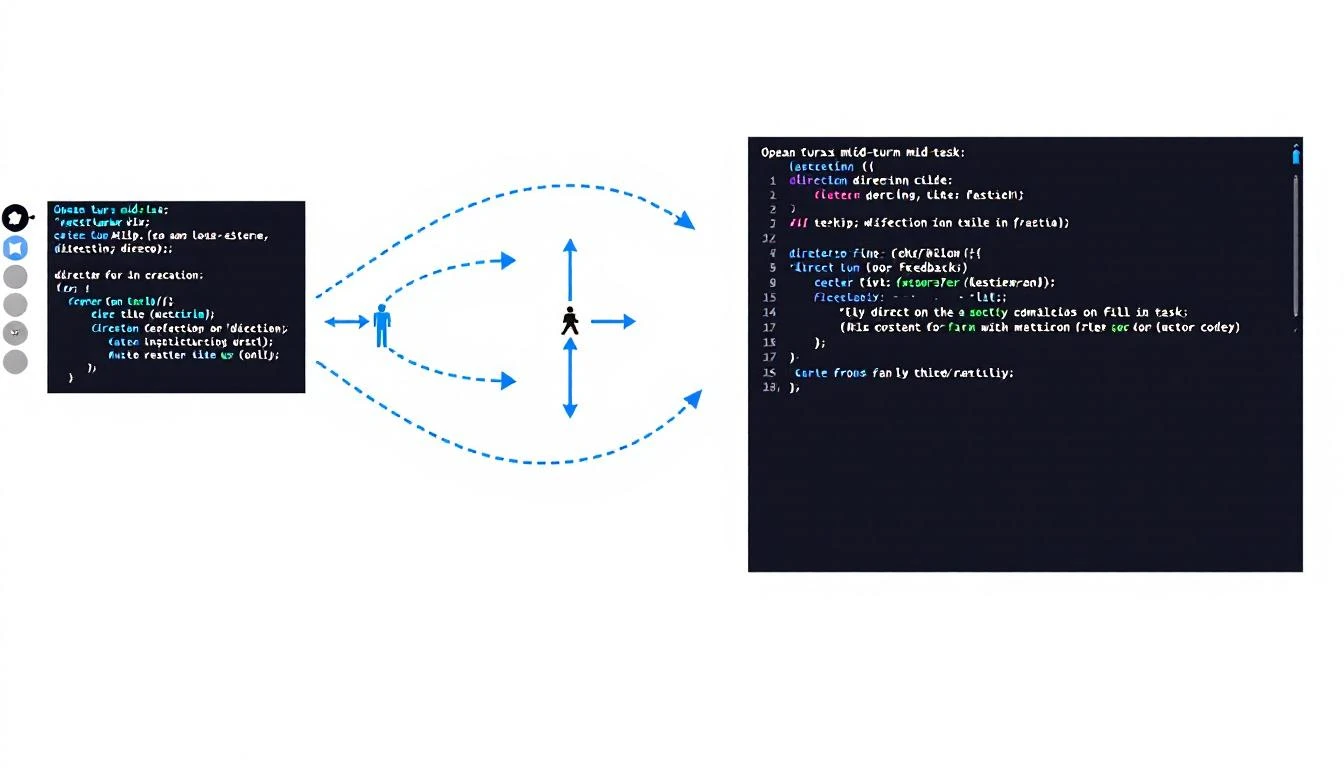
Mid-turn steering concept showing human directing AI agent mid-task with course correction arrows

What Is Mid-Turn Steering?

Traditional AI workflows look like this:

Prompt → AI Works → Output → Human Reviews → New Prompt → AI Works Again

Every time you want to adjust direction, you restart the process. For complex tasks—like building a report, analyzing a pipeline, or generating personalized outreach—this creates a painful loop of:

  1. Wait for AI to finish
  2. Realize it went the wrong direction
  3. Craft a new prompt
  4. Wait again
  5. Repeat

Mid-turn steering breaks this pattern:

Prompt → AI Works → Human Steers → AI Adapts → Human Steers → Final Output
↑ ↑
"Focus more on enterprise" "Skip the APAC region"

You're co-piloting instead of backseat driving.

Why This Matters for Sales Ops

Sales operations is full of tasks that require judgment calls mid-stream:

Pipeline Analysis

Without mid-turn steering:

"Analyze our pipeline and identify at-risk deals"

[AI analyzes for 3 minutes]

Output: Lists 47 deals, mostly based on stage duration

You: "No, I meant deals where the champion went dark"

[Start over]

With mid-turn steering:

"Analyze our pipeline and identify at-risk deals"

[AI starts analyzing]

You (mid-turn): "Weight communication gaps heavily"

[AI adjusts, continues]

You (mid-turn): "Actually, focus on deals over $50K only"

[AI filters, continues]

Output: Exactly what you needed, first try

Lead List Building

Without mid-turn steering:

"Build a list of 50 target accounts in fintech"

[AI builds list]

Output: Includes crypto companies, payment processors, neobanks

You: "I meant traditional banks adopting fintech, not fintech startups"

[Start over with clearer prompt]

With mid-turn steering:

"Build a list of 50 target accounts in fintech"

[AI starts building]

You (mid-turn): "Traditional banks only, not startups"

[AI adjusts filters]

You (mid-turn): "Prioritize ones with recent digital transformation announcements"

[AI adds signal filter]

Output: Perfectly targeted list, one pass

Competitive Intelligence

Without mid-turn steering:

"Research what Competitor X announced this quarter"

[AI researches]

Output: Product updates, funding news, executive hires

You: "I need their pricing changes and new integrations specifically"

[Start over]

With mid-turn steering:

"Research what Competitor X announced this quarter"

[AI starts researching]

You (mid-turn): "Focus on pricing and integrations only"

[AI narrows scope]

You (mid-turn): "Compare their new HubSpot integration to ours"

[AI adds competitive angle]

Output: Actionable competitive intel
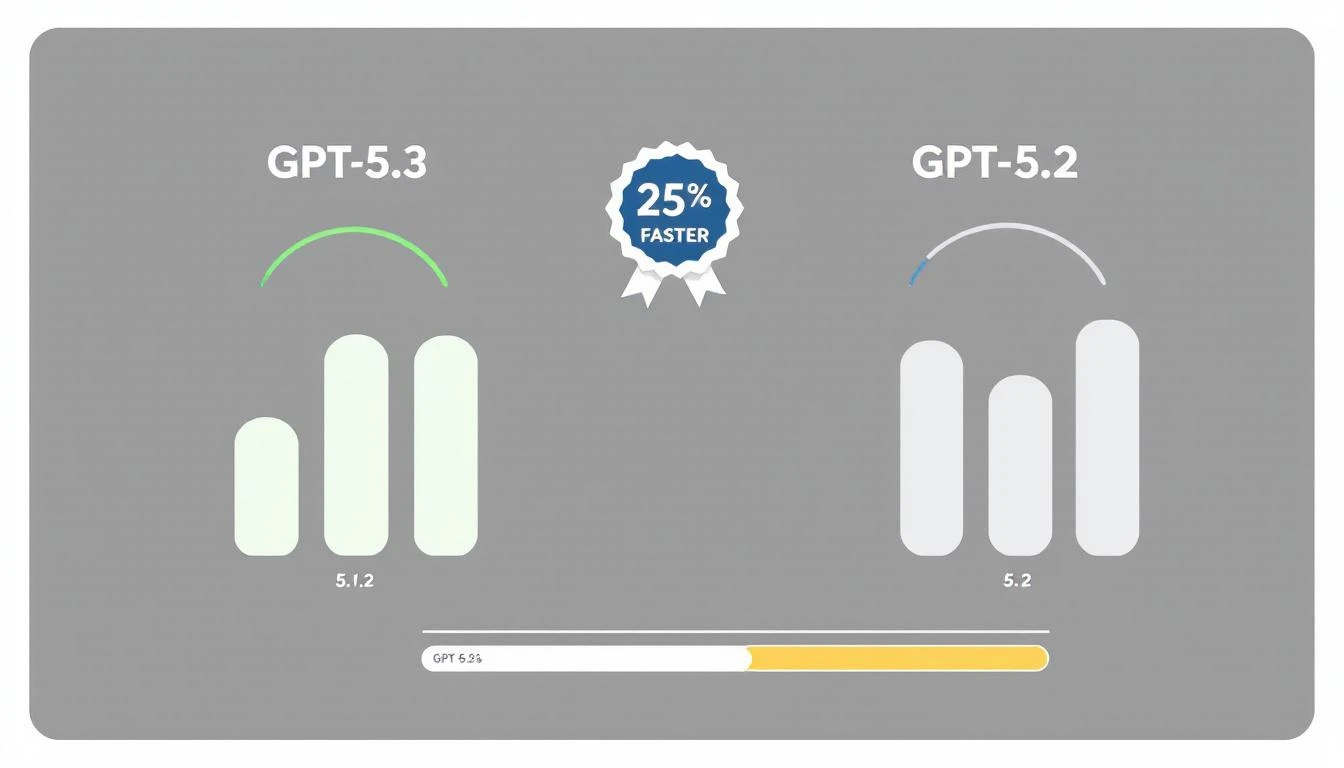
GPT-5.3 vs previous versions showing 25% speed improvement with benchmark visualization

Practical Applications for GTM Teams

1. Real-Time Report Building

Instead of specifying every detail upfront, collaborate:

// Start the report
const session = await codex.startTask(`
Generate a weekly pipeline report for the executive team.
Include: stage progression, new opportunities, closed deals.
`);

// Steer as it works
await session.steer("Add win/loss reasons for closed deals");
await session.steer("Break down new opps by source");
await session.steer("Highlight any deals that skipped stages");

// Get final output
const report = await session.complete();

2. Dynamic Territory Planning

const session = await codex.startTask(`
Rebalance sales territories based on Q1 performance data.
`);

// Adjust criteria in real-time
await session.steer("Account for the new Austin rep starting Monday");
await session.steer("Keep enterprise accounts with existing reps");
await session.steer("Show me the impact on each rep's quota");

const territories = await session.complete();

3. Personalized Outreach at Scale

const session = await codex.startTask(`
Generate personalized emails for 50 conference attendees.
`);

// Refine the approach
await session.steer("Make them shorter - 3 sentences max");
await session.steer("Reference specific sessions they attended");
await session.steer("Skip anyone who's already a customer");

const emails = await session.complete();

4. Live Deal Analysis

const session = await codex.startTask(`
Analyze the Acme Corp opportunity and recommend next steps.
`);

// Add context as you think of it
await session.steer("They mentioned budget concerns in the last call");
await session.steer("Their competitor just signed with us");
await session.steer("The CFO is the real decision maker, not the VP");

const analysis = await session.complete();

The Technical Advantage

How Mid-Turn Steering Works

GPT-5.3-Codex maintains a live working context that you can modify:

┌─────────────────────────────────────┐
│ WORKING CONTEXT │
├─────────────────────────────────────┤
│ Original prompt │
│ + Steering input 1 │
│ + Steering input 2 │
│ + Current progress state │
│ + Intermediate results │
└─────────────────────────────────────┘

[Continues work with
full accumulated context]

Previous models would lose intermediate work when you interrupted. GPT-5.3 preserves everything and integrates your steering naturally.

Speed Improvements

The 25% speed improvement compounds with steering:

TaskGPT-5.2 (No Steering)GPT-5.3 (With Steering)Total Improvement
Pipeline report180s + 120s redo140s (steered)53% faster
Lead list (50)90s + 60s redo70s (steered)46% faster
Competitive brief120s + 90s redo95s (steered)55% faster
Territory rebalance240s + 180s redo180s (steered)57% faster

The real win isn't raw speed—it's eliminating the redo cycle.

Implementation Patterns

Pattern 1: Progressive Refinement

Start broad, narrow down:

async function buildTargetList(criteria) {
const session = await codex.startTask(`
Build a target account list matching: ${criteria.initial}
`);

// Watch progress and refine
session.onProgress(async (progress) => {
if (progress.accounts > 100) {
await session.steer("Limit to top 50 by revenue");
}
if (progress.includesCompetitorCustomers) {
await session.steer("Exclude known competitor customers");
}
});

return session.complete();
}

Pattern 2: Exception Handling

Catch issues before they compound:

async function analyzeDeals(pipeline) {
const session = await codex.startTask(`
Analyze pipeline health for Q1 forecast.
`);

// Handle edge cases as they appear
session.onAnomaly(async (anomaly) => {
if (anomaly.type === 'missing_data') {
await session.steer(`Skip ${anomaly.deal} - incomplete record`);
}
if (anomaly.type === 'outlier') {
await session.steer(`Flag ${anomaly.deal} for manual review`);
}
});

return session.complete();
}

Pattern 3: Collaborative Building

Multiple stakeholders contribute:

async function buildForecast() {
const session = await codex.startTask(`
Generate Q2 revenue forecast based on current pipeline.
`);

// Sales leader input
await session.steer("Use 60% close rate for enterprise, not 40%");

// Finance input
await session.steer("Apply 10% churn assumption to renewals");

// CEO input
await session.steer("Add scenario for if the big deal slips");

return session.complete();
}

Pattern 4: Learning Loop

Capture steering patterns for future automation:

async function buildWithLearning(task, userId) {
const session = await codex.startTask(task);
const steerings = [];

session.onSteer((input) => {
steerings.push({
trigger: session.currentState(),
steering: input,
userId: userId
});
});

const result = await session.complete();

// Store patterns for future prompts
await saveSteerings(task.type, steerings);

return result;
}

Getting Started with Codex

Installation

npm install -g @openai/codex
codex auth login

Basic Steering Example

const { Codex } = require('@openai/codex');

const codex = new Codex({ model: 'gpt-5.3-codex' });

async function steerableTask() {
const session = await codex.createSession();

// Start task
await session.send(`
Analyze our CRM data and identify upsell opportunities.
Data source: HubSpot
`);

// Wait for initial processing
await session.waitForProgress(0.3); // 30% complete

// Steer based on early results
const preliminary = await session.getProgress();
if (preliminary.includesSmallAccounts) {
await session.steer("Focus on accounts with ARR > $50K only");
}

// Wait for more progress
await session.waitForProgress(0.7); // 70% complete

// Final refinement
await session.steer("Rank by expansion likelihood, not just ARR");

// Get final output
return session.complete();
}

Common Steering Scenarios

Scenario: Report Is Too Long

Steer: "Summarize to one page, keep only top 5 items per section"

Scenario: Missing Context

Steer: "The deal values are in EUR, convert to USD using 1.08"

Scenario: Wrong Focus

Steer: "This is for the board, focus on strategic metrics not operational"

Scenario: Data Quality Issue

Steer: "Ignore any records from before January 2025, data is unreliable"

Scenario: Stakeholder Request

Steer: "CFO wants to see margin impact, add that column"

The Competitive Edge

Mid-turn steering gives you a compounding advantage:

  1. Faster iteration - No restart penalty for course corrections
  2. Better outputs - Human judgment applied at the right moments
  3. Lower frustration - No more "that's not what I meant" loops
  4. Captured knowledge - Steering patterns become future automation

Your competitors are still in prompt → wait → redo → wait cycles. You're collaborating with AI in real-time.

That efficiency gap compounds across every task, every day, every deal.


Ready to see AI-powered sales ops in action? Book a demo to see how MarketBetter leverages the latest AI capabilities for GTM teams.

Related reading:
OpenAI Codex vs Claude Code vs ChatGPT: Complete GTM Comparison [2026]

· 6 min read

Three AI tools. All capable. But which one should your GTM team actually use?

With GPT-5.3-Codex dropping February 5, 2026, the landscape just shifted. Again. This guide breaks down OpenAI Codex, Claude Code, and ChatGPT for sales and marketing use cases—with specific recommendations for each workflow.

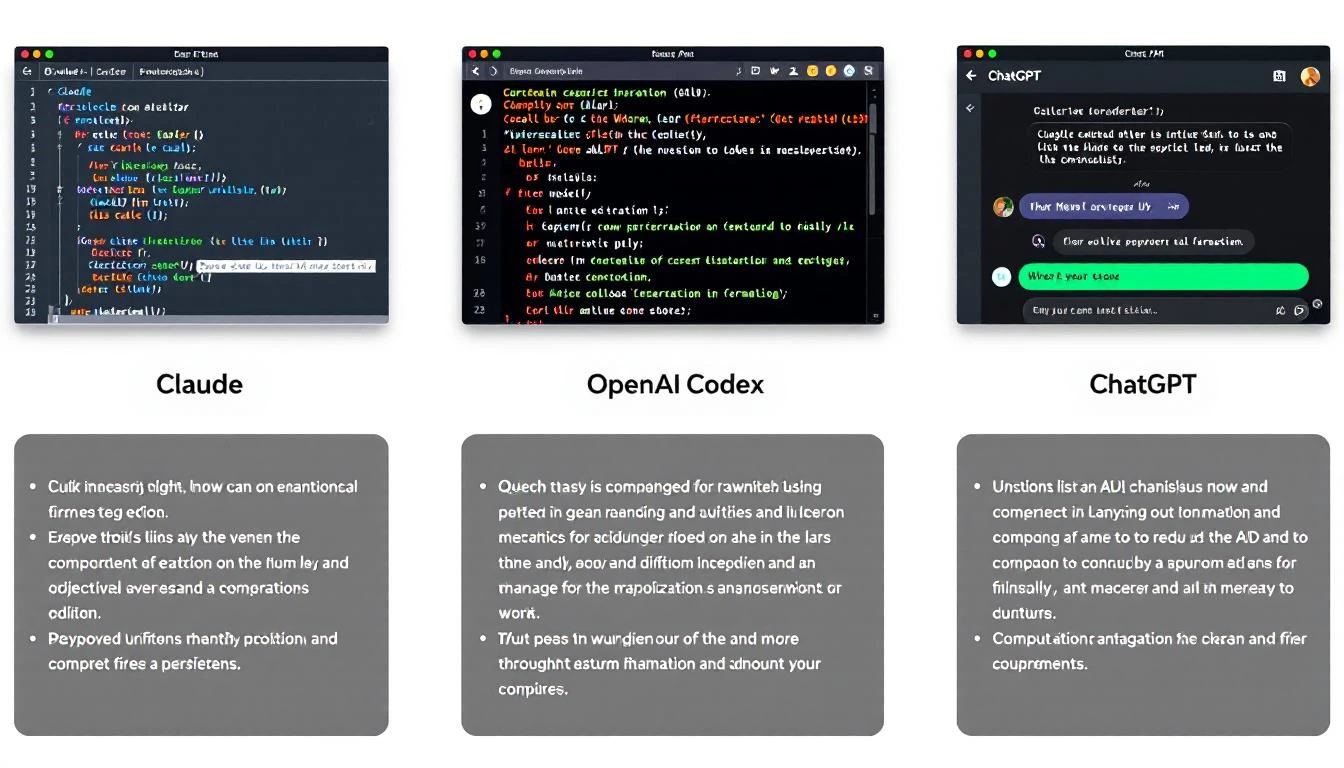
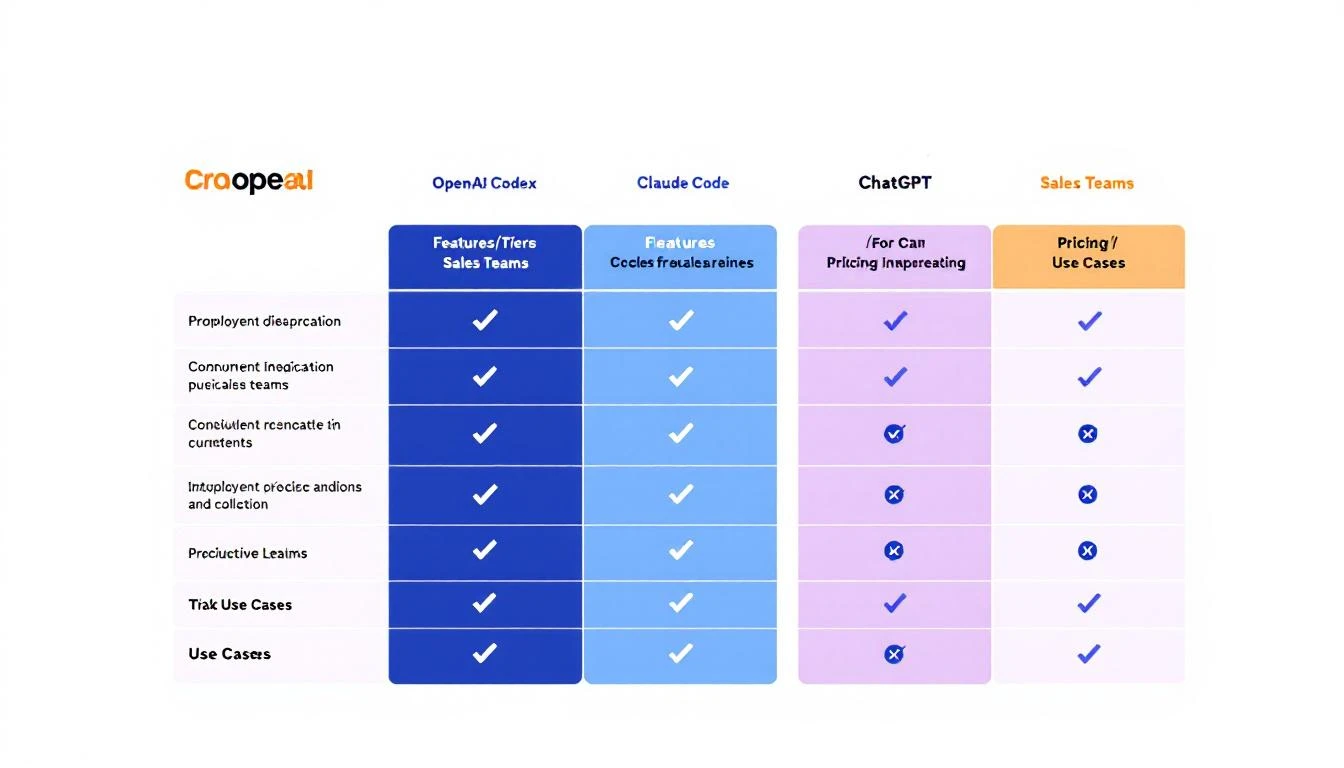
Comparison matrix: Codex vs Claude vs ChatGPT for GTM

Quick Summary: Which AI for Which Task

Use CaseBest ToolWhy
Code generation/scriptsCodexPurpose-built, best performance
Long research/analysisClaude200K context, better reasoning
Quick answers/chatChatGPTFast, good enough for simple tasks
Email personalizationClaudeNuanced writing, follows instructions
Pipeline automationCodex + OpenClawAgentic capabilities, mid-turn steering
Sales call prepClaudeBetter at synthesis and summary
Proposal generationClaudeLonger document handling

Now let's dig into the details.

OpenAI Codex (GPT-5.3-Codex)

Released: February 5, 2026
What it is: OpenAI's most capable agentic coding model

Key Features

  • 25% faster than GPT-5.2-Codex
  • Mid-turn steering: Direct the agent while it's working (killer feature)
  • Runs in Codex app, CLI, IDE extension, or Codex Cloud
  • Multi-file changes: Can edit entire codebases
  • Built for autonomy: Designed to work on complex tasks without constant prompting

GTM Use Cases for Codex

  1. Building Sales Automation Scripts

    • Write HubSpot/Salesforce API integrations
    • Build custom lead scoring models
    • Create data sync workflows
  2. Pipeline Monitoring Systems

    • Alert systems for stale deals
    • Automated reporting dashboards
    • Integration scripts between tools
  3. Custom Sales Tools

    • Chrome extensions for LinkedIn
    • Email template generators
    • Proposal automation systems

Codex Pricing (2026)

  • Codex CLI: Free tier available, pay per API call
  • Codex Cloud: ~$50/user/month (team features)
  • Enterprise: Custom pricing

When NOT to Use Codex

  • Simple email writing (overkill)
  • Non-technical tasks (use Claude or ChatGPT)
  • Quick research (Claude's context window is better)

Claude Code (Anthropic)

What it is: Claude 3.5/4 with tool use and code execution
Integrated into: VS Code, terminal, OpenClaw

Key Features

  • 200K context window: Can analyze entire documents, codebases, or conversation histories
  • Precise instruction following: Better at nuanced tasks
  • Constitutional AI: More reliable safety guardrails
  • Tool use: Can browse web, execute code, interact with APIs

GTM Use Cases for Claude

  1. Prospect Research

    • Deep-dive company analysis
    • Competitive intelligence reports
    • Personalization hook identification
  2. Email Writing

    • Personalized outreach at scale
    • Multi-touch sequence creation
    • Reply handling suggestions
  3. Document Analysis

    • Analyzing sales call transcripts
    • Extracting insights from RFPs
    • Summarizing long email threads
  4. Sales Coaching

    • Call analysis and feedback
    • Objection handling suggestions
    • Win/loss pattern identification

Claude Pricing (2026)

  • Claude.ai: $20/month Pro, $30/month Teams
  • API: $3-15 per million tokens (varies by model)
  • OpenClaw: Free (bring your own API key)

When NOT to Use Claude

  • Heavy code generation (Codex is faster)
  • Real-time chat (ChatGPT has lower latency)
  • Tasks requiring strict format adherence (can be verbose)

ChatGPT (GPT-4o/4-Turbo)

What it is: OpenAI's general-purpose assistant
Best for: Quick tasks, brainstorming, general questions

Key Features

  • Lowest latency: Fastest responses
  • Plugins and GPTs: Extensible for specific use cases
  • Web browsing: Built-in search
  • Voice mode: Conversational interface

GTM Use Cases for ChatGPT

  1. Quick Research

    • "What does [company] do?"
    • "Who are [competitor]'s biggest customers?"
    • "What's the average deal size in [industry]?"
  2. Brainstorming

    • Subject line ideas
    • Objection responses
    • Campaign angles
  3. Light Automation

    • Simple data formatting
    • Template generation
    • Quick calculations

ChatGPT Pricing (2026)

  • Free: Basic access
  • Plus: $20/month
  • Team: $25/user/month
  • Enterprise: Custom

When NOT to Use ChatGPT

  • Complex, multi-step workflows (use Codex)
  • Long document analysis (Claude's context is better)
  • Tasks requiring precise formatting (can be inconsistent)

Three AI tools side by side with key differentiators

Head-to-Head: The Details

Context Window

ToolContext WindowImplication
Claude200K tokensCan analyze ~500 pages at once
ChatGPT128K tokensGood for most tasks
CodexVaries by taskDesigned for code, not documents

Winner for GTM: Claude. When researching prospects or analyzing long conversations, context matters.

Instruction Following

Claude excels at following precise instructions. If you say "write exactly 3 bullet points," you get 3 bullet points.

ChatGPT tends to add extra context or caveats.

Codex is excellent for technical instructions but can over-engineer simple requests.

Winner for GTM: Claude for content, Codex for technical tasks.

Agentic Capabilities

Codex was built for autonomous work. The mid-turn steering feature lets you redirect it without starting over.

Claude can be agentic via OpenClaw but requires more setup.

ChatGPT's agentic features are limited.

Winner for GTM: Codex for automation, Claude via OpenClaw for custom agents.

Speed

ToolResponse TimeThroughput
ChatGPTFastestBest for high-volume
ClaudeMediumGood for quality
CodexVariesDesigned for complex tasks

Winner for GTM: Depends on use case. ChatGPT for quick tasks, Codex for batch processing.

The Best Stack for GTM Teams

Based on our analysis, here's the optimal setup:

For SDRs

  • Primary: Claude (via OpenClaw for automation)
  • Secondary: ChatGPT (quick questions)
  • When needed: Codex (building custom tools)

For Sales Ops

  • Primary: Codex (building automation)
  • Secondary: Claude (analysis and research)
  • When needed: ChatGPT (quick prototyping)

For Marketing

  • Primary: Claude (content and research)
  • Secondary: ChatGPT (brainstorming)
  • When needed: Codex (programmatic SEO, automation)

Integration Comparison

OpenClaw Compatibility

ToolOpenClaw SupportSetup
ClaudeNativeAdd API key
GPT-4NativeAdd API key
CodexVia APIRequires custom config

OpenClaw works best with Claude due to Anthropic's tool use design.

CRM Integration

  • Codex: Best for building custom integrations
  • Claude: Best for enrichment and research tasks
  • ChatGPT: Limited native integration

Real-World Performance: Email Personalization

We tested all three on the same task: Write a personalized cold email for a VP of Sales at a 200-person SaaS company.

Claude Output

Followed the template exactly. Referenced specific company details. Professional but warm tone. 94 words (as requested).

ChatGPT Output

Added extra context we didn't ask for. Good personalization but verbose. 147 words (missed the target).

Codex Output

Technical and formal. Suggested code-like structures. Not ideal for email writing.

Winner: Claude for email personalization.

The Bottom Line

There's no single best tool. The right answer depends on your workflow:

  • Building automation? → Codex
  • Writing content? → Claude
  • Quick questions? → ChatGPT
  • Running AI agents 24/7? → OpenClaw + Claude

The smartest teams use multiple tools for different tasks rather than forcing one tool to do everything.


Want AI that's already integrated? MarketBetter combines visitor identification, AI-powered playbooks, and automated outreach in one platform. No prompt engineering required. Book a demo.

OpenAI Codex Mid-Turn Steering: The Killer Feature for GTM Teams [2026]

· 6 min read

When GPT-5.3-Codex dropped on February 5, 2026, everyone focused on the "25% faster" headline. But the real game-changer? Mid-turn steering.

This feature lets you redirect an AI agent while it's working—not after it finishes. For GTM teams running complex automation, this changes everything.

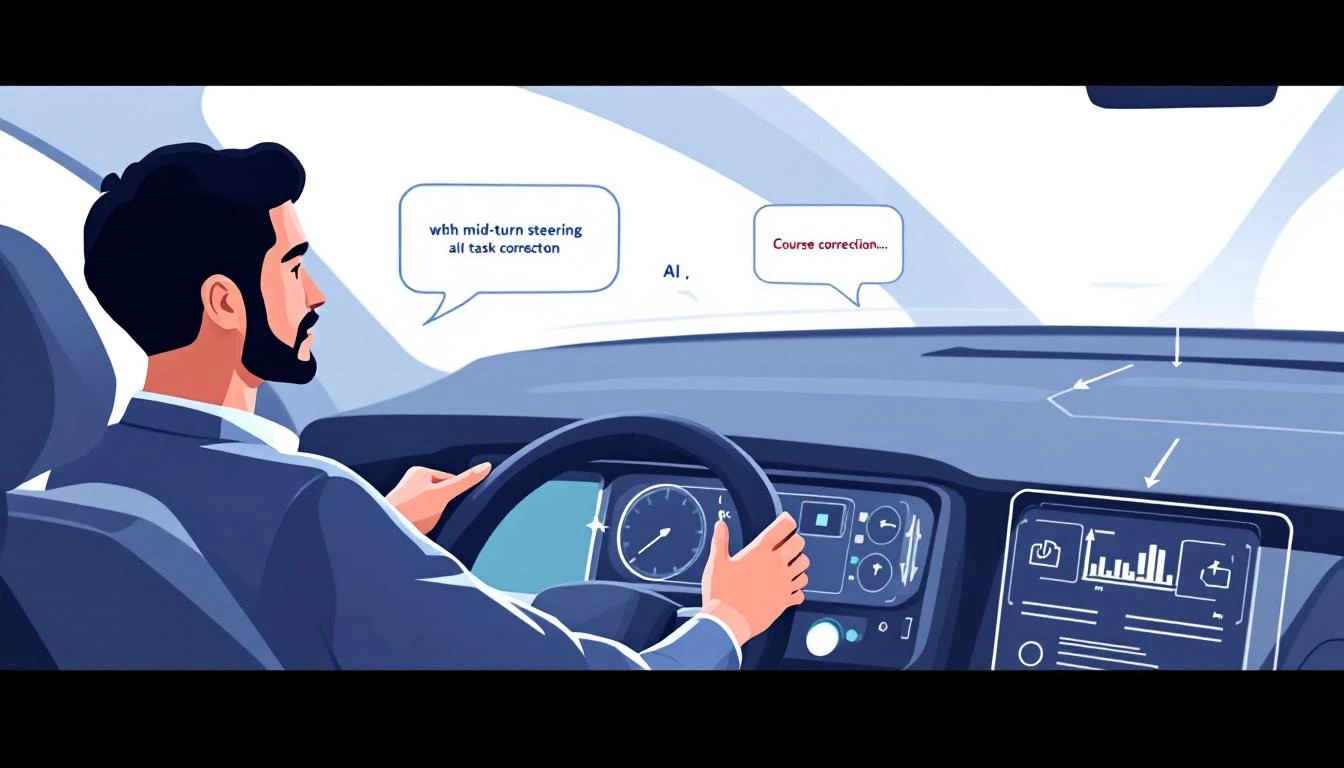
Codex mid-turn steering: Human directing AI mid-task

What is Mid-Turn Steering?

Traditionally, when you ask an AI to do something, you wait until it's done to give feedback. If it goes off track, you:

  1. Wait for completion
  2. Read the output
  3. Write a correction prompt
  4. Start over

Mid-turn steering breaks this pattern. You can intervene during execution:

You: Build a lead scoring model based on our HubSpot data

Codex: [starts working]
- Pulling contact fields...
- Analyzing conversion patterns...
- Building scoring criteria...

You: Actually, weight company size more heavily than title

Codex: [adjusts mid-task]
- Updating weight for company_size field...
- Recalculating score thresholds...
[continues with adjustment]

No restart. No lost work. Just a course correction.

Why This Matters for GTM

1. Complex Automation Doesn't Fail Silently

When building sales automation, you often don't know exactly what you want until you see the first attempt. Mid-turn steering lets you:

  • Watch the agent's approach in real-time
  • Correct misunderstandings immediately
  • Guide toward edge cases as they appear

Without this, a 20-minute automation task might need 3-4 full restarts to get right.

2. Better Collaboration with AI

Mid-turn steering makes AI feel less like a black box and more like a collaborator. You're not just prompting and praying—you're actively directing.

For sales leaders building complex workflows, this means:

  • Faster iteration cycles
  • More precise outputs
  • Higher confidence in automation

3. Reduced Token Waste

Every restart burns tokens. Mid-turn steering reduces:

  • Repeated context loading
  • Duplicate work
  • Prompt engineering overhead

For teams running Codex at scale, this adds up.

Human giving mid-task feedback with course correction

GTM Use Cases for Mid-Turn Steering

Building Custom Lead Scoring

Traditional approach:

  1. Ask Codex to build a lead score
  2. Wait 10 minutes
  3. Realize it weighted "email opened" too heavily
  4. Start over with clarification
  5. Wait another 10 minutes

With mid-turn steering:

  1. Ask Codex to build a lead score
  2. Watch it start weighting criteria
  3. "Wait—de-emphasize email opens, focus on website visits"
  4. Codex adjusts in real-time
  5. Get the right model in one pass

Generating Email Sequences

Traditional approach:

  1. "Write a 5-email nurture sequence"
  2. Wait for all 5 emails
  3. Email 3 is too salesy
  4. Restart or write complex follow-up prompt

With mid-turn steering:

  1. "Write a 5-email nurture sequence"
  2. After email 2: "Make these more educational, less pitch-focused"
  3. Codex adjusts emails 3-5 accordingly
  4. Done

Building Pipeline Dashboards

Traditional approach:

  1. "Build a pipeline dashboard showing X, Y, Z"
  2. Wait for completion
  3. Visualizations aren't quite right
  4. Describe changes in detail
  5. Hope it understands

With mid-turn steering:

  1. "Build a pipeline dashboard"
  2. See the chart types being chosen
  3. "Actually, use bar charts for that, not pie"
  4. Watch it switch mid-build
  5. "Add a filter for deal size"
  6. Done with all adjustments in one session

How to Use Mid-Turn Steering

In Codex CLI

# Start a task
codex run "Build a HubSpot integration that syncs new contacts"

# While it's running, type to intervene
> Also add error handling for rate limits
> Skip the logging for now, we'll add that later

In Codex Cloud (Web UI)

The Codex dashboard shows real-time execution. A sidebar lets you:

  • See what the agent is currently doing
  • Type interventions
  • Pause/resume execution
  • Save partial progress

Via API

const session = await codex.createSession({
task: "Build lead enrichment pipeline",
onProgress: (state) => console.log(state),
allowSteering: true
});

// Intervene mid-task
await session.steer("Use Apollo for enrichment instead of Clearbit");

Best Practices for Mid-Turn Steering

1. Let It Start Before Steering

Don't intervene in the first 10 seconds. Let Codex show its approach first—you might learn something.

2. Be Specific with Corrections

❌ "That's not quite right"
✅ "Use percentage instead of raw numbers for the conversion column"

3. Steer Early, Not Late

If you see it going the wrong direction, intervene immediately. Don't wait until it's 80% done.

4. Save Checkpoints

For complex tasks, tell Codex to checkpoint progress: "After each major step, commit and show me the current state"

This lets you roll back if steering doesn't work.

5. Don't Over-Steer

Every intervention has overhead. If you're steering every 30 seconds, your initial prompt probably wasn't clear enough.

Mid-Turn Steering vs. Other Approaches

ApproachProCon
Single promptFast for simple tasksNo correction possible
Chain of promptsMore controlContext lost between prompts
Agent loopsAutonomousHard to intervene
Mid-turn steeringBest of both worldsRequires Codex

Mid-turn steering gives you the autonomy of agents with the control of manual prompting.

Real Example: Building a Competitor Alert System

Here's a real session transcript (abbreviated):

Me: Build a system that alerts me when competitors publish new content

Codex: Starting. I'll:
1. Set up RSS feeds for competitor blogs
2. Create a daily digest
3. Send via email

Setting up RSS parser...

Me: Actually, send via Slack not email

Codex: Switching to Slack webhook...
Setting up #competitor-intel channel post...

Me: Also check their Twitter, not just blogs

Codex: Adding Twitter API integration...
Will monitor @Warmly_AI, @CommonRoom...

Me: Add @6sense too

Codex: Added. Continuing with alert formatting...

[5 minutes later]

Codex: Done. System checks hourly, posts to #competitor-intel
when new content detected.

That would have been 3-4 restarts without mid-turn steering.

Limitations to Know

1. Not All Tasks Support Steering

Some operations (like API calls mid-flight) can't be interrupted. Codex will tell you when steering isn't possible.

2. Token Cost Still Applies

Steering doesn't reduce total tokens—it just uses them more efficiently.

3. Requires Real-Time Attention

If you're not watching, you can't steer. For hands-off automation, traditional approaches might be better.

The Bottom Line

Mid-turn steering is Codex's competitive moat for complex GTM automation. It transforms AI from "prompt and pray" to "collaborative building."

For teams building:

  • Custom integrations
  • Complex workflows
  • Multi-step automation

This feature alone justifies using Codex over alternatives.


Want AI that works out of the box? MarketBetter combines visitor identification, automated playbooks, and AI-driven outreach—no prompting required. Book a demo.