
2 posts tagged with "content creation"

View All Tags

12 Best Social Media Content Creation Tools for 2025

· 23 min read

In today's fast-paced digital landscape, producing high-quality social media content consistently is non-negotiable. But with countless platforms and formats, how do you keep up without sacrificing quality? The right social media content creation tools can be a game-changer, transforming your workflow from a manual grind to a streamlined, creative engine.

This guide cuts through the noise to provide an actionable comparison of the 12 best tools for 2025. We'll move beyond generic feature lists and dive into real-world use cases, honest limitations, and strategic insights to help you choose the perfect toolkit for your brand's unique needs, whether you're creating viral videos, stunning graphics, or engaging carousels.

Each entry includes screenshots and direct links, so you can see the tools in action and make informed decisions quickly. We will evaluate platforms like Canva and Adobe Express for graphic design, Descript and CapCut for video, and even asset libraries like Envato Elements. Beyond general content creation platforms, for those specifically diving into visual storytelling, consider exploring comprehensive guides on the best video editing software for beginners to deepen your expertise. This resource is designed to help you find the most effective and efficient solution for your specific goals.

1. marketbetter.ai

For marketing teams seeking a comprehensive, AI-driven platform that moves beyond simple content generation, marketbetter.ai is a standout choice. It positions itself not just as one of many social media content creation tools, but as an end-to-end marketing intelligence engine. The platform excels at unifying content creation, campaign management, and customer personalization, solving the common challenge of disconnected workflows.

Its core strength lies in its ability to generate high-quality, on-brand content across all formats, including social posts, ad copy, and even AI video workflows, at a reported 5x velocity. This is a significant advantage over tools focused solely on text or image generation, as marketbetter.ai connects the entire go-to-market motion.
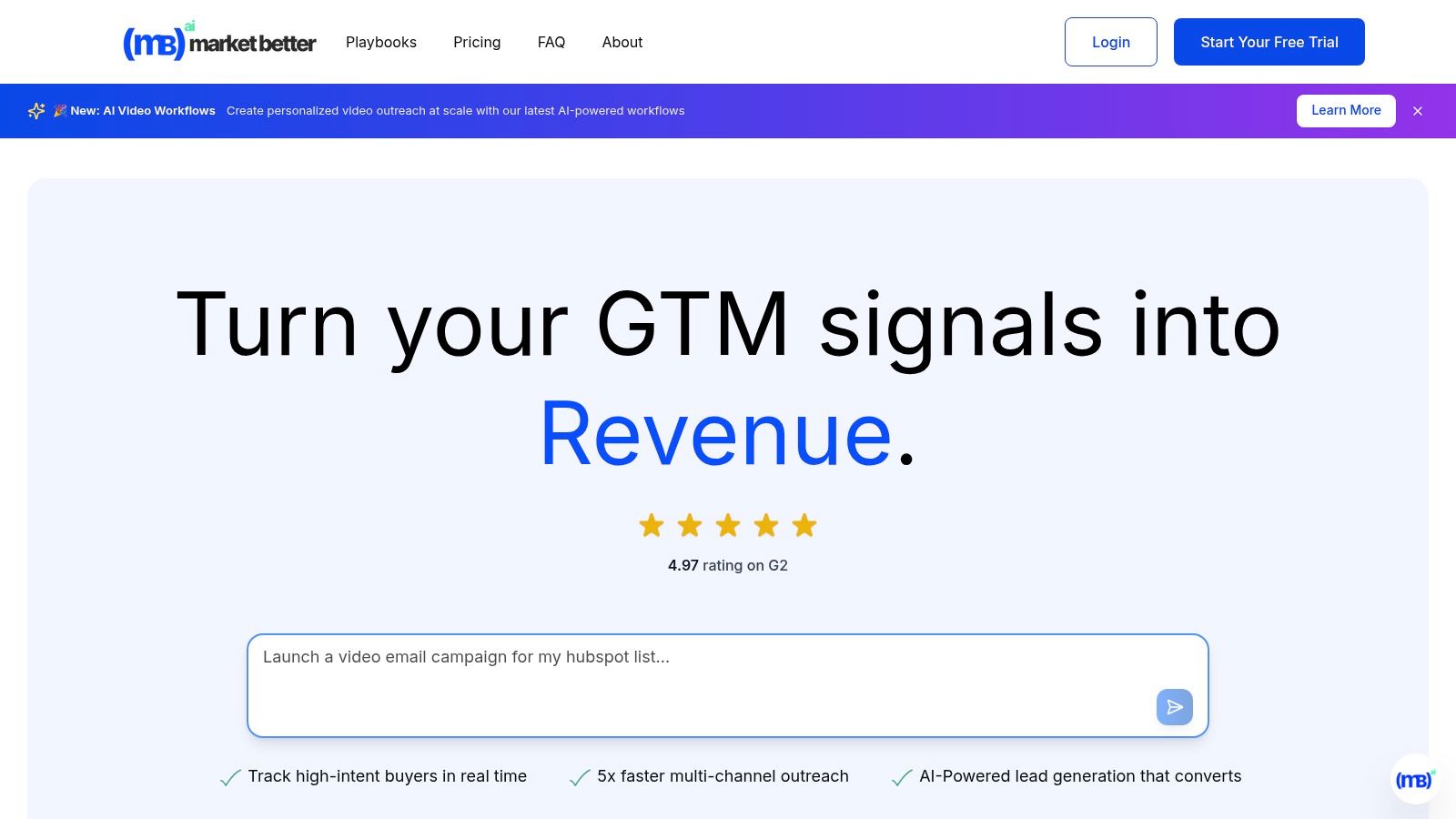
marketbetter.ai dashboard showing analytics and content creation features

Key Features and Use Cases

The platform is designed for strategic execution, making it ideal for demand generation managers and CMOs.

  • Integrated Campaign Optimization: Unlike standalone content schedulers, marketbetter.ai uses predictive analytics and automated A/B testing to refine campaigns in real time. For example, a B2B SaaS company can use it to not only create LinkedIn ad copy but also let the AI automatically allocate budget to the best-performing variants, a feature often requiring a separate, specialized tool.
  • Multi-Channel Outreach: It automates personalized sequences across email, voice, and LinkedIn, creating a cohesive customer journey. A sales team can use this to follow up on social engagement with a targeted email cadence, all managed within one system.
  • Unified Data Intelligence: With seamless integrations for Salesforce, HubSpot, Slack, and Teams, it provides a holistic view of performance. This addresses a major pain point for marketers struggling to attribute social media efforts directly to pipeline growth. For a deeper dive into optimizing your content strategy, you can explore their AI content analysis playbooks.

Verdict and Pricing

Marketbetter.ai is a premium, all-in-one solution best suited for mid-market to enterprise B2B companies looking to scale their marketing operations strategically. Its high G2 rating (4.97) and praise for its expert support and implementation speed reinforce its position as a reliable partner for growth.

  • Pros: 5x faster content creation, 15% average conversion lift, unified platform, and seamless CRM integrations.
  • Cons: Pricing is not publicly listed and requires a custom quote, which can be a hurdle for initial evaluation. Its advanced features may also present a learning curve for teams new to marketing automation.

Website: https://www.marketbetter.ai

2. Canva

Canva has become the go-to design platform for social media marketers who need to create high-quality, on-brand assets without a steep learning curve. Its core strength lies in its speed and accessibility, empowering entire teams to produce everything from Instagram Stories to LinkedIn carousels in minutes. Compared to Adobe Express, Canva's user interface is often seen as more intuitive for non-designers, making it the superior choice for teams prioritizing speed and ease of use. The drag-and-drop interface, combined with an enormous template library, removes creative blocks and streamlines the content creation workflow.
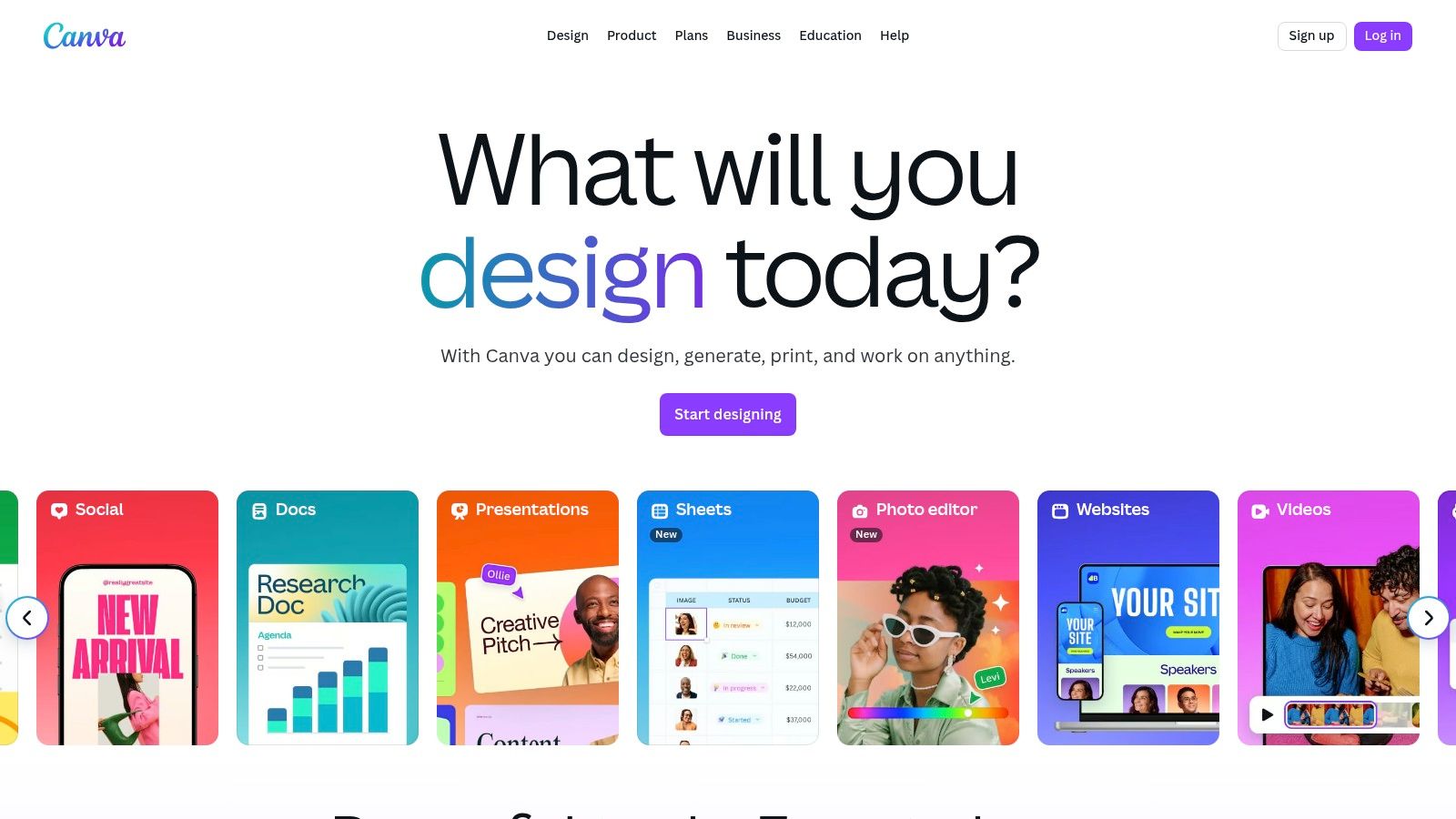
Canva

The platform’s Magic Studio suite introduces powerful AI features, including Magic Write for copy generation and Magic Edit for intuitive image manipulation, making it one of the most versatile social media content creation tools available. This AI integration allows marketers to quickly test different creative angles or generate entire design concepts from a simple text prompt.

Key Details & Use Cases

  • Best For: Teams needing to rapidly produce a high volume of on-brand social graphics and short-form videos.
  • Standout Feature: The Brand Kit ensures brand consistency across all designs by centralizing logos, color palettes, and fonts.
  • Pricing: A robust free plan is available. Canva Pro starts at $14.99/month, with custom pricing for Teams.
  • Actionable Tip: Use the Content Planner to design and schedule posts directly to your social platforms without leaving Canva, consolidating your workflow into a single tool.
  • Website: https://www.canva.com

3. Adobe Express

Adobe Express is the creative powerhouse’s answer to streamlined social media content creation, directly rivaling Canva by leveraging the strength of its professional ecosystem. Its main advantage is its deep integration with tools like Photoshop and Illustrator, allowing for seamless workflows where assets can be moved between platforms for advanced edits. Powered by Adobe Firefly, its generative AI features are designed with commercial safety in mind, a key differentiator for brands concerned with asset licensing.

Adobe Express

While Canva excels in simplicity, Adobe Express offers more professional-grade control and asset quality, especially for users familiar with other Adobe products. Features like quick background removal, video editing, and one-click resizing make it one of the most robust social media content creation tools for marketers who need both speed and the option for high-fidelity edits.

Key Details & Use Cases

  • Best For: Creative teams already invested in the Adobe ecosystem or businesses needing commercially safe AI-generated content.
  • Standout Feature: Integration with Adobe Firefly for commercially safe Generative Fill and Text to Image features.
  • Pricing: A generous free plan is available. The Premium plan starts at $9.99/month and includes more generative credits and brand kits.
  • Actionable Tip: Link your Adobe Express Brand Kit to your Creative Cloud Libraries to ensure anyone on your team, whether they're a designer in Photoshop or a marketer in Express, uses the exact same brand assets.
  • Website: https://www.adobe.com/express

4. CapCut

CapCut has rapidly become the dominant video editor for short-form social content, particularly for TikTok and Instagram Reels. Its strength lies in making trend-driven video creation incredibly accessible, offering tools that once required complex desktop software like Adobe Premiere Pro. The platform's seamless mobile-to-desktop workflow and vast library of templates, effects, and trending audio empower creators to produce polished, engaging vertical videos in minutes.
CapCut

Unlike more generalist video editors like Clipchamp, CapCut is hyper-focused on the nuances of viral video. Its AI-powered features, such as one-click background removal and automatic beat synchronization, streamline tedious editing tasks. This focus makes it one of the most efficient social media content creation tools for marketers aiming to capitalize on current trends without a significant time investment in video production.

Key Details & Use Cases

  • Best For: Social media managers and content creators focused on producing high-volume, trend-led short-form videos for TikTok, Reels, and YouTube Shorts.
  • Standout Feature: The Auto-captions feature is best-in-class, providing highly accurate, stylizable transcriptions with just one tap, which is critical for accessible, watch-anywhere social video.
  • Pricing: Offers a generous free version. CapCut Pro pricing varies by region and platform but generally starts around $7.99/month, unlocking cloud storage and advanced AI tools.
  • Actionable Tip: Use the Templates tab to find user-generated formats that are currently trending. Simply drop your own clips into a popular template to quickly create a relevant video that aligns with the platform's algorithm.
  • Website: https://www.capcut.com

5. Descript

Descript revolutionizes video and podcast editing by transforming it into a process as simple as editing a text document. Instead of manipulating complex timelines, users can cut, copy, and paste transcribed text to edit the corresponding video or audio, making it exceptionally fast for marketers to repurpose long-form content. This text-based approach dramatically lowers the barrier to entry for video editing, offering a more intuitive alternative to traditional editors like VEED for creating social media clips from interviews or webinars.
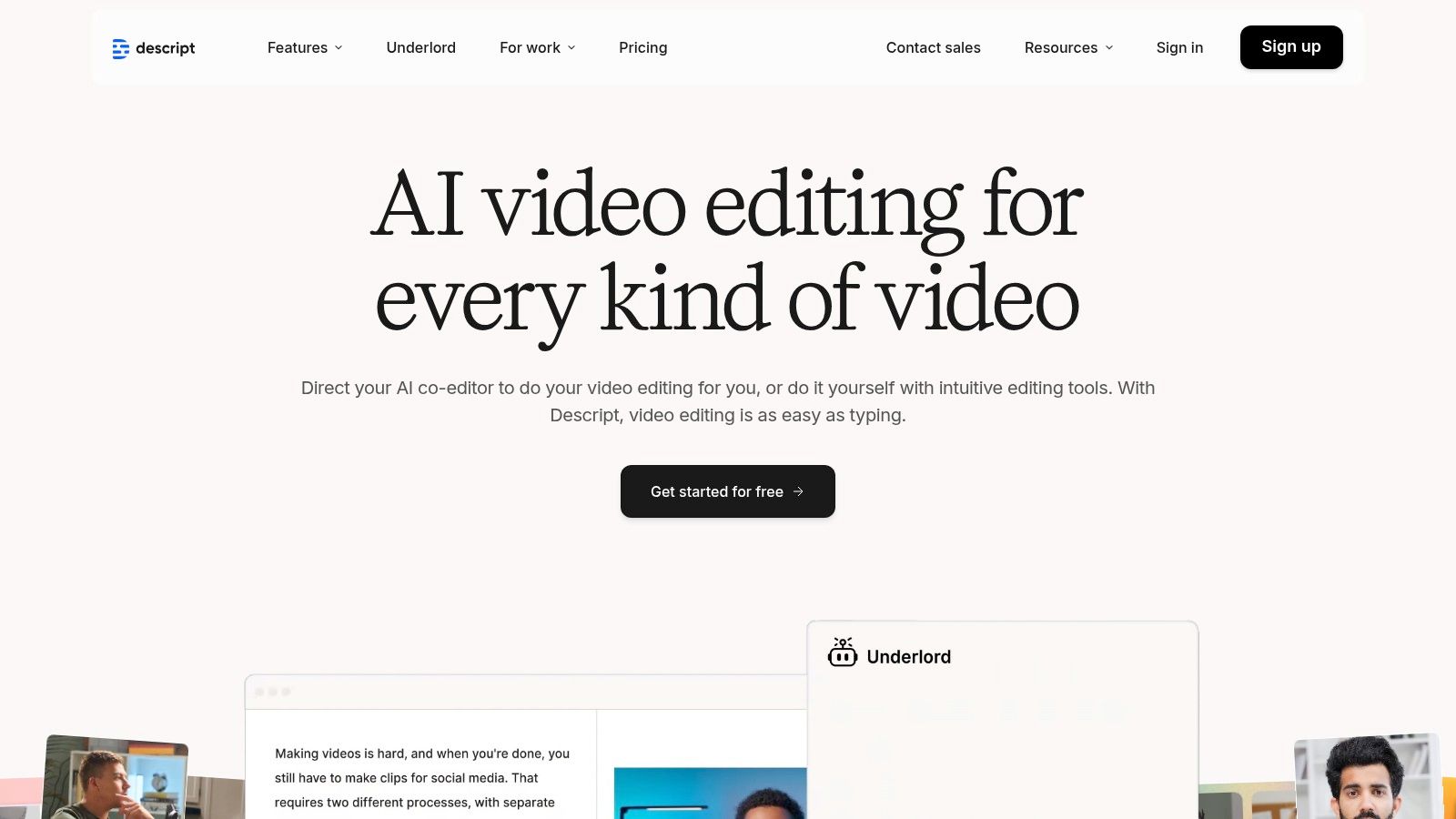
Descript

The platform’s suite of AI tools is a significant differentiator among social media content creation tools. Features like Studio Sound can make amateur recordings sound professionally produced with a single click, while Overdub allows for correcting audio mistakes by simply typing the new words. These AI capabilities enable teams to quickly polish content, remove filler words automatically, and generate ready-to-publish assets without deep technical expertise.

Key Details & Use Cases

  • Best For: Podcasters and marketers repurposing webinars, interviews, or long-form videos into shareable social media clips.
  • Standout Feature: The text-based editing interface that automatically transcribes media and allows you to edit the video/audio by editing the text.
  • Pricing: A free plan is available with limited features. Paid plans start at $15/month per user.
  • Actionable Tip: Use the "Find good clips" AI feature to instantly identify the most compelling soundbites in a long recording. From there, you can convert them into social-ready vertical videos with animated captions in just a few clicks.
  • Website: https://www.descript.com

6. Clipchamp (Microsoft)

As Microsoft's native video editor, Clipchamp offers a uniquely accessible entry point for social media marketers who need to create quick, polished videos without investing in complex software. Its strength lies in its simplicity and integration within the Windows ecosystem, providing a frictionless alternative to more feature-dense platforms like CapCut for creating clean TikToks, Reels, and YouTube Shorts. The browser-based editor ensures cross-platform accessibility, making it a reliable choice for teams with varying technical skills.
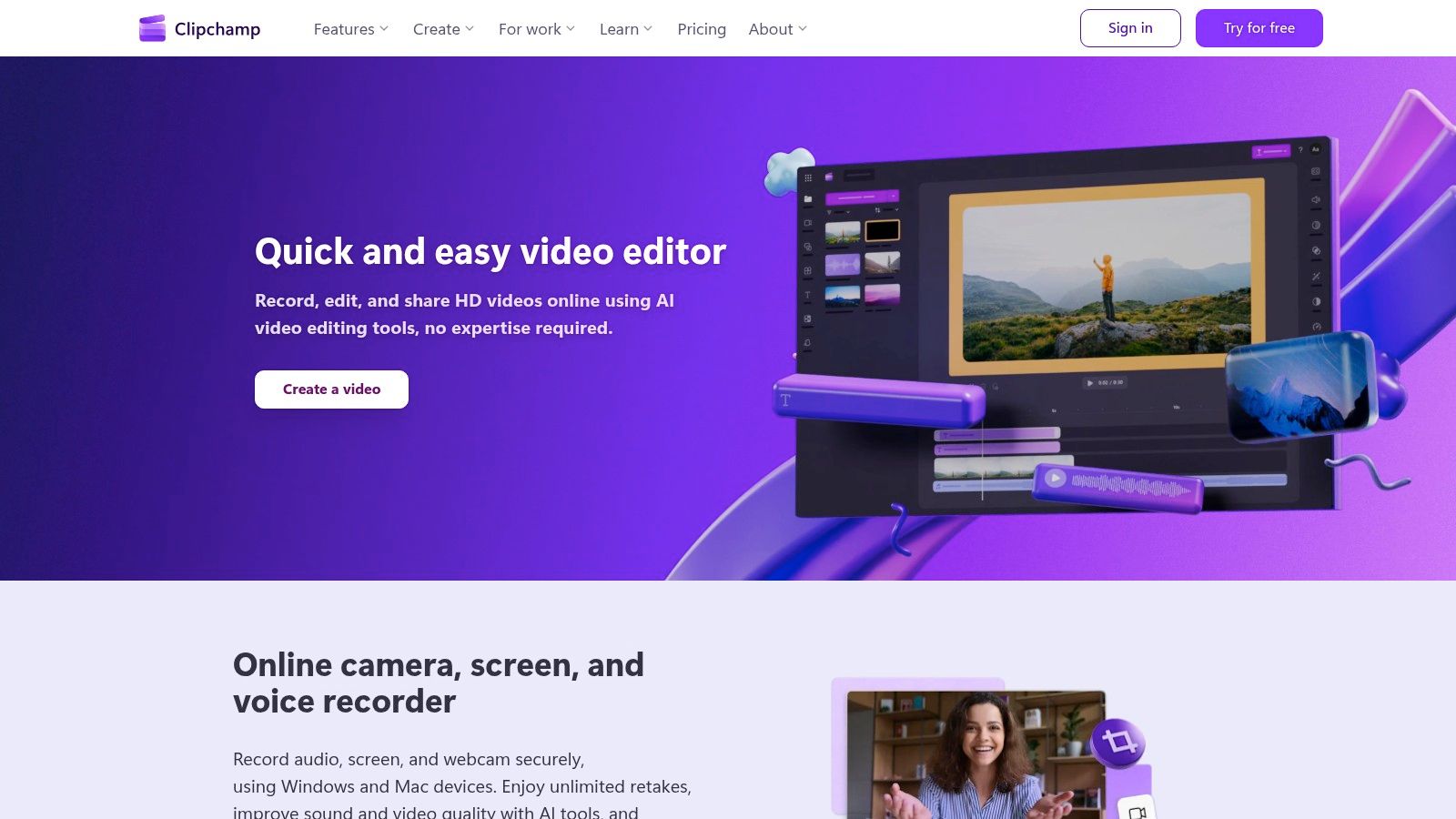
Clipchamp (Microsoft)

The platform leverages Microsoft's AI to offer features like auto-compose, which assembles clips into a coherent video, and a surprisingly accurate text-to-speech generator. This makes it one of the more intuitive social media content creation tools for beginners. While its template library is smaller than Canva's, its focus on core video editing functions like auto-captioning and background removal makes it a powerful, straightforward tool for everyday video needs.

Key Details & Use Cases

  • Best For: Marketers and teams needing a simple, no-frills video editor for quick social media clips and internal communications.
  • Standout Feature: The AI-powered Auto-compose feature saves significant time by creating a draft video from your media files, complete with music and transitions.
  • Pricing: A free plan offers 1080p exports. The Premium plan unlocks 4K exports, stock assets, and advanced features for $11.99/month.
  • Actionable Tip: Use the Auto-captioning feature to generate subtitles instantly, then quickly review and edit them for accuracy to maximize video accessibility and engagement on platforms where users watch with sound off.
  • Website: https://clipchamp.com

7. VEED

VEED is a browser-based video editor built specifically for the demands of social media content, excelling where more general-purpose editors fall short. Its primary advantage is an incredibly powerful and intuitive subtitling and translation workflow, making it simple to create accessible, globally-relevant video content. While CapCut is mobile-first and trend-focused, VEED’s web interface offers a more robust, desktop-native experience for teams needing to collaborate on video projects without installing any software.
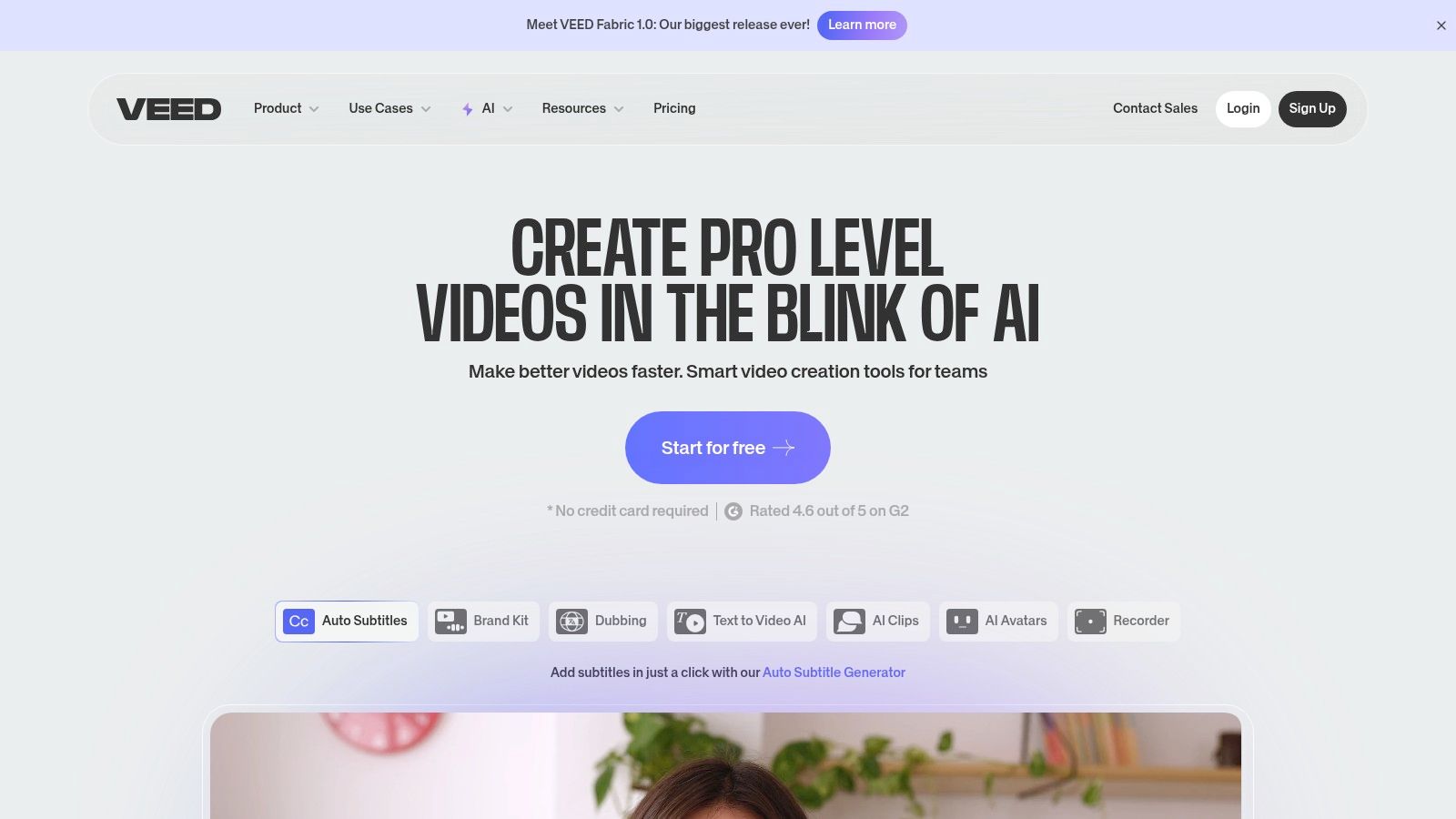
VEED

The platform streamlines the tedious tasks associated with social video, from one-click background removal to automatic audio cleaning. Its suite of AI tools, including voice synthesis and text-to-video generation, further positions it as one of the most efficient social media content creation tools for teams focused heavily on video. These features allow marketers to quickly produce polished, engaging videos that capture attention in a crowded feed.

Key Details & Use Cases

  • Best For: Marketing teams that prioritize subtitled, accessible, and multi-language video content for social media.
  • Standout Feature: The auto-subtitle and translation tool generates accurate captions in seconds and translates them into dozens of languages, drastically reducing manual effort.
  • Pricing: A free plan is available with watermarks. Paid plans start at $25/month per user (billed annually).
  • Actionable Tip: Use the Screen and Camera Recording feature to create quick tutorials or reaction videos, then immediately add branded subtitles and resize for different platforms all within VEED.
  • Website: https://www.veed.io

8. Kapwing

Kapwing is an all-in-one, browser-based video editor that excels at speed and simplicity, making it a powerful tool for social media managers who need to create and repurpose video content quickly. Unlike more complex, timeline-heavy editors, Kapwing’s intuitive interface is geared towards rapid production of memes, subtitled clips, and formatted videos for platforms like TikTok and Instagram Reels. Its strength is in trimming, resizing, and adding text or subtitles without requiring extensive video editing knowledge.
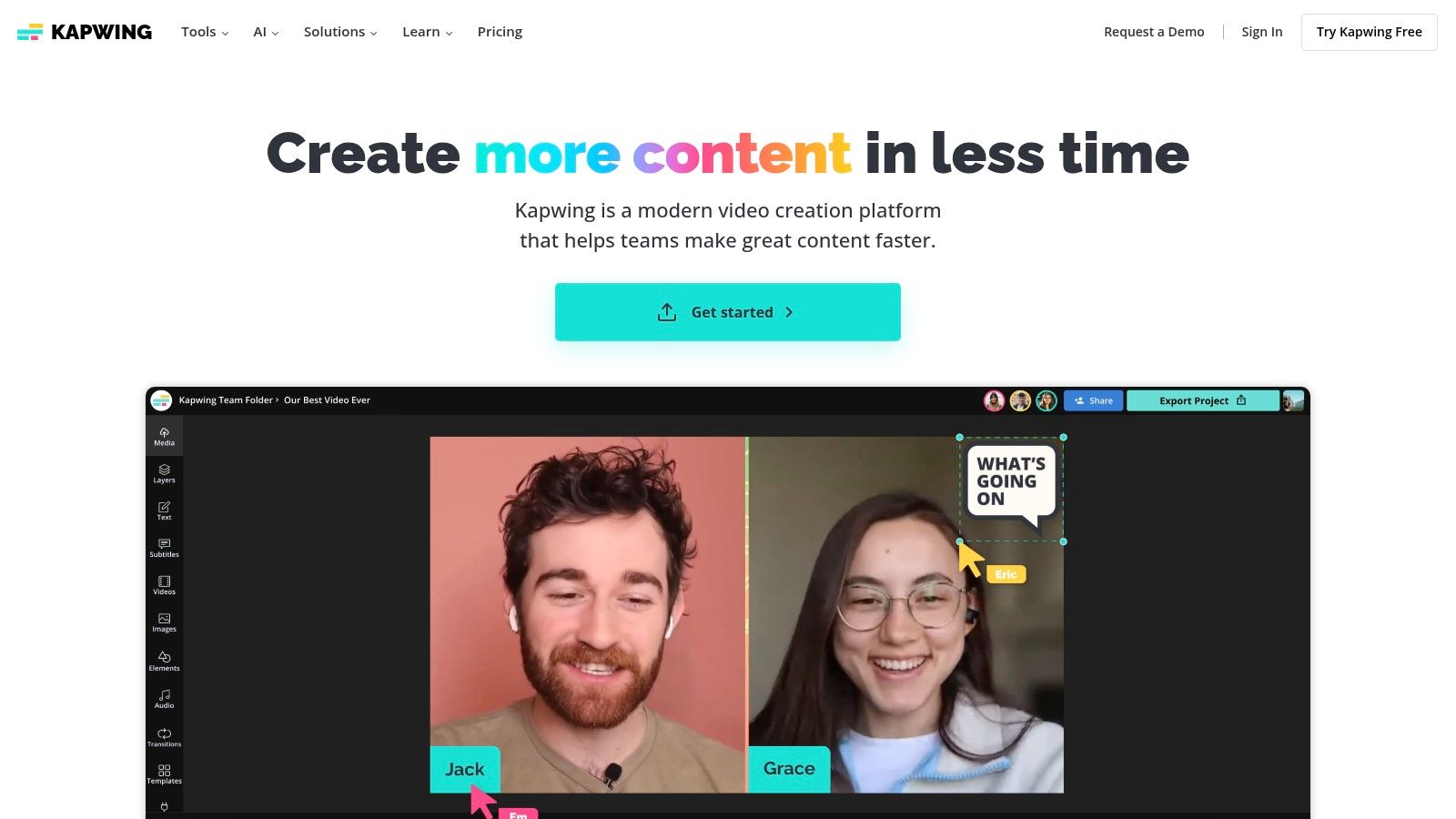
Kapwing

The platform's suite of AI-powered tools, including automatic subtitle generation and smart background removal, significantly accelerates the post-production workflow. This makes Kapwing one of the most efficient social media content creation tools for teams focused on reactive, trend-based video content where turnaround time is critical. Team workspaces further streamline collaboration by keeping brand assets and ongoing projects in a centralized hub.

Key Details & Use Cases

  • Best For: Social media teams creating a high volume of short-form videos, memes, and GIFs.
  • Standout Feature: The AI-powered Auto Subtitle Generator is highly accurate and customizable, saving hours of manual transcription time.
  • Pricing: A free plan is available with watermarks and export limitations. The Pro plan starts at $24/month per user.
  • Actionable Tip: Use the Safe Zones overlay feature when resizing a video. This shows you exactly where platform UI elements (like usernames and captions on TikTok) will appear, ensuring your key visuals are never obscured.
  • Website: https://www.kapwing.com

9. Envato Elements

Envato Elements is an all-you-can-download subscription service that provides the raw creative ingredients for high-volume social media teams. Instead of offering a design editor like Canva, it serves as a massive library of individual assets, including video templates, stock footage, presentation themes, and social media post packs for Photoshop and Illustrator. This makes it an essential resource for creators who work in professional software like Adobe Creative Cloud but need a steady, affordable supply of high-quality assets.
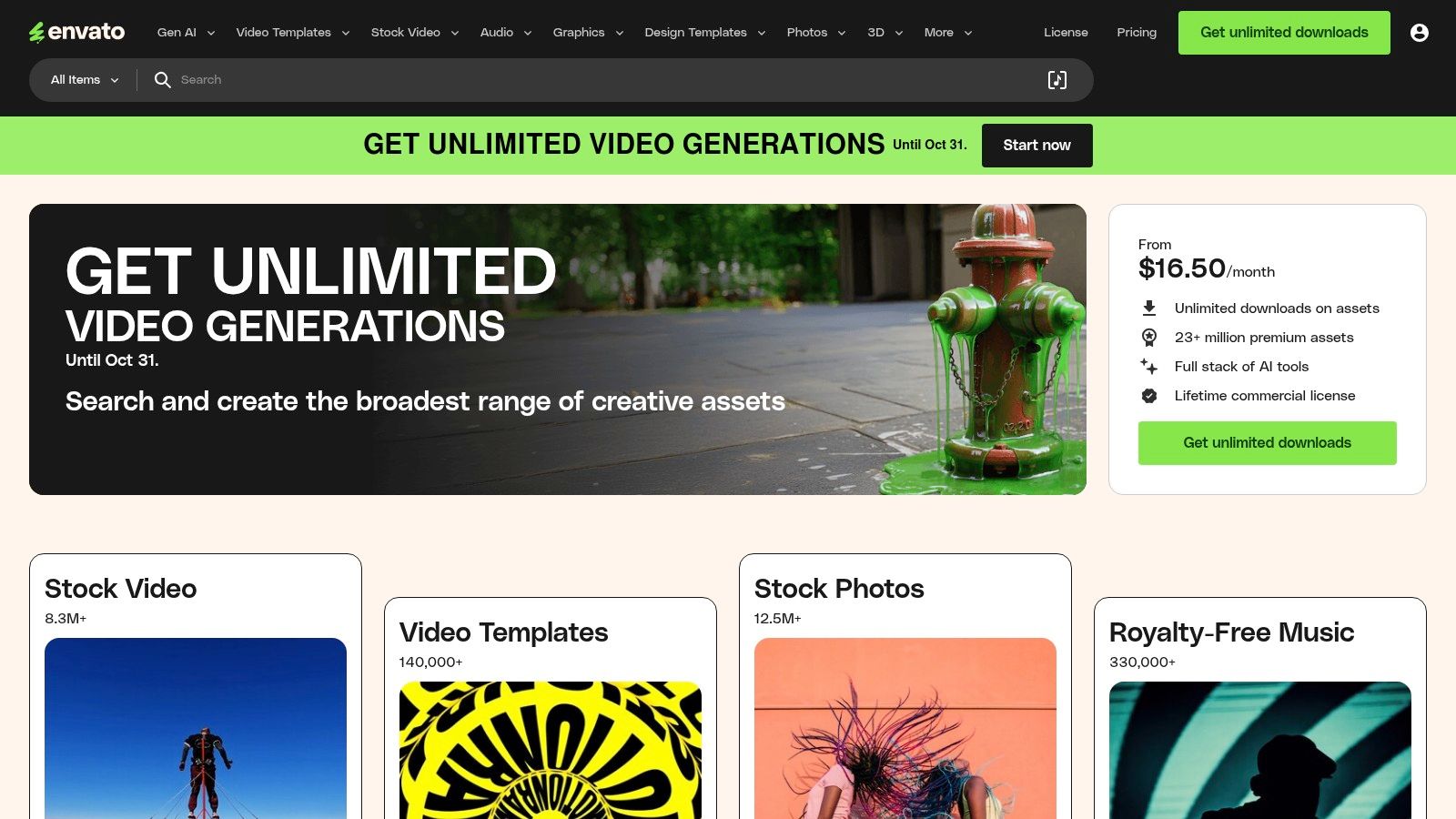
Envato Elements

Its direct competitor is the à la carte model of Creative Market. While Creative Market is better for one-off purchases, Envato Elements offers unbeatable value for agencies and high-output teams. The simple commercial licensing model covers all assets for nearly any use case, eliminating the friction of purchasing individual stock assets and making it one of the most cost-effective social media content creation tools for sourcing professional-grade materials.

Key Details & Use Cases

  • Best For: Content creators and agencies needing a constant supply of diverse, high-quality assets like video templates, music, and graphics for use in professional editing software.
  • Standout Feature: The unlimited download model with a single commercial license simplifies budgeting and legal clearance for all social media projects.
  • Pricing: No free trial, but offers free monthly files. Individual plans start at $16.50/month. Team and Enterprise plans are also available.
  • Actionable Tip: Before starting a new video project, browse the "Video Templates" for After Effects or Premiere Pro. You can often find a pre-built, professional-grade project file that drastically cuts down production time.
  • Website: https://elements.envato.com

10. Placeit by Envato

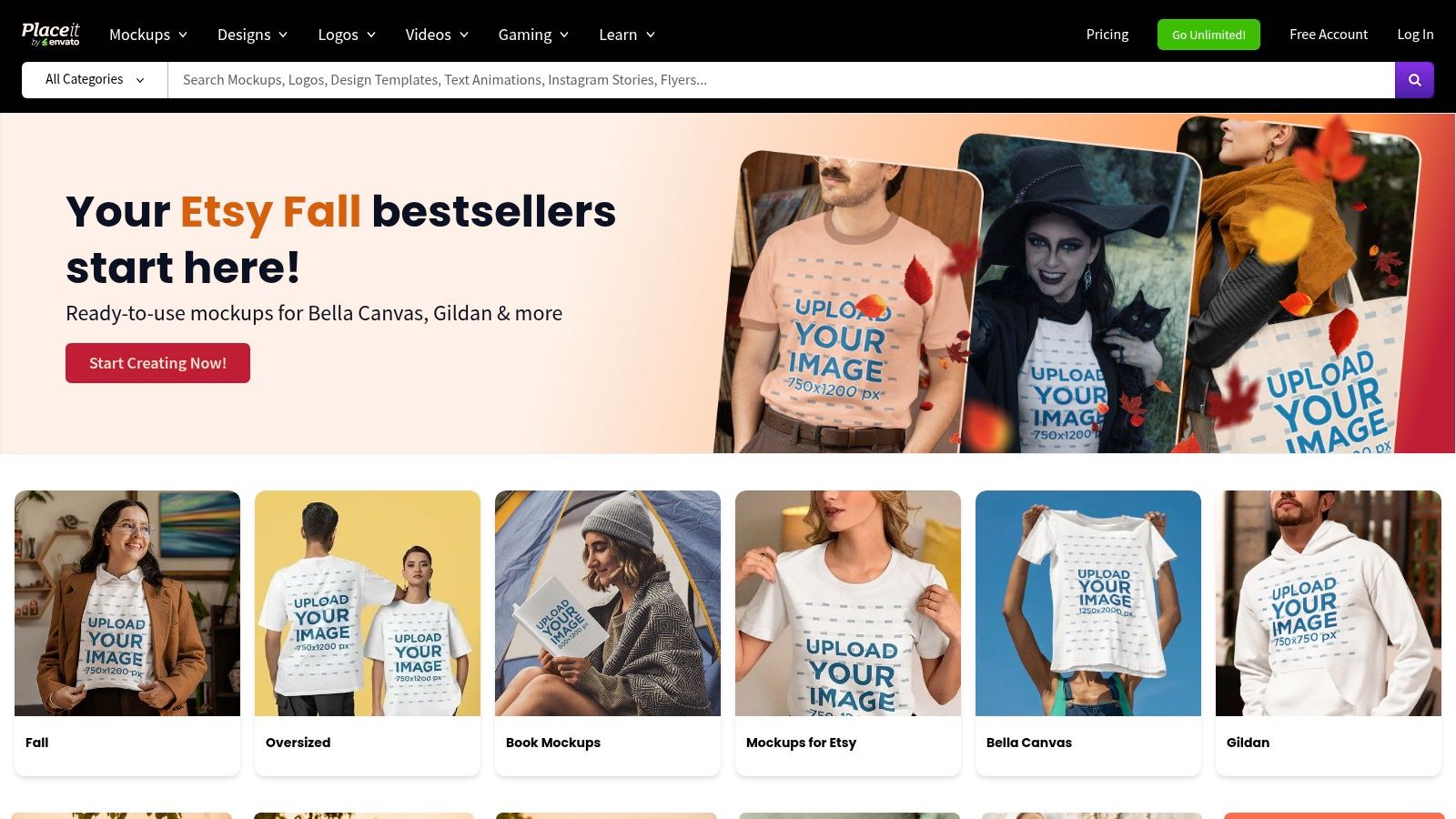
Placeit by Envato excels at one specific, yet crucial, task for social media marketers: creating high-quality, realistic mockups in seconds. Where tools like Photoshop require significant skill and time to place a design onto a device or piece of apparel, Placeit's browser-based platform handles it with a single click. This makes it an indispensable resource for showcasing apps, websites, or merchandise in authentic, lifestyle-based scenarios without expensive photoshoots.
Placeit by Envato

While Canva and Adobe Express offer some mockup capabilities, Placeit's library is vastly larger and more specialized. Its strength is its massive, searchable library of templates, from iPhone mockups held in a user's hand to branded t-shirts worn by models. Its straightforward licensing and interface remove the technical barriers often associated with producing professional-grade marketing visuals, making it one of the most efficient social media content creation tools for product-focused brands.

Key Details & Use Cases

  • Best For: E-commerce brands, app developers, and designers needing to generate realistic product mockups for social media ads and posts.
  • Standout Feature: The enormous library of high-resolution, context-rich mockup templates that require no design skills to use.
  • Pricing: Single purchases are available (from $7.95/image). An unlimited subscription starts at $7.47/month (billed annually).
  • Actionable Tip: Use the video mockups to create short, engaging Instagram Reels or Stories showcasing your app's user interface in a real-world context, which can significantly boost engagement.
  • Website: https://placeit.net

11. Creative Market

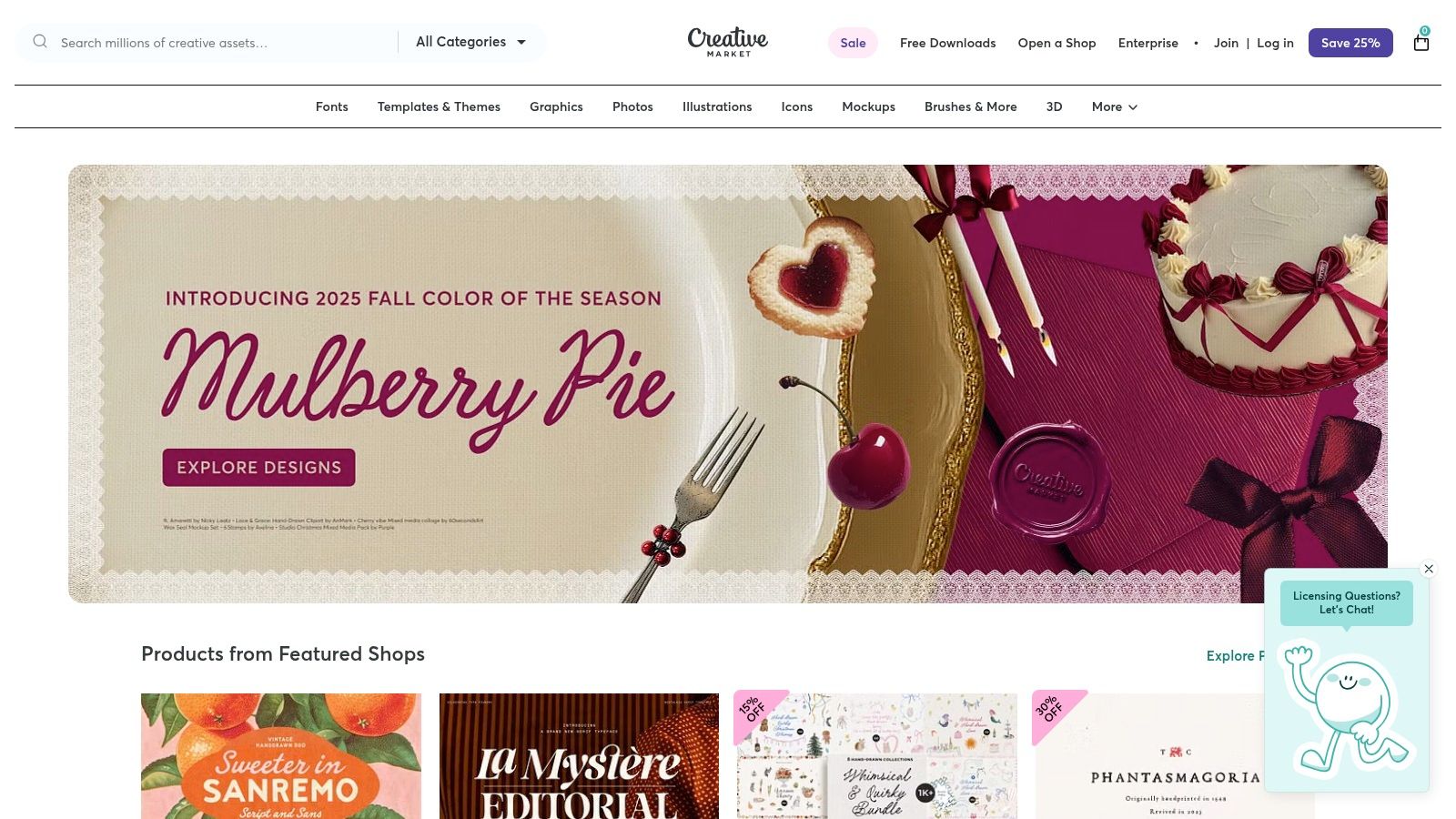
Creative Market serves as a specialized marketplace for marketers who need unique, high-quality design assets without committing to a subscription. Unlike the all-you-can-eat model of Envato Elements, its strength is in providing individual, professionally crafted templates, fonts, and graphics from a global community of independent designers. This à la carte model is ideal for one-off projects or for sourcing a specific aesthetic that pre-packaged template libraries lack, giving your content a distinct, non-generic feel.
Creative Market

The platform is a treasure trove for finding specific files like Photoshop mockups, Lightroom presets, or intricate Canva templates that go beyond the basics. While quality can vary between sellers, the rating and review system provides transparency. This direct-from-creator model makes it one of the best social media content creation tools for marketers seeking to purchase and own bespoke assets with clear commercial licensing.

Key Details & Use Cases

  • Best For: Marketers and designers needing unique, high-quality assets like templates, fonts, or mockups on a per-project basis.
  • Standout Feature: The pay-per-asset model provides flexibility and avoids recurring subscription costs, allowing you to buy exactly what you need.
  • Pricing: Varies per item, with assets ranging from a few dollars to over $100. Clear licensing tiers are provided for each purchase.
  • Actionable Tip: Before purchasing a template pack, carefully review the included file types (e.g., .PSD, .AI, Canva link) and the seller's ratings to ensure compatibility with your existing software and workflow.
  • Website: https://creativemarket.com

12. Amazon

While not a creation tool itself, Amazon is the indispensable marketplace where creators acquire the physical hardware that makes high-quality content possible. It serves as the foundational resource for sourcing everything from ring lights and microphones to tripods and green screens, making it a critical, if indirect, part of the social media content creation tools ecosystem. Unlike specialized retailers, its vast selection and competitive pricing allow creators at any budget to build or upgrade their production setup.

The platform’s power lies in its comprehensive user-generated feedback, including detailed reviews, customer photos, and a Q&A section that provides real-world insights into a product's performance. This community-driven data helps marketers make informed purchasing decisions, mitigating the risk of investing in gear that doesn't meet their specific content production needs.

Key Details & Use Cases

  • Best For: Marketers and creators building or upgrading their physical content production setup on any budget.
  • Standout Feature: The extensive user reviews and ratings system provides invaluable social proof and real-world performance feedback before purchasing.
  • Pricing: Varies by product; Amazon Prime membership ($14.99/month) offers fast, free shipping on eligible items.
  • Actionable Tip: Create a private Wish List for your ideal content creation kit. Share it with your team for budget planning and use it to track prices for deals during sales events like Prime Day.
  • Website: https://www.amazon.com

Top 12 Social Media Content Creation Tools Comparison

PlatformCore Features & CapabilitiesUser Experience & Quality ★Value Proposition 💰Target Audience 👥Unique Selling Points ✨
🏆 marketbetter.aiAI content gen, campaign optimization, personalization, analytics4.97 ★ on G2, rapid supportROI boost: 5x faster content, +15% conversionsMid-market to Enterprise B2B marketing teamsIntegrated AI platform, seamless CRM & outreach integration
CanvaDesign suite, templates, AI copy & images, content scheduler★★★★☆ fast & intuitiveAffordable with strong collaboration featuresSocial media managers, small to medium businessesMassive templates, brand kits, AI tools
Adobe ExpressTemplates, stock assets, AI credits, resizing, content scheduler★★★★☆ Adobe ecosystem reliabilityTiered pricing; commercial-safe AI generativeCreatives, social media marketersDeep Adobe integration, vast asset library
CapCutShort-form video editor, templates, auto-captions, AI tools★★★★☆ trendy & mobile-optimizedFree with in-app purchases, regional variancesTikTok/Instagram creators, video marketersFast vertical video edits, large effect library
DescriptText-based video/audio editing, AI overdub, social clip maker★★★★☆ gentle learning curveSubscription with AI credit limitsPodcasters, video editorsText-driven editing, AI voice overdub
Clipchamp (Microsoft)Video editor, AI tools, auto-captioning, 1080p-4K export★★★★ included with Windows 11Free tier; premium for advanced featuresBeginners, Windows usersNative Windows integration, simple UX
VEEDSubtitles, translation, AI voice synthesis, team collaboration★★★★ web-based, no install neededSubscription based on AI credit and featuresSocial video teams, translatorsMulti-language AI features, team workflows
KapwingVideo, GIF, image editor, templates, subtitles, collaboration★★★★ fast & straightforwardFree & paid tiers, watermark on free planSocial media content creatorsBroad social templates, quick resizing
Envato ElementsUnlimited creative assets, templates, stock footage, licenses★★★★ extensive asset varietySubscription for all-inclusive asset accessAgencies, content creatorsCommercial licensing in one subscription
Placeit by EnvatoMockups, logo & social video templates, browser-based★★★★ easy & fastSubscription or single purchaseMarketers & designers needing mockupsBrowser-only, realistic mockups
Creative MarketDesigner-made templates, fonts, presets, per-item purchase★★★★ varies by creatorPay-per-item, no subscriptionFreelancers, small businessesNo subscription needed, clear licensing
AmazonCreator hardware & accessories marketplace★★★★ vast selectionWide price range, user reviewsContent creators & equipment buyersOne-stop shop for equipment

Putting Your Tools to Work: An Actionable Strategy

Navigating the expansive landscape of social media content creation tools can feel overwhelming, but the right toolkit is a powerful force multiplier for any marketing team. We've explored a diverse range of platforms, from the AI-powered ideation and copywriting of marketbetter.ai to the all-in-one visual design powerhouse of Canva and the intuitive video editing capabilities of Descript and VEED. The key takeaway is that no single tool is a magic bullet; instead, strategic integration is what unlocks true creative velocity and quality.

The most effective approach is to build a customized "content stack" that aligns with your specific goals, team skills, and budget. Your strategy isn't about acquiring the most tools, but the right tools that work in harmony. By creating a system where each platform serves a distinct purpose, you transform a series of individual tasks into a streamlined, efficient production workflow.

Choosing Your Core Content Stack

To make this actionable, start by identifying your primary content needs and then select tools that complement each other. Avoid redundancy where possible to maximize your budget and minimize team friction.

Here are a few example stacks based on common business needs:

  • For the Agile Startup or Solopreneur: Combine marketbetter.ai for rapid AI-driven campaign ideas and copy, Canva for creating a wide range of static graphics and simple videos, and CapCut for quick, trend-focused mobile video editing. This stack is cost-effective, user-friendly, and covers the essential bases for building a social presence from scratch.
  • For the B2B Marketing Team: A powerful combination would be Descript for polishing podcasts and video interviews into professional-grade assets, Envato Elements for a steady supply of high-quality stock footage and presentation templates, and marketbetter.ai to ensure all messaging is on-brand and strategically sound. This focuses on creating polished, authoritative content.
  • For the High-Volume E-commerce Brand: Pair Placeit by Envato for generating an endless stream of product mockups, VEED for creating dynamic video ads with hardcoded subtitles for silent viewing, and a core design tool like Adobe Express for maintaining strict brand consistency across all visuals. This stack is built for speed, scale, and direct-response marketing.

Implementing Your Tools for Maximum Impact

Once you’ve selected your social media content creation tools, successful implementation is crucial. Focus on establishing a clear workflow. For instance, a campaign might start in marketbetter.ai to generate core concepts and copy, move to Envato Elements to source visual assets, and finish in Canva or CapCut for final assembly and branding. This assembly-line approach ensures consistency and efficiency.

As you integrate these platforms, consider exploring more advanced applications. For teams pushing the boundaries of digital engagement, the next frontier involves leveraging artificial intelligence in more profound ways. For instance, some brands are now learning how to create AI influencers to build unique, brand-owned personalities that resonate with niche audiences. This forward-thinking strategy demonstrates how a deep understanding of content tools can unlock entirely new marketing channels.

Ultimately, the goal is to empower your team to move beyond reactive content creation and into a proactive, strategic rhythm. The right tools remove creative friction, automate repetitive tasks, and free up your team to focus on what truly matters: building a genuine connection with your audience through compelling, high-quality content.


Ready to supercharge your content ideation and copywriting? marketbetter.ai uses advanced AI to generate strategic campaign ideas, write compelling social media copy, and analyze your brand's voice in seconds. Stop guessing and start creating with a tool built to be the strategic foundation of your social media content creation tools stack at marketbetter.ai.

Boost Your Results with Our Actionable Content Marketing Strategy Template

· 25 min read

Let's be honest, that generic content marketing strategy template you downloaded is probably collecting digital dust somewhere on your hard drive. It’s a classic scenario, but the problem isn't the template. The problem is how we approach it.

Too often, we treat it like a fill-in-the-blanks worksheet instead of what it should be: a dynamic framework for strategic thinking.

Why Your Downloaded Template Isn't Working

A template is a tool, not a magic wand. If you just drop in a few keywords and brainstorm some blog titles without doing the foundational work, you’ll end up with a plan that looks great on paper but is completely disconnected from your business goals. It's like having a detailed map but no clue where you are or where you're trying to go.

Image

This isn't just a hunch; it's a widespread challenge. The Content Marketing Institute found that only 29% of marketers with a documented content strategy felt it was extremely or very effective.

And the reason for the disappointment? A whopping 42% pointed to unclear goals. That’s a massive planning gap, and it’s exactly the kind of thing a “fill-in-the-blank” approach creates.

The Mindset Shift: From Template To Framework

The real magic happens when you stop seeing that template as a rigid document and start treating it like a flexible blueprint. This requires a fundamental shift in mindset—from passively filling in boxes to actively thinking strategically. It’s about asking the right questions, not just finding easy answers.

This table really breaks down the two mindsets.

Template vs Framework: A Strategic Comparison

AttributeGeneric Template ApproachStrategic Framework Approach
Mindset"Fill in the blanks""Ask the right questions"
GoalsVague (e.g., "increase traffic")Specific and tied to business KPIs
AudienceBased on assumptionsBuilt from data-driven personas
ProcessOne-time setupA living document, continuously updated
OutcomeContent for content's sakeContent that drives measurable results

When you adopt a framework mindset, your template becomes a guide for your thinking, not a replacement for it. It prompts you to dig deep into your unique business objectives, conduct real audience research, and make decisions backed by data. That's the difference between a strategy that works and one that just sits there.

Actionable Tip: Don't just fill in your template. For every section, schedule a 30-minute brainstorming session with your team and ask, "How does this connect directly to our main business objective this quarter?" This simple action forces strategic alignment.

Making Your Template Actionable

So, how do you actually make this shift?

It starts by seeing each section of the template—like "Goals" or "Audience Personas"—as a starting point for deeper work, not just a box to check off. This is the foundational effort that separates a document gathering dust from one that actually drives growth.

While this guide will give you a structured path forward, building that strategic muscle is key. For a more comprehensive look at turning theory into practice, check out The Ultimate Content Marketing Strategy Guide. It’s a great resource for turning any template into a powerhouse for your business.

Find Your North Star: Define Your Mission and Set Smarter Goals

Before you write a single word or brainstorm one topic, your content needs a purpose. Seriously. Without a clear "why," even the best content marketing strategy template is just a spreadsheet full of empty boxes. This is where you plant your flag and establish a mission that guides every single thing you create.

Think of your content mission statement as the elevator pitch for your entire content operation. It needs to nail three things: who you're talking to, what you're giving them, and how their world gets better after they've listened. This is the first, most critical step that separates content with a purpose from just random acts of marketing.

A mission like "Create helpful blogs for marketers" is vague and, frankly, forgettable. But what about this? "Provide B2B marketing managers with actionable AI-driven strategies that slash campaign busywork and prove clear ROI." See the difference? That one tells you exactly who you serve, the value you deliver, and the tangible outcome they can expect.

From Fuzzy Ideas to SMART Goals

Once you have that mission locked in, it's time to translate that big-picture vision into goals the business actually cares about. This means ditching generic wishes like "get more traffic" and embracing the SMART framework. Your goals have to be Specific, Measurable, Achievable, Relevant, and Time-bound.

Vague GoalSMART Goal
Increase trafficIncrease organic blog traffic from non-branded keywords by 15% in Q2.
Get more leadsGenerate 200 new Marketing Qualified Leads (MQLs) from content downloads by the end of Q3.
Grow social mediaIncrease LinkedIn follower engagement rate by 5% over the next 60 days.

Using this framework forces a crucial connection between your content activities and real business outcomes. "Increase traffic" is a hope. "Increase organic blog traffic from non-branded keywords by 15% in Q2 by publishing eight SEO-optimized articles targeting bottom-of-funnel topics" is a plan. Now you've got a target on the wall and a clear path to hitting it.

Your Business Model Defines Your Goals

The real power of this approach snaps into focus when you see how different businesses set their goals. Their objectives are miles apart because their customer journeys and business models are completely different.

Let's look at two real-world scenarios.

Scenario 1: The B2B SaaS Hustle A company like marketbetter.ai isn't just trying to get clicks; they need to generate high-quality leads for their sales team. Every piece of content is engineered to solve a complex business problem and pull a prospect deeper into their funnel.

  • Primary Goal: Generate 200 new Marketing Qualified Leads (MQLs) per month from content downloads within six months.
  • Content That Gets It Done: In-depth whitepapers, ROI calculators, detailed case study videos, and webinar sign-ups.
  • The Metric That Matters: Lead Conversion Rate from those content assets.

Scenario 2: The E-commerce Community Builder Now, think about an e-commerce brand selling sustainable activewear. Their game is all about building a loyal community and driving repeat purchases. Their goals revolve around brand love and customer lifetime value.

  • Primary Goal: Boost the customer repeat purchase rate by 10% over the next quarter through an engaging email newsletter.
  • Content That Gets It Done: User-generated content campaigns on Instagram, behind-the-scenes videos of their ethical production process, and blog posts on sustainable living.
  • The Metric That Matters: Customer Retention Rate and social media Engagement Rate.

Actionable Tip: Open your template. Next to your primary goal, write down the one metric your CEO or sales leader cares about most (e.g., MQLs, trial sign-ups, repeat purchase rate). Now, make sure every content goal you set directly influences that core business metric.

As you start carving out your mission and goals, using a structured tool like a social media marketing plan template can be a huge help in making sure your channel tactics line up with your big-picture objectives. When you populate your main strategy template with these sharp, specific, and relevant goals, every piece of content suddenly has a job to do. That foundational work is what turns a simple document into a powerful engine for real growth.

Master Audience and Competitor Research

Let’s be honest: most content marketing fails because it’s all about the company, not the customer. A slick content marketing strategy template is just a fancy document if it’s packed with your own assumptions. To make it work, you have to ground every single decision in who your audience really is and what your competitors are actually doing.

This isn’t just about collecting demographic data. It’s about developing real empathy. You need to know your audience so well that you can describe their problems even better than they can. Get this foundation right, and your content will provide genuine solutions instead of just adding to the internet's noise.

Image

From Vague Ideas to Data-Driven Personas

Too many marketers stop after creating a flimsy buyer persona—something like "Marketing Mary," who is 35-45 and likes coffee. That’s a start, but it’s not going to help you create content that actually gets someone to act. You have to go deeper to capture the real pain points, motivations, and the exact language your customers use every day.

An effective persona is built on a mix of real conversations and hard data. It’s about getting inside their heads.

  • Talk to Sales and Support: These teams are on the front lines. Ask them: What questions do prospects ask over and over? What objections do you hear all the time? What’s the one feature that gets customers really excited?
  • Dig into Customer Reviews: Go scour G2, Capterra, and your own testimonials. Look for the phrases people repeat, the specific problems they mention, and the words they use to describe their wins.
  • Run Surveys and Polls: Just ask your audience directly what their biggest challenges are. A simple one-question poll on LinkedIn can give you more gold than weeks of internal brainstorming.

This process turns your persona from a generic sketch into a composite of real people. Suddenly, you have a crystal-clear picture of their daily struggles, which is exactly the fuel you need for great content. Building on a foundation of deep marketing consumer insights is non-negotiable.

A data-driven persona isn't just a document; it's a decision-making tool. When you're stuck on a headline or an angle, you shouldn't ask "What do we think?" You should ask, "What would 'Strategic Sam' find most useful right now?"

Uncover Opportunities Your Competitors Are Missing

Once you know your audience inside and out, it's time to see how well your competitors are actually serving them. Competitive analysis isn't about copying what everyone else is doing. It’s about finding the gaps they’ve left wide open for you to own.

Don't just look at their keywords. You need to analyze their entire content ecosystem. That means digging into the formats they use, the messaging they push, and the distribution channels they're ignoring.

For example, maybe your biggest competitor has a popular blog, but all their posts are high-level, theoretical articles. That’s your shot. You can swoop in with detailed, tactical "how-to" guides complete with checklists and templates that help your audience actually do the thing. They own the "what," but you can own the "how." For a more advanced take, an AI content analysis can reveal patterns and gaps at a scale that's impossible to see with the naked eye.

Practical Tools for Actionable Intelligence

Gathering all this intelligence requires the right tools. The good news is you don't need a massive budget, just a smart approach. Here’s a quick breakdown of some free vs. paid options for digging up these insights.

Research AreaFree ToolsPaid Tools (More Depth & Scale)
Keyword GapsGoogle Keyword Planner, UbersuggestAhrefs, Semrush
Topic ResearchAnswerThePublic, Google Trends, QuoraBuzzSumo, SparkToro
Content FormatsManual review of competitor sitesAhrefs' Content Explorer, Similarweb
Social ListeningSearching hashtags and keywords manuallyBrand24, Sprout Social

Let's make this real. Imagine you run marketing for a B2B SaaS company. Using a tool like Ahrefs, you find a competitor ranks for "sales forecasting techniques" but only has one generic blog post on it.

Then, you pop over to AnswerThePublic and see people are also searching for "How to create a sales forecast in Excel?" and "What are the best sales forecasting software tools?" Boom. That’s your content gap. You can now plan a whole content pillar around sales forecasting that includes:

  1. A massive guide to different techniques that blows their single post out of the water.
  2. A downloadable Excel forecast template that solves an immediate, practical need.
  3. A comparison article of forecasting software that positions your own product as the best solution.

By combining a deep understanding of your audience with a sharp eye on the competition, you turn your content marketing strategy template from a document full of guesses into a data-backed plan for winning your market. You stop just creating content and start strategically delivering value right where your audience needs it—and right where your competitors aren't looking.

Build Your Content Creation and Editorial Engine

Okay, you've got your goals nailed down and the research is done. Now for the fun part: turning all that strategic groundwork into a real, functioning system for creating content. This is where your content marketing strategy template stops being a planning document and becomes your team's day-to-day playbook.

The mission here isn't just to "make content." It's to build a smooth-running engine that avoids burnout and consistently puts valuable stuff out into the world.

It all starts with organizing your ideas. Instead of a messy list of topics, you need to group them around core content pillars. Think of these as the handful of big, important themes your brand wants to be known for—the stuff that's directly tied to what your audience struggles with and what you want to rank for in search.

For a company like marketbetter.ai, for example, those pillars might be things like "AI in Marketing," "Campaign Optimization," and "Customer Personalization."

Map Content to the Buyer Journey

Once your pillars are set, the next move is to map individual topic ideas to the different stages of the buyer's journey. Let's be real: not all content does the same job. Someone just figuring out they have a problem needs something completely different from a person who's ready to pull out their credit card.

  • Awareness Stage: The goal is pure attraction and education. You're creating content that answers those big, broad questions. Think blog posts like, "What is Predictive Analytics in Marketing?" or "How to Improve Marketing ROI."

  • Consideration Stage: Now your prospects are sizing up their options. Your content needs to get more specific, maybe comparing different approaches or offering deeper, more tactical guides. This is where you'd publish something like "AI-Powered A/B Testing vs. Manual Methods."

  • Decision Stage: This is the final stretch. Your audience is ready to make a choice. Here's where you hit them with product-focused content like case studies, competitor comparisons, and demo videos that prove you're the right solution.

Laying out your content this way ensures you have a balanced diet of content that can nurture leads from that first flicker of curiosity all the way to a signed deal. You’re not just throwing spaghetti at the wall; you're building a deliberate path for them to follow.

Actionable Tip: In your content calendar, add a column for "Buyer Stage." Before you write anything, assign it to Awareness, Consideration, or Decision. If you notice you have ten Awareness posts and zero Decision content, you’ve found a critical gap to fix.

Choosing the Right Format for Maximum Impact

The format you pick is just as critical as the topic itself. A killer idea wrapped in the wrong package will completely fall flat. Your decision needs to be a calculated one, based on your message, how your audience likes to consume content, and what your team can realistically produce.

The data is pretty clear on this: visuals are non-negotiable. With nearly 100% of marketing content now including visuals, picking the right kind is essential. And since 9 in 10 marketers use their own website as their main distribution channel, that format better be optimized for your home turf. You can dig into more trends with these content marketing statistics.

This decision tree gives you a good look at how to pick a channel based on your audience, the format, and the resources you actually have.

Image

What this shows is that your team's capacity and the type of content you're creating should directly influence where you publish it. It's a simple gut check to keep you from overcommitting to platforms you can't sustain.

To make this even more practical, here’s a quick matrix to help you decide on a format.

Content Format Decision Matrix

Choosing a format often feels like a guessing game, but it doesn't have to be. Use this table to align your marketing goals and audience's needs with the resources you have on hand.

Marketing GoalAudience StageRecommended FormatResource Level
Brand AwarenessAwarenessBlog Posts, Infographics, Short Social VideosLow to Medium
Lead GenerationConsiderationEbooks, Webinars, In-depth Guides, ChecklistsMedium to High
Sales EnablementDecisionCase Studies, Demo Videos, Competitor ComparisonsHigh
Thought LeadershipAll StagesWhite Papers, Original Research, Podcast InterviewsHigh
Community BuildingAll StagesUser-Generated Content, Live Q&As, NewslettersLow to Medium

This isn't about finding one perfect format, but about building a balanced mix that serves different purposes without stretching your team too thin.

Solo Marketer vs. Small Team Workflows

Building a content engine that you can actually stick with looks very different depending on your team's size. The core principles are the same, but how you execute—and the tools you use—will vary a ton.

A solo marketer has to be ruthlessly efficient. A small team needs to be crystal clear on communication and who owns what.

Let's break down how each might tackle building out a single content pillar.

TaskSolo Marketer's ApproachSmall Team's Approach
Topic IdeationUses free tools like AnswerThePublic to find one "pillar" topic and 3-4 related "cluster" topics. Focuses heavily on repurposing one idea.The team brainstorms together. An SEO specialist validates keywords while the content manager maps everything to the editorial calendar.
Creation ProcessWrites one long-form blog post. Uses AI tools for a first draft, then repurposes that article into a script for a short video and 5 social posts.The writer drafts the article. A designer creates custom graphics. The video editor produces a companion YouTube piece. Specialization is key.
Review & ApprovalSelf-edits using grammar tools. Reads the draft aloud to catch awkward phrasing. The final review is a gut check against the audience persona.A formal, multi-stage review. The writer submits to the content manager, who then passes it to a subject matter expert for a technical accuracy check.
PublicationManually schedules the blog post, social media, and video upload over a week using a simple scheduling tool. Batching is a lifesaver.The content manager acts as air traffic control for a coordinated launch. The social media manager schedules posts, and the email marketer preps a newsletter blast.

See the difference? The solo marketer's world is all about leverage and batching tasks. The team's world is about specialization and collaboration. Both work great, but trying to run a team workflow by yourself is a fast track to burnout.

Your content marketing strategy template has to reflect your reality. Build a production system you can actually maintain, not one you wish you had.

Implement a Smart Content Distribution Plan

So you’ve created a brilliant piece of content. That’s the first lap of the race. The hard truth? Even the most insightful article or jaw-dropping video is completely useless if nobody sees it. This is where your content marketing strategy template has to do more than just plan creation—it needs a built-in amplification engine.

It’s time to officially kill the "post and pray" approach for good. A smart distribution plan isn't a Hail Mary; it's a calculated system for getting your content in front of the right eyeballs through a deliberate mix of channels. This is how you turn a one-time asset into a machine that generates traffic and leads for months, not days.

Integrating the PESO Model

A fantastic framework for structuring distribution is the PESO model. It breaks your channels into four distinct categories so you can think about amplification holistically.

  • Paid: Any channel where you pay to play (PPC ads, social ads, sponsored content). This is the fastest way to guarantee visibility.
  • Earned: Digital word-of-mouth (media mentions, guest posts, influencer shares). This builds credibility.
  • Shared: Organic social media engagement (shares, comments, community conversations). This builds relationships.
  • Owned: Channels you control completely (your website, blog, and email list). This builds your long-term asset.

An effective distribution plan doesn't just live in one of these buckets; it blends all four. You might use paid ads (Paid) to get a new research report in front of a cold audience. An industry blogger sees it and links to it in their weekly roundup (Earned). They then post about it to their followers (Shared), driving a new wave of traffic to your site where people sign up for your newsletter (Owned). See how they all work together?

Turn One Asset into Many

The secret to a sustainable distribution strategy isn't creating more content. It’s getting more mileage out of the content you’ve already poured your heart into. This is the art of content repurposing. One pillar piece of content can be atomized into dozens of smaller assets for different channels.

Distribution ApproachOld "Post and Pray" MethodSmart Repurposing Method
EffortHigh effort for a single post with a single purpose.High effort for one pillar, then low effort for many spin-offs.
ChannelsPublished to the blog, maybe one social share.Distributed across blog, social, email, video, and partner channels.
LifespanA few days of traffic, then it fades into the archive.The pillar gets traffic for months; spin-offs extend reach continuously.
OutcomeA single traffic spike that quickly flatlines.A sustained system for lead generation and brand building.

Let's say you just published a 2,000-word ultimate guide. Don't just hit "publish" and call it a day. Instead, you can:

  1. Pull out the most compelling stats and turn them into a sharp infographic for Pinterest and LinkedIn.
  2. Craft a 10-tweet thread that summarizes the main takeaways for your Twitter audience.
  3. Record a short, punchy video walking through the guide's core concepts for YouTube.
  4. Design a checklist or template based on the guide's advice to use as a lead magnet.
  5. Send a dedicated email to your list highlighting the three most actionable tips from the post.

This approach respects both your audience's time and your team's resources. You're meeting people on the platforms they already use with content tailored to the way they consume it there.

Actionable Tip: When you add a new piece of content to your calendar, create three sub-tasks immediately: "Create 5 social posts," "Create 1 video clip," and "Add to next newsletter." This bakes repurposing directly into your workflow.

Pulling off this multi-channel approach requires a bit of organization. For instance, when you're reaching out to partners for earned media, you need a solid system so no opportunity falls through the cracks. It's worth checking out some smart tactics to never miss a follow-up that work just as well for content partnerships as they do for sales.

By building these proactive distribution and repurposing steps directly into your content marketing strategy template, you shift from being a content creator to a true amplification machine.

Measure Success and Optimize Your Strategy

A strategy document is just a piece of paper until you start getting results. This is the final, crucial step: creating a feedback loop where you measure what’s happening, learn from it, and make your strategy better. This is how a static plan becomes a living, breathing engine for growth.

Without it, you’re just flying blind.

Image

You need to pick the key performance indicators (KPIs) that tie directly back to the goals you set at the beginning. It's easy to get lost in vanity metrics that look good on a chart but don't actually mean anything for the business. Focus on what really moves the needle.

From Data Points to Actionable Insights

Connecting your KPIs to your business goals is how you prove your content is worth the investment. A simple dashboard in a tool like Google Analytics can track your progress without drowning you in numbers. The real skill isn’t just collecting data—it’s using it to make smarter decisions.

Here’s how to reframe your thinking around metrics:

If Your Goal Is...Don't Just Track...Instead, Prioritize...And Ask This Question...
Brand AwarenessPageviewsUnique Visitors & Time on PageAre we attracting new, engaged people, or is it just the same crowd?
Lead GenerationTraffic VolumeConversion Rate on Gated ContentWhich topics actually convince people to hand over their email?
Customer LoyaltySocial Media LikesNewsletter Open/Click RatesIs our content good enough to make our audience come back for more?

This shift from surface-level numbers to real insights is what makes optimization possible. It shows you exactly where to double down and what to cut.

Actionable Tip: Schedule a monthly 45-minute "Content Performance Review." In that meeting, you are only allowed to discuss three things: 1) What was our biggest win? 2) What was our biggest flop? 3) What is one change we will make next month based on this data?

The Power of Iteration (and AI)

The best content strategies are never really "finished." They evolve through constant testing and tweaking.

This is where artificial intelligence is becoming a complete game-changer. In fact, over 80% of marketers now report using AI tools in some part of their digital marketing. AI can chew through massive datasets to help you tailor content with incredible precision, which can seriously boost engagement. You can dig into more stats about AI's impact on content marketing from Typeface.ai.

By embracing this cycle of 'measure, learn, optimize,' you make sure your content marketing doesn't just follow a plan—it intelligently adapts to deliver better and better results over time.

Your Content Strategy Questions, Answered

Even with a killer template, you’re going to hit a few snags. That’s just part of the process—turning a plan on paper into a real-world, lead-generating machine. Let’s walk through a few of the most common questions I hear from marketers when they’re putting a new content strategy into action.

How Often Should I Update My Content Strategy?

This is a big one. It's so easy to fall into the "set it and forget it" trap with an annual plan, but that’s a recipe for falling behind. The best approach is a two-tier system.

  • Once a Year (Strategic Review): Re-evaluate your mission, core goals, and audience personas. Is your foundation still solid? Are your primary business objectives the same? This is about checking your destination.
  • Every Quarter (Tactical Review): Dig into your content pillars, distribution channels, and KPIs. Look at the data. What content resonated? Which channels underperformed? This is about adjusting your route based on real-time traffic and conditions.

This comparison shows the difference: your annual review is like setting the destination on your GPS. The quarterly check-in is adjusting for traffic, roadblocks, and a better route that just opened up. Small, constant tweaks will always beat one massive course correction a year from now.

What Is the Most Critical Part of the Template?

Easy. Your audience research and goal-setting sections. No question.

These two pieces are the absolute bedrock of everything you'll do. If you don't have a deep, almost empathetic understanding of who you're talking to—and a razor-sharp definition of what success looks like—the rest is just noise. Your content ideas will be off, your channel selection will be wrong, and your tone will fall flat.

Get these wrong, and the whole thing comes crumbling down.

I see this all the time: teams rush through the audience work because they're eager to start creating. It's like trying to build a house without pouring the foundation first. It’s not going to end well.

Can I Succeed with a Small Budget?

Absolutely. A tight budget isn’t a death sentence; it's a focusing lens. It forces you to be smarter, more creative, and way more deliberate.

Forget trying to be everywhere. Your mission is to pick one or two channels and completely own them. Go all-in on a single high-impact format that plays to your team's strengths, whether that's a hyper-focused SEO blog or a niche podcast for a very specific audience.

A concentrated, high-quality strategy will run circles around a scattered, low-quality one every single day, no matter the budget.


Ready to move beyond guesswork and build a data-driven content engine? marketbetter.ai provides the AI-powered tools to optimize every part of your strategy, from creation to campaign management. Start turning your template into tangible results today.