Real-Time Competitive Intel Alerts with OpenClaw + Claude [2026]

Β· 9 min read

Your competitors launched a new feature last week. Changed their pricing yesterday. Hired a VP of Sales this morning.

You found out... just now, reading this.

In fast-moving markets, competitive intelligence isn't a quarterly reportβ€”it's a real-time feed. This guide shows you how to build an automated competitive intel system using OpenClaw and Claude that monitors competitors 24/7 and alerts your team the moment something changes.
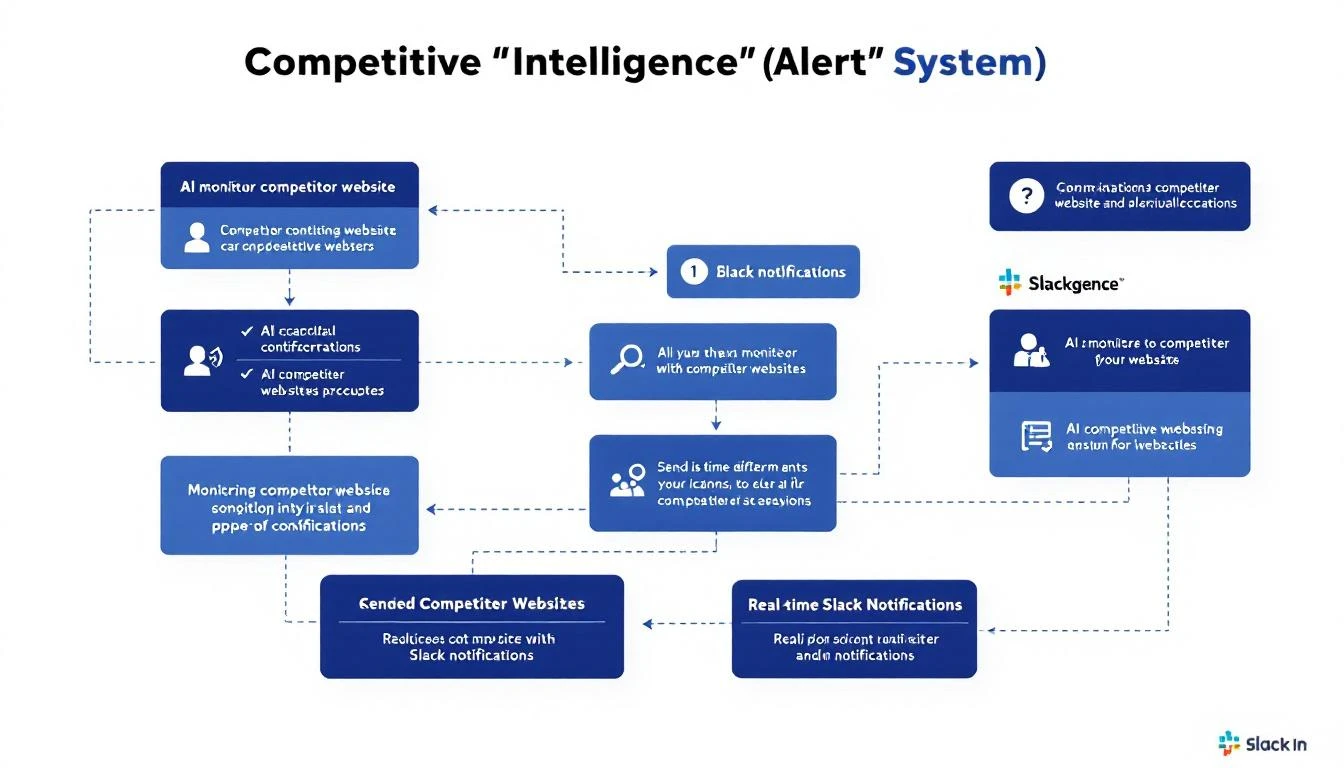
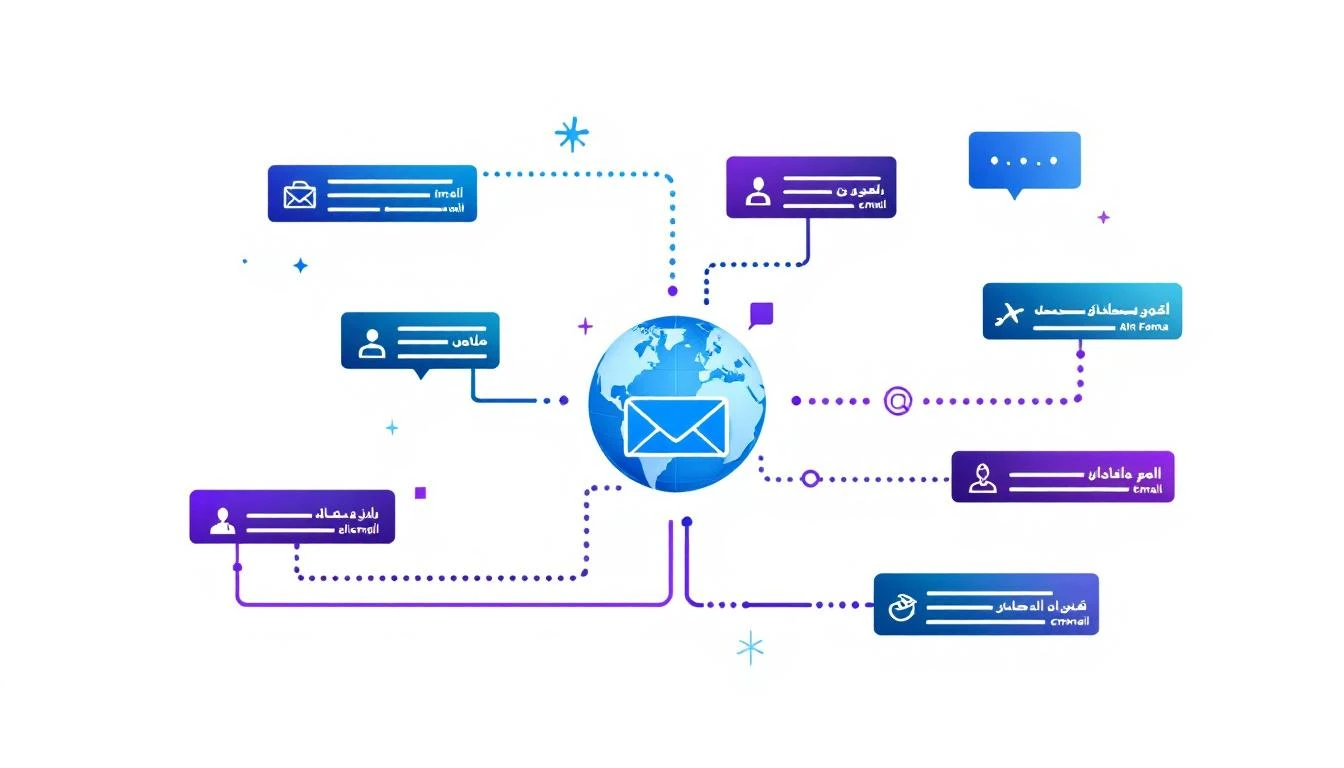
Competitive intelligence alert system showing AI monitoring competitor websites and sending notifications

Why Real-Time Competitive Intel Matters​

The traditional approach to competitive intelligence:

  1. Sales rep hears something on a call
  2. Mentions it in Slack (maybe)
  3. Product marketing adds it to a doc (eventually)
  4. Battlecard gets updated (quarterly, if lucky)

Result: Your team learns about competitor changes weeks or months after they happen.

The Cost of Slow Intel​

ScenarioImpact
Competitor drops pricingLost deals while you're priced higher
New feature announcementSales team blindsided on calls
Key hire at competitorStrategic move you missed
Customer case study publishedThey're winning your prospects
Positioning changeYour battlecards are outdated

Real-time intel changes the game. Instead of quarterly catch-up, you get:

  • Immediate Slack alerts when competitors update pricing pages
  • Daily summaries of competitor blog posts and announcements
  • Automatic battlecard updates with new objection handling
  • Early warning on strategic moves (funding, hiring, partnerships)

The Architecture​

Here's what we're building:

[Competitor Websites] β†’ [OpenClaw Monitors] β†’ [Claude Analysis] β†’ [Alerts]
↓ ↓ ↓ ↓
- Pricing pages - Browser - Change - Slack
- Feature pages - Cron jobs - Summarize - Email
- Blog/News - Snapshots - Assess - CRM
- LinkedIn - Recommend
- Job postings
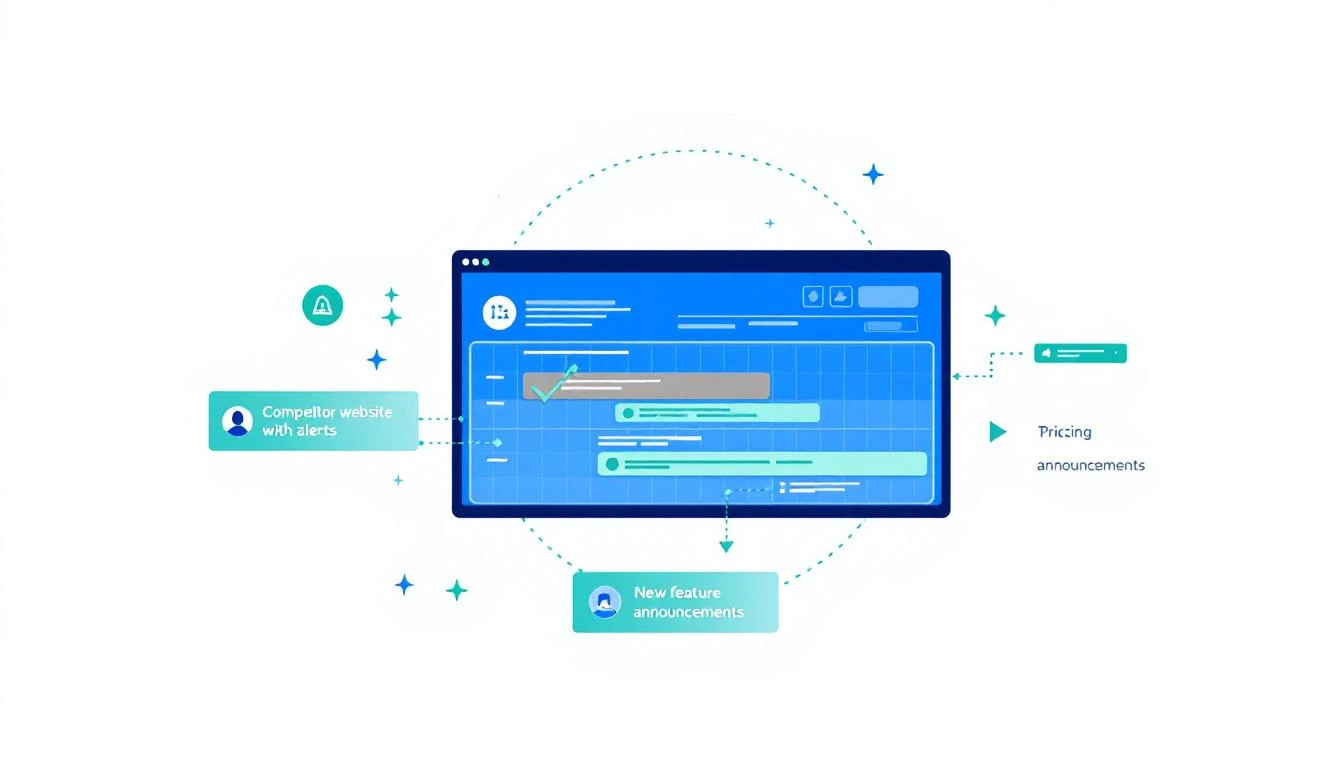
Diagram showing competitor website monitoring with alerts for pricing and feature changes

Step 1: Define What to Monitor​

Start by listing your top competitors and what to track:

# competitors.yml
competitors:
warmly:
name: "Warmly"
website: "https://warmly.ai"
monitors:
- type: pricing
url: "https://warmly.ai/pricing"
check: daily
alert_on: any_change
- type: features
url: "https://warmly.ai/features"
check: daily
alert_on: new_content
- type: blog
url: "https://warmly.ai/blog"
check: hourly
alert_on: new_posts
- type: linkedin
url: "https://linkedin.com/company/warmly-ai"
check: daily
alert_on: new_posts, employee_changes
- type: jobs
url: "https://warmly.ai/careers"
check: weekly
alert_on: new_roles

sixsense:
name: "6sense"
website: "https://6sense.com"
monitors:
- type: pricing
url: "https://6sense.com/pricing"
check: daily
# ... etc

Priority Monitoring Matrix​

Not all intel is equal. Prioritize:

Monitor TypePriorityAlert SpeedWhy
Pricing changesCriticalImmediateDirect deal impact
New product featuresHighSame dayBattlecard update
Leadership hiresHighSame dayStrategic signal
Blog postsMediumDaily digestContent/positioning
Job postingsLowWeeklyLong-term signals

Step 2: Build the Monitoring Agent​

Create an OpenClaw agent dedicated to competitive intelligence:

# agents/recon.md - Competitive Intelligence Agent

You are Recon πŸ”­, MarketBetter's competitive intelligence specialist.

## Your Mission

Monitor competitors and surface actionable intelligence for the GTM team.

## What You Track

- Pricing pages (changes, new tiers, discounts)
- Feature announcements (new capabilities, deprecations)
- Blog content (positioning, case studies, thought leadership)
- Job postings (what roles = what they're building)
- LinkedIn activity (announcements, key hires)
- Funding/M&A news
- Customer wins/losses

## Daily Routine

1. Check all competitor pricing pages for changes
2. Scan competitor blogs for new posts
3. Review LinkedIn company pages
4. Search news for competitor mentions
5. Summarize findings in #competitive-intel Slack channel

## Alert Priorities

🚨 IMMEDIATE (Slack + ping team):
- Pricing changes
- Major feature launches
- Funding announcements
- Key executive hires

πŸ“Š DAILY DIGEST:
- New blog posts
- Minor feature updates
- Job posting changes
- LinkedIn activity

πŸ“‹ WEEKLY SUMMARY:
- Positioning shifts
- Content strategy analysis
- Market share signals

## Output Format

For each finding:
1. What changed (be specific)
2. Why it matters (business impact)
3. Recommended action (update battlecard, adjust messaging, etc.)

Step 3: The Monitoring Cron Jobs​

Set up OpenClaw cron jobs for each monitoring frequency:

// cron-config.js - Competitive monitoring schedule

const monitors = [
{
name: "pricing-monitor",
schedule: "0 */4 * * *", // Every 4 hours
task: `
Check these competitor pricing pages for changes:
- https://warmly.ai/pricing
- https://6sense.com/pricing
- https://apollo.io/pricing

Compare to last snapshot. If ANY pricing, tier, or feature change detected:
1. Summarize what changed
2. Assess competitive impact
3. Alert #competitive-intel immediately
4. Update competitor database
`
},
{
name: "blog-monitor",
schedule: "0 */2 * * *", // Every 2 hours
task: `
Check competitor blogs for new posts:
- https://warmly.ai/blog
- https://6sense.com/resources/blog
- https://apollo.io/blog

For new posts:
1. Summarize key points
2. Identify positioning/messaging themes
3. Note any customer mentions or case studies
4. Add to daily digest
`
},
{
name: "linkedin-monitor",
schedule: "0 9 * * *", // Daily at 9am
task: `
Check competitor LinkedIn pages for:
- New announcements
- Employee count changes
- Key hire announcements
- Customer testimonial posts

Flag anything significant for review.
`
},
{
name: "jobs-monitor",
schedule: "0 9 * * 1", // Weekly on Monday
task: `
Analyze competitor job postings:
- What roles are they hiring for?
- What skills/technologies mentioned?
- What does hiring pattern suggest about strategy?

Summarize strategic implications.
`
}
];

Step 4: Page Change Detection​

Use OpenClaw's browser capabilities to detect changes:

// competitor-monitor.js

const monitorPricingPage = async (competitor) => {
const { url, name } = competitor;

// Fetch current page content
const browser = await openclaw.browser.launch();
const page = await browser.newPage();
await page.goto(url);

// Get pricing content
const content = await page.evaluate(() => {
// Extract pricing-specific elements
const pricing = document.querySelectorAll('[class*="pricing"], [class*="plan"], [class*="tier"]');
return Array.from(pricing).map(el => el.textContent).join('\n');
});

// Get previous snapshot
const previousSnapshot = await db.getSnapshot(name, 'pricing');

// Compare with Claude
if (previousSnapshot) {
const analysis = await claude.analyze({
prompt: `
Compare these two versions of ${name}'s pricing page.

PREVIOUS:
${previousSnapshot.content}

CURRENT:
${content}

Identify:
1. Any pricing changes (amounts, tiers, features per tier)
2. New or removed plans
3. Messaging/positioning changes
4. New social proof or customer logos

If significant changes found, format as an ALERT.
If no meaningful changes, respond with "NO_CHANGES"
`
});

if (!analysis.includes('NO_CHANGES')) {
await alertTeam(name, 'pricing', analysis);
}
}

// Save current snapshot
await db.saveSnapshot(name, 'pricing', content);

await browser.close();
};

Step 5: Claude Analysis Layer​

Raw change detection isn't enough. Claude adds the "so what?":

// analyze-change.js

const analyzeCompetitorChange = async (competitor, changeType, rawChange) => {
const context = await db.getCompetitorContext(competitor);

const analysis = await claude.messages.create({
model: "claude-sonnet-4-20250514",
max_tokens: 1500,
messages: [{
role: "user",
content: `
You are a competitive intelligence analyst for MarketBetter.

COMPETITOR: ${competitor}
CHANGE TYPE: ${changeType}

CHANGE DETECTED:
${rawChange}

COMPETITOR CONTEXT:
${JSON.stringify(context, null, 2)}

Provide analysis in this format:

## Summary
[One sentence: what changed]

## Business Impact
[How does this affect MarketBetter competitively?]

## Recommended Actions
- [Action 1 with owner]
- [Action 2 with owner]

## Talking Points for Sales
[2-3 bullet points sales can use immediately]

## Battlecard Update
[Specific text to add/update in battlecard]
`
}]
});

return analysis.content[0].text;
};

Step 6: Alert System​

Send alerts through the right channels:

// alert-system.js

const alertTeam = async (competitor, changeType, analysis) => {
const severity = getSeverity(changeType);

// Slack alert
await slack.send('#competitive-intel', {
text: `${severity.emoji} Competitive Intel: ${competitor}`,
blocks: [
{
type: "header",
text: {
type: "plain_text",
text: `${severity.emoji} ${competitor}: ${changeType.toUpperCase()} Change Detected`
}
},
{
type: "section",
text: {
type: "mrkdwn",
text: analysis
}
},
{
type: "divider"
},
{
type: "context",
elements: [{
type: "mrkdwn",
text: `Detected at ${new Date().toISOString()} | <${competitor.website}|View page>`
}]
}
]
});

// If critical, also ping key people
if (severity.level === 'critical') {
await slack.send('#sales-leadership', {
text: `🚨 @channel Competitor pricing change detected: ${competitor}. Check #competitive-intel for details.`
});
}

// Log to database for trending
await db.logCompetitorChange({
competitor,
changeType,
analysis,
severity: severity.level,
timestamp: new Date()
});
};

const getSeverity = (changeType) => {
const severities = {
pricing: { level: 'critical', emoji: '🚨' },
features: { level: 'high', emoji: '⚑' },
leadership: { level: 'high', emoji: 'πŸ‘”' },
blog: { level: 'medium', emoji: 'πŸ“' },
jobs: { level: 'low', emoji: 'πŸ’Ό' }
};
return severities[changeType] || { level: 'low', emoji: 'ℹ️' };
};

Step 7: Automatic Battlecard Updates​

The best intel system updates sales materials automatically:

// battlecard-updater.js

const updateBattlecard = async (competitor, analysis) => {
// Get current battlecard from Notion/Google Docs
const battlecard = await notion.getPage(competitor.battlecardId);

// Have Claude suggest specific updates
const updates = await claude.analyze({
prompt: `
Current battlecard for ${competitor}:
${battlecard.content}

New intelligence:
${analysis}

Suggest SPECIFIC edits to the battlecard:
1. What to add
2. What to update
3. What to remove (if outdated)

Format as diff-style changes.
`
});

// Create draft update (human reviews before publish)
await notion.createComment(competitor.battlecardId, {
text: `πŸ€– Suggested updates based on new intel:\n\n${updates}\n\n_Review and apply as needed._`
});

// Notify product marketing
await slack.send('@product-marketing', {
text: `Battlecard update suggested for ${competitor}. Check Notion for details.`
});
};

Daily Digest Format​

Aggregate lower-priority intel into a daily digest:

# πŸ“Š Competitive Intel Digest - Feb 9, 2026

## Pricing Changes
None detected today βœ…

## New Content
- **Warmly**: "How We Helped Acme Corp 3x Pipeline" (case study)
- Key claim: 3x pipeline in 60 days
- Our counter: Our average is 2.5x in 30 days with playbook

- **6sense**: "The Death of the MQL" (thought leadership)
- Positioning: Intent data makes MQLs obsolete
- Our angle: Intent without action is just noise

## Job Postings
- **Apollo**: Hiring 5 SDR positions in EMEA
- Signal: Expanding European presence
- Action: Monitor for EMEA pricing/features

## LinkedIn Activity
- **Warmly** CEO posted about "exciting news coming next week"
- Monitor closely for announcement

---
*Generated by Recon πŸ”­ | Next digest: Tomorrow 9am*

Connecting to MarketBetter​

MarketBetter's competitive intelligence goes deeper than monitoring:

  • Real-time battlecards in the SDR playbook
  • Competitive mentions flagged from call recordings
  • Win/loss analysis tied to specific competitors
  • Rep coaching on competitor objection handling

Your SDRs don't check a separate docβ€”competitive intel is embedded in their daily workflow.

See how MarketBetter arms your team against competitors β†’

Free Tool

Try our Tech Stack Detector β€” instantly detect any company's tech stack from their website. No signup required.

Implementation Checklist​

Ready to build your competitive intel system?

  • List top 5-10 competitors to monitor
  • Identify pages to track (pricing, features, blog, jobs)
  • Set up OpenClaw agent with monitoring prompts
  • Configure cron jobs for each monitor type
  • Build change detection with browser automation
  • Add Claude analysis layer
  • Set up Slack alerts by severity
  • Create daily digest template
  • Connect to battlecard system
  • Test with manual changes

The best competitive intel isn't collectedβ€”it's automated. With OpenClaw + Claude, your team knows about competitor moves in hours, not months.


Building more GTM automation? Check out our guides on pricing intelligence automation and training custom AI agents.

Build an AI-Powered Competitive Win/Loss Repository [2026]

Β· 10 min read
sunder
Founder, marketbetter.ai

You just lost a $75K deal to Gong.

The rep says "they went with a cheaper option." But was it really price? Or was it features? Timeline? A relationship with the competitor's AE?

Without a system to capture and analyze this, you'll lose the next deal the same way.

Most companies have:

  • Scattered Slack messages about losses
  • A battlecard doc nobody updates
  • Tribal knowledge in the heads of senior reps
  • CRM fields that say "Closed Lost - Competitor" with no detail

What you need is a living competitive intelligence repository that:

  • Automatically captures win/loss reasons from every deal
  • Identifies patterns across hundreds of outcomes
  • Generates and updates battlecards based on real data
  • Surfaces insights before your next competitive deal

Let's build it.

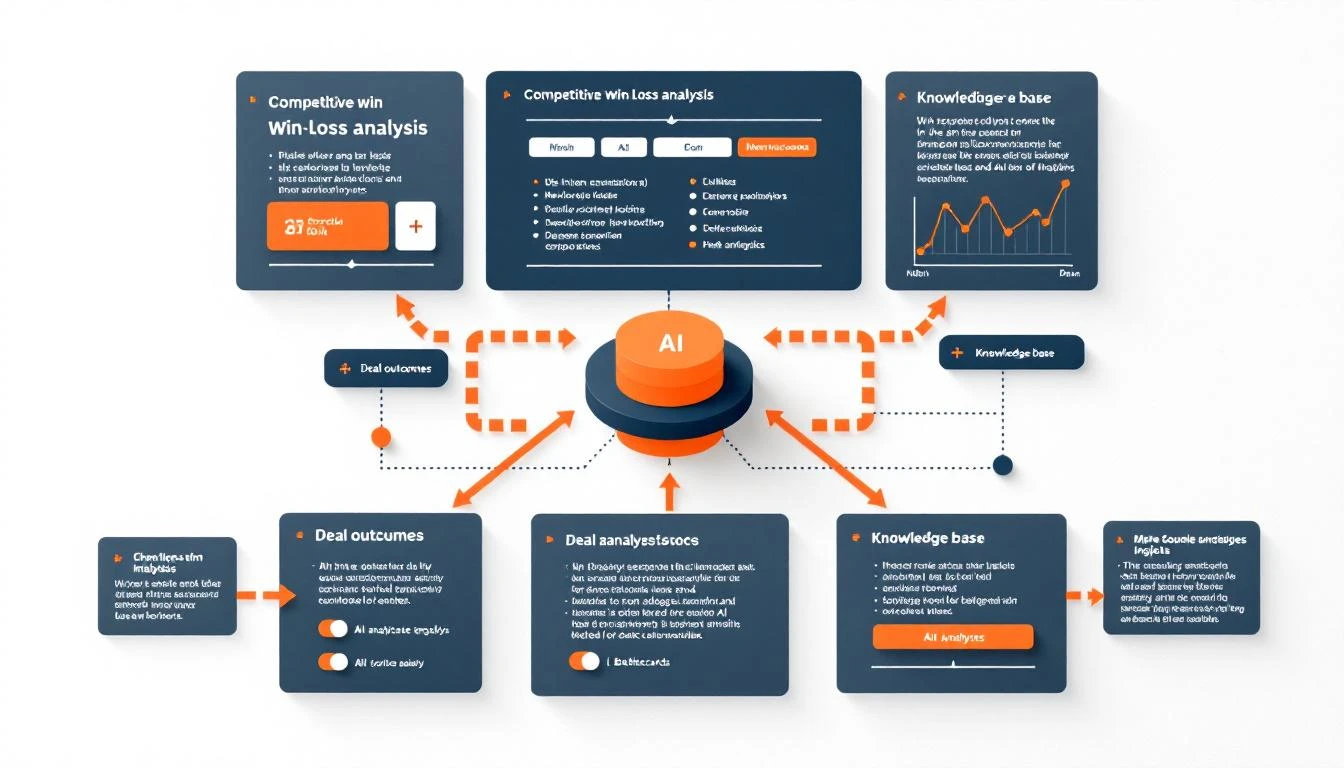
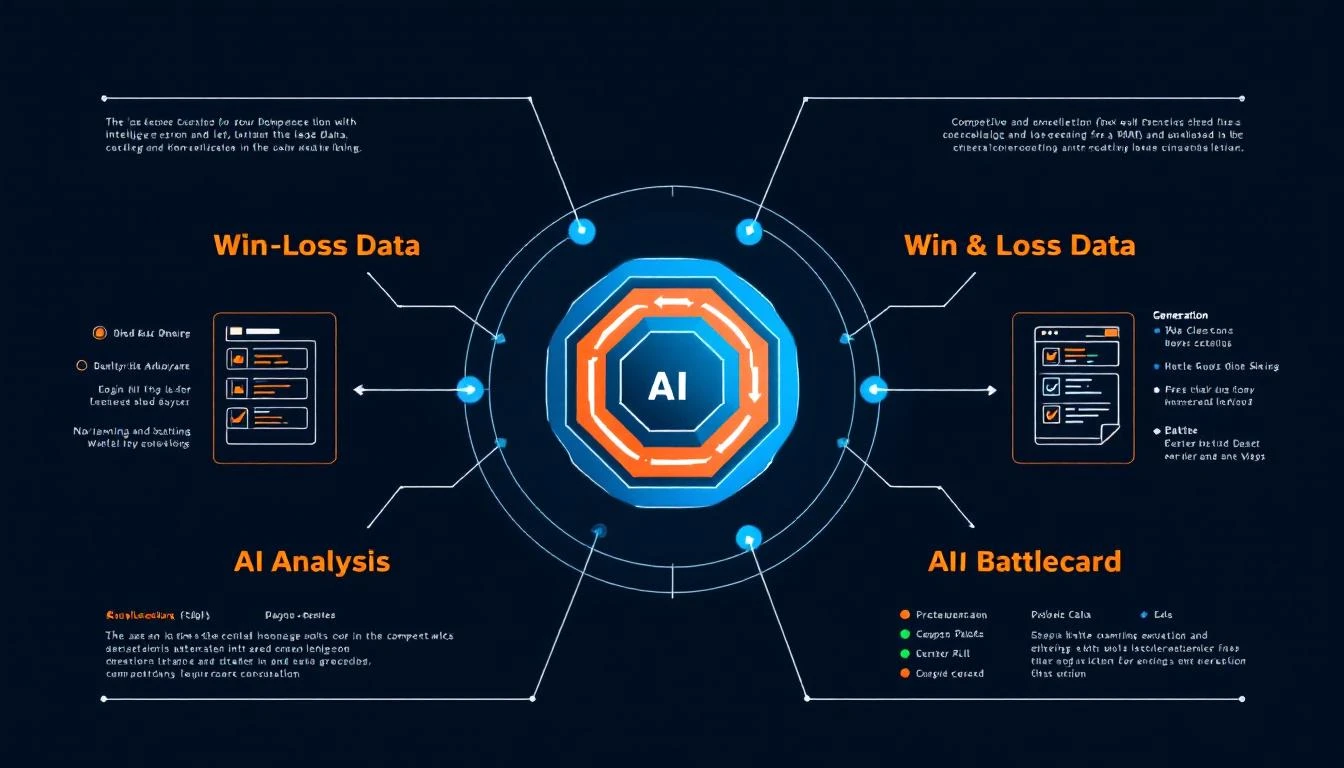
Competitive win/loss repository diagram

The Cost of Not Knowing Why You Lose​

Quick math:

  • You lose 40% of deals to competitors
  • Average deal size: $50K
  • 100 competitive deals per year
  • That's $2M lost to competitors annually

If you could win just 5 more of those deals by understanding why you're losing, that's $250K in new revenue.

But most teams can't answer basic questions:

  • Which competitor do we lose to most often?
  • At what stage do competitive deals usually slip?
  • What objections appear before we lose to Competitor X?
  • What do we do differently in deals we WIN against competitors?

The Repository Architecture​

Here's what we're building:

β”Œβ”€β”€β”€β”€β”€β”€β”€β”€β”€β”€β”€β”€β”€β”€β”€β”€β”€β”€β”€β”€β”€β”€β”€β”€β”€β”€β”€β”€β”€β”€β”€β”€β”€β”€β”€β”€β”€β”€β”€β”€β”€β”€β”€β”€β”€β”€β”€β”€β”€β”€β”€β”€β”€β”€β”€β”€β”€β”
β”‚ DATA SOURCES β”‚
β”œβ”€β”€β”€β”€β”€β”€β”€β”€β”€β”€β”€β”€β”€β”€β”€β”€β”¬β”€β”€β”€β”€β”€β”€β”€β”€β”€β”€β”€β”€β”€β”€β”€β”€β”¬β”€β”€β”€β”€β”€β”€β”€β”€β”€β”€β”€β”€β”€β”€β”€β”€β”€β”€β”€β”€β”€β”€β”€β”€
β”‚ CRM Outcomes β”‚ Call Records β”‚ Exit Surveys β”‚
β”‚ (Win/Loss) β”‚ (Gong/Chorus) β”‚ (Lost Deal Forms) β”‚
β””β”€β”€β”€β”€β”€β”€β”€β”¬β”€β”€β”€β”€β”€β”€β”€β”€β”΄β”€β”€β”€β”€β”€β”€β”€β”¬β”€β”€β”€β”€β”€β”€β”€β”€β”΄β”€β”€β”€β”€β”€β”€β”€β”€β”€β”€β”€β”¬β”€β”€β”€β”€β”€β”€β”€β”€β”€β”€β”€β”˜
β”‚ β”‚ β”‚
β–Ό β–Ό β–Ό
β”Œβ”€β”€β”€β”€β”€β”€β”€β”€β”€β”€β”€β”€β”€β”€β”€β”€β”€β”€β”€β”€β”€β”€β”€β”€β”€β”€β”€β”€β”€β”€β”€β”€β”€β”€β”€β”€β”€β”€β”€β”€β”€β”€β”€β”€β”€β”€β”€β”€β”€β”€β”€β”€β”€β”€β”€β”€β”€β”
β”‚ AI ANALYSIS ENGINE β”‚
β”‚ - Reason extraction from transcripts β”‚
β”‚ - Pattern detection across deals β”‚
β”‚ - Competitor strength/weakness mapping β”‚
β”‚ - Win factor identification β”‚
β””β”€β”€β”€β”€β”€β”€β”€β”€β”€β”€β”€β”€β”€β”€β”€β”€β”€β”€β”€β”€β”€β”€β”€β”€β”€β”¬β”€β”€β”€β”€β”€β”€β”€β”€β”€β”€β”€β”€β”€β”€β”€β”€β”€β”€β”€β”€β”€β”€β”€β”€β”€β”€β”€β”€β”€β”€β”€β”˜
β”‚
β–Ό
β”Œβ”€β”€β”€β”€β”€β”€β”€β”€β”€β”€β”€β”€β”€β”€β”€β”€β”€β”€β”€β”€β”€β”€β”€β”€β”€β”€β”€β”€β”€β”€β”€β”€β”€β”€β”€β”€β”€β”€β”€β”€β”€β”€β”€β”€β”€β”€β”€β”€β”€β”€β”€β”€β”€β”€β”€β”€β”€β”
β”‚ COMPETITIVE KNOWLEDGE BASE β”‚
β”‚ β”Œβ”€β”€β”€β”€β”€β”€β”€β”€β”€β”€β”€β”€β”€β” β”Œβ”€β”€β”€β”€β”€β”€β”€β”€β”€β”€β”€β”€β”€β” β”Œβ”€β”€β”€β”€β”€β”€β”€β”€β”€β”€β”€β”€β”€β” β”‚
β”‚ β”‚ Competitor β”‚ β”‚ Battlecards β”‚ β”‚ Win/Loss β”‚ β”‚
β”‚ β”‚ Profiles β”‚ β”‚ (Dynamic) β”‚ β”‚ Patterns β”‚ β”‚
β”‚ β””β”€β”€β”€β”€β”€β”€β”€β”€β”€β”€β”€β”€β”€β”˜ β””β”€β”€β”€β”€β”€β”€β”€β”€β”€β”€β”€β”€β”€β”˜ β””β”€β”€β”€β”€β”€β”€β”€β”€β”€β”€β”€β”€β”€β”˜ β”‚
β””β”€β”€β”€β”€β”€β”€β”€β”€β”€β”€β”€β”€β”€β”€β”€β”€β”€β”€β”€β”€β”€β”€β”€β”€β”€β”¬β”€β”€β”€β”€β”€β”€β”€β”€β”€β”€β”€β”€β”€β”€β”€β”€β”€β”€β”€β”€β”€β”€β”€β”€β”€β”€β”€β”€β”€β”€β”€β”˜
β”‚
β–Ό
β”Œβ”€β”€β”€β”€β”€β”€β”€β”€β”€β”€β”€β”€β”€β”€β”€β”€β”€β”€β”€β”€β”€β”€β”€β”€β”€β”€β”€β”€β”€β”€β”€β”€β”€β”€β”€β”€β”€β”€β”€β”€β”€β”€β”€β”€β”€β”€β”€β”€β”€β”€β”€β”€β”€β”€β”€β”€β”€β”
β”‚ OUTPUTS β”‚
β”‚ - Real-time deal alerts β”‚
β”‚ - Rep coaching recommendations β”‚
β”‚ - Auto-updating battlecards β”‚
β”‚ - Competitive trends dashboard β”‚
β””β”€β”€β”€β”€β”€β”€β”€β”€β”€β”€β”€β”€β”€β”€β”€β”€β”€β”€β”€β”€β”€β”€β”€β”€β”€β”€β”€β”€β”€β”€β”€β”€β”€β”€β”€β”€β”€β”€β”€β”€β”€β”€β”€β”€β”€β”€β”€β”€β”€β”€β”€β”€β”€β”€β”€β”€β”€β”˜

Step 1: Capture Win/Loss Data​

From CRM (Structured Data)​

Set up required fields for closed deals:

// hubspot-fields.js

const requiredClosedLostFields = {
primary_loss_reason: {
type: 'enumeration',
options: [
'Competitor - Lost on Price',
'Competitor - Lost on Features',
'Competitor - Lost on Relationship',
'Competitor - Lost on Brand/Trust',
'No Decision - Status Quo',
'No Decision - Budget Cut',
'No Decision - Priority Shift',
'Timing - Not Ready',
'Internal - Poor Qualification'
]
},
competitor_lost_to: {
type: 'enumeration',
options: ['Gong', 'Outreach', 'Salesloft', 'Apollo', 'ZoomInfo', '6sense', 'Other']
},
loss_detail_notes: {
type: 'textarea',
description: 'Specific details about why we lost'
}
};

const requiredClosedWonFields = {
primary_win_reason: {
type: 'enumeration',
options: [
'Product Fit - Features',
'Product Fit - Integration',
'Pricing/Value',
'Relationship/Trust',
'Speed/Timeline',
'No Competitor (Greenfield)'
]
},
competitors_beaten: {
type: 'enumeration',
options: ['Gong', 'Outreach', 'Salesloft', 'Apollo', 'ZoomInfo', '6sense', 'None', 'Other'],
multiple: true
},
win_detail_notes: {
type: 'textarea'
}
};

From Call Recordings (Unstructured Data)​

This is where AI really shinesβ€”extracting competitive intel from conversation transcripts:

// transcript-analysis.js

const analyzeTranscriptForCompetitiveIntel = async (transcript) => {
const prompt = `
Analyze this sales call transcript for competitive intelligence.

Extract:
1. Competitors mentioned (explicitly or implied)
2. Comparison statements made by the prospect
3. Objections raised that relate to competitors
4. Features or capabilities the prospect compared
5. Pricing discussions involving competitors
6. Sentiment toward us vs competitors

Format as JSON:
{
"competitors_mentioned": ["name"],
"comparisons": [
{
"competitor": "name",
"topic": "what was compared",
"prospect_preference": "us|them|neutral",
"quote": "relevant quote from transcript"
}
],
"competitive_objections": [
{
"objection": "the objection",
"competitor_context": "how competitor relates",
"how_handled": "what rep said" | null
}
],
"feature_gaps_mentioned": ["feature we lack that competitor has"],
"our_advantages_mentioned": ["things prospect liked about us vs them"]
}

Transcript:
${transcript}
`;

const analysis = await claude.complete(prompt);
return JSON.parse(analysis);
};

From Exit Surveys​

Create a simple lost deal survey that captures qualitative data:

// lost-deal-survey.js

const lostDealSurvey = {
questions: [
{
id: 'primary_reason',
text: 'What was the main reason you chose not to move forward with us?',
type: 'single_choice',
options: [
'Went with a competitor',
'Decided to keep current solution',
'Project/budget was cancelled',
'Timing wasn\'t right',
'Product didn\'t meet our needs',
'Pricing was too high',
'Other'
]
},
{
id: 'competitor_chosen',
text: 'If you went with a competitor, which one?',
type: 'text',
conditional: { question: 'primary_reason', value: 'Went with a competitor' }
},
{
id: 'competitor_advantage',
text: 'What did they offer that we didn\'t?',
type: 'textarea',
conditional: { question: 'primary_reason', value: 'Went with a competitor' }
},
{
id: 'what_would_change',
text: 'What would have made you choose us instead?',
type: 'textarea'
}
]
};

Step 2: Pattern Analysis​

Now we analyze across all data sources to find patterns:

// pattern-analysis.js

const analyzeCompetitorPatterns = async (competitor) => {
// Get all deals where this competitor was involved
const lostToCompetitor = await getDealsLostTo(competitor);
const wonAgainstCompetitor = await getDealsWonAgainst(competitor);

const analysis = {
competitor,
summary: {
totalDeals: lostToCompetitor.length + wonAgainstCompetitor.length,
winRate: wonAgainstCompetitor.length / (lostToCompetitor.length + wonAgainstCompetitor.length),
avgDealSizeWon: average(wonAgainstCompetitor.map(d => d.amount)),
avgDealSizeLost: average(lostToCompetitor.map(d => d.amount))
},

// Why we lose
lossReasons: groupAndCount(lostToCompetitor, 'primary_loss_reason'),
// Example: { 'Lost on Price': 12, 'Lost on Features': 8, 'Lost on Relationship': 3 }

// Why we win
winReasons: groupAndCount(wonAgainstCompetitor, 'primary_win_reason'),
// Example: { 'Product Fit - Integration': 15, 'Speed/Timeline': 9 }

// Stage analysis
lossStageDistribution: groupAndCount(lostToCompetitor, 'stage_when_lost'),
winStageDistribution: groupAndCount(wonAgainstCompetitor, 'stage_when_won'),

// Feature gaps (aggregated from transcripts)
featureGaps: await aggregateFeatureGaps(competitor),

// Our advantages
ourAdvantages: await aggregateAdvantages(competitor),

// Common objections
commonObjections: await aggregateObjections(competitor)
};

// Generate AI summary
analysis.aiSummary = await generateCompetitorSummary(analysis);

return analysis;
};

Step 3: Dynamic Battlecard Generation​

Static battlecards go stale. Generate them from live data:

// battlecard-generator.js

const generateBattlecard = async (competitor) => {
const patterns = await analyzeCompetitorPatterns(competitor);

const prompt = `
Create a sales battlecard for competing against ${competitor}.

Data:
- Win rate against them: ${(patterns.summary.winRate * 100).toFixed(0)}%
- Top loss reasons: ${JSON.stringify(patterns.lossReasons)}
- Top win reasons: ${JSON.stringify(patterns.winReasons)}
- Feature gaps they exploit: ${JSON.stringify(patterns.featureGaps)}
- Our key advantages: ${JSON.stringify(patterns.ourAdvantages)}
- Common objections: ${JSON.stringify(patterns.commonObjections)}

Format the battlecard as:

## Quick Facts
[3-4 bullet points a rep needs to know immediately]

## Where We Win
[Specific scenarios/criteria where we beat them]

## Where We Struggle
[Honest assessment of their advantages]

## Objection Responses
[Top 3-5 objections with talk tracks]

## Landmines to Set
[Questions to ask that expose their weaknesses]

## Proof Points
[Customer quotes/stats that help against this competitor]

Be specific. Use real data. No generic platitudes.
`;

const battlecard = await claude.complete(prompt);

return {
competitor,
generatedAt: new Date(),
dataPoints: patterns.summary.totalDeals,
content: battlecard,
metadata: patterns.summary
};
};

Example generated battlecard:


Battlecard: vs Gong​

Generated from 47 competitive deals (Last updated: Feb 9, 2026)

Quick Facts​

  • Win rate: 38% (improving from 31% last quarter)
  • We lose most often in Discovery stage (before we demo)
  • They struggle with smaller teams (&lt;20 reps)
  • Our integration story is our biggest advantage

Where We Win​

  • Teams using HubSpot β€” Our native integration beats their Salesforce-first approach
  • Price-sensitive buyers β€” We're 40% cheaper at comparable tiers
  • Speed to value β€” Our implementation averages 2 weeks vs their 6-8
  • SDR-heavy teams β€” Our workflow focus resonates more than their analytics focus

Where We Struggle​

  • Enterprise sales teams β€” Their brand recognition wins executive deals
  • Call recording as primary need β€” Their core product is stronger
  • Companies with Salesforce β€” Their integration is tighter
  • Existing Gong customers β€” Switching costs are high

Objection Responses​

"Gong is the market leader"

"They're great for call analytics. But you mentioned your biggest challenge is SDR efficiency, not call scoring. MarketBetter was built specifically for SDR workflowsβ€”it tells your reps exactly what to do, not just what happened. Let me show you the Daily Playbook."

"Your call recording isn't as robust"

"You're rightβ€”if deep conversation intelligence is your #1 priority, Gong does that well. But from what you've described, you need your reps to book more meetings, not analyze more calls. Would you rather have perfect call transcripts or 2x the meetings to transcribe?"

"We already have Gong"

"Many of our customers use both. Gong for calls, MarketBetter for the workflow. The question is: once Gong shows you what happened on a call, what tells your reps what to do next? That's the gap we fill."

Landmines to Set​

  • "How long did Gong implementation take?" (Usually 2+ months)
  • "How many of your reps actually log in weekly?" (Often &lt;50%)
  • "What happens after Gong scores a call?" (Usually nothing automated)
  • "Can you show me your daily SDR workflow in Gong?" (They can't)

Proof Points​

  • CallRail switched from Gong: "We needed action, not just analytics"
  • 3 customers running both: Use case differentiation
  • Implementation time: 14 days average vs 60 for Gong

Win/loss analysis repository flow

Step 4: Real-Time Deal Alerts​

When a competitive deal is identified, surface relevant intelligence:

// deal-alerts.js

const onDealUpdated = async (deal) => {
// Check if competitor was added
if (deal.changed.competitor && deal.competitor) {
const battlecard = await getBattlecard(deal.competitor);
const patterns = await analyzeCompetitorPatterns(deal.competitor);

// Alert rep with relevant intel
await slack.postMessage({
channel: deal.owner.slackId,
blocks: [
{
type: 'header',
text: { type: 'plain_text', text: `βš”οΈ Competitive Deal: ${deal.name} vs ${deal.competitor}` }
},
{
type: 'section',
text: {
type: 'mrkdwn',
text: `*Win rate vs ${deal.competitor}:* ${(patterns.summary.winRate * 100).toFixed(0)}%\n*Key to winning:* ${patterns.winReasons[0]}\n*Watch out for:* ${patterns.lossReasons[0]}`
}
},
{
type: 'actions',
elements: [
{
type: 'button',
text: { type: 'plain_text', text: 'πŸ“‹ Full Battlecard' },
url: battlecard.url
},
{
type: 'button',
text: { type: 'plain_text', text: '🎯 Similar Wins' },
action_id: 'show_similar_wins',
value: JSON.stringify({ competitor: deal.competitor, dealId: deal.id })
}
]
}
]
});
}
};

Step 5: Continuous Learning​

The repository improves over time:

// learning-loop.js

// Weekly analysis
const weeklyCompetitiveReview = async () => {
const competitors = await getActiveCompetitors();

for (const competitor of competitors) {
const currentPatterns = await analyzeCompetitorPatterns(competitor);
const lastWeekPatterns = await getHistoricalPatterns(competitor, '7d');

// Detect significant changes
const winRateChange = currentPatterns.summary.winRate - lastWeekPatterns.summary.winRate;

if (Math.abs(winRateChange) > 0.1) {
// 10% win rate change is significant
await slack.postMessage({
channel: '#competitive-intel',
text: `πŸ“Š *Win rate vs ${competitor} ${winRateChange > 0 ? 'improved' : 'declined'}* by ${Math.abs(winRateChange * 100).toFixed(0)}%\n\nNew patterns detected:\n${await summarizeChanges(currentPatterns, lastWeekPatterns)}`
});
}

// Check if battlecard needs refresh
const battlecard = await getBattlecard(competitor);
const daysSinceUpdate = daysBetween(battlecard.generatedAt, new Date());
const newDataPoints = currentPatterns.summary.totalDeals - battlecard.dataPoints;

if (daysSinceUpdate > 30 || newDataPoints > 10) {
// Regenerate battlecard
const newBattlecard = await generateBattlecard(competitor);
await saveBattlecard(newBattlecard);

await slack.postMessage({
channel: '#competitive-intel',
text: `πŸ”„ Updated battlecard for ${competitor} (${newDataPoints} new data points)\n\n*Key changes:*\n${await summarizeBattlecardChanges(battlecard, newBattlecard)}`
});
}
}
};

Implementation Checklist​

Week 1: Data Capture

  • Add required fields to CRM for closed deals
  • Create lost deal survey workflow
  • Set up transcript analysis pipeline (if using Gong/Chorus)

Week 2: Analysis Engine

  • Build pattern analysis functions
  • Create competitor profile structure
  • Implement aggregation logic

Week 3: Battlecards

  • Design battlecard template
  • Build generation pipeline
  • Set up storage and versioning

Week 4: Distribution

  • Create deal alerts
  • Build Slack integration
  • Set up weekly review automation

The Payoff​

Teams with systematic win/loss analysis see:

MetricWithout RepositoryWith Repository
Competitive win rate35%48%
Time to prep for competitive deals2 hours15 minutes
Battlecard usage by reps12%78%
Objection response consistencyLowHigh

That 13-point win rate improvement on competitive deals? On $2M in competitive pipeline, that's $260K in new wins.

Free Tool

Try our AI Lead Generator β€” find verified LinkedIn leads for any company instantly. No signup required.

What's Next?​

Once your repository is running:

  1. Add market intelligence β€” Pull competitor pricing changes, feature announcements, hiring signals
  2. Build coaching workflows β€” Route reps to training based on loss patterns
  3. Create executive reporting β€” Monthly competitive landscape summaries
  4. Enable product feedback β€” Surface feature gaps to product team systematically

Ready to stop losing deals to the same competitor twice? Book a demo to see how MarketBetter combines competitive intelligence with AI-powered SDR workflows.

Related reading:

Build a Conversational Sales Assistant in Slack with OpenClaw [2026]

Β· 7 min read
sunder
Founder, marketbetter.ai

Your SDRs are alt-tabbing between 8 different tools right now. CRM, email, LinkedIn, enrichment, calendar, Slack, docs, and whatever else lives in their workflow.

What if they could just ask a question in Slack and get an answer?

"Hey, what's the latest on the Acme deal?"
"Who from our team last talked to Sarah at TechCorp?"
"What objections did we hear from manufacturing companies last quarter?"

This isn't science fiction. With OpenClaw and Claude, you can build a conversational sales assistant that:

  • Answers natural language questions about your pipeline
  • Pulls context from CRM, email, and call transcripts
  • Suggests next actions based on deal stage
  • Automates the tedious stuff your reps hate

Here's how to build it.

Slack sales bot architecture diagram

Why Slack? Why Now?​

Slack is where your team already lives. They're not going to adopt another dashboard, but they will ask a question in a channel they're already watching.

The numbers back this up:

  • Reps spend 65% of their time on non-selling activities
  • Context switching costs 23 minutes of refocus time per interruption
  • Questions that take 5 minutes to research in multiple tools take 10 seconds with AI

A Slack-native assistant meets reps where they are. No new tabs. No new logins. Just type and get answers.

What We're Building​

By the end of this guide, you'll have a bot that can:

  1. Answer deal questions β€” "What stage is Acme Corp at?" pulls from HubSpot
  2. Surface contact intel β€” "Tell me about Sarah Chen" shows enrichment data + interaction history
  3. Provide competitive context β€” "What do we know about Gong?" pulls from your battlecards
  4. Suggest next steps β€” "What should I do with stalled deals?" gives prioritized recommendations
  5. Log activities β€” "Log a call with John at Acme - discussed pricing" updates CRM

Prerequisites​

Before we start:

  • OpenClaw installed and configured (setup guide)
  • Slack workspace with ability to create apps
  • HubSpot or Salesforce API access
  • 30 minutes

Step 1: Create Your Slack App​

Head to api.slack.com/apps and create a new app:

  1. Click "Create New App" β†’ "From scratch"
  2. Name it "Sales Assistant" (or whatever fits your team)
  3. Select your workspace

OAuth Scopes needed:

  • app_mentions:read β€” Respond when mentioned
  • channels:history β€” Read channel messages
  • channels:read β€” See channel info
  • chat:write β€” Send messages
  • users:read β€” Look up user info

Install the app to your workspace and grab the Bot Token (xoxb-...).

Step 2: Configure OpenClaw​

Update your OpenClaw config to add Slack as a channel:

# ~/.openclaw/config.yaml
channels:
slack:
enabled: true
botToken: "xoxb-your-token-here"
signingSecret: "your-signing-secret"
capabilities:
- channels
- directMessages

For detailed Slack setup, check the OpenClaw docs.

Step 3: Connect Your Data Sources​

The magic happens when your assistant can pull from multiple sources. Here's a basic setup:

// agents/sales-assistant/tools.js

// HubSpot connection
const getDeals = async (query) => {
const deals = await hubspot.crm.deals.searchApi.doSearch({
filterGroups: [{
filters: [{
propertyName: 'dealname',
operator: 'CONTAINS_TOKEN',
value: query
}]
}]
});
return deals.results;
};

// Contact lookup with enrichment
const getContact = async (name) => {
const contact = await hubspot.crm.contacts.searchApi.doSearch({
filterGroups: [{
filters: [{
propertyName: 'firstname',
operator: 'CONTAINS_TOKEN',
value: name.split(' ')[0]
}]
}]
});

// Enrich with additional context
const enriched = await enrichContact(contact);
return enriched;
};

// Activity history
const getRecentActivities = async (dealId) => {
const activities = await hubspot.crm.deals.associationsApi
.getAll(dealId, 'engagements');
return activities;
};

Step 4: Build the Agent Prompt​

This is where you define your assistant's personality and capabilities:

# Sales Assistant - System Prompt

You are a sales assistant for the \{company_name\} team. You live in Slack
and help reps work faster by answering questions and automating tasks.

## Your Capabilities

1. **Deal Intelligence** - Look up any deal by name, company, or rep
2. **Contact Research** - Pull contact info, history, and enrichment data
3. **Competitive Intel** - Access battlecards and win/loss analysis
4. **Activity Logging** - Create CRM activities from natural language
5. **Next Best Actions** - Suggest what reps should do based on deal stage

## Your Personality

- Concise - Slack isn't the place for essays
- Helpful - Always provide actionable info
- Proactive - If you notice something, mention it

## Response Format

For deal lookups, use:
**{Deal Name}** - {Stage}
- Owner: {rep_name}
- Value: \{amount\}
- Last Activity: {date} - {description}
- Next Step: {recommendation}

For contacts, use:
**{Name}** at {Company}
- Title: {title}
- Last Contact: {date}
- Key Context: {relevant_notes}

Step 5: Add Slash Commands (Optional but Powerful)​

For frequent actions, slash commands are faster than typing questions:

// /deal [name] - Quick deal lookup
app.command('/deal', async ({ command, ack, respond }) => {
await ack();

const deal = await getDeals(command.text);

if (deal) {
await respond({
blocks: formatDealCard(deal)
});
} else {
await respond(`No deal found matching "${command.text}"`);
}
});

// /log [activity] - Quick activity logging
app.command('/log', async ({ command, ack, respond }) => {
await ack();

// Parse natural language: "/log call with John at Acme - discussed pricing"
const parsed = parseActivity(command.text);

await createActivity(parsed);
await respond(`βœ… Logged: ${parsed.type} with ${parsed.contact}`);
});

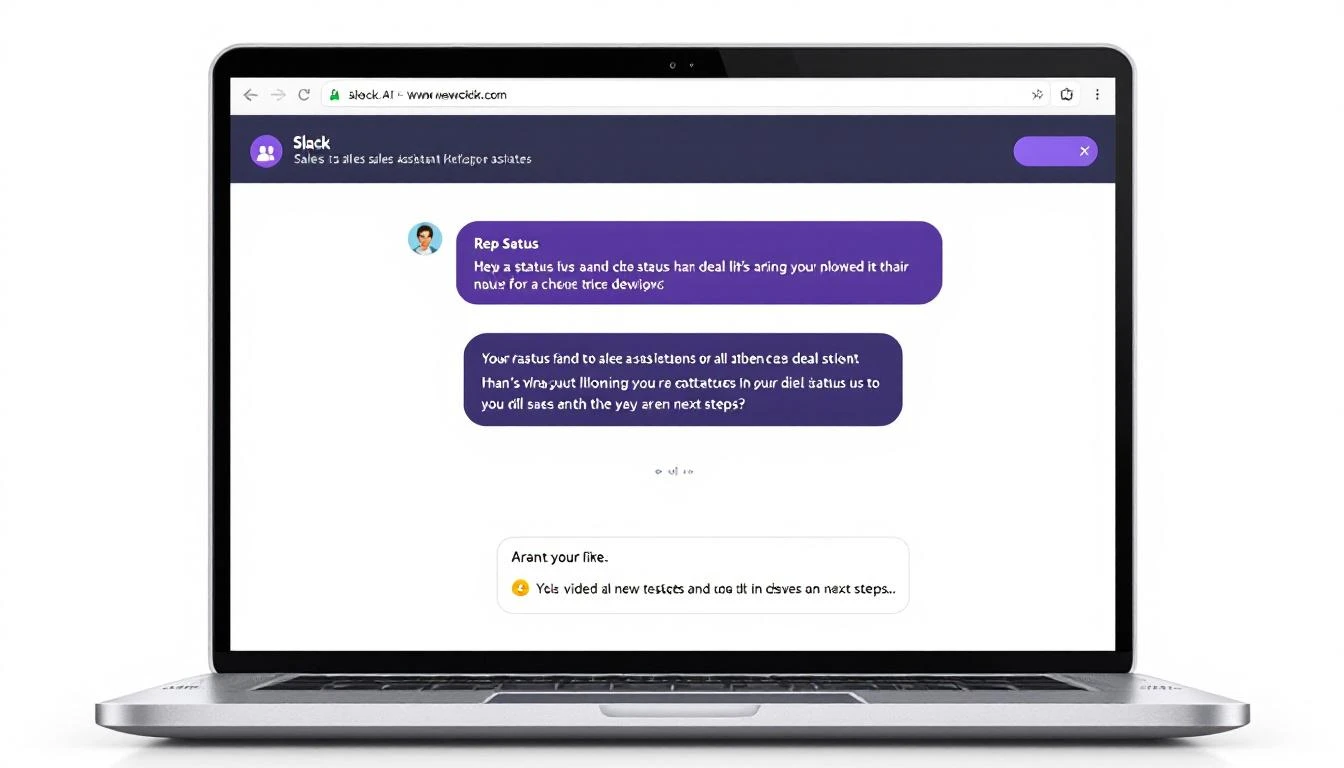
Slack sales assistant conversation example

Real Conversations with the Bot​

Here's what it looks like in practice:

Rep: @SalesBot what's happening with the Datadog deal?

Bot:

Datadog Enterprise - Proposal Sent

  • Owner: Marcus
  • Value: $48,000/yr
  • Last Activity: Feb 6 - Email: "Shared ROI calculator"
  • Days in stage: 8

⚠️ No response in 4 days. Suggest: Follow-up call or champion check-in.


Rep: @SalesBot tell me about Jennifer Walsh

Bot:

Jennifer Walsh at Cloudflare

  • Title: VP of Sales Operations
  • Reports to: CRO (Mike Chen)
  • Last Contact: Jan 28 (Demo call)
  • LinkedIn: 2,400 followers, posts about RevOps

Context from CRM: "Budget owner for sales tools. Previous Outreach customer. Concerned about implementation timeline."


Rep: @SalesBot what objections are we hearing from fintech companies?

Bot:

Top objections from Fintech (last 90 days):

  1. Security/Compliance (43% of deals) - They need SOC 2, ask about data handling
  2. Integration complexity (28%) - Worried about Salesforce custom objects
  3. Existing vendor lock-in (21%) - Usually with ZoomInfo or 6sense

Win rate when security objection surfaces: 34% Win rate when handled with compliance deck: 67%

πŸ“Ž Fintech Security Battlecard

Advanced: Proactive Deal Alerts​

Don't just wait for questionsβ€”push insights when they matter:

// OpenClaw cron job - runs every morning at 8am
const morningBriefing = async () => {
const stuckDeals = await getDealsStuckInStage(7); // 7+ days
const upcomingRenewals = await getRenewalsNext30Days();
const hotLeads = await getHighIntentVisitors();

for (const rep of salesTeam) {
const repDeals = stuckDeals.filter(d => d.owner === rep.id);
const repRenewals = upcomingRenewals.filter(d => d.owner === rep.id);

if (repDeals.length > 0 || repRenewals.length > 0) {
await slack.postMessage({
channel: rep.slackId,
text: formatMorningBrief(repDeals, repRenewals, hotLeads)
});
}
}
};

Example morning message:

β˜€οΈ Morning Brief for Marcus

Stuck Deals (7+ days in stage):

  • Datadog Enterprise - Proposal Sent - 8 days
  • MongoDB - Demo Scheduled - 12 days

Renewals in 30 days:

  • TechCorp ($24K) - Renews Feb 28

Hot Website Visitors:

  • Stripe (3 visits yesterday, pricing page)
  • Notion (Downloaded case study)

Performance Impact​

Teams using conversational Slack assistants see:

  • 40% reduction in time spent looking up information
  • 25% increase in CRM data quality (easier to log = more logs)
  • 3x faster response to deal questions from leadership
  • Happier reps (seriously, they love this)

Common Pitfalls to Avoid​

1. Making the bot too chatty Nobody wants a wall of text in Slack. Keep responses tight.

2. Not handling "I don't know" When the bot can't find something, be clear about it. Don't hallucinate deals.

3. Forgetting permissions Make sure the bot only shows reps their own deals (or team deals if appropriate).

4. Over-automating Some things should stay manual. Don't auto-send emails without human review.

What's Next?​

Once your basic assistant is running:

  1. Add more data sources β€” Connect Gong/Chorus for call insights
  2. Build approval workflows β€” "Draft an email to Jennifer" β†’ rep approves β†’ sends
  3. Create team dashboards β€” Weekly pipeline summaries posted to #sales
  4. Enable voice β€” Let reps dictate notes that get logged to CRM

The goal isn't to replace repsβ€”it's to give them superpowers.

Free Tool

Try our AI Lead Generator β€” find verified LinkedIn leads for any company instantly. No signup required.

Get Started​

Want to see this in action with your own data? Book a demo and we'll show you how MarketBetter's AI SDR workflows combine with Slack to create a seamless selling experience.

Already using OpenClaw? Check out our other integration guides:


The best tool is the one your team actually uses. Meet them in Slack.

CRM Hygiene Automation with OpenAI Codex: Clean Your Data in Hours, Not Weeks [2026]

Β· 8 min read

Your CRM is a mess.

Duplicate contacts everywhere. Job titles that say "VP Sales" next to "Vice President of Sales" next to "vp, sales." Phone numbers in 47 different formats. Company names spelled three different ways.

You know it's killing your sales team. You've tried to fix it. Maybe you even hired an intern to manually clean records for a summer.

It's still a mess.

Here's the truth: CRM hygiene is an automation problem, not a manual labor problem. And with OpenAI Codex (GPT-5.3, released February 5, 2026), you can finally solve it.

This guide shows you how to build an automated CRM cleaning system that runs continuously, catches duplicates before they spread, and standardizes data as it enters your system.

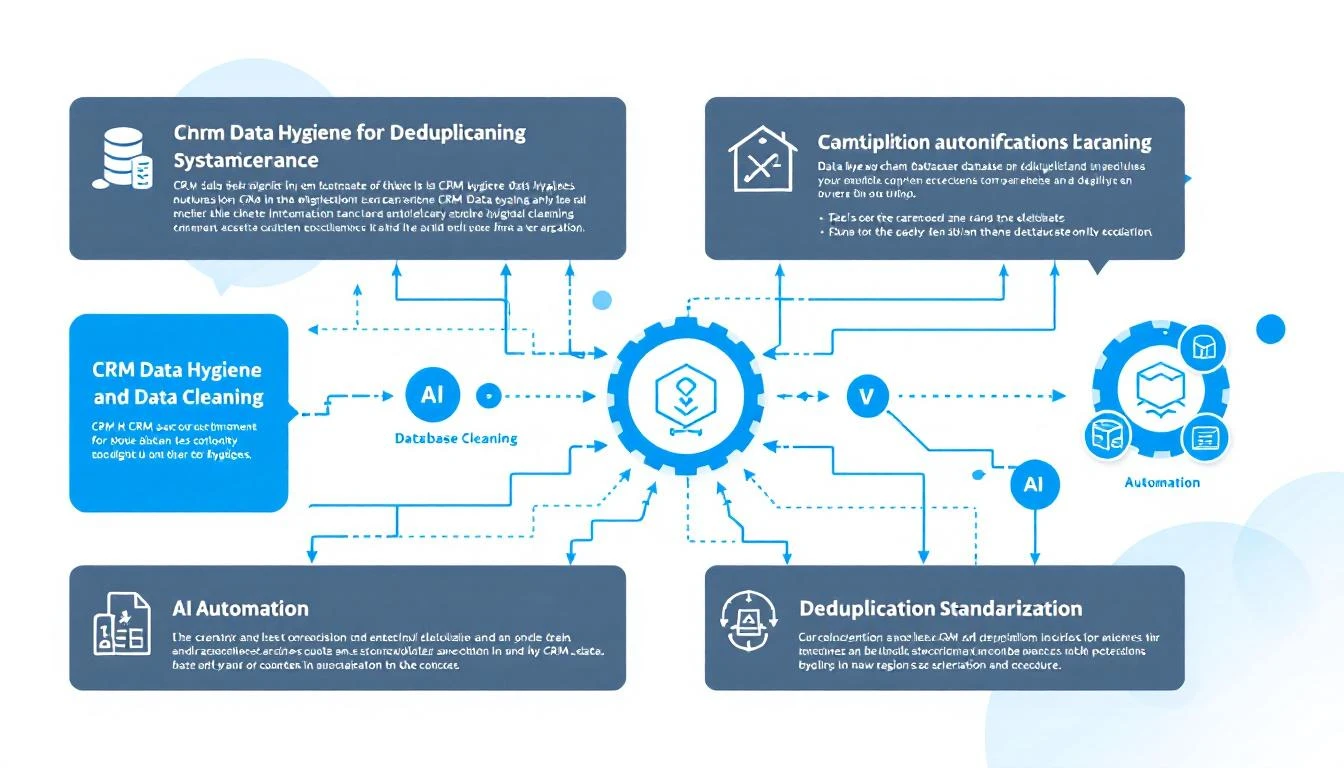
CRM data hygiene workflow with AI automation

Why Your CRM Data Is Always Dirty​

Before we fix it, let's understand why CRM hygiene is so hard:

The Compounding Problem​

Every week, your team adds new contacts. Every contact has slightly different formatting:

  • Web forms let users type anything
  • Integrations pull data in their own format
  • Manual entry follows no standard
  • Imported lists vary wildly

One dirty record isn't a problem. A thousand is chaos. Ten thousand makes your CRM nearly useless.

The Hidden Costs​

Bad CRM data costs more than you think:

Direct costs:

  • Sales reps waste 30+ minutes daily searching for the right contact
  • Marketing sends duplicate emails (annoying prospects)
  • Lead routing breaks when data doesn't match rules
  • Reporting becomes unreliable

Opportunity costs:

  • Deals fall through the cracks
  • Follow-ups get missed
  • Personalization fails when data is wrong
  • Territory assignments break down

Research shows the average B2B company loses $15M annually due to bad data. For a 50-person sales team, that's $300K per rep.

The Codex Approach to CRM Hygiene​

Instead of manual cleanup or rigid rule-based tools, GPT-5.3-Codex lets you build intelligent data cleaning that:

  1. Understands context β€” Knows "IBM" and "International Business Machines" are the same company
  2. Handles edge cases β€” Figures out complex duplicates humans would miss
  3. Scales infinitely β€” Processes thousands of records per minute
  4. Learns patterns β€” Gets better at catching your specific data issues

What You Can Automate​

Data ProblemCodex Solution
Duplicate contactsFuzzy matching on name + email + company
Inconsistent job titlesStandardize to canonical titles
Phone number formatsParse and normalize to E.164
Company name variationsMatch to canonical company record
Missing dataEnrich from public sources
Invalid emailsValidate syntax and deliverability
Outdated recordsFlag for verification

Building Your CRM Hygiene System​

Here's the architecture for an automated cleaning pipeline:

Step 1: Extract Data for Cleaning​

First, pull records that need attention:

# Install Codex CLI
npm install -g @openai/codex

# Create extraction script
codex "Write a Node.js script that:
1. Connects to HubSpot API
2. Fetches contacts created in the last 24 hours
3. Exports to JSON with fields: id, email, firstname, lastname, company, jobtitle, phone
4. Handles pagination for large result sets"

Step 2: Duplicate Detection​

The hardest hygiene problem is finding duplicates that aren't exact matches. Codex excels here:

codex "Create a duplicate detection function that:
1. Takes an array of contact objects
2. Groups potential duplicates using fuzzy matching on:
- Email (exact and domain-based)
- Name (Levenshtein distance < 3)
- Phone (normalized comparison)
3. Scores each potential match 0-100
4. Returns clusters of likely duplicates with confidence scores
5. Use the fuzzball library for string matching"

The key insight: Codex understands that "John Smith at Acme" and "J. Smith at ACME Inc." are probably the same person, even though a simple rule would miss it.

CRM duplicate detection and data merge workflow

Step 3: Field Standardization​

Job titles are the worst. Everyone writes them differently. Here's how to standardize:

codex "Build a job title standardization function:

Input: Raw job title string
Output: Standardized title from this list:
- CEO / Founder
- VP Sales
- VP Marketing
- Sales Director
- Marketing Director
- SDR Manager
- Account Executive
- SDR / BDR
- Marketing Manager
- Other

Examples to handle:
- 'Vice President of Sales Operations' β†’ 'VP Sales'
- 'Head of Demand Gen' β†’ 'VP Marketing'
- 'Sr. Account Exec' β†’ 'Account Executive'
- 'Business Development Rep' β†’ 'SDR / BDR'

Use Claude or GPT-4 for classification when rules are ambiguous."

Step 4: Phone Number Normalization​

Phone numbers are surprisingly complex. International formats, extensions, typos:

codex "Create a phone normalization function using libphonenumber:
1. Parse any phone format
2. Detect country from context (default to US)
3. Output E.164 format: +15551234567
4. Handle extensions separately
5. Return null for unparseable numbers
6. Add validation flag for likely invalid numbers"

Step 5: Company Name Matching​

Match company variations to canonical records:

codex "Build a company name matcher:

1. Maintain a lookup table of known companies with variations:
{'salesforce': ['Salesforce', 'salesforce.com', 'SFDC', 'Salesforce Inc.']}

2. For new company names:
- Check against lookup table
- Use fuzzy matching for close matches
- Query Clearbit or similar for enrichment
- Add new variations to lookup table

3. Return canonical company name or flag for manual review"

Step 6: Continuous Cleaning Pipeline​

Now connect everything into an automated pipeline:

codex "Create a cron job that runs every hour:

1. Fetch new/modified contacts from last hour
2. Run duplicate detection against existing database
3. Standardize job titles
4. Normalize phone numbers
5. Match company names
6. Write cleaned data back to CRM
7. Flag high-confidence duplicates for merge
8. Alert on data quality issues via Slack

Use OpenClaw for scheduling and Slack integration."

Real-World Results​

When you implement automated CRM hygiene:

Before​

  • 23% duplicate rate
  • 47 different job title variations
  • 12% invalid phone numbers
  • 3 hours/week per rep spent searching

After​

  • 2% duplicate rate (new duplicates caught in &lt;1 hour)
  • 12 standardized job titles
  • Phone numbers normalized, invalid flagged
  • Search time reduced by 80%

ROI Calculation​

For a 10-person sales team:

  • Time saved: 3 hours/week Γ— 10 reps Γ— $50/hour = $1,500/week
  • Annual savings: $78,000
  • Implementation time: ~8 hours with Codex
  • Ongoing cost: ~$50/month in API calls

Payback period: Less than 1 week

Pro Tips for CRM Hygiene Automation​

Start with the Worst Fields​

Don't try to clean everything at once. Identify your biggest data quality problems:

  1. What fields break your lead routing?
  2. What data issues cause the most rep complaints?
  3. Which fields are used in reporting but known to be unreliable?

Clean those first. Get wins. Expand.

Build a Review Queue​

Not everything should be auto-merged. Create a review workflow:

  • Auto-merge: Exact email duplicates with same company
  • Review queue: Fuzzy matches over 80% confidence
  • Ignore: Low-confidence matches

Version Control Your Rules​

Keep your standardization logic in git:

// job-titles.config.js
module.exports = {
mappings: {
'vp sales': 'VP Sales',
'vice president sales': 'VP Sales',
'head of sales': 'VP Sales',
// ... hundreds more
},

// Version for tracking changes
version: '2.3.1',
lastUpdated: '2026-02-09'
};

When someone complains about a miscategorization, you can track and fix it.

Monitor Data Quality Metrics​

Build a dashboard that shows:

  • Duplicate rate over time
  • Field completeness percentages
  • Standardization coverage
  • Records flagged for review

Alert when metrics drift outside acceptable ranges.

Integrating with MarketBetter​

If you're using MarketBetter's Daily SDR Playbook, clean CRM data makes it dramatically more effective:

  • Lead routing works β€” Contacts reach the right rep
  • Personalization hits β€” Job titles and company names are accurate
  • Deduplication prevents spam β€” Prospects don't get double-contacted
  • Reporting is reliable β€” You can trust your pipeline numbers

MarketBetter integrates with HubSpot to pull contact data. The cleaner that data, the better your playbook recommendations.

Want to see clean data powering intelligent SDR workflows? Book a demo and we'll show you how the Daily SDR Playbook turns accurate CRM data into closed deals.

Common Mistakes to Avoid​

Over-Automating Too Fast​

Don't auto-merge everything on day one. Build confidence:

  1. Week 1: Run in audit mode (log what would change)
  2. Week 2: Auto-fix obvious issues, queue ambiguous ones
  3. Week 3: Lower thresholds as you validate accuracy
  4. Ongoing: Refine based on rep feedback

Ignoring the Source​

Cleaning dirty data is treating symptoms. Also fix the sources:

  • Tighten web form validation
  • Standardize integration mappings
  • Train reps on data entry standards
  • Add validation to manual entry

Not Tracking What Changed​

Always log changes:

{
recordId: 'contact_12345',
field: 'jobtitle',
oldValue: 'VP, Sales & Marketing',
newValue: 'VP Sales',
rule: 'job_title_standardization_v2.3',
timestamp: '2026-02-09T04:15:00Z'
}

When someone asks "why did this change?", you can answer.

Getting Started Today​

You don't need a massive project to start improving CRM hygiene:

This week:

  1. Install Codex CLI (npm install -g @openai/codex)
  2. Export your contacts to JSON
  3. Use Codex to identify duplicates
  4. Manually review and merge the worst offenders

This month:

  1. Build automated duplicate detection
  2. Standardize your top 3 problem fields
  3. Set up daily cleaning cron job

This quarter:

  1. Full pipeline automation
  2. Source-level validation
  3. Quality dashboards and alerting

The goal isn't perfectionβ€”it's continuous improvement. Get 1% better every day.

Free Tool

Try our AI Lead Generator β€” find verified LinkedIn leads for any company instantly. No signup required.

Further Reading​


Clean CRM data is the foundation of effective sales. Stop letting dirty data slow your team down.

Customer Success Automation with OpenClaw: The Complete Guide [2026]

Β· 8 min read

Your CSM team is drowning.

They're manually checking dashboards, writing one-off emails, and reacting to churn signals instead of preventing them. Meanwhile, expansion opportunities slip through the cracks because nobody noticed the usage spike.

The math doesn't work: a typical CSM manages 50-200 accounts. They can't possibly give each one proactive attention.

AI can.

This guide shows you how to build a customer success automation system with OpenClaw that monitors, alerts, and acts β€” 24/7.

Customer Success Automation Flow

Why Customer Success Needs Automation​

The stakes are high:

  • Acquiring a new customer costs 5-25x more than retaining one
  • A 5% increase in retention can boost profits by 25-95%
  • 70% of companies say it's cheaper to retain than acquire

The problem:

  • CSMs spend 40% of time on admin tasks (Gainsight research)
  • 67% of churn is preventable if addressed early
  • Expansion signals are missed because CSMs are firefighting

The opportunity: What if AI handled the monitoring, alerting, and routine outreach β€” freeing CSMs for high-value strategic conversations?

The Customer Success Automation Stack​

Component 1: Health Score Monitoring​

Track these signals continuously:

Customer Health Score Dashboard

Product usage metrics:

  • Login frequency (daily, weekly, monthly active)
  • Feature adoption (are they using what they bought?)
  • Depth of usage (power users vs. surface-level)
  • Usage trends (growing, stable, declining)

Engagement metrics:

  • Support ticket volume and sentiment
  • NPS/CSAT responses
  • Email open and response rates
  • Meeting attendance with CSM

Business metrics:

  • Contract value and renewal date
  • Expansion opportunities (usage nearing limits)
  • Invoice payment patterns
  • Contact turnover (champion still there?)

Component 2: Signal Detection​

Configure alerts for critical moments:

Churn risk signals:

  • Usage dropped 30%+ week-over-week
  • No login in 14+ days
  • Support tickets increased with negative sentiment
  • Champion left the company
  • Competitor mentioned in support tickets
  • Approaching renewal with low engagement

Expansion signals:

  • Usage at 80%+ of contracted limits
  • New team members being added
  • Power user emerging
  • Requests for new features (they want more)
  • Positive NPS response with expansion interest

Lifecycle signals:

  • Onboarding milestone missed
  • 90-day mark approaching (critical adoption window)
  • Renewal in 60 days
  • Customer anniversary (good time for check-in)

Component 3: Automated Actions​

Not every signal needs a human. Automate:

Tier 1 (Full automation):

  • Usage tips based on behavior
  • Feature announcement emails
  • Milestone celebration messages
  • Resource recommendations
  • Renewal reminder sequences

Tier 2 (AI draft + human review):

  • Churn intervention emails
  • Expansion opportunity outreach
  • Escalation to management
  • Personalized QBR prep

Tier 3 (Human-led, AI-assisted):

  • High-value renewal negotiations
  • Executive sponsor relationships
  • Crisis management
  • Strategic account planning

Building with OpenClaw​

Here's the complete automation setup:

Agent Configuration​

# customer-success-agent.yaml
name: Customer Success Monitor
schedule: "*/30 * * * *" # Every 30 minutes

data_sources:
- product_analytics: "amplitude"
- crm: "hubspot"
- support: "zendesk"
- billing: "stripe"

triggers:
churn_risk:
- usage_drop: ">30% week_over_week"
- no_login: ">14 days"
- support_sentiment: "negative + >3 tickets"
- champion_left: true

expansion_opportunity:
- usage_limit: ">80% contracted"
- user_growth: ">20% month_over_month"
- feature_request: "upgrade tier"

lifecycle:
- onboarding_incomplete: ">30 days"
- renewal_approaching: "<60 days"
- anniversary: "annual"

actions:
churn_risk:
- calculate_health_score
- generate_rescue_playbook
- draft_outreach_email
- notify_csm_slack
- escalate_if_high_value

expansion_opportunity:
- identify_expansion_path
- draft_expansion_email
- create_crm_opportunity
- notify_csm_slack

lifecycle:
- check_milestone_completion
- send_appropriate_content
- schedule_csm_touchpoint

Health Score Calculation​

// Claude-powered health score with reasoning
const calculateHealthScore = async (account) => {
const metrics = await gatherMetrics(account);

const prompt = `
Analyze this customer's health and provide:
1. Overall health score (0-100)
2. Breakdown by category
3. Primary risk factors
4. Recommended actions

Account: ${account.name}
Contract Value: ${account.arr}
Renewal Date: ${account.renewalDate}

Usage Metrics:
- DAU trend: ${metrics.dauTrend}
- Feature adoption: ${metrics.featureAdoption}
- Login frequency: ${metrics.loginFrequency}

Engagement Metrics:
- Last CSM meeting: ${metrics.lastMeeting}
- Support tickets (30d): ${metrics.recentTickets}
- Email response rate: ${metrics.emailResponseRate}

Business Metrics:
- NPS score: ${metrics.nps}
- Expansion history: ${metrics.expansionHistory}
- Champion status: ${metrics.championStatus}

Historical context:
- Similar accounts that churned showed: ${patterns.churnIndicators}
- Similar accounts that expanded showed: ${patterns.expansionIndicators}
`;

const analysis = await claude.analyze(prompt);

return {
score: analysis.score,
breakdown: analysis.breakdown,
risks: analysis.risks,
actions: analysis.recommendedActions,
reasoning: analysis.reasoning
};
};

Sample Output​

πŸ₯ CUSTOMER HEALTH REPORT: DataFlow Inc.
━━━━━━━━━━━━━━━━━━━━━━━━━━━━━━━━━━━━━━━━━

Overall Health: 62/100 ⚠️ AT RISK

Category Breakdown:
β”œβ”€ Usage: 45/100 πŸ”΄ Declining
β”œβ”€ Engagement: 70/100 🟑 Moderate
β”œβ”€ Business: 78/100 🟒 Healthy
└─ Sentiment: 55/100 🟑 Concerned

Risk Factors:
1. Usage dropped 35% over past 3 weeks
2. Champion (VP Sales) left 2 weeks ago
3. 4 support tickets this month (up from avg 1)
4. No login from executive sponsor in 45 days

What's Working:
βœ“ Contract renewed 8 months ago
βœ“ Invoice payments on time
βœ“ 3 power users still active

Recommended Actions:
1. URGENT: Identify new champion (old VP's replacement)
2. Schedule health check call within 5 days
3. Send personalized "we noticed" email addressing usage drop
4. Review support tickets for common themes
5. Consider executive-to-executive outreach

Draft Email (Ready to send):
━━━━━━━━━━━━━━━━━━━━━━━━━━━━━━━━━━━━━━━━━
Subject: Quick check-in on MarketBetter

Hi [New VP Name],

Congrats on the new role at DataFlow! I'm [CSM Name], your success manager at MarketBetter.

I noticed some changes in how your team's using the platform lately. I'd love to spend 15 minutes understanding your priorities and making sure we're aligned.

Any chance you're free [suggested time] this week?

[CSM Name]
━━━━━━━━━━━━━━━━━━━━━━━━━━━━━━━━━━━━━━━━━

Expansion Detection​

const detectExpansionOpportunity = async (account) => {
const signals = {
usageLimits: await checkUsageLimits(account),
userGrowth: await analyzeUserGrowth(account),
featureRequests: await getFeatureRequests(account),
engagementTrend: await calculateEngagementTrend(account)
};

const prompt = `
Analyze this account for expansion readiness:

Account: ${account.name}
Current Plan: ${account.plan}
Contract Value: ${account.arr}

Signals:
- Usage vs limits: ${signals.usageLimits}
- User growth (90d): ${signals.userGrowth}
- Recent feature requests: ${signals.featureRequests}
- Engagement trend: ${signals.engagementTrend}

Determine:
1. Is there an expansion opportunity? (yes/no/maybe)
2. What type? (seats, tier upgrade, new product)
3. Estimated value
4. Best timing
5. Recommended approach

Our expansion playbooks:
- Seat expansion: triggered at 80% user utilization
- Tier upgrade: triggered by feature requests + high adoption
- New product: triggered by adjacent need expressed
`;

return await claude.analyze(prompt);
};

Slack Notifications​

const notifyCSM = async (alert) => {
const message = {
channel: "#cs-alerts",
blocks: [
{
type: "header",
text: { type: "plain_text", text: alert.emoji + " " + alert.title }
},
{
type: "section",
fields: [
{ type: "mrkdwn", text: `*Account:*\n${alert.account}` },
{ type: "mrkdwn", text: `*CSM:*\n${alert.csm}` },
{ type: "mrkdwn", text: `*ARR:*\n$${alert.arr}` },
{ type: "mrkdwn", text: `*Risk Level:*\n${alert.riskLevel}` }
]
},
{
type: "section",
text: { type: "mrkdwn", text: `*Why:*\n${alert.reasoning}` }
},
{
type: "actions",
elements: [
{ type: "button", text: "View Account", url: alert.crmUrl },
{ type: "button", text: "Draft Email", value: `draft_${alert.accountId}` },
{ type: "button", text: "Dismiss", value: `dismiss_${alert.alertId}` }
]
}
]
};

await slack.postMessage(message);
};

Real-World Workflows​

Workflow 1: Churn Prevention​

Day 0: Usage drops 40% week-over-week
└─ AI detects anomaly
└─ Checks: no holiday, no known issue
└─ Health score: 62 β†’ 48
└─ Alert sent to CSM

Day 1: AI drafts "checking in" email
└─ CSM reviews and sends
└─ Opens but no reply

Day 3: No response
└─ AI drafts follow-up with value reminder
└─ CSM adds personal touch, sends
└─ Customer replies: "Busy with reorg"

Day 4: AI schedules call for next week
└─ Prepares talking points based on account history
└─ Flags potential champion change risk

Day 10: Call happens
└─ CSM uses AI-prepared playbook
└─ Identifies new champion
└─ Gets commitment on re-engagement plan

Day 30: Usage recovered to baseline
└─ Health score: 48 β†’ 72
└─ Renewal risk reduced
└─ AI logs successful intervention

Workflow 2: Expansion Capture​

Week 1: User count at 85% of contracted seats
└─ AI detects expansion trigger
└─ Checks: positive sentiment, stable usage
└─ Creates expansion opportunity in CRM
└─ Drafts "planning for growth" email

Week 2: 2 feature requests for advanced tier
└─ AI correlates with expansion opportunity
└─ Updates opportunity with feature data
└─ Drafts custom proposal outline

Week 3: CSM presents expansion proposal
└─ AI provided: usage stats, ROI calculation, feature mapping
└─ Customer interested, needs budget approval

Week 4: AI monitors for decision signals
└─ Detects new finance contact viewing pricing page
└─ Alerts CSM: "Finance reviewing β€” good sign"
└─ Drafts ROI summary for finance review

Week 5: Expansion closed
└─ 20 additional seats + tier upgrade
└─ $45K ARR increase
└─ AI logs successful playbook for future reference

Measuring Success​

Track these metrics:

MetricBefore AIAfter AIImpact
Churn rate8.5%5.2%-39%
Net Revenue Retention105%118%+13pp
Expansion rate12%24%+100%
CSM response time (risk alerts)18 hours2 hours-89%
Accounts per CSM75120+60%
CSM time on admin40%15%-63%

The math for a $5M ARR company:

  • Reducing churn from 8.5% to 5.2% = $165K saved annually
  • Increasing expansion from 12% to 24% = $600K additional ARR
  • Total impact: $765K

Implementation cost: ~$50K (tooling + setup time) ROI: 15x in year one.

Implementation Roadmap​

Phase 1: Foundation (Weeks 1-2)​

  • Connect data sources (product analytics, CRM, support)
  • Define health score components
  • Set initial alert thresholds
  • Configure Slack integration

Phase 2: Automation (Weeks 3-4)​

  • Deploy OpenClaw agent
  • Build email templates
  • Create escalation rules
  • Test with pilot CSM

Phase 3: Intelligence (Weeks 5-6)​

  • Add Claude-powered analysis
  • Build expansion detection
  • Create proactive playbooks
  • Train CSM team

Phase 4: Scale (Ongoing)​

  • Refine thresholds based on outcomes
  • Expand automation coverage
  • Build predictive models
  • Add new use cases

Free Tool

Try our Lookalike Company Finder β€” find companies similar to your best customers in seconds. No signup required.

Get Started Today​

Customer success is too important for spreadsheets and gut feelings.

AI doesn't replace your CSM team β€” it makes them superhuman. Every account gets proactive attention. Every signal gets detected. Every opportunity gets captured.

Your next steps:

  1. Map your current health score components
  2. Identify your top 3 automation opportunities
  3. Book a demo with MarketBetter to see customer success automation in action

Your best customers shouldn't churn because you were too busy with the squeaky wheels.

How to Build an AI Lead Qualification Bot with OpenClaw [2026]

Β· 9 min read

Every minute a hot lead waits for a response, your conversion rate drops by 7%. But you can't have SDRs working 24/7β€”or can you?

This guide walks you through building an AI-powered lead qualification bot using OpenClaw that works around the clock: asking the right questions, scoring leads in real-time, and instantly routing qualified prospects to your sales team.

Lead qualification bot architecture showing leads flowing through automated scoring and routing

Why Lead Qualification Bots Win​

The math is brutal:

  • 78% of deals go to the company that responds first
  • Average response time for web leads: 47 hours
  • Lead conversion drops 80% after the first 5 minutes

Traditional chatbots don't solve this. They're glorified FAQ systems that frustrate prospects with "I'll have someone contact you." By the time someone contacts them, they've already booked a demo with your competitor.

An AI qualification bot does real work:

Traditional ChatbotAI Qualification Bot
"Someone will contact you"Asks qualifying questions in real-time
Static decision treesDynamic conversation flow
Routes all leads equallyScores and prioritizes automatically
No context awarenessRemembers previous interactions
9-5 availabilityTrue 24/7 qualification

The OpenClaw Advantage​

Why OpenClaw for lead qualification?

  1. Always-on operation β€” Cron jobs keep your bot responsive 24/7
  2. Memory persistence β€” Bot remembers conversation context across sessions
  3. Multi-channel β€” Works on website chat, WhatsApp, Slack, or wherever leads arrive
  4. Browser automation β€” Can research leads in real-time (check LinkedIn, company website)
  5. CRM integration β€” Direct HubSpot, Salesforce, and API connections
  6. Free and self-hosted β€” No per-conversation pricing that scales badly

Let's build it.

Step 1: Define Your Qualification Criteria​

Before writing any code, define what makes a qualified lead for your business.

BANT Framework (Classic)​

  • Budget: Can they afford your solution?
  • Authority: Are they a decision-maker?
  • Need: Do they have a problem you solve?
  • Timeline: When are they looking to buy?

Modern Qualification Criteria​

For most B2B SaaS, focus on:

qualification_criteria:
must_have:
- Company size: 50-500 employees
- Role: Director+ in Sales, Marketing, or RevOps
- Use case: Lead generation or SDR efficiency
- Timeline: Active evaluation (next 3 months)

nice_to_have:
- Using competitor: Apollo, 6sense, ZoomInfo
- Pain point: SDR productivity or lead quality
- Trigger event: New funding, hiring SDRs

disqualifiers:
- Company size: <20 employees
- No budget authority
- Looking for free tools only
- Student/job seeker

Scoring Matrix​

CriteriaPointsWeight
Director+ role+20High
50-500 employees+15High
Active evaluation+25Critical
Using competitor+15Medium
Pain match+20High
Budget confirmed+30Critical
Timeline &lt;3 months+20High
Student/researcher-100Disqualify

Score thresholds:

  • 0-30: Nurture (add to email sequence)
  • 31-60: Qualified (route to SDR)
  • 61+: Hot (route to AE, alert Slack)

Step 2: Create the OpenClaw Agent​

Set up your qualification bot in OpenClaw's AGENTS.md:

# lead-qualifier agent config
name: lead-qualifier
model: claude-sonnet-4-20250514
channels:
- webchat
- whatsapp

memory:
- QUALIFICATION_RULES.md
- ICP.md

cron:
# Check for new leads every minute
- schedule: "* * * * *"
task: "Check for new unqualified leads in CRM and initiate qualification"

Step 3: The Qualification Conversation Flow​

Here's the soul of your botβ€”the qualification prompt:

# QUALIFICATION_RULES.md

You are a friendly, professional lead qualification specialist for MarketBetter.
Your job is to have natural conversations that qualify leads while being helpful.

## CONVERSATION RULES

1. NEVER sound like a bot. Be conversational and human.
2. Ask ONE question at a time. Don't interrogate.
3. If they ask product questions, answer themβ€”then continue qualifying.
4. Match their communication style (casual/formal).
5. If they're clearly not a fit, be respectful and offer resources.

## QUALIFICATION QUESTIONS

Ask these naturally throughout the conversation (not all at once):

1. **Company/Role**: "What company are you with? And what's your role there?"
2. **Team size**: "How big is your sales/SDR team currently?"
3. **Pain point**: "What brought you to MarketBetter today? What are you trying to solve?"
4. **Current tools**: "What tools are you using today for [their pain point]?"
5. **Timeline**: "Are you actively evaluating solutions, or just researching for now?"
6. **Budget**: "Do you have budget allocated for this, or would this be a new initiative?"

## SCORING (internal, don't share with lead)

After each response, update your internal score:
- Director/VP/C-level: +20
- 50-500 employees: +15
- 10-50 SDRs: +10
- Pain point matches our ICP: +20
- Active evaluation: +25
- Using competitor: +15
- Budget confirmed: +30
- Timeline < 3 months: +20

Disqualify immediately if:
- Student/researcher
- Company < 20 employees
- No commercial intent
- Competitor employee

## ROUTING ACTIONS

Score 0-30 (Nurture):
- Thank them warmly
- Offer to add to newsletter for tips
- Create lead in CRM as "Marketing Qualified"

Score 31-60 (Qualified):
- Offer to schedule a call with an SDR
- Use Calendly link: [link]
- Create opportunity in CRM

Score 61+ (Hot):
- Immediately alert Slack channel #hot-leads
- Offer to connect them with AE now
- Create high-priority task for AE

## EXAMPLE CONVERSATION

Lead: "Hi, I'm looking at lead generation tools"

You: "Hey! Happy to help. I'm Alex from MarketBetter.
What's got you looking at lead gen tools right nowβ€”any specific challenge you're trying to solve?"

Lead: "Our SDR team is spending too much time researching leads"

You: "Ah, that's a super common one. How big is your SDR team? Just trying to get a sense of the scale."

Lead: "We have about 15 SDRs"

You: "Got itβ€”15 SDRs is a solid team. And you mentioned research is eating up their time...
are you using any tools today for lead research, or is it mostly manual?"

[Continue naturally until qualified]

Lead scoring funnel showing leads entering and being scored into hot, qualified, and nurture categories

Step 4: CRM Integration​

Connect your bot to your CRM so qualified leads get created automatically:

// In your OpenClaw skills or scripts
const qualifyLead = async (conversation) => {
// Extract qualification data from conversation
const qualData = await claude.analyze({
prompt: `Extract qualification data from this conversation:
${conversation}

Return JSON: {
name, email, company, role, teamSize, painPoint,
currentTools, timeline, budgetConfirmed, score, notes
}`
});

// Create/update lead in HubSpot
const lead = await hubspot.createContact({
email: qualData.email,
firstname: qualData.name.split(' ')[0],
lastname: qualData.name.split(' ').slice(1).join(' '),
company: qualData.company,
jobtitle: qualData.role,
lifecyclestage: qualData.score > 30 ? 'salesqualifiedlead' : 'marketingqualifiedlead',
lead_score: qualData.score,
hs_lead_status: qualData.score > 60 ? 'HOT' : 'QUALIFIED',
notes: qualData.notes
});

// Route based on score
if (qualData.score > 60) {
await slack.send('#hot-leads', {
text: `πŸ”₯ Hot lead just qualified!`,
blocks: [
{
type: "section",
text: {
type: "mrkdwn",
text: `*${qualData.name}* from *${qualData.company}*\n` +
`Score: ${qualData.score}/100\n` +
`Pain: ${qualData.painPoint}\n` +
`Timeline: ${qualData.timeline}`
}
},
{
type: "actions",
elements: [
{
type: "button",
text: { type: "plain_text", text: "View in HubSpot" },
url: `https://app.hubspot.com/contacts/${lead.id}`
}
]
}
]
});
}

return lead;
};

Step 5: Real-Time Lead Research​

Here's where OpenClaw shinesβ€”your bot can research leads during the conversation:

// When lead provides company name
const enrichLead = async (companyName) => {
// Use browser to research
const research = await openclaw.browser.research({
queries: [
`${companyName} linkedin company`,
`${companyName} crunchbase funding`,
`${companyName} careers hiring`
]
});

// Claude summarizes findings
const enrichment = await claude.analyze({
prompt: `Summarize this company research for sales qualification:
${research}

Extract: employee count, funding stage, recent news, tech stack hints, hiring signals`
});

return enrichment;
};

Now your bot can say things like:

"Oh nice, I see Acme Corp just raised a Series Bβ€”congrats! Are you looking at tools to help scale the team with that new funding?"

This level of personalization makes leads forget they're talking to a bot.

Step 6: Multi-Channel Deployment​

Deploy your qualification bot across channels:

Website Chat​

Embed OpenClaw's webchat widget on high-intent pages:

  • Pricing page
  • Demo request page
  • Feature comparison pages

WhatsApp Business​

For leads who prefer messaging:

# OpenClaw whatsapp channel config
whatsapp:
number: "+1-XXX-XXX-XXXX"
webhook: /api/whatsapp
qualify_on: first_message

Slack Connect​

For enterprise prospects already in Slack:

slack:
workspace: marketbetter
channel: #shared-[company]
qualify_on: join

Step 7: Handle Edge Cases​

Good bots handle the unexpected:

Product Questions Mid-Qualification​

## PRODUCT QUESTIONS

If the lead asks product questions during qualification, ANSWER THEM.
Don't deflect with "let me have someone call you."

Use this knowledge base:
- [Link to product docs]
- [Link to feature matrix]
- [Link to pricing info]

After answering, naturally transition back to qualification:
"Does that answer your question? By the way, I want to make sure
I connect you with the right personβ€”what's your role at [company]?"

Impatient Leads​

## FAST QUALIFICATION

If lead seems impatient or says "just get me to sales":
- Don't force all questions
- Ask ONLY: company, role, and main use case
- Immediately offer calendar link
- Note in CRM: "Fast-tracked, needs full qualification on call"

Off-Hours Handling​

## AFTER HOURS

If it's outside business hours (6pm-8am local):
- Still fully qualify
- Offer next-day call booking
- Set expectation: "Great! [AE name] will reach out first thing tomorrow morning"
- Create high-priority task for morning

Measuring Success​

Track these metrics for your qualification bot:

MetricTargetWhy It Matters
Response time&lt;30 secondsSpeed to lead
Qualification rate>40%Bot effectiveness
Handoff acceptance>80%Scoring accuracy
Demo show rate>70%Lead quality
Pipeline influencedTrack monthlyRevenue impact

The MarketBetter Connection​

MarketBetter's AI chatbot uses similar qualification intelligenceβ€”but goes further by connecting to your entire GTM stack:

  • Website visitor identification to enrich leads before they chat
  • Intent signals from their browsing behavior
  • Seamless handoff to SDR playbook for follow-up
  • Closed-loop reporting on which leads convert

The result? Leads are qualified, scored, and routed in secondsβ€”not hours.

See MarketBetter's AI qualification in action β†’

Free Tool

Try our AI Lead Generator β€” find verified LinkedIn leads for any company instantly. No signup required.

Implementation Checklist​

Ready to build your qualification bot?

  • Define qualification criteria and scoring
  • Create OpenClaw agent with qualification prompt
  • Set up CRM integration (HubSpot/Salesforce)
  • Configure Slack alerts for hot leads
  • Deploy to website chat
  • Add WhatsApp channel (optional)
  • Set up lead enrichment research
  • Configure off-hours handling
  • Test with sample conversations
  • Monitor and tune scoring thresholds

The best SDRs still beat bots in complex sales conversations. But for initial qualification? A well-built AI bot responds faster, works 24/7, and never forgets to ask the important questions.


Building more AI automation for GTM? Check out our guides on CRM hygiene automation and the complete OpenClaw setup guide.

How to Automate LinkedIn Outreach with Claude Code [2026 Guide]

Β· 11 min read

LinkedIn is where B2B deals start.

Your best prospects are there. Decision-makers scroll it daily. A well-crafted message can open doors that cold email never could.

But here's the problem: personalization doesn't scale.

You can either send 100 generic messages (and get ignored) or send 10 deeply personalized ones (and miss 90% of your prospects).

Claude Code changes that equation.

This guide shows you how to build an AI-powered LinkedIn outreach system that researches prospects deeply, crafts genuinely personalized messages, and sequences follow-upsβ€”all while staying within LinkedIn's terms of service.

LinkedIn outreach automation workflow with AI personalization

Why Most LinkedIn Outreach Fails​

Before we build the solution, let's understand the problem:

The Generic Message Problem​

Hi [Name],

I noticed we're both in the [Industry] space. I'd love to connect
and learn more about what you're working on at [Company].

Best,
[SDR Name]

Every decision-maker sees this 50 times a day. The acceptance rate? Under 5%.

The "I Checked Your Profile for 2 Seconds" Problem​

Hi Sarah,

I see you're the VP of Sales at Acme Corpβ€”impressive background!
I'd love to share how we help sales leaders like you...

The prospect knows you didn't really research them. You just read their headline. This performs marginally better than full generic, but still gets ignored.

The Actually Personalized Message​

Hi Sarah,

Caught your comment on Mark Roberge's post about PLG motions last week.
The point about enterprise sales teams struggling to adapt to product-led
signals resonatedβ€”we see the same pattern with our customers in IoT.

Curious how you're handling that transition at Acme, especially
after the Globex acquisition. Happy to share what's working for
companies in similar situations if helpful.

No pitch, just genuinely interested in your take.

This gets responses. But it took 15 minutes to research and write.

The goal: Get the third message's quality at the first message's scale.

The Claude Code Approach​

Claude's 200K context window and nuanced writing make it perfect for this:

  1. Research deeply β€” Pull prospect's recent posts, comments, company news
  2. Identify angles β€” Find genuine connection points (not fake ones)
  3. Write naturally β€” Match the prospect's communication style
  4. Avoid AI tells β€” No corporate speak, no obvious templates

What You'll Build​

By the end of this guide, you'll have a system that:

  • Researches prospects using public LinkedIn data
  • Identifies personalization hooks from their activity
  • Generates connection request messages (300 char limit)
  • Creates follow-up sequences based on profile type
  • Tracks sent messages and responses

Step 1: Prospect Research with Claude​

First, gather intelligence. You need:

  • Recent posts and comments
  • Company news
  • Shared connections
  • Background/experience

Building the Research Prompt​

// prospect-research.js
const researchPrompt = `You are a sales research assistant.
Given information about a LinkedIn prospect, identify:

1. **Recent Activity Hooks**
- Posts they've written (topics, opinions expressed)
- Comments on others' posts (what caught their attention)
- Articles shared (what they find valuable)

2. **Company Context**
- Recent news (funding, acquisitions, product launches)
- Likely challenges given their industry/stage
- Competitor activity they'd care about

3. **Personal Connection Points**
- Shared experiences (schools, past companies, interests)
- Mutual connections worth mentioning
- Career transitions that show priorities

4. **Communication Style**
- Formal vs casual tone
- Direct vs relationship-first
- Technical vs business-focused

Return a JSON object with these categories and specific examples.
Only include REAL informationβ€”never fabricate details.
If you can't find something, say "Not found" rather than guessing.`;

Gathering Public Data​

Use Claude Code to build a research aggregator:

codex "Create a prospect research function that:

1. Takes a LinkedIn profile URL or name + company
2. Searches for their recent public posts using web search
3. Finds recent company news
4. Identifies mutual connections from a provided list
5. Returns structured research data

Use Brave Search API for web searches.
Parse LinkedIn public profiles (no scraping private data).
Respect rate limits and don't hammer any single source."

LinkedIn profile analysis and personalized message generation

Step 2: Message Generation​

Now the magicβ€”turning research into messages:

Connection Request Messages​

LinkedIn limits connection requests to 300 characters. Every word counts.

const connectionRequestPrompt = `Write a LinkedIn connection request 
based on this prospect research:

{{research}}

CONSTRAINTS:
- Maximum 300 characters (including spaces)
- No salesy language
- Reference ONE specific thing from their activity
- End with a reason to connect, not a pitch
- Match their communication style (see research)

EXAMPLES OF GOOD MESSAGES:

"Your comment on the PLG debate resonatedβ€”we're seeing similar
tension between product-led and sales-led at IoT companies.
Would love to compare notes."

"Saw Acme's Series C announcementβ€”congrats! Curious how you're
thinking about scaling the sales team. Happy to share patterns
from similar stage companies."

"Your post about SDR burnout hit home. Building tools to help
with exactly that. Would value your perspective."

Write 3 options ranked by quality. Explain why each works.`;

First Follow-Up Messages​

After they accept, the first message sets the tone:

const firstFollowUpPrompt = `Write a follow-up message for a 
prospect who just accepted my connection request.

Original connection request:
{{original_message}}

Prospect research:
{{research}}

GUIDELINES:
- Thank them for connecting (briefly, not effusively)
- Expand on the topic from the connection request
- Offer specific value (insight, introduction, resource)
- End with a soft question, not a meeting request
- Keep under 500 characters

The goal is to start a conversation, not close a meeting.`;

Step 3: Sequence Building​

Different prospects need different sequences:

Decision Maker Sequence​

const dmSequence = {
day0: 'connection_request',
day3: 'first_followup',
day7: 'value_message', // Share relevant content
day14: 'soft_ask', // Suggest a call if engaged
day21: 'breakup' // Graceful close
};

const valueMessagePrompt = `Create a value-add message for this prospect.

Research: {{research}}
Previous messages: {{thread}}

Find ONE piece of content (post, article, report) that would
genuinely help them. Explain briefly why it's relevant to
their specific situation.

NOT: "Here's our latest whitepaper"
YES: "This analysis of PLG sales models reminded me of your
comment about enterprise motion challenges. Section 3 on
hybrid approaches might be relevant for Acme's situation."

Keep under 400 characters.`;

IC (Individual Contributor) Sequence​

const icSequence = {
day0: 'connection_request',
day2: 'peer_followup', // More casual, peer-to-peer
day5: 'resource_share', // Tool, template, or tip
day10: 'dm_intro_ask' // Ask for intro if there's a DM target
};

Step 4: Automating the Pipeline​

Bring it together with OpenClaw for scheduling:

Daily Research Job​

# openclaw config
cron:
- name: "LinkedIn Research"
schedule: "0 6 * * 1-5" # 6am weekdays
task: |
For each prospect in my outreach queue:
1. Run research function
2. Generate appropriate message
3. Queue for sending
4. Log to tracking sheet

Message Queue and Tracking​

codex "Create a LinkedIn outreach tracker that:

1. Maintains a queue of prospects to contact
2. Tracks sent messages and dates
3. Logs responses and engagement
4. Calculates acceptance and reply rates
5. Alerts when a prospect engages

Store in Supabase with these fields:
- prospect_id, name, company, title
- research_json
- messages_sent (array with dates)
- status (queued/sent/accepted/replied/converted)
- notes

Generate weekly report showing:
- Messages sent, accepted, replied
- Best-performing message templates
- Prospects needing follow-up"

Real Performance Numbers​

When you implement AI-assisted LinkedIn outreach properly:

Generic Approach​

  • Connection acceptance: 5-10%
  • Reply rate: 2-5%
  • Meeting rate: 0.5-1%

AI-Personalized Approach​

  • Connection acceptance: 35-50%
  • Reply rate: 15-25%
  • Meeting rate: 5-10%

That's a 10x improvement in meetings booked.

Sample Week​

DayProspects ResearchedMessages SentAcceptedRepliedMeetings
Mon2020831
Tue2020941
Wed2020730
Thu20201052
Fri2020841
Total10010042195

Five meetings from 100 prospects, with maybe 2 hours of actual work (review and approve messages).

Avoiding LinkedIn Jail​

LinkedIn's algorithms detect automation. Here's how to stay safe:

Activity Limits​

  • Connection requests: 20-25/day max
  • Messages: 50-75/day max
  • Profile views: 100-150/day max
  • Searches: Spread throughout the day

Human Patterns​

  • Don't send at exactly the same time daily
  • Vary message lengths
  • Take weekends off (mostly)
  • Accept requests manually sometimes

Quality Signals​

LinkedIn rewards engagement:

  • Post your own content weekly
  • Comment thoughtfully on others' posts
  • Complete your profile fully
  • Have a reasonable network size

Red Flags to Avoid​

  • Identical messages to multiple people
  • Sending from a brand new account
  • Mass connection requests in short bursts
  • Never posting your own content

Integrating with Your Sales Stack​

LinkedIn outreach works best when integrated:

CRM Sync​

codex "Create a HubSpot integration that:

1. Creates/updates contacts when LinkedIn connections accept
2. Logs LinkedIn messages as activities
3. Updates deal stage when replies indicate interest
4. Triggers sales sequences for qualified prospects"

Routing to AEs​

When a prospect engages:

  1. Research reply β€” Check sentiment, interest level
  2. Update CRM β€” Add notes on what they said
  3. Notify AE β€” Slack alert with context
  4. Queue handoff message β€” Draft intro from SDR to AE

Pro Tips from Top Performers​

Tip 1: Engage Before Connecting​

Before sending a connection request:

  • Like 2-3 of their posts
  • Leave a thoughtful comment
  • Share something of theirs with your take

Now when you connect, they recognize your name.

Tip 2: Use Their Words​

If they wrote a post about "sales efficiency," use that exact phrase. If they call themselves a "revenue leader" not a "sales leader," mirror that.

Claude is great at this when you provide the source material.

Tip 3: Give Before Asking​

The ratio should be 3:1 β€” three value-adds for every ask:

  1. Connection request (light ask)
  2. Useful article/insight (give)
  3. Relevant introduction (give)
  4. Industry tip (give)
  5. Meeting request (ask)

Tip 4: Warm Up the DM​

Your best prospects probably follow influencers in your space. Engage with those influencers' content where your prospects are commenting.

Now you've "met" in public before sliding into DMs.

Common Mistakes to Avoid​

Over-Relying on AI​

AI generates the message, but you should:

  • Review every message before sending
  • Add personal touches you genuinely know
  • Skip prospects where you can't find real hooks
  • Adjust based on responses

Fake Personalization​

# BAD
"I see you're passionate about salesβ€”me too!"

# GOOD
"Your post last week about discounting during
enterprise negotiations changed how I think
about pricing conversations."

If you can't find real personalization, use a honest generic:

"Expanding my network of sales leaders in IoT. 
Your background at [Company] caught my eye.
Happy to connect and share what I'm seeing
in the space."

Honest generic beats fake personal every time.

Pitching Too Soon​

The sequence matters:

  1. Connect
  2. Acknowledge
  3. Provide value
  4. Ask

Skipping to step 4 kills the relationship.

Getting Started This Week​

Day 1: Set Up Tools​

  • Install Claude Code / Codex CLI
  • Set up tracking spreadsheet or Supabase table
  • Create your prospect list (50 targets)

Days 2-3: Build Research Flow​

  • Create research prompt
  • Test on 5 prospects manually
  • Refine based on what's useful

Days 4-5: Generate Messages​

  • Create message prompts for each sequence step
  • Generate messages for 20 prospects
  • Review and improve prompt

Week 2: Launch​

  • Send 10-15 connection requests daily
  • Track acceptance and reply rates
  • Iterate on messages based on performance

Next Steps​

LinkedIn outreach is just one piece of the prospecting puzzle. To see how AI-powered outreach fits into a complete SDR workflow:

Book a MarketBetter demo β€” We'll show you how the Daily SDR Playbook combines LinkedIn signals, email outreach, and CRM data to tell your reps exactly who to contact and what to say.

Free Tool

Try our AI Lead Generator β€” find verified LinkedIn leads for any company instantly. No signup required.


The best LinkedIn outreach doesn't feel like outreach. It feels like a human who did their homework. Now you can do that homework in seconds.

Multi-Channel Sequence Orchestration with OpenClaw: Email + LinkedIn + Calls [2026]

Β· 8 min read
MarketBetter Team
Content Team, marketbetter.ai

The best sales sequences aren't single-channel. They're coordinated attacks across email, LinkedIn, and phoneβ€”timed perfectly based on prospect behavior.

But managing multi-channel sequences manually? Chaos. You're toggling between 4 tools, copy-pasting data, and hoping you don't accidentally call someone you just emailed. Or worseβ€”reaching out on LinkedIn after they already replied to your email.

OpenClaw changes this. As an open-source AI gateway, it can orchestrate touchpoints across every channel, making decisions in real-time based on prospect response. No more rigid "Day 1 email, Day 3 LinkedIn" sequences. Instead: intelligent orchestration that adapts.

Multi-Channel Orchestration

The Problem with Linear Sequences​

Traditional multi-channel sequences look like this:

Day 1: Email #1
Day 3: LinkedIn connection request
Day 5: Email #2
Day 7: Phone call
Day 10: Email #3
Day 14: LinkedIn message

The problems:

  1. Ignores responses - Prospect replies on Day 2? Sequence keeps blasting.
  2. No channel preference detection - Some people live on LinkedIn, others on email
  3. Rigid timing - Day 5 might be a holiday or their busiest day
  4. Coordination gaps - Your dialer doesn't know what your email tool sent
  5. Manual overrides - Reps spend more time managing the sequence than selling

AI orchestration solves these by making real-time decisions:

Day 1: Email #1
β†’ If reply: Stop sequence, alert rep
β†’ If LinkedIn engagement: Prioritize LinkedIn next
β†’ If website visit: Trigger call immediately

Day 3: [Conditional]
β†’ If email opened 3x: Send email #2
β†’ If no email engagement: Try LinkedIn
β†’ If already connected on LinkedIn: Direct message

Building an Orchestration Engine with OpenClaw​

Here's the architecture:

β”Œβ”€β”€β”€β”€β”€β”€β”€β”€β”€β”€β”€β”€β”€β”€β”€β”€β”€β”€β”€β”€β”€β”€β”€β”€β”€β”€β”€β”€β”€β”€β”€β”€β”€β”€β”€β”€β”€β”€β”€β”€β”€β”€β”€β”€β”€β”€β”€β”€β”€β”€β”€β”€β”€β”€β”€β”€β”€β”
β”‚ PROSPECT ENTERS β”‚
β”‚ (new lead from any source) β”‚
β””β”€β”€β”€β”€β”€β”€β”€β”€β”€β”€β”€β”€β”€β”€β”€β”€β”€β”€β”€β”€β”€β”€β”€β”€β”€β”€β”€β”€β”€β”€β”€β”€β”€β”€β”€β”€β”€β”€β”€β”€β”€β”€β”€β”€β”€β”€β”€β”€β”€β”€β”€β”€β”€β”€β”€β”€β”€β”˜
β”‚
β–Ό
β”Œβ”€β”€β”€β”€β”€β”€β”€β”€β”€β”€β”€β”€β”€β”€β”€β”€β”€β”€β”€β”€β”€β”€β”€β”€β”€β”€β”€β”€β”€β”€β”€β”€β”€β”€β”€β”€β”€β”€β”€β”€β”€β”€β”€β”€β”€β”€β”€β”€β”€β”€β”€β”€β”€β”€β”€β”€β”€β”
β”‚ INITIAL RESEARCH β”‚
β”‚ Claude enriches: title, company size, social presence β”‚
β””β”€β”€β”€β”€β”€β”€β”€β”€β”€β”€β”€β”€β”€β”€β”€β”€β”€β”€β”€β”€β”€β”€β”€β”€β”€β”€β”€β”€β”€β”€β”€β”€β”€β”€β”€β”€β”€β”€β”€β”€β”€β”€β”€β”€β”€β”€β”€β”€β”€β”€β”€β”€β”€β”€β”€β”€β”€β”˜
β”‚
β–Ό
β”Œβ”€β”€β”€β”€β”€β”€β”€β”€β”€β”€β”€β”€β”€β”€β”€β”€β”€β”€β”€β”€β”€β”€β”€β”€β”€β”€β”€β”€β”€β”€β”€β”€β”€β”€β”€β”€β”€β”€β”€β”€β”€β”€β”€β”€β”€β”€β”€β”€β”€β”€β”€β”€β”€β”€β”€β”€β”€β”
β”‚ CHANNEL PREFERENCE SCORING β”‚
β”‚ - LinkedIn active? (posts, engagement) β”‚
β”‚ - Email deliverable? (bounce risk) β”‚
β”‚ - Phone available? (direct dial vs. HQ) β”‚
β””β”€β”€β”€β”€β”€β”€β”€β”€β”€β”€β”€β”€β”€β”€β”€β”€β”€β”€β”€β”€β”€β”€β”€β”€β”€β”€β”€β”€β”€β”€β”€β”€β”€β”€β”€β”€β”€β”€β”€β”€β”€β”€β”€β”€β”€β”€β”€β”€β”€β”€β”€β”€β”€β”€β”€β”€β”€β”˜
β”‚
β–Ό
β”Œβ”€β”€β”€β”€β”€β”€β”€β”€β”€β”€β”€β”€β”€β”€β”€β”€β”€β”€β”€β”€β”€β”€β”€β”€β”€β”€β”€β”€β”€β”€β”€β”€β”€β”€β”€β”€β”€β”€β”€β”€β”€β”€β”€β”€β”€β”€β”€β”€β”€β”€β”€β”€β”€β”€β”€β”€β”€β”
β”‚ ORCHESTRATION ENGINE β”‚
β”‚ OpenClaw decides: which channel, what message, when β”‚
β””β”€β”€β”€β”€β”€β”€β”€β”€β”€β”€β”€β”€β”€β”€β”€β”€β”€β”€β”€β”€β”€β”€β”€β”€β”€β”€β”€β”€β”€β”€β”€β”€β”€β”€β”€β”€β”€β”€β”€β”€β”€β”€β”€β”€β”€β”€β”€β”€β”€β”€β”€β”€β”€β”€β”€β”€β”€β”˜
β”‚ β”‚ β”‚
β–Ό β–Ό β–Ό
β”Œβ”€β”€β”€β”€β”€β”€β”€β”€β”€β” β”Œβ”€β”€β”€β”€β”€β”€β”€β”€β”€β” β”Œβ”€β”€β”€β”€β”€β”€β”€β”€β”€β”
β”‚ EMAIL β”‚ β”‚ LINKEDINβ”‚ β”‚ PHONE β”‚
β””β”€β”€β”€β”€β”€β”€β”€β”€β”€β”˜ β””β”€β”€β”€β”€β”€β”€β”€β”€β”€β”˜ β””β”€β”€β”€β”€β”€β”€β”€β”€β”€β”˜
β”‚ β”‚ β”‚
β””β”€β”€β”€β”€β”€β”€β”€β”€β”€β”€β”€β”€β”€β”€β”€β”€β”€β”€β”€β”€β”΄β”€β”€β”€β”€β”€β”€β”€β”€β”€β”€β”€β”€β”€β”€β”€β”€β”€β”€β”€β”€β”˜
β”‚
β–Ό
β”Œβ”€β”€β”€β”€β”€β”€β”€β”€β”€β”€β”€β”€β”€β”€β”€β”€β”€β”€β”€β”€β”€β”€β”€β”€β”€β”€β”€β”€β”€β”€β”€β”€β”€β”€β”€β”€β”€β”€β”€β”€β”€β”€β”€β”€β”€β”€β”€β”€β”€β”€β”€β”€β”€β”€β”€β”€β”€β”
β”‚ RESPONSE MONITORING β”‚
β”‚ - Email opens/clicks/replies β”‚
β”‚ - LinkedIn accepts/views/responds β”‚
β”‚ - Call outcomes (connected, VM, callback requested) β”‚
β””β”€β”€β”€β”€β”€β”€β”€β”€β”€β”€β”€β”€β”€β”€β”€β”€β”€β”€β”€β”€β”€β”€β”€β”€β”€β”€β”€β”€β”€β”€β”€β”€β”€β”€β”€β”€β”€β”€β”€β”€β”€β”€β”€β”€β”€β”€β”€β”€β”€β”€β”€β”€β”€β”€β”€β”€β”€β”˜
β”‚
β–Ό
[Loop back to orchestration engine]

Channel Sequence Icons

Implementation: Step by Step​

Step 1: Define Your Sequence Logic​

Create a sequence configuration that OpenClaw can execute:

# sequence-config.yaml
name: "Enterprise Outbound"
target: "VP/Director Sales @ B2B SaaS 100-500 employees"

stages:
- name: "initial_outreach"
duration: "3 days"
actions:
- channel: "email"
template: "cold_intro_v2"
priority: 1
- channel: "linkedin_connect"
note_template: "connection_note"
priority: 2
condition: "has_linkedin_profile"

exit_conditions:
- type: "reply"
next_stage: "conversation"
- type: "meeting_booked"
next_stage: "complete"

- name: "follow_up"
duration: "7 days"
entry_condition: "no_response_after_initial"
actions:
- channel: "email"
template: "follow_up_value_add"
delay: "2 days"
condition: "email_opened_count >= 2"
- channel: "linkedin_message"
template: "linkedin_follow_up"
delay: "2 days"
condition: "linkedin_connected"
- channel: "phone"
script: "discovery_call_script"
delay: "3 days"
priority: 1
condition: "has_direct_phone"

- name: "nurture"
entry_condition: "no_response_after_follow_up"
actions:
- channel: "email"
template: "content_share"
frequency: "weekly"
max_attempts: 4

Step 2: Build the Orchestration Agent​

// orchestration-agent.js

const OpenClaw = require('openclaw');

const agent = new OpenClaw.Agent({
name: 'Sequencer',
triggers: ['prospect_added', 'response_received', 'daily_check']
});

agent.on('prospect_added', async (prospect) => {
// Enrich prospect data
const enriched = await enrichProspect(prospect);

// Score channel preferences
const channels = await scoreChannelPreferences(enriched);

// Start sequence
await startSequence(prospect.id, 'enterprise_outbound', channels);
});

agent.on('response_received', async (event) => {
const { prospectId, channel, responseType } = event;

if (responseType === 'reply' || responseType === 'meeting_booked') {
// Stop automated sequence
await pauseSequence(prospectId);

// Alert assigned rep
await notify.slack({
channel: '#hot-leads',
message: `🎯 ${event.prospectName} responded via ${channel}!`
});

// Create follow-up task
await createTask(prospectId, 'respond_to_inquiry', {
priority: 'high',
deadline: '4 hours'
});
}

if (responseType === 'engagement') {
// Engagement but no response - adjust strategy
await adjustSequence(prospectId, {
preferChannel: channel,
increaseFrequency: true
});
}
});

agent.on('daily_check', async () => {
const activeProspects = await getActiveSequences();

for (const prospect of activeProspects) {
const nextAction = await determineNextAction(prospect);

if (nextAction) {
await scheduleAction(prospect.id, nextAction);
}
}
});

Step 3: Channel Preference Scoring​

Not all prospects respond equally to each channel:

async function scoreChannelPreferences(prospect) {
const scores = {
email: 50, // Base score
linkedin: 50,
phone: 50
};

// LinkedIn activity signals
if (prospect.linkedin_posts_last_90_days > 5) {
scores.linkedin += 25; // Active on LinkedIn
}
if (prospect.linkedin_engagement_score > 70) {
scores.linkedin += 15;
}
if (!prospect.linkedin_profile) {
scores.linkedin = 0; // Can't use what doesn't exist
}

// Email signals
if (prospect.email_bounce_risk === 'high') {
scores.email -= 30;
}
if (prospect.previous_email_opens > 0) {
scores.email += 20; // Has opened our emails before
}
if (prospect.company_size > 1000) {
scores.email -= 10; // Enterprise = more gatekeeping
}

// Phone signals
if (prospect.has_direct_dial) {
scores.phone += 30;
}
if (prospect.has_mobile) {
scores.phone += 20;
}
if (prospect.title.includes('C-level')) {
scores.phone -= 15; // Harder to reach
scores.linkedin += 15; // But responsive on LinkedIn
}

return scores;
}

Step 4: Smart Timing​

Don't just blastβ€”time it right:

async function determineOptimalSendTime(prospect, channel) {
// Time zone awareness
const prospectTz = prospect.timezone || await inferTimezone(prospect.location);

// Historical engagement data
const engagement = await getEngagementHistory(prospect.id);

// Find optimal window
if (channel === 'email') {
// Best open rates: Tue-Thu, 9-11am local
return findNextWindow(prospectTz, {
preferredDays: [2, 3, 4], // Tue, Wed, Thu
preferredHours: [9, 10, 11],
avoidHours: [12, 13] // Lunch
});
}

if (channel === 'phone') {
// Best connect rates: early morning or end of day
// But respect Do Not Call hours
return findNextWindow(prospectTz, {
preferredHours: [8, 9, 16, 17],
avoidHours: [12, 13],
respectDNC: true
});
}

if (channel === 'linkedin') {
// LinkedIn engagement peaks: breakfast, lunch, commute
return findNextWindow(prospectTz, {
preferredHours: [7, 8, 12, 18, 19]
});
}
}

Step 5: Response Handling​

The magic happens when prospects respond:

// Response handler
async function handleResponse(event) {
const { prospect, channel, content, sentiment } = event;

// Analyze response with Claude
const analysis = await claude.analyze({
prompt: `Analyze this sales response and classify:

Response: "${content}"

Categories:
- POSITIVE: Interested, wants to learn more
- NEGATIVE: Not interested, timing not right
- REFERRAL: Suggests talking to someone else
- QUESTION: Has questions, needs info
- OOO: Out of office / automated reply

Also extract: any mentioned dates, preferences, or objections.`
});

switch (analysis.category) {
case 'POSITIVE':
await pauseSequence(prospect.id);
await createTask('schedule_call', {
prospect,
urgency: 'high',
context: analysis.extractedInfo
});
break;

case 'NEGATIVE':
await endSequence(prospect.id, 'not_interested');
await scheduleNurture(prospect.id, '90 days');
break;

case 'REFERRAL':
await createReferralLead(analysis.referredPerson);
await sendThankYou(prospect);
break;

case 'QUESTION':
await pauseSequence(prospect.id);
await createTask('answer_question', {
prospect,
question: analysis.extractedInfo.question
});
break;

case 'OOO':
const returnDate = analysis.extractedInfo.returnDate;
await pauseSequenceUntil(prospect.id, returnDate);
break;
}
}

Real-World Sequence Example​

Here's a complete sequence that adapts:

PROSPECT: Sarah Chen, VP Sales at TechCorp (450 employees)

Day 1, 9:04am EST
β†’ Channel preference: LinkedIn (83), Email (71), Phone (65)
β†’ Action: Email intro sent (personalized to B2B SaaS pain points)

Day 1, 2:15pm EST
β†’ Signal: Email opened (mobile device)
β†’ Decision: Wait for click/reply before next action

Day 2, 8:30am EST
β†’ Signal: Email opened again, clicked pricing link
β†’ Decision: Accelerate LinkedIn connection

Day 2, 9:12am EST
β†’ Action: LinkedIn connection request sent

Day 2, 3:45pm EST
β†’ Signal: LinkedIn accepted
β†’ Decision: Send LinkedIn message (more personal than email)

Day 3, 8:05am EST
β†’ Action: LinkedIn message sent (referenced pricing visit)

Day 3, 11:30am EST
β†’ Signal: LinkedIn message read, no reply
β†’ Decision: Give breathing room, prepare phone call

Day 4, 4:15pm EST
β†’ Action: Phone call attempted
β†’ Outcome: Voicemail left

Day 5, 9:30am EST
β†’ Signal: Website visit (case studies page)
β†’ Decision: Send value-add email with case study

Day 5, 9:45am EST
β†’ Action: Email sent (case study)

Day 5, 10:22am EST
β†’ Signal: Email reply! "This looks interesting. Can we talk Thursday?"
β†’ Decision: STOP sequence, create booking task

Day 5, 10:25am EST
β†’ Task created: "Schedule call with Sarah Chen - Thursday"
β†’ Sequence status: PAUSED - Conversation active

Metrics That Matter​

Track these to optimize your sequences:

MetricWhat It MeasuresTarget
Multi-touch response rate% responding to any channel>15%
Channel conversion by stageWhich channel drives replies at each stageVaries
Optimal touch countAverage touches before response&lt;6
Sequence completion rate% who finish without response&lt;70%
Response timeHow fast you follow up on replies&lt;4 hrs

Integration with MarketBetter​

If you're using MarketBetter, multi-channel orchestration is built in:

  • Daily SDR Playbook automatically sequences touches
  • Smart Dialer knows what emails/LinkedIn you've sent
  • Unified timeline shows all touchpoints in one view
  • AI prioritization decides which prospect needs which channel next

No need to build from scratchβ€”just configure your sequence rules and let the platform orchestrate.

Free Tool

Try our Marketing Plan Generator β€” generate a complete AI-powered marketing plan in minutes. No signup required.

Conclusion​

Single-channel sequences are relics. In 2026, the winning outbound strategy is coordinated, adaptive, multi-channel orchestration that responds to prospect behavior in real-time.

OpenClaw makes this possible for any GTM teamβ€”without the $50K/year enterprise platform price tag. Build your orchestration agent, define your logic, and let AI handle the complexity of timing, channel selection, and response handling.

Your prospects don't live in one channel. Your outreach shouldn't either.


Want multi-channel orchestration without building it yourself? MarketBetter's platform coordinates email, LinkedIn, phone, and moreβ€”with AI deciding the optimal next touch. Book a demo to see it in action.

Multi-Language Cold Outreach with AI: Expand Globally with Claude Code [2026]

Β· 10 min read

Here's a paradox: B2B companies want to expand internationally, but their SDR teams only speak English.

The traditional solutionsβ€”hire native speakers, use translation agencies, or (worst) run English outreach in non-English marketsβ€”are either expensive, slow, or ineffective.

But AI has changed this. Claude Code can generate culturally-aware, professionally-translated outreach in 50+ languagesβ€”with the nuance that Google Translate will never achieve.

Let me show you how to build a multi-language outreach system that scales globally without scaling headcount.

Multi-language AI outreach diagram showing personalized emails in multiple languages

Why English-Only Outreach Fails Internationally​

Let's look at the data:

  • 72% of consumers prefer buying from sites in their native language (CSA Research)
  • 56% say language is more important than price
  • Response rates drop 60-80% when using English in non-English markets

The math is brutal: your German prospects are 3-5x more likely to respond to German outreach.

But it's not just translation. It's localization:

LanguageCultural Nuance
GermanFormal titles matter. "Herr Doktor MΓΌller" > "Hi Thomas"
FrenchRelationship-first. Don't pitch immediately.
JapaneseHierarchy is critical. Know their position.
SpanishRegional variations (Spain vs LATAM) are significant
ArabicRight-to-left text, formal greetings expected

AI doesn't just translate words. It adapts tone, formality, and cultural expectations.

The Multi-Language Outreach Framework​

Here's how to build it:

  1. Language detection (identify prospect's language)
  2. Cultural context injection (regional norms, business etiquette)
  3. Native-quality generation (not translationβ€”creation)
  4. Localized follow-ups (appropriate cadence for culture)

Step 1: Intelligent Language Detection​

Before generating outreach, you need to know what language to use:

# Language detection and regional analysis
def detect_prospect_language(prospect):
"""
Determines appropriate outreach language based on multiple signals
"""

signals = {
'company_hq': prospect.get('company_country'),
'linkedin_language': prospect.get('linkedin_language_setting'),
'website_language': detect_website_language(prospect.get('company_website')),
'name_origin': analyze_name_origin(prospect.get('full_name')),
'email_domain': extract_country_from_domain(prospect.get('email'))
}

# Country to language mapping (with regional variants)
language_map = {
'Germany': 'de-DE',
'Austria': 'de-AT',
'Switzerland': 'de-CH', # Could also be French or Italian
'France': 'fr-FR',
'Canada': 'en-CA', # Or fr-CA if Quebec
'Mexico': 'es-MX',
'Spain': 'es-ES',
'Brazil': 'pt-BR',
'Japan': 'ja-JP',
# ... expanded mapping
}

# Weighted decision
primary_country = signals['company_hq'] or signals['linkedin_language']

# Special cases
if primary_country == 'Switzerland':
# Check region for language
return detect_swiss_language(prospect)

if primary_country == 'Canada':
# Check if Quebec
if prospect.get('province') == 'Quebec':
return 'fr-CA'
return 'en-CA'

return language_map.get(primary_country, 'en-US')

AI language detection workflow analyzing signals to determine prospect language

Step 2: Cultural Context Injection​

This is where AI shines. Claude Code can incorporate cultural business norms:

# Cultural context for outreach generation
CULTURAL_CONTEXTS = {
'de-DE': {
'formality': 'high',
'greeting': 'Sehr geehrte/r {title} {last_name}',
'sign_off': 'Mit freundlichen Grüßen',
'tone': 'professional, direct, data-driven',
'avoid': ['humor in first touch', 'overly casual language', 'first name without permission'],
'include': ['company credentials', 'specific numbers', 'clear next steps'],
'timing': 'Avoid Friday afternoon, Germans leave early',
'title_importance': 'Always use Dr., Prof., etc. if applicable'
},
'fr-FR': {
'formality': 'high',
'greeting': 'Bonjour {title} {last_name}',
'sign_off': 'Cordialement',
'tone': 'elegant, relationship-focused, sophisticated',
'avoid': ['jumping to business immediately', 'aggressive follow-ups'],
'include': ['mutual connections', 'thoughtful opening', 'respect for their time'],
'timing': 'Never during August (vacances), lunch is sacred (12-14h)',
'title_importance': 'Use Monsieur/Madame always'
},
'ja-JP': {
'formality': 'very_high',
'greeting': '{last_name}様',
'sign_off': 'γ‚ˆγ‚γ—γγŠι‘˜γ„γ„γŸγ—γΎγ™',
'tone': 'humble, respectful, group-oriented',
'avoid': ['direct criticism', 'rushing decisions', 'singling out individuals'],
'include': ['company introduction first', 'consensus-building language', 'long-term perspective'],
'timing': 'Respect hierarchyβ€”contact appropriate level',
'title_importance': 'San (様) required, company name before person'
},
'es-MX': {
'formality': 'medium-high',
'greeting': 'Estimado/a {title} {last_name}',
'sign_off': 'Saludos cordiales',
'tone': 'warm, personal, relationship-oriented',
'avoid': ['rushing', 'cold/impersonal tone', 'ignoring small talk'],
'include': ['personal touch', 'reference to mutual benefit', 'flexibility in timing'],
'timing': 'Meetings often start late, be patient',
'title_importance': 'Licenciado/Ingeniero common for professionals'
},
'pt-BR': {
'formality': 'medium',
'greeting': 'Prezado/a \{first_name\}',
'sign_off': 'Atenciosamente',
'tone': 'friendly, enthusiastic, personal',
'avoid': ['being too formal', 'negative framing'],
'include': ['relationship building', 'optimism', 'personal connection'],
'timing': 'Carnaval and major holidays are dead periods',
'title_importance': 'First names common after initial contact'
}
}

def get_cultural_context(language_code):
return CULTURAL_CONTEXTS.get(language_code, CULTURAL_CONTEXTS['en-US'])

Step 3: Native-Quality Generation with Claude​

This is the key insight: Claude doesn't translate. Claude creates.

When you ask Claude to write a cold email in German, it doesn't write in English and translate. It thinks in German business culture and generates natively.

# Native-language outreach generation with Claude Code
async def generate_localized_outreach(prospect, language_code):
"""
Generates culturally-appropriate outreach in target language
"""

cultural_context = get_cultural_context(language_code)

prompt = f"""
Generate a cold outreach email for a B2B SaaS product.

LANGUAGE: {language_code}

PROSPECT:
- Name: {prospect['name']}
- Title: {prospect['title']}
- Company: {prospect['company']}
- Industry: {prospect['industry']}

CULTURAL REQUIREMENTS:
- Formality level: {cultural_context['formality']}
- Greeting format: {cultural_context['greeting']}
- Sign-off: {cultural_context['sign_off']}
- Tone: {cultural_context['tone']}
- AVOID: {', '.join(cultural_context['avoid'])}
- INCLUDE: {', '.join(cultural_context['include'])}

PRODUCT VALUE PROP:
- Automates SDR workflows
- 70% reduction in manual research time
- 2x faster lead response

CONSTRAINTS:
- Write NATIVELY in {language_code}, do not translate from English
- Respect all cultural norms listed above
- Keep under 150 words
- Include ONE clear call to action
- Do not use English words unless they are standard industry terms

Generate the complete email including subject line.
"""

response = await claude.generate(
prompt=prompt,
model='claude-3-opus',
max_tokens=500
)

return {
'language': language_code,
'subject': extract_subject(response),
'body': extract_body(response),
'cultural_notes': cultural_context
}

Example output (German):

Betreff: Effizienzsteigerung im Vertrieb bei {Company}

Sehr geehrter Herr Dr. MΓΌller,

als Leiter des Vertriebsteams bei {Company} kennen Sie die Herausforderung: Ihr Team verbringt mehr Zeit mit Recherche als mit VerkaufsgesprΓ€chen.

Unsere Kunden berichten von einer 70%igen Reduzierung des manuellen Aufwands bei der Lead-Qualifizierung. Für ein Unternehmen Ihrer Grâße bedeutet das durchschnittlich 15 zusÀtzliche Stunden pro Woche für wertschâpfende AktivitÀten.

WΓ€re ein kurzes GesprΓ€ch nΓ€chste Woche mΓΆglich, um zu besprechen, wie dies auch bei {Company} funktionieren kΓΆnnte?

Mit freundlichen Grüßen, [Name]

Notice: No "Hi Thomas!" No casual American tone. Professional German business communication.

Step 4: Localized Follow-Up Cadences​

Different cultures have different expectations for follow-up:

# Culture-specific follow-up cadences
cadences:
de-DE:
name: "German Professional"
steps:
- day: 0
channel: email
note: "Initial outreach, formal"
- day: 5
channel: email
note: "Value-add follow-up with data/case study"
- day: 12
channel: linkedin
note: "Connection request with personalized note"
- day: 18
channel: email
note: "Final attempt, offer alternative contact"
notes: "Germans appreciate persistence but not pressure. Data > emotion."

fr-FR:
name: "French Relationship"
steps:
- day: 0
channel: email
note: "Thoughtful introduction, reference mutual connection if possible"
- day: 7
channel: linkedin
note: "Connect and engage with their content first"
- day: 14
channel: email
note: "Reference their recent work/news, suggest coffee"
- day: 21
channel: call
note: "If engaged, phone call (never cold)"
notes: "Relationship first. Never rush. August is dead."

ja-JP:
name: "Japanese Formal"
steps:
- day: 0
channel: email
note: "Formal introduction of company and purpose"
- day: 10
channel: email
note: "Follow-up with additional company credentials"
- day: 21
channel: introduction
note: "Seek warm introduction through mutual contact"
- day: 35
channel: email
note: "Gentle follow-up, offer to meet at their convenience"
notes: "Patience is essential. Group decision-making takes time. Warm intros > cold."

Automating with OpenClaw​

Here's how to tie it all together with continuous multi-language campaigns:

# Multi-language outreach automation with OpenClaw
schedule:
kind: cron
expr: "0 8 * * *" # Daily at 8am

payload:
kind: agentTurn
message: |
Process today's international outreach queue:

1. LANGUAGE DETECTION
For each new prospect without assigned language:
- Detect appropriate language
- Assign cultural context
- Log decision reasoning

2. CONTENT GENERATION
For prospects needing outreach:
- Generate native-language email using cultural context
- Ensure compliance with regional requirements (GDPR for EU, etc.)
- Queue for review if confidence < 90%

3. TIMING OPTIMIZATION
Adjust send times for recipient timezone:
- DE/FR/EU: 9-10am local
- JP: 10-11am local
- LATAM: 10-11am local
- Respect cultural no-send times (Friday PM for DE, August for FR)

4. FOLLOW-UP MANAGEMENT
Check prospects in active sequences:
- Advance to next step if appropriate
- Adjust based on engagement signals
- Flag any responses for native review

Report: Languages processed, emails generated, cultural flags raised

Quality Assurance: When to Get Human Review​

AI-generated foreign language outreach is goodβ€”but not perfect. Build in review for:

High-stakes situations:

  • Enterprise deals (> $100K potential)
  • Sensitive industries (government, healthcare)
  • Cultures with high formality requirements (Japan, Korea)

Low-confidence scenarios:

  • Mixed signals on language preference
  • Unusual name origins
  • Multi-national companies (HQ vs local office)
# Quality assurance routing
def route_for_review(outreach, prospect):
"""
Determines if AI-generated outreach needs human review
"""

needs_review = False
reasons = []

# High-value deals
if prospect['estimated_acv'] > 100000:
needs_review = True
reasons.append('High ACV - enterprise touch required')

# High-formality cultures
if outreach['language'] in ['ja-JP', 'ko-KR', 'zh-CN']:
needs_review = True
reasons.append('High-formality culture - native review recommended')

# Low confidence detection
if outreach['language_confidence'] < 0.85:
needs_review = True
reasons.append(f"Language detection confidence: {outreach['language_confidence']}")

# First outreach in new language
if not has_previous_success(outreach['language']):
needs_review = True
reasons.append('First campaign in this language - establish baseline')

return {
'needs_review': needs_review,
'reasons': reasons,
'reviewer_type': 'native_speaker' if needs_review else None
}

Measuring Success Across Languages​

Track these metrics by language:

MetricWhy It Matters
Open rate by languageValidates subject line localization
Reply rate by languageCore effectiveness measure
Positive reply rateQuality of localization
Meeting booked rateEnd conversion
Time to responseCultural timing alignment

Expected benchmarks:

RegionOpen RateReply RatePositive Reply
DACH (DE/AT/CH)35-45%8-12%4-6%
France30-40%6-10%3-5%
LATAM40-50%10-15%5-8%
Japan25-35%3-6%1-3%
Nordics35-45%8-12%4-6%

Lower absolute numbers in Japan are normalβ€”decision cycles are longer but deal sizes often larger.

Implementation Roadmap​

Week 1: Market Selection

  • Identify top 3-5 target markets beyond English
  • Research cultural business norms for each
  • Document language-specific requirements

Week 2: Detection & Context

  • Build language detection pipeline
  • Create cultural context files for each market
  • Test detection accuracy on existing prospects

Week 3: Generation & Testing

  • Configure Claude prompts for each language
  • Generate sample outreach, get native review
  • Refine based on feedback

Week 4: Launch & Measure

  • Deploy multi-language campaigns
  • Track metrics by language
  • Iterate on underperforming regions
Free Tool

Try our AI Lead Generator β€” find verified LinkedIn leads for any company instantly. No signup required.

The Global Opportunity​

Most B2B companies leave international markets to competitors because "we don't have German speakers."

That's no longer an excuse.

With Claude Code generating native-quality outreach and OpenClaw automating the workflow, your 5-person SDR team can cover markets that used to require 50.

The companies expanding fastest aren't the ones with the biggest teams. They're the ones with the smartest systems.

Build yours.


Want to see how MarketBetter helps teams scale personalized outreach globally?

Book a Demo β†’

OpenAI Codex CLI: The Complete GTM Team Guide [2026]

Β· 8 min read

OpenAI released GPT-5.3-Codex on February 5, 2026β€”their most capable agentic coding model yet. The Codex CLI puts this power at your fingertips, letting you automate GTM tasks directly from your terminal.

This guide covers everything GTM teams need to know: installation, essential commands, and real workflows for sales automation, content generation, and pipeline management.

OpenAI Codex CLI interface showing terminal commands for GTM automation

What's New in GPT-5.3 Codex​

Before diving into the CLI, here's why GPT-5.3 matters:

FeatureGPT-5.2 CodexGPT-5.3 Codex
SpeedBaseline25% faster
Mid-turn steeringLimitedFull support
Multi-file context50K tokens100K tokens
Tool reliability89%96%
Reasoning depthGoodSignificantly improved

The killer feature? Mid-turn steeringβ€”you can direct Codex while it's working, correcting course without starting over.

Installing the Codex CLI​

Get started in 60 seconds:

# Install globally via npm
npm install -g @openai/codex

# Verify installation
codex --version
# codex 1.4.0 (gpt-5.3-codex)

# Authenticate
codex auth login
# Opens browser for OpenAI authentication

First Run​

Test your installation:

codex "explain what you can do for a sales team"

You should see Codex describe its capabilities for sales automation, data analysis, and content generation.

Essential Codex Commands for GTM​

Basic Syntax​

codex "<natural language task>"

Codex interprets your request and executes the appropriate actions. You can also:

# Run in a specific directory
codex --cwd /path/to/project "<task>"

# Include files for context
codex --include "*.csv" "<task>"

# Set output format
codex --output json "<task>"

# Enable mid-turn steering
codex --interactive "<task>"

The --interactive Flag (Mid-Turn Steering)​

This is GPT-5.3's superpower. Instead of waiting for Codex to finish, you can course-correct in real-time:

codex --interactive "analyze our pipeline and suggest improvements"

While Codex works, you can type commands like:

  • focus on deals stuck longer than 30 days
  • ignore deals under $10K
  • also check for missing next steps

Codex adjusts its analysis mid-stream without starting over.

Mid-turn steering diagram showing real-time feedback while AI is working

GTM Workflows with Codex CLI​

1. Pipeline Analysis​

Analyze your CRM data directly:

# Export pipeline from your CRM first (or connect via API)
codex --include "pipeline.csv" "
Analyze this sales pipeline and identify:
1. Deals that have been stuck in the same stage for >30 days
2. Deals with no recent activity
3. Deals missing next steps
4. Predicted close rates by stage

Output as a prioritized action list for the sales manager.
"

Sample output:

## Pipeline Health Report

### 🚨 Stuck Deals (30+ days same stage)
1. Acme Corp - Proposal stage for 47 days - $85K
β†’ Action: Escalate to VP Sales, consider discount strategy
2. TechStart Inc - Demo stage for 38 days - $32K
β†’ Action: Re-engage champion, check for competing eval

### ⚠️ Missing Next Steps (23 deals)
- Priority 1: Deals >$50K with no activity last 14 days
- Recommend: Mandatory next-step field in CRM

### πŸ“Š Stage Conversion Rates
- Lead β†’ Discovery: 42% (healthy)
- Discovery β†’ Demo: 68% (above benchmark)
- Demo β†’ Proposal: 31% (⚠️ below benchmark 45%)
- Proposal β†’ Closed Won: 28% (needs attention)

2. Lead Research at Scale​

Research a list of leads:

codex --include "leads.csv" --output json "
For each company in this list:
1. Find their LinkedIn company page
2. Get employee count and recent funding
3. Identify likely decision makers in Sales/Marketing
4. Note any recent news or hiring signals

Output as enriched JSON with research_notes for each lead.
"

3. Email Sequence Generation​

Generate personalized email sequences:

codex "
Create a 5-email sequence for SDR outreach to VP of Sales at mid-market SaaS companies.

Context: We're MarketBetter, an AI-powered SDR platform.
Pain point: SDR productivity and lead prioritization
Differentiator: We tell SDRs WHO to contact AND WHAT to do

Requirements:
- Email 1: Cold intro, <100 words
- Email 2: Value-add (share relevant content)
- Email 3: Social proof (customer results)
- Email 4: Direct ask for meeting
- Email 5: Breakup email

Include subject lines and personalization tokens.
"

4. Competitor Analysis​

Research competitors systematically:

codex --interactive "
Research these competitors and create a comparison matrix:
- Warmly
- 6sense
- Apollo
- ZoomInfo

For each, find:
1. Pricing (actual prices, not just 'contact us')
2. Key features
3. G2 rating and top complaints
4. Recent product updates
5. Where MarketBetter wins

I'll guide you as you research.
"

With --interactive, you can steer:

  • "Dig deeper on Warmly's pricingβ€”check G2 reviews for price mentions"
  • "Skip ZoomInfo, we have that already"
  • "Focus more on their visitor identification capabilities"

5. Meeting Prep​

Prepare for sales calls:

codex "
I have a demo call with Sarah Chen, VP Sales at DataFlow Inc.

Research:
1. Sarah's LinkedIn background
2. DataFlow Inc recent news/funding
3. Their current tech stack (from job postings)
4. Common challenges for companies their size
5. 3 personalized talking points

Also draft 3 discovery questions specific to their situation.
"

6. Content Generation​

Generate blog post outlines:

codex "
Create an outline for a blog post: 'Why Intent Data Fails Without Action'

Target keyword: intent data for sales
Word count: 2000 words
Audience: VP Sales, SDR Managers

Include:
- Compelling intro hook
- 5-7 main sections with subheadings
- Data points to research
- CTA to MarketBetter demo

Make it contrarianβ€”most content says intent data is magic.
We say it's useless without the action layer.
"

7. CRM Data Cleanup​

Fix messy CRM data:

codex --include "contacts.csv" "
Clean this contact list:
1. Standardize company names (remove Inc., LLC variants)
2. Fix obvious email typos (@gmial.com, etc.)
3. Parse full names into first/last
4. Flag likely duplicates
5. Validate phone number formats

Output as cleaned CSV with a 'changes_made' column.
"

Advanced Codex Patterns​

Chaining Commands​

Build complex workflows:

# Research β†’ Enrich β†’ Generate sequence
codex "research DataFlow Inc" > /tmp/research.txt && \
codex --include /tmp/research.txt "generate 3 personalized email openers based on this research"

Template-Based Generation​

Create reusable prompt templates:

# Save as ~/.codex/templates/competitor-analysis.txt
cat << 'EOF' > ~/.codex/templates/competitor-analysis.txt
Research {{COMPETITOR}} and provide:
1. Company overview (employees, funding, HQ)
2. Product positioning
3. Pricing structure
4. Key differentiators
5. Customer complaints (from G2/Capterra)
6. How we beat them

Format as markdown with clear sections.
EOF

# Use the template
codex --template competitor-analysis COMPETITOR=Warmly

Integration with Other Tools​

Combine Codex with your existing stack:

# Pull from HubSpot, analyze with Codex, push back
hubspot contacts list --limit 100 --format csv > leads.csv
codex --include leads.csv "score these leads 1-100 based on fit for AI SDR tools"
# Parse output and update HubSpot via API

Codex CLI vs Claude Code vs ChatGPT​

When to use each:

TaskBest ToolWhy
Multi-file code changesCodex CLIPurpose-built for code
Long document analysisClaude Code200K context window
Quick questionsChatGPTFastest for simple tasks
Pipeline data analysisCodex CLIStructured output
Email writingClaude CodeBetter nuance
Competitor researchEitherBoth strong
Meeting prepCodex (interactive)Mid-turn steering

The real answer? Use them together. Codex for structured tasks and code, Claude for nuanced writing and analysis.

Cost Considerations​

Codex CLI usage is charged per token:

UsageApproximate Cost
Simple task (&lt;1K tokens)~$0.02
Pipeline analysis (5K tokens)~$0.10
Research task (10K tokens)~$0.20
Large batch (50K tokens)~$1.00

For most GTM teams, budget $50-100/month for heavy CLI usage. Compare that to the hours saved.

Common Gotchas​

1. Rate Limits​

Free tier: 20 requests/minute. Paid: 100 requests/minute.

For batch processing:

# Add delays between requests
for company in $(cat companies.txt); do
codex "research $company"
sleep 3
done

2. Context Limits​

Even with 100K tokens, large files need chunking:

# Process large CSV in chunks
split -l 100 huge_leads.csv chunk_
for chunk in chunk_*; do
codex --include $chunk "process this batch"
done

3. Output Consistency​

For structured output, be explicit:

# Bad: "analyze this data"
# Good:
codex "analyze this data and return JSON with fields:
{insights: string[], recommendations: string[], priority: high|medium|low}"

The MarketBetter Integration​

MarketBetter uses the same AI models under the hoodβ€”but packages them into a complete GTM platform:

  • Daily Playbook β€” Codex-style analysis of your entire pipeline, delivered as actionable tasks
  • AI Chatbot β€” GPT-5.3 powers real-time lead qualification
  • Smart Dialer β€” AI-prioritized call lists based on intent signals
  • Email Automation β€” Personalized sequences generated at scale

The difference? MarketBetter eliminates the prompting and integration work. Your SDRs get AI-powered insights without touching a command line.

See how MarketBetter turns AI into pipeline β†’

Quick Reference Card​

# Installation
npm install -g @openai/codex
codex auth login

# Basic usage
codex "<task>"

# With file context
codex --include "data.csv" "<task>"

# Interactive mode (mid-turn steering)
codex --interactive "<task>"

# JSON output
codex --output json "<task>"

# Specific directory
codex --cwd /path/to/project "<task>"

# Help
codex --help
Free Tool

Try our AI Lead Generator β€” find verified LinkedIn leads for any company instantly. No signup required.

Getting Started Checklist​

  • Install Codex CLI (npm install -g @openai/codex)
  • Authenticate (codex auth login)
  • Test basic command
  • Try --interactive mode
  • Export CRM data for analysis
  • Create first prompt template
  • Set up shell alias for common tasks
  • Budget token usage

The Codex CLI puts GPT-5.3's power directly in your terminal. For GTM teams, that means faster research, smarter analysis, and more personalized outreachβ€”all from the command line.


Want more AI automation for GTM? Check out Codex vs Claude Code for sales automation and building AI agents with OpenClaw.