
AI Sales Meeting Transcription: Build a Free Gong Alternative with OpenClaw [2026]

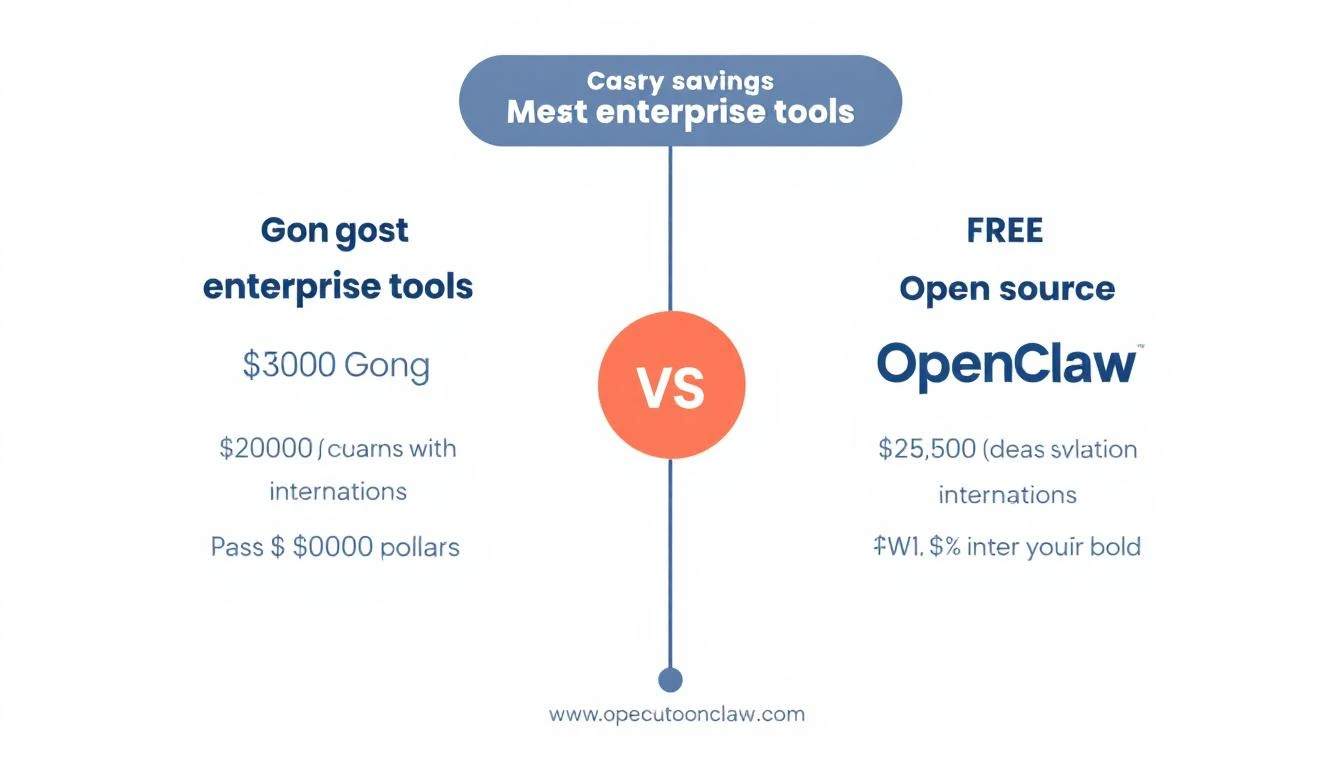
Gong costs $1,200-1,600 per user per year. For a 10-person sales team, that's $12,000-16,000 annually—just for call recording and basic insights.
What if you could get 80% of the value for $50/month?
This guide shows you how to build a sales meeting transcription and analysis system using:
- OpenClaw for orchestration (free)
- Whisper for transcription (free or cheap API)
- Claude for analysis ($0.01-0.05 per call)
The result: automatic meeting summaries, action items, deal intelligence, and CRM sync—without the enterprise price tag.
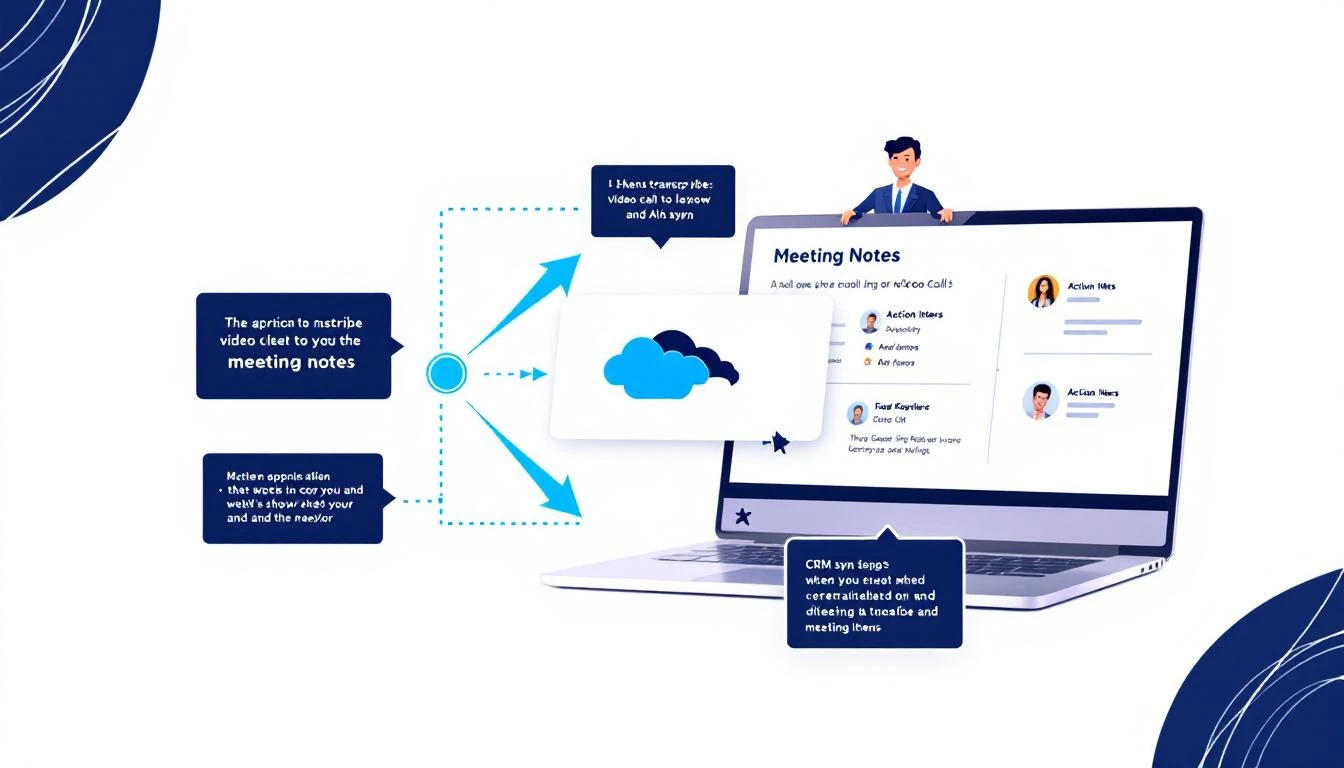
What Enterprise Tools Like Gong Actually Do
Before we build a replacement, let's understand what we're replacing:
Gong's Core Features
- Call recording — Records Zoom/Teams/phone calls
- Transcription — Speech-to-text for the full conversation
- Topic detection — Identifies when pricing, competition, etc. come up
- Action items — Extracts next steps from calls
- Deal intelligence — Tracks deal progression across calls
- Coaching insights — Talk ratio, filler words, etc.
- CRM sync — Pushes notes to Salesforce/HubSpot
What Actually Matters
Here's the dirty secret: most teams use like 20% of Gong's features. The stuff that actually moves deals:
- Searchable transcripts
- Auto-generated summaries
- Action items pushed to CRM
- Basic deal tracking
We can build all of that.
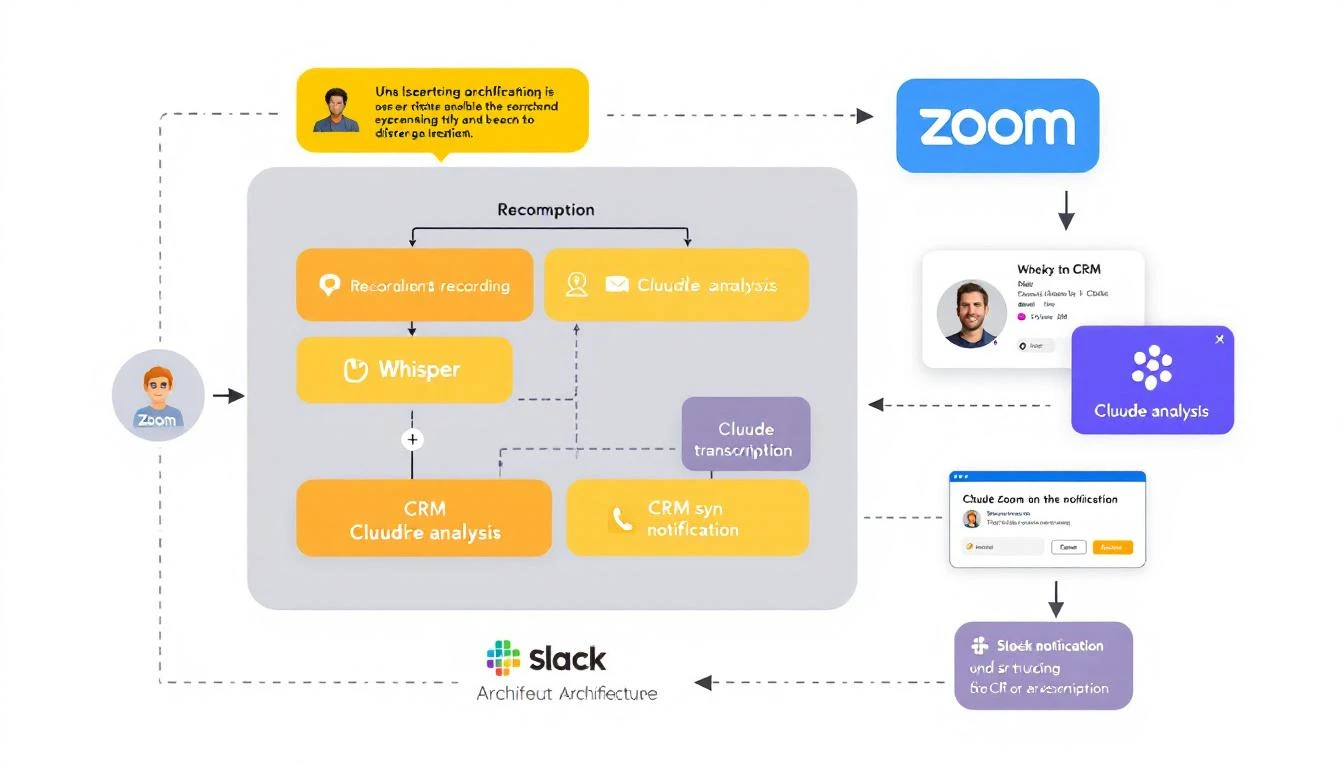
The Architecture
Here's our stack:
[Zoom/Teams Recording]
         ↓
[Cloud Storage (S3/GCS)]
         ↓
[Whisper Transcription]
         ↓
[Claude Analysis]
         ↓
    ┌────┴────┐
    ↓         ↓
[HubSpot]  [Slack Alert]
OpenClaw orchestrates the whole flow—watching for new recordings, processing them, and routing the outputs.
Prerequisites
- OpenClaw installed (setup guide)
- Zoom Business plan (for cloud recording) or local recording workflow
- HubSpot (or your CRM)
- Anthropic API key
- Optional: OpenAI API for Whisper (or run locally)
Step 1: Set Up Recording Capture
Option A: Zoom Cloud Recording Webhook
Zoom can automatically upload recordings. Set up a webhook to trigger processing:
// webhooks/zoom.js
const express = require('express');
const { OpenClaw } = require('openclaw');

const app = express();
const openclaw = new OpenClaw();

app.post('/webhooks/zoom', async (req, res) => {
  const { event, payload } = req.body;

  if (event === 'recording.completed') {
    const { download_url, meeting_id, topic, start_time } = payload.object;

    // Trigger the transcription pipeline
    await openclaw.trigger('meeting-processor', {
      recordingUrl: download_url,
      meetingId: meeting_id,
      title: topic,
      timestamp: start_time,
      source: 'zoom'
    });
  }

  res.sendStatus(200);
});

app.listen(3000);
Option B: Local Recording Watch Folder
If you record locally, watch a folder for new files:
// watchers/local-recordings.js
const chokidar = require('chokidar');
const { OpenClaw } = require('openclaw');

const openclaw = new OpenClaw();
const RECORDINGS_DIR = '/path/to/recordings';

const watcher = chokidar.watch(RECORDINGS_DIR, {
  ignored: /(^|[\/\\])\../,
  persistent: true,
  awaitWriteFinish: true
});

watcher.on('add', async (filePath) => {
  if (filePath.endsWith('.mp4') || filePath.endsWith('.m4a')) {
    console.log(`📹 New recording detected: ${filePath}`);

    await openclaw.trigger('meeting-processor', {
      filePath,
      title: path.basename(filePath, path.extname(filePath)),
      timestamp: new Date().toISOString(),
      source: 'local'
    });
  }
});

console.log(`👀 Watching ${RECORDINGS_DIR} for new recordings...`);
Step 2: Build the Transcription Pipeline
Using OpenAI Whisper API
// lib/transcribe.js
const fs = require('fs');
const FormData = require('form-data');

async function transcribeAudio(audioPath) {
  const form = new FormData();
  form.append('file', fs.createReadStream(audioPath));
  form.append('model', 'whisper-1');
  form.append('response_format', 'verbose_json');
  form.append('language', 'en');

  const response = await fetch('https://api.openai.com/v1/audio/transcriptions', {
    method: 'POST',
    headers: {
      'Authorization': `Bearer ${process.env.OPENAI_API_KEY}`,
      ...form.getHeaders()
    },
    body: form
  });

  const result = await response.json();

  return {
    text: result.text,
    segments: result.segments, // Includes timestamps
    duration: result.duration
  };
}

module.exports = { transcribeAudio };
Using Local Whisper (Free, But Slower)
# Install Whisper locally
pip install openai-whisper

# Transcribe
whisper recording.mp4 --model medium --output_format json
// lib/transcribe-local.js
const { exec } = require('child_process');
const util = require('util');
const execAsync = util.promisify(exec);

async function transcribeLocal(audioPath) {
  const outputPath = audioPath.replace(/\.[^/.]+$/, '');

  await execAsync(
    `whisper "${audioPath}" --model medium --output_format json --output_dir /tmp`
  );

  const transcript = require(`${outputPath}.json`);

  return {
    text: transcript.text,
    segments: transcript.segments,
    duration: transcript.segments[transcript.segments.length - 1]?.end || 0
  };
}

module.exports = { transcribeLocal };
Step 3: Claude Analysis Agent
Now the magic—Claude reads the transcript and extracts insights:
# agents/meeting-analyzer.yaml
name: MeetingAnalyzer
description: Analyzes sales call transcripts and extracts insights

model: claude-sonnet-4-20250514
temperature: 0.2

system_prompt: |
  You are a sales call analyst. Given a meeting transcript, extract:

  ## OUTPUT FORMAT

  ### SUMMARY
  A 2-3 sentence executive summary of the call.

  ### KEY DISCUSSION POINTS
  Bullet points of main topics covered.

  ### CUSTOMER PAIN POINTS
  Specific problems or challenges mentioned by the prospect.

  ### BUYING SIGNALS
  Any positive indicators (timeline mentioned, budget discussed, stakeholders identified).

  ### OBJECTIONS/CONCERNS
  Any hesitations or pushback from the prospect.

  ### COMPETITION MENTIONED
  Any competitors discussed and context.

  ### ACTION ITEMS
  Specific next steps with owners (format: "[ ] Owner: Action by Date").

  ### DEAL STAGE RECOMMENDATION
  Based on this call, recommended deal stage:
  - Discovery
  - Qualification
  - Demo/Evaluation
  - Negotiation
  - Closed Won/Lost

  ### FOLLOW-UP PRIORITY
  High / Medium / Low with reasoning.

  ### COACHING NOTES
  Quick notes for the rep (what went well, areas to improve).

  ## RULES
  - Be specific—quote the transcript when relevant
  - Don't make up information not in the transcript
  - If something is unclear, note it as "unclear from transcript"
  - Action items must be actionable and specific
// lib/analyze.js
const Anthropic = require('@anthropic-ai/sdk');

const client = new Anthropic();

async function analyzeTranscript(transcript, metadata) {
  const response = await client.messages.create({
    model: 'claude-sonnet-4-20250514',
    max_tokens: 4000,
    messages: [{
      role: 'user',
      content: `Analyze this sales call transcript.

Meeting: ${metadata.title}
Date: ${metadata.timestamp}
Duration: ${metadata.duration} minutes
Attendees: ${metadata.attendees?.join(', ') || 'Unknown'}

---TRANSCRIPT---
${transcript}
---END TRANSCRIPT---`
    }]
  });

  return parseAnalysis(response.content[0].text);
}

function parseAnalysis(rawAnalysis) {
  // Parse the structured output into a JSON object
  const sections = {};

  const sectionPatterns = [
    { key: 'summary', pattern: /### SUMMARY\n([\s\S]*?)(?=###|$)/ },
    { key: 'keyPoints', pattern: /### KEY DISCUSSION POINTS\n([\s\S]*?)(?=###|$)/ },
    { key: 'painPoints', pattern: /### CUSTOMER PAIN POINTS\n([\s\S]*?)(?=###|$)/ },
    { key: 'buyingSignals', pattern: /### BUYING SIGNALS\n([\s\S]*?)(?=###|$)/ },
    { key: 'objections', pattern: /### OBJECTIONS\/CONCERNS\n([\s\S]*?)(?=###|$)/ },
    { key: 'competition', pattern: /### COMPETITION MENTIONED\n([\s\S]*?)(?=###|$)/ },
    { key: 'actionItems', pattern: /### ACTION ITEMS\n([\s\S]*?)(?=###|$)/ },
    { key: 'dealStage', pattern: /### DEAL STAGE RECOMMENDATION\n([\s\S]*?)(?=###|$)/ },
    { key: 'priority', pattern: /### FOLLOW-UP PRIORITY\n([\s\S]*?)(?=###|$)/ },
    { key: 'coaching', pattern: /### COACHING NOTES\n([\s\S]*?)(?=###|$)/ }
  ];

  sectionPatterns.forEach(({ key, pattern }) => {
    const match = rawAnalysis.match(pattern);
    sections[key] = match ? match[1].trim() : '';
  });

  return sections;
}

module.exports = { analyzeTranscript };
Step 4: CRM Integration
Push the analysis to HubSpot:
// lib/crm-sync.js
const HubSpot = require('@hubspot/api-client');

const hubspot = new HubSpot.Client({ accessToken: process.env.HUBSPOT_TOKEN });

async function syncToHubSpot(dealId, analysis, recordingUrl) {
  // Create engagement (call note)
  const noteBody = `
## Meeting Summary
${analysis.summary}

## Key Points
${analysis.keyPoints}

## Pain Points Identified
${analysis.painPoints}

## Buying Signals
${analysis.buyingSignals}

## Action Items
${analysis.actionItems}

---
🎥 [View Recording](${recordingUrl})
📊 Priority: ${analysis.priority}
🎯 Suggested Stage: ${analysis.dealStage}
`;

  // Create note
  await hubspot.crm.objects.notes.basicApi.create({
    properties: {
      hs_note_body: noteBody,
      hs_timestamp: Date.now()
    },
    associations: [{
      to: { id: dealId },
      types: [{ associationCategory: 'HUBSPOT_DEFINED', associationTypeId: 214 }]
    }]
  });

  // Update deal stage if recommended
  const stageMap = {
    'Discovery': 'appointmentscheduled',
    'Qualification': 'qualifiedtobuy',
    'Demo/Evaluation': 'presentationscheduled',
    'Negotiation': 'contractsent'
  };

  const newStage = stageMap[analysis.dealStage.trim()];
  if (newStage) {
    await hubspot.crm.deals.basicApi.update(dealId, {
      properties: { dealstage: newStage }
    });
  }

  // Create tasks for action items
  const actionItems = parseActionItems(analysis.actionItems);
  for (const item of actionItems) {
    await hubspot.crm.objects.tasks.basicApi.create({
      properties: {
        hs_task_body: item.task,
        hs_task_subject: `Follow-up: ${item.task.substring(0, 50)}...`,
        hs_task_status: 'NOT_STARTED',
        hs_task_priority: analysis.priority.includes('High') ? 'HIGH' : 'MEDIUM',
        hs_timestamp: Date.now()
      }
    });
  }
}

function parseActionItems(actionItemsText) {
  const items = [];
  const lines = actionItemsText.split('\n').filter(l => l.trim().startsWith('[ ]'));

  lines.forEach(line => {
    const match = line.match(/\[ \] ([^:]+): (.+)/);
    if (match) {
      items.push({ owner: match[1].trim(), task: match[2].trim() });
    }
  });

  return items;
}

module.exports = { syncToHubSpot };
Step 5: Slack Notifications
Alert the team when calls are processed:
// lib/notify.js
async function sendSlackNotification(channel, analysis, meetingInfo) {
  const blocks = [
    {
      type: 'header',
      text: {
        type: 'plain_text',
        text: `📞 Call Analyzed: ${meetingInfo.title}`
      }
    },
    {
      type: 'section',
      text: {
        type: 'mrkdwn',
        text: `*Summary:* ${analysis.summary}`
      }
    },
    {
      type: 'section',
      fields: [
        {
          type: 'mrkdwn',
          text: `*Priority:* ${analysis.priority.split('\n')[0]}`
        },
        {
          type: 'mrkdwn',
          text: `*Stage:* ${analysis.dealStage.split('\n')[0]}`
        }
      ]
    },
    {
      type: 'section',
      text: {
        type: 'mrkdwn',
        text: `*Buying Signals:*\n${analysis.buyingSignals.substring(0, 500)}`
      }
    },
    {
      type: 'section',
      text: {
        type: 'mrkdwn',
        text: `*Action Items:*\n${analysis.actionItems.substring(0, 500)}`
      }
    },
    {
      type: 'actions',
      elements: [
        {
          type: 'button',
          text: { type: 'plain_text', text: '🎥 View Recording' },
          url: meetingInfo.recordingUrl
        },
        {
          type: 'button',
          text: { type: 'plain_text', text: '📊 View Deal' },
          url: `https://app.hubspot.com/contacts/deals/${meetingInfo.dealId}`
        }
      ]
    }
  ];

  await fetch(process.env.SLACK_WEBHOOK_URL, {
    method: 'POST',
    headers: { 'Content-Type': 'application/json' },
    body: JSON.stringify({ blocks })
  });
}

module.exports = { sendSlackNotification };
Step 6: The Complete Pipeline
Bring it all together in an OpenClaw agent:
# agents/meeting-processor.yaml
name: MeetingProcessor
description: Orchestrates the full meeting analysis pipeline

triggers:
  - type: webhook
    path: /process-meeting

flow:
  - step: download
    action: Download recording from URL or copy from local path

  - step: transcribe
    action: Run Whisper transcription
    tool: transcribe_audio

  - step: analyze
    action: Analyze transcript with Claude
    tool: analyze_transcript

  - step: find_deal
    action: Match meeting to CRM deal based on attendees
    tool: find_hubspot_deal

  - step: sync_crm
    action: Push analysis to HubSpot
    tool: sync_to_hubspot

  - step: notify
    action: Send Slack notification
    tool: send_slack_alert

  - step: archive
    action: Store transcript and analysis
    tool: save_to_storage
Cost Comparison
| Component | Enterprise (Gong) | DIY Solution |
|---|---|---|
| Per-user licensing | $1,400/user/year | $0 |
| Transcription | Included | $0.006/min (Whisper API) |
| Analysis | Included | ~$0.02/call (Claude) |
| Storage | Included | ~$5/month (S3) |
| 10-user team, 500 calls/month | $14,000/year | ~$600/year |
That's 95% cost savings while getting the features that actually matter.
What You Lose vs. Gong
Let's be honest about trade-offs:
You won't have:
- Native conversation search across all calls
- Automatic competitor mention alerts
- Deal boards with call activity
- Manager dashboards
- iOS/Android mobile apps
- SOC 2 / HIPAA compliance out of the box
You will have:
- Call transcripts and summaries ✓
- Action items auto-pushed to CRM ✓
- Deal stage recommendations ✓
- Slack notifications ✓
- Basic coaching notes ✓
- Your data, your infrastructure ✓
For many early-stage teams, that's plenty.
When to Upgrade to Enterprise
This DIY approach is great until:
- You have 20+ reps needing coaching dashboards
- Compliance requires certified vendors
- You need real-time call guidance
- Leadership wants exec-level reporting
At that point, the $14K/year for Gong or Chorus becomes worth it. But for a 5-10 person sales team? Build it yourself.
Try our AI Lead Generator — find verified LinkedIn leads for any company instantly. No signup required.
Want AI That Tells You What to Do Next?
Meeting transcription is one piece of the puzzle. MarketBetter's AI SDR playbook connects all your signals—calls, emails, website visits, intent data—into a single daily task list for your team.
Related reading: