3 posts tagged with "Sales Ops"

View All Tags

AI Contract Review for Sales Teams: How Claude Code Eliminates Legal Bottlenecks [2026]

· 7 min read
MarketBetter Team
Content Team, marketbetter.ai

The average B2B deal loses 3-5 days waiting for legal review.

For high-velocity sales teams, that's not just an inconvenience—it's a competitive disadvantage. While your deal sits in legal's queue, your prospect is talking to competitors who can move faster.

But here's what most sales leaders don't realize: 80% of contract reviews are routine. They're standard terms, boilerplate clauses, and minor customizations that don't actually need a lawyer's attention.

Claude Code changes this equation entirely.
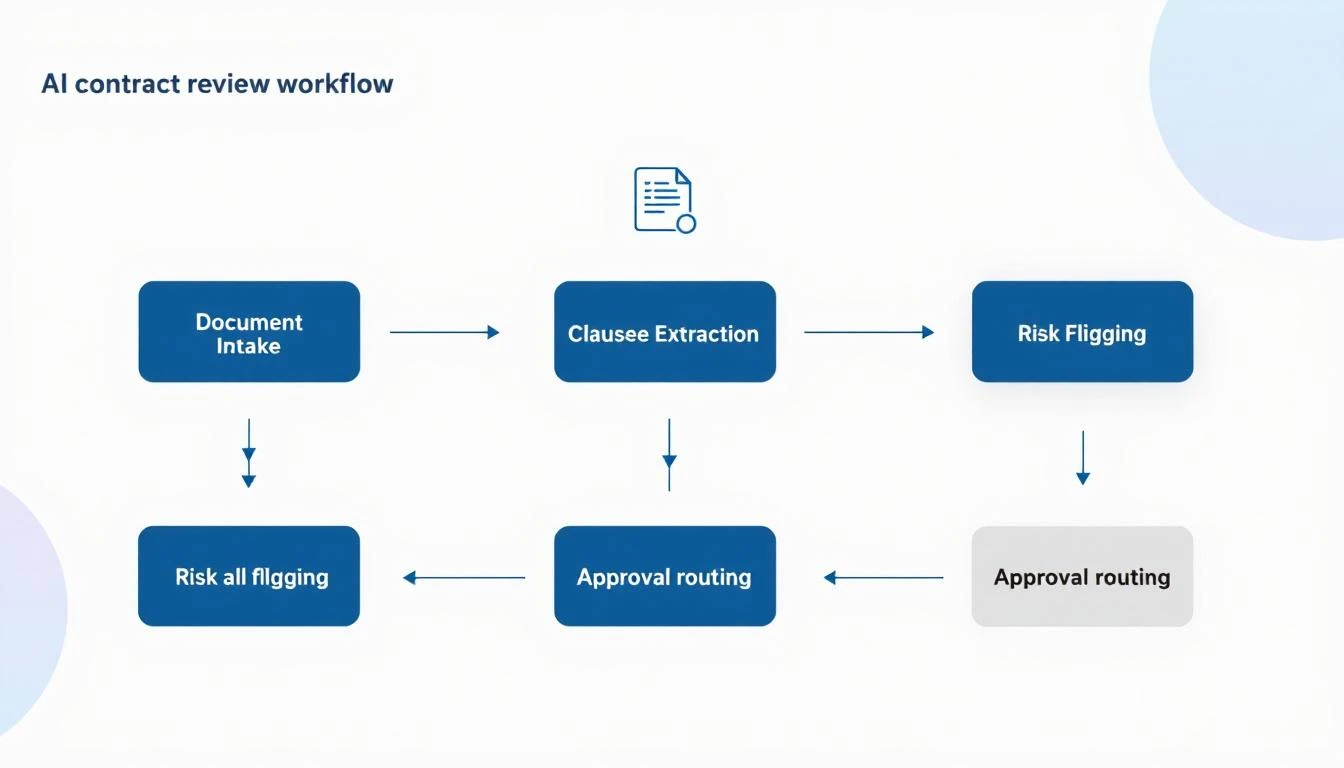
AI contract review workflow showing document intake, clause extraction, risk flagging, and approval routing

The Hidden Cost of Contract Bottlenecks

Before we dive into the solution, let's quantify the problem:

Time Cost:

  • Average legal review time: 3-5 business days
  • Rush review requests: 48 hours minimum
  • Complex deals: 2-3 weeks with revisions

Revenue Impact:

  • 23% of deals stall during contract review (Gartner)
  • 15% of prospects go dark while waiting
  • Average deal delay costs $1,200-$5,000 in opportunity cost

Team Friction:

  • Sales blames legal for slow deals
  • Legal is overwhelmed with routine requests
  • Everyone loses visibility into where things stand

The solution isn't hiring more lawyers. It's automating the 80% that doesn't need human judgment.

How Claude Code Transforms Contract Review

Claude Code's 200K context window means it can analyze an entire contract—including all exhibits, schedules, and amendments—in a single pass. No chunking, no lost context, no missed cross-references.

Here's what that enables:

1. Instant Risk Flagging

Claude Code can scan any contract and flag clauses that deviate from your standard terms:

Analyze this MSA against our standard terms. Flag any clauses that:
1. Impose unlimited liability
2. Include auto-renewal provisions
3. Contain non-standard indemnification language
4. Restrict our ability to use customer logos/case studies
5. Include unusual payment terms (>Net 30)

For each flag, rate severity (Low/Medium/High/Critical) and
suggest standard language that could replace it.

Within seconds, you get a comprehensive risk assessment that would take a paralegal hours.

2. Redline Generation

Instead of waiting for legal to mark up a contract, Claude Code can generate a redlined version with your preferred terms:

The customer sent a contract using their paper. Generate a 
redlined version that:
1. Replaces their liability cap with our standard ($1M or 12 months of fees)
2. Changes indemnification to mutual
3. Removes the audit clause or limits to once per year with 30 days notice
4. Adjusts termination for convenience to 30 days written notice
5. Adds our standard data security addendum language

Output as a tracked-changes document with comments explaining each change.

3. Plain English Summaries

Help your sales team understand what they're sending for signature:

Summarize this contract in plain English for a non-legal audience:
1. What we're agreeing to provide
2. What the customer is agreeing to pay
3. Key obligations on both sides
4. Main risks to be aware of
5. Important dates and deadlines

Keep it to one page maximum.
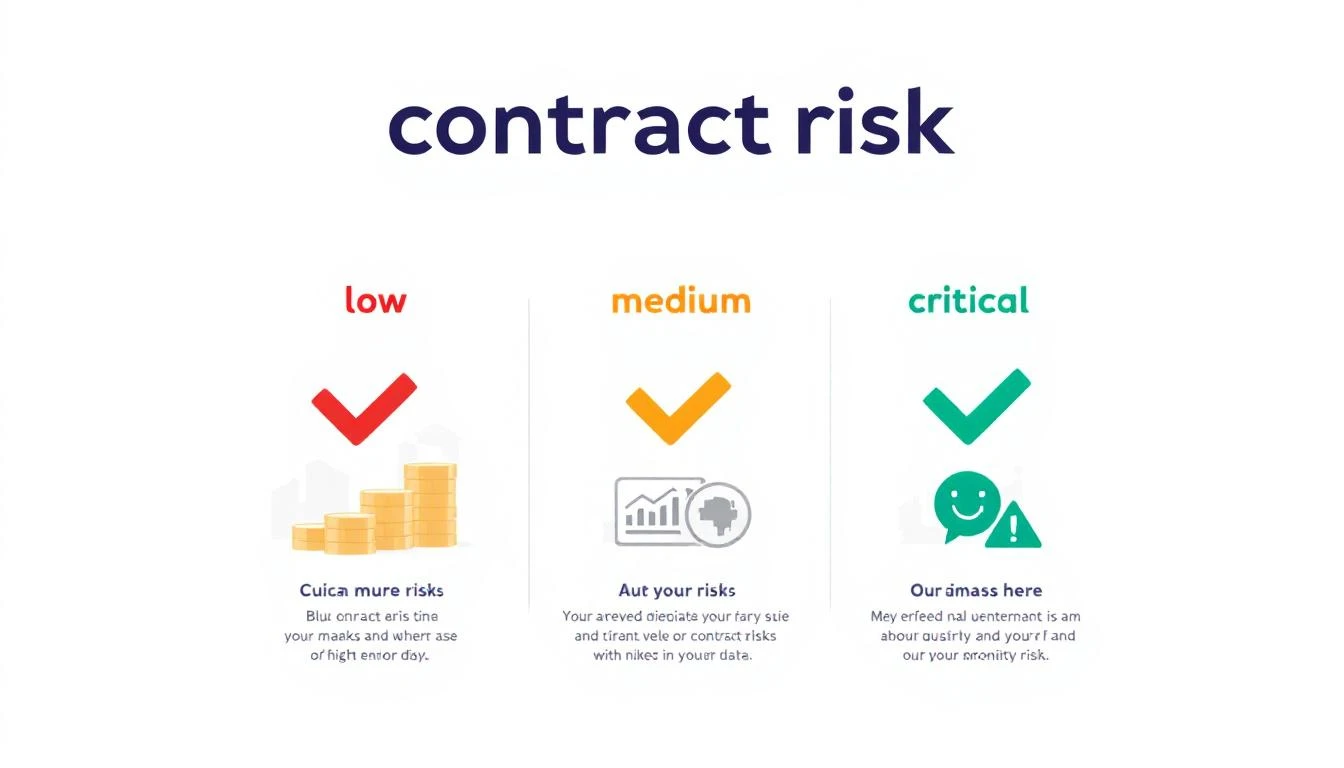
Contract risk assessment showing low, medium, high, and critical risk levels with corresponding actions

Building Your AI Contract Review Workflow

Here's a practical implementation that any sales ops team can deploy:

Step 1: Create Your Clause Library

Before Claude Code can flag deviations, it needs to know your standards. Build a reference document:

## Standard Contract Terms Reference

### Liability Cap
ACCEPTABLE: Liability limited to 12 months of fees paid
ACCEPTABLE: Liability limited to $1,000,000
REQUIRES REVIEW: Any unlimited liability language
REQUIRES REVIEW: Liability caps below $500,000

### Payment Terms
ACCEPTABLE: Net 30
ACCEPTABLE: Net 45 with approval
REQUIRES REVIEW: Net 60+
REQUIRES REVIEW: Payment upon completion only

### Termination
ACCEPTABLE: 30 days written notice
ACCEPTABLE: Termination for cause with 30-day cure period
REQUIRES REVIEW: No termination for convenience
REQUIRES REVIEW: Penalties for early termination

[Continue for all key clauses...]

Step 2: Build the Review Prompt

You are a contract analyst assistant. Your job is to review 
contracts against our standard terms and flag anything that
requires human legal review.

REFERENCE TERMS:
[Paste your clause library here]

CONTRACT TO REVIEW:
[Paste customer contract]

OUTPUT FORMAT:
1. EXECUTIVE SUMMARY (2-3 sentences)
2. RISK SCORE (Green/Yellow/Red)
3. FLAGGED CLAUSES (with page/section reference)
4. RECOMMENDED CHANGES
5. QUESTIONS FOR LEGAL (if any Red flags)

Step 3: Integrate Into Your Workflow

Option A: Manual Review

  • Rep uploads contract to Claude Code
  • Gets instant analysis
  • Decides whether to escalate to legal

Option B: Automated Triage

  • Contracts flow through a central inbox
  • Claude Code auto-analyzes each one
  • Green = auto-approve, Yellow = sales review, Red = legal review

Option C: Full Integration

  • Connect to your CLM (Ironclad, DocuSign, PandaDoc)
  • Trigger Claude Code analysis on document upload
  • Route based on risk score automatically

Real Prompts That Work

Quick Risk Assessment

Review this contract for deal-breaking clauses. 
I need to know in 60 seconds if this is signable
as-is or needs changes. Focus on: liability,
indemnification, auto-renewal, and payment terms.

Competitive Analysis

Compare this customer's proposed terms to industry 
standard SaaS agreements. Are they asking for
anything unusual? What leverage do we have to
push back?

Negotiation Prep

The customer rejected our standard liability cap 
and wants unlimited liability. Generate 3
alternative positions we could offer, ranked
from most to least favorable to us, with talking
points for each.

Post-Signature Obligation Tracking

Extract all obligations, deadlines, and milestones 
from this signed contract. Output as a checklist
with responsible party and due date for each item.

The Results You Can Expect

Teams implementing AI-assisted contract review typically see:

MetricBeforeAfterImprovement
Average review time3-5 days4-8 hours80% faster
Legal escalation rate100%20-30%70% reduction
Deals stalled in legal23%8%65% improvement
Contract errors caught60%95%35% more

The key insight: you're not replacing legal. You're letting them focus on the 20% of contracts that actually need their expertise.

Common Objections (And How to Handle Them)

"Legal will never approve this." Start with low-risk contracts (renewals, standard deals). Prove the accuracy before expanding scope. Position it as "triage," not "replacement."

"What about confidentiality?" Claude Code processes data in-session without training on your inputs. Use enterprise agreements with appropriate data handling terms.

"Our contracts are too complex." The 200K context window handles even the most complex agreements. Start with the standard sections and expand.

"What if it misses something?" Build a human review step for flagged items. The AI catches the obvious issues; humans verify the edge cases.

Getting Started Today

  1. Audit your current process - How long do contracts actually take? Where are the bottlenecks?

  2. Build your clause library - Document your standard terms and acceptable variations

  3. Test on historical deals - Run Claude Code on 10 signed contracts and compare to what legal actually flagged

  4. Start with renewals - Low-risk, high-volume, perfect for automation

  5. Measure and expand - Track time savings, error rates, and legal escalations

The Competitive Advantage

While your competitors are waiting for legal to review their fifteenth standard MSA of the week, you're sending signed contracts back the same day.

That's not just efficiency—it's a competitive moat.

The deals you close faster are deals your competitors never get a chance to compete for.


Ready to eliminate your contract bottleneck? Book a demo to see how MarketBetter helps sales teams accelerate every stage of the deal cycle.

Related reading:
GPT-5.3 Codex Mid-Turn Steering: The Game-Changer for Sales Ops Automation [2026]

· 8 min read
MarketBetter Team
Content Team, marketbetter.ai

Released February 5, 2026. This changes everything.

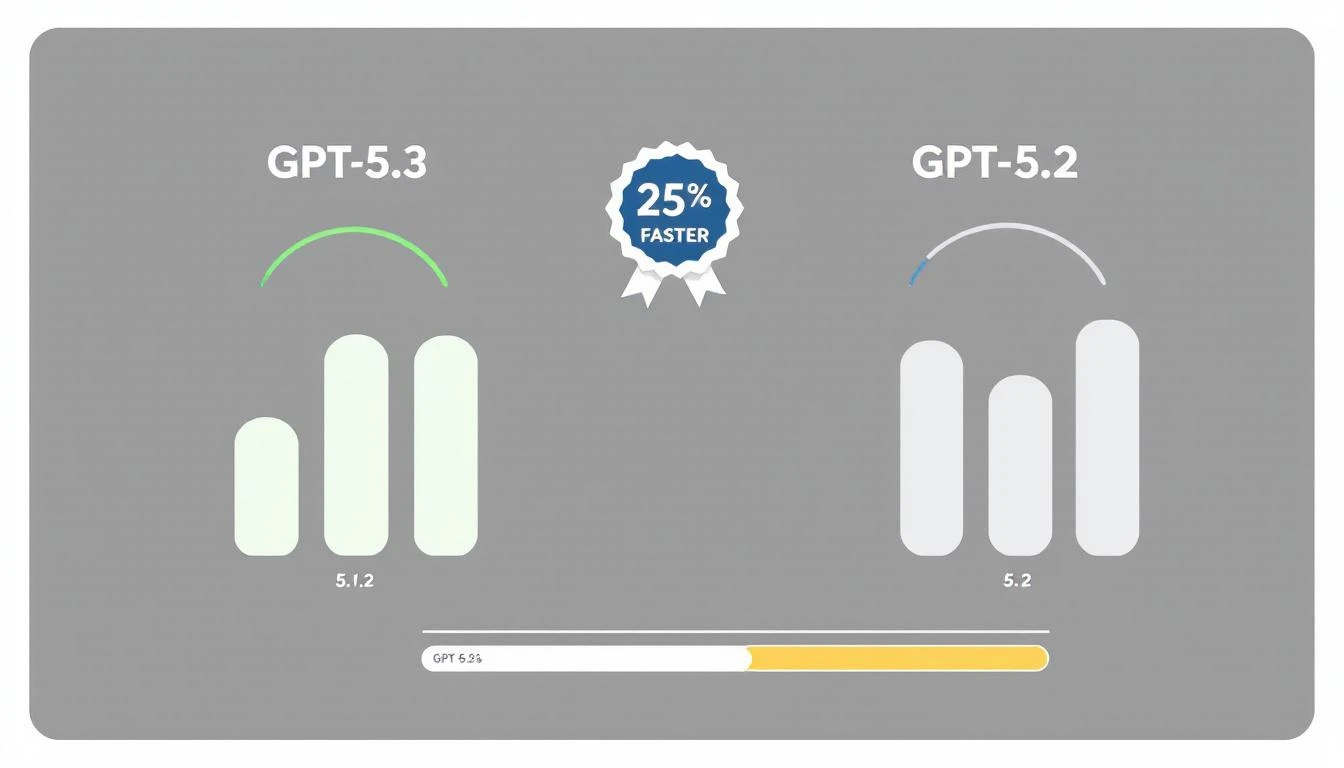
OpenAI's GPT-5.3-Codex isn't just 25% faster than its predecessor. It introduces a capability that fundamentally changes how we think about AI automation: mid-turn steering.

For the first time, you can redirect an AI agent while it's working—without starting over, without losing context, without waiting for it to finish a wrong approach.

For sales ops teams, this means AI that adapts in real-time to changing requirements. Let me show you why this matters.

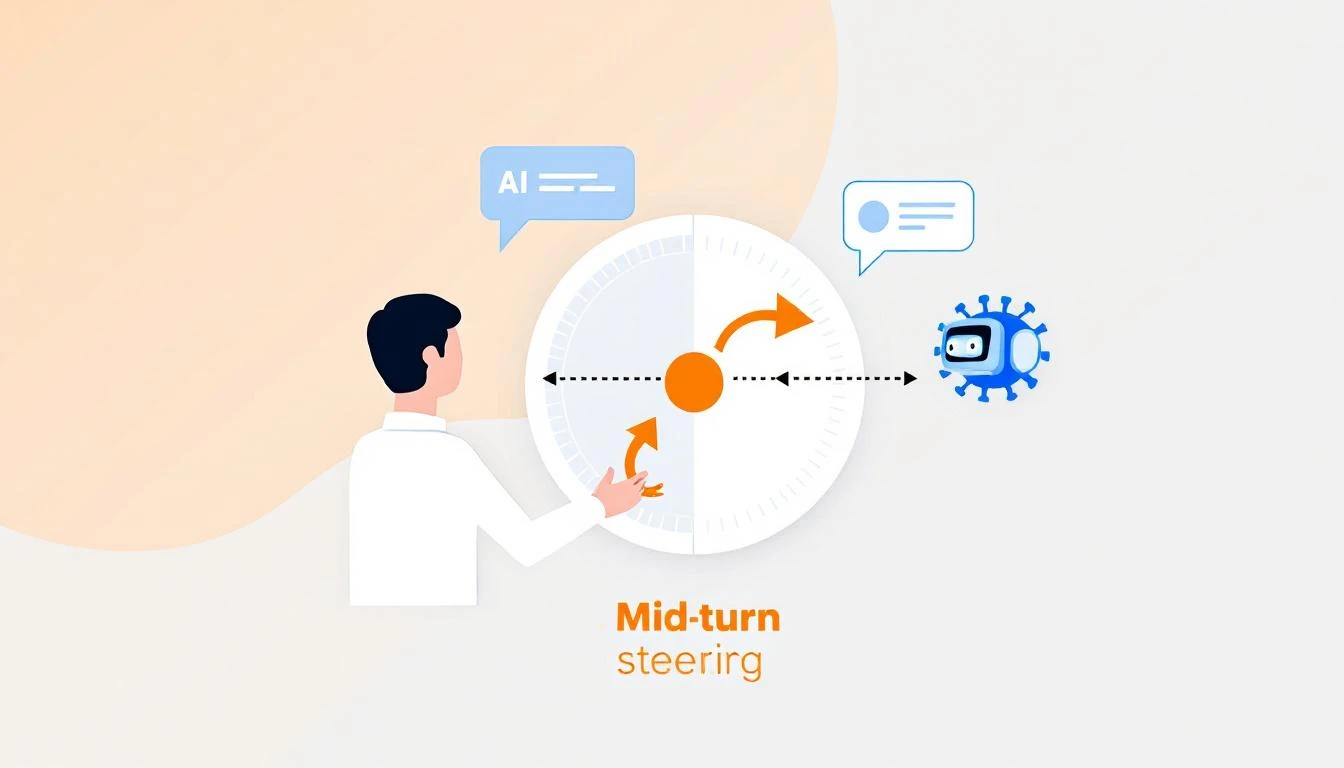
Mid-turn steering concept showing human directing AI agent mid-task with course correction arrows

What Is Mid-Turn Steering?

Traditional AI workflows look like this:

Prompt → AI Works → Output → Human Reviews → New Prompt → AI Works Again

Every time you want to adjust direction, you restart the process. For complex tasks—like building a report, analyzing a pipeline, or generating personalized outreach—this creates a painful loop of:

  1. Wait for AI to finish
  2. Realize it went the wrong direction
  3. Craft a new prompt
  4. Wait again
  5. Repeat

Mid-turn steering breaks this pattern:

Prompt → AI Works → Human Steers → AI Adapts → Human Steers → Final Output
↑ ↑
"Focus more on enterprise" "Skip the APAC region"

You're co-piloting instead of backseat driving.

Why This Matters for Sales Ops

Sales operations is full of tasks that require judgment calls mid-stream:

Pipeline Analysis

Without mid-turn steering:

"Analyze our pipeline and identify at-risk deals"

[AI analyzes for 3 minutes]

Output: Lists 47 deals, mostly based on stage duration

You: "No, I meant deals where the champion went dark"

[Start over]

With mid-turn steering:

"Analyze our pipeline and identify at-risk deals"

[AI starts analyzing]

You (mid-turn): "Weight communication gaps heavily"

[AI adjusts, continues]

You (mid-turn): "Actually, focus on deals over $50K only"

[AI filters, continues]

Output: Exactly what you needed, first try

Lead List Building

Without mid-turn steering:

"Build a list of 50 target accounts in fintech"

[AI builds list]

Output: Includes crypto companies, payment processors, neobanks

You: "I meant traditional banks adopting fintech, not fintech startups"

[Start over with clearer prompt]

With mid-turn steering:

"Build a list of 50 target accounts in fintech"

[AI starts building]

You (mid-turn): "Traditional banks only, not startups"

[AI adjusts filters]

You (mid-turn): "Prioritize ones with recent digital transformation announcements"

[AI adds signal filter]

Output: Perfectly targeted list, one pass

Competitive Intelligence

Without mid-turn steering:

"Research what Competitor X announced this quarter"

[AI researches]

Output: Product updates, funding news, executive hires

You: "I need their pricing changes and new integrations specifically"

[Start over]

With mid-turn steering:

"Research what Competitor X announced this quarter"

[AI starts researching]

You (mid-turn): "Focus on pricing and integrations only"

[AI narrows scope]

You (mid-turn): "Compare their new HubSpot integration to ours"

[AI adds competitive angle]

Output: Actionable competitive intel

GPT-5.3 vs previous versions showing 25% speed improvement with benchmark visualization

Practical Applications for GTM Teams

1. Real-Time Report Building

Instead of specifying every detail upfront, collaborate:

// Start the report
const session = await codex.startTask(`
Generate a weekly pipeline report for the executive team.
Include: stage progression, new opportunities, closed deals.
`);

// Steer as it works
await session.steer("Add win/loss reasons for closed deals");
await session.steer("Break down new opps by source");
await session.steer("Highlight any deals that skipped stages");

// Get final output
const report = await session.complete();

2. Dynamic Territory Planning

const session = await codex.startTask(`
Rebalance sales territories based on Q1 performance data.
`);

// Adjust criteria in real-time
await session.steer("Account for the new Austin rep starting Monday");
await session.steer("Keep enterprise accounts with existing reps");
await session.steer("Show me the impact on each rep's quota");

const territories = await session.complete();

3. Personalized Outreach at Scale

const session = await codex.startTask(`
Generate personalized emails for 50 conference attendees.
`);

// Refine the approach
await session.steer("Make them shorter - 3 sentences max");
await session.steer("Reference specific sessions they attended");
await session.steer("Skip anyone who's already a customer");

const emails = await session.complete();

4. Live Deal Analysis

const session = await codex.startTask(`
Analyze the Acme Corp opportunity and recommend next steps.
`);

// Add context as you think of it
await session.steer("They mentioned budget concerns in the last call");
await session.steer("Their competitor just signed with us");
await session.steer("The CFO is the real decision maker, not the VP");

const analysis = await session.complete();

The Technical Advantage

How Mid-Turn Steering Works

GPT-5.3-Codex maintains a live working context that you can modify:

┌─────────────────────────────────────┐
│ WORKING CONTEXT │
├─────────────────────────────────────┤
│ Original prompt │
│ + Steering input 1 │
│ + Steering input 2 │
│ + Current progress state │
│ + Intermediate results │
└─────────────────────────────────────┘

[Continues work with
full accumulated context]

Previous models would lose intermediate work when you interrupted. GPT-5.3 preserves everything and integrates your steering naturally.

Speed Improvements

The 25% speed improvement compounds with steering:

TaskGPT-5.2 (No Steering)GPT-5.3 (With Steering)Total Improvement
Pipeline report180s + 120s redo140s (steered)53% faster
Lead list (50)90s + 60s redo70s (steered)46% faster
Competitive brief120s + 90s redo95s (steered)55% faster
Territory rebalance240s + 180s redo180s (steered)57% faster

The real win isn't raw speed—it's eliminating the redo cycle.

Implementation Patterns

Pattern 1: Progressive Refinement

Start broad, narrow down:

async function buildTargetList(criteria) {
const session = await codex.startTask(`
Build a target account list matching: ${criteria.initial}
`);

// Watch progress and refine
session.onProgress(async (progress) => {
if (progress.accounts > 100) {
await session.steer("Limit to top 50 by revenue");
}
if (progress.includesCompetitorCustomers) {
await session.steer("Exclude known competitor customers");
}
});

return session.complete();
}

Pattern 2: Exception Handling

Catch issues before they compound:

async function analyzeDeals(pipeline) {
const session = await codex.startTask(`
Analyze pipeline health for Q1 forecast.
`);

// Handle edge cases as they appear
session.onAnomaly(async (anomaly) => {
if (anomaly.type === 'missing_data') {
await session.steer(`Skip ${anomaly.deal} - incomplete record`);
}
if (anomaly.type === 'outlier') {
await session.steer(`Flag ${anomaly.deal} for manual review`);
}
});

return session.complete();
}

Pattern 3: Collaborative Building

Multiple stakeholders contribute:

async function buildForecast() {
const session = await codex.startTask(`
Generate Q2 revenue forecast based on current pipeline.
`);

// Sales leader input
await session.steer("Use 60% close rate for enterprise, not 40%");

// Finance input
await session.steer("Apply 10% churn assumption to renewals");

// CEO input
await session.steer("Add scenario for if the big deal slips");

return session.complete();
}

Pattern 4: Learning Loop

Capture steering patterns for future automation:

async function buildWithLearning(task, userId) {
const session = await codex.startTask(task);
const steerings = [];

session.onSteer((input) => {
steerings.push({
trigger: session.currentState(),
steering: input,
userId: userId
});
});

const result = await session.complete();

// Store patterns for future prompts
await saveSteerings(task.type, steerings);

return result;
}

Getting Started with Codex

Installation

npm install -g @openai/codex
codex auth login

Basic Steering Example

const { Codex } = require('@openai/codex');

const codex = new Codex({ model: 'gpt-5.3-codex' });

async function steerableTask() {
const session = await codex.createSession();

// Start task
await session.send(`
Analyze our CRM data and identify upsell opportunities.
Data source: HubSpot
`);

// Wait for initial processing
await session.waitForProgress(0.3); // 30% complete

// Steer based on early results
const preliminary = await session.getProgress();
if (preliminary.includesSmallAccounts) {
await session.steer("Focus on accounts with ARR > $50K only");
}

// Wait for more progress
await session.waitForProgress(0.7); // 70% complete

// Final refinement
await session.steer("Rank by expansion likelihood, not just ARR");

// Get final output
return session.complete();
}

Common Steering Scenarios

Scenario: Report Is Too Long

Steer: "Summarize to one page, keep only top 5 items per section"

Scenario: Missing Context

Steer: "The deal values are in EUR, convert to USD using 1.08"

Scenario: Wrong Focus

Steer: "This is for the board, focus on strategic metrics not operational"

Scenario: Data Quality Issue

Steer: "Ignore any records from before January 2025, data is unreliable"

Scenario: Stakeholder Request

Steer: "CFO wants to see margin impact, add that column"

The Competitive Edge

Mid-turn steering gives you a compounding advantage:

  1. Faster iteration - No restart penalty for course corrections
  2. Better outputs - Human judgment applied at the right moments
  3. Lower frustration - No more "that's not what I meant" loops
  4. Captured knowledge - Steering patterns become future automation

Your competitors are still in prompt → wait → redo → wait cycles. You're collaborating with AI in real-time.

That efficiency gap compounds across every task, every day, every deal.


Ready to see AI-powered sales ops in action? Book a demo to see how MarketBetter leverages the latest AI capabilities for GTM teams.

Related reading:

Building a Sales Territory Bot with OpenAI Codex: Automated Lead Routing That Actually Works [2026]

· 8 min read
MarketBetter Team
Content Team, marketbetter.ai

The average lead sits unassigned for 2.5 hours after hitting your CRM.

In that time, your competitor has already responded, built rapport, and scheduled a demo. And 78% of buyers go with the vendor who responds first.

Territory management is the unglamorous backbone of sales operations—and it's broken at most companies. Manual assignment, outdated territory maps, capacity blindness, and constant rep complaints about "unfair" distribution.

GPT-5.3 Codex, released just last week, changes what's possible. Here's how to build an intelligent territory bot that routes leads instantly, balances workload automatically, and adapts to your business in real-time.

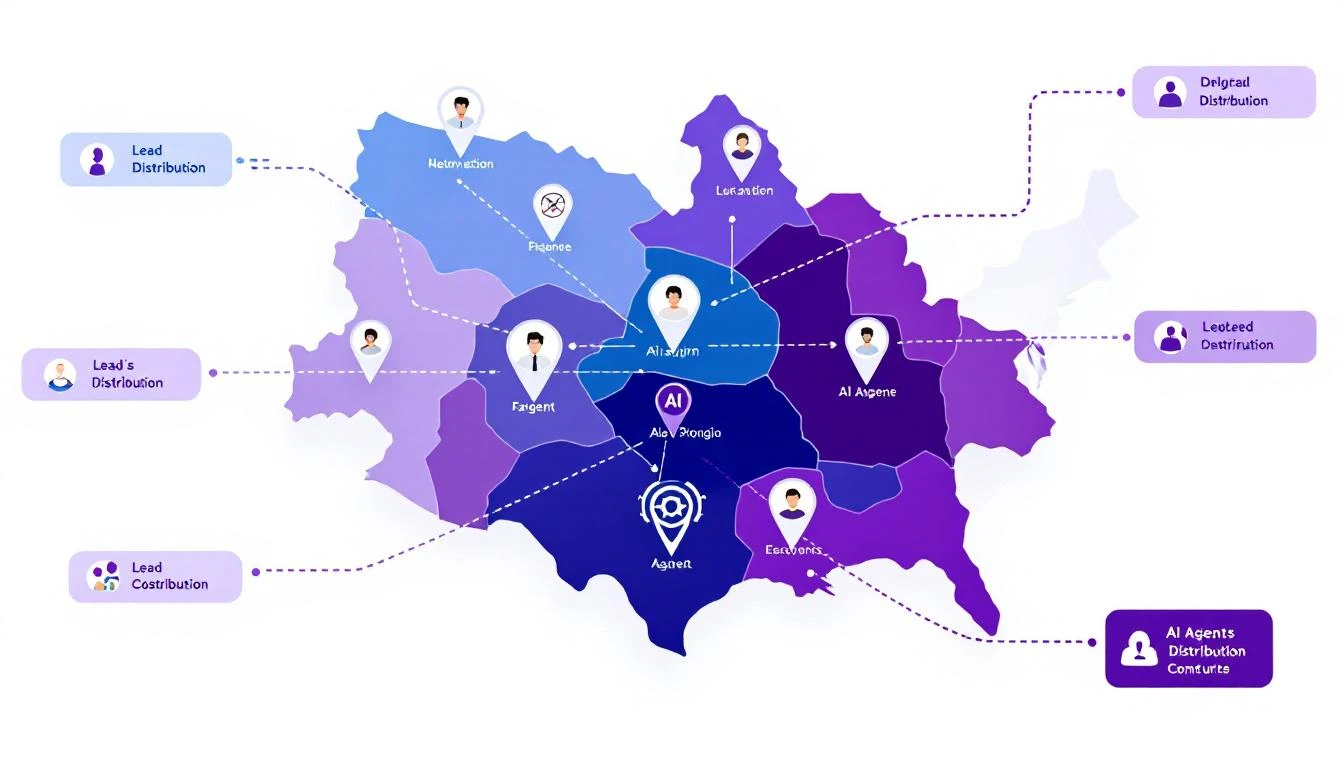
Sales territory architecture with AI agent icons, territory boundaries, and lead distribution arrows

Why Traditional Territory Management Fails

Before building the solution, let's diagnose the problem:

The Manual Assignment Trap

Most companies assign territories once a year, then spend the rest of the year fighting fires:

  • Rep leaves → territory chaos for 2-4 weeks
  • New product launch → existing territories don't match buyer profile
  • Geographic expansion → manual carve-outs and reassignments
  • Lead volume spikes → some reps drowning, others starving

The "Fair" Distribution Myth

Equal territory size ≠ equal opportunity:

  • 1,000 accounts in enterprise segment ≠ 1,000 accounts in SMB
  • West Coast tech hub ≠ Midwest manufacturing
  • Fortune 500 HQ territory ≠ field office territory

Your top performers end up subsidizing poor territory design.

The Response Time Problem

When a hot lead comes in at 4:55 PM on a Friday:

  1. Round-robin assigns to rep who's OOO
  2. Lead sits until Monday
  3. Competitor responded Friday at 5:01 PM
  4. Deal lost before it started

The AI Territory Bot Architecture

Here's what we're building:

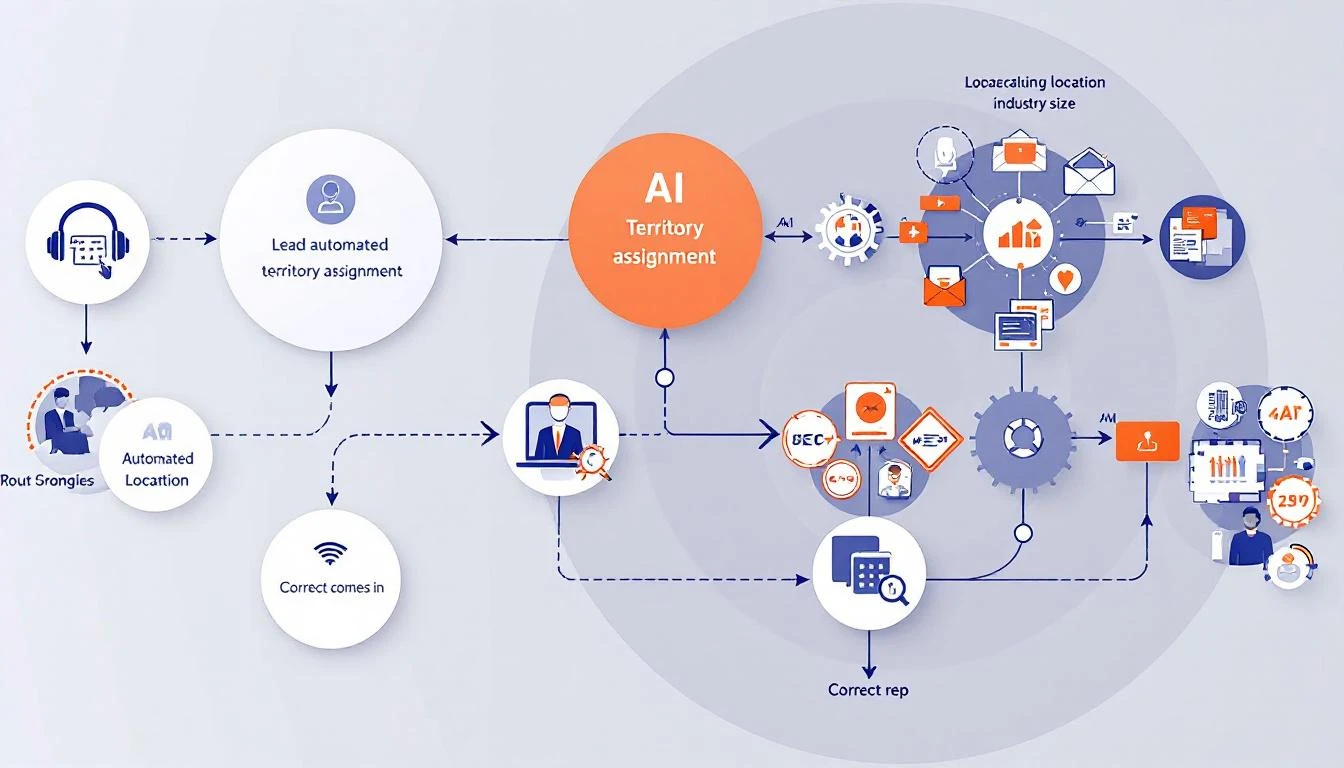
Inbound Lead → Territory Bot → Intelligent Assignment → Instant Response

[Considers:]
- Territory rules
- Rep capacity
- Lead quality score
- Time zone/availability
- Historical performance
- Current workload

Automated territory assignment workflow showing lead intake, AI analysis, and routing to correct rep

Building with GPT-5.3 Codex

The new Codex model brings three capabilities that make this project practical:

  1. 25% faster execution - Real-time routing at scale
  2. Mid-turn steering - Adjust logic while processing
  3. Multi-file context - Understands your entire territory structure

Step 1: Define Your Territory Logic

First, codify your territory rules in a format Codex can understand:

const territoryRules = {
// Geographic territories
regions: {
west: {
states: ['CA', 'WA', 'OR', 'NV', 'AZ'],
reps: ['[email protected]', '[email protected]'],
capacity: { sarah: 50, mike: 45 } // max active opportunities
},
midwest: {
states: ['IL', 'OH', 'MI', 'IN', 'WI'],
reps: ['[email protected]'],
capacity: { john: 60 }
}
// ... more regions
},

// Segment overrides
segments: {
enterprise: {
minEmployees: 1000,
reps: ['[email protected]'],
override: true // takes precedence over geography
},
strategic: {
accounts: ['ACME Corp', 'Globex Inc', 'Initech'],
reps: ['[email protected]'],
override: true
}
},

// Industry specializations
industries: {
healthcare: {
reps: ['[email protected]'],
override: false // falls back to geography if at capacity
}
}
};

Step 2: Build the Assignment Logic

Using Codex, generate the routing engine:

Build a lead routing function that:

1. Accepts a lead object with: company, state, employee_count, industry, source
2. Checks segment overrides first (enterprise, strategic accounts)
3. Falls back to industry specialization if applicable
4. Falls back to geographic territory
5. Within each territory, selects rep with:
- Lowest current workload (% of capacity)
- Best historical conversion rate for this lead type
- Availability (not OOO, within working hours)
6. If all reps at capacity, route to overflow queue with alert
7. Returns assigned rep + reasoning for the assignment

Handle edge cases:
- Lead matches multiple territories (use priority order)
- No reps available (queue + alert)
- Unknown state/region (default territory)

Codex generates production-ready code:

async function assignLead(lead) {
// Check strategic accounts first
if (territoryRules.segments.strategic.accounts
.includes(lead.company)) {
return assignToRep(
territoryRules.segments.strategic.reps[0],
lead,
'Strategic account override'
);
}

// Check enterprise segment
if (lead.employee_count >=
territoryRules.segments.enterprise.minEmployees) {
const rep = await findAvailableRep(
territoryRules.segments.enterprise.reps,
lead
);
if (rep) {
return assignToRep(rep, lead, 'Enterprise segment');
}
}

// Check industry specialization
if (lead.industry &&
territoryRules.industries[lead.industry]) {
const industryConfig = territoryRules.industries[lead.industry];
const rep = await findAvailableRep(industryConfig.reps, lead);
if (rep || industryConfig.override) {
return rep
? assignToRep(rep, lead, `${lead.industry} specialist`)
: queueLead(lead, 'Industry specialist at capacity');
}
}

// Geographic fallback
const region = findRegion(lead.state);
if (region) {
const rep = await findBestRep(region.reps, lead, region.capacity);
if (rep) {
return assignToRep(rep, lead, `Geographic: ${region.name}`);
}
}

// Overflow handling
return queueLead(lead, 'No available reps in territory');
}

Step 3: Add Intelligence Layer

Here's where Codex shines—adding context-aware decisions:

Enhance the routing function to consider:

1. Lead quality signals:
- Visited pricing page → higher priority
- Downloaded case study → match to relevant industry rep
- Requested demo → fastest responder

2. Rep performance matching:
- Small company leads → reps with high SMB close rates
- Technical buyers → reps with engineering backgrounds
- Fast-moving deals → reps with shortest sales cycles

3. Timing optimization:
- Route to rep whose working hours start soonest
- Consider rep's meeting schedule from calendar
- Factor in typical response time by rep

4. Fair distribution:
- Track assignments over rolling 7-day window
- Balance quality scores, not just quantity
- Flag if any rep consistently gets lower-quality leads

Step 4: Implement Mid-Turn Steering

GPT-5.3's killer feature—adjust the bot while it's working:

// During lead processing, you can steer the decision
async function assignWithSteering(lead, steeringInput = null) {
const initialAssignment = await assignLead(lead);

if (steeringInput) {
// Manager can override mid-process
// "Actually, give this to Sarah - she has context"
return applySteeringOverride(initialAssignment, steeringInput);
}

return initialAssignment;
}

In practice, this means your sales ops team can:

  • Watch assignments in real-time
  • Inject context the bot doesn't have
  • Correct routing without stopping the system

Real-World Implementation

Integration Points

Connect your territory bot to:

CRM (HubSpot/Salesforce):

// Webhook triggered on new lead
app.post('/webhooks/new-lead', async (req, res) => {
const lead = req.body;
const assignment = await assignLead(lead);

// Update CRM
await crm.updateLead(lead.id, {
owner: assignment.rep,
assignment_reason: assignment.reason,
assigned_at: new Date()
});

// Notify rep
await slack.sendMessage(assignment.rep,
`New lead assigned: ${lead.company} - ${assignment.reason}`
);

res.json({ success: true, assignment });
});

Slack Notifications:

// Real-time assignment alerts
const formatAssignmentAlert = (assignment) => ({
blocks: [
{
type: 'header',
text: { type: 'plain_text', text: '🎯 New Lead Assigned' }
},
{
type: 'section',
fields: [
{ type: 'mrkdwn', text: `*Company:* ${assignment.lead.company}` },
{ type: 'mrkdwn', text: `*Assigned To:* ${assignment.rep}` },
{ type: 'mrkdwn', text: `*Reason:* ${assignment.reason}` },
{ type: 'mrkdwn', text: `*Quality Score:* ${assignment.lead.score}/100` }
]
},
{
type: 'actions',
elements: [
{ type: 'button', text: { type: 'plain_text', text: 'View in CRM' }, url: assignment.crmUrl },
{ type: 'button', text: { type: 'plain_text', text: 'Reassign' }, action_id: 'reassign_lead' }
]
}
]
});

Monitoring Dashboard

Track your territory bot's performance:

MetricTargetAlert Threshold
Assignment time< 30 seconds> 2 minutes
Rep capacity utilization70-85%< 50% or > 95%
Lead distribution fairness< 10% variance> 20% variance
Overflow queue size0> 5 leads
First response time< 5 minutes> 30 minutes

Advanced Patterns

Dynamic Territory Rebalancing

Build a weekly territory rebalancing report that:

1. Analyzes lead distribution over past 30 days
2. Compares conversion rates by territory
3. Identifies reps consistently at capacity
4. Identifies reps consistently underutilized
5. Suggests boundary adjustments
6. Calculates impact of proposed changes

Output as executive summary + detailed recommendations.

Predictive Capacity Planning

Using historical lead flow data, predict:

1. Expected leads per territory next week
2. Which reps will hit capacity and when
3. Recommended proactive reassignments
4. Hiring needs by territory

Factor in seasonality, marketing campaigns, and
industry trends.

Self-Healing Territories

Build a system that automatically adjusts when:

1. Rep goes OOO → redistribute to backup
2. Lead volume spikes → activate overflow handling
3. New rep onboards → gradual ramp-up schedule
4. Rep leaves → immediate territory redistribution

Log all automatic adjustments and alert management.

Results to Expect

Teams implementing AI territory bots typically see:

MetricBeforeAfterImpact
Lead response time2.5 hours4 minutes97% faster
Assignment errors15%2%87% reduction
Rep utilization variance40%12%70% fairer
Leads lost to slow response12%3%75% saved
Territory disputes/month8187% fewer

The biggest win isn't efficiency—it's predictability. When every lead routes correctly, your forecasting improves, your reps trust the system, and you stop firefighting.

Getting Started

  1. Document your current territory rules - Even if they're in someone's head
  2. Identify the edge cases - What causes routing errors today?
  3. Define fair distribution - What does balanced actually mean?
  4. Start with manual review - Run the bot in shadow mode first
  5. Iterate on the logic - Use mid-turn steering to refine

Ready to build intelligent territory management? Book a demo to see how MarketBetter handles lead routing and territory optimization out of the box.

Related reading: