The Daily SDR Playbook: Why Your Reps Should Never Decide Who to Call Next

Sit behind an SDR for an hour. Not on a call — before the calls. Watch what they actually do in the first 60 minutes of their day.
Here's what you'll see:
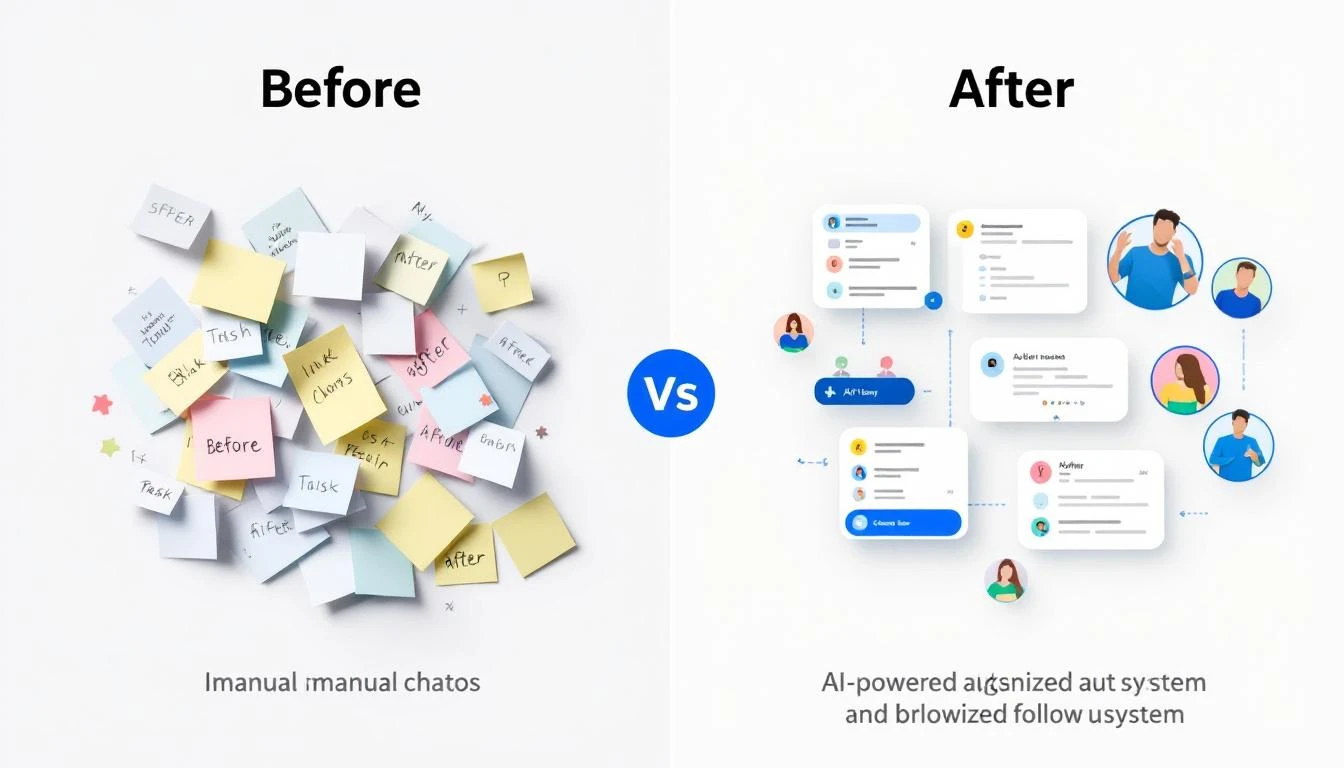
Tab 1: CRM, checking assigned leads. Tab 2: Email, scanning for replies and bounces. Tab 3: LinkedIn, searching for triggers and connections. Tab 4: Intent data platform, reviewing new signals. Tab 5: Enrichment tool, looking up company details. Tab 6: Sequence tool, checking who's due for a follow-up. Tab 7: Slack, reading team updates. Tab 8: Calendar, reviewing the day's meetings. Tab 9: Sales navigator, building new lists. Tab 10: Another CRM tab, because the first one timed out.
And that's just the first ten. Most SDRs I've worked with have 15-20 tabs open before they make their first call.
This isn't selling. This is deciding who to sell to. And it's consuming 60% of your SDRs' working day.
I've built SDR teams at three different startups. The pattern is always the same: you hire great reps, give them great tools, build great sequences — and then watch them spend most of their time navigating between those tools instead of using them.
The tools aren't the problem. The fragmentation is.
The 60% Tax on Selling Time
Let me put a number on this because the data on SDR productivity is damning.
The average SDR spends roughly 60% of their day on non-selling activities. Not admin. Not CRM data entry. Decision-making. Specifically, deciding:
- Who should I contact next?
- What channel should I use?
- What should I say?
- Is this person worth my time right now?
- Did something change since I last checked?
These are important questions. But they shouldn't require toggling between a dozen tools to piece together an answer.
Think about what this means economically. If you're paying an SDR $75,000 per year, and 60% goes to non-selling activities, you're paying $45,000 per rep for them to decide what to do. On a team of eight, that's $360,000 per year in decision-making overhead.
That's not a productivity problem. That's a strategy problem.
The Core Issue: Signals Are Everywhere, Synthesis Is Nowhere
B2B sales teams have never had more signal data available to them. Website visits. Email engagement. Social interactions. Intent data from third-party providers. Job changes. Company news. Funding announcements. Technology adoptions. Conference attendance.
The problem isn't data scarcity. The problem is that every signal lives in a different tool, and no tool synthesizes them into a single prioritized view.
Your website visitor identification tool tells you someone from Acme Corp visited your pricing page yesterday. To act on that, your SDR checks the CRM for account status, checks the sequence tool for active cadences, checks LinkedIn for contacts, checks enrichment for email and phone, then checks intent data for broader signals.
That's five tool switches to act on one signal. Your SDR has 50 signals today.
Multiply the number of tools by the number of signals, and you understand why SDRs are paralyzed by choice before they even pick up the phone.
What If Your SDRs Opened One Tab?
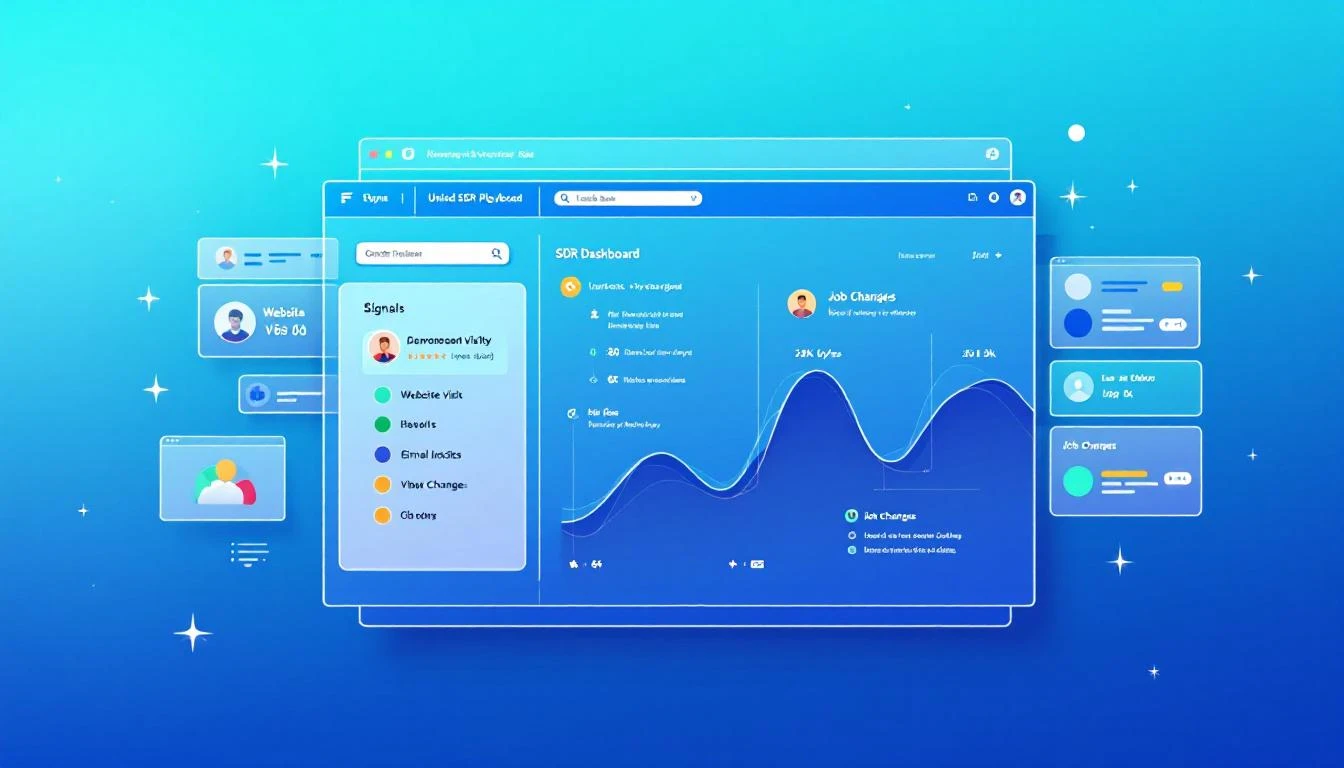
MarketBetter's Daily Playbook takes every signal from every source and collapses them into one thing: a prioritized task list for each rep.
When your SDR starts their day, they don't open 20 tabs. They open one. And in that tab, they see:
- Their top tasks for today, ranked by signal strength and likelihood of conversion
- Why each task is there — what triggered it, what's the signal
- The recommended channel — call, email, LinkedIn, or multi-touch
- A suggested message or talking points based on the prospect's context
- Everything they need to execute — contact info, company background, engagement history
That's it. No hunting. No synthesizing. No deciding. Just executing.
The Daily Playbook doesn't replace your SDR's judgment. It focuses it. Instead of spending an hour deciding who deserves attention, the rep spends that hour giving attention to the people most likely to convert.
The Signals That Feed the Playbook
Here's what flows into each rep's daily playbook:
Website Visitor Intelligence
When someone from a target company visits your website — especially high-intent pages like pricing, demo request, or product comparison — that visit becomes a task in the playbook.
But not just "someone from Acme Corp visited your site." The playbook tells the rep:
- Which pages they viewed
- Whether the company is an existing account or net-new
- If it's existing, who owns it and what's the current status
- If it's net-new, whether it matches your ICP
- Recommended next action based on intent strength
Identifying anonymous website visitors is only valuable if someone acts on it. The playbook makes sure they do, and that the right rep does it at the right time.
Email Engagement Signals
Your SDRs are running sequences with dozens or hundreds of active contacts. The playbook tracks every engagement signal:
- Opens: Who opened your email three or more times? That's interest. Call them now.
- Replies: Obviously high priority — but the playbook also flags negative replies for suppression so reps don't waste time on dead leads.
- Link clicks: What did they click? A case study link signals different intent than a pricing page link. The playbook adjusts the recommended next step accordingly.
- Sequence position: Is this prospect about to exit your sequence without a reply? That might warrant a different approach — phone call, LinkedIn touch, or a breakup email.
These signals exist in your sequence tool today. But they're buried in dashboards that your SDR has to proactively check. The playbook surfaces them as prioritized tasks.
Champion Job Changes
This is one of the most underutilized signals in B2B sales, and it's one of the most powerful.
Here's the scenario: six months ago, your SDR had great conversations with Sarah at Company A. Sarah loved your product, was pushing for a deal internally, but ultimately the timing wasn't right — they had a contract locked in with a competitor.
Now Sarah moves to Company B. She's still a believer. She knows your product. She has relationship equity with your team. And she's starting fresh at a new company where the existing contract doesn't apply.
That job change is worth more than 100 cold leads. It's a warm introduction to a new company through someone who already trusts you.
The Daily Playbook tracks champion job changes automatically. When a previous contact moves to a new company, it shows up as a high-priority task:
"Sarah Johnson moved from Company A (closed-lost, Q3 2025) to Company B (VP Sales Ops). ICP match. Recommended: warm outreach referencing previous relationship."
Your SDR doesn't need to monitor LinkedIn or set up Google alerts. The playbook remembers, connects the dots, and tells the rep what to do.
Intent Data Signals
Third-party intent data — topics being researched, content being consumed, technology evaluation signals — flows into the playbook as prioritized tasks.
But here's the key: intent data alone is noisy. Most intent data platforms generate far more signals than any SDR team can act on. The playbook doesn't just surface intent signals — it stacks them.
A company researching your category? Low priority on its own. The same company researching your category and visiting your website and opening your emails? That's stacked intent. Top of the list. Call them today.
The playbook's ranking algorithm considers signal strength, signal recency, and signal stacking to ensure that the tasks at the top of each rep's list represent the highest likelihood of conversion.
The "Here's Why" Factor
Every task in the Daily Playbook comes with context. Not just "call this person" but why.
This matters more than most people realize. When an SDR picks up the phone with zero context, they're starting cold. When they pick up the phone knowing that this prospect's company visited the pricing page twice this week, opened the last three emails, and matches the ICP on company size, vertical, and tech stack — they start warm.
The "here's why" context transforms cold calls into warm calls. It gives the SDR a reason to call that they can articulate to the prospect: "I noticed your team has been evaluating solutions in our space — wanted to see if I could answer any questions." That's not a lie. It's genuine signal intelligence, delivered naturally.
The difference in connect-to-meeting conversion between a contextless cold call and a signal-informed warm call is typically 3-5x. Same SDR, same phone skills. Different hit rate because the rep has information instead of a script.
From 20 Tools to One Task List
The promise of the Daily Playbook is fundamentally simple: your SDRs go from 20 tabs to one.
One tab. One list. Every signal consolidated. Every task prioritized. Every next action recommended.
Here's what a typical day looks like:
8:00 AM — Open the Playbook Today's list: 12 high-priority tasks, 8 medium, 15 low. Start at the top.
8:05 AM — Task 1: Call Dave at TechCorp Why: Pricing page 3x this week. Opened last 2 emails. Former champion (lost deal Q2). Stacked signal. SDR calls Dave. Gets voicemail. Leaves a message referencing pricing research. Sends follow-up email. Next.
8:15 AM — Task 2: Email Sarah at FinServ Inc. Why: New website visitor, ICP match, first visit to case study page. SDR sends contextual email referencing FinServ's industry challenges. Next.
8:20 AM — Task 3: LinkedIn touch with Mike at HealthCo Why: Changed jobs last week. Previously engaged at MedTech (3 meetings, no close). New role: VP Sales at HealthCo. ICP match. SDR sends LinkedIn connection with warm message referencing previous conversations. Next.
8:25 AM — Task 4...
By 10:00 AM, the SDR has completed 12 high-priority outreach tasks across phone, email, and LinkedIn. Zero research time. Zero tab switching. Zero decision paralysis.
Compare this to the traditional workflow: by 10:00 AM under the old model, the SDR is still in tabs 6-12, trying to figure out who to call first.
The Compound Effect of Daily Execution
The Daily Playbook doesn't just make individual days more productive. It creates a compound effect over time.
When reps consistently execute on the highest-value signals every day, three things happen:
1. Response rates climb. Because the playbook surfaces the warmest prospects — the ones with stacked signals, recent engagement, and ICP fit — reps are reaching out to people who are more likely to respond. Over weeks, this compounds into significantly higher reply and connect rates compared to reps who self-select their outbound targets.
2. No signals fall through the cracks. Without the playbook, an intent signal from last Tuesday gets buried under today's new leads. With the playbook, every unactioned signal persists until it's addressed or deprioritized.
3. Coaching gets easier. When every rep works from a standardized, signal-driven playbook, managers can see exactly what's happening. Instead of asking "what did you work on today?" managers review playbook completion and conversion metrics in real time.
What About Rep Autonomy?
I get this question every time I talk about the playbook model. Experienced SDRs push back: "I know my territory. I know who to call. I don't need a system telling me what to do."
Fair. And wrong.
Fair, because great reps do develop intuition about their territory.
Wrong, because intuition can't process the volume and velocity of signals that a modern B2B sales motion generates. Your best rep might intuitively know that Acme Corp is a good target. But they don't know that someone from Acme Corp visited the pricing page at 11 PM last night, that their former champion just moved to a competitor, and that intent data shows Acme Corp is researching your category at 3x the normal rate.
The playbook doesn't override rep autonomy. It informs it. Reps can still reprioritize, skip tasks, or add their own outreach. But they start from a foundation of complete signal intelligence rather than partial intuition.
The One-Tab Promise
Here's what I want every VP of Sales to hear: your SDRs should never be deciding who to call next. That decision should be made for them by a system that sees more signals, processes more data, and updates more frequently than any human could.
The Daily Playbook is that system. Every signal in one place. Every task prioritized. Every rep starting their day with clarity instead of chaos.
It's the simplest upgrade you can make to your SDR org — because you're not adding a new tool. You're replacing the 20 tools your reps are drowning in.
One tab. That's the promise. And it changes everything.
Adam Grant leads GTM at MarketBetter, where he helps SDR teams stop drowning in tabs and start selling — one prioritized task at a time.