The Cost of Inaction in Sales: How to Build Real Urgency and Close More Deals

Your biggest competitor isn't the other vendor on the shortlist. It's the status quo.
Every quarter, billions of dollars in pipeline evaporate — not because a rival swooped in with a better demo, but because someone on the buying committee said, "Let's revisit this next quarter," and nobody on the selling side had a compelling answer for why that was a terrible idea.
If you've been in B2B sales for more than a cycle, you've felt this. The deal that went dark after a "great" demo. The champion who stopped returning calls. The CFO who said the budget "shifted." These are all symptoms of the same disease: you never made the cost of doing nothing concrete enough to act on.
Here's the uncomfortable truth most sales training skips: finding pain isn't enough. Every AE on the planet can uncover a problem. The ones who consistently close above quota are the ones who can put a dollar figure on what happens if that problem persists for another 30, 60, or 90 days.
This is the discipline of building the cost of inaction — and it's the single most underleveraged skill in modern B2B sales.
Why "Do Nothing" Keeps Winning
Let's start with the psychology. Nobel laureate Daniel Kahneman showed us that humans feel losses roughly twice as intensely as equivalent gains. But here's the catch: that only works when the loss is visible. If your buyer can't see what they're losing by waiting, the status quo feels safe. Comfortable. Free.
It isn't free. It just looks that way.
Consider a mid-market SaaS company with 15 SDRs. Their current prospecting stack takes each rep about 90 minutes a day just to build lists, research accounts, and figure out who to call. That's 22.5 hours per day across the team — roughly three full-time employees' worth of labor — spent on manual research instead of conversations.
Every week that passes without fixing that? Another 112 hours of selling time burned. Another $45,000 in fully loaded rep cost allocated to Googling LinkedIn profiles instead of booking meetings.
But in the deal, nobody said that number out loud. The AE showed a slick demo of their AI-powered prospecting tool, quoted a price, and asked if there were "any questions." The VP of Sales nodded politely and said she'd "circle back after Q2 planning."
That deal is dead, and the AE doesn't even know why.
The Five-Step Framework for Quantifying Inaction
There's a structured way to do this. It's not manipulative — it's clarifying. You're helping your buyer see what they already know but haven't quantified. As Chris Orlob puts it, the best closers make the invisible costs visible.
Here's the framework, expanded with examples from real B2B selling scenarios:
Step 1: Find the Metric That's Bleeding
Every business problem maps to a number. Your job in discovery is to find the specific metric that's suffering right now — not theoretically, not "could be better," but actively deteriorating.
The question that unlocks this: "What metric is suffering as a result of that problem?"
This isn't a soft question. It's surgical. It forces the buyer to stop talking in generalities ("Yeah, our outbound could be better") and start talking in specifics ("Our reply rates dropped from 8% to 3% over the last two quarters").
Good metrics to hunt for:
- Revenue leaked per month (deals lost, pipeline that went dark, churned accounts)
- Time wasted per week (hours spent on manual work that could be automated)
- Customer churn per quarter (and the revenue attached to those logos)
- Cost per lead or cost per meeting (and how it's trending)
- Ramp time for new hires (weeks from start date to first closed deal)
The key is specificity. "We're losing deals" is a feeling. "We lost 14 deals worth $820K last quarter to no-decision" is a number you can work with.
Step 2: Reverse-Engineer the Cost of Waiting
Once you have the metric, run the clock forward. What does another month of this problem cost?
This is where most AEs bail out. They hear the pain, they nod sympathetically, and they pivot to the demo. Don't. Stay in the math.
Example — Martech Stack Consolidation:
A marketing ops leader tells you they're running 11 different tools for email, enrichment, intent, and analytics. They spend $8,200/month across subscriptions, plus their ops team burns 20 hours/week on integrations and data cleanup.
The cost of waiting one quarter:
- $24,600 in redundant SaaS spend
- 260 hours of ops labor (~$19,500 at fully loaded cost)
- Unknown data quality degradation affecting campaign targeting
That's $44,100 in hard costs per quarter — before you even quantify the downstream impact of bad data on pipeline quality.
Now compare that to the price of your platform. Suddenly, the "budget isn't there" objection looks absurd. The budget is already being spent — just on the wrong things.
Example — SDR Team Without Intent Signals:
An SDR leader has 8 reps cold-calling from static lists. Their connect rate is 4%, and their meeting-to-opportunity conversion is 22%. Each rep makes 60 dials a day.
Without intent data prioritizing who's actually in-market, roughly 96% of those dials are wasted on accounts with zero buying intent. That's 460 wasted dials per day across the team. At an average of 3 minutes per attempt (including research, dial, and voicemail), that's 23 hours of daily labor producing nothing.
Per month: 460 hours of wasted SDR time. At $35/hour fully loaded, that's $16,100/month lighting itself on fire. And that's just the direct cost — it doesn't account for the demoralization of reps who spend all day getting voicemail, or the pipeline they would have generated if they'd been calling buyers who were actively researching their category.
Step 3: Do the Math Out Loud
This is the tactical move that separates average sellers from elite ones. Don't send the math in a follow-up email. Do it live, in the call, with the buyer.
"So let me make sure I understand. You've got 8 reps making 60 dials a day, and about 96% of those are going to accounts that aren't in-market. That's roughly 460 wasted dials daily. At 3 minutes each, that's 23 hours a day — nearly 500 hours a month — of your team's time going to voicemail. At your fully loaded cost, that's north of $16,000 a month. Over a quarter, that's almost $50,000. Does that math track?"
Two things happen when you do this:
- The buyer validates or corrects you. Either way, they're now co-authoring the business case. It's not your number anymore — it's their number.
- The cost becomes real. Abstract pain ("outbound isn't working great") becomes a concrete, undeniable dollar figure that they'll carry into every internal conversation about budget and priority.
Step 4: Show the Compound Cost
A one-month cost is easy to rationalize away. "We'll deal with it next quarter." But costs compound, and showing that compounding effect is what creates genuine urgency.
The 90-day lens:
- Month 1: $16,100 in wasted SDR labor
- Month 2: $16,100 more, plus the pipeline deficit from Month 1 starts showing up as a revenue gap
- Month 3: $16,100 more, plus two months of compounded pipeline deficit, plus the top-performing rep who just got recruited by a competitor because she was tired of calling dead lists
By Day 90, you're not just $48,300 down in wasted labor. You're staring at a pipeline gap that will take two quarters to recover from, and you're short one A-player who will cost $30K to replace and 4 months to ramp.
That's the real cost of "let's revisit next quarter."
This works because it mirrors how costs actually behave in business. Problems don't pause politely while the buying committee debates. They accelerate. Showing the acceleration curve is what turns a "nice to have" into a "we need to move on this."
Step 5: Connect Cost to Power
Once you've built the cost of inaction, you have something more valuable than a compelling slide: you have a story that your champion can tell the CFO, the CEO, or whoever controls the budget.
The question "What metric is suffering?" doesn't just give you ammunition — it opens doors to the economic buyer. When your champion walks into the executive meeting and says, "We're burning $50K per quarter on wasted SDR time and it's compounding into a pipeline gap that threatens next year's number," that's a conversation the C-suite has to engage with.
Compare that to the champion who walks in and says, "The sales team found a cool tool for outbound. Can we get $40K in budget?" One of these gets approved. One gets tabled.
The AI Advantage: Making Invisible Costs Visible at Scale
Here's where the game has fundamentally changed in the last 18 months.
The framework above has always worked — smart sellers have been quantifying inaction for decades. But there was always a gap: you could only quantify the costs you could see. And in B2B sales, most of the cost of inaction is invisible.
How many buyers visited your website this week and left without a trace? How many accounts in your TAM are actively researching your category right now — reading competitor reviews, searching for solutions — while your reps cold-call accounts that won't buy for another 18 months?
That's the new cost of inaction: the signals you're not seeing and the deals your competitors are closing because they saw them first.
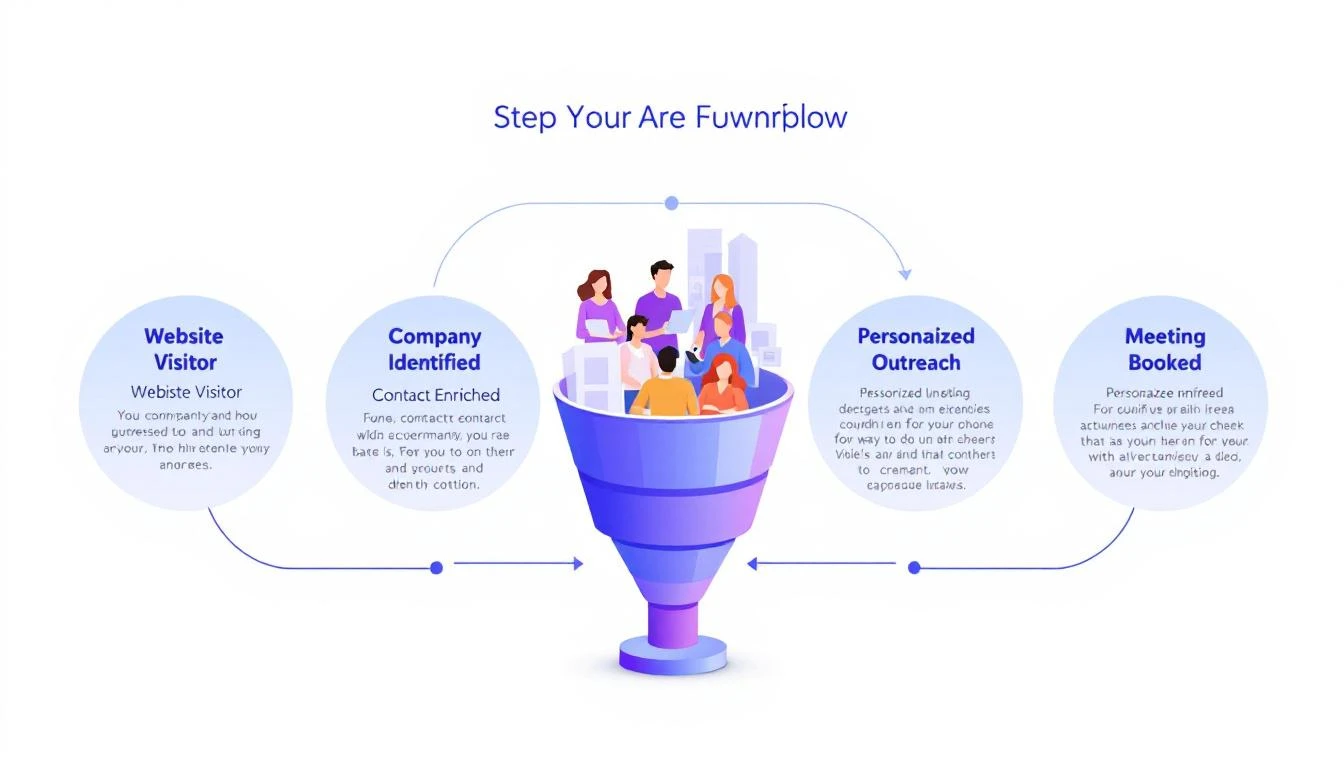
This is the problem MarketBetter was built to solve. When your platform identifies the actual companies and people visiting your site, surfaces real-time intent signals showing who's in-market, and delivers a daily playbook that tells each rep exactly who to call and why — you're not just making your outbound more efficient. You're eliminating an entire category of invisible cost.
Think about it through the cost-of-inaction lens:
- Without visitor identification: 85-95% of your website traffic is anonymous. If you're getting 5,000 monthly visitors and converting 2%, that's 4,900 potential buyers you know nothing about. Even if only 10% are ICP-fit, that's 490 warm accounts your competitors might be reaching first.
- Without intent signals: Your reps are calling accounts at random, hoping to catch someone in a buying cycle. The math we ran earlier — 96% of dials wasted — isn't hypothetical. It's the default for any team working without signal-driven prioritization.
- Without a daily playbook: Even reps who have access to intent data spend 60-90 minutes a day figuring out what to do with it. The operational tax of turning raw signals into a prioritized call list is its own hidden cost.
Stack those up over a quarter and you're looking at six figures of wasted motion, missed pipeline, and deals that went to whoever showed up first with a relevant message.
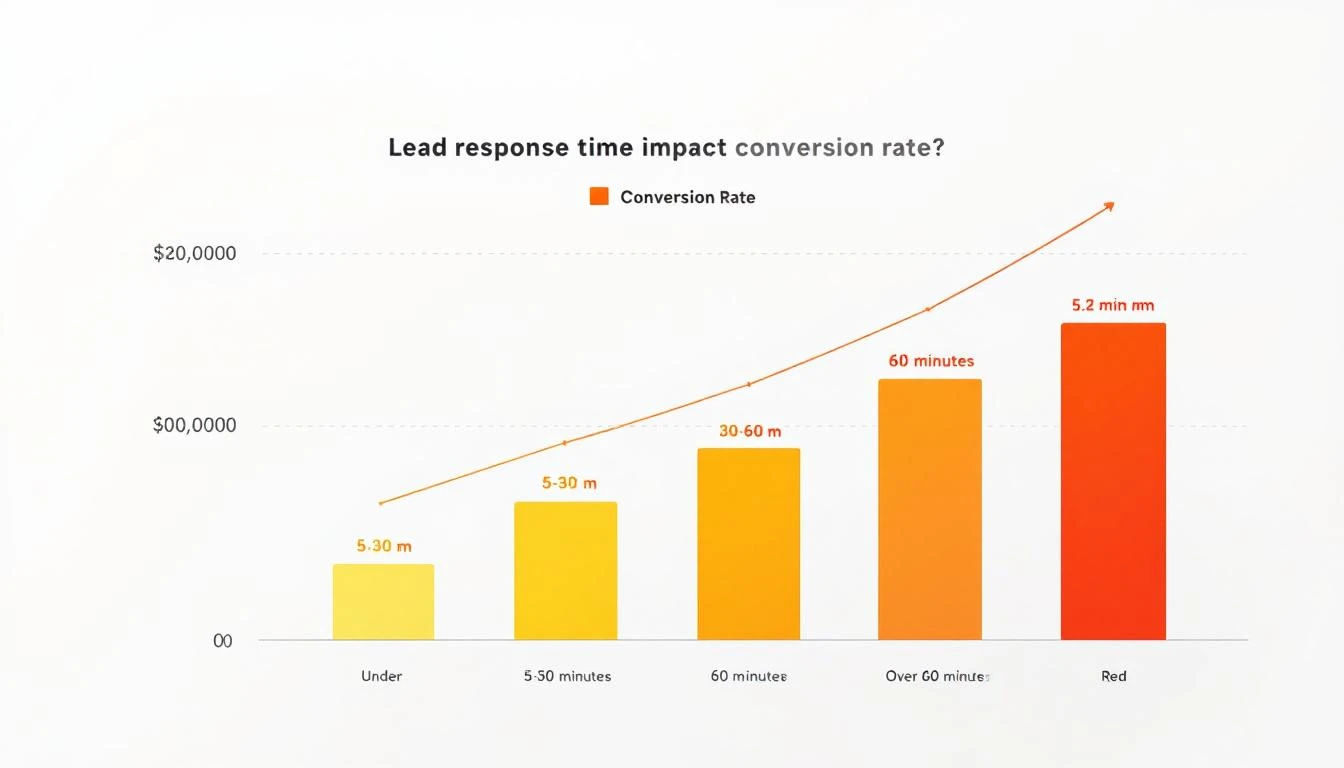
Your competitors are already responding to buyer signals you're missing. That's not a scare tactic — it's arithmetic. If a buyer is on your website at 10 AM and your competitor reaches out by 10:15 because their visitor ID flagged the account, you've lost the first-mover advantage before your rep finishes their morning coffee.
Putting It Into Practice
Here's a challenge for this week: take your three most important open deals and run the cost-of-inaction exercise on each one.
- Identify the bleeding metric. If you don't know it, you haven't done deep enough discovery. Go back and ask.
- Quantify one month of inaction. What does it cost the buyer — in dollars, hours, or missed opportunities — to wait 30 more days?
- Project the compound cost to 90 days. Include second-order effects: the pipeline gap, the rep attrition risk, the competitive ground lost.
- Do the math live on your next call. Say it out loud. Let the buyer validate the numbers.
- Arm your champion. Give them the story, the numbers, and the 90-day projection. Make it impossible for the executive team to rationalize delay.
The deals you lose to "no decision" aren't lost because the buyer didn't feel pain. They're lost because no one translated that pain into a number that made waiting feel more expensive than buying.
That translation — from vague discomfort to quantified urgency — is the skill that separates closers from demo jockeys. And in a world where AI can now surface the signals that make the invisible costs visible, there's never been a better time to master it.
Ready to see what your invisible costs look like? MarketBetter shows you exactly who's on your site, what they care about, and how to reach them — before your competitors do. Start your free trial →