
OpenAI Codex vs Claude Code for Sales Automation [2026]

GPT-5.3-Codex dropped three days ago. Claude Code has been the go-to for AI-powered development. If you're building sales automation, which one should you use?
The honest answer: Both. For different things.
This isn't a "which is better" post. It's a practical guide to when each tool excels—specifically for GTM use cases.
The Core Difference
Here's the fundamental distinction:
OpenAI Codex is optimized for building software. It excels at:
- Writing code from scratch
- Multi-file refactoring
- Creating integrations
- Building applications
Claude Code is optimized for reasoning and judgment. It excels at:
- Analyzing unstructured data
- Writing persuasive copy
- Making nuanced decisions
- Understanding context
For sales automation, you need both capabilities.
Head-to-Head: Sales Automation Tasks
Let's get specific. Here's how each performs on common GTM automation tasks:
Task 1: Build a CRM Integration
Goal: Create a script that syncs data between HubSpot and your custom database.
| Criteria | Codex | Claude Code |
|---|---|---|
| Code quality | ⭐⭐⭐⭐⭐ | ⭐⭐⭐⭐ |
| Speed | ⭐⭐⭐⭐⭐ | ⭐⭐⭐ |
| Error handling | ⭐⭐⭐⭐ | ⭐⭐⭐⭐ |
| Documentation | ⭐⭐⭐ | ⭐⭐⭐⭐⭐ |
Winner: Codex
Codex was literally built for this. It understands API patterns, handles edge cases well, and the new mid-turn steering lets you course-correct as it builds.
Task 2: Analyze Sales Call Transcripts
Goal: Extract action items, objections, and next steps from call recordings.
| Criteria | Codex | Claude Code |
|---|---|---|
| Comprehension | ⭐⭐⭐ | ⭐⭐⭐⭐⭐ |
| Nuance detection | ⭐⭐⭐ | ⭐⭐⭐⭐⭐ |
| Context retention | ⭐⭐⭐ | ⭐⭐⭐⭐⭐ |
| Output quality | ⭐⭐⭐ | ⭐⭐⭐⭐⭐ |
Winner: Claude Code
Claude's 200K context window and superior reasoning make it far better at understanding long, nuanced conversations. It catches subtleties that Codex misses.
Task 3: Write Personalized Cold Emails
Goal: Generate custom outreach based on prospect research.
| Criteria | Codex | Claude Code |
|---|---|---|
| Personalization quality | ⭐⭐⭐ | ⭐⭐⭐⭐⭐ |
| Tone consistency | ⭐⭐⭐ | ⭐⭐⭐⭐⭐ |
| Creativity | ⭐⭐⭐ | ⭐⭐⭐⭐ |
| Template variation | ⭐⭐⭐⭐ | ⭐⭐⭐⭐ |
Winner: Claude Code
Writing persuasive copy requires understanding human psychology. Claude consistently produces more natural, compelling emails.
Task 4: Build a Lead Scoring Model
Goal: Create a system that scores leads based on behavioral data.
| Criteria | Codex | Claude Code |
|---|---|---|
| Algorithm design | ⭐⭐⭐⭐⭐ | ⭐⭐⭐⭐ |
| Implementation | ⭐⭐⭐⭐⭐ | ⭐⭐⭐ |
| Data pipeline | ⭐⭐⭐⭐⭐ | ⭐⭐⭐ |
| Iteration speed | ⭐⭐⭐⭐⭐ | ⭐⭐⭐ |
Winner: Codex
Building a scoring model means writing code, connecting data sources, and iterating on logic. Codex handles this better.
Task 5: Prioritize Accounts for SDRs
Goal: Analyze a list of accounts and rank them by likelihood to convert.
| Criteria | Codex | Claude Code |
|---|---|---|
| Data processing | ⭐⭐⭐⭐⭐ | ⭐⭐⭐ |
| Qualitative assessment | ⭐⭐⭐ | ⭐⭐⭐⭐⭐ |
| Reasoning explanation | ⭐⭐⭐ | ⭐⭐⭐⭐⭐ |
| Pattern recognition | ⭐⭐⭐⭐ | ⭐⭐⭐⭐⭐ |
Winner: Claude Code
Account prioritization requires judgment—understanding market signals, company trajectory, buying patterns. Claude's reasoning shines here.
The Winning Stack: Use Both
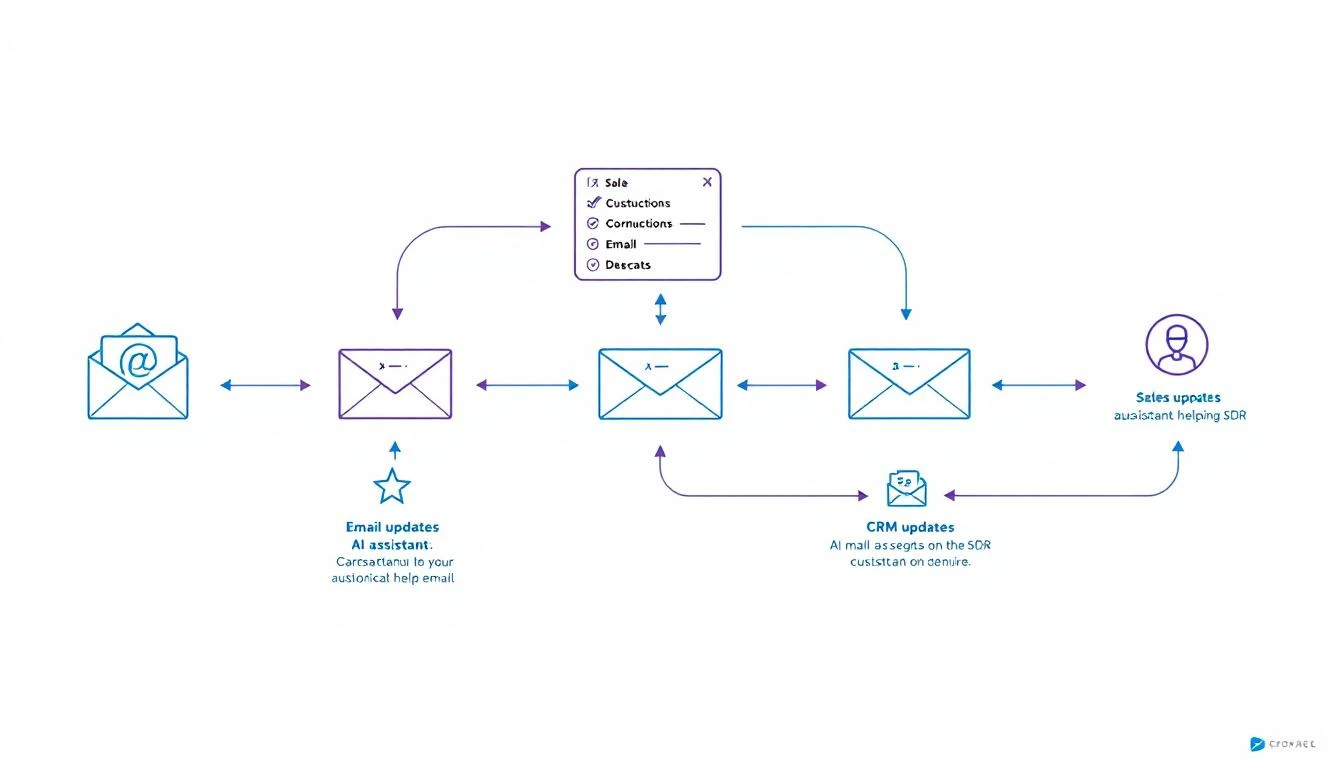
Here's the pattern that works best for most GTM teams:
Data Processing / Infrastructure → Codex
Analysis / Judgment / Writing → Claude
Orchestration / 24/7 Operation → OpenClaw
Real Example: Automated Competitive Intel
Let's say you want to monitor competitors and alert sales when relevant changes happen.
Step 1: Build the monitoring system (Codex)
- Create web scrapers for competitor pricing pages
- Set up alerts for their job postings
- Build RSS feed aggregation for their blogs
- Store everything in a database
Step 2: Analyze and prioritize (Claude)
- Read new competitor content and extract key messages
- Identify changes that affect specific deals
- Generate briefings for sales team
- Write custom battle card updates
Step 3: Orchestrate everything (OpenClaw)
- Run scrapers on schedule
- Route data to Claude for analysis
- Send alerts to appropriate channels
- Maintain state across sessions
Real Example: SDR Research Assistant
Step 1: Build data pipelines (Codex)
- LinkedIn profile scraper
- Company database enrichment
- News aggregation system
- CRM integration layer
Step 2: Generate insights (Claude)
- Analyze prospect's recent activity for conversation hooks
- Identify likely pain points based on company signals
- Write personalized research summaries
- Suggest specific talking points
Step 3: Deploy as always-on agent (OpenClaw)
- Trigger research when new lead enters pipeline
- Deliver summary to rep via Slack
- Update research weekly for active deals
Speed vs. Quality Trade-offs
When Speed Matters Most
Use Codex when:
- You need working code fast
- You're iterating on infrastructure
- The task is well-defined
- You'll review the output anyway
Codex's 25% speed improvement over the previous version makes it noticeably faster for rapid prototyping.
When Quality Matters Most
Use Claude when:
- The output goes directly to prospects
- You need nuanced judgment
- Context is complex or ambiguous
- Mistakes would be embarrassing
Claude's longer context window (200K tokens) means it can hold entire conversation histories, deal contexts, and company profiles in memory.
Cost Comparison
Both tools charge by token usage. Here's a rough comparison for typical sales automation tasks:
| Task | Codex Cost | Claude Cost |
|---|---|---|
| Build CRM integration | ~$0.50 | ~$0.80 |
| Analyze 10 call transcripts | ~$2.00 | ~$1.50 |
| Generate 50 personalized emails | ~$1.00 | ~$0.75 |
| Weekly competitive analysis | ~$0.30 | ~$0.50 |
Monthly estimate for active GTM automation: $30-80 (using both tools for their strengths)
Compare this to enterprise sales automation platforms at $35-50K/year.
Integration Considerations
Codex Strengths for Integration
- Native support for most programming languages
- Better at handling API authentication flows
- Superior error handling for production code
- Mid-turn steering allows real-time debugging
Claude Strengths for Integration
- Better at explaining what it's doing (self-documenting)
- More reliable for structured output (JSON formatting)
- Superior at following complex, multi-step instructions
- Better at handling ambiguous requirements
The OpenClaw Layer
Both Codex and Claude are powerful, but they're tools—not agents.
OpenClaw turns them into always-on systems that:
- Run on schedules
- Respond to events
- Maintain memory
- Connect to your channels
The architecture:
Your Sales Process
       ↓
   OpenClaw
       ↓
   Routes to:
   ├── Codex (for building/coding tasks)
   └── Claude (for analysis/writing tasks)
       ↓
   Delivers via:
   ├── Slack
   ├── Email
   └── CRM updates
Practical Recommendations
If You're Just Starting
Pick one tool first. Claude is more forgiving for beginners because it explains its reasoning. Once you're comfortable, add Codex for infrastructure work.
If You're Building Production Systems
Use both from the start. Design your architecture to route tasks to the appropriate model. The cost difference is negligible compared to the quality improvement.
If You're Budget-Constrained
Start with Claude. It's more versatile for sales tasks specifically. Add Codex when you need to build more complex integrations.
If You Need Maximum Speed
Lead with Codex. The 25% speed improvement in GPT-5.3-Codex makes it noticeably faster for iteration. Use Claude for final review of customer-facing content.
Common Mistakes to Avoid
1. Using Codex for Copywriting
Codex can write functional copy, but Claude writes persuasive copy. For anything customer-facing, use Claude.
2. Using Claude for Complex Infrastructure
Claude can write code, but Codex handles multi-file projects and API integrations more reliably.
3. Not Combining Them
The tools complement each other. Building with one while ignoring the other limits what you can achieve.
4. Manual Orchestration
Without OpenClaw (or similar), you're manually running prompts. Automation requires an agent layer.
Future-Proofing Your Stack
Both OpenAI and Anthropic are shipping improvements constantly. The pattern that will survive:
-
Keep your prompts modular. You should be able to swap models without rewriting your entire system.
-
Abstract the orchestration layer. OpenClaw (or your own framework) should handle routing, not your application code.
-
Store your context externally. Don't rely on model memory. Keep prospect data, conversation history, and preferences in your own database.
Try our AI Lead Generator — find verified LinkedIn leads for any company instantly. No signup required.
The Bottom Line
| Use Case | Best Tool |
|---|---|
| Build integrations and pipelines | Codex |
| Analyze conversations and data | Claude |
| Write customer-facing content | Claude |
| Create automation infrastructure | Codex |
| Make judgment calls | Claude |
| Rapid prototyping | Codex |
| Always-on operation | OpenClaw (orchestrating both) |
Don't pick a side. The teams winning with AI automation in 2026 are using the right tool for each job.
Want to see how MarketBetter combines visitor intelligence with AI automation? We identify who's on your site and what they care about—then help you act on it. Book a demo →