
Multi-Channel Sequence Orchestration with OpenClaw: Email + LinkedIn + Calls [2026]

The best sales sequences aren't single-channel. They're coordinated attacks across email, LinkedIn, and phone—timed perfectly based on prospect behavior.
But managing multi-channel sequences manually? Chaos. You're toggling between 4 tools, copy-pasting data, and hoping you don't accidentally call someone you just emailed. Or worse—reaching out on LinkedIn after they already replied to your email.
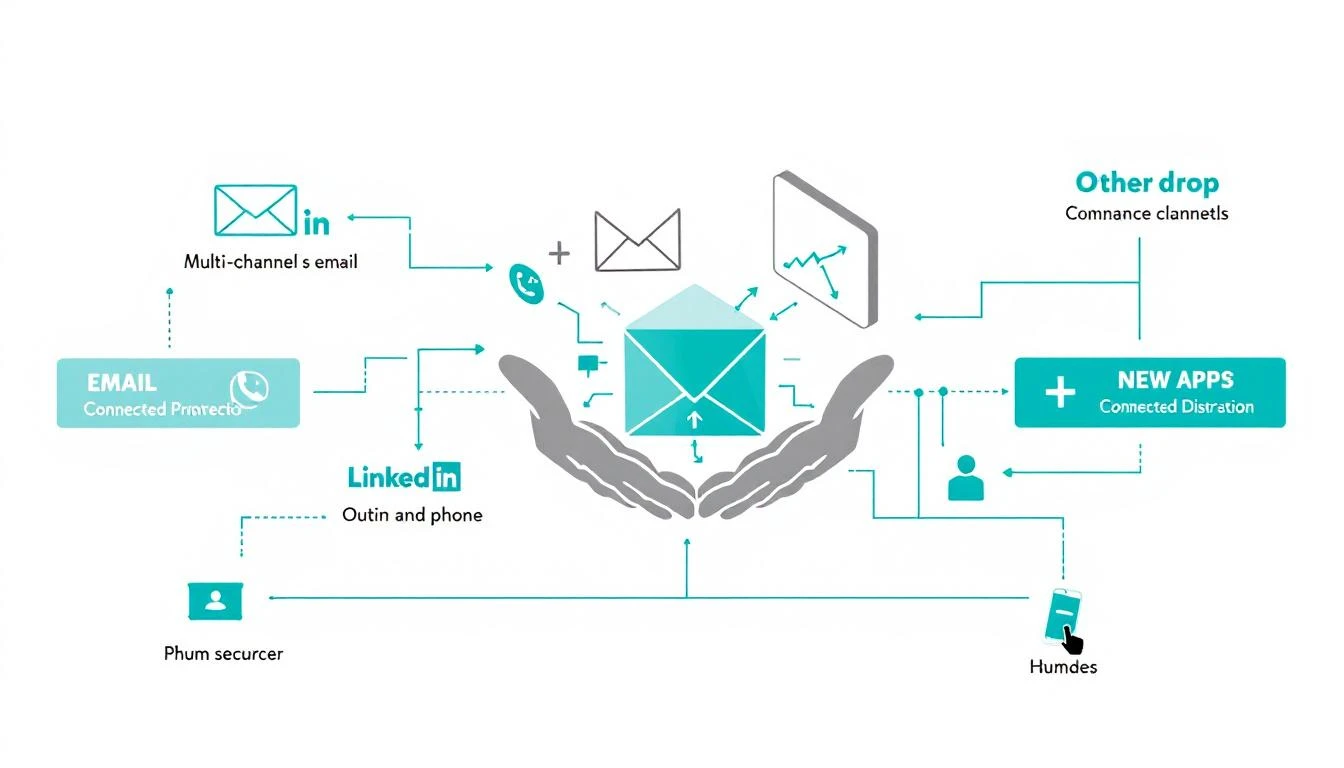
OpenClaw changes this. As an open-source AI gateway, it can orchestrate touchpoints across every channel, making decisions in real-time based on prospect response. No more rigid "Day 1 email, Day 3 LinkedIn" sequences. Instead: intelligent orchestration that adapts.
The Problem with Linear Sequences
Traditional multi-channel sequences look like this:
Day 1: Email #1
Day 3: LinkedIn connection request
Day 5: Email #2
Day 7: Phone call
Day 10: Email #3
Day 14: LinkedIn message
The problems:
- Ignores responses - Prospect replies on Day 2? Sequence keeps blasting.
- No channel preference detection - Some people live on LinkedIn, others on email
- Rigid timing - Day 5 might be a holiday or their busiest day
- Coordination gaps - Your dialer doesn't know what your email tool sent
- Manual overrides - Reps spend more time managing the sequence than selling
AI orchestration solves these by making real-time decisions:
Day 1: Email #1
  → If reply: Stop sequence, alert rep
  → If LinkedIn engagement: Prioritize LinkedIn next
  → If website visit: Trigger call immediately

Day 3: [Conditional]
  → If email opened 3x: Send email #2
  → If no email engagement: Try LinkedIn
  → If already connected on LinkedIn: Direct message
Building an Orchestration Engine with OpenClaw
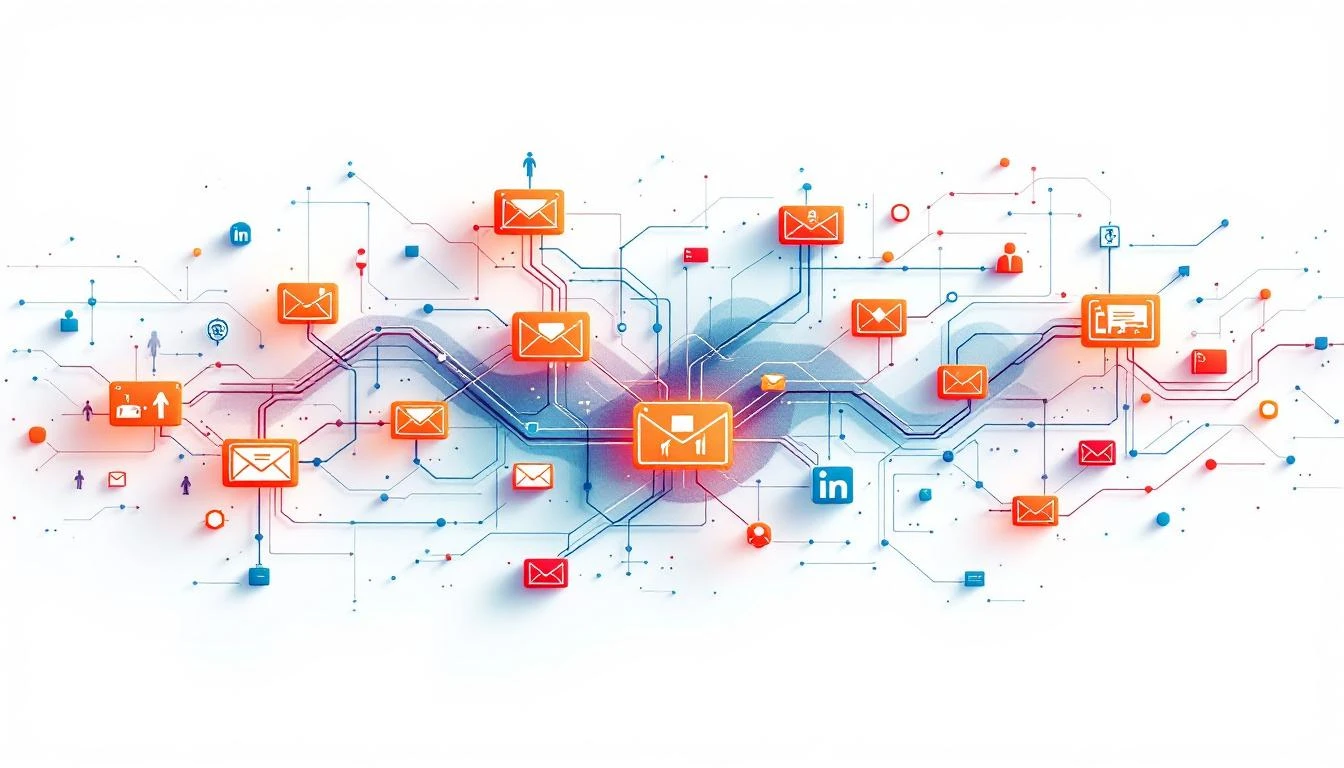
Here's the architecture:
┌─────────────────────────────────────────────────────────┐
│                    PROSPECT ENTERS                       │
│              (new lead from any source)                  │
└─────────────────────────────────────────────────────────┘
                           │
                           ▼
┌─────────────────────────────────────────────────────────┐
│                 INITIAL RESEARCH                         │
│  Claude enriches: title, company size, social presence  │
└─────────────────────────────────────────────────────────┘
                           │
                           ▼
┌─────────────────────────────────────────────────────────┐
│              CHANNEL PREFERENCE SCORING                  │
│  - LinkedIn active? (posts, engagement)                  │
│  - Email deliverable? (bounce risk)                      │
│  - Phone available? (direct dial vs. HQ)                │
└─────────────────────────────────────────────────────────┘
                           │
                           ▼
┌─────────────────────────────────────────────────────────┐
│                ORCHESTRATION ENGINE                      │
│  OpenClaw decides: which channel, what message, when    │
└─────────────────────────────────────────────────────────┘
          │                    │                    │
          ▼                    ▼                    ▼
    ┌─────────┐          ┌─────────┐          ┌─────────┐
    │  EMAIL  │          │ LINKEDIN│          │  PHONE  │
    └─────────┘          └─────────┘          └─────────┘
          │                    │                    │
          └────────────────────┴────────────────────┘
                           │
                           ▼
┌─────────────────────────────────────────────────────────┐
│               RESPONSE MONITORING                        │
│  - Email opens/clicks/replies                           │
│  - LinkedIn accepts/views/responds                      │
│  - Call outcomes (connected, VM, callback requested)    │
└─────────────────────────────────────────────────────────┘
                           │
                           ▼
              [Loop back to orchestration engine]
Implementation: Step by Step
Step 1: Define Your Sequence Logic
Create a sequence configuration that OpenClaw can execute:
# sequence-config.yaml
name: "Enterprise Outbound"
target: "VP/Director Sales @ B2B SaaS 100-500 employees"

stages:
  - name: "initial_outreach"
    duration: "3 days"
    actions:
      - channel: "email"
        template: "cold_intro_v2"
        priority: 1
      - channel: "linkedin_connect"
        note_template: "connection_note"
        priority: 2
        condition: "has_linkedin_profile"

    exit_conditions:
      - type: "reply"
        next_stage: "conversation"
      - type: "meeting_booked"
        next_stage: "complete"

  - name: "follow_up"
    duration: "7 days"
    entry_condition: "no_response_after_initial"
    actions:
      - channel: "email"
        template: "follow_up_value_add"
        delay: "2 days"
        condition: "email_opened_count >= 2"
      - channel: "linkedin_message"
        template: "linkedin_follow_up"
        delay: "2 days"
        condition: "linkedin_connected"
      - channel: "phone"
        script: "discovery_call_script"
        delay: "3 days"
        priority: 1
        condition: "has_direct_phone"

  - name: "nurture"
    entry_condition: "no_response_after_follow_up"
    actions:
      - channel: "email"
        template: "content_share"
        frequency: "weekly"
        max_attempts: 4
Step 2: Build the Orchestration Agent
// orchestration-agent.js

const OpenClaw = require('openclaw');

const agent = new OpenClaw.Agent({
  name: 'Sequencer',
  triggers: ['prospect_added', 'response_received', 'daily_check']
});

agent.on('prospect_added', async (prospect) => {
  // Enrich prospect data
  const enriched = await enrichProspect(prospect);

  // Score channel preferences
  const channels = await scoreChannelPreferences(enriched);

  // Start sequence
  await startSequence(prospect.id, 'enterprise_outbound', channels);
});

agent.on('response_received', async (event) => {
  const { prospectId, channel, responseType } = event;

  if (responseType === 'reply' || responseType === 'meeting_booked') {
    // Stop automated sequence
    await pauseSequence(prospectId);

    // Alert assigned rep
    await notify.slack({
      channel: '#hot-leads',
      message: `🎯 ${event.prospectName} responded via ${channel}!`
    });

    // Create follow-up task
    await createTask(prospectId, 'respond_to_inquiry', {
      priority: 'high',
      deadline: '4 hours'
    });
  }

  if (responseType === 'engagement') {
    // Engagement but no response - adjust strategy
    await adjustSequence(prospectId, {
      preferChannel: channel,
      increaseFrequency: true
    });
  }
});

agent.on('daily_check', async () => {
  const activeProspects = await getActiveSequences();

  for (const prospect of activeProspects) {
    const nextAction = await determineNextAction(prospect);

    if (nextAction) {
      await scheduleAction(prospect.id, nextAction);
    }
  }
});
Step 3: Channel Preference Scoring
Not all prospects respond equally to each channel:
async function scoreChannelPreferences(prospect) {
  const scores = {
    email: 50, // Base score
    linkedin: 50,
    phone: 50
  };

  // LinkedIn activity signals
  if (prospect.linkedin_posts_last_90_days > 5) {
    scores.linkedin += 25; // Active on LinkedIn
  }
  if (prospect.linkedin_engagement_score > 70) {
    scores.linkedin += 15;
  }
  if (!prospect.linkedin_profile) {
    scores.linkedin = 0; // Can't use what doesn't exist
  }

  // Email signals
  if (prospect.email_bounce_risk === 'high') {
    scores.email -= 30;
  }
  if (prospect.previous_email_opens > 0) {
    scores.email += 20; // Has opened our emails before
  }
  if (prospect.company_size > 1000) {
    scores.email -= 10; // Enterprise = more gatekeeping
  }

  // Phone signals
  if (prospect.has_direct_dial) {
    scores.phone += 30;
  }
  if (prospect.has_mobile) {
    scores.phone += 20;
  }
  if (prospect.title.includes('C-level')) {
    scores.phone -= 15; // Harder to reach
    scores.linkedin += 15; // But responsive on LinkedIn
  }

  return scores;
}
Step 4: Smart Timing
Don't just blast—time it right:
async function determineOptimalSendTime(prospect, channel) {
  // Time zone awareness
  const prospectTz = prospect.timezone || await inferTimezone(prospect.location);

  // Historical engagement data
  const engagement = await getEngagementHistory(prospect.id);

  // Find optimal window
  if (channel === 'email') {
    // Best open rates: Tue-Thu, 9-11am local
    return findNextWindow(prospectTz, {
      preferredDays: [2, 3, 4], // Tue, Wed, Thu
      preferredHours: [9, 10, 11],
      avoidHours: [12, 13] // Lunch
    });
  }

  if (channel === 'phone') {
    // Best connect rates: early morning or end of day
    // But respect Do Not Call hours
    return findNextWindow(prospectTz, {
      preferredHours: [8, 9, 16, 17],
      avoidHours: [12, 13],
      respectDNC: true
    });
  }

  if (channel === 'linkedin') {
    // LinkedIn engagement peaks: breakfast, lunch, commute
    return findNextWindow(prospectTz, {
      preferredHours: [7, 8, 12, 18, 19]
    });
  }
}
Step 5: Response Handling
The magic happens when prospects respond:
// Response handler
async function handleResponse(event) {
  const { prospect, channel, content, sentiment } = event;

  // Analyze response with Claude
  const analysis = await claude.analyze({
    prompt: `Analyze this sales response and classify:

    Response: "${content}"

    Categories:
    - POSITIVE: Interested, wants to learn more
    - NEGATIVE: Not interested, timing not right
    - REFERRAL: Suggests talking to someone else
    - QUESTION: Has questions, needs info
    - OOO: Out of office / automated reply

    Also extract: any mentioned dates, preferences, or objections.`
  });

  switch (analysis.category) {
    case 'POSITIVE':
      await pauseSequence(prospect.id);
      await createTask('schedule_call', {
        prospect,
        urgency: 'high',
        context: analysis.extractedInfo
      });
      break;

    case 'NEGATIVE':
      await endSequence(prospect.id, 'not_interested');
      await scheduleNurture(prospect.id, '90 days');
      break;

    case 'REFERRAL':
      await createReferralLead(analysis.referredPerson);
      await sendThankYou(prospect);
      break;

    case 'QUESTION':
      await pauseSequence(prospect.id);
      await createTask('answer_question', {
        prospect,
        question: analysis.extractedInfo.question
      });
      break;

    case 'OOO':
      const returnDate = analysis.extractedInfo.returnDate;
      await pauseSequenceUntil(prospect.id, returnDate);
      break;
  }
}
Real-World Sequence Example
Here's a complete sequence that adapts:
PROSPECT: Sarah Chen, VP Sales at TechCorp (450 employees)

Day 1, 9:04am EST
→ Channel preference: LinkedIn (83), Email (71), Phone (65)
→ Action: Email intro sent (personalized to B2B SaaS pain points)

Day 1, 2:15pm EST
→ Signal: Email opened (mobile device)
→ Decision: Wait for click/reply before next action

Day 2, 8:30am EST
→ Signal: Email opened again, clicked pricing link
→ Decision: Accelerate LinkedIn connection

Day 2, 9:12am EST
→ Action: LinkedIn connection request sent

Day 2, 3:45pm EST
→ Signal: LinkedIn accepted
→ Decision: Send LinkedIn message (more personal than email)

Day 3, 8:05am EST
→ Action: LinkedIn message sent (referenced pricing visit)

Day 3, 11:30am EST
→ Signal: LinkedIn message read, no reply
→ Decision: Give breathing room, prepare phone call

Day 4, 4:15pm EST
→ Action: Phone call attempted
→ Outcome: Voicemail left

Day 5, 9:30am EST
→ Signal: Website visit (case studies page)
→ Decision: Send value-add email with case study

Day 5, 9:45am EST
→ Action: Email sent (case study)

Day 5, 10:22am EST
→ Signal: Email reply! "This looks interesting. Can we talk Thursday?"
→ Decision: STOP sequence, create booking task

Day 5, 10:25am EST
→ Task created: "Schedule call with Sarah Chen - Thursday"
→ Sequence status: PAUSED - Conversation active
Metrics That Matter
Track these to optimize your sequences:
| Metric | What It Measures | Target |
|---|---|---|
| Multi-touch response rate | % responding to any channel | >15% |
| Channel conversion by stage | Which channel drives replies at each stage | Varies |
| Optimal touch count | Average touches before response | <6 |
| Sequence completion rate | % who finish without response | <70% |
| Response time | How fast you follow up on replies | <4 hrs |
Integration with MarketBetter
If you're using MarketBetter, multi-channel orchestration is built in:
- Daily SDR Playbook automatically sequences touches
- Smart Dialer knows what emails/LinkedIn you've sent
- Unified timeline shows all touchpoints in one view
- AI prioritization decides which prospect needs which channel next
No need to build from scratch—just configure your sequence rules and let the platform orchestrate.
Try our Marketing Plan Generator — generate a complete AI-powered marketing plan in minutes. No signup required.
Conclusion
Single-channel sequences are relics. In 2026, the winning outbound strategy is coordinated, adaptive, multi-channel orchestration that responds to prospect behavior in real-time.
OpenClaw makes this possible for any GTM team—without the $50K/year enterprise platform price tag. Build your orchestration agent, define your logic, and let AI handle the complexity of timing, channel selection, and response handling.
Your prospects don't live in one channel. Your outreach shouldn't either.
Want multi-channel orchestration without building it yourself? MarketBetter's platform coordinates email, LinkedIn, phone, and more—with AI deciding the optimal next touch. Book a demo to see it in action.