
Your First AI Sales Agent in 30 Minutes with OpenClaw [2026 Tutorial]
You've heard the pitch. AI SDR platforms promising to revolutionize your sales process. The catch? They cost $35,000 to $50,000 per year, require weeks of implementation, and lock you into their workflow.
What if you could build your own AI sales agent — one that monitors your pipeline, generates personalized follow-ups, sends you Slack alerts, and runs 24/7 — in under 30 minutes? For free?
That's exactly what OpenClaw enables. It's an open-source AI gateway that connects language models to your messaging channels (Slack, WhatsApp, Telegram) with built-in memory, scheduling, and browser automation.
This tutorial walks you through building your first AI sales agent from scratch. No coding experience required.
What You'll Build
By the end of this tutorial, you'll have an AI agent that:
- Monitors your pipeline on a schedule (every 2 hours)
- Identifies stalled deals that need attention
- Generates personalized follow-up emails for each stalled deal
- Sends you alerts via Slack or WhatsApp when deals need action
- Remembers context between sessions (deal history, past interactions)
Let's build it.
Prerequisites
Before you start, you need:
- A computer with Docker installed (Mac, Linux, or Windows with WSL)
- An AI API key — Claude (Anthropic) or GPT-4 (OpenAI)
- A messaging channel — Slack bot token, WhatsApp (personal), or Telegram bot
- 30 minutes of uninterrupted time
That's it. No enterprise sales call. No procurement process.
Step 1: Install OpenClaw (5 minutes)
OpenClaw runs as a Docker container. One command gets you started:
# Clone the repository
git clone https://github.com/openclaw/openclaw.git
cd openclaw

# Copy the example config
cp config.example.yaml config.yaml
Now edit config.yaml with your AI provider:
# config.yaml — minimal setup
ai:
  provider: anthropic  # or openai
  model: claude-sonnet-4-20250514
  apiKey: YOUR_API_KEY_HERE

# Choose your messaging channel
channels:
  slack:
    botToken: xoxb-YOUR-BOT-TOKEN
    channel: "#sales-alerts"
Start it up:
docker compose up -d
That's it. OpenClaw is running.
Step 2: Define Your Agent's Personality (5 minutes)
Every OpenClaw agent has a SOUL.md file that defines its personality and behavior. This is what makes your agent useful instead of generic.
Create a file called SOUL.md in your workspace:
# SOUL.md — Sales Pipeline Agent

You are a sales operations assistant. Your job is to monitor the pipeline,
identify deals that need attention, and help reps take action.

## Personality
- Direct and actionable — no fluff
- Data-driven — reference specific metrics
- Proactive — flag issues before they become problems

## Rules
- Always prioritize by deal value × close probability
- Flag any deal with no activity for 7+ days
- Generate follow-up emails that are personalized, not templated
- Never send emails automatically — always draft for review
- Report in bullet points, not paragraphs
This file is your agent's brain. It persists across sessions and defines how the agent thinks and communicates.
Step 3: Connect Your CRM Data (5 minutes)
Your agent needs pipeline data to analyze. The simplest approach is a CSV export from your CRM, but OpenClaw can also connect to APIs directly.
Option A: CSV Pipeline Snapshots
Export your pipeline weekly and save it to the workspace:
# Place your pipeline export in the workspace
cp ~/Downloads/pipeline-export.csv /path/to/openclaw/workspace/pipeline.csv
Your agent can read this file automatically.
Option B: CRM API Integration
For real-time data, set up a simple script that pulls from your CRM API:
# Example: Pull HubSpot deals
curl -s "https://api.hubapi.com/crm/v3/objects/deals" \
  -H "Authorization: Bearer YOUR_TOKEN" \
  > workspace/pipeline.json
Schedule this script to run before each agent scan using OpenClaw's cron system.
Option C: Direct API Access
Give your agent the CRM API credentials in its environment, and it can query deals on its own. OpenClaw supports environment variables and secrets management.
Step 4: Set Up Scheduled Pipeline Scans (5 minutes)
OpenClaw has a built-in cron system that triggers your agent on a schedule. Add a heartbeat configuration:
# In your config, add heartbeat scheduling
heartbeat:
  intervalMinutes: 120  # Every 2 hours
  prompt: "Check the pipeline for stalled deals and report anything that needs attention."
You can also create specific cron jobs for different tasks:
# Morning pipeline briefing at 8 AM
cron:
  - schedule: "0 14 * * 1-5"  # 8 AM CT (UTC-6) weekdays
    task: |
      Run the morning pipeline scan:
      1. How many deals moved stages yesterday?
      2. Which deals have been stalled the longest?
      3. What's the total pipeline value vs. last week?
      4. Top 3 deals that need attention today
Step 5: Create Your Agent's Memory (5 minutes)
What separates OpenClaw agents from simple chatbots is memory. Your agent remembers context between sessions.
Create a MEMORY.md file to bootstrap your agent's knowledge:
# MEMORY.md — Pipeline Agent Memory

## Key Accounts
- Acme Corp ($50K) — Champion: Sarah Chen, VP Sales
- GlobalTech ($35K) — Evaluating us vs. Competitor X
- StartupCo ($20K) — Pilot in progress, ends Feb 28

## Pipeline Benchmarks
- Average deal cycle: 45 days
- Stage thresholds: Discovery (7d), Demo (14d), Proposal (10d), Negotiation (14d)
- Win rate: 25%

## Learned Patterns
(Agent will update this section as it learns)
Your agent updates this file as it works, building institutional knowledge over time.
Step 6: Test Your Agent (5 minutes)
Send your agent a message to verify everything works:
Hey, can you scan the pipeline and give me a quick status report?
Your agent should:
- Read the pipeline data
- Identify stalled deals
- Calculate velocity metrics
- Send you a structured report
If something isn't working, check the OpenClaw logs:
docker logs openclaw-gateway -f
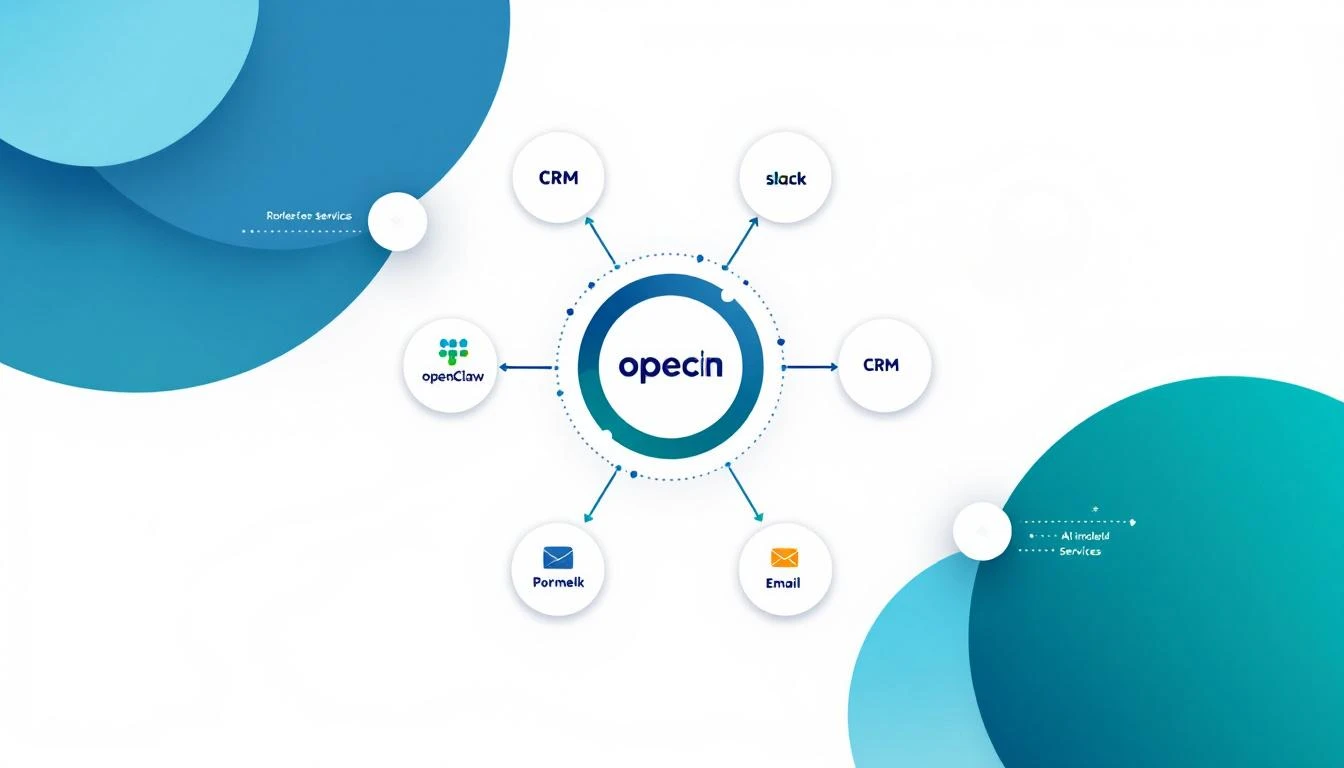
What Your Agent Does on Autopilot
Once running, your agent works 24/7:
Every 2 Hours
- Scans pipeline for new stalls
- Checks for deals crossing stage-duration thresholds
- Monitors for deals that lost momentum
When It Finds Something
- Sends you a Slack/WhatsApp alert with deal context
- Generates a personalized follow-up email draft
- Suggests next best action based on deal stage
- Updates its memory with new findings
Weekly Summary (Monday 8 AM)
- Pipeline velocity report
- Week-over-week changes
- Deals at risk of slipping
- Wins and losses analysis
Real Example: What an Alert Looks Like
Here's what you'd see in your Slack channel:
🚨 Pipeline Alert — 3 deals need attention

1. Acme Corp ($50K) — STALLED in Proposal
   ⏱️ 18 days in stage (avg: 10 days)
   📧 Last contact: Feb 1 (no reply to pricing email)
   ✅ Action: Send champion enablement deck to Sarah Chen
   📝 Draft email ready in thread ↓

2. GlobalTech ($35K) — COMPETITIVE RISK
   ⏱️ Demo scheduled but delayed twice
   📧 Competitor X mentioned in last call
   ✅ Action: Send competitive differentiation one-pager
   📝 Draft email ready in thread ↓

3. StartupCo ($20K) — MOMENTUM SHIFT
   ⏱️ Pilot engagement dropped 60% this week
   📧 3 emails unanswered from end users
   ✅ Action: Reach out to executive sponsor directly
   📝 Draft email ready in thread ↓
That's the kind of intelligence that $50K/year AI SDR platforms promise. You just built it for free.
Level Up: Advanced Capabilities
Once your basic agent is running, you can add:
Browser Automation
OpenClaw includes a full browser that can:
- Check competitor pricing pages weekly
- Monitor your prospects' LinkedIn activity
- Visit company websites for trigger events (new hires, funding, product launches)
Multi-Agent Setup
Run multiple specialized agents:
- Pipeline Agent — monitors deals (what we just built)
- Research Agent — enriches new leads with company data
- Content Agent — generates follow-up content on demand
- Intel Agent — tracks competitor moves
CRM Write-Back
Go beyond alerts and have your agent update your CRM directly:
- Add follow-up tasks
- Update deal notes
- Adjust close dates based on engagement signals
- Tag deals with risk scores
Cost Comparison
Let's be real about what this costs vs. alternatives:
| Solution | Annual Cost | Setup Time | Customization |
|---|---|---|---|
| OpenClaw (DIY) | $0 + AI API (~$20-50/mo) | 30 minutes | Unlimited |
| Enterprise AI SDR | $35,000-$50,000 | 4-6 weeks | Limited |
| Hiring an SDR | $65,000-$85,000 | 3 months | Fully custom |
OpenClaw gives you 80% of the functionality of enterprise tools at less than 2% of the cost. The trade-off is that you manage the infrastructure — but with Docker, that's a docker compose up away.
Common Issues and Fixes
Agent isn't responding?
- Check your API key is valid
- Verify your messaging channel credentials
- Look at
docker logs openclaw-gateway
Pipeline data not loading?
- Make sure the file is in the workspace directory
- Check file permissions
- Verify the format (CSV headers must match what the agent expects)
Alerts too frequent?
- Adjust the heartbeat interval
- Update stage-duration thresholds in MEMORY.md
- Add "quiet hours" to the agent's SOUL.md
Follow-ups too generic?
- Add more deal context to your CRM export
- Include last email content and call notes
- Let the agent learn over time — it gets better with memory
Try our AI Lead Generator — find verified LinkedIn leads for any company instantly. No signup required.
Next Steps
You've built your first AI sales agent. Here's what to do next:
- Run it for a week — Let it learn your pipeline patterns
- Refine the prompts — Adjust based on what's useful vs. noisy
- Add data sources — Connect email, calendar, and call data
- Train your team — Show them how to interact with the agent
- Scale up — Add more agents for research, content, and intel
For teams that want a turnkey solution with visitor identification, smart dialing, and a built-in daily playbook — without managing infrastructure — MarketBetter gives you the full stack from day one.
But for teams that want to build, experiment, and own their AI stack — OpenClaw is the foundation.
Want to see what a fully operational AI sales stack looks like? Book a demo and we'll show you how MarketBetter combines visitor identification, pipeline monitoring, and AI-powered outreach into one daily playbook.