
Customer Success Automation with OpenClaw: The Complete Guide [2026]
Your CSM team is drowning.
They're manually checking dashboards, writing one-off emails, and reacting to churn signals instead of preventing them. Meanwhile, expansion opportunities slip through the cracks because nobody noticed the usage spike.
The math doesn't work: a typical CSM manages 50-200 accounts. They can't possibly give each one proactive attention.
AI can.
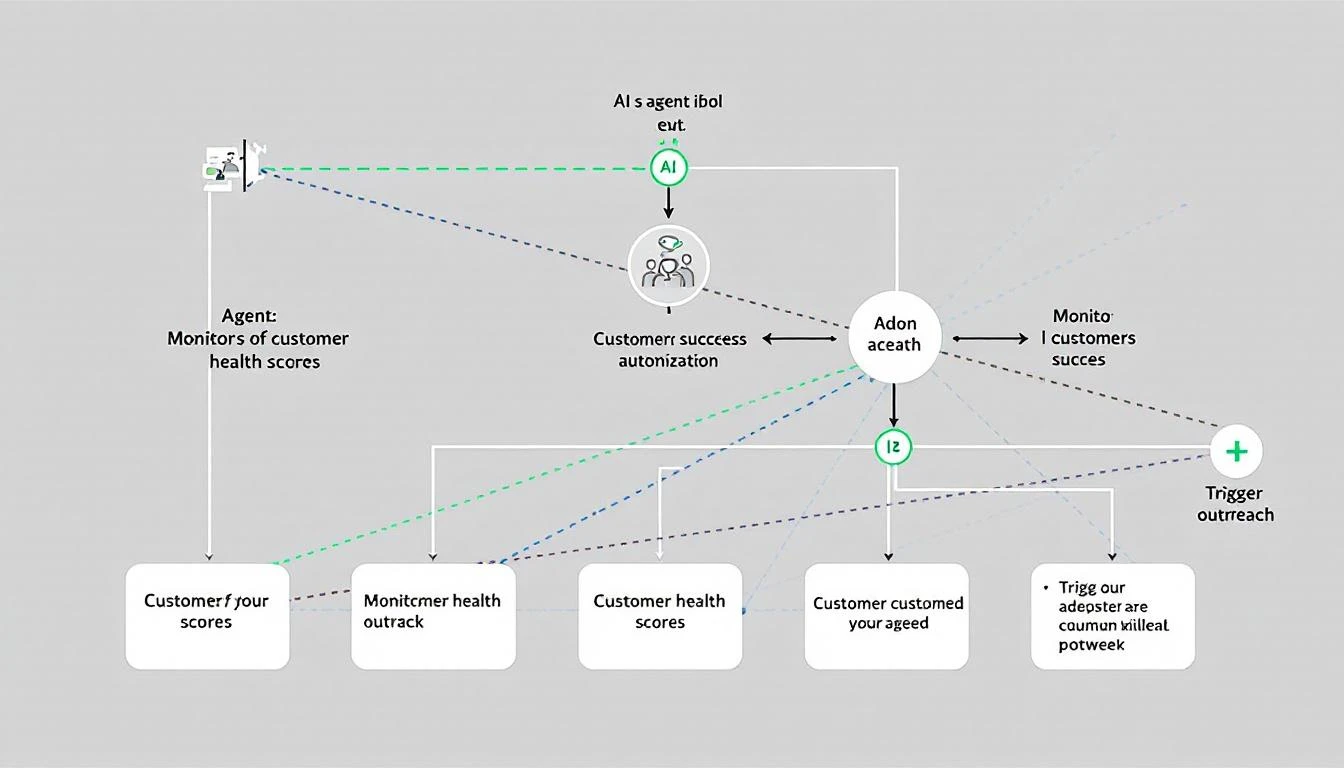
This guide shows you how to build a customer success automation system with OpenClaw that monitors, alerts, and acts — 24/7.
Why Customer Success Needs Automation
The stakes are high:
- Acquiring a new customer costs 5-25x more than retaining one
- A 5% increase in retention can boost profits by 25-95%
- 70% of companies say it's cheaper to retain than acquire
The problem:
- CSMs spend 40% of time on admin tasks (Gainsight research)
- 67% of churn is preventable if addressed early
- Expansion signals are missed because CSMs are firefighting
The opportunity: What if AI handled the monitoring, alerting, and routine outreach — freeing CSMs for high-value strategic conversations?
The Customer Success Automation Stack
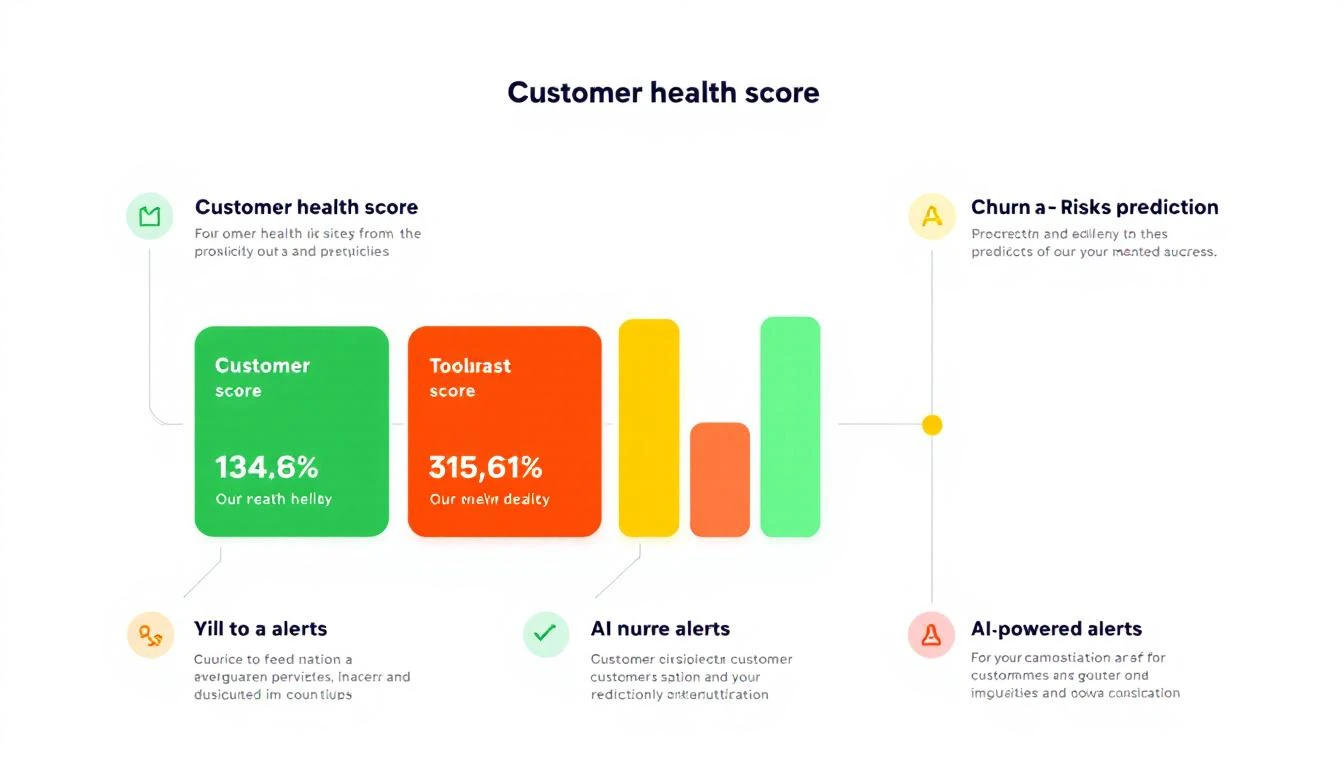
Component 1: Health Score Monitoring
Track these signals continuously:
Product usage metrics:
- Login frequency (daily, weekly, monthly active)
- Feature adoption (are they using what they bought?)
- Depth of usage (power users vs. surface-level)
- Usage trends (growing, stable, declining)
Engagement metrics:
- Support ticket volume and sentiment
- NPS/CSAT responses
- Email open and response rates
- Meeting attendance with CSM
Business metrics:
- Contract value and renewal date
- Expansion opportunities (usage nearing limits)
- Invoice payment patterns
- Contact turnover (champion still there?)
Component 2: Signal Detection
Configure alerts for critical moments:
Churn risk signals:
- Usage dropped 30%+ week-over-week
- No login in 14+ days
- Support tickets increased with negative sentiment
- Champion left the company
- Competitor mentioned in support tickets
- Approaching renewal with low engagement
Expansion signals:
- Usage at 80%+ of contracted limits
- New team members being added
- Power user emerging
- Requests for new features (they want more)
- Positive NPS response with expansion interest
Lifecycle signals:
- Onboarding milestone missed
- 90-day mark approaching (critical adoption window)
- Renewal in 60 days
- Customer anniversary (good time for check-in)
Component 3: Automated Actions
Not every signal needs a human. Automate:
Tier 1 (Full automation):
- Usage tips based on behavior
- Feature announcement emails
- Milestone celebration messages
- Resource recommendations
- Renewal reminder sequences
Tier 2 (AI draft + human review):
- Churn intervention emails
- Expansion opportunity outreach
- Escalation to management
- Personalized QBR prep
Tier 3 (Human-led, AI-assisted):
- High-value renewal negotiations
- Executive sponsor relationships
- Crisis management
- Strategic account planning
Building with OpenClaw
Here's the complete automation setup:
Agent Configuration
# customer-success-agent.yaml
name: Customer Success Monitor
schedule: "*/30 * * * *"  # Every 30 minutes

data_sources:
  - product_analytics: "amplitude"
  - crm: "hubspot"
  - support: "zendesk"
  - billing: "stripe"

triggers:
  churn_risk:
    - usage_drop: ">30% week_over_week"
    - no_login: ">14 days"
    - support_sentiment: "negative + >3 tickets"
    - champion_left: true

  expansion_opportunity:
    - usage_limit: ">80% contracted"
    - user_growth: ">20% month_over_month"
    - feature_request: "upgrade tier"

  lifecycle:
    - onboarding_incomplete: ">30 days"
    - renewal_approaching: "<60 days"
    - anniversary: "annual"

actions:
  churn_risk:
    - calculate_health_score
    - generate_rescue_playbook
    - draft_outreach_email
    - notify_csm_slack
    - escalate_if_high_value

  expansion_opportunity:
    - identify_expansion_path
    - draft_expansion_email
    - create_crm_opportunity
    - notify_csm_slack

  lifecycle:
    - check_milestone_completion
    - send_appropriate_content
    - schedule_csm_touchpoint
Health Score Calculation
// Claude-powered health score with reasoning
const calculateHealthScore = async (account) => {
  const metrics = await gatherMetrics(account);

  const prompt = `
    Analyze this customer's health and provide:
    1. Overall health score (0-100)
    2. Breakdown by category
    3. Primary risk factors
    4. Recommended actions

    Account: ${account.name}
    Contract Value: ${account.arr}
    Renewal Date: ${account.renewalDate}

    Usage Metrics:
    - DAU trend: ${metrics.dauTrend}
    - Feature adoption: ${metrics.featureAdoption}
    - Login frequency: ${metrics.loginFrequency}

    Engagement Metrics:
    - Last CSM meeting: ${metrics.lastMeeting}
    - Support tickets (30d): ${metrics.recentTickets}
    - Email response rate: ${metrics.emailResponseRate}

    Business Metrics:
    - NPS score: ${metrics.nps}
    - Expansion history: ${metrics.expansionHistory}
    - Champion status: ${metrics.championStatus}

    Historical context:
    - Similar accounts that churned showed: ${patterns.churnIndicators}
    - Similar accounts that expanded showed: ${patterns.expansionIndicators}
  `;

  const analysis = await claude.analyze(prompt);

  return {
    score: analysis.score,
    breakdown: analysis.breakdown,
    risks: analysis.risks,
    actions: analysis.recommendedActions,
    reasoning: analysis.reasoning
  };
};
Sample Output
🏥 CUSTOMER HEALTH REPORT: DataFlow Inc.
━━━━━━━━━━━━━━━━━━━━━━━━━━━━━━━━━━━━━━━━━

Overall Health: 62/100 ⚠️ AT RISK

Category Breakdown:
├─ Usage:      45/100 🔴 Declining
├─ Engagement: 70/100 🟡 Moderate
├─ Business:   78/100 🟢 Healthy
└─ Sentiment:  55/100 🟡 Concerned

Risk Factors:
1. Usage dropped 35% over past 3 weeks
2. Champion (VP Sales) left 2 weeks ago
3. 4 support tickets this month (up from avg 1)
4. No login from executive sponsor in 45 days

What's Working:
✓ Contract renewed 8 months ago
✓ Invoice payments on time
✓ 3 power users still active

Recommended Actions:
1. URGENT: Identify new champion (old VP's replacement)
2. Schedule health check call within 5 days
3. Send personalized "we noticed" email addressing usage drop
4. Review support tickets for common themes
5. Consider executive-to-executive outreach

Draft Email (Ready to send):
━━━━━━━━━━━━━━━━━━━━━━━━━━━━━━━━━━━━━━━━━
Subject: Quick check-in on MarketBetter

Hi [New VP Name],

Congrats on the new role at DataFlow! I'm [CSM Name], your success manager at MarketBetter.

I noticed some changes in how your team's using the platform lately. I'd love to spend 15 minutes understanding your priorities and making sure we're aligned.

Any chance you're free [suggested time] this week?

[CSM Name]
━━━━━━━━━━━━━━━━━━━━━━━━━━━━━━━━━━━━━━━━━
Expansion Detection
const detectExpansionOpportunity = async (account) => {
  const signals = {
    usageLimits: await checkUsageLimits(account),
    userGrowth: await analyzeUserGrowth(account),
    featureRequests: await getFeatureRequests(account),
    engagementTrend: await calculateEngagementTrend(account)
  };

  const prompt = `
    Analyze this account for expansion readiness:

    Account: ${account.name}
    Current Plan: ${account.plan}
    Contract Value: ${account.arr}

    Signals:
    - Usage vs limits: ${signals.usageLimits}
    - User growth (90d): ${signals.userGrowth}
    - Recent feature requests: ${signals.featureRequests}
    - Engagement trend: ${signals.engagementTrend}

    Determine:
    1. Is there an expansion opportunity? (yes/no/maybe)
    2. What type? (seats, tier upgrade, new product)
    3. Estimated value
    4. Best timing
    5. Recommended approach

    Our expansion playbooks:
    - Seat expansion: triggered at 80% user utilization
    - Tier upgrade: triggered by feature requests + high adoption
    - New product: triggered by adjacent need expressed
  `;

  return await claude.analyze(prompt);
};
Slack Notifications
const notifyCSM = async (alert) => {
  const message = {
    channel: "#cs-alerts",
    blocks: [
      {
        type: "header",
        text: { type: "plain_text", text: alert.emoji + " " + alert.title }
      },
      {
        type: "section",
        fields: [
          { type: "mrkdwn", text: `*Account:*\n${alert.account}` },
          { type: "mrkdwn", text: `*CSM:*\n${alert.csm}` },
          { type: "mrkdwn", text: `*ARR:*\n$${alert.arr}` },
          { type: "mrkdwn", text: `*Risk Level:*\n${alert.riskLevel}` }
        ]
      },
      {
        type: "section",
        text: { type: "mrkdwn", text: `*Why:*\n${alert.reasoning}` }
      },
      {
        type: "actions",
        elements: [
          { type: "button", text: "View Account", url: alert.crmUrl },
          { type: "button", text: "Draft Email", value: `draft_${alert.accountId}` },
          { type: "button", text: "Dismiss", value: `dismiss_${alert.alertId}` }
        ]
      }
    ]
  };

  await slack.postMessage(message);
};
Real-World Workflows
Workflow 1: Churn Prevention
Day 0: Usage drops 40% week-over-week
       └─ AI detects anomaly
       └─ Checks: no holiday, no known issue
       └─ Health score: 62 → 48
       └─ Alert sent to CSM

Day 1: AI drafts "checking in" email
       └─ CSM reviews and sends
       └─ Opens but no reply

Day 3: No response
       └─ AI drafts follow-up with value reminder
       └─ CSM adds personal touch, sends
       └─ Customer replies: "Busy with reorg"

Day 4: AI schedules call for next week
       └─ Prepares talking points based on account history
       └─ Flags potential champion change risk

Day 10: Call happens
        └─ CSM uses AI-prepared playbook
        └─ Identifies new champion
        └─ Gets commitment on re-engagement plan

Day 30: Usage recovered to baseline
        └─ Health score: 48 → 72
        └─ Renewal risk reduced
        └─ AI logs successful intervention
Workflow 2: Expansion Capture
Week 1: User count at 85% of contracted seats
        └─ AI detects expansion trigger
        └─ Checks: positive sentiment, stable usage
        └─ Creates expansion opportunity in CRM
        └─ Drafts "planning for growth" email

Week 2: 2 feature requests for advanced tier
        └─ AI correlates with expansion opportunity
        └─ Updates opportunity with feature data
        └─ Drafts custom proposal outline

Week 3: CSM presents expansion proposal
        └─ AI provided: usage stats, ROI calculation, feature mapping
        └─ Customer interested, needs budget approval

Week 4: AI monitors for decision signals
        └─ Detects new finance contact viewing pricing page
        └─ Alerts CSM: "Finance reviewing — good sign"
        └─ Drafts ROI summary for finance review

Week 5: Expansion closed
        └─ 20 additional seats + tier upgrade
        └─ $45K ARR increase
        └─ AI logs successful playbook for future reference
Measuring Success
Track these metrics:
| Metric | Before AI | After AI | Impact |
|---|---|---|---|
| Churn rate | 8.5% | 5.2% | -39% |
| Net Revenue Retention | 105% | 118% | +13pp |
| Expansion rate | 12% | 24% | +100% |
| CSM response time (risk alerts) | 18 hours | 2 hours | -89% |
| Accounts per CSM | 75 | 120 | +60% |
| CSM time on admin | 40% | 15% | -63% |
The math for a $5M ARR company:
- Reducing churn from 8.5% to 5.2% = $165K saved annually
- Increasing expansion from 12% to 24% = $600K additional ARR
- Total impact: $765K
Implementation cost: ~$50K (tooling + setup time) ROI: 15x in year one.
Implementation Roadmap
Phase 1: Foundation (Weeks 1-2)
- Connect data sources (product analytics, CRM, support)
- Define health score components
- Set initial alert thresholds
- Configure Slack integration
Phase 2: Automation (Weeks 3-4)
- Deploy OpenClaw agent
- Build email templates
- Create escalation rules
- Test with pilot CSM
Phase 3: Intelligence (Weeks 5-6)
- Add Claude-powered analysis
- Build expansion detection
- Create proactive playbooks
- Train CSM team
Phase 4: Scale (Ongoing)
- Refine thresholds based on outcomes
- Expand automation coverage
- Build predictive models
- Add new use cases
Try our Lookalike Company Finder — find companies similar to your best customers in seconds. No signup required.
Get Started Today
Customer success is too important for spreadsheets and gut feelings.
AI doesn't replace your CSM team — it makes them superhuman. Every account gets proactive attention. Every signal gets detected. Every opportunity gets captured.
Your next steps:
- Map your current health score components
- Identify your top 3 automation opportunities
- Book a demo with MarketBetter to see customer success automation in action
Your best customers shouldn't churn because you were too busy with the squeaky wheels.