
CRM Hygiene Automation with OpenAI Codex: Clean Your Data in Hours, Not Weeks [2026]
Your CRM is a mess.
Duplicate contacts everywhere. Job titles that say "VP Sales" next to "Vice President of Sales" next to "vp, sales." Phone numbers in 47 different formats. Company names spelled three different ways.
You know it's killing your sales team. You've tried to fix it. Maybe you even hired an intern to manually clean records for a summer.
It's still a mess.
Here's the truth: CRM hygiene is an automation problem, not a manual labor problem. And with OpenAI Codex (GPT-5.3, released February 5, 2026), you can finally solve it.
This guide shows you how to build an automated CRM cleaning system that runs continuously, catches duplicates before they spread, and standardizes data as it enters your system.
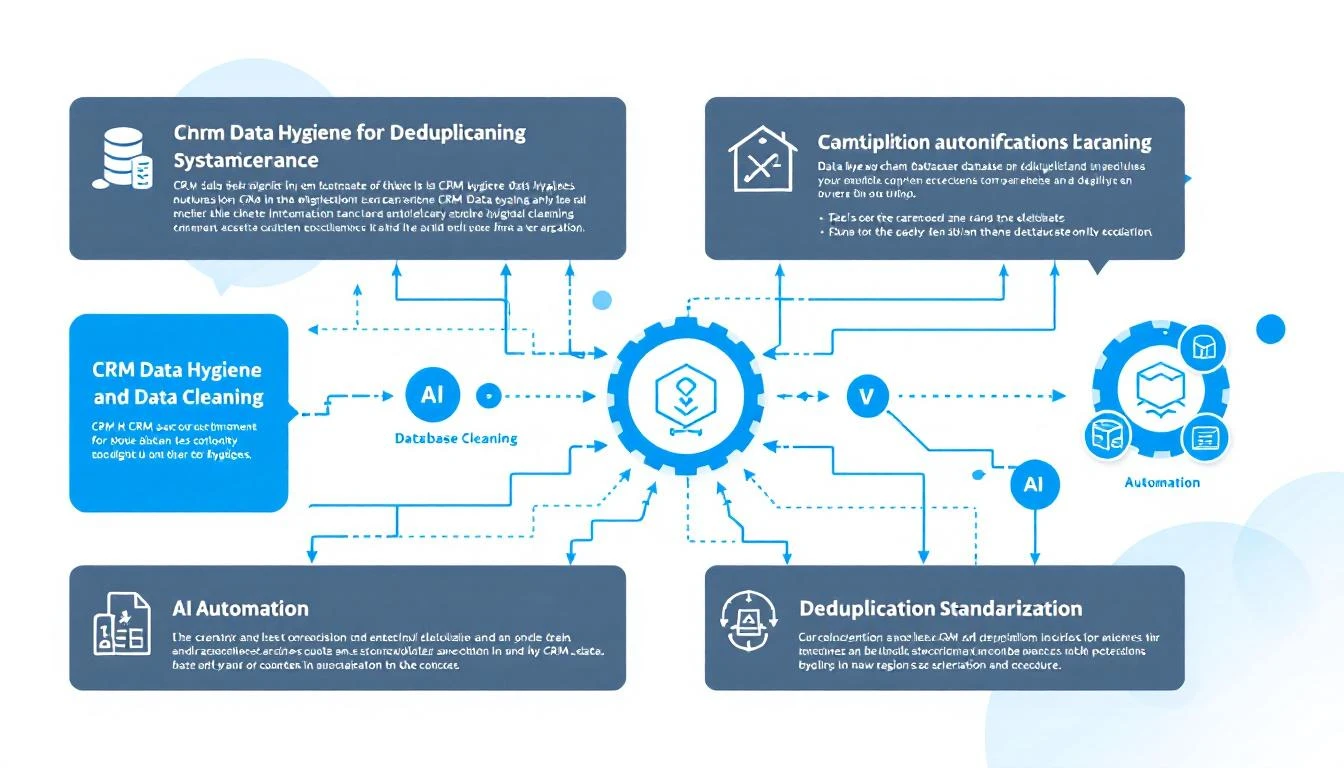
Why Your CRM Data Is Always Dirty
Before we fix it, let's understand why CRM hygiene is so hard:
The Compounding Problem
Every week, your team adds new contacts. Every contact has slightly different formatting:
- Web forms let users type anything
- Integrations pull data in their own format
- Manual entry follows no standard
- Imported lists vary wildly
One dirty record isn't a problem. A thousand is chaos. Ten thousand makes your CRM nearly useless.
The Hidden Costs
Bad CRM data costs more than you think:
Direct costs:
- Sales reps waste 30+ minutes daily searching for the right contact
- Marketing sends duplicate emails (annoying prospects)
- Lead routing breaks when data doesn't match rules
- Reporting becomes unreliable
Opportunity costs:
- Deals fall through the cracks
- Follow-ups get missed
- Personalization fails when data is wrong
- Territory assignments break down
Research shows the average B2B company loses $15M annually due to bad data. For a 50-person sales team, that's $300K per rep.
The Codex Approach to CRM Hygiene
Instead of manual cleanup or rigid rule-based tools, GPT-5.3-Codex lets you build intelligent data cleaning that:
- Understands context — Knows "IBM" and "International Business Machines" are the same company
- Handles edge cases — Figures out complex duplicates humans would miss
- Scales infinitely — Processes thousands of records per minute
- Learns patterns — Gets better at catching your specific data issues
What You Can Automate
| Data Problem | Codex Solution |
|---|---|
| Duplicate contacts | Fuzzy matching on name + email + company |
| Inconsistent job titles | Standardize to canonical titles |
| Phone number formats | Parse and normalize to E.164 |
| Company name variations | Match to canonical company record |
| Missing data | Enrich from public sources |
| Invalid emails | Validate syntax and deliverability |
| Outdated records | Flag for verification |
Building Your CRM Hygiene System
Here's the architecture for an automated cleaning pipeline:
Step 1: Extract Data for Cleaning
First, pull records that need attention:
# Install Codex CLI
npm install -g @openai/codex

# Create extraction script
codex "Write a Node.js script that:
1. Connects to HubSpot API
2. Fetches contacts created in the last 24 hours
3. Exports to JSON with fields: id, email, firstname, lastname, company, jobtitle, phone
4. Handles pagination for large result sets"
Step 2: Duplicate Detection
The hardest hygiene problem is finding duplicates that aren't exact matches. Codex excels here:
codex "Create a duplicate detection function that:
1. Takes an array of contact objects
2. Groups potential duplicates using fuzzy matching on:
   - Email (exact and domain-based)
   - Name (Levenshtein distance < 3)
   - Phone (normalized comparison)
3. Scores each potential match 0-100
4. Returns clusters of likely duplicates with confidence scores
5. Use the fuzzball library for string matching"
The key insight: Codex understands that "John Smith at Acme" and "J. Smith at ACME Inc." are probably the same person, even though a simple rule would miss it.
Step 3: Field Standardization
Job titles are the worst. Everyone writes them differently. Here's how to standardize:
codex "Build a job title standardization function:

Input: Raw job title string
Output: Standardized title from this list:
- CEO / Founder
- VP Sales
- VP Marketing
- Sales Director
- Marketing Director
- SDR Manager
- Account Executive
- SDR / BDR
- Marketing Manager
- Other

Examples to handle:
- 'Vice President of Sales Operations' → 'VP Sales'
- 'Head of Demand Gen' → 'VP Marketing'
- 'Sr. Account Exec' → 'Account Executive'
- 'Business Development Rep' → 'SDR / BDR'

Use Claude or GPT-4 for classification when rules are ambiguous."
Step 4: Phone Number Normalization
Phone numbers are surprisingly complex. International formats, extensions, typos:
codex "Create a phone normalization function using libphonenumber:
1. Parse any phone format
2. Detect country from context (default to US)
3. Output E.164 format: +15551234567
4. Handle extensions separately
5. Return null for unparseable numbers
6. Add validation flag for likely invalid numbers"
Step 5: Company Name Matching
Match company variations to canonical records:
codex "Build a company name matcher:

1. Maintain a lookup table of known companies with variations:
   {'salesforce': ['Salesforce', 'salesforce.com', 'SFDC', 'Salesforce Inc.']}

2. For new company names:
   - Check against lookup table
   - Use fuzzy matching for close matches
   - Query Clearbit or similar for enrichment
   - Add new variations to lookup table

3. Return canonical company name or flag for manual review"
Step 6: Continuous Cleaning Pipeline
Now connect everything into an automated pipeline:
codex "Create a cron job that runs every hour:

1. Fetch new/modified contacts from last hour
2. Run duplicate detection against existing database
3. Standardize job titles
4. Normalize phone numbers
5. Match company names
6. Write cleaned data back to CRM
7. Flag high-confidence duplicates for merge
8. Alert on data quality issues via Slack

Use OpenClaw for scheduling and Slack integration."
Real-World Results
When you implement automated CRM hygiene:
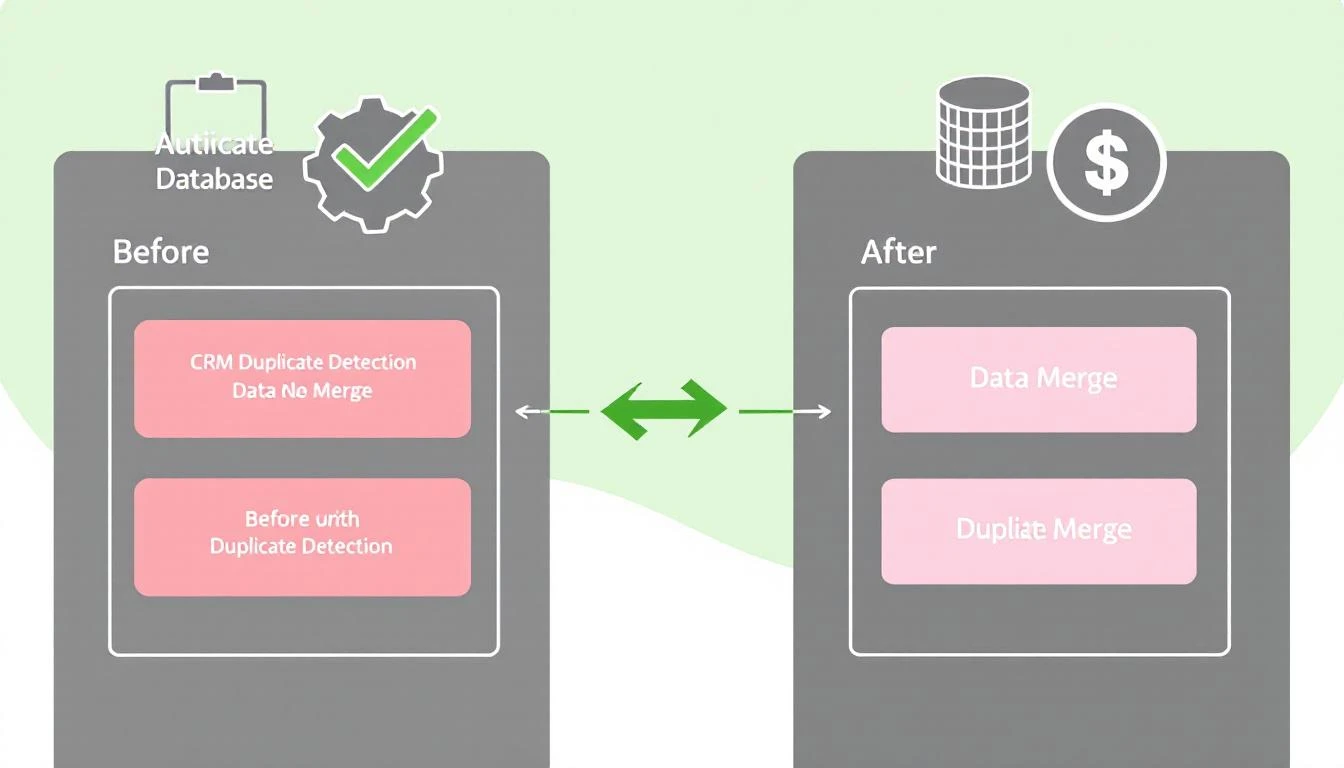
Before
- 23% duplicate rate
- 47 different job title variations
- 12% invalid phone numbers
- 3 hours/week per rep spent searching
After
- 2% duplicate rate (new duplicates caught in <1 hour)
- 12 standardized job titles
- Phone numbers normalized, invalid flagged
- Search time reduced by 80%
ROI Calculation
For a 10-person sales team:
- Time saved: 3 hours/week × 10 reps × $50/hour = $1,500/week
- Annual savings: $78,000
- Implementation time: ~8 hours with Codex
- Ongoing cost: ~$50/month in API calls
Payback period: Less than 1 week
Pro Tips for CRM Hygiene Automation
Start with the Worst Fields
Don't try to clean everything at once. Identify your biggest data quality problems:
- What fields break your lead routing?
- What data issues cause the most rep complaints?
- Which fields are used in reporting but known to be unreliable?
Clean those first. Get wins. Expand.
Build a Review Queue
Not everything should be auto-merged. Create a review workflow:
- Auto-merge: Exact email duplicates with same company
- Review queue: Fuzzy matches over 80% confidence
- Ignore: Low-confidence matches
Version Control Your Rules
Keep your standardization logic in git:
// job-titles.config.js
module.exports = {
  mappings: {
    'vp sales': 'VP Sales',
    'vice president sales': 'VP Sales',
    'head of sales': 'VP Sales',
    // ... hundreds more
  },

  // Version for tracking changes
  version: '2.3.1',
  lastUpdated: '2026-02-09'
};
When someone complains about a miscategorization, you can track and fix it.
Monitor Data Quality Metrics
Build a dashboard that shows:
- Duplicate rate over time
- Field completeness percentages
- Standardization coverage
- Records flagged for review
Alert when metrics drift outside acceptable ranges.
Integrating with MarketBetter
If you're using MarketBetter's Daily SDR Playbook, clean CRM data makes it dramatically more effective:
- Lead routing works — Contacts reach the right rep
- Personalization hits — Job titles and company names are accurate
- Deduplication prevents spam — Prospects don't get double-contacted
- Reporting is reliable — You can trust your pipeline numbers
MarketBetter integrates with HubSpot to pull contact data. The cleaner that data, the better your playbook recommendations.
Want to see clean data powering intelligent SDR workflows? Book a demo and we'll show you how the Daily SDR Playbook turns accurate CRM data into closed deals.
Common Mistakes to Avoid
Over-Automating Too Fast
Don't auto-merge everything on day one. Build confidence:
- Week 1: Run in audit mode (log what would change)
- Week 2: Auto-fix obvious issues, queue ambiguous ones
- Week 3: Lower thresholds as you validate accuracy
- Ongoing: Refine based on rep feedback
Ignoring the Source
Cleaning dirty data is treating symptoms. Also fix the sources:
- Tighten web form validation
- Standardize integration mappings
- Train reps on data entry standards
- Add validation to manual entry
Not Tracking What Changed
Always log changes:
{
  recordId: 'contact_12345',
  field: 'jobtitle',
  oldValue: 'VP, Sales & Marketing',
  newValue: 'VP Sales',
  rule: 'job_title_standardization_v2.3',
  timestamp: '2026-02-09T04:15:00Z'
}
When someone asks "why did this change?", you can answer.
Getting Started Today
You don't need a massive project to start improving CRM hygiene:
This week:
- Install Codex CLI (
npm install -g @openai/codex) - Export your contacts to JSON
- Use Codex to identify duplicates
- Manually review and merge the worst offenders
This month:
- Build automated duplicate detection
- Standardize your top 3 problem fields
- Set up daily cleaning cron job
This quarter:
- Full pipeline automation
- Source-level validation
- Quality dashboards and alerting
The goal isn't perfection—it's continuous improvement. Get 1% better every day.
Try our AI Lead Generator — find verified LinkedIn leads for any company instantly. No signup required.
Further Reading
- Build a 24/7 Pipeline Monitor with OpenClaw — Catch pipeline issues in real-time
- OpenClaw + HubSpot: Ultimate CRM Automation — Full CRM integration guide
- GPT-5.3-Codex: What GTM Teams Need to Know — Overview of Codex capabilities
Clean CRM data is the foundation of effective sales. Stop letting dirty data slow your team down.