
Build a Conversational Sales Assistant in Slack with OpenClaw [2026]

Your SDRs are alt-tabbing between 8 different tools right now. CRM, email, LinkedIn, enrichment, calendar, Slack, docs, and whatever else lives in their workflow.
What if they could just ask a question in Slack and get an answer?
"Hey, what's the latest on the Acme deal?"
"Who from our team last talked to Sarah at TechCorp?"
"What objections did we hear from manufacturing companies last quarter?"
This isn't science fiction. With OpenClaw and Claude, you can build a conversational sales assistant that:
- Answers natural language questions about your pipeline
- Pulls context from CRM, email, and call transcripts
- Suggests next actions based on deal stage
- Automates the tedious stuff your reps hate
Here's how to build it.
Why Slack? Why Now?
Slack is where your team already lives. They're not going to adopt another dashboard, but they will ask a question in a channel they're already watching.
The numbers back this up:
- Reps spend 65% of their time on non-selling activities
- Context switching costs 23 minutes of refocus time per interruption
- Questions that take 5 minutes to research in multiple tools take 10 seconds with AI
A Slack-native assistant meets reps where they are. No new tabs. No new logins. Just type and get answers.
What We're Building
By the end of this guide, you'll have a bot that can:
- Answer deal questions — "What stage is Acme Corp at?" pulls from HubSpot
- Surface contact intel — "Tell me about Sarah Chen" shows enrichment data + interaction history
- Provide competitive context — "What do we know about Gong?" pulls from your battlecards
- Suggest next steps — "What should I do with stalled deals?" gives prioritized recommendations
- Log activities — "Log a call with John at Acme - discussed pricing" updates CRM
Prerequisites
Before we start:
- OpenClaw installed and configured (setup guide)
- Slack workspace with ability to create apps
- HubSpot or Salesforce API access
- 30 minutes
Step 1: Create Your Slack App
Head to api.slack.com/apps and create a new app:
- Click "Create New App" → "From scratch"
- Name it "Sales Assistant" (or whatever fits your team)
- Select your workspace
OAuth Scopes needed:
app_mentions:read— Respond when mentionedchannels:history— Read channel messageschannels:read— See channel infochat:write— Send messagesusers:read— Look up user info
Install the app to your workspace and grab the Bot Token (xoxb-...).
Step 2: Configure OpenClaw
Update your OpenClaw config to add Slack as a channel:
# ~/.openclaw/config.yaml
channels:
  slack:
    enabled: true
    botToken: "xoxb-your-token-here"
    signingSecret: "your-signing-secret"
    capabilities:
      - channels
      - directMessages
For detailed Slack setup, check the OpenClaw docs.
Step 3: Connect Your Data Sources
The magic happens when your assistant can pull from multiple sources. Here's a basic setup:
// agents/sales-assistant/tools.js

// HubSpot connection
const getDeals = async (query) => {
  const deals = await hubspot.crm.deals.searchApi.doSearch({
    filterGroups: [{
      filters: [{
        propertyName: 'dealname',
        operator: 'CONTAINS_TOKEN',
        value: query
      }]
    }]
  });
  return deals.results;
};

// Contact lookup with enrichment
const getContact = async (name) => {
  const contact = await hubspot.crm.contacts.searchApi.doSearch({
    filterGroups: [{
      filters: [{
        propertyName: 'firstname',
        operator: 'CONTAINS_TOKEN',
        value: name.split(' ')[0]
      }]
    }]
  });

  // Enrich with additional context
  const enriched = await enrichContact(contact);
  return enriched;
};

// Activity history
const getRecentActivities = async (dealId) => {
  const activities = await hubspot.crm.deals.associationsApi
    .getAll(dealId, 'engagements');
  return activities;
};
Step 4: Build the Agent Prompt
This is where you define your assistant's personality and capabilities:
# Sales Assistant - System Prompt

You are a sales assistant for the \{company_name\} team. You live in Slack
and help reps work faster by answering questions and automating tasks.

## Your Capabilities

1. **Deal Intelligence** - Look up any deal by name, company, or rep
2. **Contact Research** - Pull contact info, history, and enrichment data
3. **Competitive Intel** - Access battlecards and win/loss analysis
4. **Activity Logging** - Create CRM activities from natural language
5. **Next Best Actions** - Suggest what reps should do based on deal stage

## Your Personality

- Concise - Slack isn't the place for essays
- Helpful - Always provide actionable info
- Proactive - If you notice something, mention it

## Response Format

For deal lookups, use:
**{Deal Name}** - {Stage}
- Owner: {rep_name}
- Value: \{amount\}
- Last Activity: {date} - {description}
- Next Step: {recommendation}

For contacts, use:
**{Name}** at {Company}
- Title: {title}
- Last Contact: {date}
- Key Context: {relevant_notes}
Step 5: Add Slash Commands (Optional but Powerful)
For frequent actions, slash commands are faster than typing questions:
// /deal [name] - Quick deal lookup
app.command('/deal', async ({ command, ack, respond }) => {
  await ack();

  const deal = await getDeals(command.text);

  if (deal) {
    await respond({
      blocks: formatDealCard(deal)
    });
  } else {
    await respond(`No deal found matching "${command.text}"`);
  }
});

// /log [activity] - Quick activity logging
app.command('/log', async ({ command, ack, respond }) => {
  await ack();

  // Parse natural language: "/log call with John at Acme - discussed pricing"
  const parsed = parseActivity(command.text);

  await createActivity(parsed);
  await respond(`✅ Logged: ${parsed.type} with ${parsed.contact}`);
});
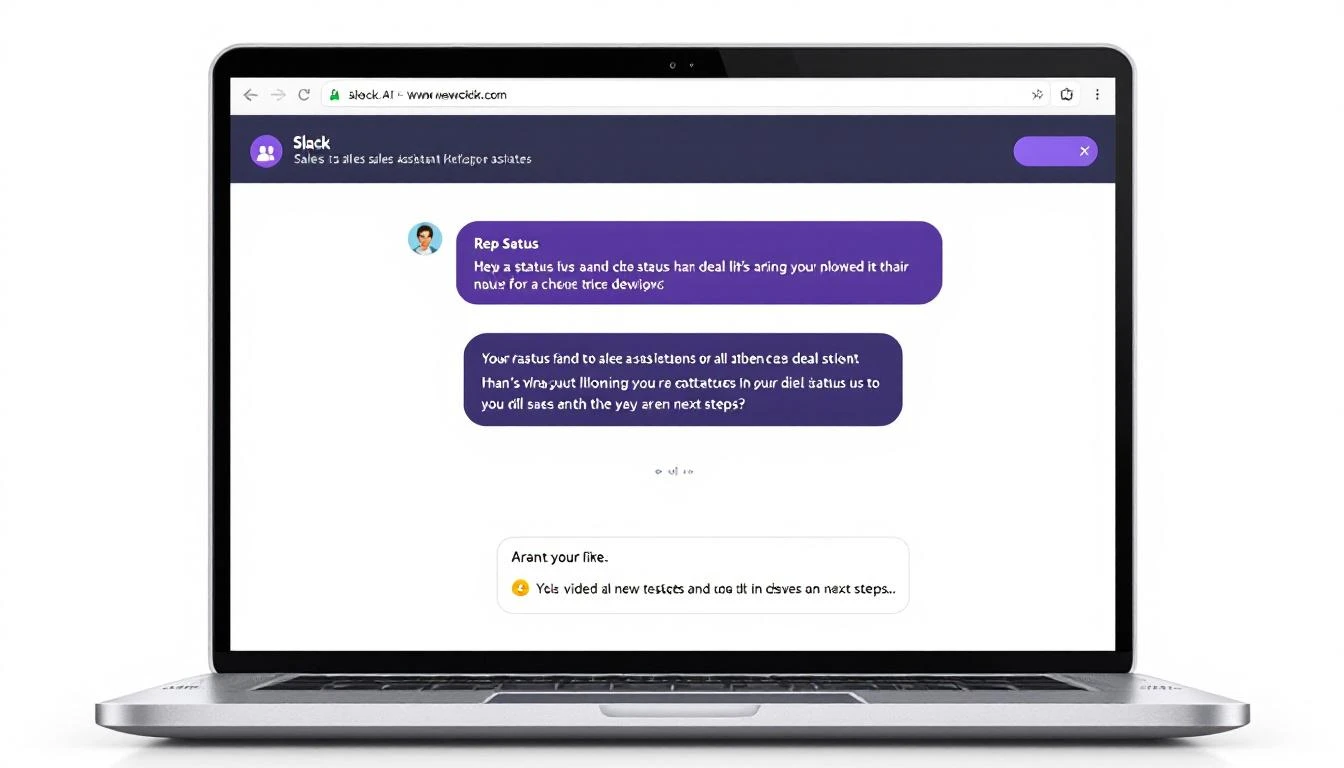
Real Conversations with the Bot
Here's what it looks like in practice:
Rep: @SalesBot what's happening with the Datadog deal?
Bot:
Datadog Enterprise - Proposal Sent
- Owner: Marcus
- Value: $48,000/yr
- Last Activity: Feb 6 - Email: "Shared ROI calculator"
- Days in stage: 8
⚠️ No response in 4 days. Suggest: Follow-up call or champion check-in.
Rep: @SalesBot tell me about Jennifer Walsh
Bot:
Jennifer Walsh at Cloudflare
- Title: VP of Sales Operations
- Reports to: CRO (Mike Chen)
- Last Contact: Jan 28 (Demo call)
- LinkedIn: 2,400 followers, posts about RevOps
Context from CRM: "Budget owner for sales tools. Previous Outreach customer. Concerned about implementation timeline."
Rep: @SalesBot what objections are we hearing from fintech companies?
Bot:
Top objections from Fintech (last 90 days):
- Security/Compliance (43% of deals) - They need SOC 2, ask about data handling
- Integration complexity (28%) - Worried about Salesforce custom objects
- Existing vendor lock-in (21%) - Usually with ZoomInfo or 6sense
Win rate when security objection surfaces: 34% Win rate when handled with compliance deck: 67%
Advanced: Proactive Deal Alerts
Don't just wait for questions—push insights when they matter:
// OpenClaw cron job - runs every morning at 8am
const morningBriefing = async () => {
  const stuckDeals = await getDealsStuckInStage(7); // 7+ days
  const upcomingRenewals = await getRenewalsNext30Days();
  const hotLeads = await getHighIntentVisitors();

  for (const rep of salesTeam) {
    const repDeals = stuckDeals.filter(d => d.owner === rep.id);
    const repRenewals = upcomingRenewals.filter(d => d.owner === rep.id);

    if (repDeals.length > 0 || repRenewals.length > 0) {
      await slack.postMessage({
        channel: rep.slackId,
        text: formatMorningBrief(repDeals, repRenewals, hotLeads)
      });
    }
  }
};
Example morning message:
☀️ Morning Brief for Marcus
Stuck Deals (7+ days in stage):
- Datadog Enterprise - Proposal Sent - 8 days
- MongoDB - Demo Scheduled - 12 days
Renewals in 30 days:
- TechCorp ($24K) - Renews Feb 28
Hot Website Visitors:
- Stripe (3 visits yesterday, pricing page)
- Notion (Downloaded case study)
Performance Impact
Teams using conversational Slack assistants see:
- 40% reduction in time spent looking up information
- 25% increase in CRM data quality (easier to log = more logs)
- 3x faster response to deal questions from leadership
- Happier reps (seriously, they love this)
Common Pitfalls to Avoid
1. Making the bot too chatty Nobody wants a wall of text in Slack. Keep responses tight.
2. Not handling "I don't know" When the bot can't find something, be clear about it. Don't hallucinate deals.
3. Forgetting permissions Make sure the bot only shows reps their own deals (or team deals if appropriate).
4. Over-automating Some things should stay manual. Don't auto-send emails without human review.
What's Next?
Once your basic assistant is running:
- Add more data sources — Connect Gong/Chorus for call insights
- Build approval workflows — "Draft an email to Jennifer" → rep approves → sends
- Create team dashboards — Weekly pipeline summaries posted to #sales
- Enable voice — Let reps dictate notes that get logged to CRM
The goal isn't to replace reps—it's to give them superpowers.
Try our AI Lead Generator — find verified LinkedIn leads for any company instantly. No signup required.
Get Started
Want to see this in action with your own data? Book a demo and we'll show you how MarketBetter's AI SDR workflows combine with Slack to create a seamless selling experience.
Already using OpenClaw? Check out our other integration guides:
The best tool is the one your team actually uses. Meet them in Slack.