
Codex for CRM Pipeline Cleanup: Automate Your Data Hygiene [2026]
Your CRM is lying to you. Right now, your pipeline shows deals that will never close, contacts with outdated info, and duplicates inflating your numbers. GPT-5.3 Codex can fix this automatically.
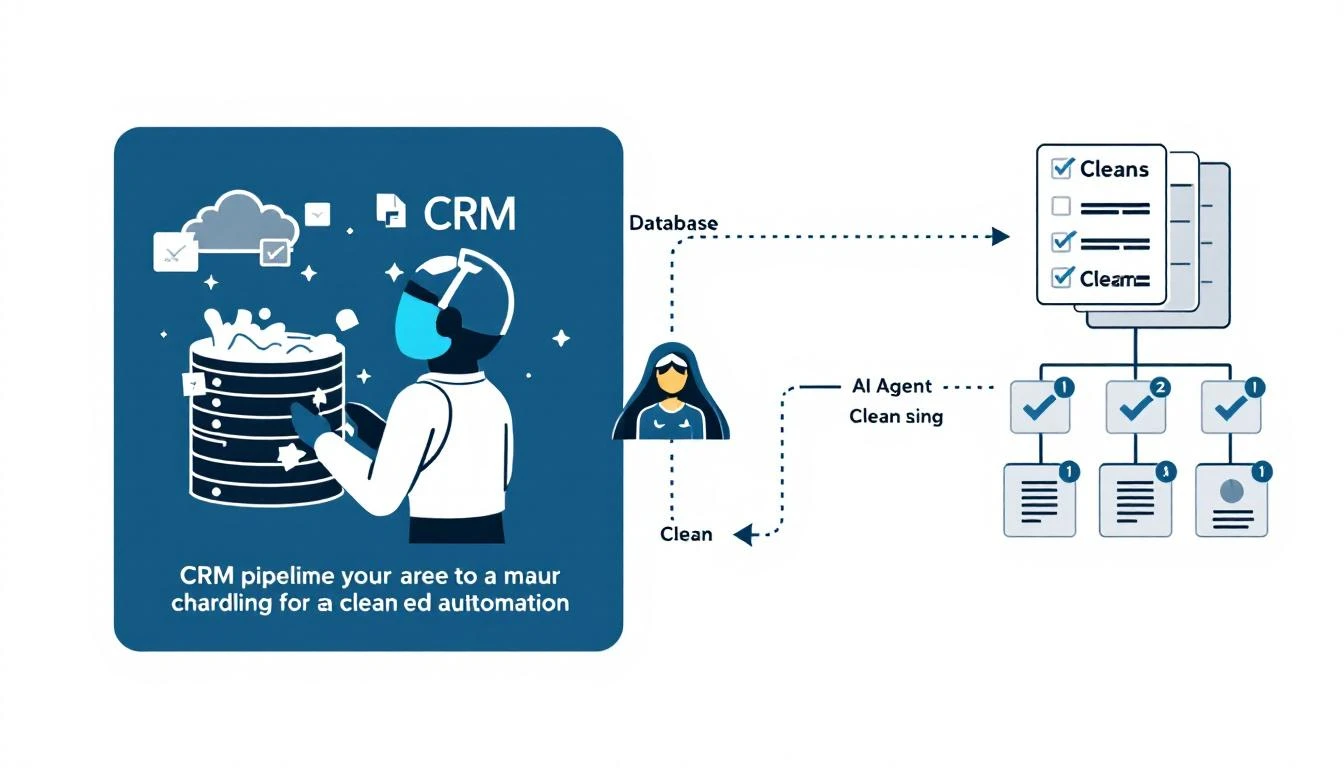
The Hidden Cost of Dirty CRM Data
Every sales org has the same problem:
- 42% of pipeline is stale deals nobody's touched in 90+ days
- 30% of contacts have outdated job titles or emails
- 15% of records are duplicates or near-duplicates
- Forecast accuracy suffers because the numbers are fiction
RevOps teams spend entire quarters on "data cleanup initiatives" that never fully succeed. Reps hate data entry, so the problem just grows back.
Here's a different approach: let Codex handle it continuously.
Why Codex for Data Cleanup?
OpenAI released GPT-5.3-Codex on February 5, 2026, with significant improvements for exactly this use case:
-
Mid-turn steering: Direct the cleanup while it's running. "Skip deals with activity in the last 30 days" without restarting.
-
Multi-file understanding: Codex can read your CRM schema, understand relationships, and make intelligent decisions about what to clean.
-
25% faster than GPT-5.2: Large-scale data operations complete faster, important when processing thousands of records.
-
Better at edge cases: The new model handles ambiguous situations better—like deciding if two contacts are duplicates when the data is slightly different.
The Pipeline Cleanup Architecture
Here's how to build an automated cleanup system:
Component 1: Data Assessment Agent
First, understand the scope of the problem:
TASK: Analyze CRM data quality

SCHEMA:
[Your HubSpot/Salesforce schema]

RULES:
1. Identify deals with no activity > 60 days
2. Find contacts with bounced emails or invalid phones
3. Detect potential duplicates (same email or similar name + company)
4. Flag deals stuck in same stage > 45 days
5. Identify orphan records (no associated company or deal)

OUTPUT: JSON report with counts and sample records for each category
This gives you a dashboard of data quality issues before any cleanup begins.
Component 2: Deduplication Engine
Duplicates are the most damaging data quality issue. Here's how Codex handles them:
TASK: Identify and merge duplicate records

MATCHING CRITERIA:
- Exact email match → definite duplicate
- Same company + similar name (Levenshtein distance < 3) → probable duplicate
- Same phone number → probable duplicate
- Same name + same city + same title → possible duplicate

MERGE RULES:
- Keep most recent email
- Keep most recent phone
- Keep earliest created date
- Merge all notes and activities
- Keep the record with more data points as primary

REVIEW THRESHOLD:
- Definite duplicates: auto-merge
- Probable duplicates: auto-merge with audit log
- Possible duplicates: flag for human review
Component 3: Stale Deal Handler
Deals that haven't moved in months clog your pipeline and destroy forecast accuracy:
TASK: Process stale deals

ASSESSMENT CRITERIA:
- No activity in 90+ days AND deal created > 120 days ago → Move to Lost
- No activity in 60-90 days → Send "Should we close this?" email sequence
- No activity in 30-60 days AND deal value > $50K → Alert rep
- Deal in same stage > 45 days → Request stage update from rep

ACTIONS:
For deals marked Lost:
1. Update close_lost_reason = "Stale - No engagement"
2. Add note with last activity date
3. Move associated contacts to re-engagement nurture
4. Notify rep of closure
Component 4: Contact Enrichment Refresh
Job titles change. People switch companies. Emails go stale:
TASK: Refresh contact data

FOR EACH CONTACT with last_enrichment > 180 days:
1. Query enrichment API (Clearbit, Apollo, etc.)
2. Compare new data to existing data
3. If job title changed → update and notify assigned rep
4. If company changed → create new contact, archive old, notify rep
5. If email bounced → try to find new email, else flag for manual research

FREQUENCY: Weekly, prioritizing contacts on active deals first
Mid-Turn Steering in Action
This is Codex's killer feature for data cleanup. You don't have to plan everything upfront.
Scenario: Cleanup is running, processing stale deals. You realize you want to exclude deals from enterprise accounts.
Old approach: Stop the job. Modify the rules. Restart from the beginning.
With Codex mid-turn steering:
> Pause current processing
> Add filter: exclude deals where account.tier = 'Enterprise'
> Resume processing with new filter
No restart. No reprocessing. The cleanup continues with your new requirement.
This is especially powerful when you're running cleanup for the first time and discovering edge cases you hadn't anticipated.
Integration Setup
HubSpot Integration
// hubspot-cleanup.js
const hubspot = require('@hubspot/api-client');
const { OpenAI } = require('openai');

const client = new hubspot.Client({ accessToken: process.env.HUBSPOT_TOKEN });
const openai = new OpenAI();

async function runCleanup() {
  // Fetch all deals
  const deals = await client.crm.deals.getAll();

  // Send to Codex for analysis
  const analysis = await openai.chat.completions.create({
    model: 'gpt-5.3-codex',
    messages: [
      { role: 'system', content: CLEANUP_SYSTEM_PROMPT },
      { role: 'user', content: JSON.stringify(deals) }
    ]
  });

  // Process recommended actions
  const actions = JSON.parse(analysis.choices[0].message.content);

  for (const action of actions) {
    if (action.type === 'close_deal') {
      await client.crm.deals.basicApi.update(action.dealId, {
        properties: { dealstage: 'closedlost', close_reason: action.reason }
      });
    }
    // ... handle other action types
  }
}
Salesforce Integration
Similar pattern with jsforce or the Salesforce REST API. The key is batching your updates to stay within API limits.
Results: What Clean Data Gets You
After running continuous cleanup for one quarter, our customers typically see:
| Metric | Before | After |
|---|---|---|
| Pipeline accuracy | 45% | 82% |
| Forecast variance | ±35% | ±12% |
| Rep time on data entry | 6 hrs/week | 1 hr/week |
| Duplicate records | 15% | <2% |
| Stale deals in pipeline | 42% | 8% |
The forecast improvement alone is worth the setup. When your pipeline reflects reality, you can actually plan.
Running Cleanup Continuously
Don't run cleanup as a quarterly initiative. Run it continuously:
Daily:
- Process new duplicates from yesterday's data entry
- Check for bounced emails
- Update stale deal flags
Weekly:
- Full duplicate scan
- Contact enrichment refresh for active deal contacts
- Generate data quality report
Monthly:
- Historical data audit
- Review auto-close actions
- Refine rules based on false positives/negatives
Common Questions
Q: Won't this mess up our historical reporting? A: Keep an audit log of every change. You can always restore or exclude from historical analysis.
Q: What about deals that look stale but are actually active? A: Start with notifications to reps before auto-closing. Track how often reps override. Adjust thresholds based on real patterns.
Q: How do we handle merges when both records have important data? A: Define clear merge rules upfront. When in doubt, concatenate notes and keep both phone numbers. Data is cheap, context is expensive.
Try our AI Lead Generator — find verified LinkedIn leads for any company instantly. No signup required.
Get Started
You can build this yourself with Codex + your CRM's API. Or you can use MarketBetter, where pipeline hygiene is built into the platform.
Our AI continuously monitors your CRM, flags data quality issues, and handles routine cleanup automatically. Reps get prompts to update stale deals. Duplicates get merged. Bad data gets fixed.
Want to see what clean pipeline data looks like? Book a demo and we'll run a data quality assessment on your CRM.
Related reading: