
How to Personalize Cold Emails at Scale with AI [2026 Guide]
The average B2B professional receives 121 emails per day. Your cold email has about 2 seconds to prove it's not another generic pitch.
Here's the brutal math: A 50% open rate with 2% reply rate means 49 out of every 50 people who open your email decide it's not worth responding to.
The solution isn't sending more emails. It's sending emails that feel like they were written specifically for each person—because they were.
In this guide, I'll show you how to use AI coding agents (Claude Code, OpenClaw, and the new GPT-5.3 Codex) to personalize thousands of cold emails without spending hours on manual research.
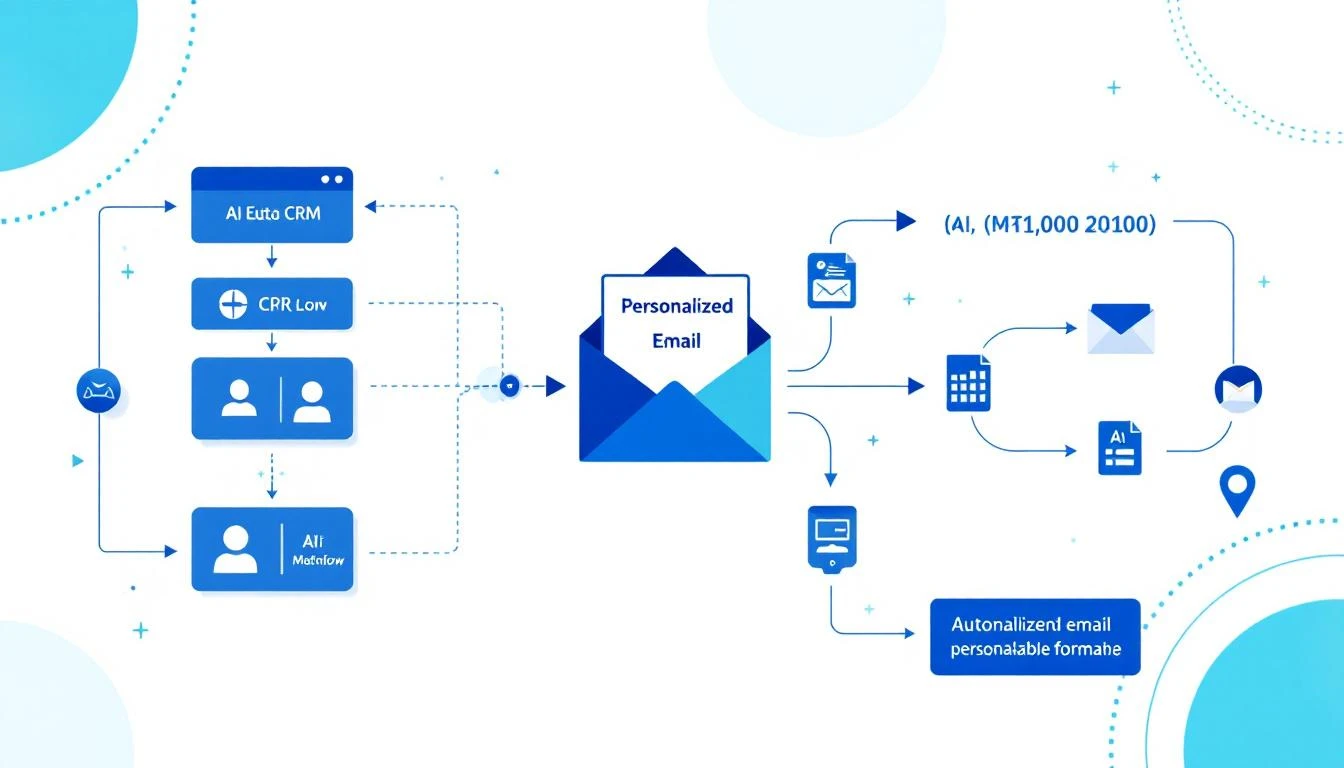
Why Traditional Personalization Doesn't Scale
Most SDRs know they should personalize. But here's what "personalization" looks like in practice:
The Template Trap:
Hey \{first_name\},

I noticed \{company_name\} is hiring for \{job_title\}.
Companies like yours typically struggle with [generic pain point].

Can we chat?
This isn't personalization. It's mail merge with a slightly nicer coat of paint. Prospects see through it instantly.
True personalization requires:
- Reading their LinkedIn posts
- Understanding their company's recent news
- Knowing their tech stack
- Identifying specific challenges they've mentioned publicly
- Connecting your solution to their actual situation
That takes 10-15 minutes per prospect. At 50 prospects per day, that's 8+ hours just on research. Impossible.
Enter AI Coding Agents
AI coding agents like Claude Code and OpenAI Codex don't just write emails. They research, analyze, synthesize, and create—all programmatically.
The key insight: You're not asking AI to write one email. You're building a system that writes thousands of unique emails based on real research.
The Three-Layer Personalization Stack
Layer 1: Company Intelligence
- Recent funding, acquisitions, product launches
- Tech stack (from BuiltWith, job postings)
- Growth trajectory (hiring velocity, office expansion)
- Industry-specific challenges
Layer 2: Person Intelligence
- Recent LinkedIn activity
- Conference talks, podcast appearances
- Published articles or comments
- Career trajectory and likely priorities
Layer 3: Timing Intelligence
- Just raised funding? They're in growth mode
- Just hired a VP of Sales? Process review incoming
- Quarter end approaching? Budget discussions happening
Setting Up Your AI Personalization System
Option 1: Claude Code for Single-Prospect Deep Dives
Claude Code excels at nuanced research synthesis. Use it when you have a small list of high-value accounts.
The Research Prompt:
Research [Company Name] and [Contact Name] for a cold outreach email.

Find:
1. Company: Recent news (last 6 months), funding stage, tech stack,
   hiring patterns, competitive positioning
2. Person: LinkedIn activity, published content, career background,
   likely priorities given their role
3. Timing: Any recent events that suggest they might be evaluating
   new solutions

Based on this research, identify the single most compelling angle
for reaching out. Not generic—specific to what you found.

Output a 3-line email that references something specific you learned.
Claude's 200K context window means you can feed it entire LinkedIn profiles, company blogs, and news articles in a single prompt.
Option 2: OpenClaw for Automated Personalization at Scale
OpenClaw turns Claude into an always-on system. Set up a personalization agent that runs continuously:
Step 1: Create Your Research Agent
In your OpenClaw config, define an agent that processes your prospect list:
agents:
  email-personalizer:
    model: claude-sonnet-4-20250514
    systemPrompt: |
      You are a sales research specialist. For each prospect,
      you conduct thorough research and generate a personalized
      email angle.

      Your output format:
      - RESEARCH SUMMARY: [2-3 key findings]
      - ANGLE: [The specific hook for this person]
      - SUBJECT LINE: [Personalized subject]
      - EMAIL BODY: [3-4 sentences max]
Step 2: Set Up the Automation Loop
OpenClaw can process prospects on a schedule using cron jobs:
cron:
  - name: "Process prospect batch"
    schedule: "0 */2 * * *"  # Every 2 hours
    action: "Process next 25 prospects from queue"
Step 3: Connect to Your Outbound Tools
OpenClaw integrates with HubSpot, Apollo, and most CRMs. Personalized emails can flow directly into your sequences.
Option 3: GPT-5.3 Codex for Real-Time Research
The new Codex (released Feb 5, 2026) has a killer feature: mid-turn steering.
This means you can watch Codex research a prospect in real-time and redirect it:
> Codex, research Sarah Chen at TechCorp for outreach

[Codex starts researching...]
"Found TechCorp raised Series B..."
"Sarah posted about hiring challenges..."

> Focus more on the hiring challenges angle

[Codex adjusts...]
"Sarah's recent posts mention SDR ramp time..."
"She commented on a post about sales automation..."
This interactive approach is perfect for high-stakes outreach where you want AI assistance but human judgment.
The Personalization Prompt Framework
After testing thousands of combinations, here's the framework that works best:
Research Phase
Analyze [Contact Name] at [Company] for cold outreach.

Sources to check:
- LinkedIn profile and recent activity (last 30 days)
- Company news and press releases
- Job postings (what they're hiring for reveals priorities)
- Company blog or podcast appearances
- G2/Capterra reviews of their product (if applicable)

Output:
1. THREE specific facts I can reference
2. ONE likely current challenge based on evidence
3. ONE timing trigger (if any)
Email Generation Phase
Using this research: [paste research output]

Write a cold email that:
- Opens with a specific observation (not a compliment)
- Connects to a likely challenge they face
- Offers a concrete reason to respond
- Is under 75 words
- Sounds like a human who did their homework, not an AI

Do NOT include:
- "I hope this finds you well"
- Generic company compliments
- Long explanations of what we do
- Multiple CTAs
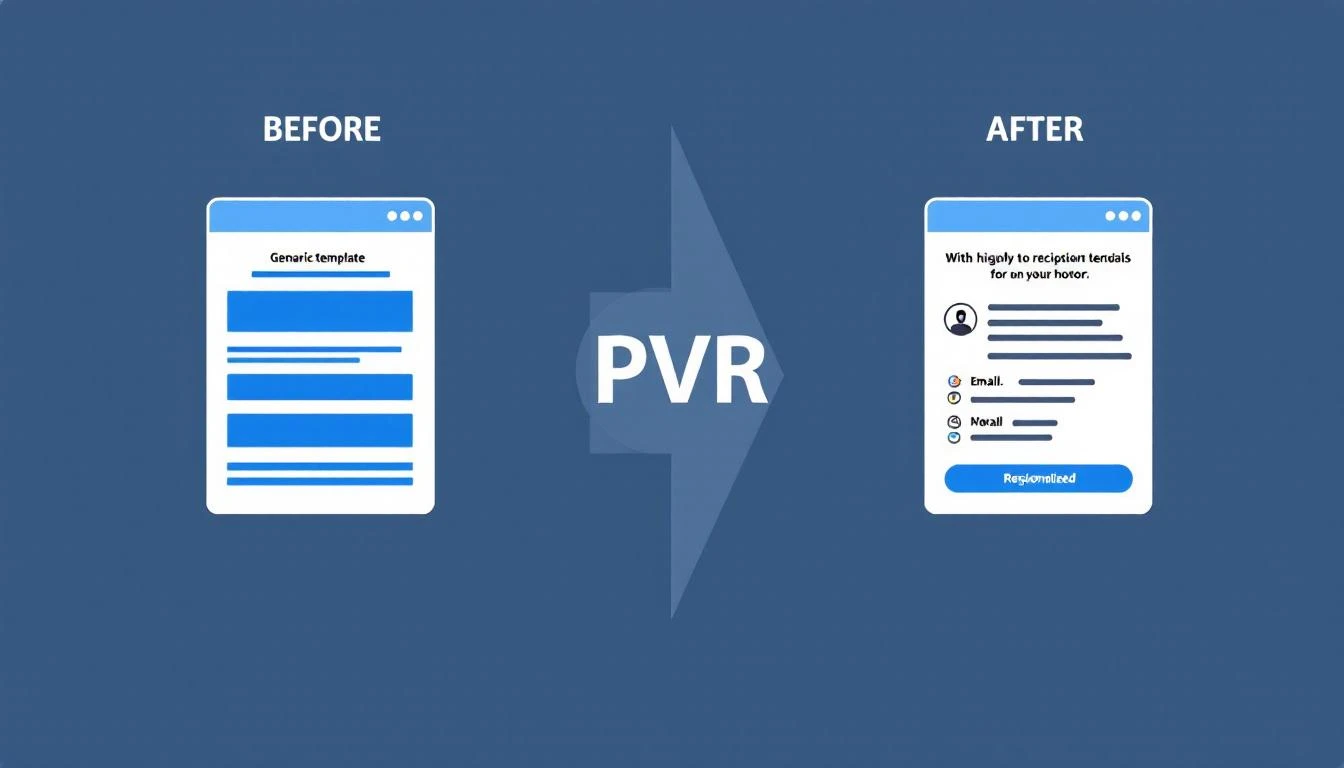
Real Examples: Before and After
Before (Generic)
Subject: Quick question about your sales process

Hi Sarah,

I noticed TechCorp is growing quickly. Companies at your stage
often struggle with sales efficiency.

MarketBetter helps B2B companies increase SDR productivity by 70%.

Do you have 15 minutes this week?

Best,
[Name]
After (AI-Personalized)
Subject: Your SDR ramp time post

Sarah,

Your comment on Dave's post about 90-day ramp times being
unrealistic hit home—we've seen the same thing.

Curious: are you tracking which activities actually correlate
with faster ramp, or is it still mostly gut feel?

Happy to share what we've measured across 40 SDR teams if helpful.

[Name]
The difference: The second email proves you know who she is and what she cares about. That's worth 10x the response rate.
Measuring Personalization Quality
Not all personalization is equal. Use this scoring framework:
| Level | Description | Example |
|---|---|---|
| 0 - None | Pure template | "Hi {first_name}" |
| 1 - Superficial | Company name only | "I see Acme is growing" |
| 2 - Basic | Role + company context | "As VP Sales at a Series B..." |
| 3 - Researched | Specific reference | "Your comment on [post]..." |
| 4 - Insightful | Inference from research | "Given your focus on [X], you probably care about [Y]..." |
Target Level 3-4 for your top 20% of prospects, Level 2 for the rest.
AI makes Level 3-4 achievable at scale. That's the unlock.
The ROI Math
Let's compare approaches for 1,000 prospects:
Manual Personalization:
- 15 min/prospect × 1,000 = 250 hours
- At $30/hr SDR cost = $7,500
- Plus opportunity cost of those hours
AI-Assisted Personalization:
- OpenClaw setup: 2 hours
- AI processing: ~$15 (API costs)
- Human review (30 sec each): 8 hours
- Total: ~$250 + 10 hours
10x cheaper, with better personalization quality.
Getting Started Today
If you have 1 hour:
- Take your top 10 prospects
- Use Claude Code to research each one
- Generate personalized emails
- Compare response rates to your templates
If you have 1 day:
- Set up OpenClaw with the email personalizer agent
- Connect to your CRM
- Process your next 100 prospects
- A/B test against your existing sequences
If you have 1 week:
- Build a full personalization pipeline
- Create feedback loops (which angles work?)
- Train the system on your winning messages
- Scale to your entire prospect database
Common Mistakes to Avoid
Mistake 1: Over-personalizing
- Three personal references feels creepy
- One strong reference is enough
Mistake 2: Wrong research sources
- Old news isn't relevant
- Focus on last 30-90 days
Mistake 3: Fake personalization
- "I loved your recent post" (which one?)
- Always be specific or don't mention it
Mistake 4: Forgetting to verify
- AI can hallucinate facts
- Always spot-check before sending
The Future: Continuous Personalization
The most advanced teams are moving beyond batch personalization to continuous personalization:
- AI monitors prospect activity in real-time
- Triggers personalized outreach when timing is optimal
- Adjusts messaging based on engagement patterns
- Learns from response data automatically
This is where OpenClaw shines—it's built for exactly this kind of persistent, intelligent automation.
Try our AI Lead Generator — find verified LinkedIn leads for any company instantly. No signup required.
Ready to Scale Your Outreach?
MarketBetter combines AI-powered personalization with a complete SDR workflow. Instead of just telling you who to contact, we tell you exactly what to say and when to say it.
Book a Demo to see how AI personalization fits into your sales motion.
Related reading: