
How to Use AI for Demo Personalization That Wins Deals [2026]
Generic demos kill deals.
You walk in with your standard deck. You show features in your standard order. You use your standard case studies. The prospect politely nods along, asks a few questions, then ghosts you for three weeks.
Meanwhile, your competitor did their homework. They opened with the prospect's exact pain point. They showed the feature that solves it. They referenced a customer in the same industry with the same problem.
Guess who got the deal?
Demo personalization isn't optional anymore. But doing it manually for every prospect takes hours. AI changes that math entirely.
The Demo Personalization Problem
What great demo prep looks like:
- Research the prospect's company (news, earnings, job postings)
- Understand each attendee's role and likely priorities
- Identify their specific pain points from discovery call
- Select relevant case studies and proof points
- Customize deck with their logo, data, and challenges
- Prepare for likely objections
- Create custom follow-up materials
Time required: 2-4 hours per demo
What actually happens:
- Skim their website for 5 minutes
- Use the same deck you always use
- Wing the objection handling
- Hope for the best
Time spent: 10 minutes
AI lets you get 90% of the value with 10% of the time.
The AI Demo Prep Stack
Overview
┌─────────────────┐     ┌─────────────────┐     ┌─────────────────┐
│   Pre-Demo      │────▶│   AI Research   │────▶│   Outputs       │
│   Trigger       │     │   & Assembly    │     │   For Rep       │
└─────────────────┘     └─────────────────┘     └─────────────────┘
         │                      │                       │
     Calendar              Claude/Codex              - Research brief
     24h before            + Web search              - Custom slides
                           + CRM data                - Objection prep
                                                     - Attendee profiles
Trigger: 24 Hours Before Demo
Set up a cron job that runs 24 hours before every scheduled demo:
# OpenClaw cron configuration
cron:
  - name: "Demo Prep Automation"
    schedule: "0 9 * * *"  # Daily at 9am
    prompt: |
      Check calendar for demos tomorrow.
      For each demo:
      1. Pull CRM data and discovery notes
      2. Research company and attendees
      3. Generate personalized brief
      4. Recommend case studies
      5. Create objection prep
      6. Send to rep via Slack
Component 1: Company Deep-Dive
async def research_company(company_name: str, company_domain: str) -> dict:
    """Research a company for demo preparation."""

    research_prompt = f"""
    Research \{company_name\} ({company_domain}) for an upcoming sales demo.

    Find and summarize:

    ## Company Overview
    - Industry and business model
    - Size (employees, revenue if public)
    - Recent funding or major events

    ## Current Challenges (likely)
    - Based on their job postings, what are they building?
    - Based on news, what problems are they solving?
    - Industry-wide challenges affecting them

    ## Technology Stack
    - What tools do they likely use? (from job postings)
    - Integration opportunities

    ## Competitive Context
    - Who are their competitors?
    - What differentiates them?

    ## Trigger Events
    - Recent news worth mentioning
    - Leadership changes
    - Product launches

    Output as structured JSON for use in demo prep.
    """

    # Use Claude with web search capability
    response = await claude_with_search(research_prompt)
    return parse_research(response)
Component 2: Attendee Profiles
async def research_attendees(attendees: list[dict]) -> list[dict]:
    """Research each demo attendee."""

    profiles = []
    for attendee in attendees:
        profile_prompt = f"""
        Research {attendee['name']} ({attendee['title']}) at {attendee['company']}.

        Find:
        - Background (previous roles, education)
        - Recent LinkedIn posts or activity
        - Likely priorities based on their role
        - How our product helps someone in their position
        - Potential concerns they might have

        Output: 3-paragraph brief for the sales rep.
        """

        profile = await claude_with_search(profile_prompt)
        profiles.append({
            'name': attendee['name'],
            'title': attendee['title'],
            'profile': profile,
            'suggested_talking_points': extract_talking_points(profile)
        })

    return profiles
Component 3: Personalized Slide Recommendations
Based on the research, recommend which slides to use and in what order:
def recommend_slides(research: dict, discovery_notes: str) -> list[dict]:
    """Recommend slide order based on prospect context."""

    prompt = f"""
    Based on this prospect research and discovery notes,
    recommend the optimal demo flow.

    Research: {json.dumps(research)}
    Discovery Notes: {discovery_notes}

    Available slides:
    1. Company Overview
    2. Problem Statement (generic)
    3. Problem Statement (industry-specific variations)
    4. Product Demo - Visitor ID
    5. Product Demo - SDR Playbook
    6. Product Demo - Smart Dialer
    7. Product Demo - AI Chatbot
    8. Case Study - SaaS
    9. Case Study - IoT
    10. Case Study - Professional Services
    11. Pricing Overview
    12. Implementation Timeline
    13. ROI Calculator

    Output:
    - Recommended order (list of slide numbers)
    - For each slide: talking points personalized to this prospect
    - Slides to skip and why
    """

    return claude_complete(prompt)
Component 4: Objection Preparation
def prepare_objections(research: dict, competitor_context: dict) -> list[dict]:
    """Prepare likely objections and responses."""

    prompt = f"""
    Based on this prospect context, predict the top 5 objections
    they're likely to raise and prepare responses.

    Prospect Research: {json.dumps(research)}
    Competitor Context: {json.dumps(competitor_context)}

    For each objection:
    1. The objection (verbatim how they'd phrase it)
    2. Why they're likely to raise it (based on research)
    3. Recommended response
    4. Proof point or case study to reference
    5. Question to ask back

    Focus on objections specific to this prospect, not generic ones.
    """

    return claude_complete(prompt)
The Demo Prep Brief (Output Format)
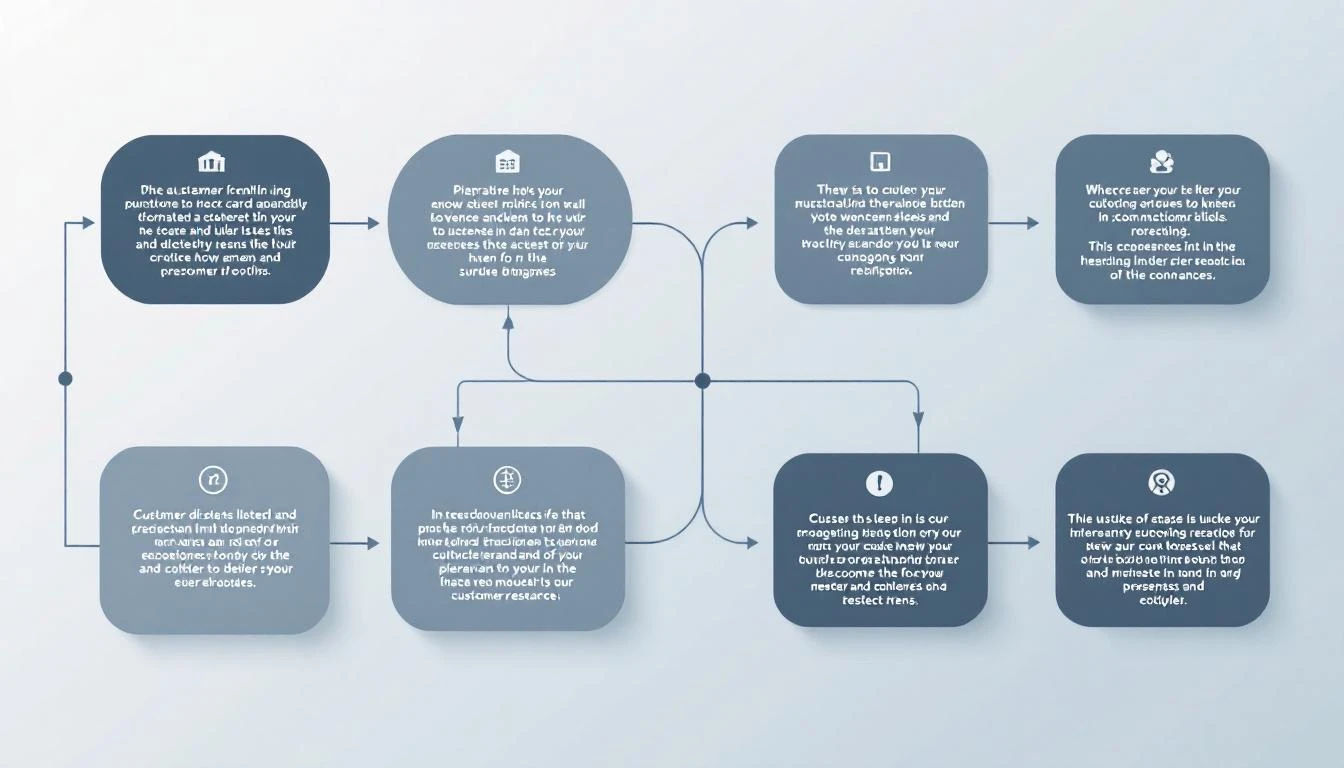
Here's what the AI delivers to your rep 24 hours before the demo:
# Demo Prep: Acme Corp
**Demo Date:** Feb 9, 2026 at 2:00 PM CT
**Prepared:** Feb 8, 2026 at 10:00 PM CT

---

## 🏢 Company Overview
Acme Corp is a B2B SaaS company in the HR tech space,
~200 employees, Series B ($35M raised). They sell
performance management software to mid-market companies.

**Recent news:** Just launched AI-powered feedback feature
(Jan 2026). Hiring aggressively for sales (12 open SDR roles).

**Why they're talking to us:** Current lead management is
"chaotic" (Sarah's word from discovery). Using Apollo for
data but no workflow automation.

---

## 👥 Attendees

### Sarah Chen - VP Sales
**Background:** Former Gong, 8 years in sales leadership
**Likely priorities:** SDR efficiency, pipeline predictability
**Recent activity:** Posted about "SDR burnout" last week
**Talking points:**
- Reference the burnout post empathetically
- Focus on how our playbook reduces cognitive load
- She'll care about rep experience, not just metrics

### Mike Rodriguez - SDR Manager
**Background:** Promoted internally 6 months ago
**Likely priorities:** Proving himself, team performance
**Talking points:**
- He's new to management - position as making him look good
- Focus on coaching insights and team visibility
- Likely to ask detailed workflow questions

---

## 📋 Recommended Demo Flow

1. **Skip:** Generic company overview (they know who we are)
2. **Start with:** SDR Playbook - this is their pain point
3. **Show:** Visitor ID → "this is how you'd capture their
   website visitors showing buying intent"
4. **Case Study:** CloudHR story (same industry, similar size)
5. **Skip:** Dialer demo (they're not ready for this)
6. **End with:** Implementation timeline (Sarah asked about this)

**Total demo time:** 25-30 minutes (leave 15 for Q&A)

---

## ⚠️ Likely Objections

### 1. "How is this different from Apollo?"
**Why they'll ask:** Currently using Apollo, know it well
**Response:** "Apollo gives you data. We give you a daily
action list. Here's the difference—[show playbook view]"
**Proof point:** CloudHR switched from Apollo, 40% more meetings

### 2. "What's the learning curve for SDRs?"
**Why:** Mike is worried about adoption with his new team
**Response:** "Most SDRs are productive in 2 days. Here's why—
we replace 5 tools, not add another one."
**Ask back:** "What's the biggest adoption challenge you've
seen with new tools?"

### 3. "Can you integrate with Salesforce?"
**Why:** They're a Salesforce shop (from job postings)
**Response:** "Native integration, bi-directional sync.
Let me show you exactly how activities flow back."

---

## 🎯 Key Messages to Land

1. "From 20 tabs to one task list" - Sarah mentioned tab chaos
2. "Your SDRs shouldn't have to think about who to call next"
3. "This is what CloudHR's team sees every morning" [show example]

---

## 📚 Resources to Send After

- CloudHR case study PDF
- ROI calculator (pre-filled with their team size)
- SDR playbook example screenshots

---

*Generated by AI • Review before demo*
Implementation: The 30-Minute Setup
Step 1: Connect Your Calendar
// Pull tomorrow's demos from Google Calendar
async function getTomorrowsDemos() {
  const calendar = google.calendar({ version: 'v3' });
  const tomorrow = new Date();
  tomorrow.setDate(tomorrow.getDate() + 1);

  const events = await calendar.events.list({
    calendarId: 'primary',
    timeMin: startOfDay(tomorrow).toISOString(),
    timeMax: endOfDay(tomorrow).toISOString(),
    q: 'demo OR Demo OR DEMO'
  });

  return events.data.items.map(parseDemo);
}
Step 2: Connect Your CRM
// Pull discovery notes and contact info from HubSpot
async function getCRMContext(companyId) {
  const company = await hubspot.companies.get(companyId);
  const contacts = await hubspot.contacts.getByCompany(companyId);
  const notes = await hubspot.notes.getByCompany(companyId);

  return {
    company,
    contacts,
    discoveryNotes: notes.filter(n => n.type === 'discovery')
  };
}
Step 3: Run the AI Pipeline
// Main demo prep pipeline
async function prepareDemo(demo) {
  const crmContext = await getCRMContext(demo.companyId);

  const [companyResearch, attendeeProfiles] = await Promise.all([
    researchCompany(crmContext.company),
    researchAttendees(demo.attendees)
  ]);

  const slideRecommendations = await recommendSlides(
    companyResearch,
    crmContext.discoveryNotes
  );

  const objections = await prepareObjections(
    companyResearch,
    crmContext.competitorMentions
  );

  const brief = formatBrief({
    demo,
    companyResearch,
    attendeeProfiles,
    slideRecommendations,
    objections
  });

  await sendToSlack(demo.repSlackId, brief);
  await saveToNotion(demo.notionPageId, brief);
}
The Results
Teams using AI demo prep report:
- 50% less prep time (2 hours → 20 minutes of review)
- Higher conversion rates (prospects feel understood)
- Better discovery-to-demo handoffs (nothing falls through cracks)
- Consistent quality (junior reps perform like seniors)
The AI doesn't replace preparation. It makes preparation possible at scale.
Start Today
You don't need a complex system. Start with:
- Copy one discovery call transcript
- Paste into Claude with:
Based on this discovery call, create a demo prep brief.
Include: company context, attendee profiles, recommended
demo flow, likely objections, and key messages to land. - Use the output in your next demo
- Iterate on the prompt based on what was useful
Once you see the value, automate the pipeline.
Try our AI Lead Generator — find verified LinkedIn leads for any company instantly. No signup required.
Let AI Do the Research So You Can Close
MarketBetter's AI-powered playbook gives your SDRs everything they need for every conversation—prospect context, recommended actions, and personalized talking points.
Related reading: