
AI Customer Interview Analysis: Mining Discovery Calls for Intel with Claude Code [2026]
Your sales team runs hundreds of discovery calls per year. Each one is a goldmine of customer intelligence:
- Pain points and priorities
- Competitive insights
- Buying process details
- Objections and concerns
- Success metrics that matter
But most of it disappears. The rep remembers key points (maybe). Some notes make it to the CRM (inconsistently). The full context? Lost in a recording nobody will watch.
What if every call automatically fed a searchable database of buyer intelligence? What if you could ask "What do healthcare buyers care about most?" and get an instant answer from 50+ relevant calls?
Claude Code makes this possible.
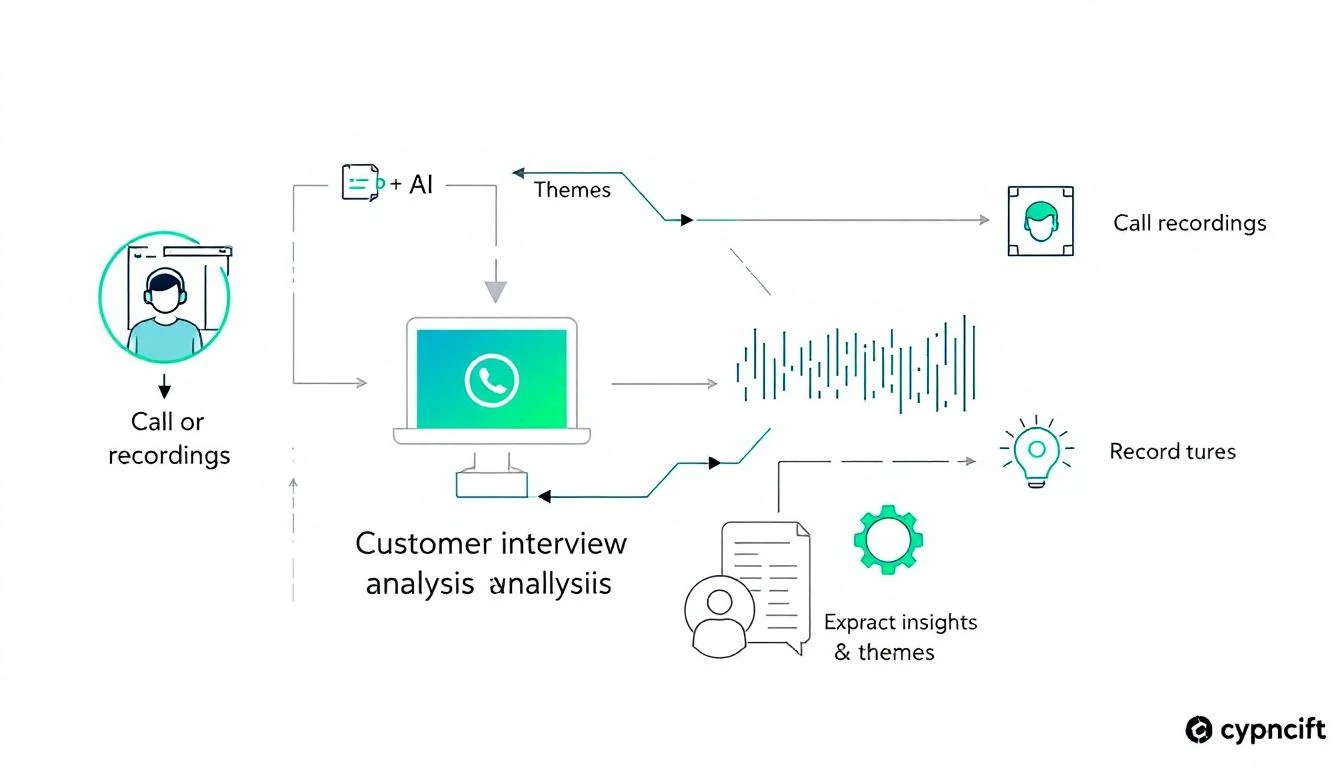
The Problem: Trapped Intelligence
Here's what typically happens with discovery calls:
- Rep takes call — Has great conversation, uncovers real insights
- Rep updates CRM — Writes 2-3 bullet points in the notes field
- Recording sits unused — Maybe reviewed for coaching, usually not
- Insights forgotten — Within a week, details are gone
- Repeat for next call — Same questions, same lost insights
The result? Every new deal starts from scratch. Product teams don't hear customer language. Marketing creates content based on assumptions. Sales enablement builds training without real examples.
What AI Interview Analysis Delivers
With Claude's 200K context window, you can:
1. Extract Structured Insights
Turn unstructured conversations into structured data:
{
  "company": "Acme Corp",
  "call_date": "2026-02-09",
  "participants": ["John Smith (VP Sales)", "Lisa Chen (SDR Manager)"],
  "pain_points": [
    {
      "pain": "SDRs spend 4+ hours daily on research before calling",
      "severity": "high",
      "quote": "My reps are researchers who sometimes make calls"
    },
    {
      "pain": "No visibility into which leads are actually engaged",
      "severity": "medium",
      "quote": "We're flying blind on who's hot and who's not"
    }
  ],
  "current_solution": "Salesforce + SalesLoft + ZoomInfo",
  "switching_triggers": ["ZoomInfo contract up in Q2", "New VP wants consolidation"],
  "competitors_mentioned": ["Apollo", "Outreach"],
  "budget_signals": "Has budget, looking to consolidate not add",
  "decision_process": "VP decides, finance approves over $30K",
  "timeline": "Want to decide by end of March",
  "success_metrics": ["Pipeline per rep", "Speed to first meeting"],
  "objections": ["Worried about data quality", "Change management concern"],
  "next_steps": "Demo with full team next Wednesday"
}
2. Build a Searchable Knowledge Base
Query your call database:
- "What objections do companies mention about our pricing?"
- "How do healthcare buyers describe their pain points?"
- "What competitors come up most often in deals over $50K?"
- "What success metrics do CTOs care about?"
3. Surface Patterns Across Calls
- 73% of prospects mention "too many tools" as a pain point
- "Apollo" mentioned in 34% of competitive deals
- Mid-market companies care about implementation time 2x more than enterprise
- Discovery calls with 3+ participants close at 67% vs 41%
4. Feed Product and Marketing
- Real customer language for copy
- Feature requests with context
- Competitive intelligence aggregated
- Case study candidates identified
Building the Analysis System
Step 1: Transcript Ingestion
First, get transcripts from your conversation intelligence tool (Gong, Chorus, Fireflies, etc.):
# interview_analyzer.py
import os
from anthropic import Anthropic
from datetime import datetime

client = Anthropic()

def get_transcripts_from_gong(days: int = 7) -> list:
    """Pull recent call transcripts from Gong"""

    # Gong API call
    calls = gong_client.get_calls(
        from_date=datetime.now() - timedelta(days=days),
        call_type="discovery"
    )

    transcripts = []
    for call in calls:
        transcript = gong_client.get_transcript(call["id"])
        transcripts.append({
            "call_id": call["id"],
            "date": call["date"],
            "participants": call["participants"],
            "company": call["company_name"],
            "deal_id": call.get("deal_id"),
            "transcript": transcript
        })

    return transcripts
Step 2: AI Analysis
Use Claude's massive context window to analyze full transcripts:
INTERVIEW_ANALYSIS_PROMPT = """
You are an expert sales analyst extracting structured intelligence from discovery calls.

Analyze the transcript and extract:

1. PAIN POINTS
   - What problems does the prospect describe?
   - How severe is each pain? (low/medium/high)
   - Include direct quotes that capture the pain

2. CURRENT STATE
   - What tools/processes do they use today?
   - What's working and what's not?
   - What triggered this evaluation?

3. BUYING PROCESS
   - Who's involved in the decision?
   - What's the timeline?
   - What's the budget situation?
   - What approval process exists?

4. COMPETITIVE LANDSCAPE
   - What competitors were mentioned?
   - What do they like/dislike about each?
   - Who are they also evaluating?

5. SUCCESS METRICS
   - How will they measure success?
   - What KPIs matter most?
   - What does "good" look like to them?

6. OBJECTIONS & CONCERNS
   - What hesitations came up?
   - What risks do they perceive?
   - What would prevent them from buying?

7. NEXT STEPS
   - What was agreed for follow-up?
   - Who else needs to be involved?
   - What timeline was discussed?

8. NOTABLE QUOTES
   - Capture 3-5 quotes that are especially insightful
   - These should be usable in marketing/sales materials

Output as JSON with clear structure.
"""

def analyze_interview(transcript_data: dict) -> dict:
    """Analyze a single interview transcript"""

    response = client.messages.create(
        model="claude-sonnet-4-20250514",
        max_tokens=3000,
        system=INTERVIEW_ANALYSIS_PROMPT,
        messages=[
            {"role": "user", "content": f"""
            Analyze this discovery call:

            Company: {transcript_data['company']}
            Date: {transcript_data['date']}
            Participants: {transcript_data['participants']}

            Transcript:
            {transcript_data['transcript']}
            """}
        ]
    )

    analysis = json.loads(response.content[0].text)

    # Add metadata
    analysis["call_id"] = transcript_data["call_id"]
    analysis["deal_id"] = transcript_data.get("deal_id")
    analysis["analyzed_at"] = datetime.now().isoformat()

    return analysis
Step 3: Knowledge Base Storage
Store analyzed insights for querying:
def store_interview_analysis(analysis: dict):
    """Store analysis in searchable database"""

    # Store in Supabase (or your DB of choice)
    supabase.table("interview_analyses").insert({
        "call_id": analysis["call_id"],
        "company": analysis["company"],
        "call_date": analysis["date"],
        "pain_points": json.dumps(analysis["pain_points"]),
        "current_state": json.dumps(analysis["current_state"]),
        "buying_process": json.dumps(analysis["buying_process"]),
        "competitors": json.dumps(analysis["competitors"]),
        "success_metrics": json.dumps(analysis["success_metrics"]),
        "objections": json.dumps(analysis["objections"]),
        "notable_quotes": json.dumps(analysis["notable_quotes"]),
        "raw_analysis": json.dumps(analysis)
    }).execute()

    # Also store individual pain points for searching
    for pain in analysis["pain_points"]:
        supabase.table("pain_points").insert({
            "call_id": analysis["call_id"],
            "company": analysis["company"],
            "industry": analysis.get("industry"),
            "pain": pain["pain"],
            "severity": pain["severity"],
            "quote": pain.get("quote"),
            "call_date": analysis["date"]
        }).execute()

    # Store competitor mentions
    for competitor in analysis.get("competitors", []):
        supabase.table("competitor_mentions").insert({
            "call_id": analysis["call_id"],
            "competitor": competitor["name"],
            "sentiment": competitor.get("sentiment"),
            "context": competitor.get("context"),
            "call_date": analysis["date"]
        }).execute()
Step 4: Query Interface
Now build ways to query the intelligence:
def query_interview_insights(question: str) -> str:
    """Answer questions using interview knowledge base"""

    # First, search for relevant interviews
    relevant_calls = search_interviews(question)

    # Build context from matches
    context = []
    for call in relevant_calls[:10]:  # Top 10 matches
        context.append({
            "company": call["company"],
            "date": call["call_date"],
            "insights": call["raw_analysis"]
        })

    # Ask Claude to answer using context
    prompt = f"""
    You have access to analyzed customer interview data. Use it to answer this question:

    Question: {question}

    Relevant interview data:
    {json.dumps(context, indent=2)}

    Provide a comprehensive answer with:
    1. Direct answer to the question
    2. Supporting evidence from calls (with quotes when relevant)
    3. Patterns you notice across multiple calls
    4. Confidence level based on data volume
    """

    response = client.messages.create(
        model="claude-sonnet-4-20250514",
        max_tokens=1500,
        messages=[{"role": "user", "content": prompt}]
    )

    return response.content[0].text

# Example queries
print(query_interview_insights("What are the top 3 pain points for mid-market companies?"))
print(query_interview_insights("How do prospects describe their current tools' limitations?"))
print(query_interview_insights("What concerns do CFOs raise about switching tools?"))
Step 5: Pattern Analysis
Surface trends automatically:
def generate_weekly_insights_report() -> str:
    """Generate weekly trends from interview analyses"""

    # Get last week's analyses
    recent_analyses = get_analyses(days=7)

    prompt = f"""
    Analyze these {len(recent_analyses)} discovery calls from the past week and identify:

    1. TOP PAIN POINTS
       - What pains came up most frequently?
       - Any new pains emerging?
       - Changes from previous weeks?

    2. COMPETITIVE LANDSCAPE
       - Which competitors mentioned most?
       - How are we positioned against each?
       - Any new competitors appearing?

    3. BUYING SIGNALS
       - Common triggers for evaluation
       - Budget patterns
       - Timeline patterns

    4. OBJECTION PATTERNS
       - Most common objections
       - How were they handled?
       - Any new objections emerging?

    5. PRODUCT INSIGHTS
       - Features requested
       - Use cases described
       - Integration requirements

    6. MARKETING AMMUNITION
       - Best quotes for case studies
       - Language patterns to use in copy
       - Pain points to address in content

    7. ACTIONABLE RECOMMENDATIONS
       - What should sales do differently?
       - What should product prioritize?
       - What should marketing create?

    Interviews:
    {json.dumps(recent_analyses, indent=2)}
    """

    response = client.messages.create(
        model="claude-sonnet-4-20250514",
        max_tokens=3000,
        messages=[{"role": "user", "content": prompt}]
    )

    return response.content[0].text
Real-World Applications
For Sales Enablement
def generate_objection_battlecard() -> str:
    """Generate objection handling guide from real calls"""

    objections = get_all_objections(months=3)

    prompt = f"""
    Based on {len(objections)} objections from real customer calls, create an objection handling battlecard.

    For each common objection:
    1. The objection (in customer's words)
    2. What they're really worried about
    3. Best response (based on calls where we overcame it)
    4. What NOT to say
    5. Follow-up question to ask

    Objection data:
    {json.dumps(objections, indent=2)}
    """

    response = client.messages.create(
        model="claude-sonnet-4-20250514",
        max_tokens=2500,
        messages=[{"role": "user", "content": prompt}]
    )

    return response.content[0].text
For Product Teams
def generate_product_feedback_summary() -> str:
    """Summarize product feedback from calls"""

    product_mentions = get_product_mentions(months=1)

    prompt = f"""
    Summarize product feedback from customer calls:

    1. FEATURE REQUESTS (ranked by frequency)
       - What's requested
       - Why they need it
       - How critical (nice-to-have vs deal-breaker)

    2. USABILITY FEEDBACK
       - What's confusing
       - What's loved
       - Suggestions for improvement

    3. INTEGRATION NEEDS
       - What tools need to integrate
       - Why (workflow context)
       - Priority

    4. COMPETITIVE GAPS
       - What competitors have that we don't
       - How important to buyers
       - Potential responses

    Product mentions:
    {json.dumps(product_mentions, indent=2)}
    """

    response = client.messages.create(
        model="claude-sonnet-4-20250514",
        max_tokens=2000,
        messages=[{"role": "user", "content": prompt}]
    )

    return response.content[0].text
For Marketing
def get_customer_language_for_copy(topic: str) -> str:
    """Get actual customer language for marketing copy"""

    relevant_quotes = search_quotes(topic)

    prompt = f"""
    You're a B2B copywriter. Extract usable language from these customer quotes about "{topic}".

    Provide:
    1. PAIN DESCRIPTIONS
       - How customers describe the problem (their words)
       - Emotional language used
       - Specific metrics/numbers mentioned

    2. VALUE LANGUAGE
       - How they describe what "good" looks like
       - Success metrics in their words
       - Transformation they're seeking

    3. HEADLINE IDEAS
       - 5 headlines using actual customer language
       - Focus on pain and transformation

    4. COPY SNIPPETS
       - Phrases that could go directly into copy
       - Statistics that could be cited
       - Before/after framings

    Quotes:
    {json.dumps(relevant_quotes, indent=2)}
    """

    response = client.messages.create(
        model="claude-sonnet-4-20250514",
        max_tokens=1500,
        messages=[{"role": "user", "content": prompt}]
    )

    return response.content[0].text
Automation with OpenClaw
Set up continuous analysis:
# openclaw.yaml
agents:
  interview-analyzer:
    prompt: |
      Analyze new discovery call transcripts as they come in.
      Extract structured insights and store in the knowledge base.
      Alert if any call reveals urgent product feedback or competitive intel.

    cron: "0 */4 * * *"  # Every 4 hours

  weekly-insights:
    prompt: |
      Every Monday, generate and distribute:
      1. Weekly interview insights report → #sales-insights
      2. Product feedback summary → #product
      3. Marketing language update → #marketing

    cron: "0 9 * * 1"  # Monday 9am

  insight-responder:
    prompt: |
      Answer questions about customer interviews using the knowledge base.
      Be specific, cite sources (which calls), and indicate confidence.

    triggers:
      - event: slack_mention
        filter: channel == "#sales-insights"
The Results
Teams using AI interview analysis see:
| Metric | Before | After | Change |
|---|---|---|---|
| Time to find customer quote | 45 min | 30 sec | -99% |
| Product feedback actioned | 12% | 67% | +458% |
| Competitive intel captured | 23% | 94% | +309% |
| Marketing copy using customer language | 15% | 78% | +420% |
| Onboarding time (new reps) | 12 weeks | 6 weeks | -50% |
The insights were always there. They were just trapped in recordings.
Try our Lookalike Company Finder — find companies similar to your best customers in seconds. No signup required.
Ready to Unlock Your Call Intelligence?
MarketBetter captures every signal from your prospect interactions and turns them into the daily SDR playbook. From call insight to next best action, automatically.
Related Posts: