12 Best Social Media Content Creation Tools for 2025
In today's fast-paced digital landscape, producing high-quality social media content consistently is non-negotiable. But with countless platforms and formats, how do you keep up without sacrificing quality? The right social media content creation tools can be a game-changer, transforming your workflow from a manual grind to a streamlined, creative engine.
This guide cuts through the noise to provide an actionable comparison of the 12 best tools for 2025. We'll move beyond generic feature lists and dive into real-world use cases, honest limitations, and strategic insights to help you choose the perfect toolkit for your brand's unique needs, whether you're creating viral videos, stunning graphics, or engaging carousels.
Each entry includes screenshots and direct links, so you can see the tools in action and make informed decisions quickly. We will evaluate platforms like Canva and Adobe Express for graphic design, Descript and CapCut for video, and even asset libraries like Envato Elements. Beyond general content creation platforms, for those specifically diving into visual storytelling, consider exploring comprehensive guides on the best video editing software for beginners to deepen your expertise. This resource is designed to help you find the most effective and efficient solution for your specific goals.
1. marketbetter.ai
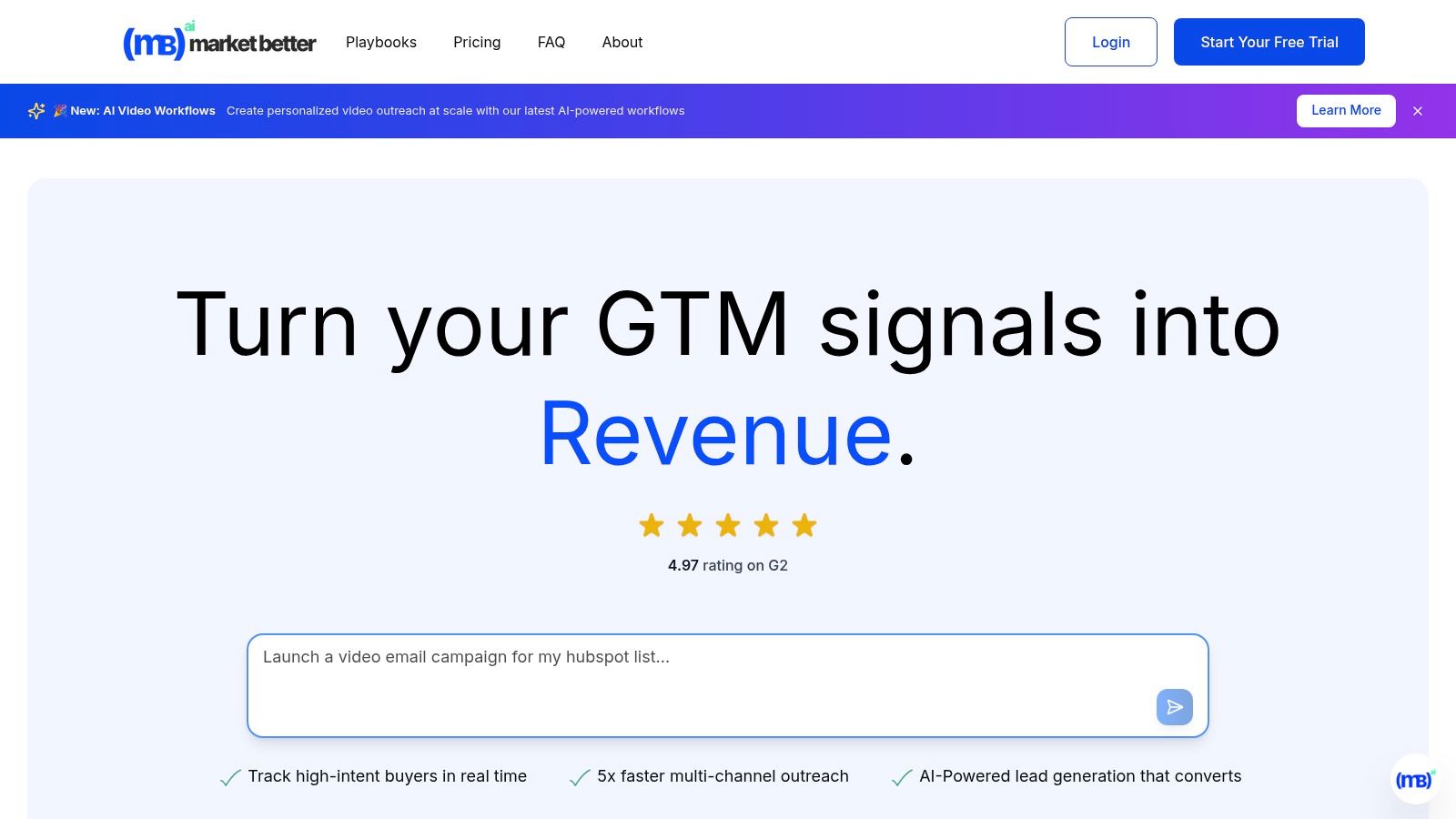
For marketing teams seeking a comprehensive, AI-driven platform that moves beyond simple content generation, marketbetter.ai is a standout choice. It positions itself not just as one of many social media content creation tools, but as an end-to-end marketing intelligence engine. The platform excels at unifying content creation, campaign management, and customer personalization, solving the common challenge of disconnected workflows.
Its core strength lies in its ability to generate high-quality, on-brand content across all formats, including social posts, ad copy, and even AI video workflows, at a reported 5x velocity. This is a significant advantage over tools focused solely on text or image generation, as marketbetter.ai connects the entire go-to-market motion.
Key Features and Use Cases
The platform is designed for strategic execution, making it ideal for demand generation managers and CMOs.
- Integrated Campaign Optimization: Unlike standalone content schedulers, marketbetter.ai uses predictive analytics and automated A/B testing to refine campaigns in real time. For example, a B2B SaaS company can use it to not only create LinkedIn ad copy but also let the AI automatically allocate budget to the best-performing variants, a feature often requiring a separate, specialized tool.
- Multi-Channel Outreach: It automates personalized sequences across email, voice, and LinkedIn, creating a cohesive customer journey. A sales team can use this to follow up on social engagement with a targeted email cadence, all managed within one system.
- Unified Data Intelligence: With seamless integrations for Salesforce, HubSpot, Slack, and Teams, it provides a holistic view of performance. This addresses a major pain point for marketers struggling to attribute social media efforts directly to pipeline growth. For a deeper dive into optimizing your content strategy, you can explore their AI content analysis playbooks.
Verdict and Pricing
Marketbetter.ai is a premium, all-in-one solution best suited for mid-market to enterprise B2B companies looking to scale their marketing operations strategically. Its high G2 rating (4.97) and praise for its expert support and implementation speed reinforce its position as a reliable partner for growth.
- Pros: 5x faster content creation, 15% average conversion lift, unified platform, and seamless CRM integrations.
- Cons: Pricing is not publicly listed and requires a custom quote, which can be a hurdle for initial evaluation. Its advanced features may also present a learning curve for teams new to marketing automation.
Website: https://www.marketbetter.ai
2. Canva
Canva has become the go-to design platform for social media marketers who need to create high-quality, on-brand assets without a steep learning curve. Its core strength lies in its speed and accessibility, empowering entire teams to produce everything from Instagram Stories to LinkedIn carousels in minutes. Compared to Adobe Express, Canva's user interface is often seen as more intuitive for non-designers, making it the superior choice for teams prioritizing speed and ease of use. The drag-and-drop interface, combined with an enormous template library, removes creative blocks and streamlines the content creation workflow.
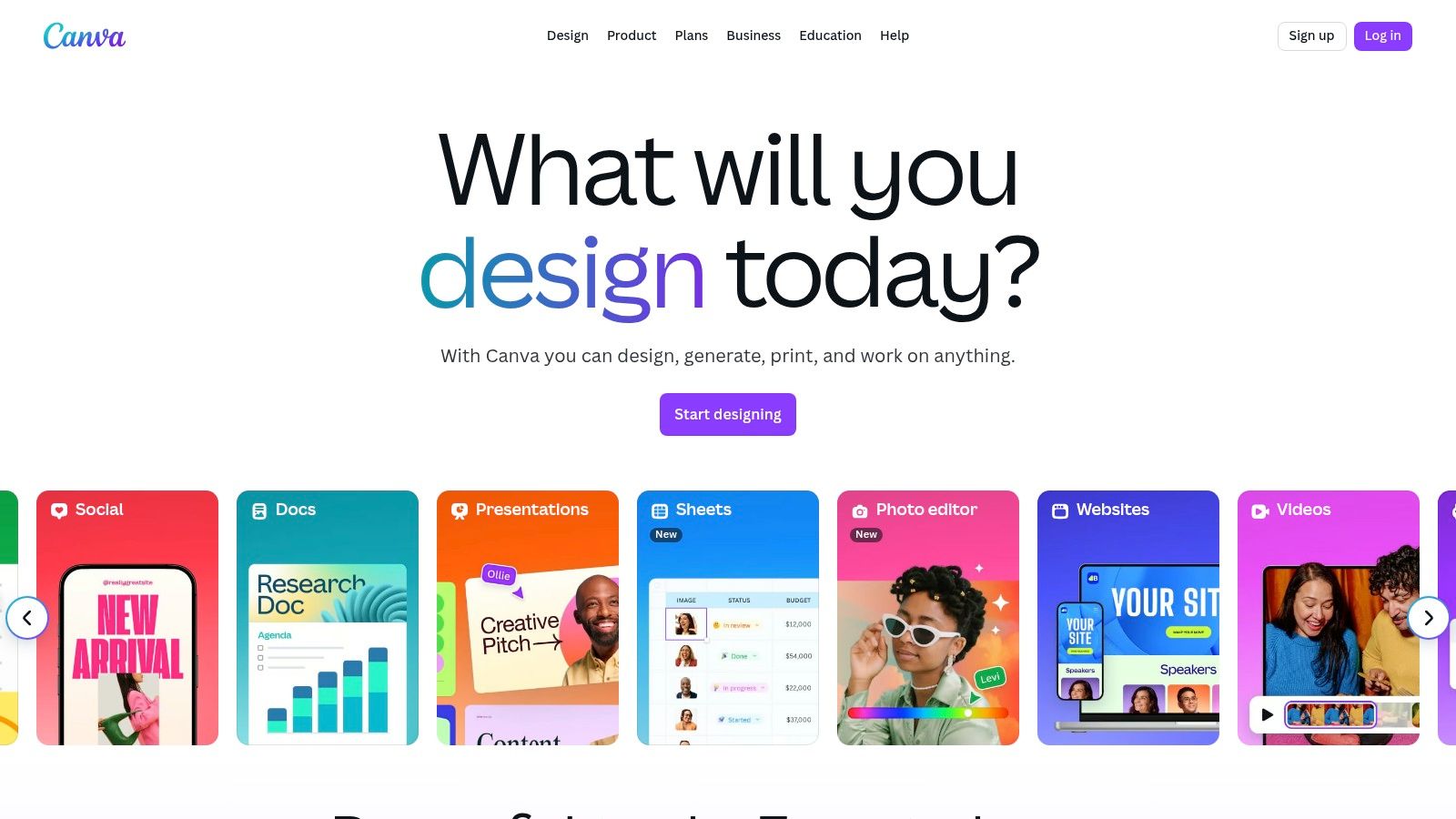
The platform’s Magic Studio suite introduces powerful AI features, including Magic Write for copy generation and Magic Edit for intuitive image manipulation, making it one of the most versatile social media content creation tools available. This AI integration allows marketers to quickly test different creative angles or generate entire design concepts from a simple text prompt.
Key Details & Use Cases
- Best For: Teams needing to rapidly produce a high volume of on-brand social graphics and short-form videos.
- Standout Feature: The Brand Kit ensures brand consistency across all designs by centralizing logos, color palettes, and fonts.
- Pricing: A robust free plan is available. Canva Pro starts at $14.99/month, with custom pricing for Teams.
- Actionable Tip: Use the Content Planner to design and schedule posts directly to your social platforms without leaving Canva, consolidating your workflow into a single tool.
- Website: https://www.canva.com
3. Adobe Express
Adobe Express is the creative powerhouse’s answer to streamlined social media content creation, directly rivaling Canva by leveraging the strength of its professional ecosystem. Its main advantage is its deep integration with tools like Photoshop and Illustrator, allowing for seamless workflows where assets can be moved between platforms for advanced edits. Powered by Adobe Firefly, its generative AI features are designed with commercial safety in mind, a key differentiator for brands concerned with asset licensing.

While Canva excels in simplicity, Adobe Express offers more professional-grade control and asset quality, especially for users familiar with other Adobe products. Features like quick background removal, video editing, and one-click resizing make it one of the most robust social media content creation tools for marketers who need both speed and the option for high-fidelity edits.
Key Details & Use Cases
- Best For: Creative teams already invested in the Adobe ecosystem or businesses needing commercially safe AI-generated content.
- Standout Feature: Integration with Adobe Firefly for commercially safe Generative Fill and Text to Image features.
- Pricing: A generous free plan is available. The Premium plan starts at $9.99/month and includes more generative credits and brand kits.
- Actionable Tip: Link your Adobe Express Brand Kit to your Creative Cloud Libraries to ensure anyone on your team, whether they're a designer in Photoshop or a marketer in Express, uses the exact same brand assets.
- Website: https://www.adobe.com/express
4. CapCut
CapCut has rapidly become the dominant video editor for short-form social content, particularly for TikTok and Instagram Reels. Its strength lies in making trend-driven video creation incredibly accessible, offering tools that once required complex desktop software like Adobe Premiere Pro. The platform's seamless mobile-to-desktop workflow and vast library of templates, effects, and trending audio empower creators to produce polished, engaging vertical videos in minutes.
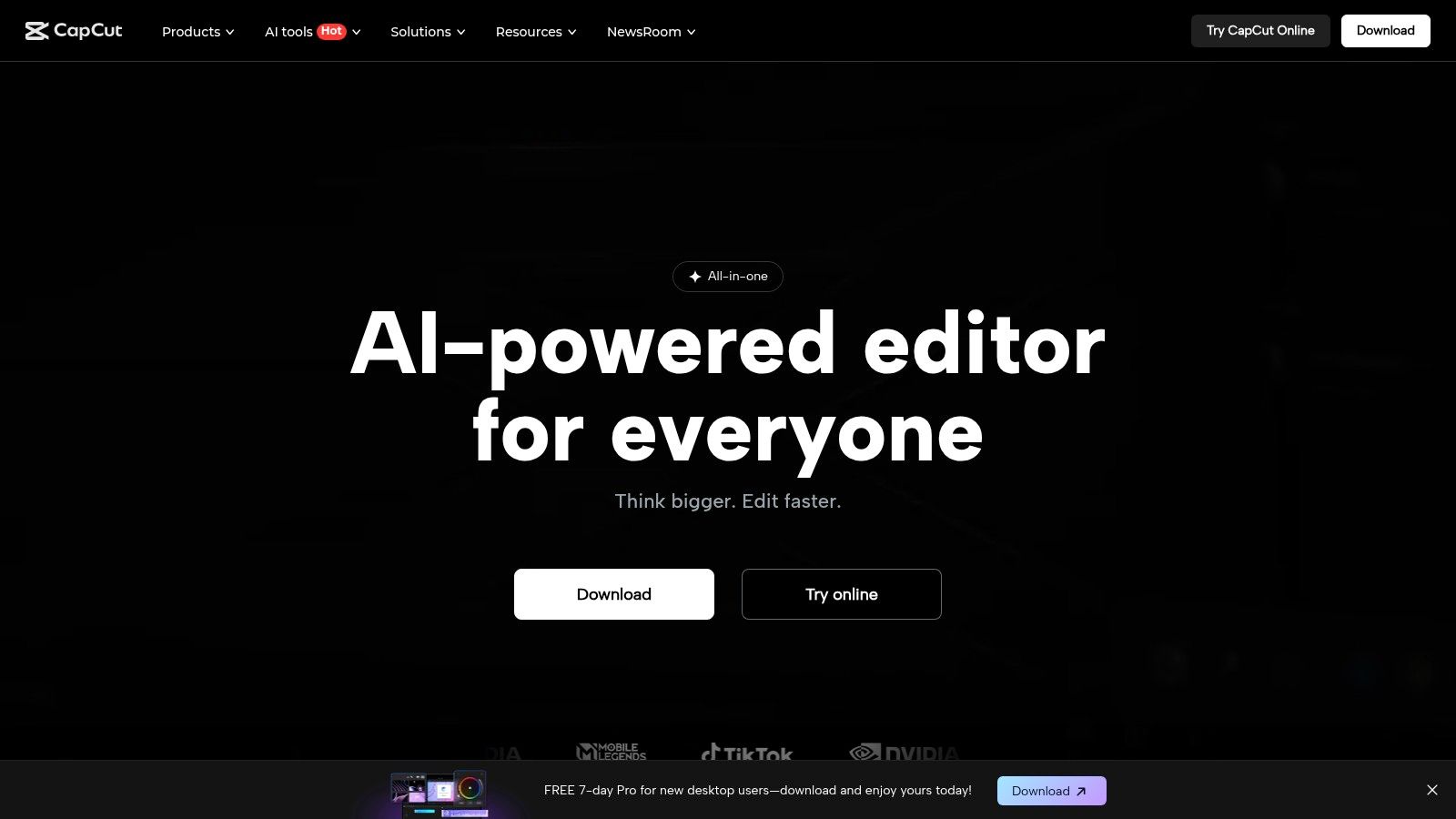
Unlike more generalist video editors like Clipchamp, CapCut is hyper-focused on the nuances of viral video. Its AI-powered features, such as one-click background removal and automatic beat synchronization, streamline tedious editing tasks. This focus makes it one of the most efficient social media content creation tools for marketers aiming to capitalize on current trends without a significant time investment in video production.
Key Details & Use Cases
- Best For: Social media managers and content creators focused on producing high-volume, trend-led short-form videos for TikTok, Reels, and YouTube Shorts.
- Standout Feature: The Auto-captions feature is best-in-class, providing highly accurate, stylizable transcriptions with just one tap, which is critical for accessible, watch-anywhere social video.
- Pricing: Offers a generous free version. CapCut Pro pricing varies by region and platform but generally starts around $7.99/month, unlocking cloud storage and advanced AI tools.
- Actionable Tip: Use the Templates tab to find user-generated formats that are currently trending. Simply drop your own clips into a popular template to quickly create a relevant video that aligns with the platform's algorithm.
- Website: https://www.capcut.com
5. Descript
Descript revolutionizes video and podcast editing by transforming it into a process as simple as editing a text document. Instead of manipulating complex timelines, users can cut, copy, and paste transcribed text to edit the corresponding video or audio, making it exceptionally fast for marketers to repurpose long-form content. This text-based approach dramatically lowers the barrier to entry for video editing, offering a more intuitive alternative to traditional editors like VEED for creating social media clips from interviews or webinars.
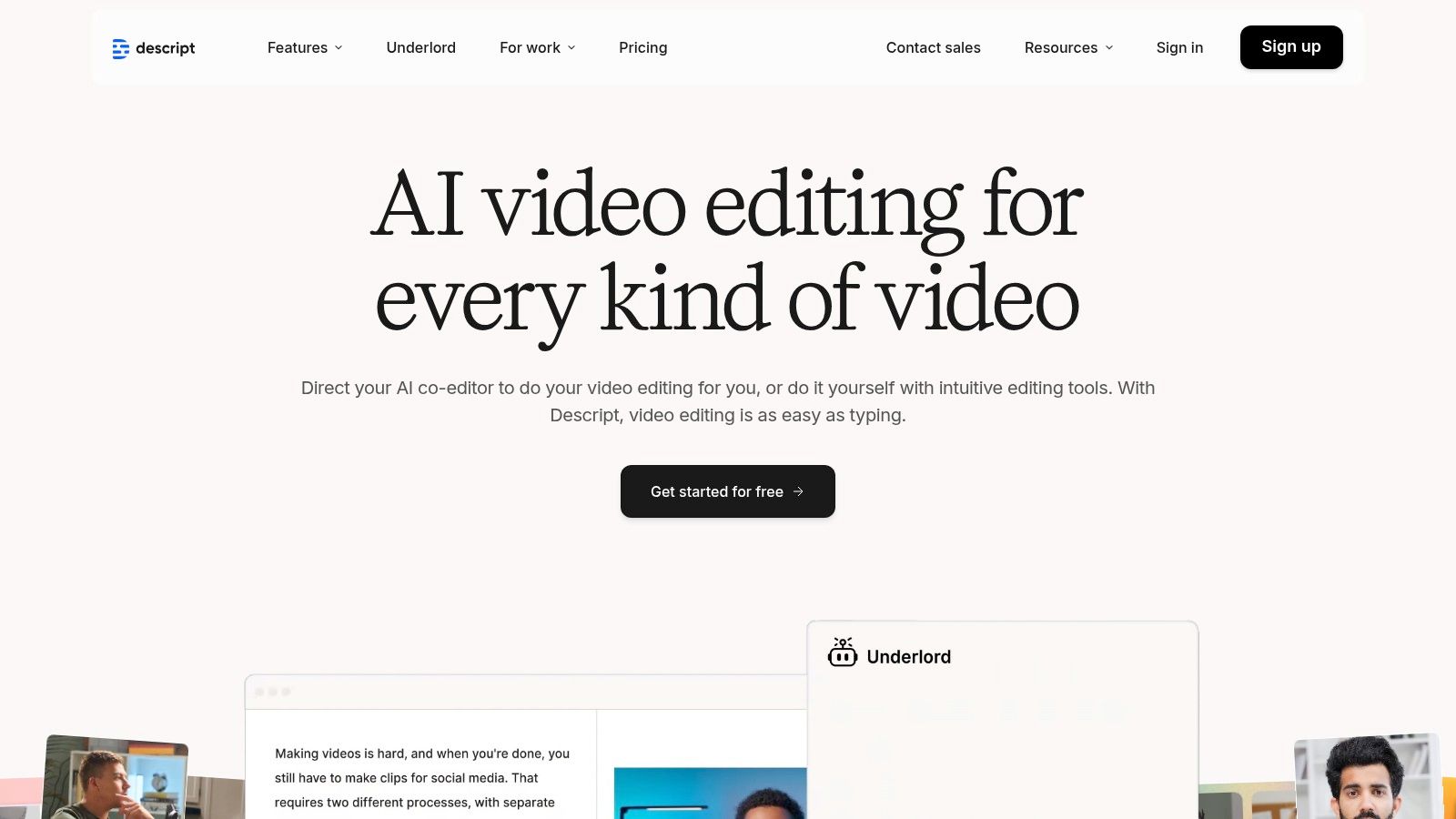
The platform’s suite of AI tools is a significant differentiator among social media content creation tools. Features like Studio Sound can make amateur recordings sound professionally produced with a single click, while Overdub allows for correcting audio mistakes by simply typing the new words. These AI capabilities enable teams to quickly polish content, remove filler words automatically, and generate ready-to-publish assets without deep technical expertise.
Key Details & Use Cases
- Best For: Podcasters and marketers repurposing webinars, interviews, or long-form videos into shareable social media clips.
- Standout Feature: The text-based editing interface that automatically transcribes media and allows you to edit the video/audio by editing the text.
- Pricing: A free plan is available with limited features. Paid plans start at $15/month per user.
- Actionable Tip: Use the "Find good clips" AI feature to instantly identify the most compelling soundbites in a long recording. From there, you can convert them into social-ready vertical videos with animated captions in just a few clicks.
- Website: https://www.descript.com
6. Clipchamp (Microsoft)
As Microsoft's native video editor, Clipchamp offers a uniquely accessible entry point for social media marketers who need to create quick, polished videos without investing in complex software. Its strength lies in its simplicity and integration within the Windows ecosystem, providing a frictionless alternative to more feature-dense platforms like CapCut for creating clean TikToks, Reels, and YouTube Shorts. The browser-based editor ensures cross-platform accessibility, making it a reliable choice for teams with varying technical skills.
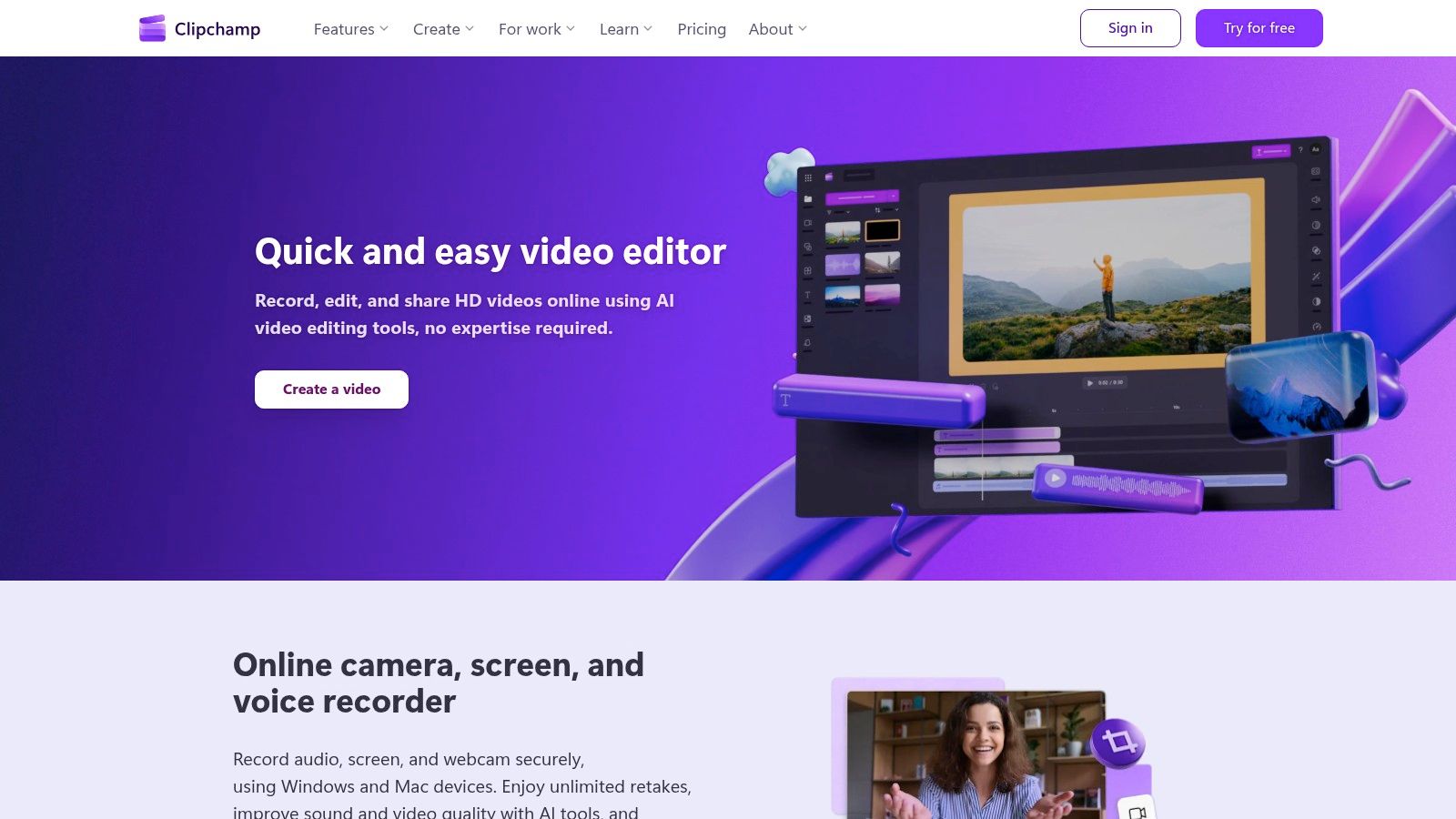
The platform leverages Microsoft's AI to offer features like auto-compose, which assembles clips into a coherent video, and a surprisingly accurate text-to-speech generator. This makes it one of the more intuitive social media content creation tools for beginners. While its template library is smaller than Canva's, its focus on core video editing functions like auto-captioning and background removal makes it a powerful, straightforward tool for everyday video needs.
Key Details & Use Cases
- Best For: Marketers and teams needing a simple, no-frills video editor for quick social media clips and internal communications.
- Standout Feature: The AI-powered Auto-compose feature saves significant time by creating a draft video from your media files, complete with music and transitions.
- Pricing: A free plan offers 1080p exports. The Premium plan unlocks 4K exports, stock assets, and advanced features for $11.99/month.
- Actionable Tip: Use the Auto-captioning feature to generate subtitles instantly, then quickly review and edit them for accuracy to maximize video accessibility and engagement on platforms where users watch with sound off.
- Website: https://clipchamp.com
7. VEED
VEED is a browser-based video editor built specifically for the demands of social media content, excelling where more general-purpose editors fall short. Its primary advantage is an incredibly powerful and intuitive subtitling and translation workflow, making it simple to create accessible, globally-relevant video content. While CapCut is mobile-first and trend-focused, VEED’s web interface offers a more robust, desktop-native experience for teams needing to collaborate on video projects without installing any software.
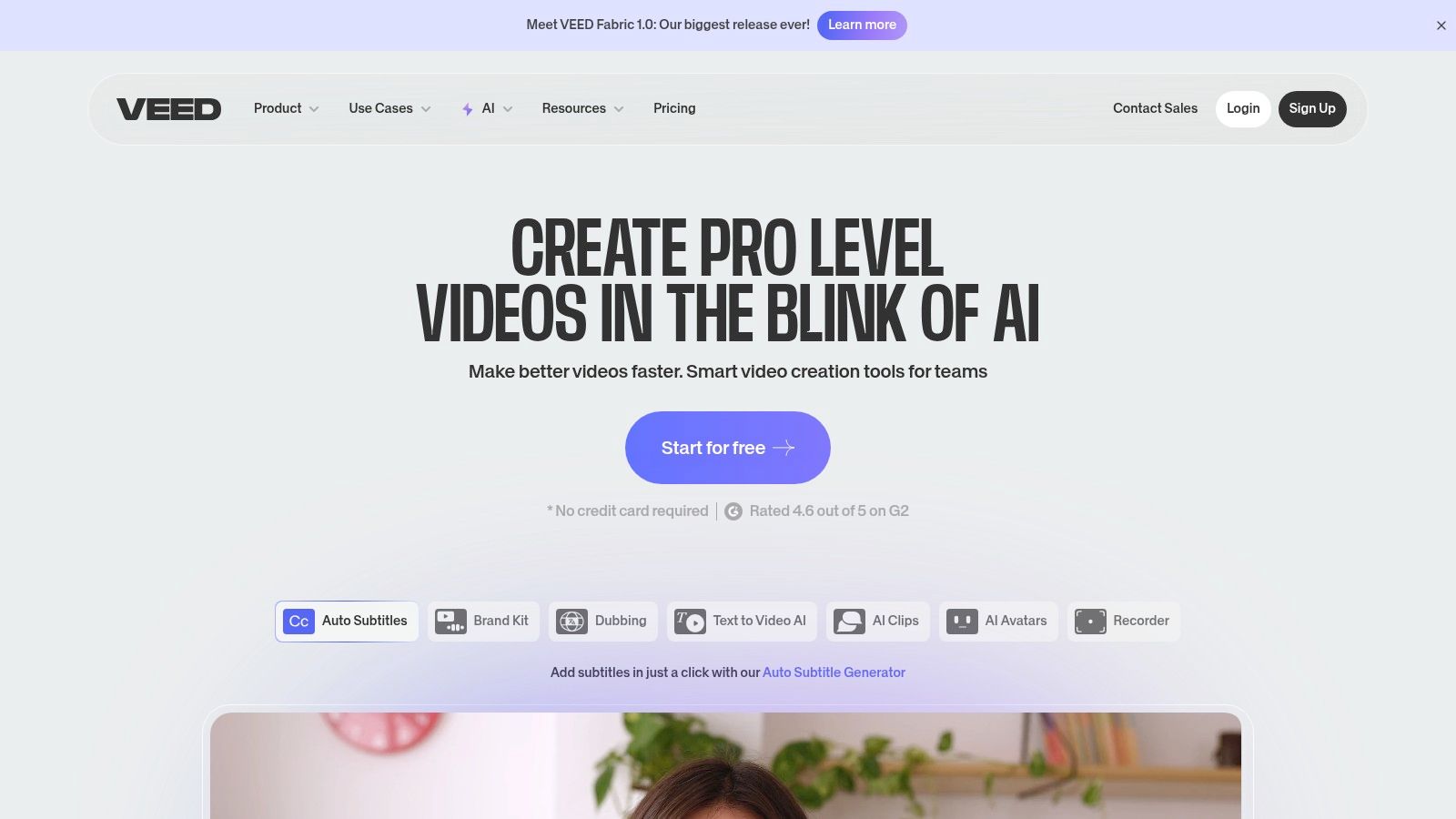
The platform streamlines the tedious tasks associated with social video, from one-click background removal to automatic audio cleaning. Its suite of AI tools, including voice synthesis and text-to-video generation, further positions it as one of the most efficient social media content creation tools for teams focused heavily on video. These features allow marketers to quickly produce polished, engaging videos that capture attention in a crowded feed.
Key Details & Use Cases
- Best For: Marketing teams that prioritize subtitled, accessible, and multi-language video content for social media.
- Standout Feature: The auto-subtitle and translation tool generates accurate captions in seconds and translates them into dozens of languages, drastically reducing manual effort.
- Pricing: A free plan is available with watermarks. Paid plans start at $25/month per user (billed annually).
- Actionable Tip: Use the Screen and Camera Recording feature to create quick tutorials or reaction videos, then immediately add branded subtitles and resize for different platforms all within VEED.
- Website: https://www.veed.io
8. Kapwing
Kapwing is an all-in-one, browser-based video editor that excels at speed and simplicity, making it a powerful tool for social media managers who need to create and repurpose video content quickly. Unlike more complex, timeline-heavy editors, Kapwing’s intuitive interface is geared towards rapid production of memes, subtitled clips, and formatted videos for platforms like TikTok and Instagram Reels. Its strength is in trimming, resizing, and adding text or subtitles without requiring extensive video editing knowledge.
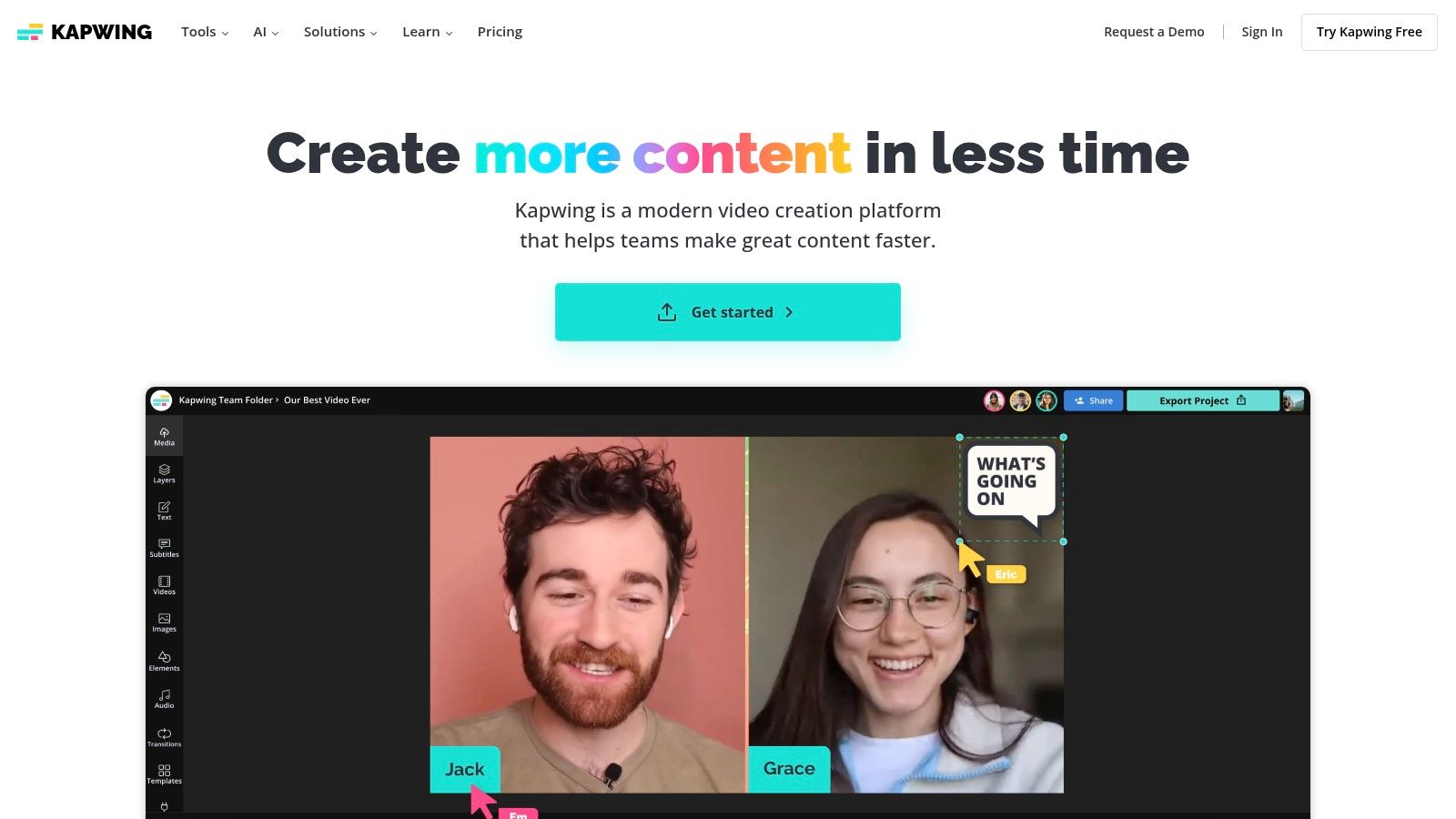
The platform's suite of AI-powered tools, including automatic subtitle generation and smart background removal, significantly accelerates the post-production workflow. This makes Kapwing one of the most efficient social media content creation tools for teams focused on reactive, trend-based video content where turnaround time is critical. Team workspaces further streamline collaboration by keeping brand assets and ongoing projects in a centralized hub.
Key Details & Use Cases
- Best For: Social media teams creating a high volume of short-form videos, memes, and GIFs.
- Standout Feature: The AI-powered Auto Subtitle Generator is highly accurate and customizable, saving hours of manual transcription time.
- Pricing: A free plan is available with watermarks and export limitations. The Pro plan starts at $24/month per user.
- Actionable Tip: Use the Safe Zones overlay feature when resizing a video. This shows you exactly where platform UI elements (like usernames and captions on TikTok) will appear, ensuring your key visuals are never obscured.
- Website: https://www.kapwing.com
9. Envato Elements
Envato Elements is an all-you-can-download subscription service that provides the raw creative ingredients for high-volume social media teams. Instead of offering a design editor like Canva, it serves as a massive library of individual assets, including video templates, stock footage, presentation themes, and social media post packs for Photoshop and Illustrator. This makes it an essential resource for creators who work in professional software like Adobe Creative Cloud but need a steady, affordable supply of high-quality assets.
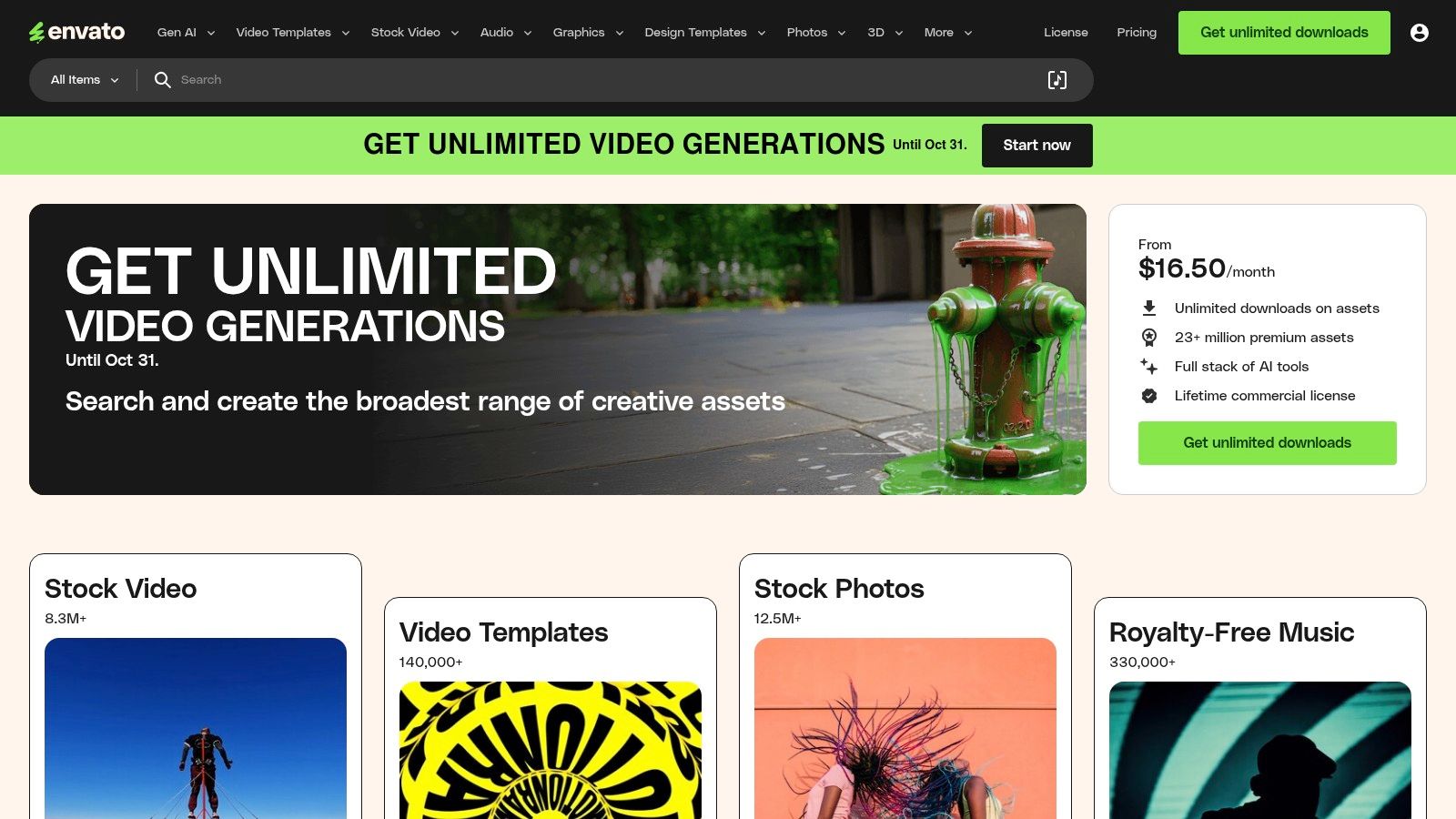
Its direct competitor is the à la carte model of Creative Market. While Creative Market is better for one-off purchases, Envato Elements offers unbeatable value for agencies and high-output teams. The simple commercial licensing model covers all assets for nearly any use case, eliminating the friction of purchasing individual stock assets and making it one of the most cost-effective social media content creation tools for sourcing professional-grade materials.
Key Details & Use Cases
- Best For: Content creators and agencies needing a constant supply of diverse, high-quality assets like video templates, music, and graphics for use in professional editing software.
- Standout Feature: The unlimited download model with a single commercial license simplifies budgeting and legal clearance for all social media projects.
- Pricing: No free trial, but offers free monthly files. Individual plans start at $16.50/month. Team and Enterprise plans are also available.
- Actionable Tip: Before starting a new video project, browse the "Video Templates" for After Effects or Premiere Pro. You can often find a pre-built, professional-grade project file that drastically cuts down production time.
- Website: https://elements.envato.com
10. Placeit by Envato
Placeit by Envato excels at one specific, yet crucial, task for social media marketers: creating high-quality, realistic mockups in seconds. Where tools like Photoshop require significant skill and time to place a design onto a device or piece of apparel, Placeit's browser-based platform handles it with a single click. This makes it an indispensable resource for showcasing apps, websites, or merchandise in authentic, lifestyle-based scenarios without expensive photoshoots.
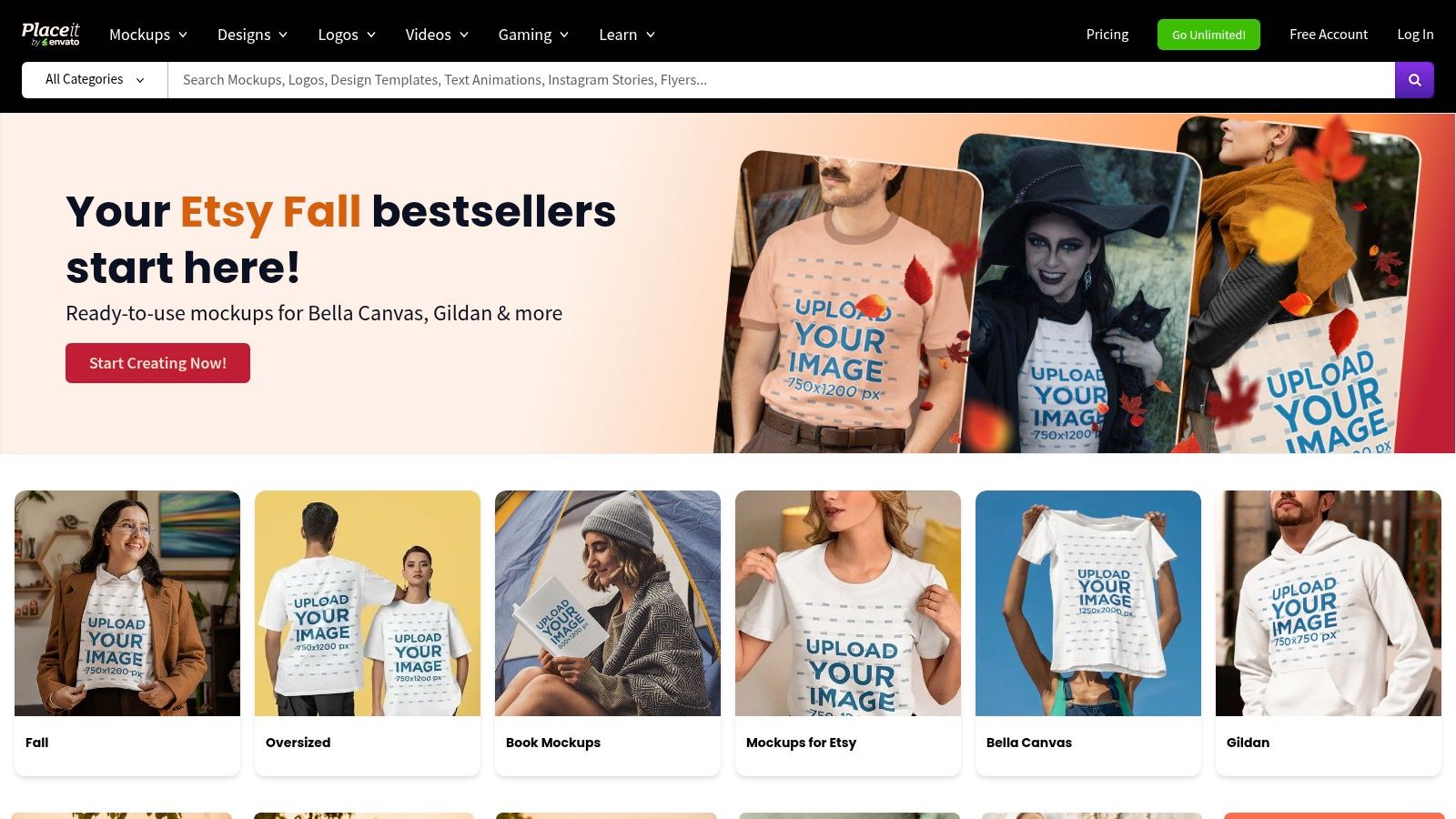
While Canva and Adobe Express offer some mockup capabilities, Placeit's library is vastly larger and more specialized. Its strength is its massive, searchable library of templates, from iPhone mockups held in a user's hand to branded t-shirts worn by models. Its straightforward licensing and interface remove the technical barriers often associated with producing professional-grade marketing visuals, making it one of the most efficient social media content creation tools for product-focused brands.
Key Details & Use Cases
- Best For: E-commerce brands, app developers, and designers needing to generate realistic product mockups for social media ads and posts.
- Standout Feature: The enormous library of high-resolution, context-rich mockup templates that require no design skills to use.
- Pricing: Single purchases are available (from $7.95/image). An unlimited subscription starts at $7.47/month (billed annually).
- Actionable Tip: Use the video mockups to create short, engaging Instagram Reels or Stories showcasing your app's user interface in a real-world context, which can significantly boost engagement.
- Website: https://placeit.net
11. Creative Market
Creative Market serves as a specialized marketplace for marketers who need unique, high-quality design assets without committing to a subscription. Unlike the all-you-can-eat model of Envato Elements, its strength is in providing individual, professionally crafted templates, fonts, and graphics from a global community of independent designers. This à la carte model is ideal for one-off projects or for sourcing a specific aesthetic that pre-packaged template libraries lack, giving your content a distinct, non-generic feel.
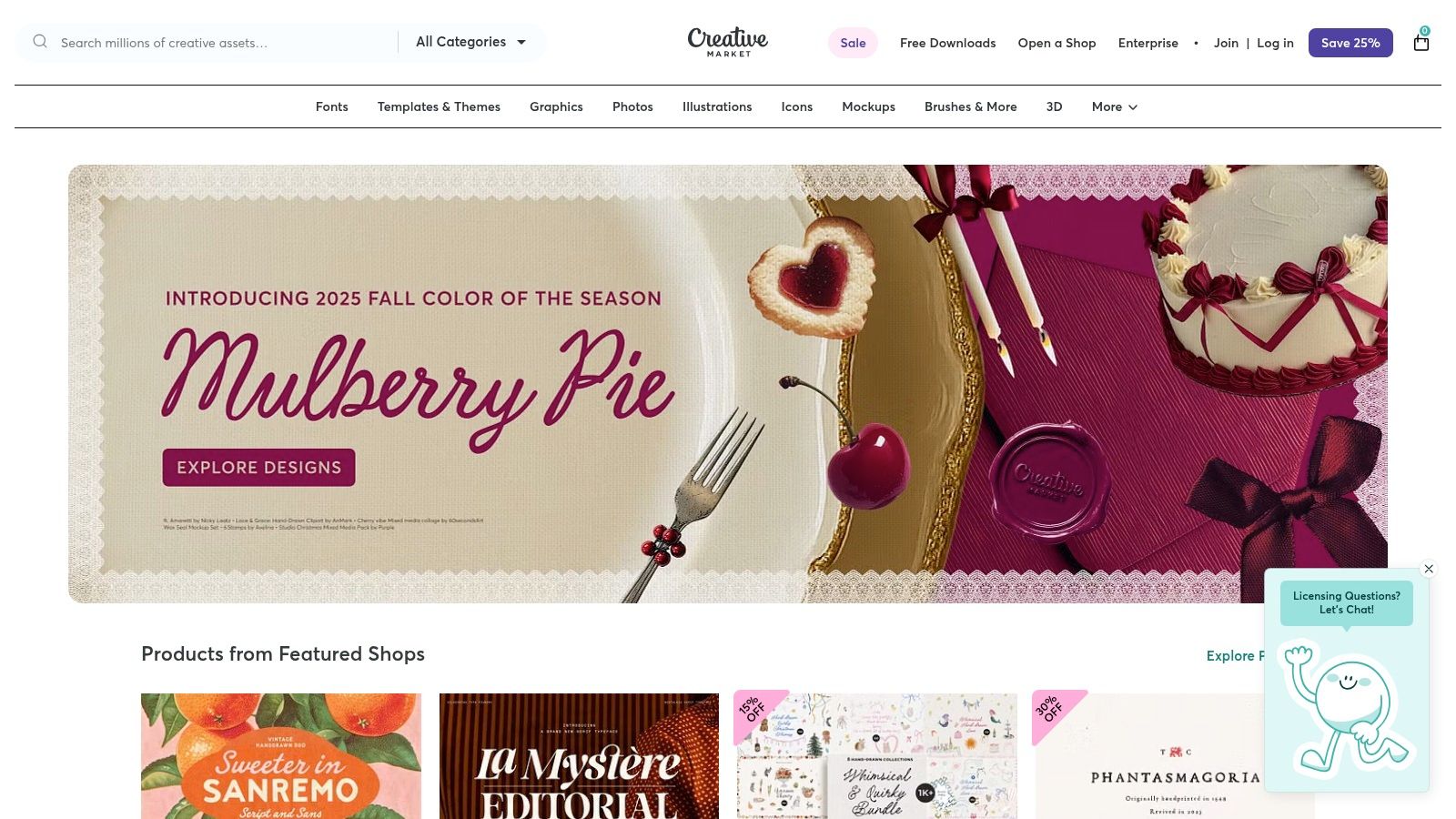
The platform is a treasure trove for finding specific files like Photoshop mockups, Lightroom presets, or intricate Canva templates that go beyond the basics. While quality can vary between sellers, the rating and review system provides transparency. This direct-from-creator model makes it one of the best social media content creation tools for marketers seeking to purchase and own bespoke assets with clear commercial licensing.
Key Details & Use Cases
- Best For: Marketers and designers needing unique, high-quality assets like templates, fonts, or mockups on a per-project basis.
- Standout Feature: The pay-per-asset model provides flexibility and avoids recurring subscription costs, allowing you to buy exactly what you need.
- Pricing: Varies per item, with assets ranging from a few dollars to over $100. Clear licensing tiers are provided for each purchase.
- Actionable Tip: Before purchasing a template pack, carefully review the included file types (e.g., .PSD, .AI, Canva link) and the seller's ratings to ensure compatibility with your existing software and workflow.
- Website: https://creativemarket.com
12. Amazon
While not a creation tool itself, Amazon is the indispensable marketplace where creators acquire the physical hardware that makes high-quality content possible. It serves as the foundational resource for sourcing everything from ring lights and microphones to tripods and green screens, making it a critical, if indirect, part of the social media content creation tools ecosystem. Unlike specialized retailers, its vast selection and competitive pricing allow creators at any budget to build or upgrade their production setup.
The platform’s power lies in its comprehensive user-generated feedback, including detailed reviews, customer photos, and a Q&A section that provides real-world insights into a product's performance. This community-driven data helps marketers make informed purchasing decisions, mitigating the risk of investing in gear that doesn't meet their specific content production needs.
Key Details & Use Cases
- Best For: Marketers and creators building or upgrading their physical content production setup on any budget.
- Standout Feature: The extensive user reviews and ratings system provides invaluable social proof and real-world performance feedback before purchasing.
- Pricing: Varies by product; Amazon Prime membership ($14.99/month) offers fast, free shipping on eligible items.
- Actionable Tip: Create a private Wish List for your ideal content creation kit. Share it with your team for budget planning and use it to track prices for deals during sales events like Prime Day.
- Website: https://www.amazon.com
Top 12 Social Media Content Creation Tools Comparison
| Platform | Core Features & Capabilities | User Experience & Quality ★ | Value Proposition 💰 | Target Audience 👥 | Unique Selling Points ✨ |
|---|---|---|---|---|---|
| 🏆 marketbetter.ai | AI content gen, campaign optimization, personalization, analytics | 4.97 ★ on G2, rapid support | ROI boost: 5x faster content, +15% conversions | Mid-market to Enterprise B2B marketing teams | Integrated AI platform, seamless CRM & outreach integration |
| Canva | Design suite, templates, AI copy & images, content scheduler | ★★★★☆ fast & intuitive | Affordable with strong collaboration features | Social media managers, small to medium businesses | Massive templates, brand kits, AI tools |
| Adobe Express | Templates, stock assets, AI credits, resizing, content scheduler | ★★★★☆ Adobe ecosystem reliability | Tiered pricing; commercial-safe AI generative | Creatives, social media marketers | Deep Adobe integration, vast asset library |
| CapCut | Short-form video editor, templates, auto-captions, AI tools | ★★★★☆ trendy & mobile-optimized | Free with in-app purchases, regional variances | TikTok/Instagram creators, video marketers | Fast vertical video edits, large effect library |
| Descript | Text-based video/audio editing, AI overdub, social clip maker | ★★★★☆ gentle learning curve | Subscription with AI credit limits | Podcasters, video editors | Text-driven editing, AI voice overdub |
| Clipchamp (Microsoft) | Video editor, AI tools, auto-captioning, 1080p-4K export | ★★★★ included with Windows 11 | Free tier; premium for advanced features | Beginners, Windows users | Native Windows integration, simple UX |
| VEED | Subtitles, translation, AI voice synthesis, team collaboration | ★★★★ web-based, no install needed | Subscription based on AI credit and features | Social video teams, translators | Multi-language AI features, team workflows |
| Kapwing | Video, GIF, image editor, templates, subtitles, collaboration | ★★★★ fast & straightforward | Free & paid tiers, watermark on free plan | Social media content creators | Broad social templates, quick resizing |
| Envato Elements | Unlimited creative assets, templates, stock footage, licenses | ★★★★ extensive asset variety | Subscription for all-inclusive asset access | Agencies, content creators | Commercial licensing in one subscription |
| Placeit by Envato | Mockups, logo & social video templates, browser-based | ★★★★ easy & fast | Subscription or single purchase | Marketers & designers needing mockups | Browser-only, realistic mockups |
| Creative Market | Designer-made templates, fonts, presets, per-item purchase | ★★★★ varies by creator | Pay-per-item, no subscription | Freelancers, small businesses | No subscription needed, clear licensing |
| Amazon | Creator hardware & accessories marketplace | ★★★★ vast selection | Wide price range, user reviews | Content creators & equipment buyers | One-stop shop for equipment |
Putting Your Tools to Work: An Actionable Strategy
Navigating the expansive landscape of social media content creation tools can feel overwhelming, but the right toolkit is a powerful force multiplier for any marketing team. We've explored a diverse range of platforms, from the AI-powered ideation and copywriting of marketbetter.ai to the all-in-one visual design powerhouse of Canva and the intuitive video editing capabilities of Descript and VEED. The key takeaway is that no single tool is a magic bullet; instead, strategic integration is what unlocks true creative velocity and quality.
The most effective approach is to build a customized "content stack" that aligns with your specific goals, team skills, and budget. Your strategy isn't about acquiring the most tools, but the right tools that work in harmony. By creating a system where each platform serves a distinct purpose, you transform a series of individual tasks into a streamlined, efficient production workflow.
Choosing Your Core Content Stack
To make this actionable, start by identifying your primary content needs and then select tools that complement each other. Avoid redundancy where possible to maximize your budget and minimize team friction.
Here are a few example stacks based on common business needs:
- For the Agile Startup or Solopreneur: Combine marketbetter.ai for rapid AI-driven campaign ideas and copy, Canva for creating a wide range of static graphics and simple videos, and CapCut for quick, trend-focused mobile video editing. This stack is cost-effective, user-friendly, and covers the essential bases for building a social presence from scratch.
- For the B2B Marketing Team: A powerful combination would be Descript for polishing podcasts and video interviews into professional-grade assets, Envato Elements for a steady supply of high-quality stock footage and presentation templates, and marketbetter.ai to ensure all messaging is on-brand and strategically sound. This focuses on creating polished, authoritative content.
- For the High-Volume E-commerce Brand: Pair Placeit by Envato for generating an endless stream of product mockups, VEED for creating dynamic video ads with hardcoded subtitles for silent viewing, and a core design tool like Adobe Express for maintaining strict brand consistency across all visuals. This stack is built for speed, scale, and direct-response marketing.
Implementing Your Tools for Maximum Impact
Once you’ve selected your social media content creation tools, successful implementation is crucial. Focus on establishing a clear workflow. For instance, a campaign might start in marketbetter.ai to generate core concepts and copy, move to Envato Elements to source visual assets, and finish in Canva or CapCut for final assembly and branding. This assembly-line approach ensures consistency and efficiency.
As you integrate these platforms, consider exploring more advanced applications. For teams pushing the boundaries of digital engagement, the next frontier involves leveraging artificial intelligence in more profound ways. For instance, some brands are now learning how to create AI influencers to build unique, brand-owned personalities that resonate with niche audiences. This forward-thinking strategy demonstrates how a deep understanding of content tools can unlock entirely new marketing channels.
Ultimately, the goal is to empower your team to move beyond reactive content creation and into a proactive, strategic rhythm. The right tools remove creative friction, automate repetitive tasks, and free up your team to focus on what truly matters: building a genuine connection with your audience through compelling, high-quality content.
Ready to supercharge your content ideation and copywriting? marketbetter.ai uses advanced AI to generate strategic campaign ideas, write compelling social media copy, and analyze your brand's voice in seconds. Stop guessing and start creating with a tool built to be the strategic foundation of your social media content creation tools stack at marketbetter.ai.